lottery
🎉🌟✨🎈年会抽奖程序,基于 Express + Three.js的 3D 球体抽奖程序,奖品🧧🎁,文字,图片,抽奖规则均可配置,😜抽奖人员信息Excel一键导入😍,抽奖结果Excel导出😎,给你的抽奖活动带来全新酷炫体验🚀🚀🚀
JavaScript★ 4.6k
💡 Better lighting in three.js
 0beqz
0beqzgit clone https://github.com/0beqz/enhance-shader-lighting.git0beqz/enhance-shader-lighting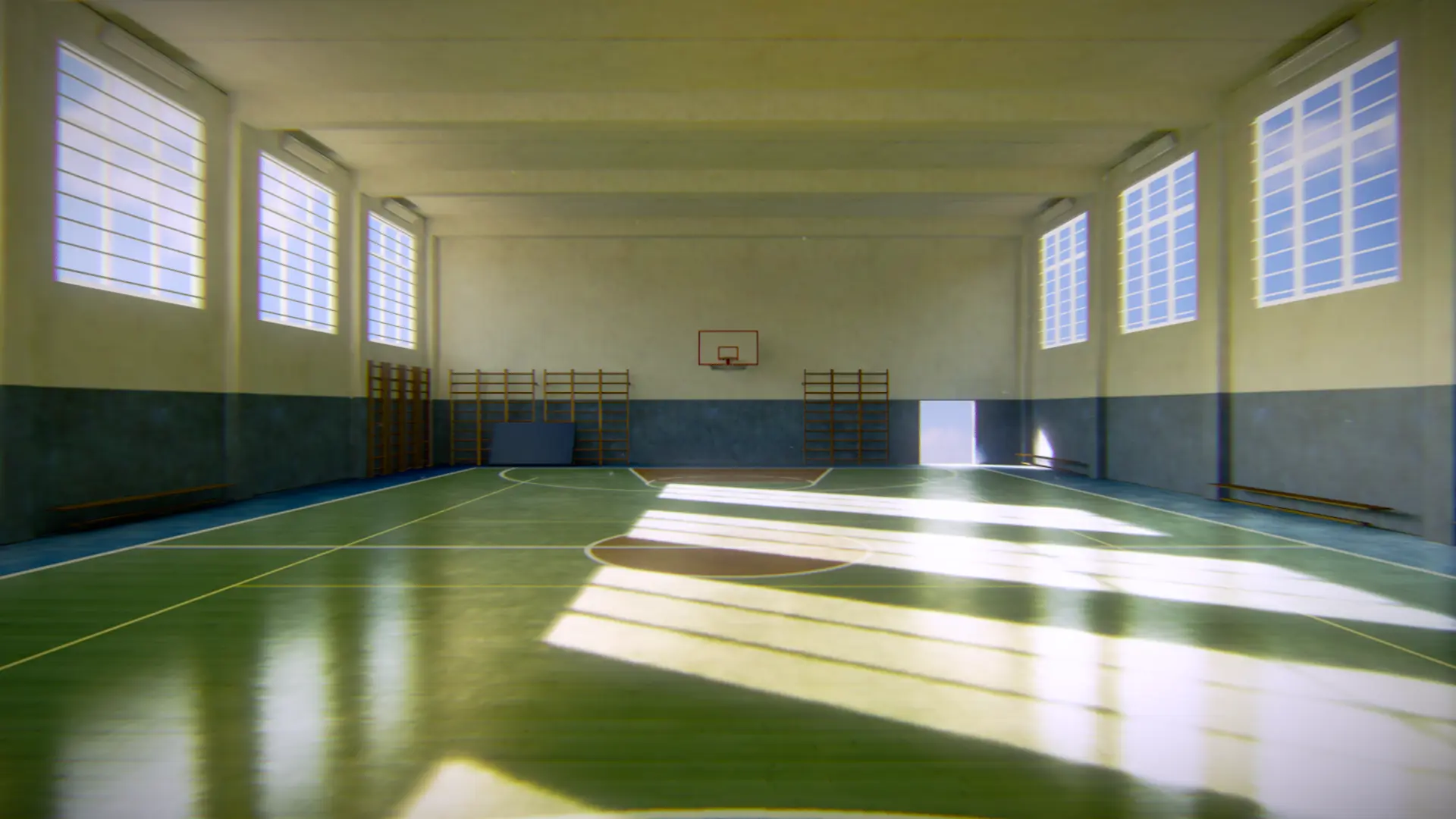
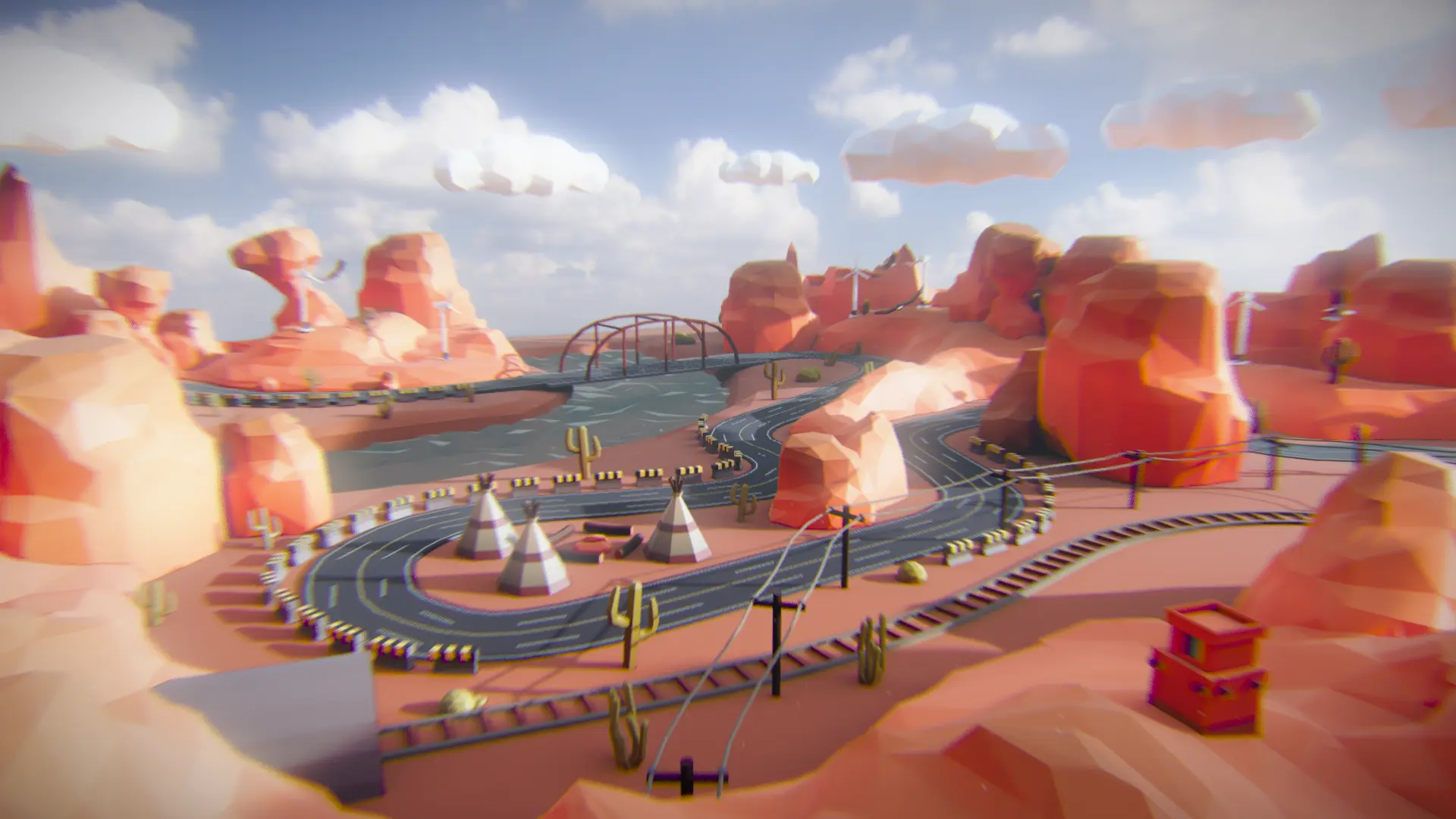
Give the user a lot of options to tweak lighting so that a certain combination of settings will give a decent looking result.
Install enhance-shader-lighting first:
npm i enhance-shader-lighting
then use it in your project like so:
import { enhanceShaderLighting } from "enhance-shader-lighting"

material.onBeforeCompile = shader => enhanceShaderLighting(shader, options)
NOTE: three.js version 0.151.0 (released: 03.30.2023) isn't supported yet, it will be supported soon
enhanceShaderLighting(shader, ?options)shader: material's shader, acquired through Material.onBeforeCompile
options: An optional argument that can have the following values:
{
    aoColor: THREE.Color              = new THREE.Color(0x000000),
    hemisphereColor: THREE.Color      = new THREE.Color(0xffffff),
    irradianceColor: THREE.Color      = new THREE.Color(0xffffff),
    radianceColor: THREE.Color        = new THREE.Color(0xffffff),

    aoPower: Number                   = 1,
    aoSmoothing: Number               = 0,
    aoMapGamma: Number                = 1,
    lightMapGamma: Number             = 1,
    lightMapSaturation: Number        = 1,
    envPower: Number                  = 1,
    roughnessPower: Number            = 1,
    sunIntensity: Number              = 0,
    mapContrast: Number               = 1,
    lightMapContrast: Number          = 1,
    smoothingPower: Number            = 0.25,
    irradianceIntensity: Number       = Math.PI,
    radianceIntensity: Number         = 1,

    hardcodeValues: Boolean           = false
}
aoColor: the color prevalent in darker areas (e.g. areas covered by shadows), it should be a blue-ish color or just black depending on the scene
hemisphereColor: the color that really dark spots converge too, in typical scenes with a sun and a blue sky darker spots tend to be more blue (since they are mainly affected by the blue sky and not by the sun), this rather subtle color describes what color these spots should fade to
irradianceColor: the average color of your scene, it simulates basically what color a light bounce has
radianceColor: the directly reflected sky color, it should be blue-ish similar to the sky
aoPower: the higher the value, the less affected occluded areas will be by environment lighting
aoSmoothing: how much to smooth AO
aoMapGamma: the gamma value of the AO lighting
lightMapGamma: the gamma value of the light map's lighting
lightMapSaturation: the saturation of the light map's lighting
envPower: the exponent by which the environment lighting should be potentiated
roughnessPower: the exponent by which a material's roughness should be potentiated
sunIntensity: how strong the sun light should be additionally, multiplies the environment lighting of lit spots (calculated through the AO map) with a given value
mapContrast: multiplies the contrast value of the diffuse texture with the given value, higher values will increase the contrast
lightMapContrast: multiplies the contrast value of the lightmap with the given value, higher values will increase the contrast
smoothingPower: the higher the value, the more contrasty the environment lighting will be along the scene
irradianceIntensity: how much the scene should be affected by indirect environment lighting, usually PI for all scenarios
radianceIntensity: how much the scene should be affected by direct environment lighting, it is typically close to 0 for indoor scenes as most objects aren't affected by direct environment lighting here
hardcode: if set to true, then all the values will be passed as constants instead of uniforms to the shader; this is slightly more performant but no longer allows to tweak the values during runtime
Note: Check out the demos to see what each parameter does.
Lightmapping has always been an interesting topic in three.js.
While it works well with non-PBR materials (like simple MeshBasicMaterials), it needs a lot of tweaking when you want to use
it with PBR materials (e.g. MeshStandardMaterial). The enhanceShaderLighting implementation aims to make your PBR material look more realistic by:
reflectedLight.indirectDiffuse in the shaderSo the aim is to get as close to the rendered reference scene as possible through giving many options to tweak all sorts of lighting in three.js.
This implementation is purely arbritrary and doesn't follow any articles what so ever. Everything was implemented based on how well the scene was perceived with it and how the scene looks compared to its rendered Blender reference.
If the project is useful for you and you'd like to sponsor my work:
If you'd like, you could also buy me a coffee:
more like this
🎉🌟✨🎈年会抽奖程序,基于 Express + Three.js的 3D 球体抽奖程序,奖品🧧🎁,文字,图片,抽奖规则均可配置,😜抽奖人员信息Excel一键导入😍,抽奖结果Excel导出😎,给你的抽奖活动带来全新酷炫体验🚀🚀🚀
🎥🤟 8 minimalistic templates for tfjs mediapipe handpose and facemesh
A repository about starting from scratch for monorepo, fastify, Phaser, colyseus, and threejs.
search projects, people, and tags