sqldeveloper-syntax-highlighting
Color schemes for Oracle SQL Developer
 617715
git clone https://github.com/617715/sqldeveloper-syntax-highlighting.git617715/sqldeveloper-syntax-highlightingColour schemes for Oracle SQL Developer
Color schemes
Chester
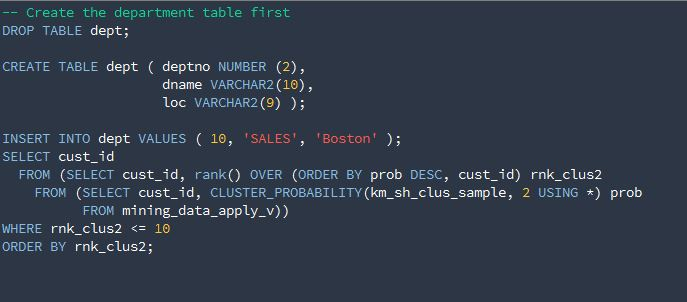
Dracula
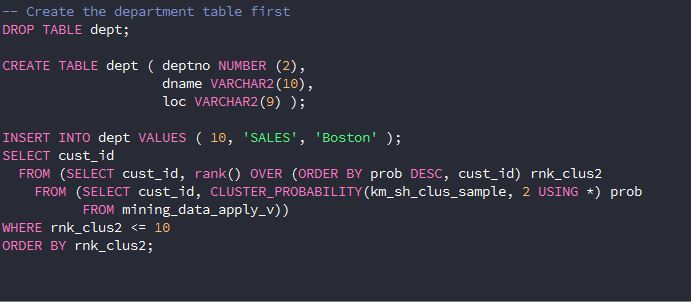
Solarized dark
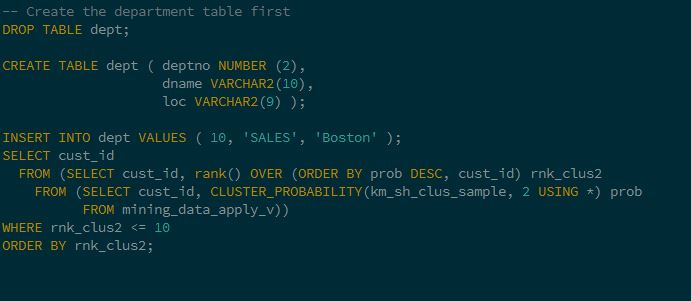
VS2010 dark
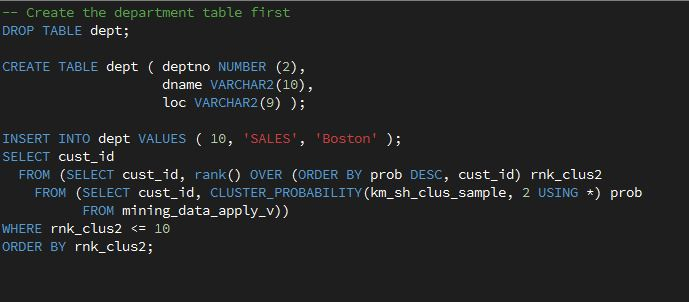
Installation
Many thanks to Ozmoroz for providing clear instructions (Source):
-
Close SQL Developer. This is important. If you modify the scheme file while SQL Developer is open, your changes won't be saved.
-
Locate file
dtcache.xmlin the SQL Developer's settings directory. On my system it is located in directoryC:\Users\sergey\AppData\Roaming\SQL Developer\system4.0.3.16.84\o.ide.12.1.3.2.41.140908.1359 -
Locate
<schemeMap>tag inside dtcache.xml file. Insert the content of color scheme xml file inside<schemeMap>alongside the other colour schemes. Be careful not to break the XML.
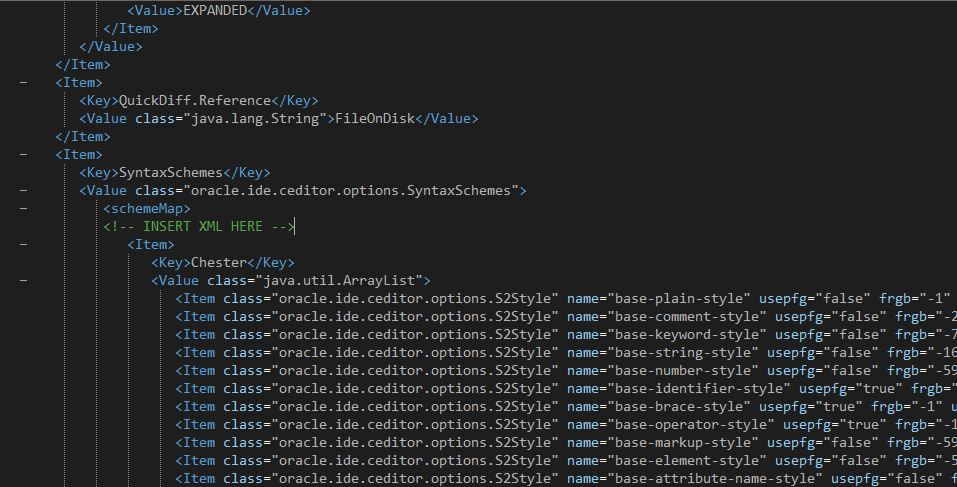
-
Launch SQL Developer. Navigate to menu Tools->Preferences, then select item Code Editor -> PL/SQL Syntax Colours in the left pane.
-
Select the color scheme name in the "Scheme" drop down list on the top.
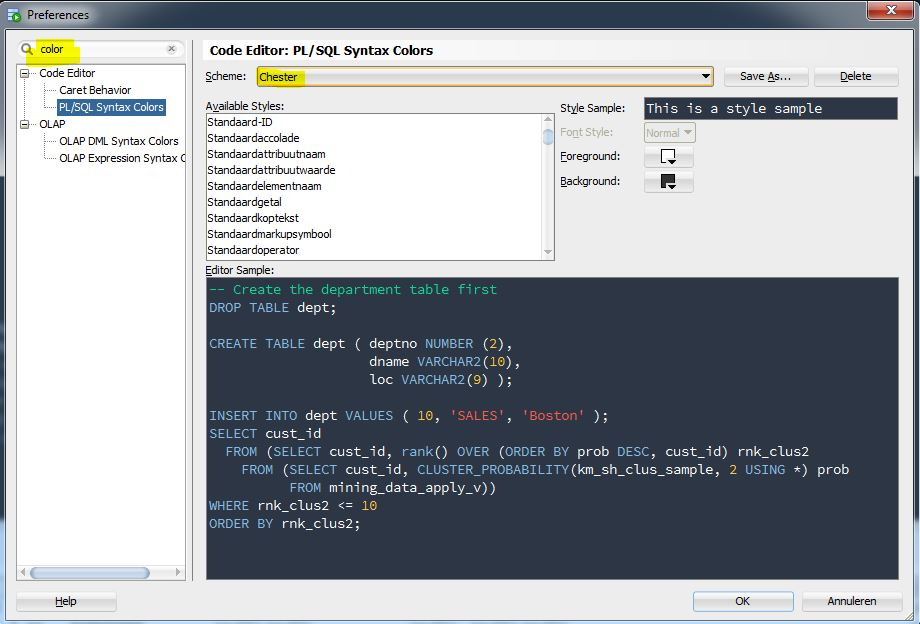
more like this
gns3theme
Custom color themes for GNS3 GUI. Built-in schemes, custom JSON themes, device symbols. Supports Linux and macOS.
Aritim-Light
A Light theme for both KDE and GTK based distros, pleasant to the eyes and perfect for your daily workload.