meine
meine 🌒 - A CLI file manager and system utility built with Textual. It combines intuitive command parsing with rich t…
Python★ 50
A terminal-based SSH manager inspired by lazydocker and k9s - Written in go
 Adembc
git clone https://github.com/Adembc/lazyssh.gitAdembc/lazyssh
Lazyssh is a terminal-based, interactive SSH manager inspired by tools like lazydocker and k9s — but built for managing your fleet of servers directly from your terminal.
With lazyssh, you can quickly navigate, connect, manage, and transfer files between your local machine and any server defined in your ~/.ssh/config. No more remembering IP addresses or running long scp commands — just a clean, keyboard-driven UI.
~/.ssh/config in a scrollable list.~/.ssh/id_ed25519.pub or ~/.ssh/id_rsa.pub)~/.ssh/authorized_keys with correct permissionslazyssh does not introduce any new security risks.
It is simply a UI/TUI wrapper around your existing ~/.ssh/config file.
All SSH connections are executed through your system’s native ssh binary (OpenSSH).
Private keys, passwords, and credentials are never stored, transmitted, or modified by lazyssh.
Your existing IdentityFile paths and ssh-agent integrations work exactly as before.
lazyssh only reads and updates your ~/.ssh/config. A backup of the file is created automatically before any changes.
File permissions on your SSH config are preserved to ensure security.
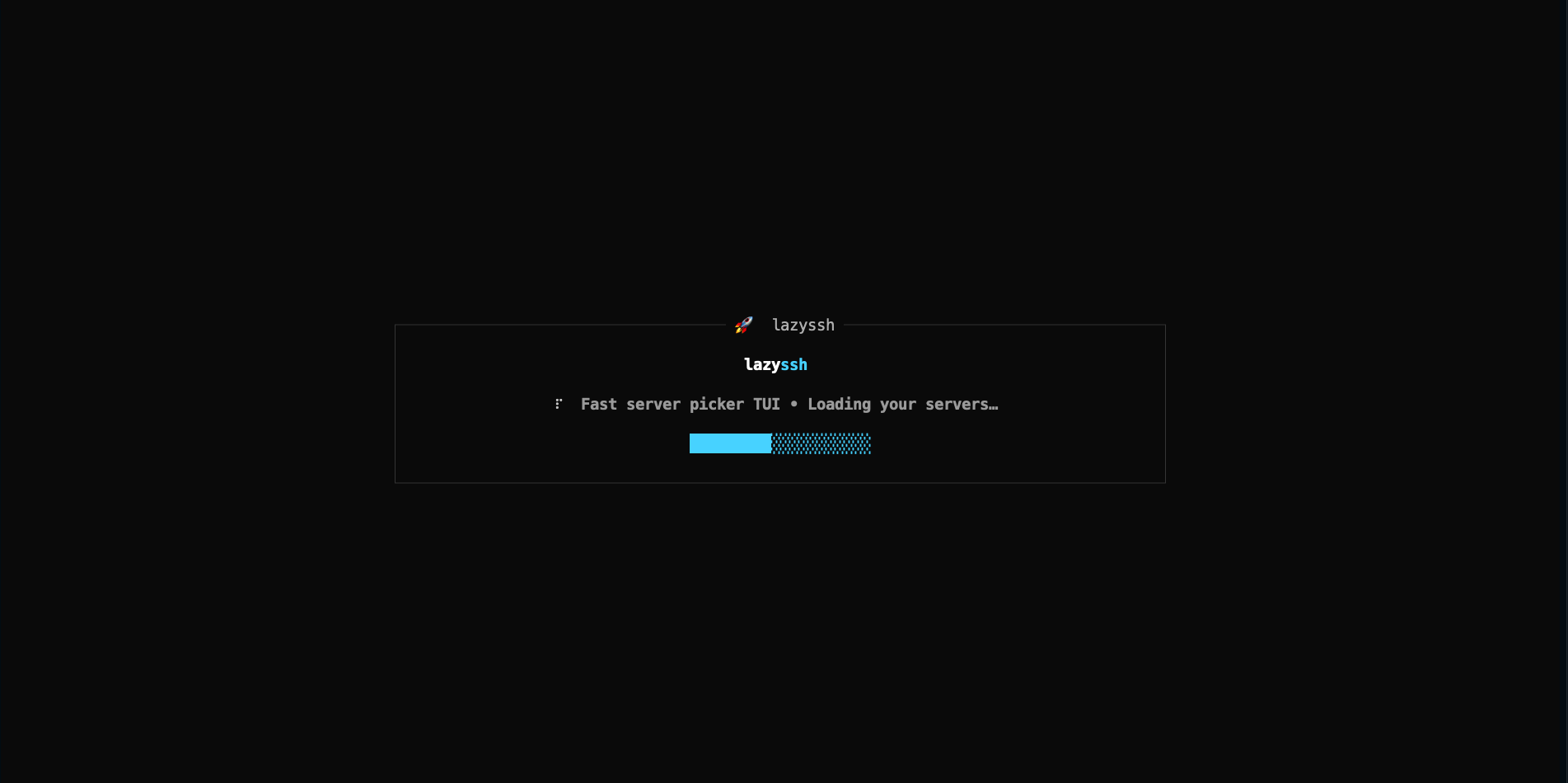
Clean loading screen when launching the app
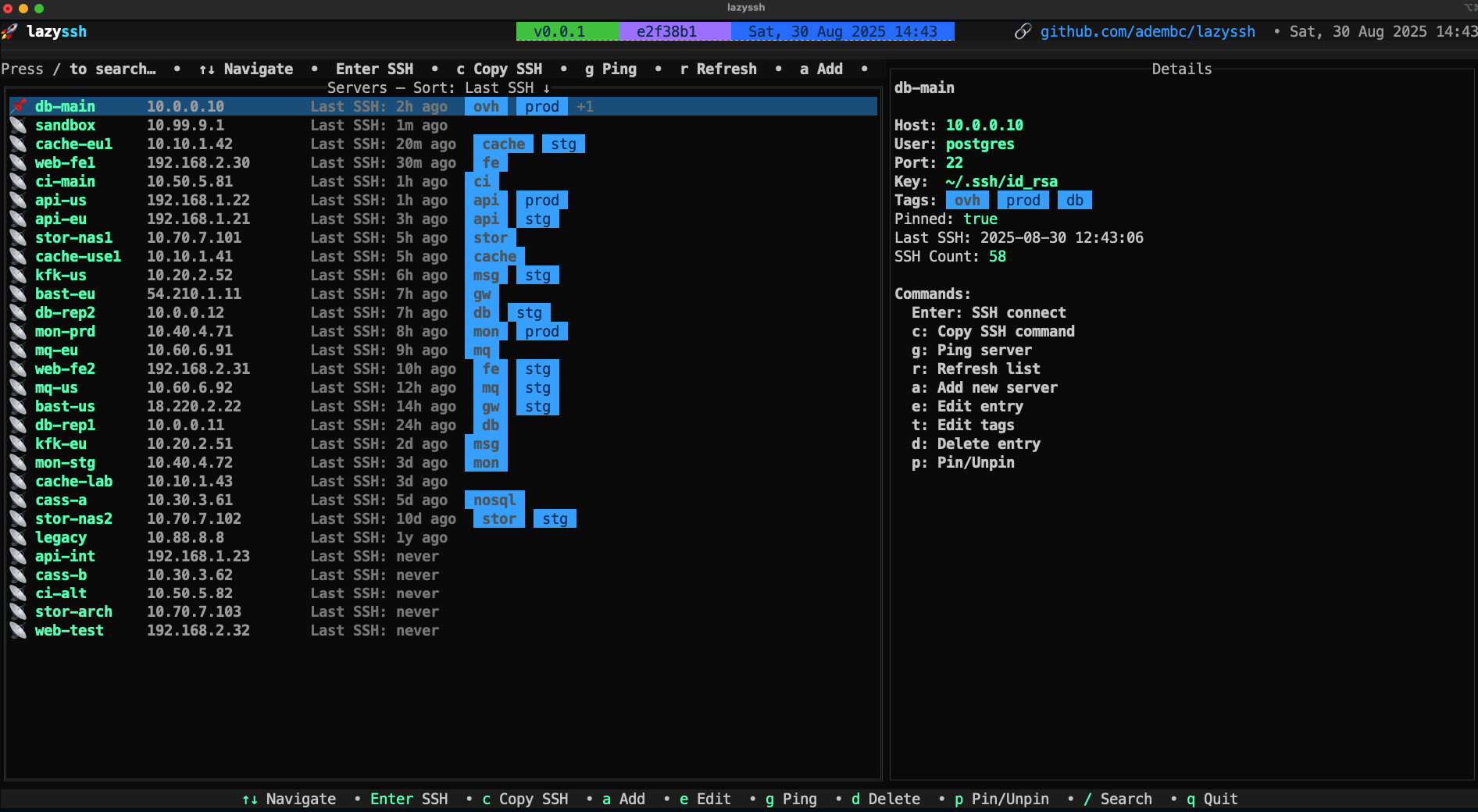
Main dashboard displaying all configured servers with status indicators, pinned favorites at the top, and easy navigation
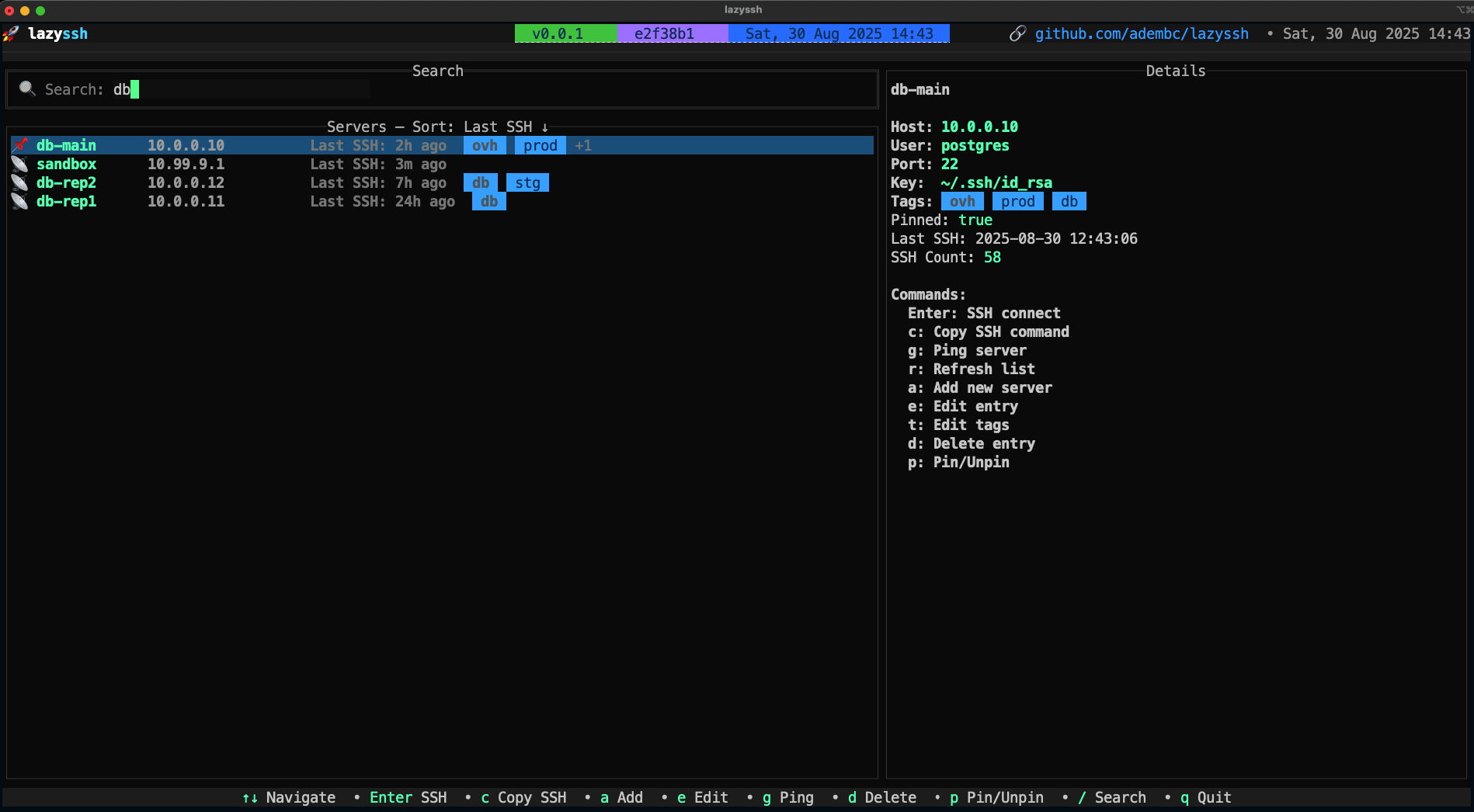
Fuzzy search functionality to quickly find servers by name, IP address, or tags
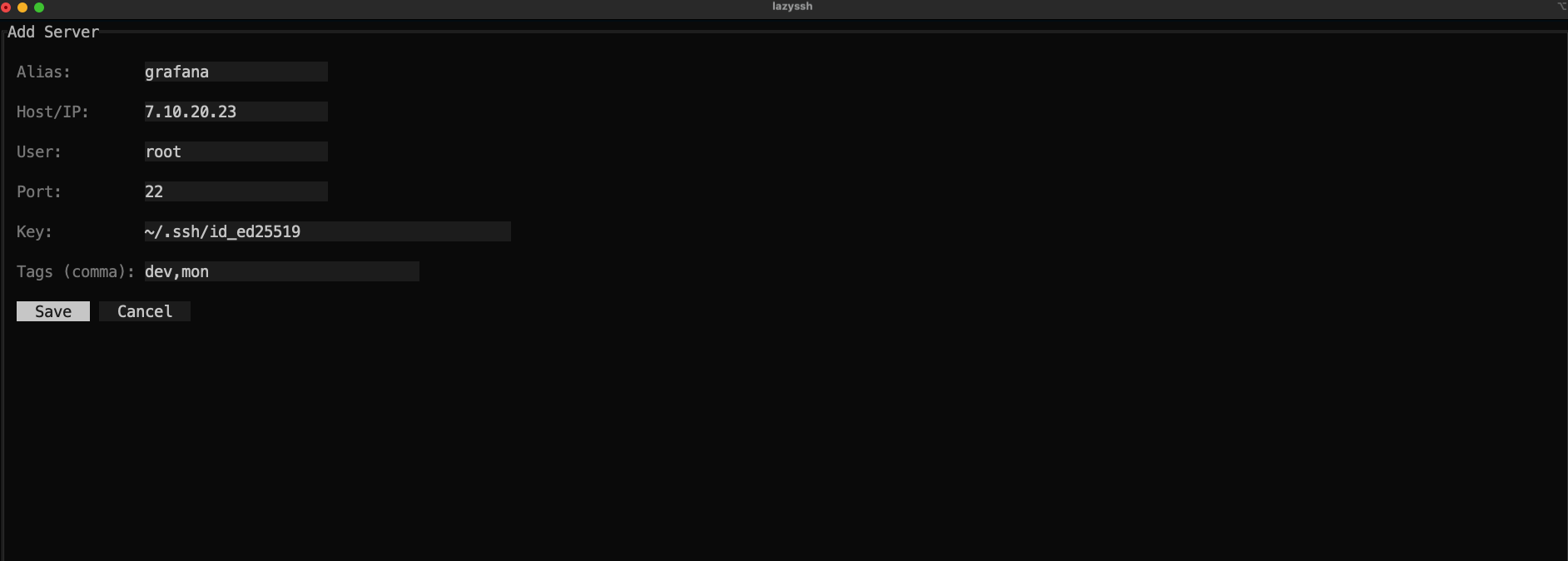
Tabbed interface for managing SSH connections with extensive configuration options organized into:
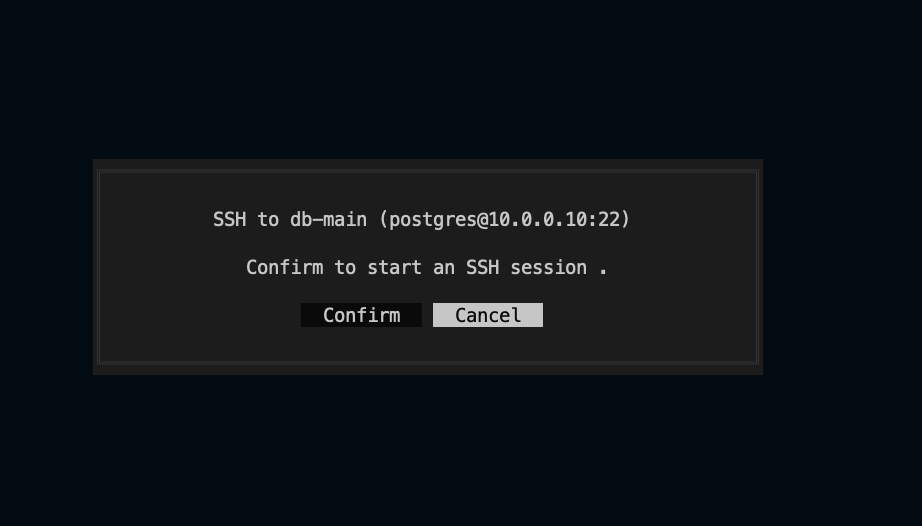
SSH into the selected server
brew install Adembc/homebrew-tap/lazyssh
Download from GitHub Releases. You can use the snippet below to automatically fetch the latest version for your OS/ARCH (Darwin/Linux and amd64/arm64 supported):
# Detect latest version
LATEST_TAG=$(curl -fsSL https://api.github.com/repos/Adembc/lazyssh/releases/latest | jq -r .tag_name)
# Download the correct binary for your system
curl -LJO "https://github.com/Adembc/lazyssh/releases/download/${LATEST_TAG}/lazyssh_$(uname)_$(uname -m).tar.gz"
# Extract the binary
tar -xzf lazyssh_$(uname)_$(uname -m).tar.gz
# Move to /usr/local/bin or another directory in your PATH
sudo mv lazyssh /usr/local/bin/
# enjoy!
lazyssh
# Clone the repository
git clone https://github.com/Adembc/lazyssh.git
cd lazyssh

# Build for macOS
make build
./bin/lazyssh

# Or Run it directly
make run
| Key | Action |
|---|---|
| / | Toggle search bar |
| ↑↓/jk | Navigate servers |
| Enter | SSH into selected server |
| c | Copy SSH command to clipboard |
| g | Ping selected server |
| r | Refresh background data |
| a | Add server |
| e | Edit server |
| t | Edit tags |
| d | Delete server |
| p | Pin/Unpin server |
| s | Toggle sort field |
| S | Reverse sort order |
| q | Quit |
In Server Form:
| Key | Action |
|---|---|
| Ctrl+H | Previous tab |
| Ctrl+L | Next tab |
| Ctrl+S | Save |
| Esc | Cancel |
Tip: The hint bar at the top of the list shows the most useful shortcuts.
Contributions are welcome!
We love seeing the community make Lazyssh better 🚀
This repository enforces semantic PR titles via an automated GitHub Action. Please format your PR title as:
Allowed types in this repo:
Examples:
Tip: If your PR touches multiple areas, pick the most relevant scope or omit the scope.
If you find Lazyssh useful, please consider giving the repo a star ⭐️ and join stargazers.
☕ You can also support me by buying me a coffee ❤️
more like this
meine 🌒 - A CLI file manager and system utility built with Textual. It combines intuitive command parsing with rich t…
search projects, people, and tags