RayTracing
Realtime GPU path tracer based on D3D12 and Vulkan
 AlexanderVeselov
git clone https://github.com/AlexanderVeselov/RayTracing.gitAlexanderVeselov/RayTracingRealtime GPU Path Tracing Engine
Join my telegram channel, where I post everything related to graphics! https://t.me/cg_lib
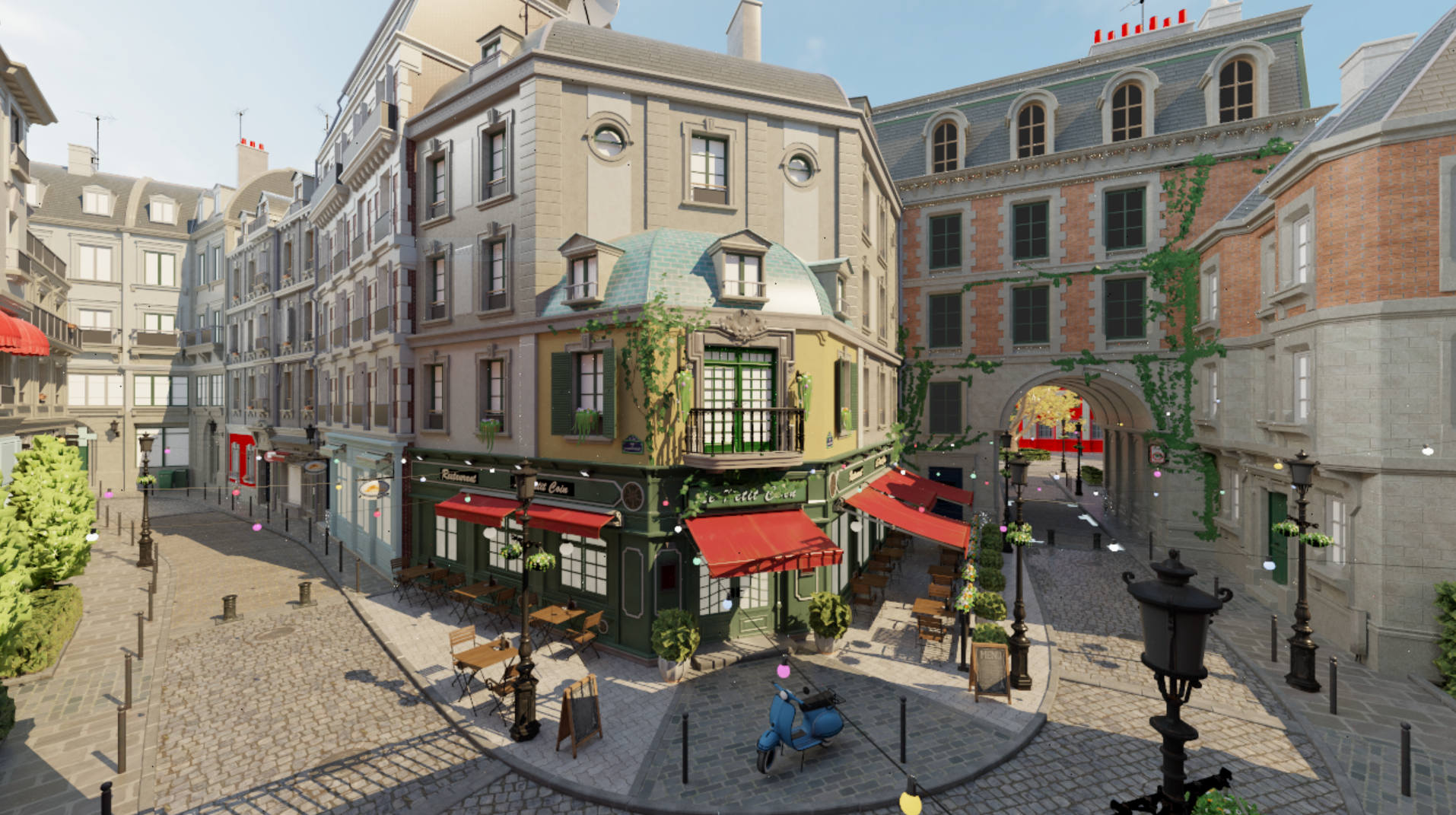
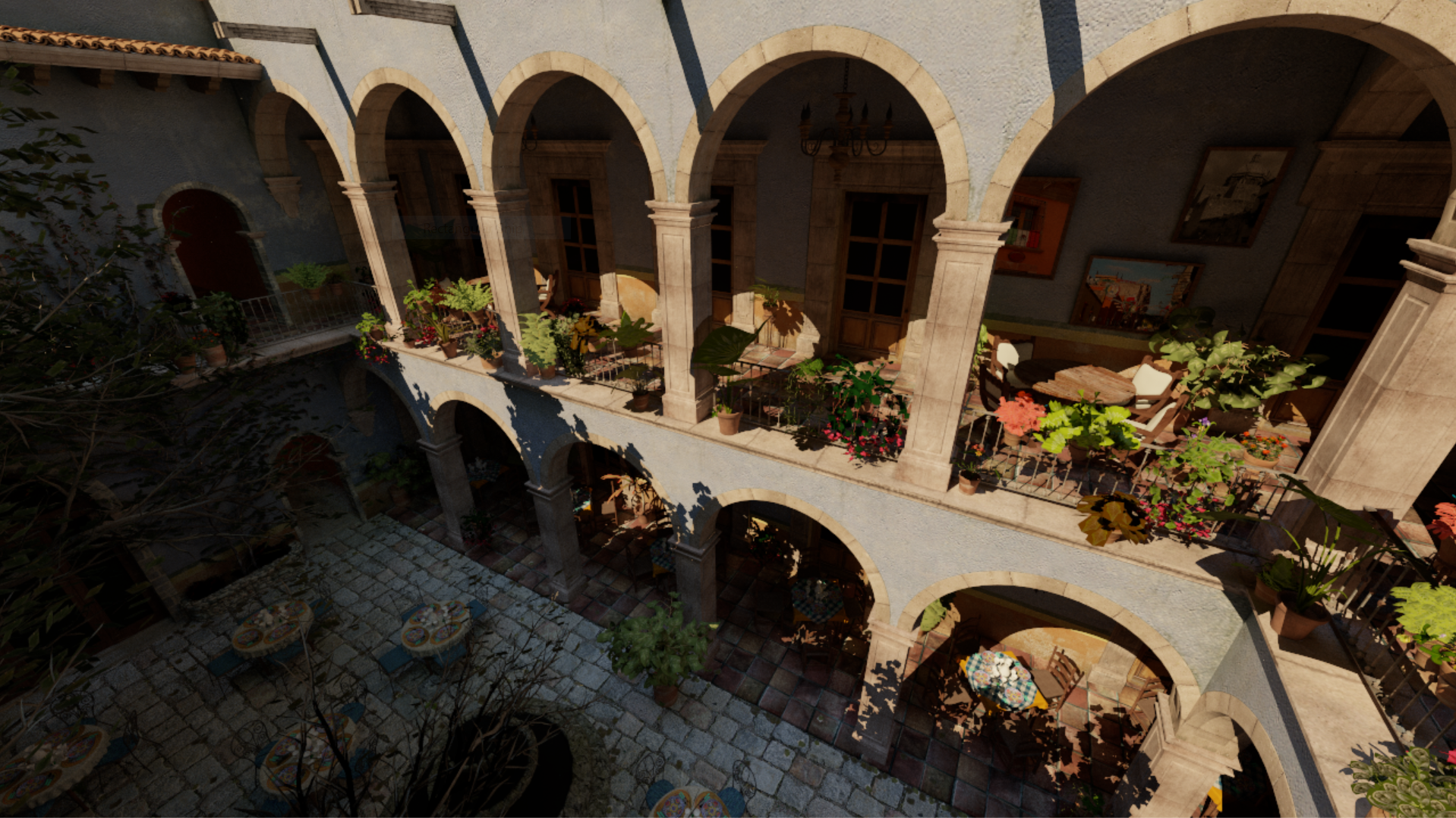
Features
- Realtime GPU wavefront path tracing using compute shaders
- Vulkan and D3D12 backends through
GpuApi - Hardware ray tracing through Ray Query when supported by the selected backend
- CPU-built BVH fallback with GPU traversal when Ray Query is unavailable
- Lambert diffuse and GGX reflection BRDFs
- Point, directional and environment light sampling
- Temporal reprojection filter
- Depth, normals, albedo and motion vector AOV generation
- Runtime compute pipeline hot reload
Ray Tracing Paths
The application selects the acceleration-structure path automatically:
- If
Device::SupportsRayQuery()is true,HardwareRtAccelerationStructurebuilds BLAS objects per mesh and a TLAS over scene instances. Tracing usestrace_rayquery.csandtrace_shadow_rayquery.cs. - Otherwise
Bvhbuilds a CPU BVH from scene meshes/instances, uploads the nodes and triangles, and tracing usestrace_bvh.csandtrace_shadow_bvh.cs.
Both paths keep the same high-level scene model: SceneInstance stores the
mesh index and transform, while ray-hit data stores instance_id and
primitive_id.
Building
Requirements:
- CMake
- A C++17 compiler
- GLFW
- Vulkan SDK for the Vulkan backend
- Windows SDK with D3D12 for the D3D12 backend
Clone with submodules:
git clone --recursive https://github.com/AlexanderVeselov/RayTracing.git
cd RayTracing
Generate and build:
cmake -S . -B build
cmake --build build --config Release --target RayTracingApp
The Visual Studio project sets the debugger working directory to the repository
root. dxcompiler.dll and dxil.dll are copied next to RayTracingApp after
build.
Running
Run RayTracingApp from the repository root:
build\src\Release\RayTracingApp.exe --backend vulkan --scene assets/ShaderBalls.obj
Command-line options:
--helpprints command-line help-w <width>sets window width, default1280-h <height>sets window height, default720--scene <path>sets OBJ scene path, defaultassets/ShaderBalls.obj--scale <scale>sets imported scene scale, default1.0--flip_yz <0|1>flips Y and Z axes during import, default0--backend <vulkan|d3d12>selects render backend, defaultvulkan
Press R while the app is running to reload registered compute pipelines. The
reload keeps the previous pipeline if shader compilation or reflected layout
compatibility checks fail.
run_bistro.bat downloads Amazon Lumberyard Bistro content into assets,
builds the project and runs the Bistro scene.
more like this