meine
meine 🌒 - A CLI file manager and system utility built with Textual. It combines intuitive command parsing with rich t…
Python★ 50
Mirror of
 ApostropheEditor
git clone https://github.com/ApostropheEditor/Apostrophe.gitApostropheEditor/Apostrophe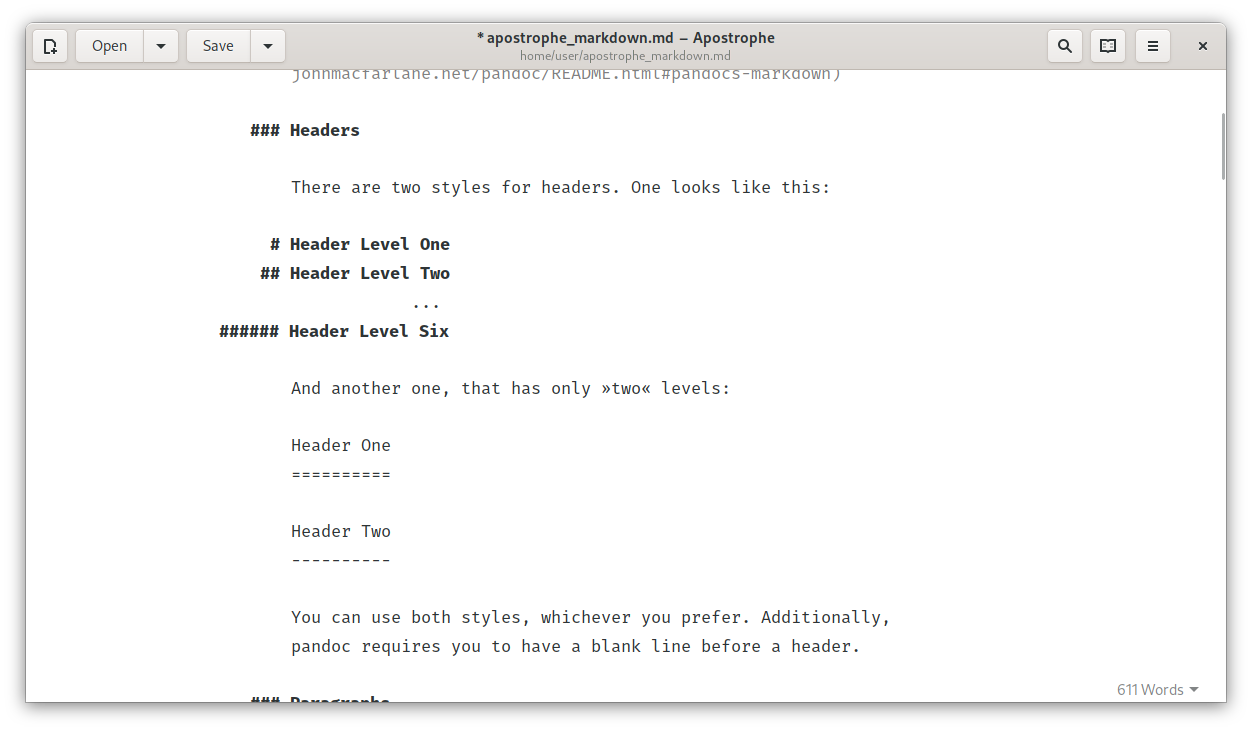
Apostrophe is a GTK+ based distraction free Markdown editor, mainly developed by Wolf Vollprecht and Manuel Genovés. It uses pandoc as back-end for parsing Markdown and offers a very clean and sleek user interface.
Also several unofficial builds are available:
pkgs.apostrophesudo dnf install apostropheIf you want to help translating the project, please join us at Poeditor. Any help is appreciated!
GNOME Builder offers the easiest method to build Apostrophe. Just follow this guide and you'll be up and running in a minute.
To build Apostrophe from source you need to have the following dependencies installed:
meson ninja-buildpandoclibgtk-3-dev libglib2.0-devlibwebkit2gtkgobject-introspection libgirepository1.0-dev gir1.2-gspell1 gettextpython3 python3-regex python3-setuptools python3-levenshtein python3-enchant python3-gi python3-cairo python3-pypandocappstream-utiltexlive texlive-latex-extralibjs-mathjaxDepending on your setup you may need to install these schemas before building:
$ sudo cp data/org.gnome.gitlab.somas.Apostrophe.gschema.xml /usr/share/glib-2.0/schemas/org.gnome.gitlab.somas.Apostrophe.gschema.xml
$ sudo glib-compile-schemas /usr/share/glib-2.0/schemas
Once all dependencies are installed you can build Apostrophe using the following commands:
$ git clone https://gitlab.gnome.org/somas/apostrophe/
$ cd apostrophe
$ meson builddir --prefix=/usr -Dprofile=development
$ sudo ninja -C builddir install
Then you can run the installed package:
$ apostrophe
Or a local version which runs from the source tree
$ ./builddir/local-apostrophe
It's also possible to build, run and debug a flatpak package. All you need is to setup flatpak-builder and run the following commands:
$ cd build-aux/flatpak
$ flatpak-builder --force-clean --install --user _build org.gnome.gitlab.somas.Apostrophe.json
more like this
meine 🌒 - A CLI file manager and system utility built with Textual. It combines intuitive command parsing with rich t…
Create and add progress bars, Office365 Files and Dropbox Paper papers by labels and link them to your Todoist tasks.
search projects, people, and tags