 Axenide
sway-interactive-screenshot
Interactively take screenshots and record video captures with Sway.
Python★ 50

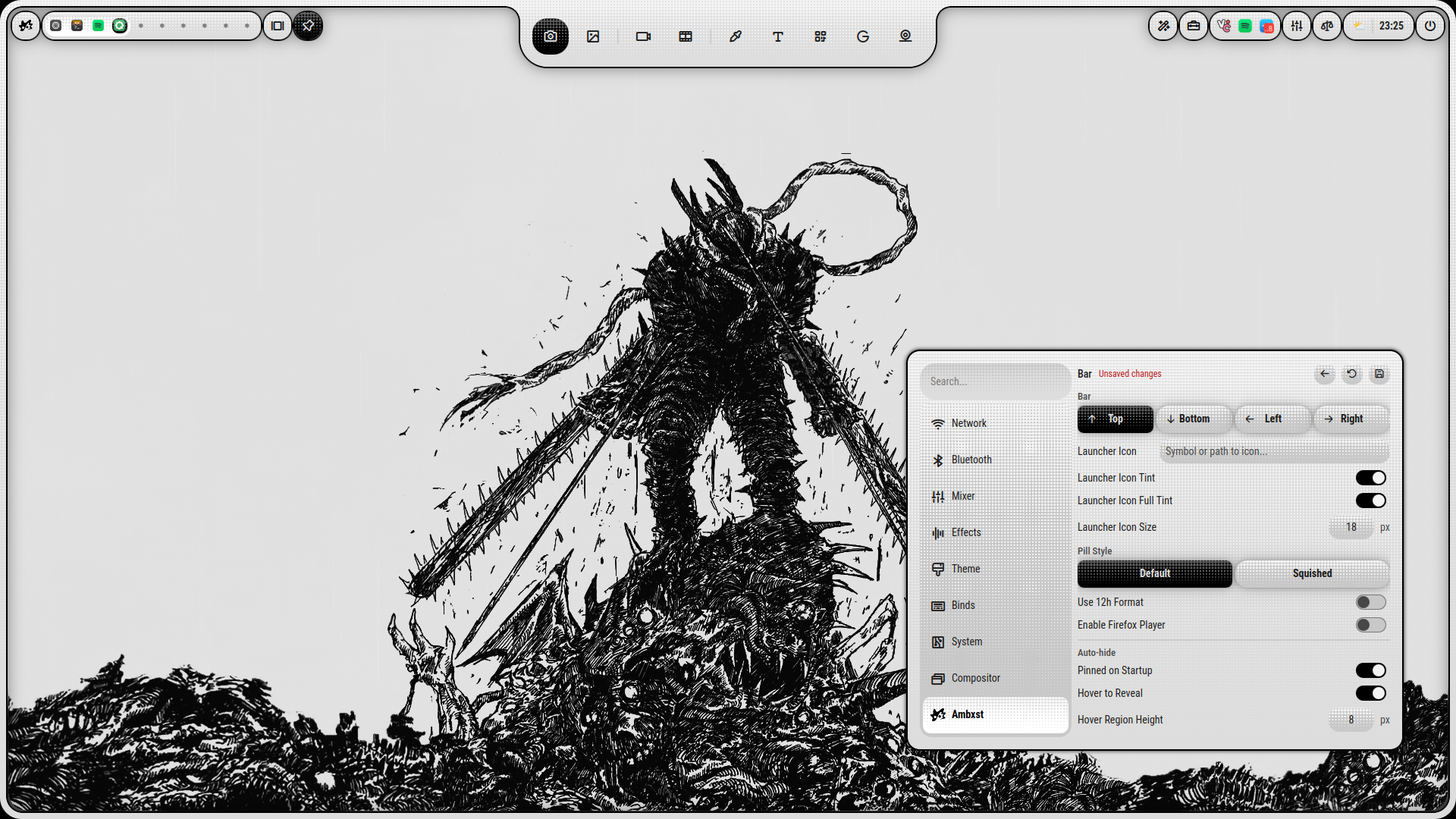
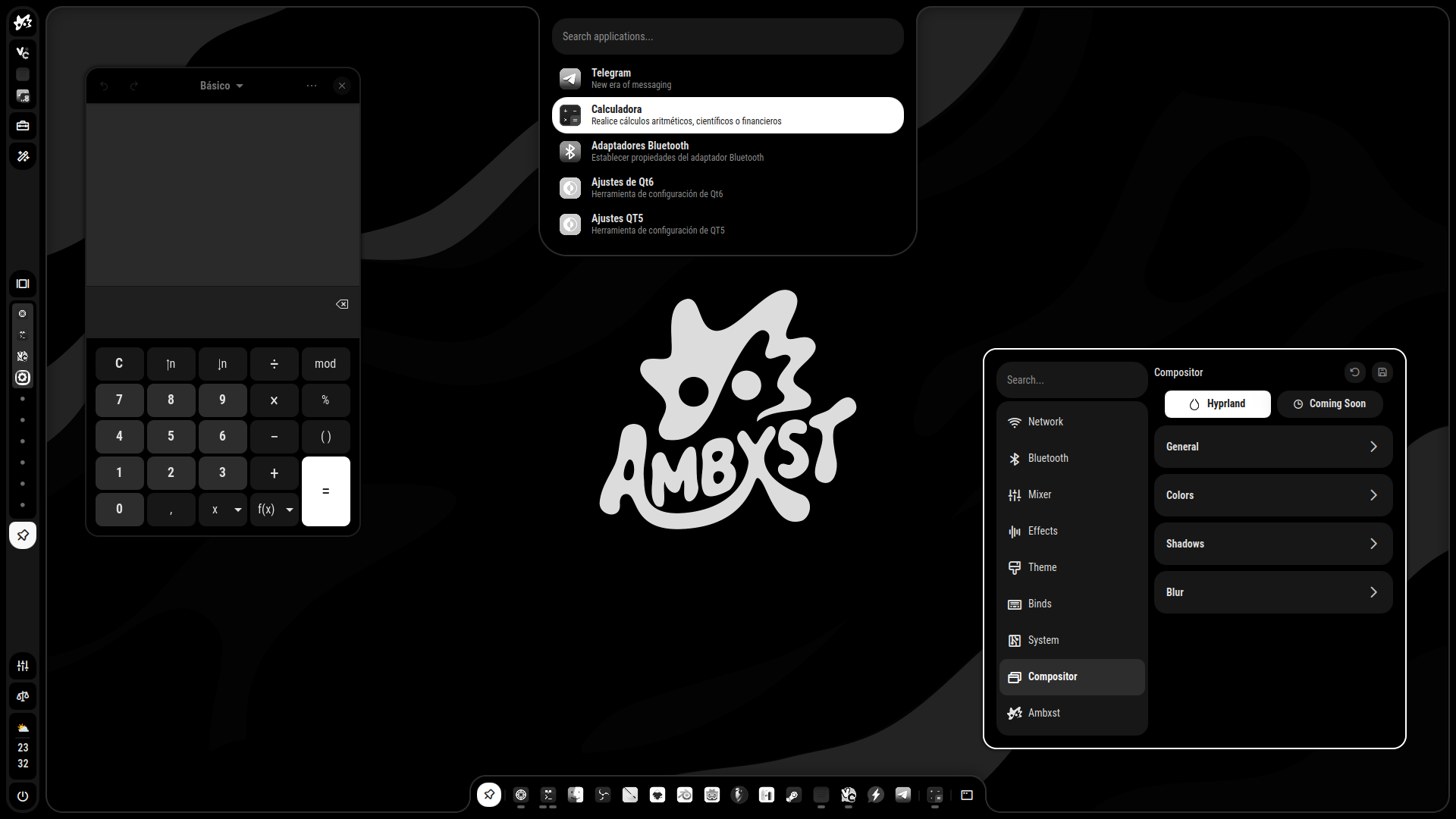
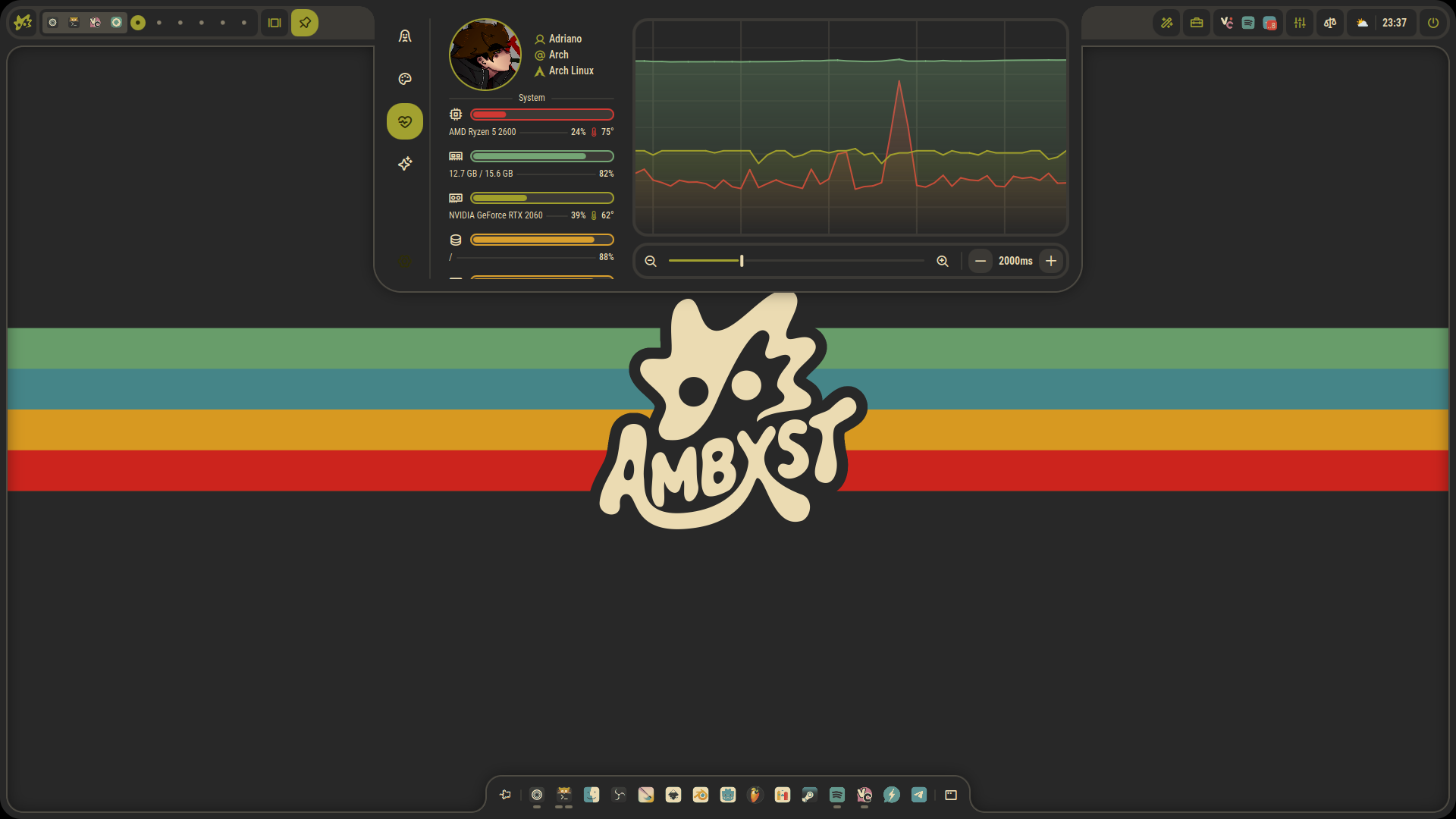
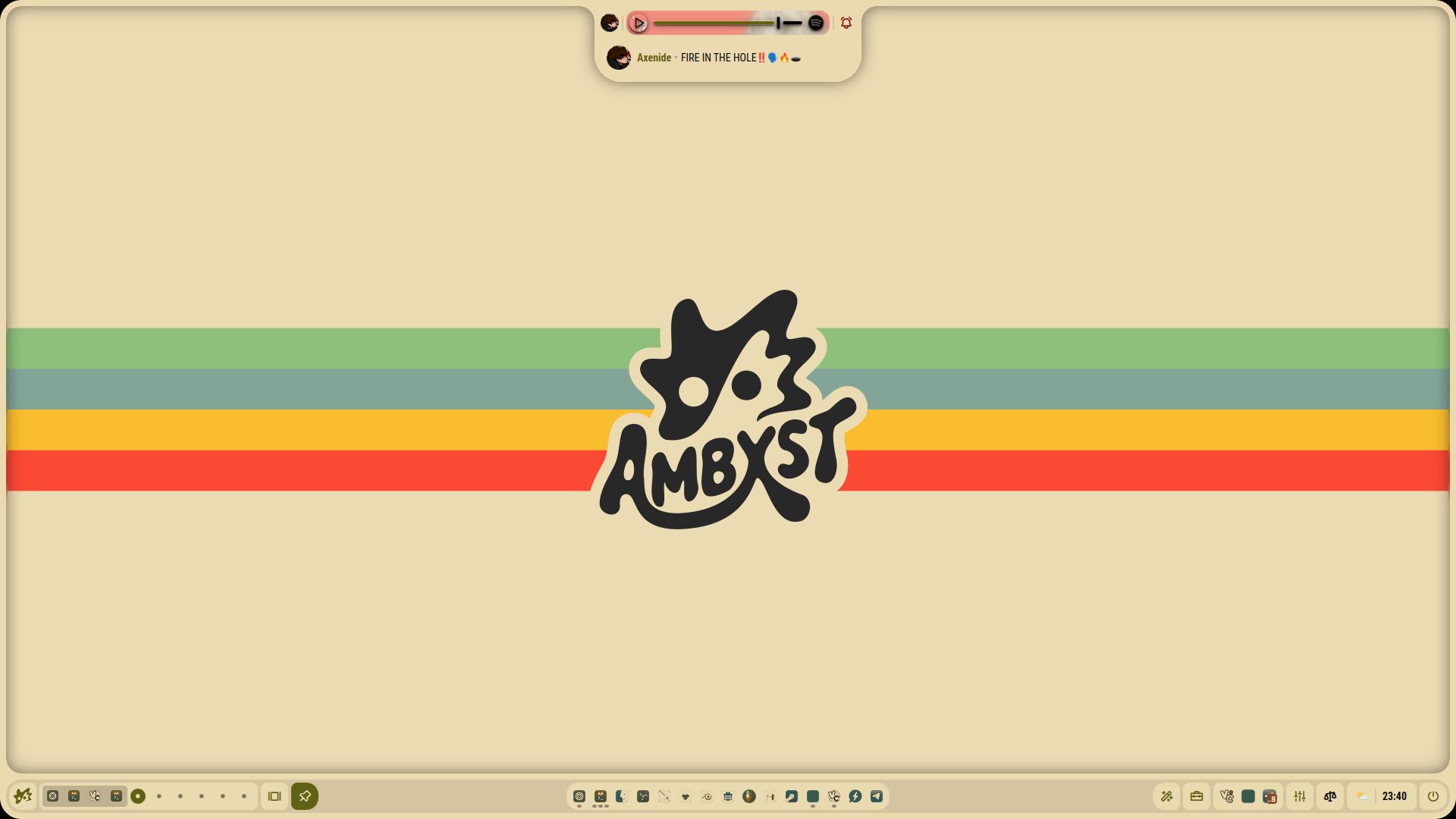
An Axtremely customizable shell.
 Screenshots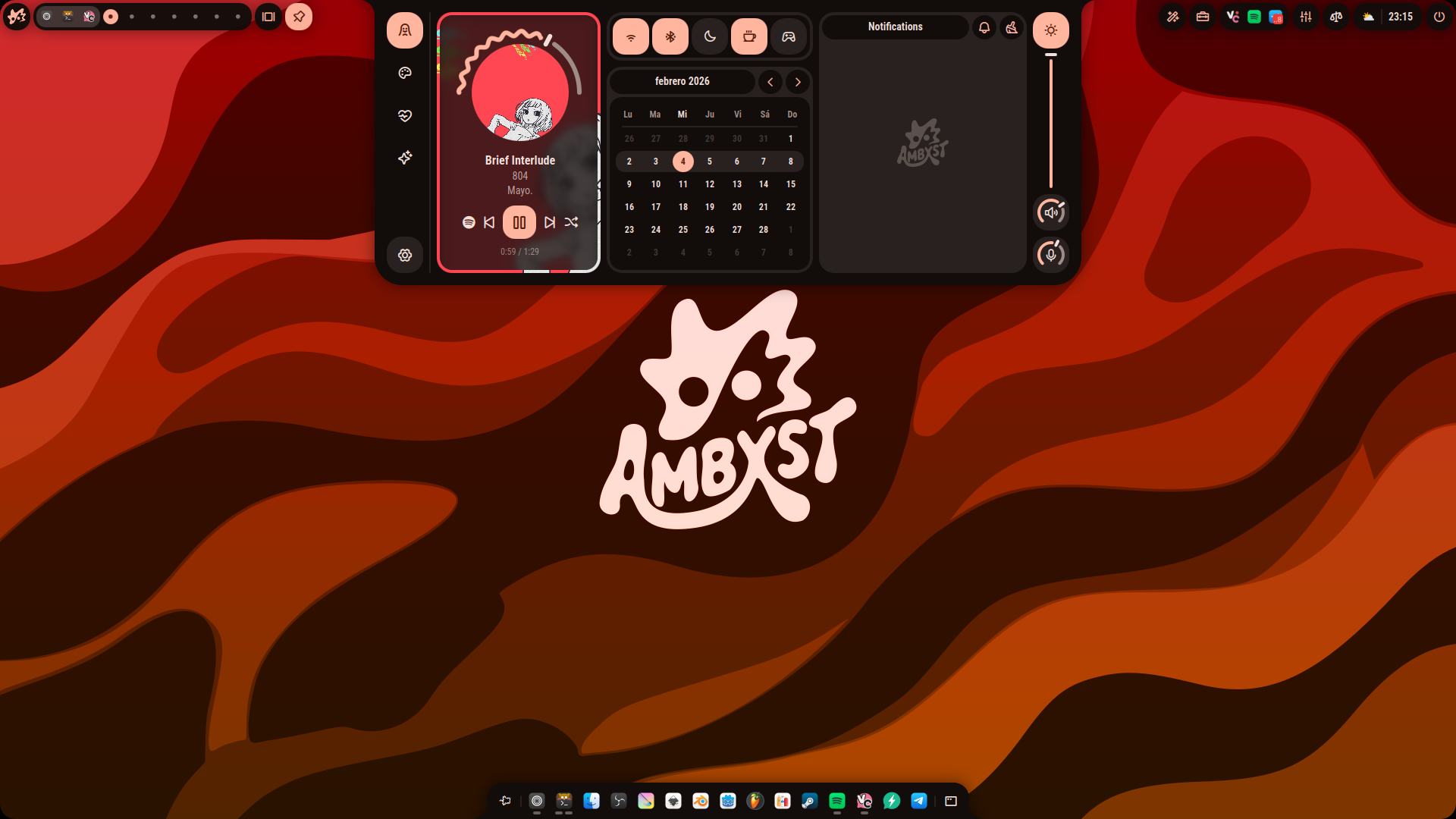
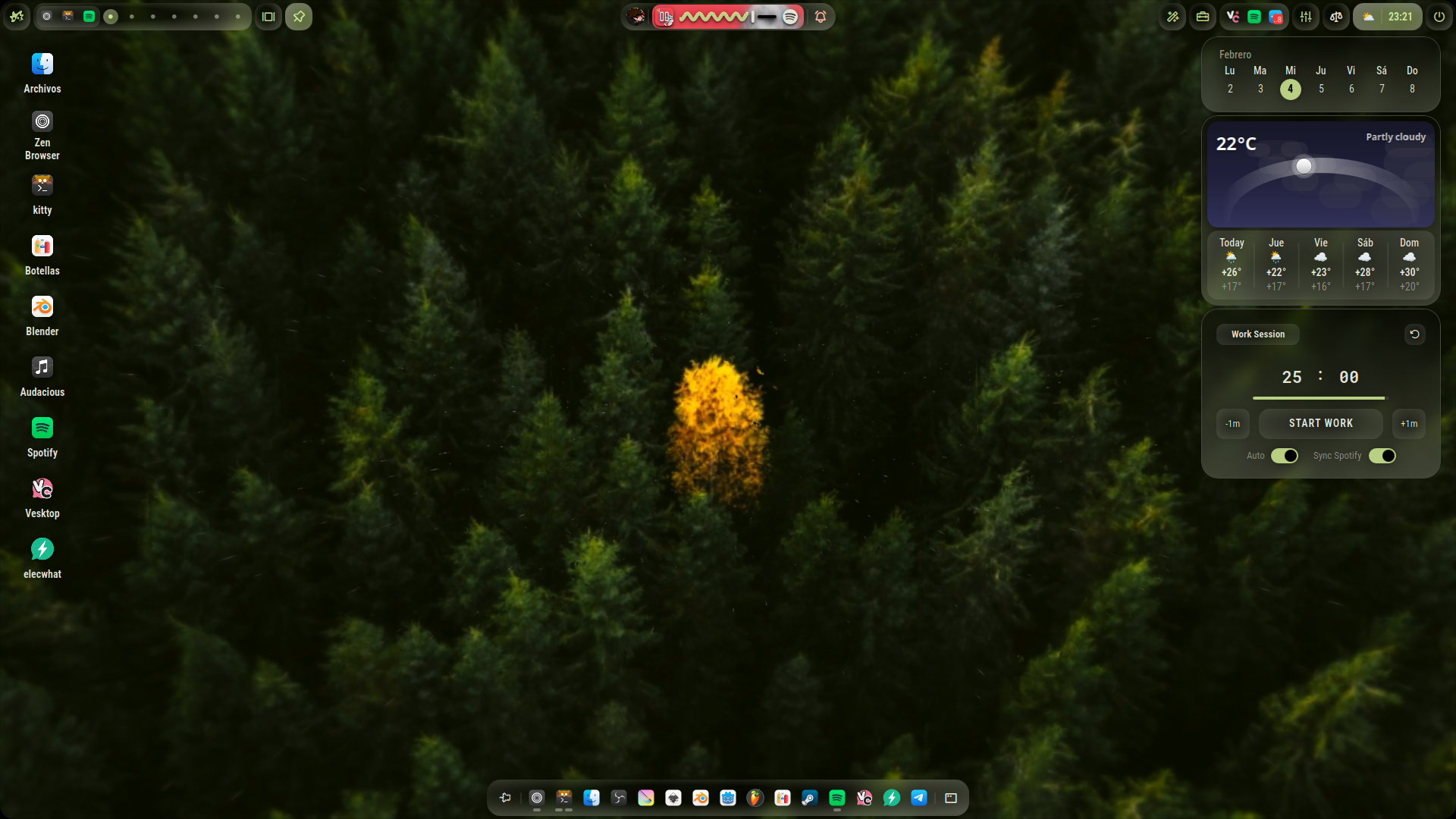
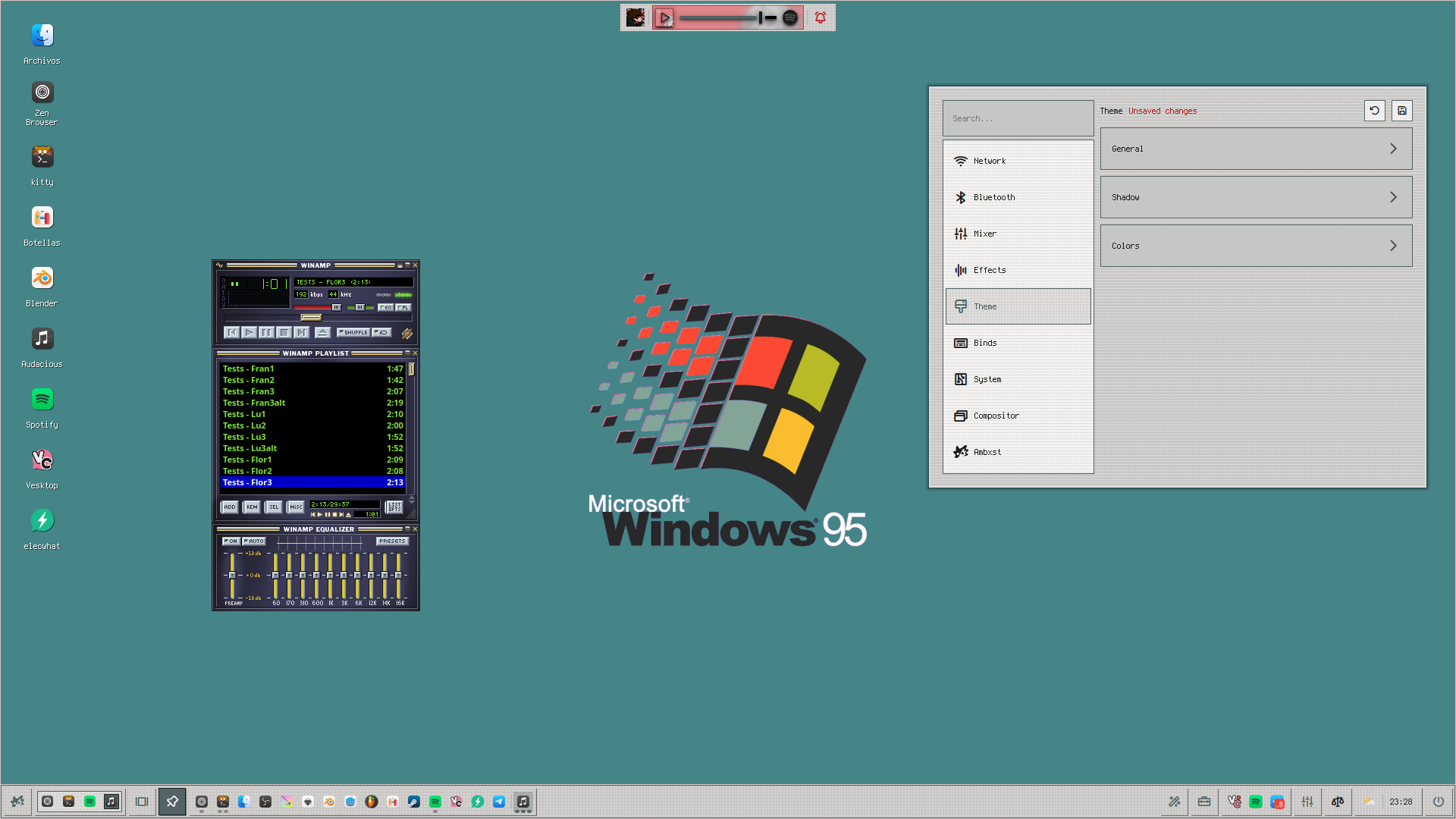
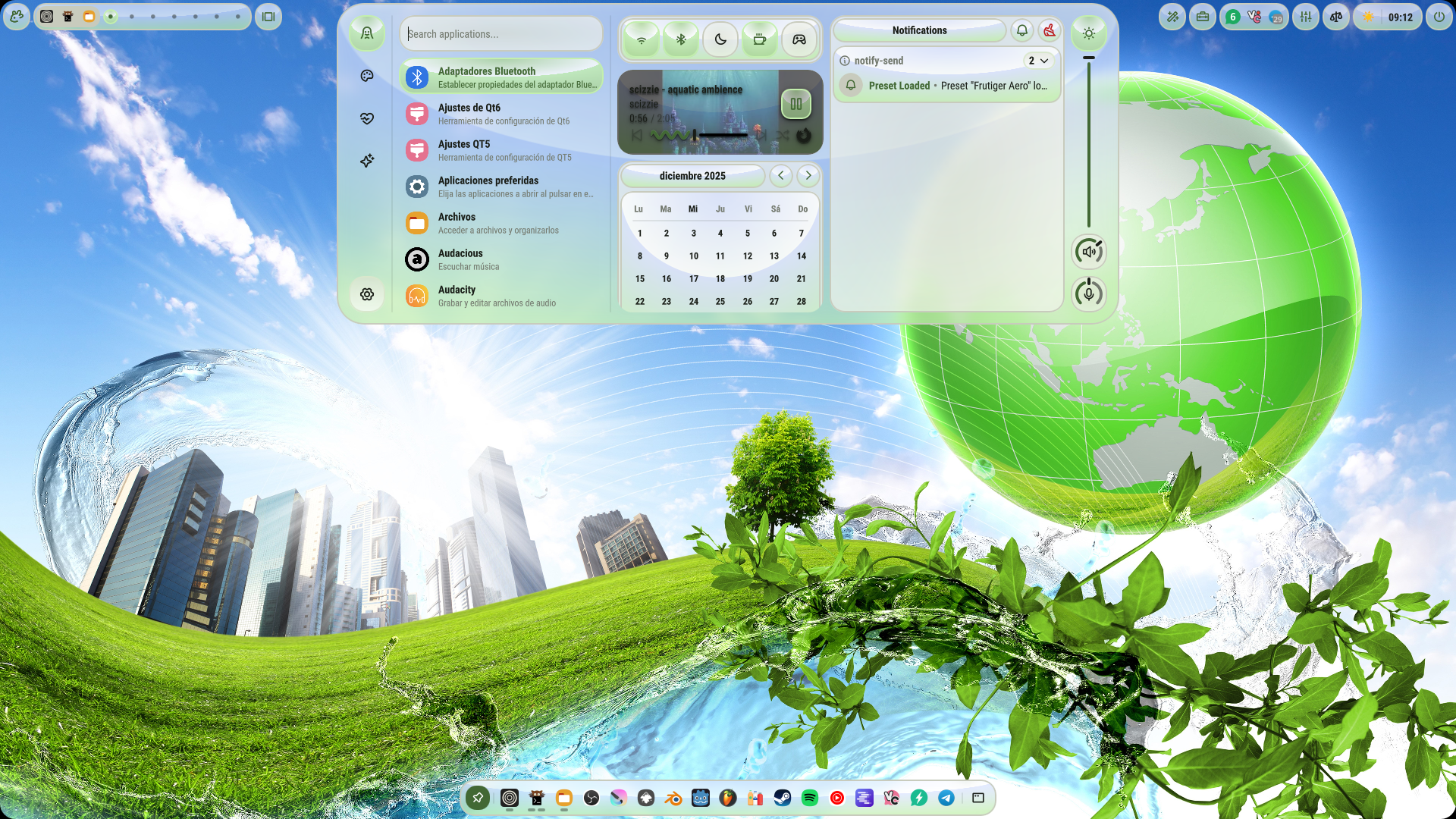

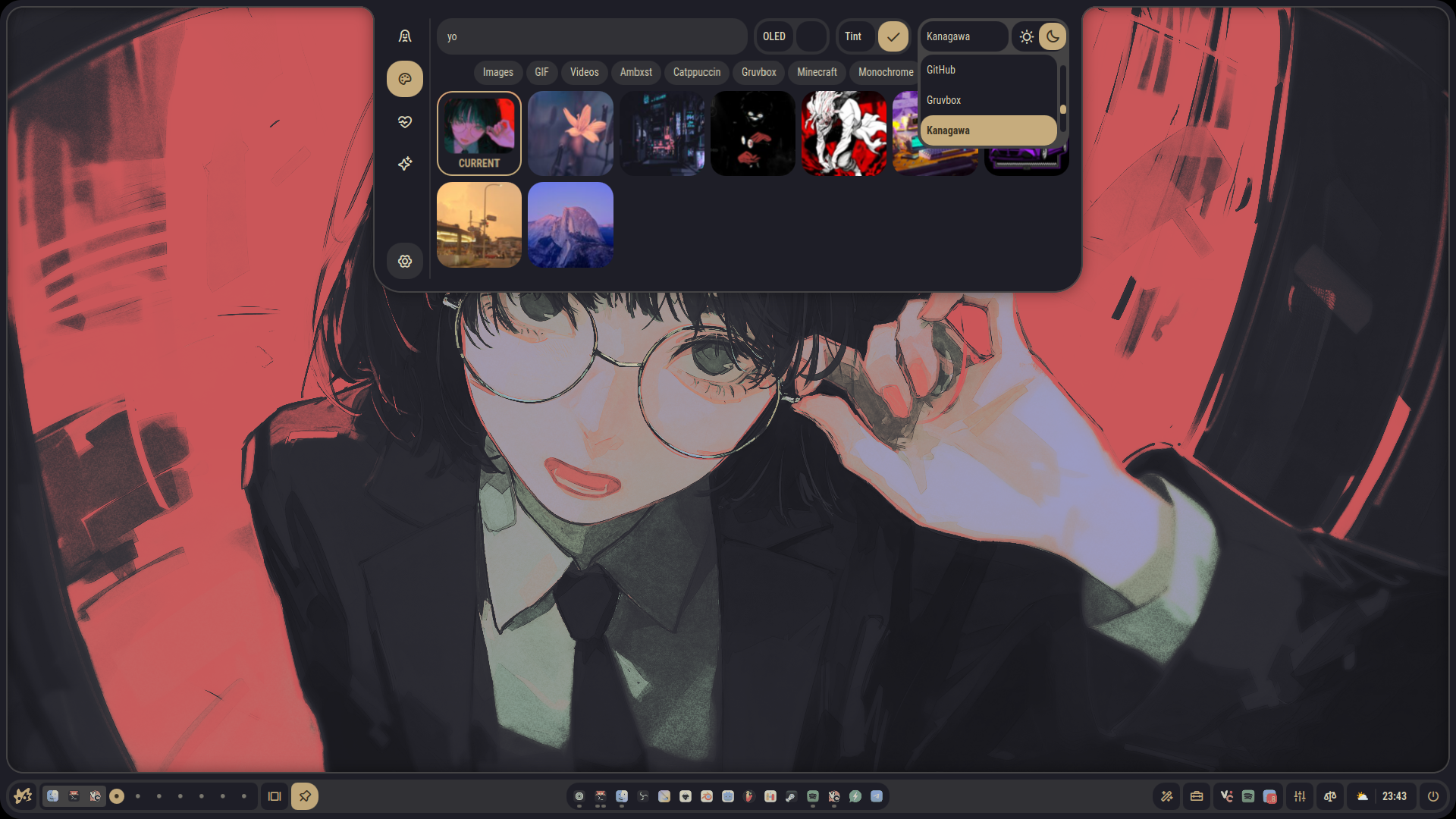
 Installation
curl -L get.axeni.de/ambxst | sh
This will install Ambxst and its dependencies. You will have the ambxst command available in your terminal, which you can use to start the shell.
Run the installation command above.
Run ambxst install hyprland to add Ambxst's configuration to Hyprland. This will source a config file that applies Ambxst's settings. If you use hyprland.lua, or if no Hyprland config exists yet, it will look like this:
-- Ambxst
loadfile(os.getenv("HOME") .. "/.local/share/ambxst/hyprland.lua")()

-- OVERRIDES
-- Down here you can write or source anything that you want to override from Ambxst's settings.
If you only have hyprland.conf, Ambxst will keep using the legacy import there for compatibility:
# Ambxst
source = ~/.local/share/ambxst/hyprland.conf

# OVERRIDES
# Down here you can write or source anything that you want to override from Ambxst's settings.
As stated, anything you want to override from Ambxst's settings should be written under the "OVERRIDES" section.
ambxst in your terminal. If you want to keep it running without having the terminal window open, you can run ambxst & disown. This will be only necessary for your first test run, as Ambxst will start automatically on login after step 2.Ambxst is currently supported on Arch, Fedora, and NixOS. This means both based and derivative distributions.
Important
The only pre-requisite is having Hyprland installed.
Note
For NixOS users, the screen recording utility gpu-screen-recorder will only be able to use the portal backend until you add programs.gpu-screen-recorder.enable = true; to your configuration.nix or home-manager.
Nope! Besides the Ambxst import block in your hyprland.conf or hyprland.lua, Ambxst is designed to be non-intrusive. It won't modify any of your existing configurations.
 Features
If you are having trouble or have any questions:
~/.config/ambxst.(If I forgot someone, please let me know. 🙏)
more like this
Interactively take screenshots and record video captures with Sway.
Vidwall Hub is a tool that allows you to easily import videos (mp4, mov) into the system wallpaper service and use them…
search projects, people, and tags