Amoyly-Xcode-Themes
Amoyly Xcode Themes
 Br1an6
git clone https://github.com/Br1an6/Amoyly-Xcode-Themes.gitBr1an6/Amoyly-Xcode-ThemesAmoyly Xcode Themes
A sexy, elegant, and comfortable-reading theme
Installation
The preferred installation method for this Color Schemes is done using the Package (Plug-ins) Manager Alcatraz. Custom Color Schemes for Xcode are stored in the ~/Library/Developer/Xcode/UserData/FontAndColorThemes/ folder.
Installation using Alcatraz
Now available on Alcatraz. Once you have Alcatraz installed, installing the theme is done in Xcode's menu Window -> Package Manager simply by clicking on the Color Scheme you want to add to Xcode. You may need to restart Xcode to see the new themes.
Manual Installation
In Terminal
git clone https://github.com/Br1an6/Amoyly-Xcode-Themes.git

cd Amoyly-Xcode-Themes/

mkdir -p ~/Library/Developer/Xcode/UserData/FontAndColorThemes/

cp *.dvtcolortheme ~/Library/Developer/Xcode/UserData/FontAndColorThemes/

cd ..

rm -rf Amoyly-Xcode-Themes/
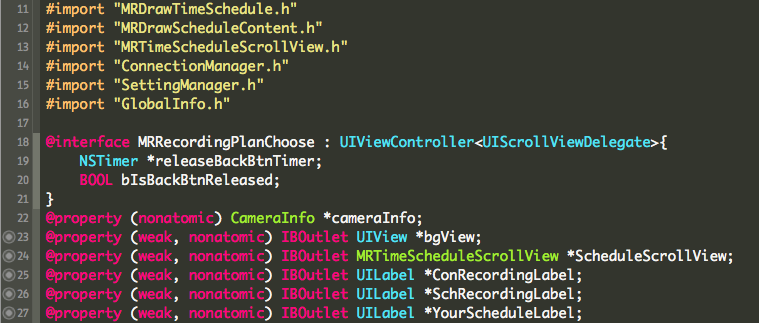
Class
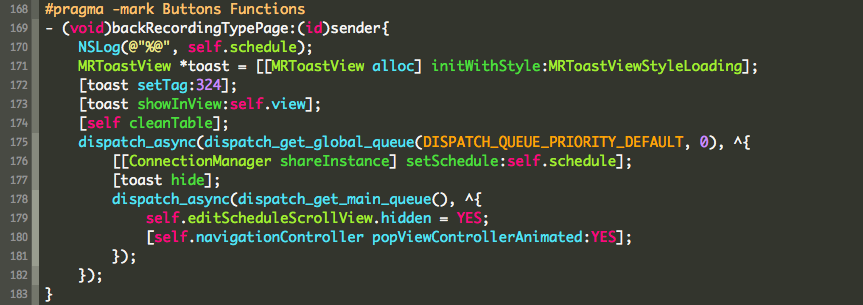
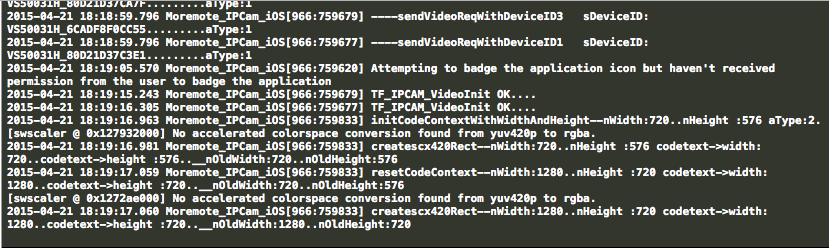
Console
License
This software is licensed under the MIT license © 2015-2017 Amoyly Xcode Themes contributors
more like this
gns3theme
Custom color themes for GNS3 GUI. Built-in schemes, custom JSON themes, device symbols. Supports Linux and macOS.
Aritim-Light
A Light theme for both KDE and GTK based distros, pleasant to the eyes and perfect for your daily workload.