flag-emojis-for-windows
This font adds flag emojis to Windows 8-11, while keeping all Win11's original emojis! 🇬🇧🧑💻🇯🇵😎🇰🇷💀🇨🇳🤖🇫🇷✨…
 Chasmical
git clone https://github.com/Chasmical/flag-emojis-for-windows.gitChasmical/flag-emojis-for-windows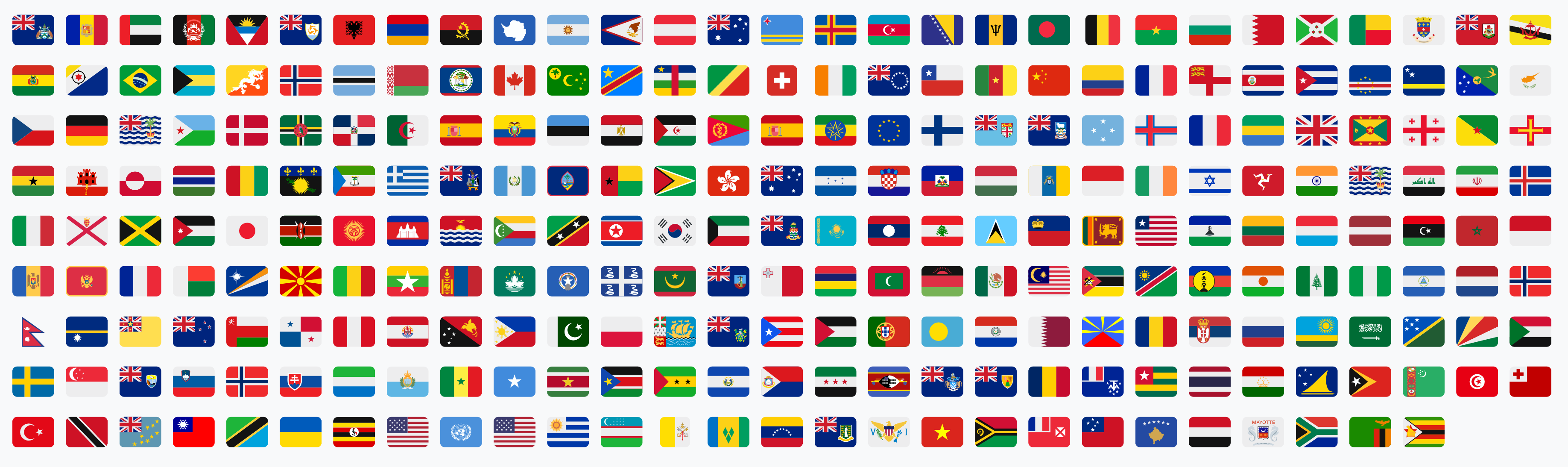
Add Country Flag Emojis to Windows 8-11
This font adds country flag emojis to Windows 11, while keeping all Win11's original emojis! 🇬🇧🧑💻🇯🇵😎🇰🇷💀🇨🇳🤖🇫🇷✨🇪🇸🐛🇮🇹
Unlike literally any other platform or OS, Windows never had flag emojis, and that always irked me a little bit. Having to guess what flag someone else is trying to send by just two letters isn't a great user experience, you know. And I always just kinda sighed at it, helplessly.
But not today... Today I woke up, and the absence of flag emojis in Windows has triggered me like never before, and so I've spent over 14 hours hyperfocused on this task of bringing flag emojis to Windows (without replacing all the emojis, that is, like some other projects did).
And now you too can say "No!" to Windows, "I want the flag emojis that everyone else has!", download and install this font, restart your PC, and finally get to enjoy the full emoji experience on Windows!
This font is based on Segoe UI Emoji v1.60 (3D Fluent 16.0; Win11 25H2; 2025-08-29) and contains 262 flags from Twemoji v17.0.3 (jdecked/twemoji@b6b55fe 2026-06-01). You can build it yourself, if you'd like (see the "How to build from scratch" section in the end).
Major update v2.0.0 (6 Jul 2026)
- ✨ Added support for COLRv0 rendering! Now works on Windows 8-10 too.
- 💚 Now compiled with the emojis directly from
jdecked/twemojirepository. - ⚡️ Removed unnecessary SVG table, decreasing the font's size from 13.1 to 12.1 MB.
- 📏 Fixed the relative width and size of the emojis. Now they're the same size as others.
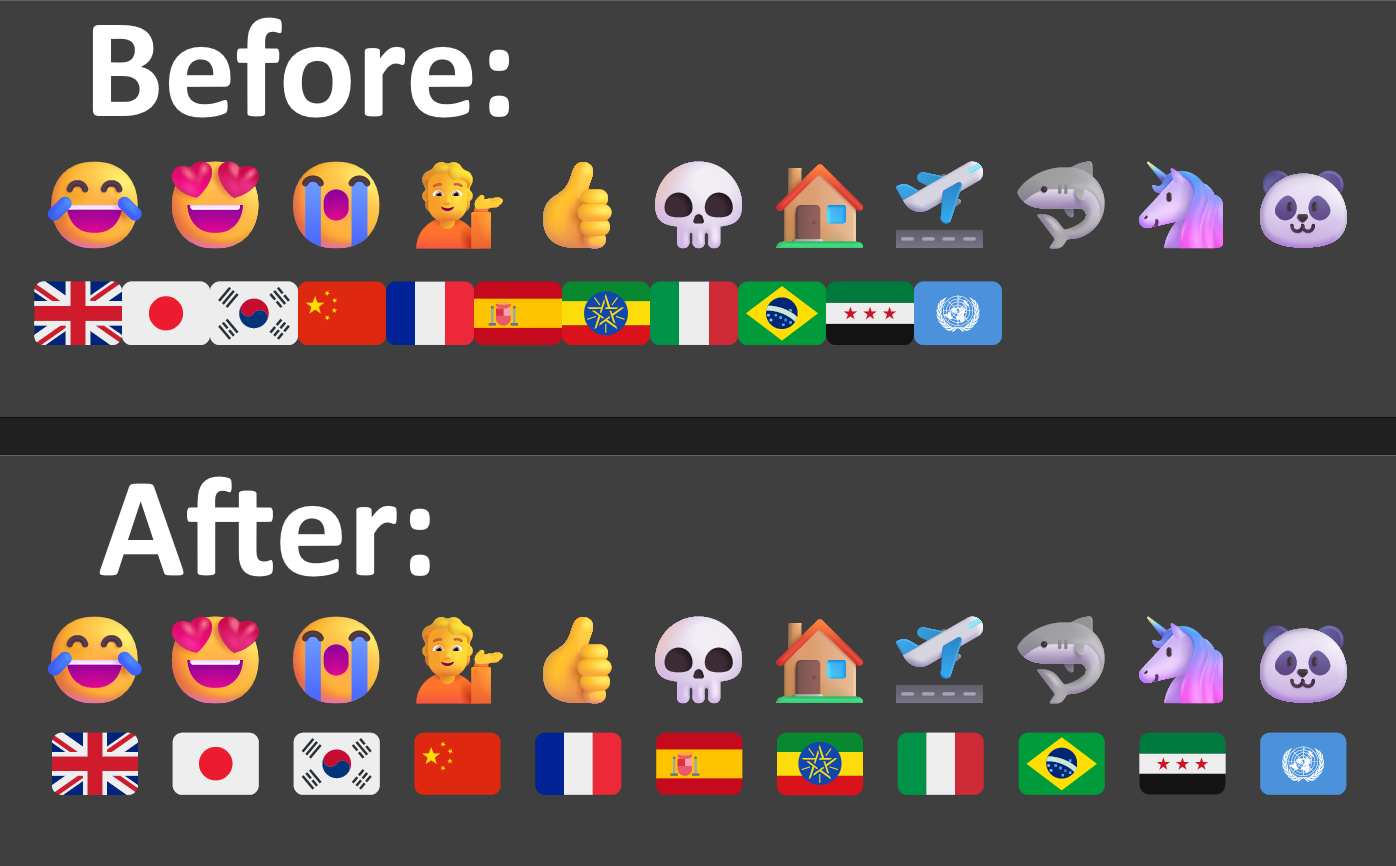
Table of contents
Also, you can read my blog post! (a bit outdated now)
Installation
Download this font and install it for all users.
Restart your PC to apply changes.
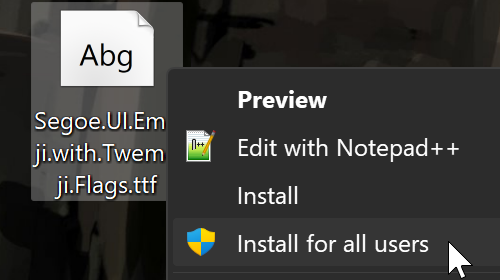
Regular "Install" will only affect a few certain apps: Chromium-based browsers (Chrome, Opera, Vivaldi, etc), and Electron-based apps (Discord, VS Code, etc), so if that's enough for you, you can do this type of install.
"Install for all users" will attempt to render country flags in the system and many other apps too. Sometimes with mixed results though, since the system renders fonts inconsistently (more on that in the next section).
Uninstalling (if installed for all users)
Recover the original Segoe UI Emoji file: Copy-Item "C:\Windows\Fonts\seguiemj.ttf", and install it for all users.
Uninstalling (if installed for current user)
Go to Settings > Personalization > Fonts, and find and select Segoe UI Emoji in the list. In the Metadata section, find the font file that you installed. Press the "Uninstall" button, and restart your PC.
Screenshots
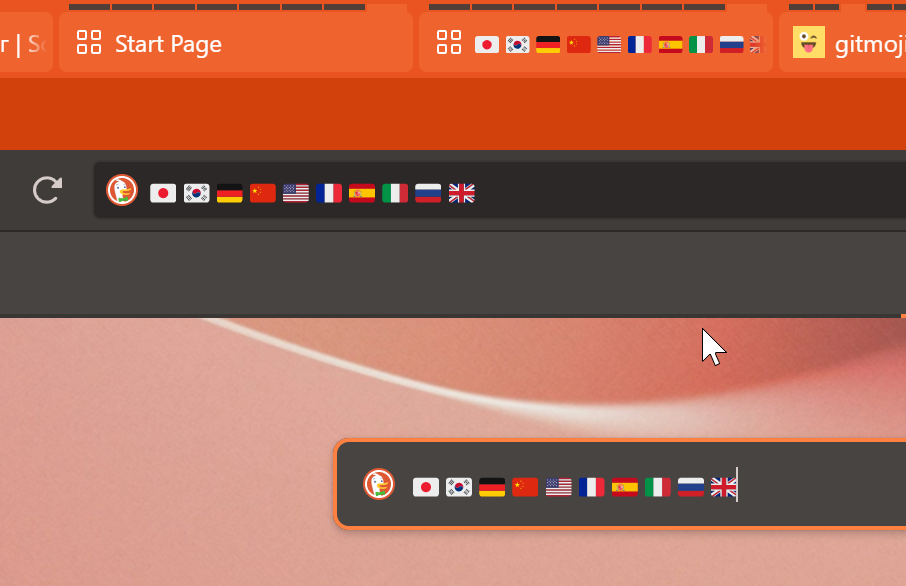
It works perfectly in Chromium-based browsers (e.g. Vivaldi):
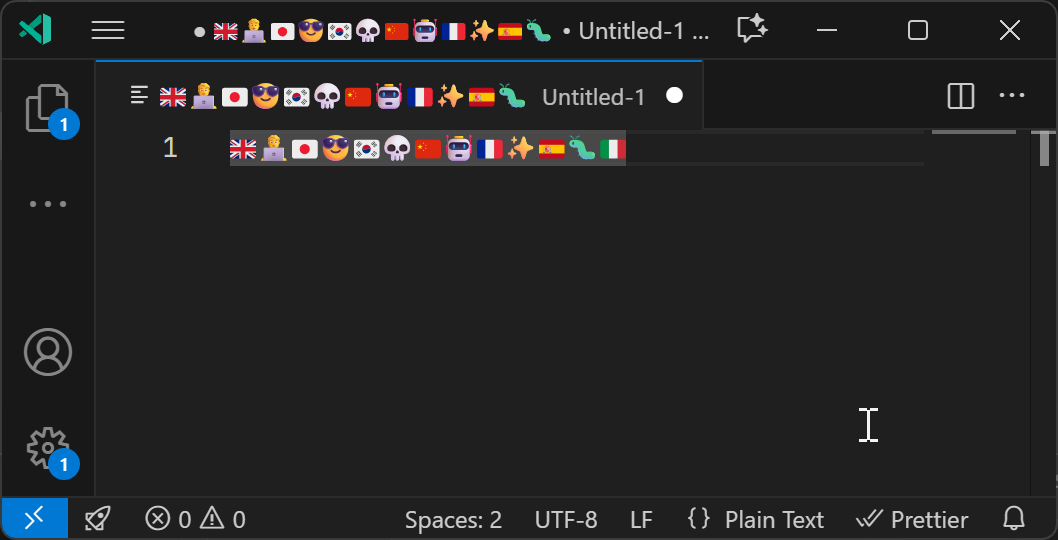
As well as all Electron-based apps (VS Code, Discord, etc):
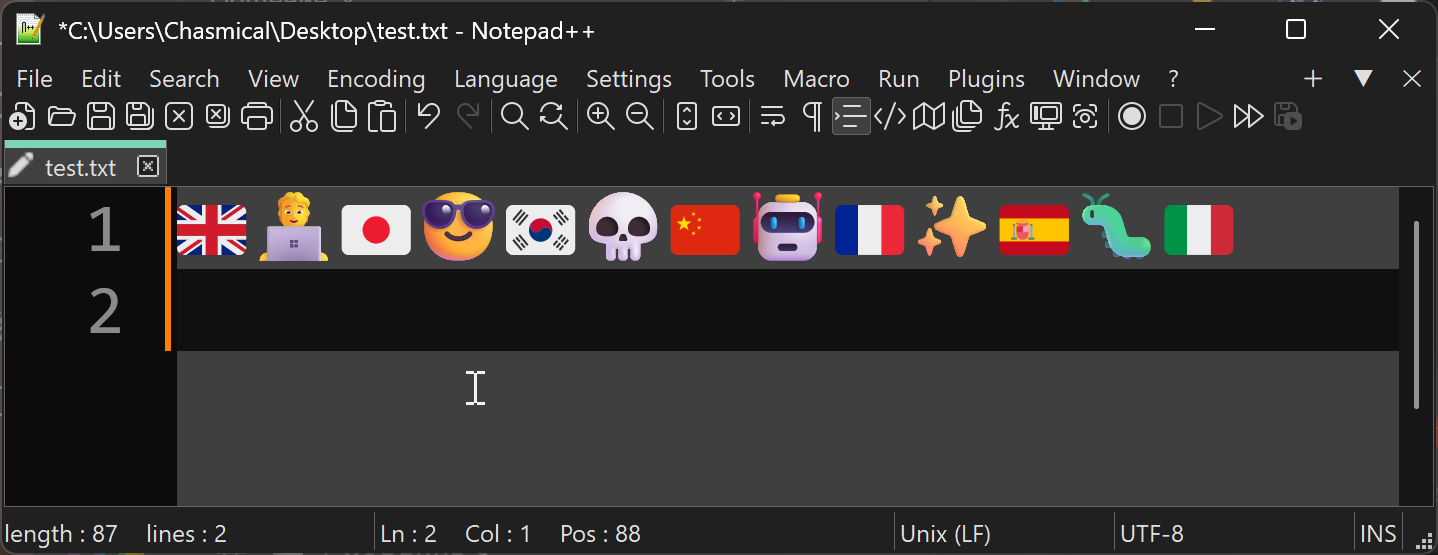
And most non-system apps (e.g. Notepad++):
It works in UWP apps too (most of modern system UI):
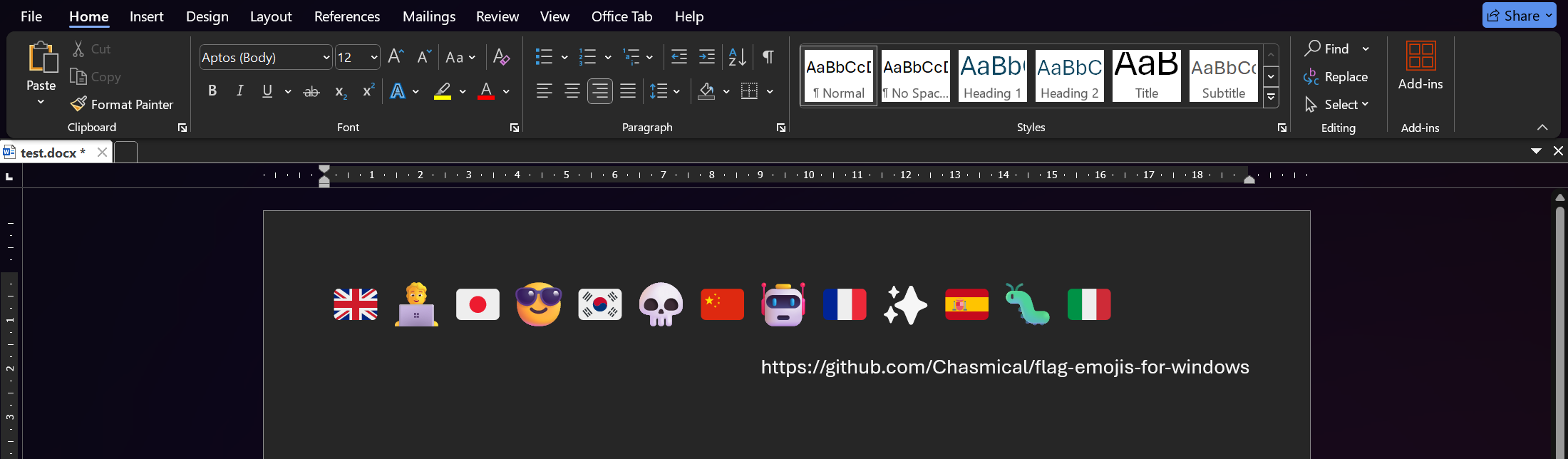
In a Microsoft Word document:
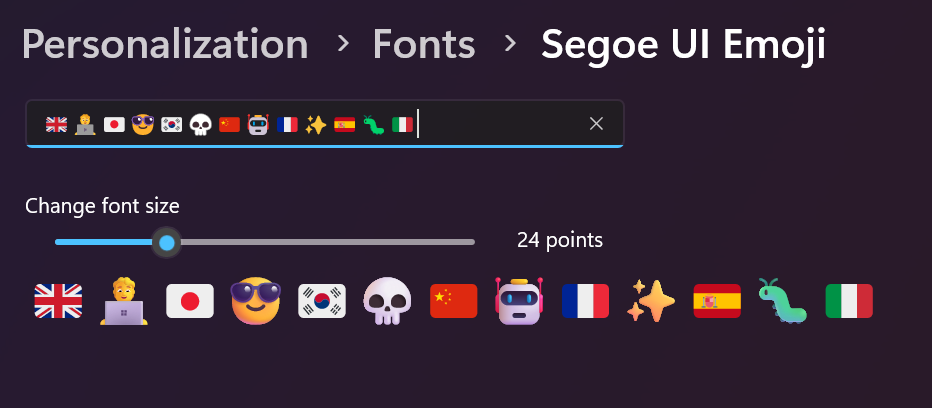
Fonts preview in "Settings > Personalizations > Fonts":
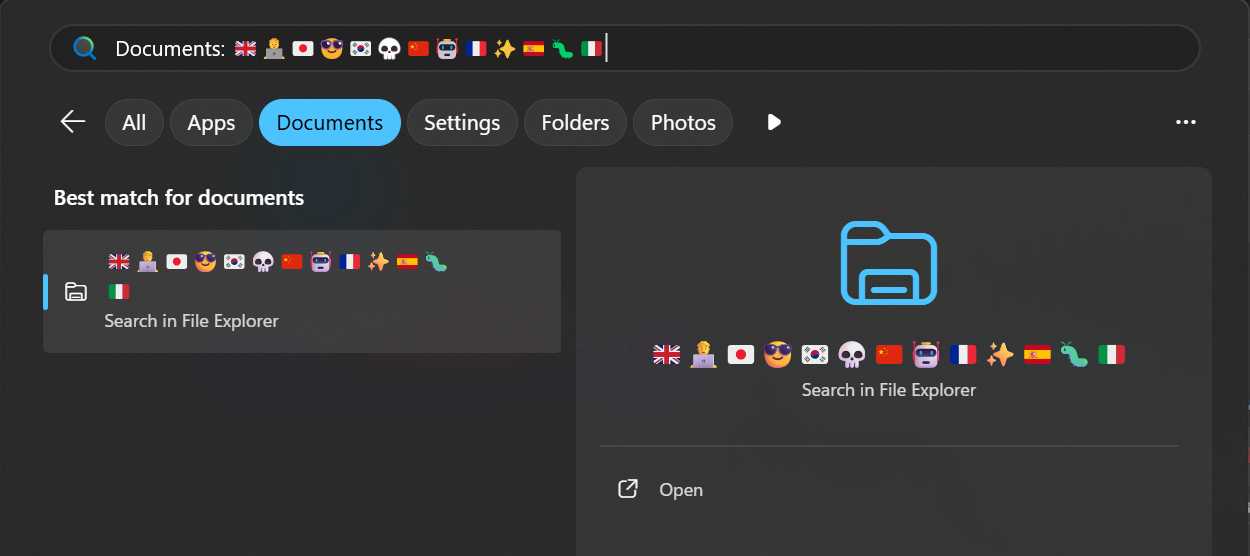
In the system Start menu:
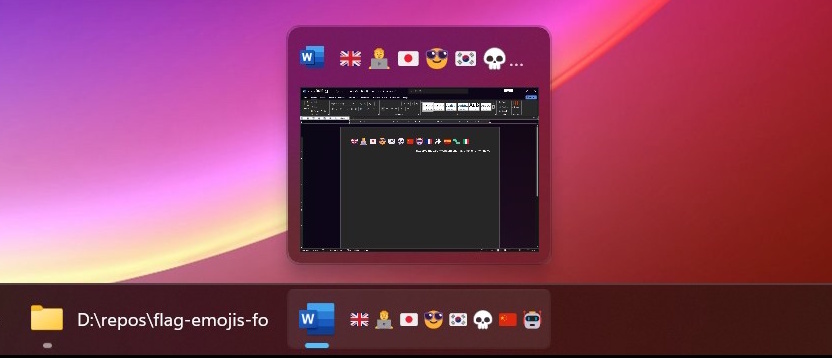
In the system task bar:
System Limitations
Country flags are uncolored in the Explorer, but so are the rest of the emojis. It must be some sort of a limitation in the system itself, if it doesn't even color Windows's own original emojis.
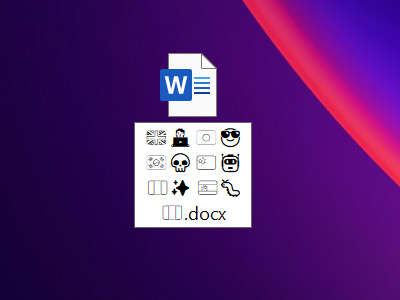
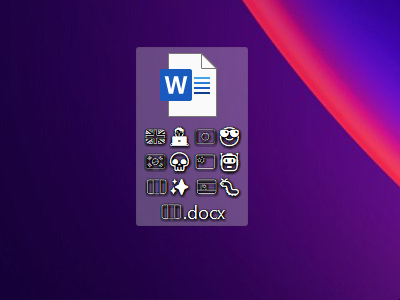
When the country flags appear invisible, you can see that the rest of emojis "downgrade" to lesser-quality versions. And when country flags are uncolored, the rest of emojis are uncolored too. So it's not something that any font can fix, — it's a limitation of the system itself. Maybe in future versions Windows will be able to render emojis consistently everywhere, but at the moment, it's the best that can be done.
Similar projects
-
perguto/Country-Flag-Emojis-for-Windowsreplaces Segoe UI Emoji with Google's Noto Color Emoji. -
quarrel/broken-flag-emojis-win11-twemojireplaces Segoe UI Emoji with Twemoji emojis.
Here are the emojis that you get in all projects, for comparison:
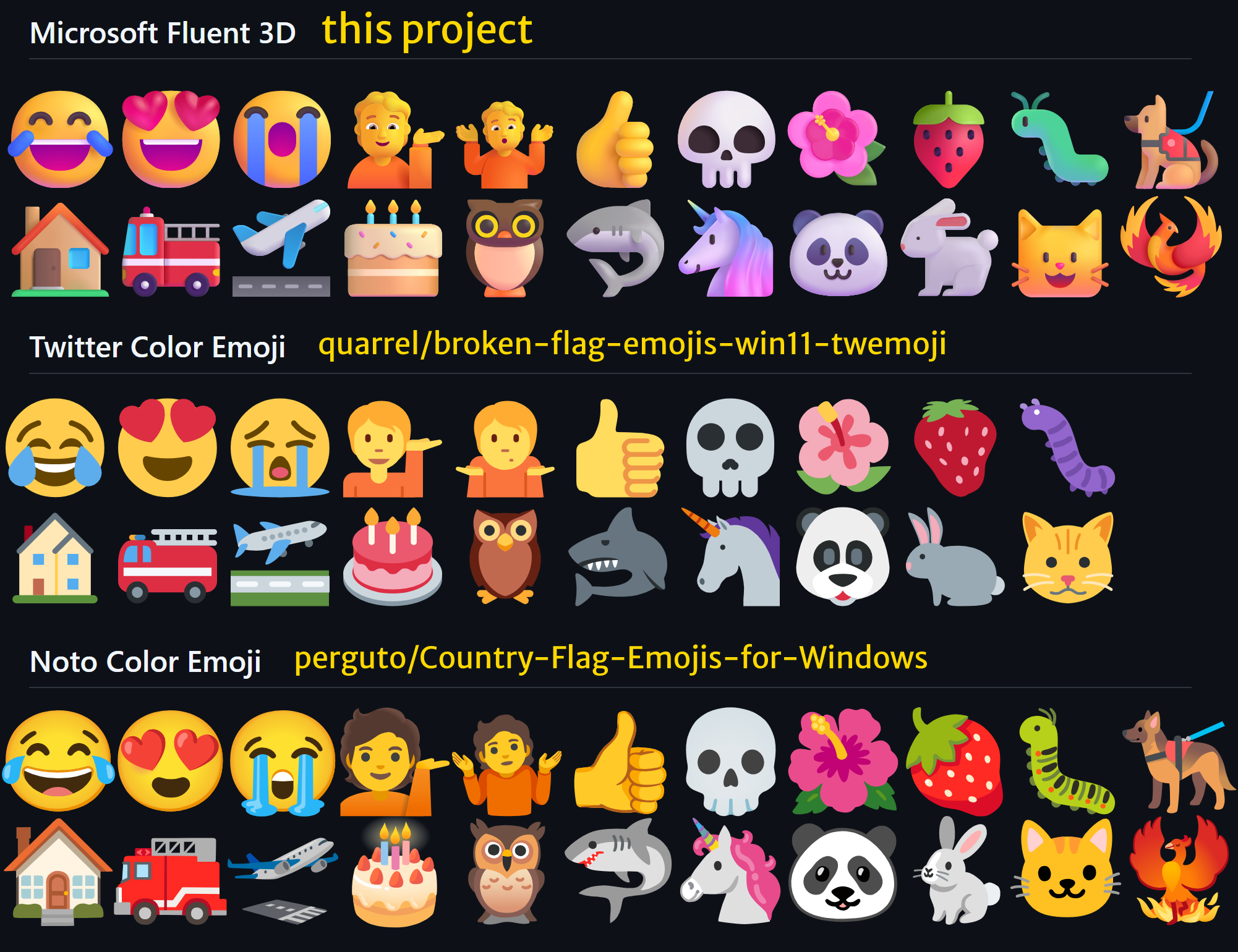
I personally prefer the original Fluent 3D set. A touch of 3D shading looks really nice and it brings some life to the emojis. Fluent 3D's people emojis have actual eyes, while others' have creepy dot eyes and blank stares. Also, as someone with entomophobia, Fluent 3D's bug emoji is the easiest to look at, and as a developer I have to look at it pretty often. And look at Fluent 3D's animals! So cute!
And here's a comparison of flags as well:
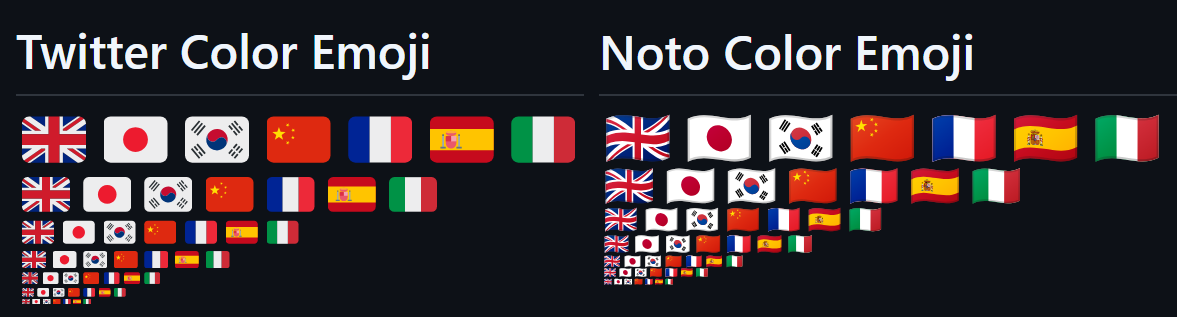
I decided to use Twitter's flag emojis, since Noto's wavy ones just look weird — straight lines become curves, circles become ovals, there's a weird gray glow around the flags, and they also don't downscale well.
How to build from scratch
The project's build process is pretty complicated and takes a long time (full run = 5 mins on 20-core CPU), so I put it all in a Makefile, to cache and reuse intermediate results. If you're on Windows, you'll need WSL to run Make and all the Unix commands.
Prerequisites
- git for cloning
jdecked/twemoji's SVG assets, - .NET SDK 10+ for running scripts and merging fonts,
- Python/pip for
nanoemojiandfonttools, [de]compiling fonts, pip install nanoemoji fonttools[lxml]- Node.js/npm for
svgo, optimizing SVG assets, npm install -g svgo- Inkscape for rasterizing SVGs into PNGs,
- ImageMagick for converting PNGs into BMPs,
- Potrace for tracing BMPs into single-color SVGs,
- HarfBuzz ≥14.2.0 (Apr 2026) for font render tests,
- And don't forget to update your
PATH.
Note
If you're on a Unix OS natively, you can run this to install all dependencies:
sudo apt-get update
sudo apt-get install make git dotnet python3 nodejs npm inkscape imagemagick potrace
sudo pip install nanoemoji fonttools[lxml]
sudo npm install -g svgo
HarfBuzz needs to be built from sources. You'll also need to get build/seguiemj.ttf from somewhere.
Commands
After installing everything, you can run these Make commands (if you're on Windows, run them in WSL):
-
make build(default) builds the font (build/merged.ttf). -
make test-varsprints the commands for the tools that will be used. -
make testrenders PNGs with all of the flags (build/tests/; configurablemake test FLAGS_PER_LINE=8). -
make cleancleans the build cache (simplyrm -rf build). -
make rebuildis a combo ofcleanfollowed bybuild.
Notes
The C# merge script I wrote is a bit janky and disorganized, since I've had to try so many different things to finally get it to work... And it probably won't work with any other fonts, despite all my attempts to keep it as generic as possible.
If you want to add emojis to Segoe UI Emoji from some other font, here's a list of resources that I found useful:
- fontTools ttx can decompile TTF into a readable and editable XML, and recompiles it back losslessly.
- OpenType's spec on Microsoft Learn explains the overall structure of a TTF file and its tables, and what different type ids mean, and etc.
- GSUB docs on FontForge clarifies some stuff about substitution lookups.
- HarfBuzz brought the project to the finish line! It not only renders font characters into the terminal, but also shows the entire textshaping process (run with option
-V). I was stuck for a while on script and feature switches, not realizing that they disable rendering the ligatures in some places.
more like this
chinese-hershey-font
Convert Chinese Characters to Single-Line Fonts using Computer Vision