deno_desktop
Windowing support for Deno WebGPU.
 DjDeveloperr
git clone https://github.com/DjDeveloperr/deno_desktop.gitDjDeveloperr/deno_desktopdeno_desktop
Windowing support for Deno WebGPU. In very early stages at the moment.
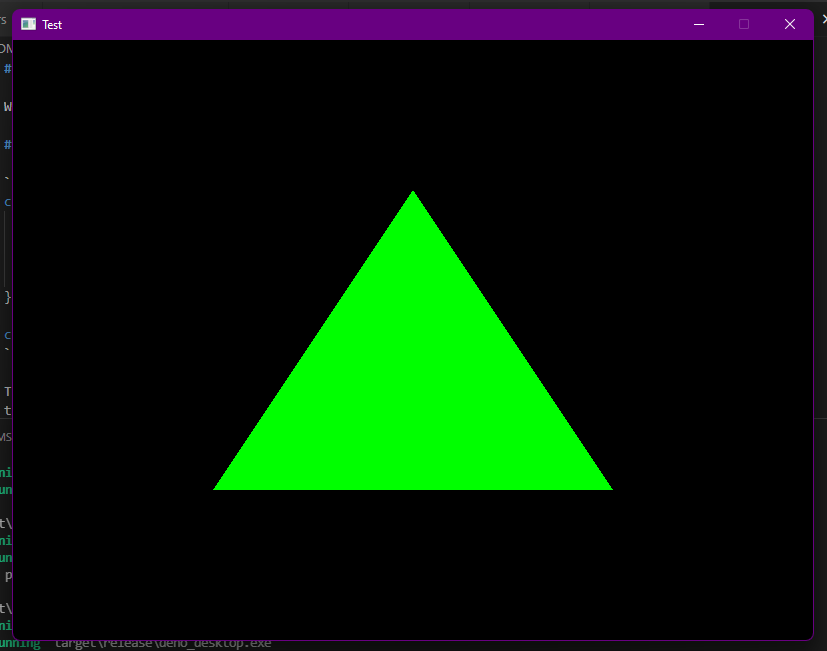
Usage
const win = Deno.createWindow({
  title: "Deno Desktop",
  width: 800,
  height: 600,
  resizable: false,
  // ...
});

const surface = win.createSurface(device);
The surface object maps to the WebGPU GPUCanvasContext object. So you first configure it
then render to the texture returned for each frame by getCurrentTexture. Do note that unlike
web implementations, you need to call surface.present() after rendering it.
You also need to go through the event loop in order to render. Deno.eventLoop() returns Async
Iterator yielding events. Mostly you'd do something like this:
for await (const event of Deno.eventLoop()) {
  if (event.type === "windowEvent" && event.windowID === win.id) {
    if (event.event.type === "closeRequested") {
      // Do any cleanup stuff before this.
      // There is an unverified bug that causes panic if we do not
      // exit manually.
      Deno.exit(0);
    }
  } else if (event.type === "redrawRequested" && event.windowID === win.id) {
    // Render things and then present them on Window.
    renderStuff();
    surface.present();
  }
}
And finally, in order to receive redrawRequested events, call win.requestRedraw
in your program's main loop.
TODO
- Try to match Web API. Such as not having to call
present. - Complete the
winitbindings.
Notes
- I'm currently using a fork of Deno in this. It is to export some private structs in order to
extend WebGPU API. Also, the fork uses an updated version of
wgpuas of now. - Debug builds seem to be locked at 30 fps usually, while release builds are 60 fps in same test.
License
Check LICENSE for more info.
Copyright 2021 @ DjDeveloperr
more like this
aperture
WebGPU-only, ECS-native 3D runtime where simulation is authoritative and rendering is a derived view.