moxon-frame-generator
simple generator for 3D-printed frames for a moxon rectangle antenna
OpenSCAD★ 50
WSPR daemon for RTL receivers
 Guenael
git clone https://github.com/Guenael/rtlsdr-wsprd.gitGuenael/rtlsdr-wsprd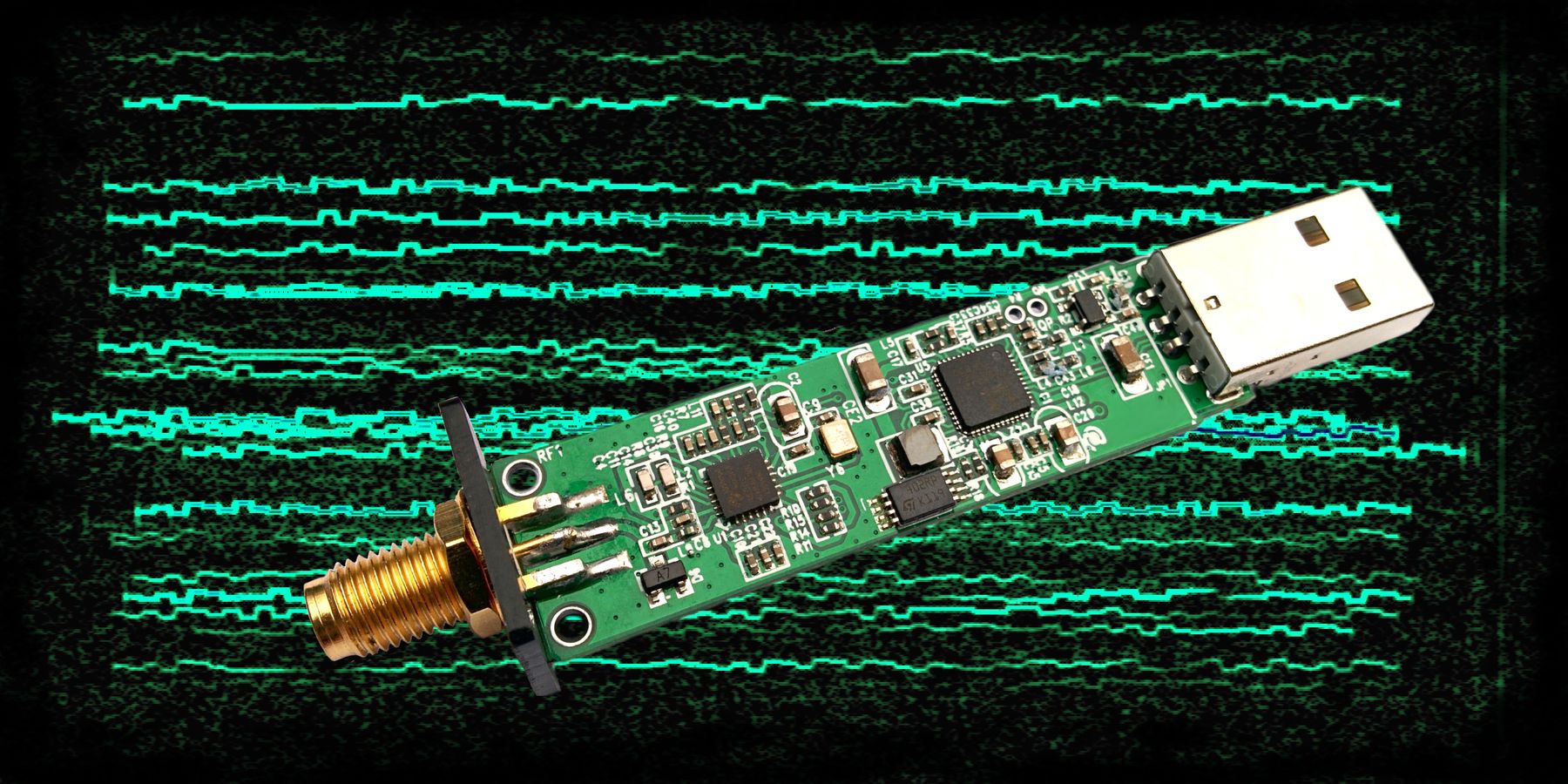

This project aim at decoding WSPR signals using an RTL device, usually connected to a Raspberry Pi. To install and use your dongle on a Raspberry Pi with a Raspberry Pi OS, follow these steps:
echo "== Install dependencies"
sudo apt-get update && sudo apt-get -y install build-essential clang cmake libfftw3-dev libusb-1.0-0-dev libcurl4-gnutls-dev help2man ntp git

echo "== Install rtl-sdr library (on RPi, don't use your distro package)"
git clone https://github.com/osmocom/rtl-sdr
cd rtl-sdr
mkdir -p make
cd make
cmake -DCMAKE_INSTALL_PREFIX:PATH=/usr -DINSTALL_UDEV_RULES=ON -DENABLE_ZEROCOPY=ON -DDETACH_KERNEL_DRIVER=ON -Wno-dev ..
make
sudo make install
cd ../..

echo "== Install rtlsdr-wsprd"
git clone https://github.com/Guenael/rtlsdr-wsprd
cd rtlsdr-wsprd
make
sudo make install

echo "== Start/test rtlsdr-wsprd"
rtlsdr_wsprd -f 2m -c A1XYZ -l AB12cd -g 29
This non-interactive application allows automatic reporting of WSPR spots on WSPRnet. The initial idea was to allow a small computer like a Raspberry Pi and a RTL-SDR device to send WSPR reports for VHF/UHF bands. This kind of lightweight setup could run continuously without maintenance and help to get additional propagation reports. The code is massively based on Steven Franke (K9AN) implementation of Joe Taylor (K1JT) publication and work.
This application written in C does:
Install a Linux compatible distro on your device.
For Raspberry Pi, you can download official images here.
It's a good practice to update your OS. With Pi OS, run this command as usual:
sudo apt-get update && sudo apt-get upgrade
Install dependencies & useful tools (for example, NTP for time synchronization). Example with a Debian based OS, like Rasbian, or Raspberry Pi OS:
sudo apt-get update && sudo apt-get -y install build-essential clang cmake libfftw3-dev libusb-1.0-0-dev libcurl4-gnutls-dev help2man ntp git
Install rtl-sdr library manually. Do not use the librtlsdr-dev package on Raspberry PiOS. There is a know bug with this lib and rtlsdr_wsprd will not be able to get enough samples (don't decode anything & 100% CPU pattern).
git clone https://github.com/osmocom/rtl-sdr
cd rtl-sdr
mkdir -p make
cd make
cmake -DCMAKE_INSTALL_PREFIX:PATH=/usr -DDETACH_KERNEL_DRIVER=ON -Wno-dev ..
make
sudo make install
cd ../..
Note: You may have to re-plug you dongle if it was already connected, or play with udev if not automatically detected. For example, you can apply sudo udevadm control --reload-rules to force a re-scan. If you still have some issues, check this page: SDR udev rules.
Clone this repository:
git clone https://github.com/Guenael/rtlsdr-wsprd
Build the application:
cd rtlsdr-wsprd
make
sudo make install
Finally, start the application with the right parameters/options for you (frequency, callsign, locator etc... Fake example below):
rtlsdr_wsprd -f 2m -c A1XYZ -l AB12cd -g 29
As an alternative to the above steps, a pre-built container image containing rtlsdr-wsprd is available for use with Docker or Podman.
The RTL DVB kernel modules must first be blacklisted on the host running the container. RTL-SDR itself is not required on the host running the container. This can be permanently accomplished using the following commands:
echo 'blacklist dvb_usb_rtl28xxu' | sudo tee /etc/modprobe.d/blacklist-dvb_usb_rtl28xxu.conf
sudo modprobe -r dvb_usb_rtl28xxu
If the modprobe -r command errors, a reboot is recommended to unload the module.
You can then start the container with the right parameters/options for you (frequency, callsign, locator etc... Fake example below):
docker run --rm -it --pull=always --device=/dev/bus/usb ghcr.io/guenael/rtlsdr-wsprd:latest -f 2m -c A1XYZ -l AB12cd -g 29
/opt/vc/bin/tvservice -o
Most of RTL dongles use a cheap crystal, and frequency drift can effect the decoding & performance. The use of no-name RTL dongle for VHF/UHF bands usually require crystal modification, for a better one. External clock could be also used, like GPSDO or rubidium reference clock, aligned on 28.8MHz.
Some manufacturers integrate a 0.5ppm TCXO. It's the best second option, after an external clock. Based on my personal experience:
Some performance tests using:
clang -O3 -std=gnu17| Hardware | Supported | RX Load | Decode burst |
|---|---|---|---|
| RPi-1 | ✔️ | 23.2% | 8.4s |
| RPi-2 | ✔️ | 13.5% | 4.1s |
| RPi-3 | ✔️ | 10.9% | 2.1s |
| RPi-4 | ✔️ | 5.8% | 1.1s |
| PC (i7-5820K) | ✔️ | 1.7% | 0.5s |
more like this
simple generator for 3D-printed frames for a moxon rectangle antenna
A C and C++ decompilation of the NES games "Super Mario Bros" and "Super Mario Bros: The Lost Levels"
search projects, people, and tags