XcodeTheme
My Xcode theme - Sundell's Colors
 JohnSundell
git clone https://github.com/JohnSundell/XcodeTheme.gitJohnSundell/XcodeTheme🎨 My Xcode theme - Sundell's Colors
This repository contains the Xcode theme that I use. Feel free to use it or modify it to your liking 👍
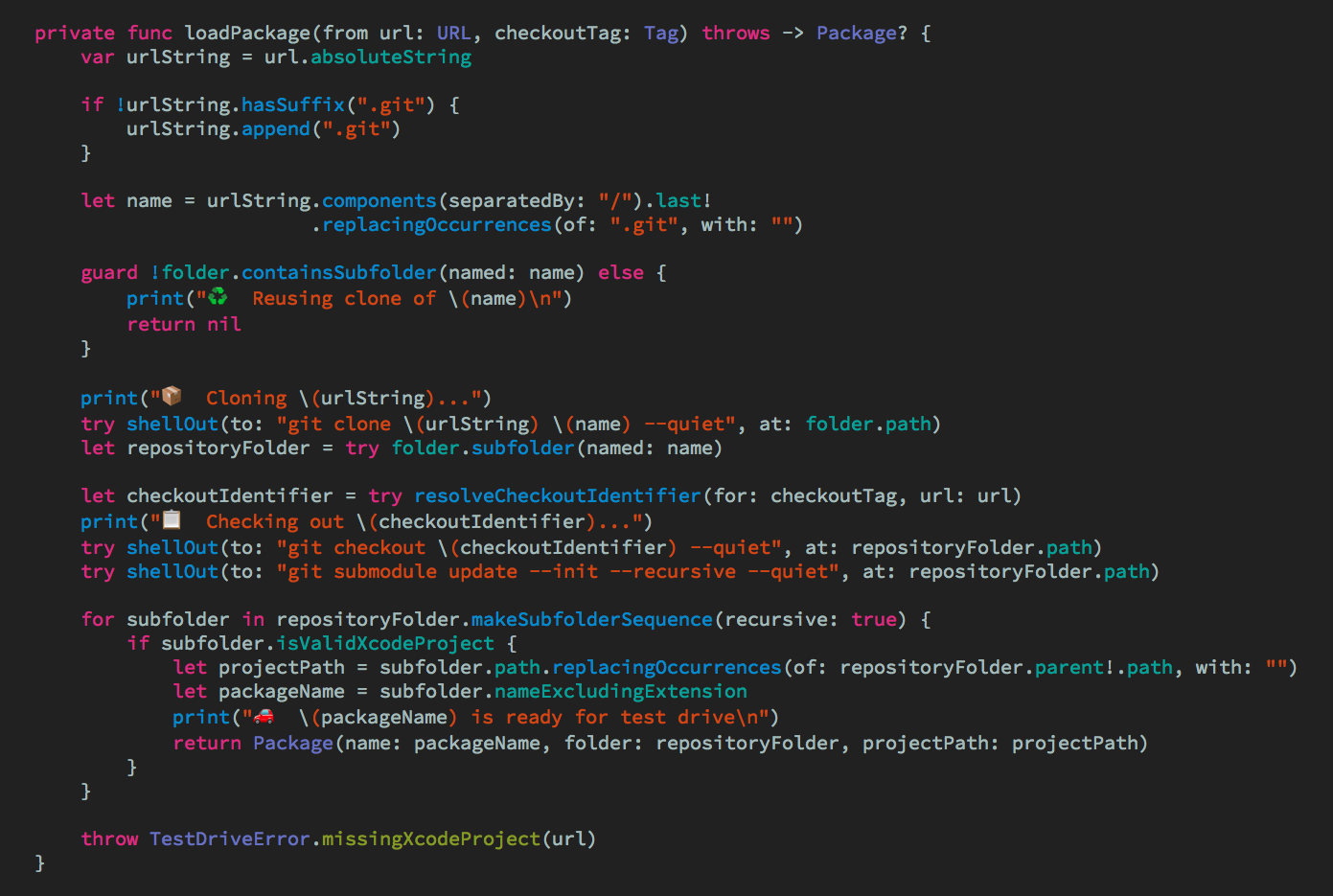
Installing using Swift Package Manager
The easiest way to install this Xcode theme is to clone this repo and execute swift run:
$ git clone https://github.com/JohnSundell/XcodeTheme.git
$ cd XcodeTheme
$ swift run
This will install Adobe's Source Code Pro font and this Xcode theme for you. Afterward, you can remove the downloaded folder:
$ cd ..
$ rm -rf XcodeTheme
Installing manually
You can also choose to do things manually if you want:
- Clone this repo:
$ git clone https://github.com/johnsundell/xcodetheme.git
- Create a folder at this path if it doesn't exist already:
~/Library/Developer/Xcode/UserData/FontAndColorThemes
-
Copy the file
SundellsColors.xccolorthemeinto the above folder. -
Download the latest release of Source Code Pro from its repo.
-
Unzip the font archive and move the files in the
TTFfolder to~/Library/Fonts. -
Should've used the install script, right? 😉
Attributions
This Xcode theme is the result of years of tweaks and modifications to some version of a "Solarized" theme. I have no idea where I got the original material for this theme from, but if you recognize some aspect of this theme as coming from something you made, feel free to open an issue and I'll gladly add attributions to you 🙂
more like this
gns3theme
Custom color themes for GNS3 GUI. Built-in schemes, custom JSON themes, device symbols. Supports Linux and macOS.
Aritim-Light
A Light theme for both KDE and GTK based distros, pleasant to the eyes and perfect for your daily workload.