img2ascii
🏞️ A command-line tool for converting images to ASCII art
 JosefVesely
C★ 72⑂ 5 forksMITupdated 2 months ago
git clone https://github.com/JosefVesely/img2ascii.gitJosefVesely/img2asciiREADME.mdfork it — it’s yours

A command-line tool for converting images to ASCII art
🛠️ Installation
# Clone the repository
git clone https://github.com/JosefVesely/img2ascii

# Navigate to the project directory
cd img2ascii

# Compile the program
make
🚀 Usage
Run using the following syntax:
img2ascii [options] -i <FILE> [-o <FILE>]
Options:
| Short | Long | Parameter | Description |
|---|---|---|---|
| -i | --input | File | Path of the input image file (required) |
| -o | --output | File | Path of the output file |
| -w | --width | Number | Width of the output image |
| -c | --chars | String | Characters to be used for the ASCII image |
| -p | Print the output to the console | ||
| -r | --reverse | Reverse the string of characters |
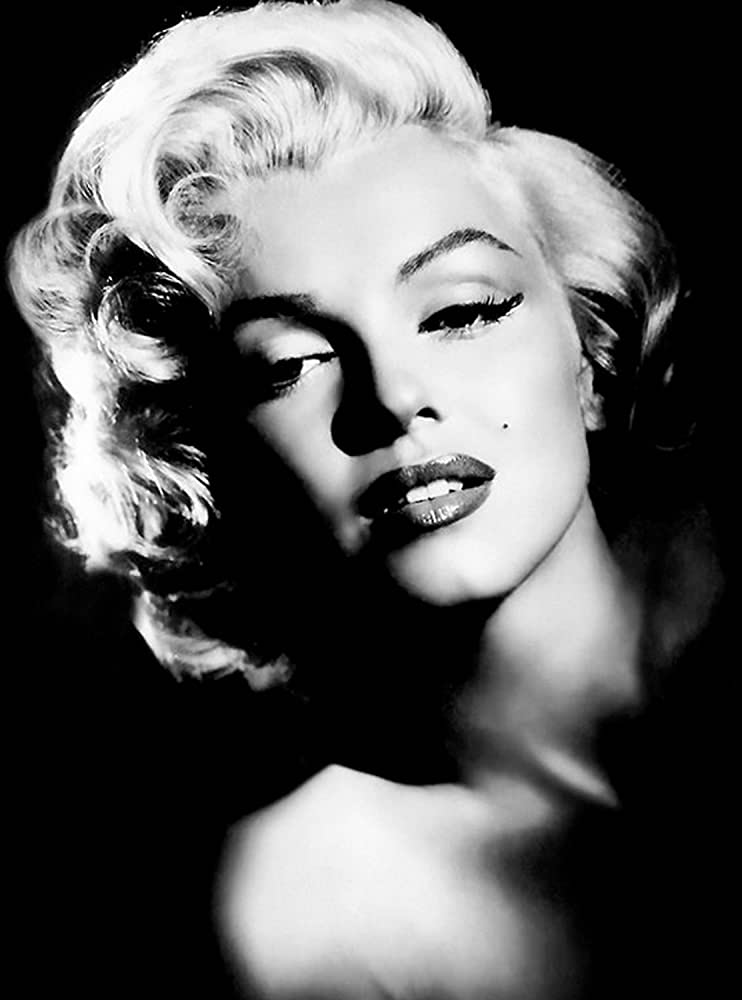
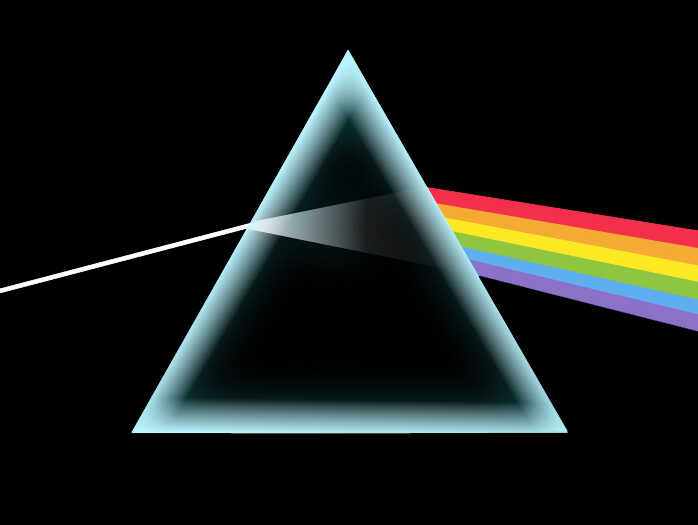
🧩 Examples
| Input | Output |
|---|---|
 |
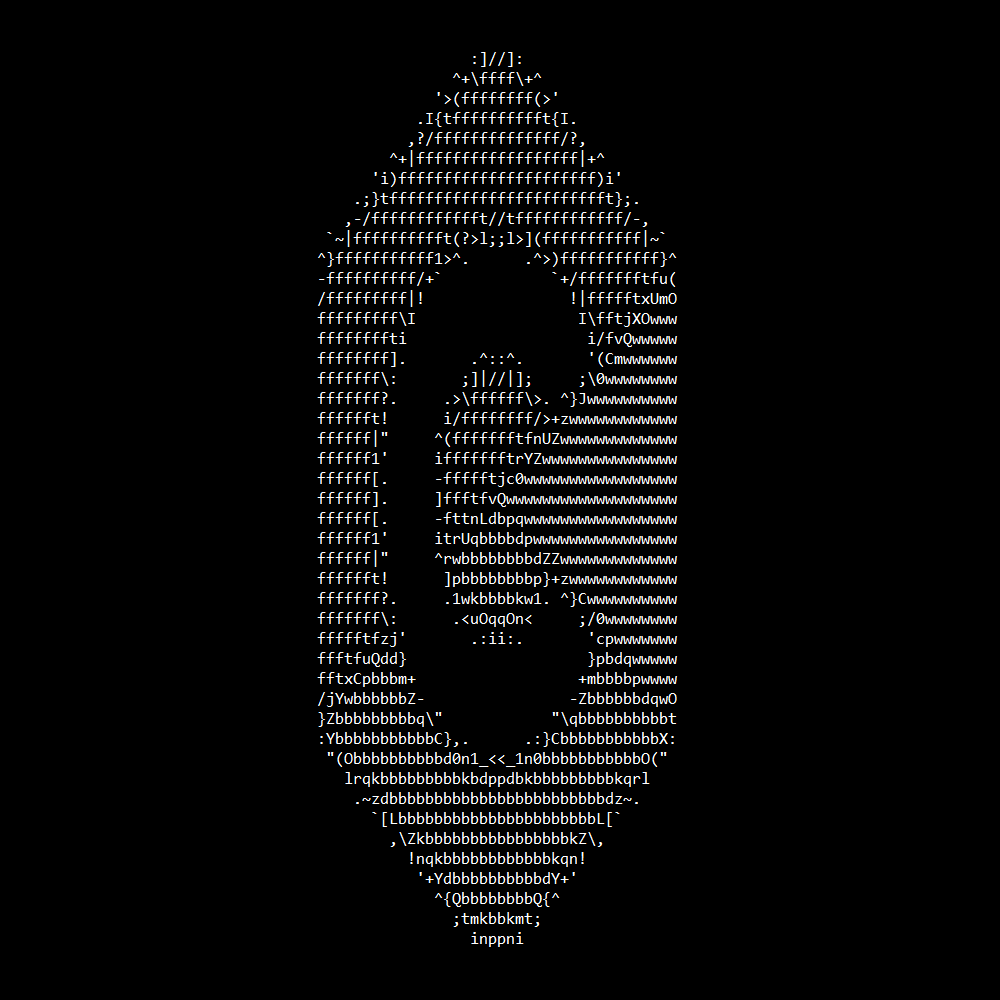 |
img2ascii -i images/c.png -w 40 -p |
|
 |
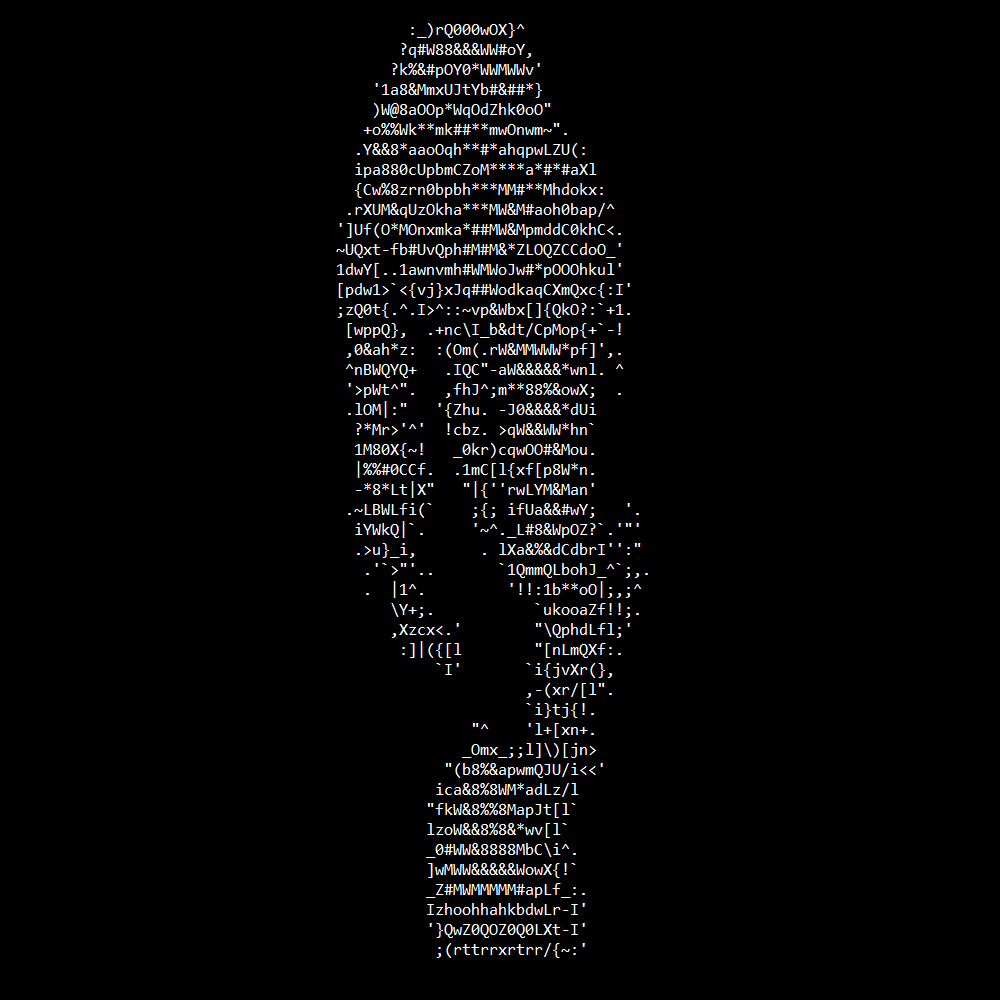 |
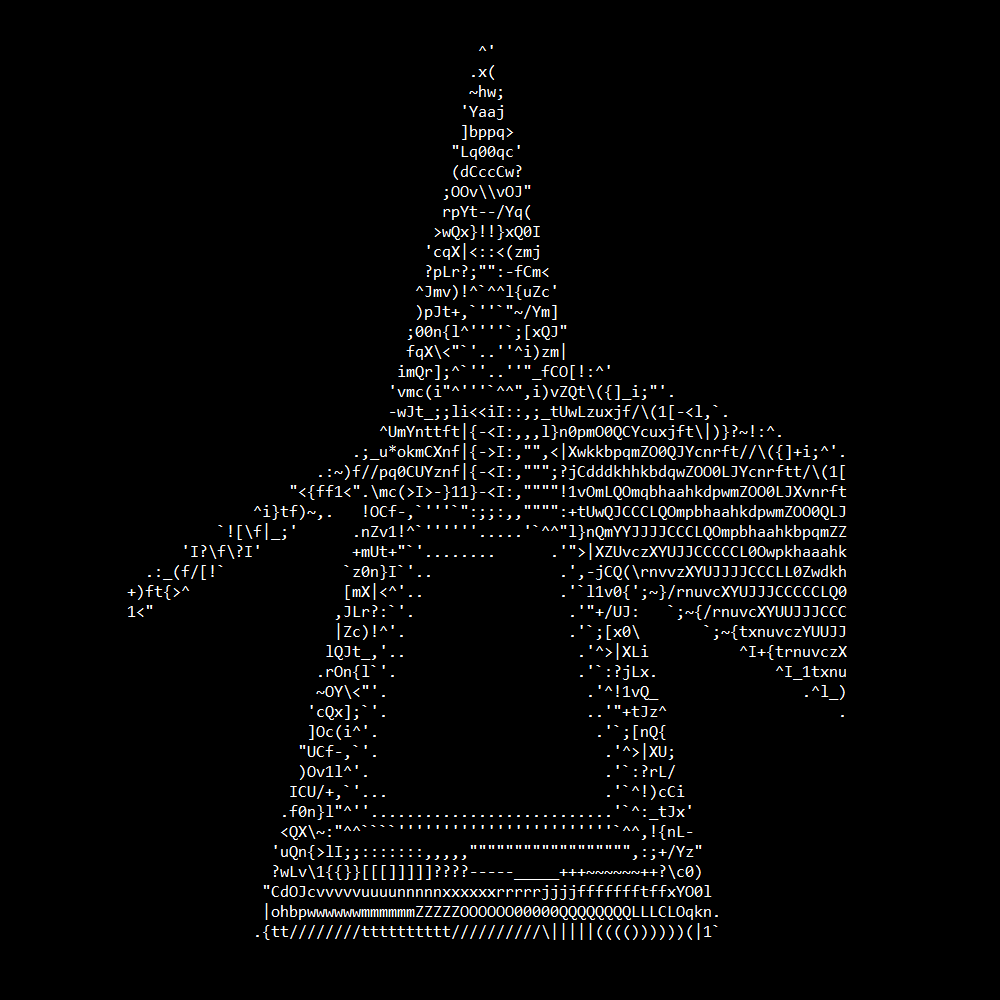
img2ascii -i images/monroe.jpg -w 35 -p -r |
|
 |
 |
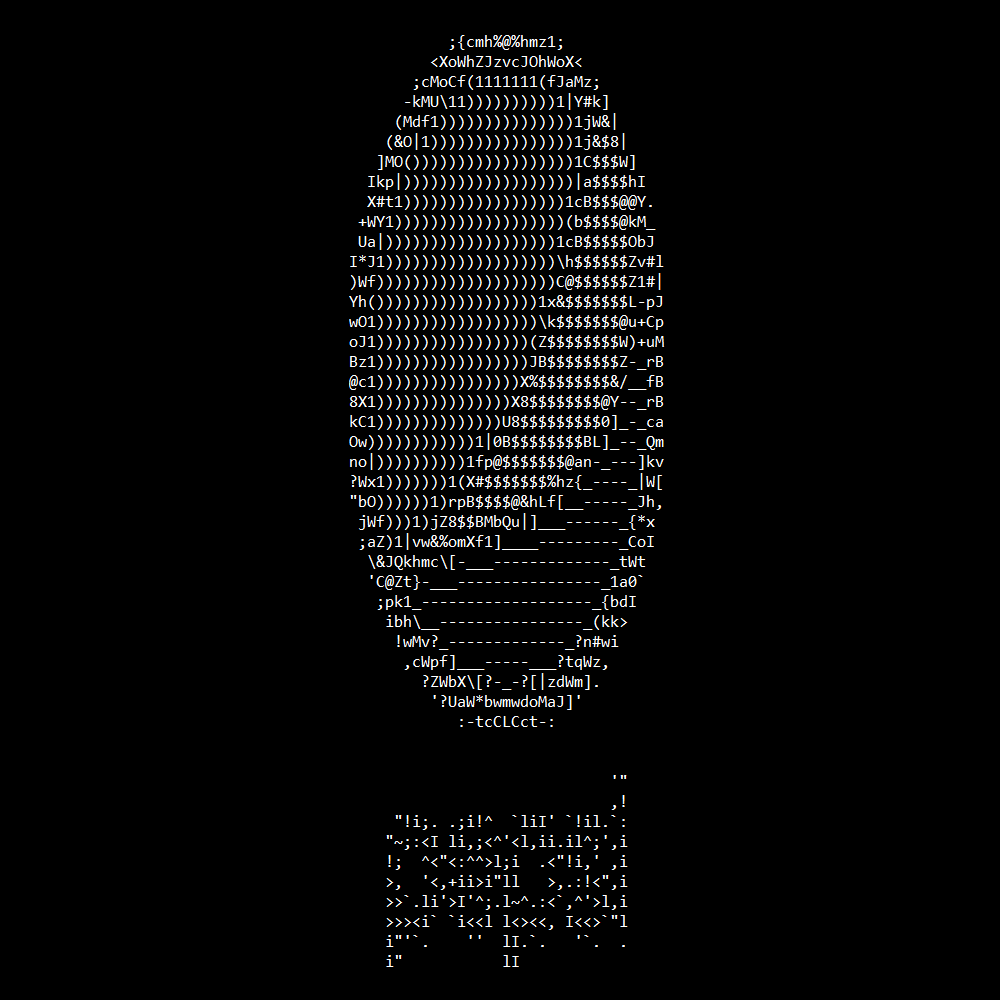
img2ascii -i images/pink_floyd.jpg -w 80 -p -r |
|
 |
 |
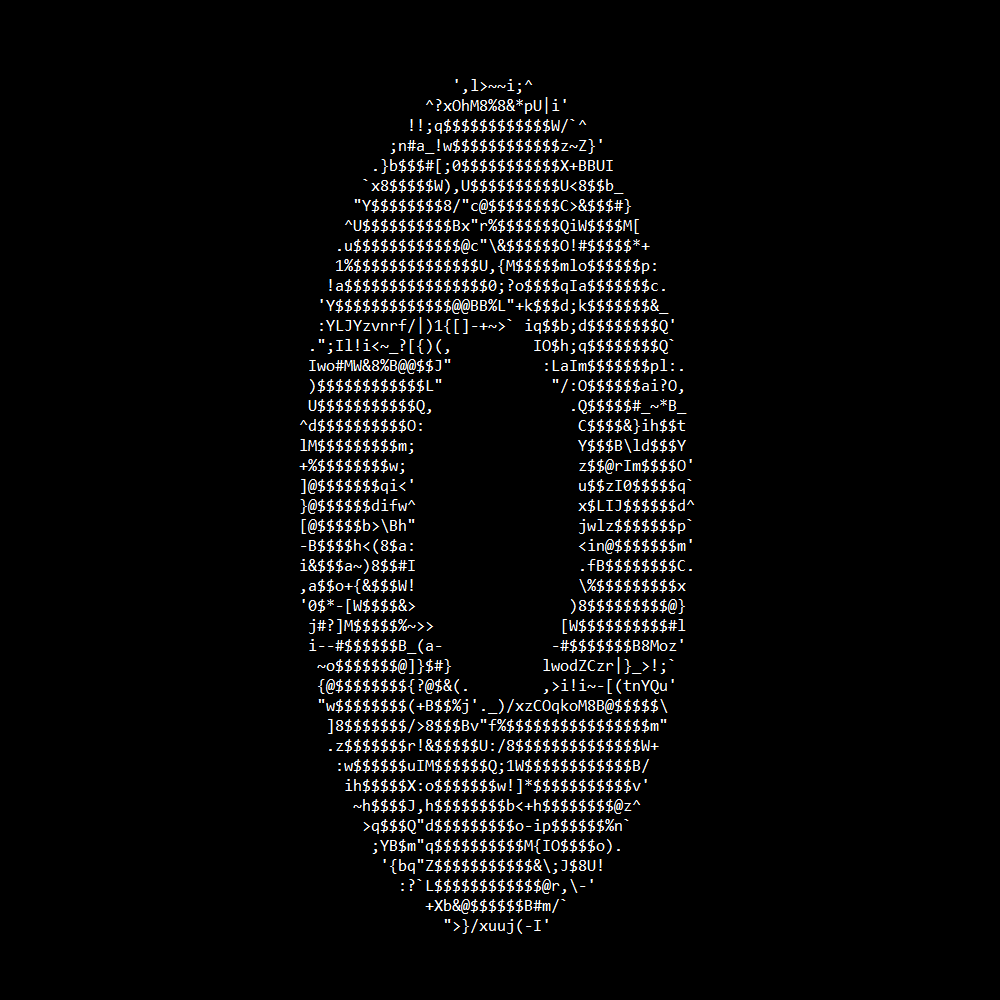
img2ascii -i images/pepsi.png -w 35 -p -r |
|
 |
 |
img2ascii -i images/aperture.jpg -w 50 -p |
🧪 Compatibility
The supported image file formats are PNG, JPEG and BMP
This program has been tested and works on the following operating systems:
- Windows 11
- Linux Mint 22
🤝 Contributing
Contributions are welcome! Feel free to open an issue or submit a pull request
📜 License
This project is licensed under the MIT License
more like this