xmb-bigscreen
XMB for Plasma BigScreen, console-like fullscreen launcher for living room gamepad users
QML★ 50
A minimal, open-source Android TV launcher featuring WiFi data usage widget, an inbuilt OLED friendly screensaver, and…
 LeanBitLab



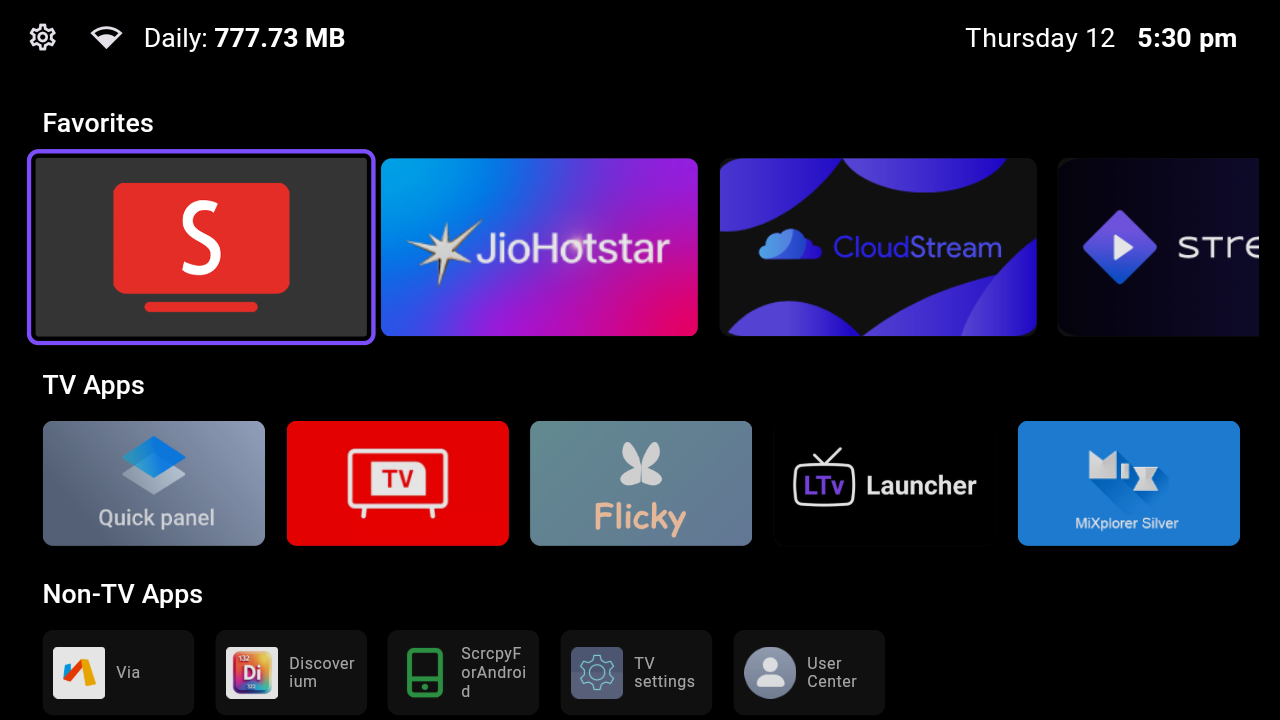
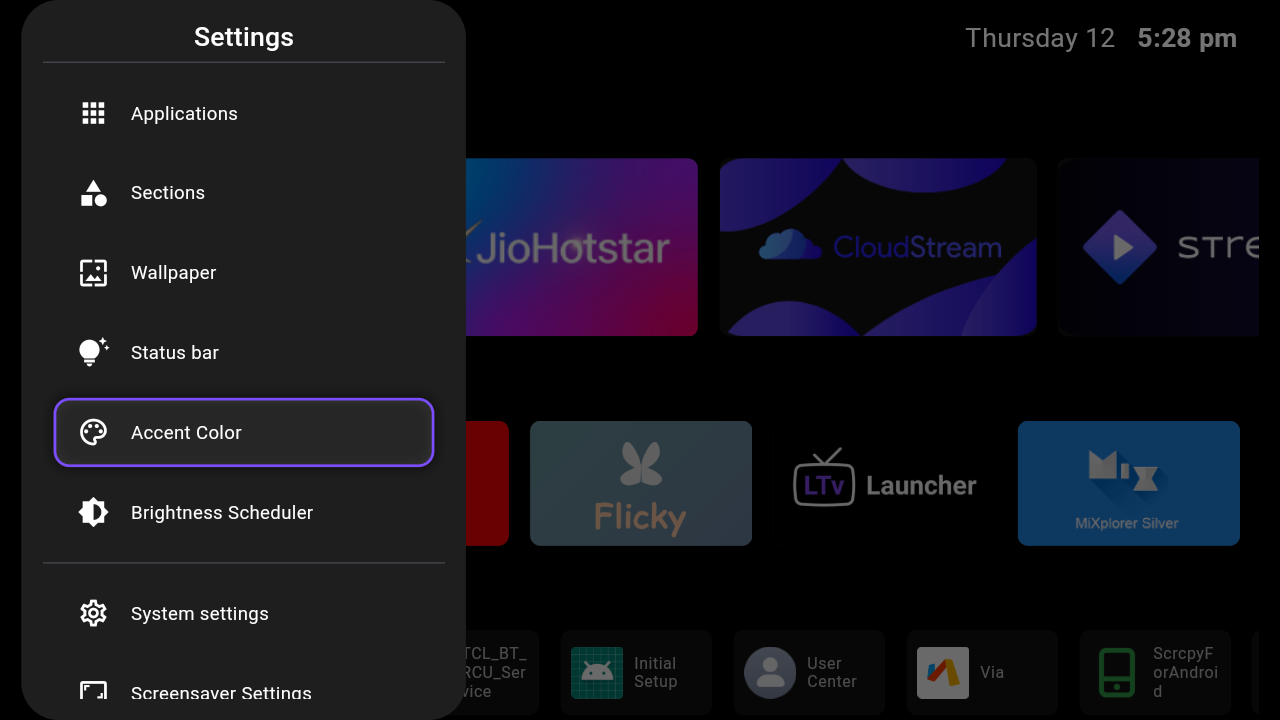
LTvLauncher is a fork of FLauncher (originally by etienn01) - an open-source alternative launcher for Android TV.
This customized version introduces usability enhancements and some UX improvements by LeanBitLab.


| Home Screen | Settings 1 | Settings 2 | Settings 3 | Screensaver |
 |
 |
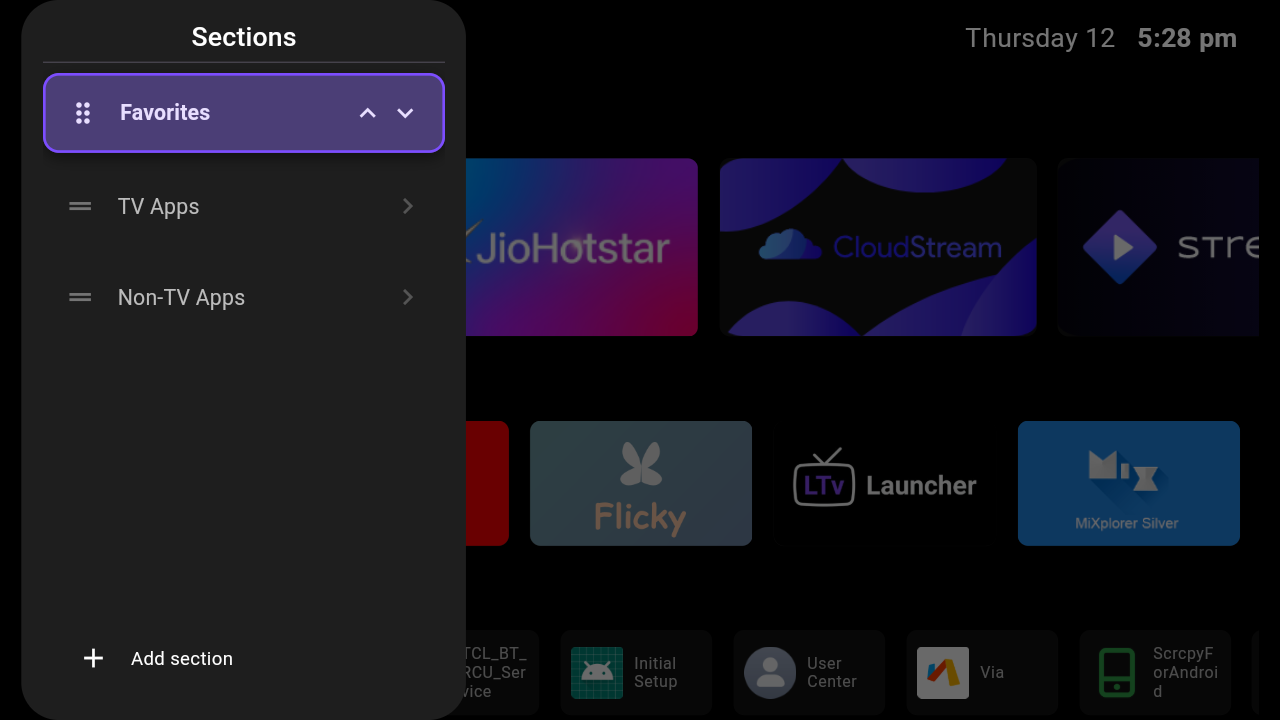 |
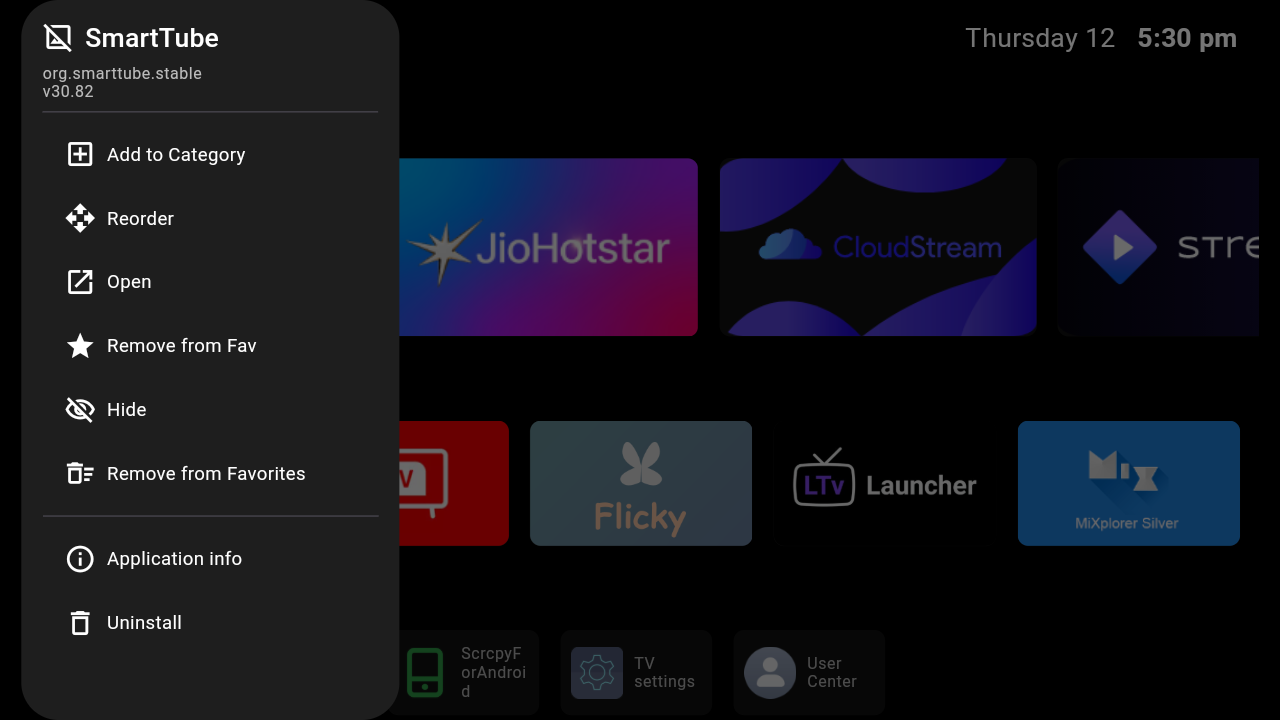 |
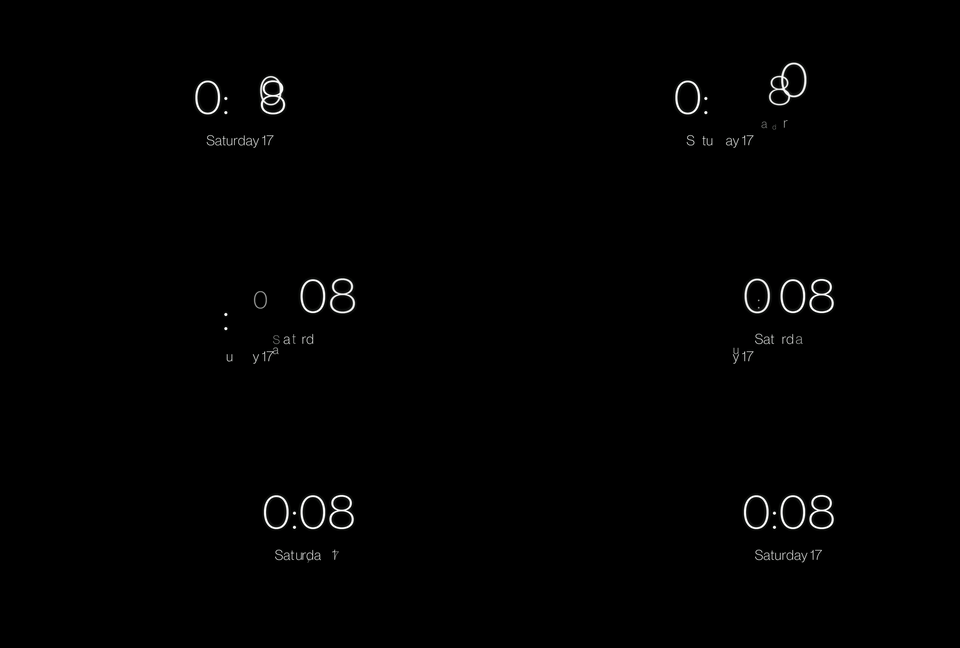 |
WRITE_SETTINGS permission via ADB).Warning
Brightness Scheduler is an experimental feature. It is currently untested across all devices and may be removed or modified in future versions based on user feedback.
armeabi-v7a, arm64-v8a, and x86_64 devices.This is the easiest and native way. Go to Settings -> Accessibility -> Set as default launcher. This will open the system home picker or default apps settings directly where you can select LTvLauncher as your default home app.
If your device blocks changing the default launcher (common on Google TV and newer Fire TV updates), you can use our built-in Home Button Fix:
This is another fallback if the built-in options don't suit your setup. Use Key Mapper to remap the Home button of the remote to launch LTvLauncher.
⚠️ Disclaimer ⚠️
You are doing this at your own risk, and you'll be responsible in any case of malfunction on your device.
The following commands have been tested on Chromecast with Google TV only. This may be different on other devices.
Once the default launcher is disabled, press the Home button on the remote, and you'll be prompted by the system to choose which app to set as default.
# Disable com.google.android.apps.tv.launcherx which is the default launcher on CCwGTV
$ adb shell pm disable-user --user 0 com.google.android.apps.tv.launcherx
# com.google.android.tungsten.setupwraith will then be used as a 'fallback' and will automatically
# re-enable the default launcher, so disable it as well
$ adb shell pm disable-user --user 0 com.google.android.tungsten.setupwraith
$ adb shell pm enable com.google.android.apps.tv.launcherx
$ adb shell pm enable com.google.android.tungsten.setupwraith
On Chromecast with Google TV (maybe others), the "YouTube" remote button will stop working if the default launcher is disabled. As a workaround, you can use key Mapper to remap it correctly.
Because Android's WallpaperManager is not available on some Android TV devices, FLauncher implements its own wallpaper management method.
Please note that changing wallpaper requires a file explorer to be installed on the device in order to pick a file.
Check out our other projects: 👉 LeanBitLab Projects
more like this
XMB for Plasma BigScreen, console-like fullscreen launcher for living room gamepad users
Launcher and management utility for running an Astroneer Dedicated Server on Linux using WINE
search projects, people, and tags