xmb-bigscreen
XMB for Plasma BigScreen, console-like fullscreen launcher for living room gamepad users
QML★ 50
Switch to different gamepad modes using a gamepad as input. Re-use old gamepads that don't support USB connections or m…
 Loc15
Loc15git clone https://github.com/Loc15/PicoGamepadConverter.gitLoc15/PicoGamepadConverterPicoGamepadCoverter is a project designed for RP2040, RP2350 or Raspberry Pi Pico and variants, that enabling switch to different gamepad modes using a gamepad as input. Re-use old gamepads that don't support USB connections or make compatibles with certain platform.
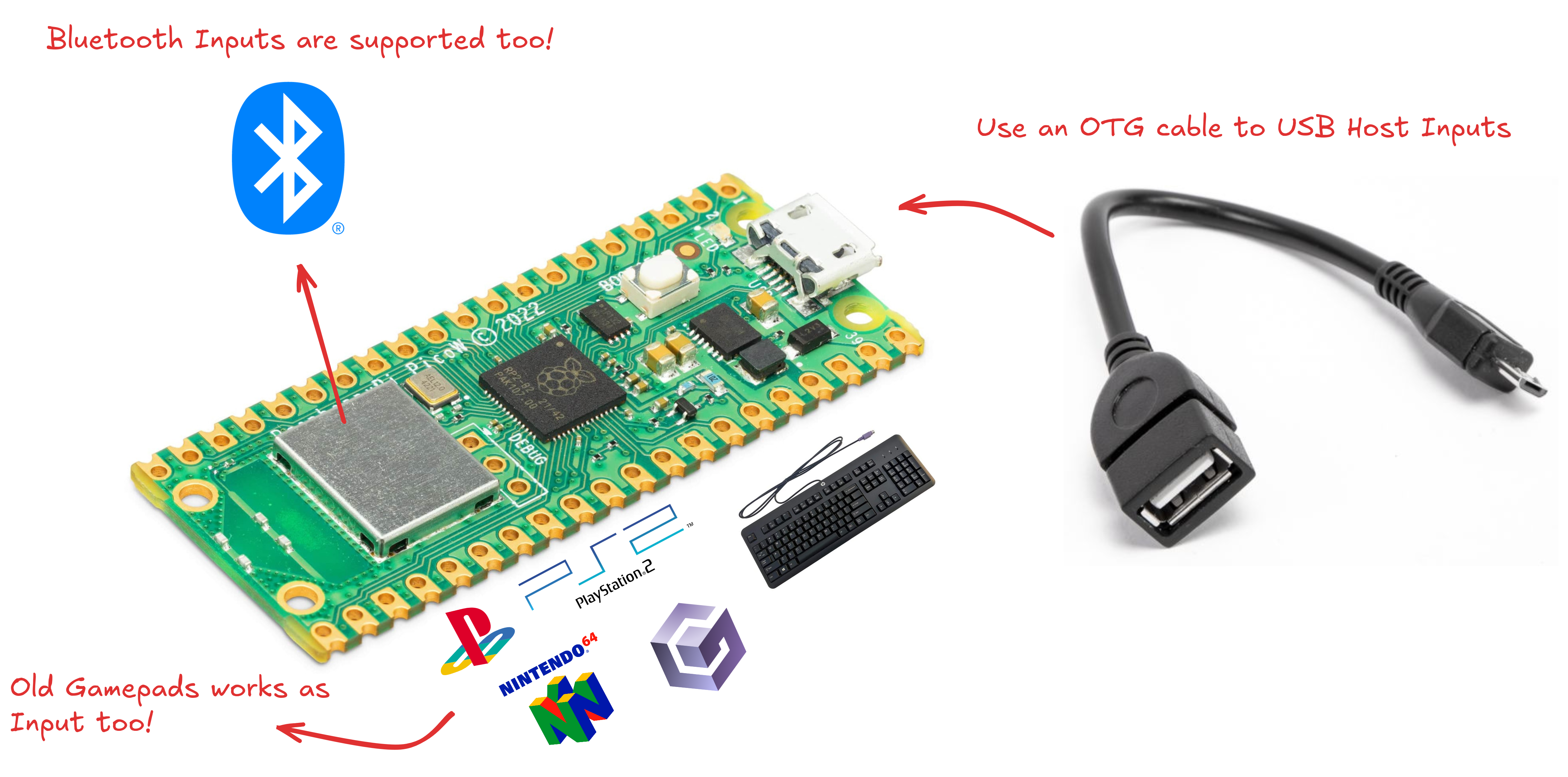
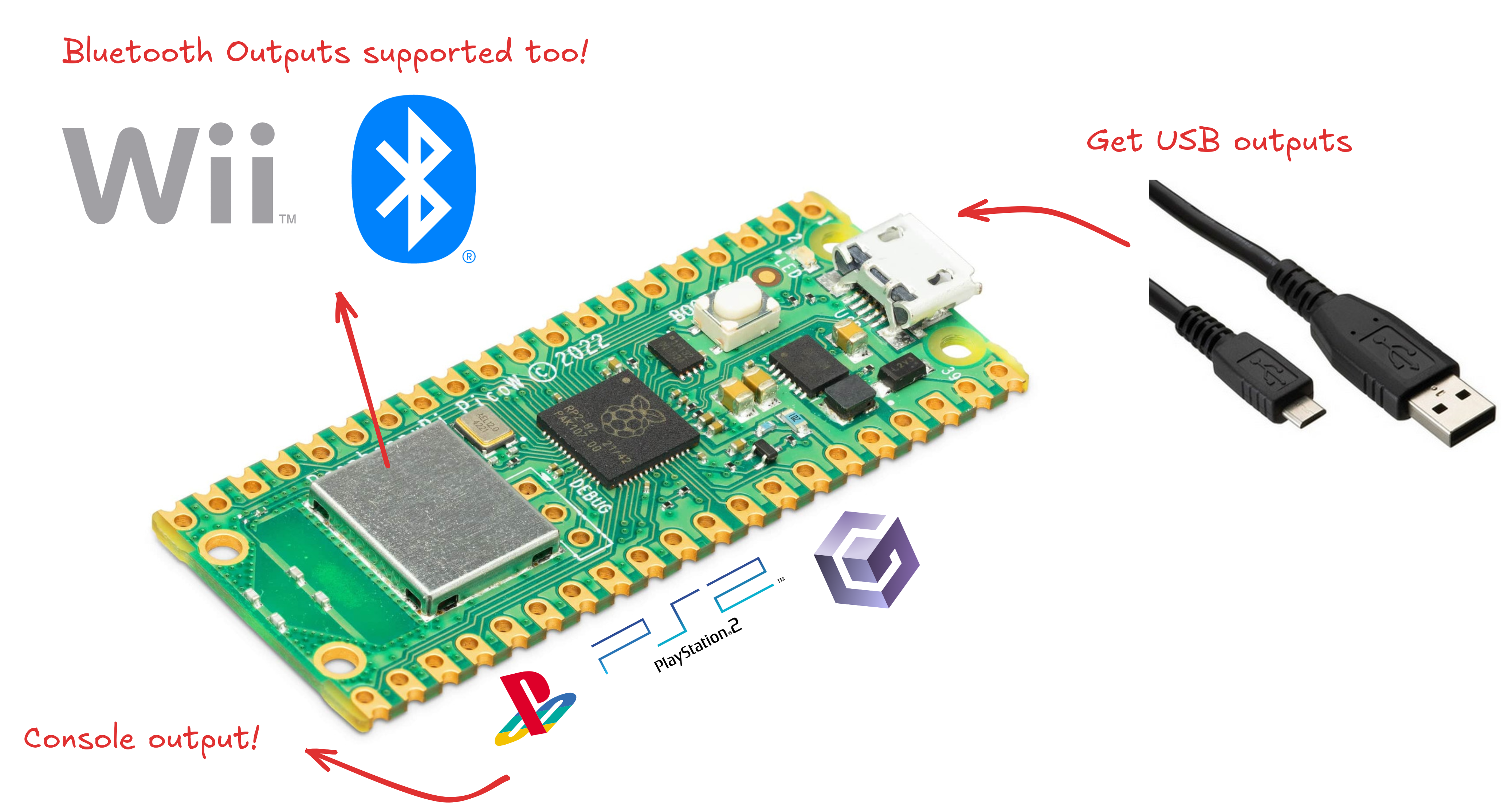
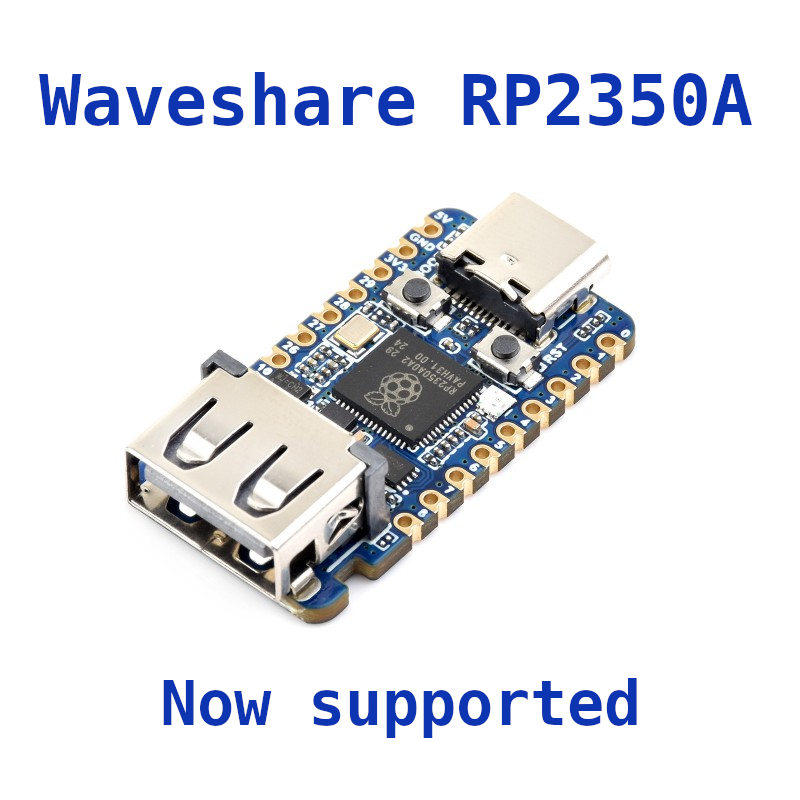 (https://www.waveshare.com/rp2350-usb-a.htm)
To get started with PicoGamepadConverter, follow the steps below:
Download the build program and copy on the microcontroller.
Make the connections.
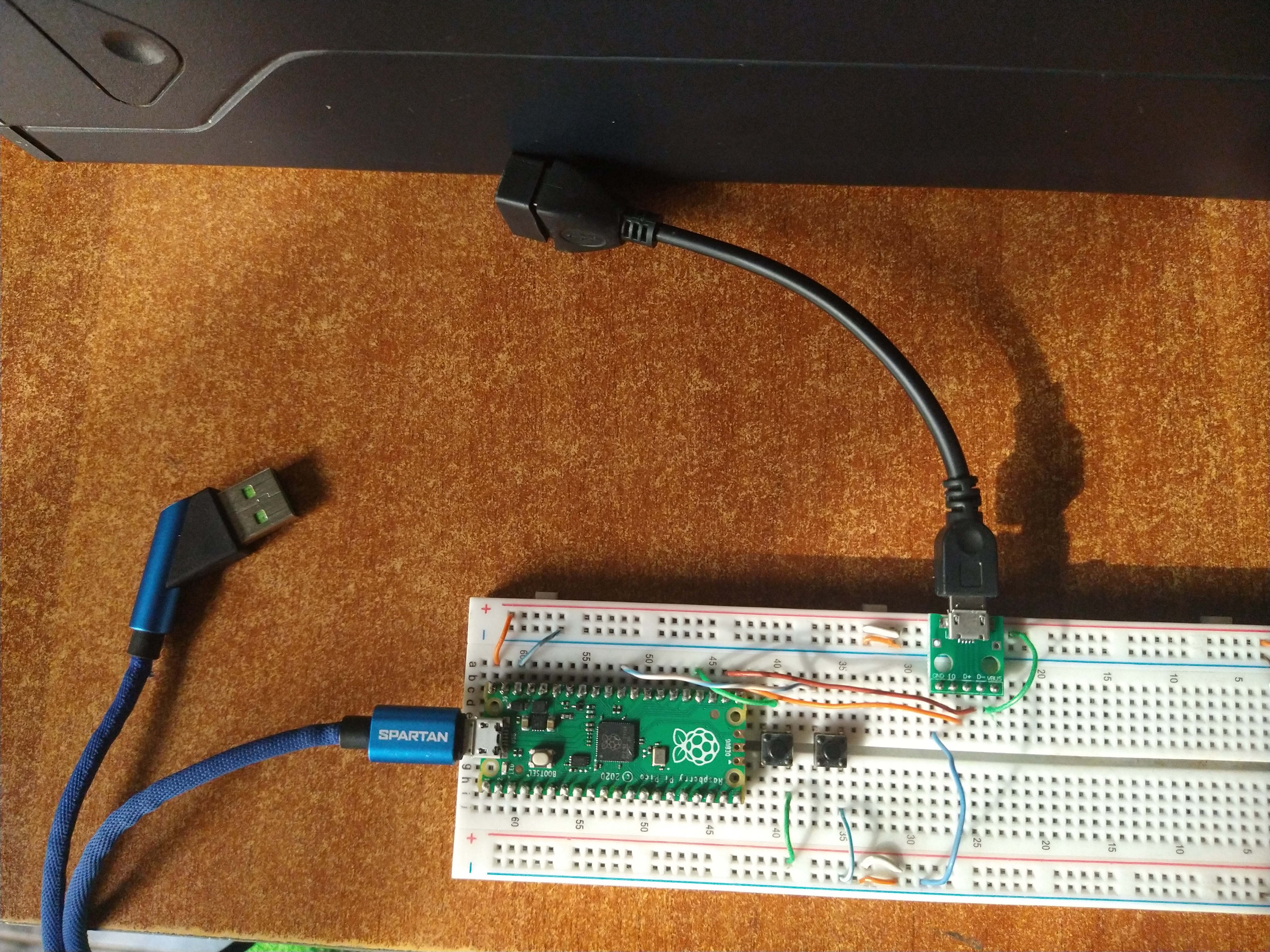
Go to configuration mode pressing the BOOSTEL button after you power on the pico. On WEB mode the LED start to blink.
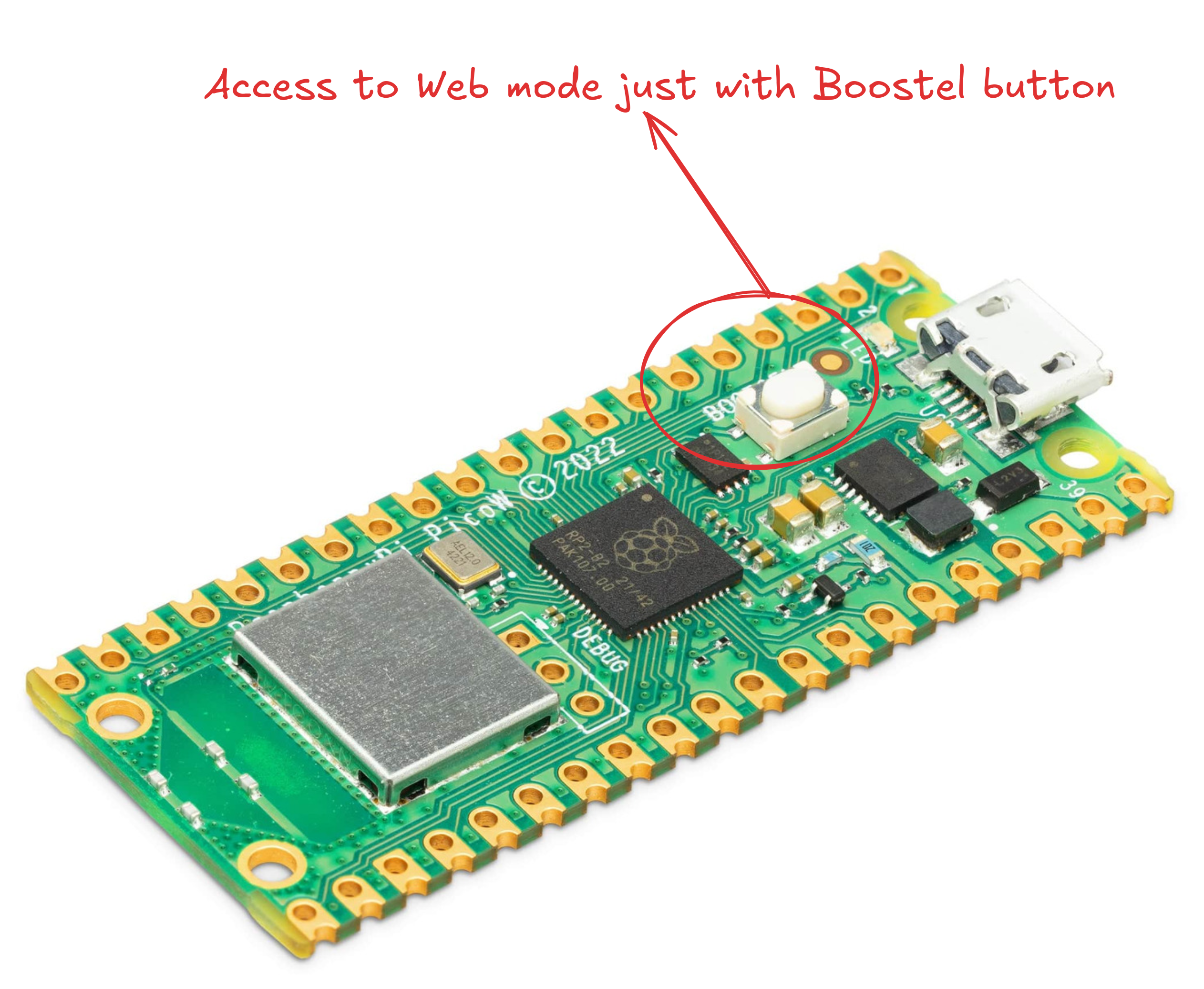
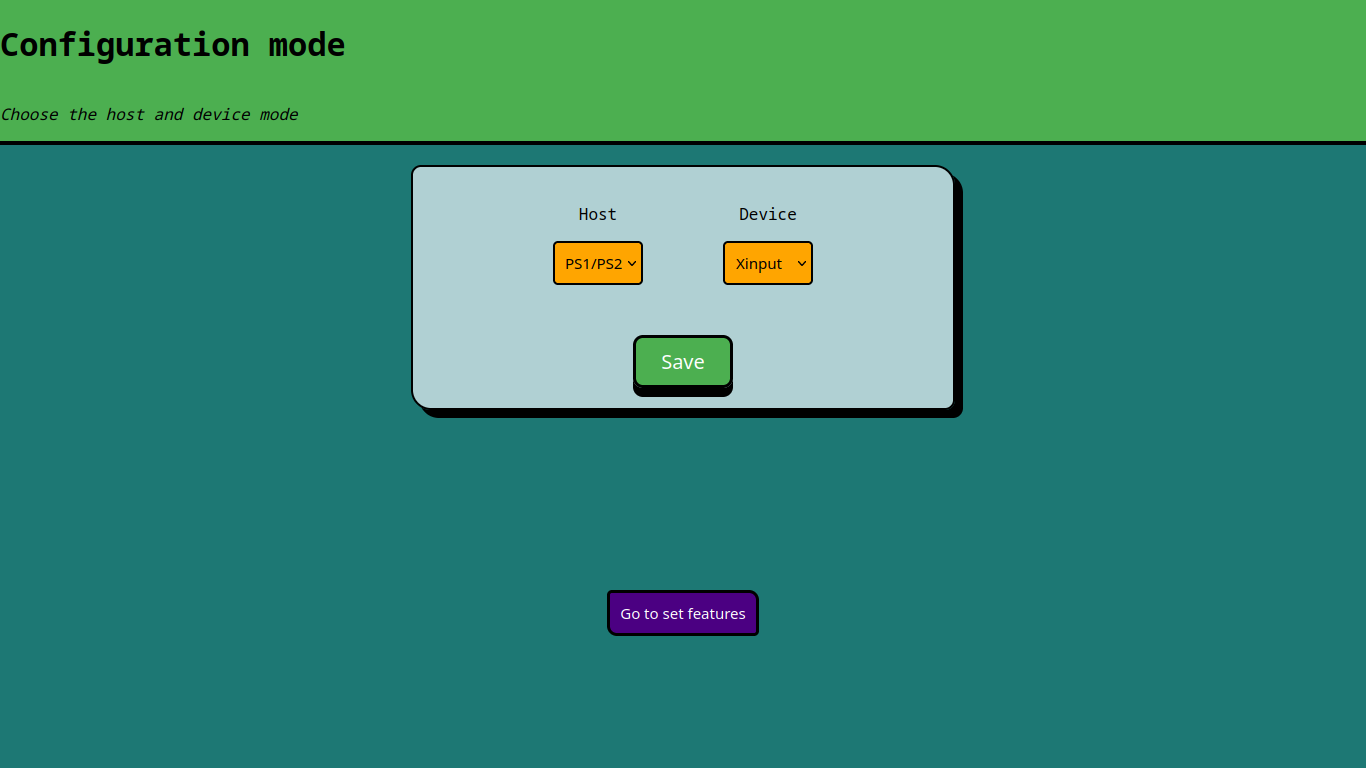
Connect your gamepad, when it connected successfully the LED on the board gonna turn on.
Enjoy!
The LED onboard indicates that a gamepad has been mounted successfully, it works on all host modes except Keyboard PS/2
The additional USB female connector PINS are 16 and 17 GPIO.
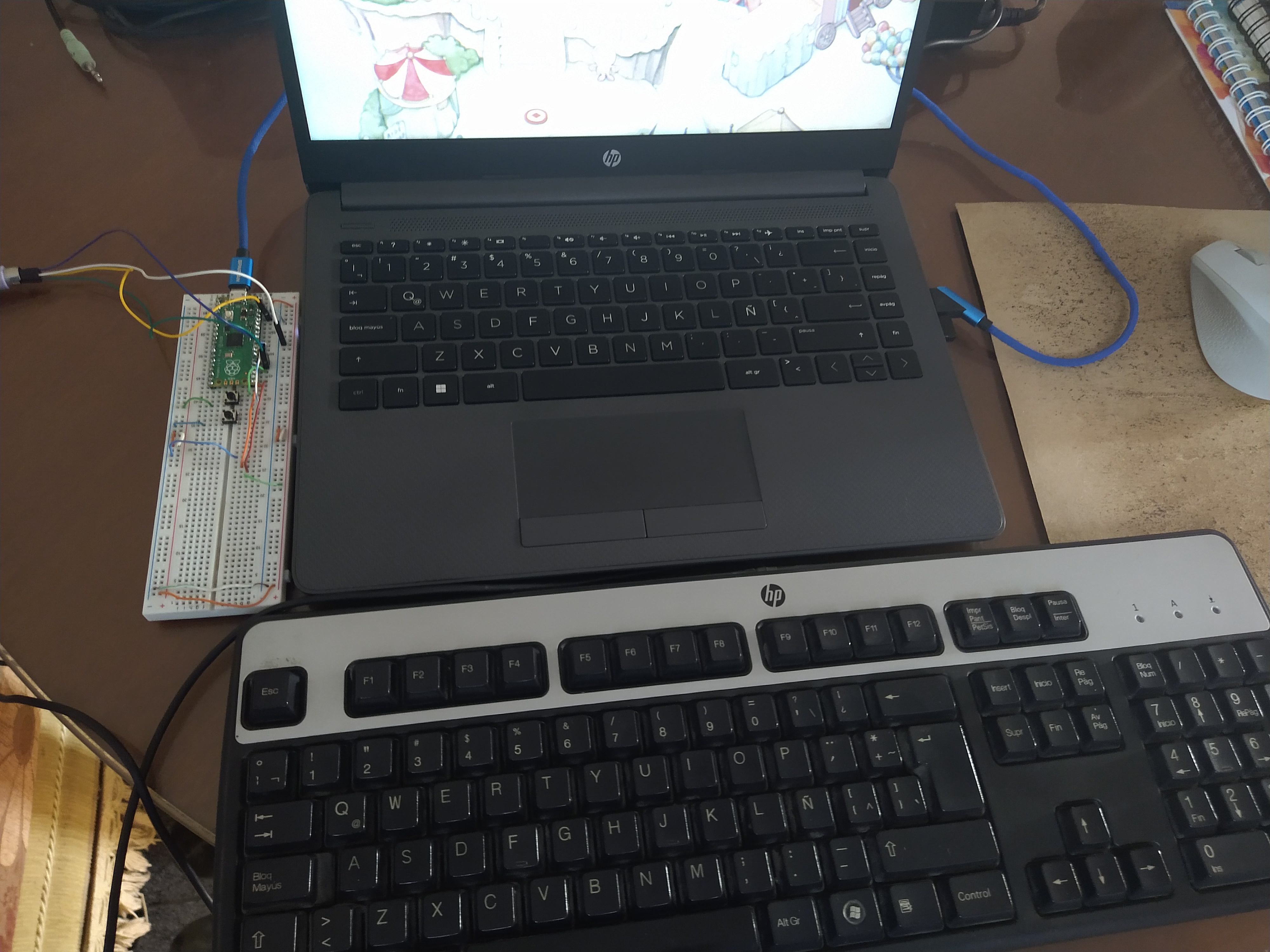
Bluetooth modes only works on Pico W.
On Bluetooth device mode, the host connection is on native usb female connector on the microcontroller.
On Bluetooth device mode if the LED blinks means that microcontroller not is connected still. The LED bliks faster than on WEB mode.
On Bluetooth device mode if the LED is solid on means that it is connected.
On Bluetooth host mode you must put the mac address of your gamepad. You can get this address connecting you gamepad to a PC or a mobile phone. This address should be put just once time, next time you just need choose the mode.
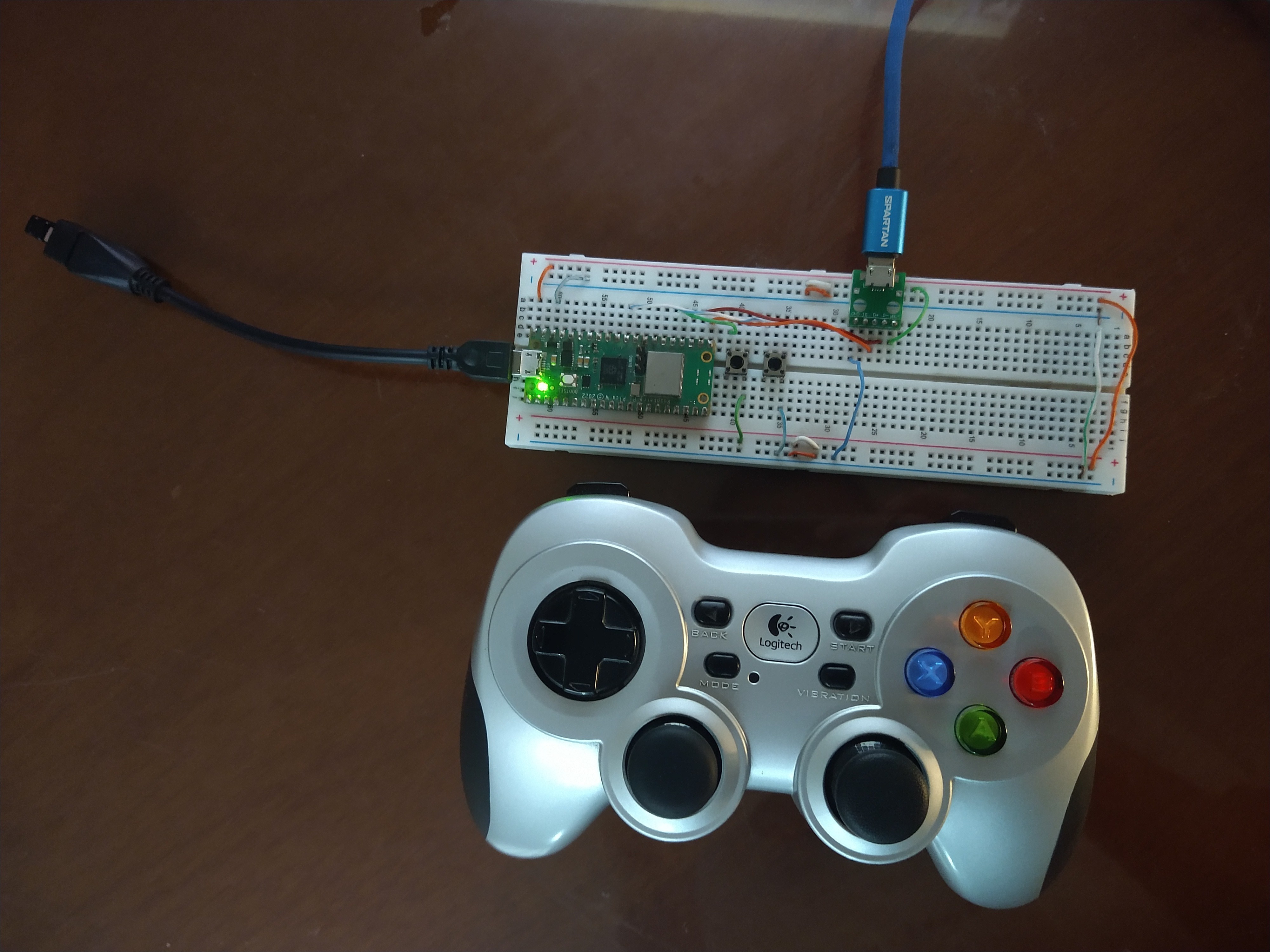
You need go to config and set the Sensor-Bar Position on the Wii as Above TV.
To connect to wii console you need press sync button.
If the LED blinks means that microcontroller not is connected still. The LED bliks faster than on WEB mode.
If the LED is solid on means that it is connected.
It doesn't work on homebrew application for now. Still you can play wii games via homebrew, just open the game on a loader and on game try to sync.
You can change between modes pressing X and Y (Xbox layout) at the same time.
For controllers without guide button the home button is right thumbstick button.
You can simulate movement for games that require it pressing the LB (Xbox layout) / the left shoulder button.
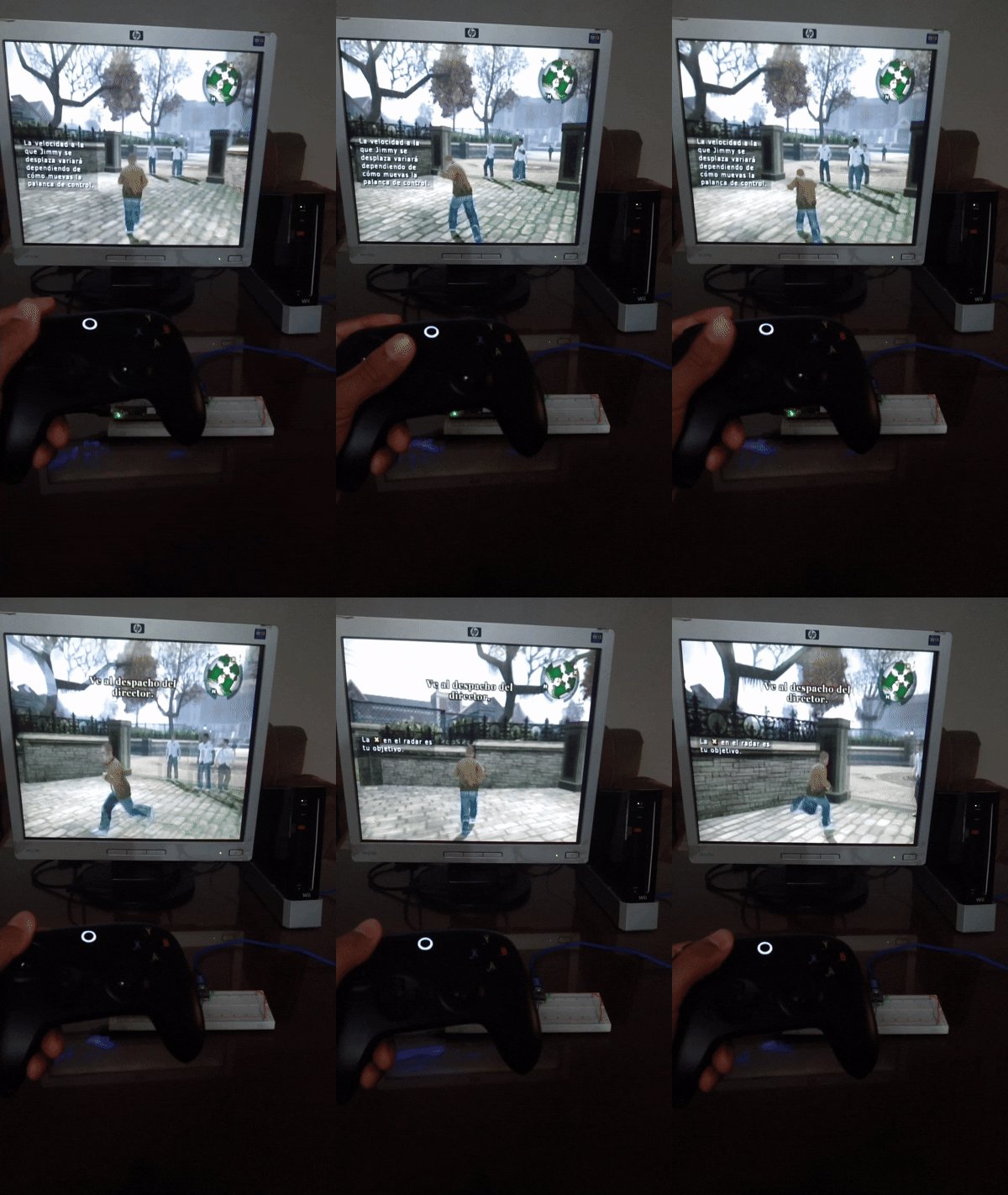
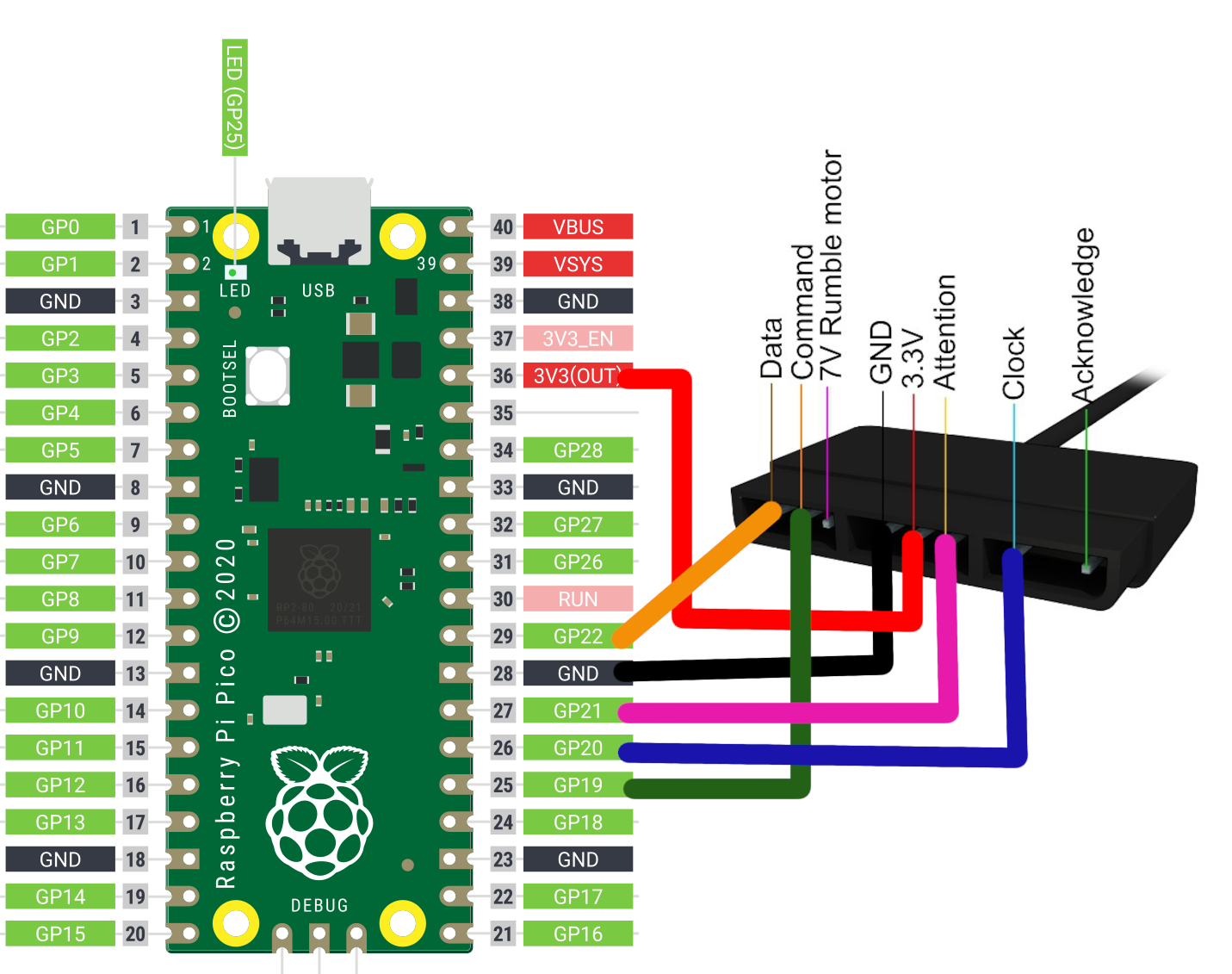
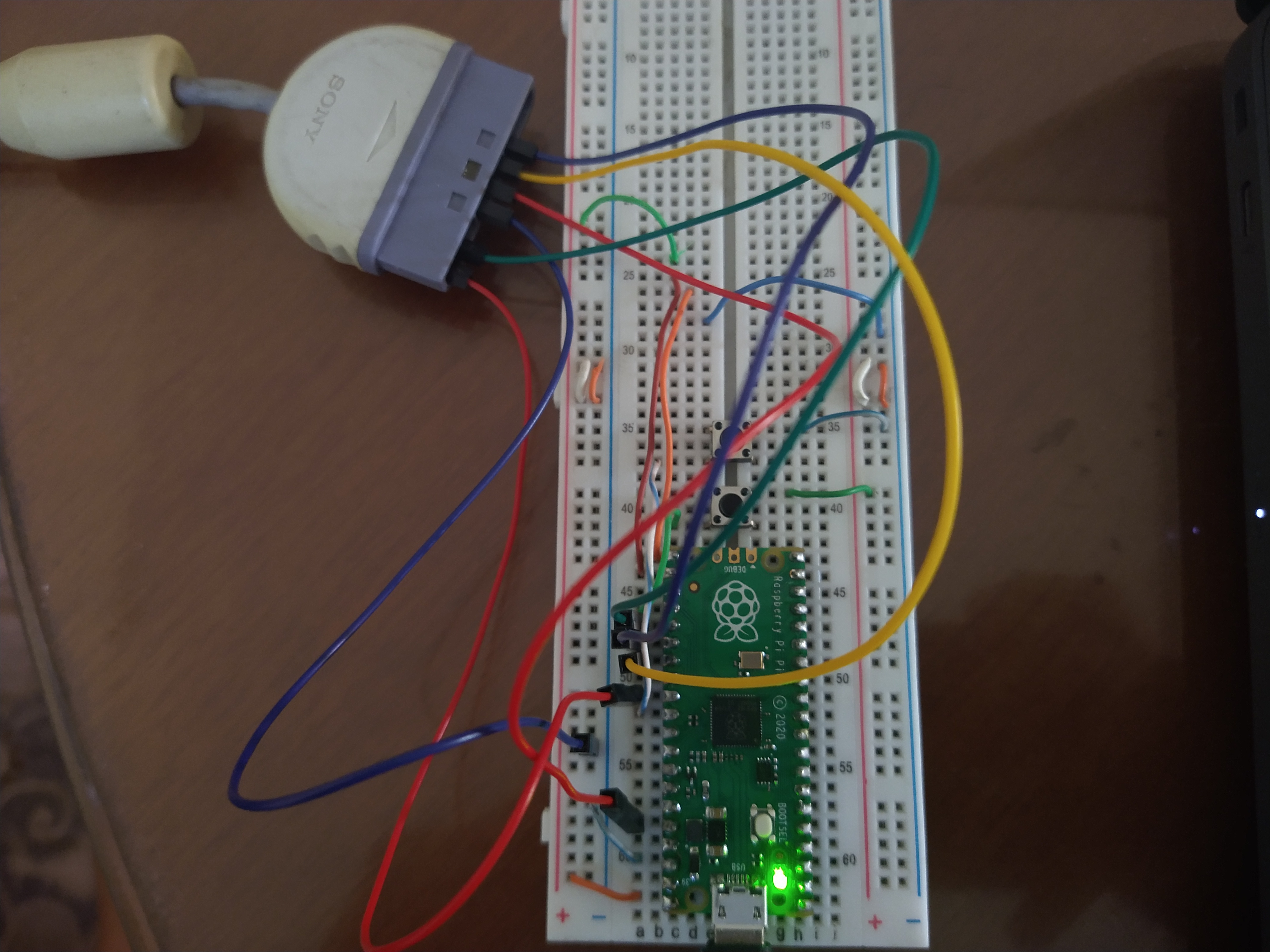
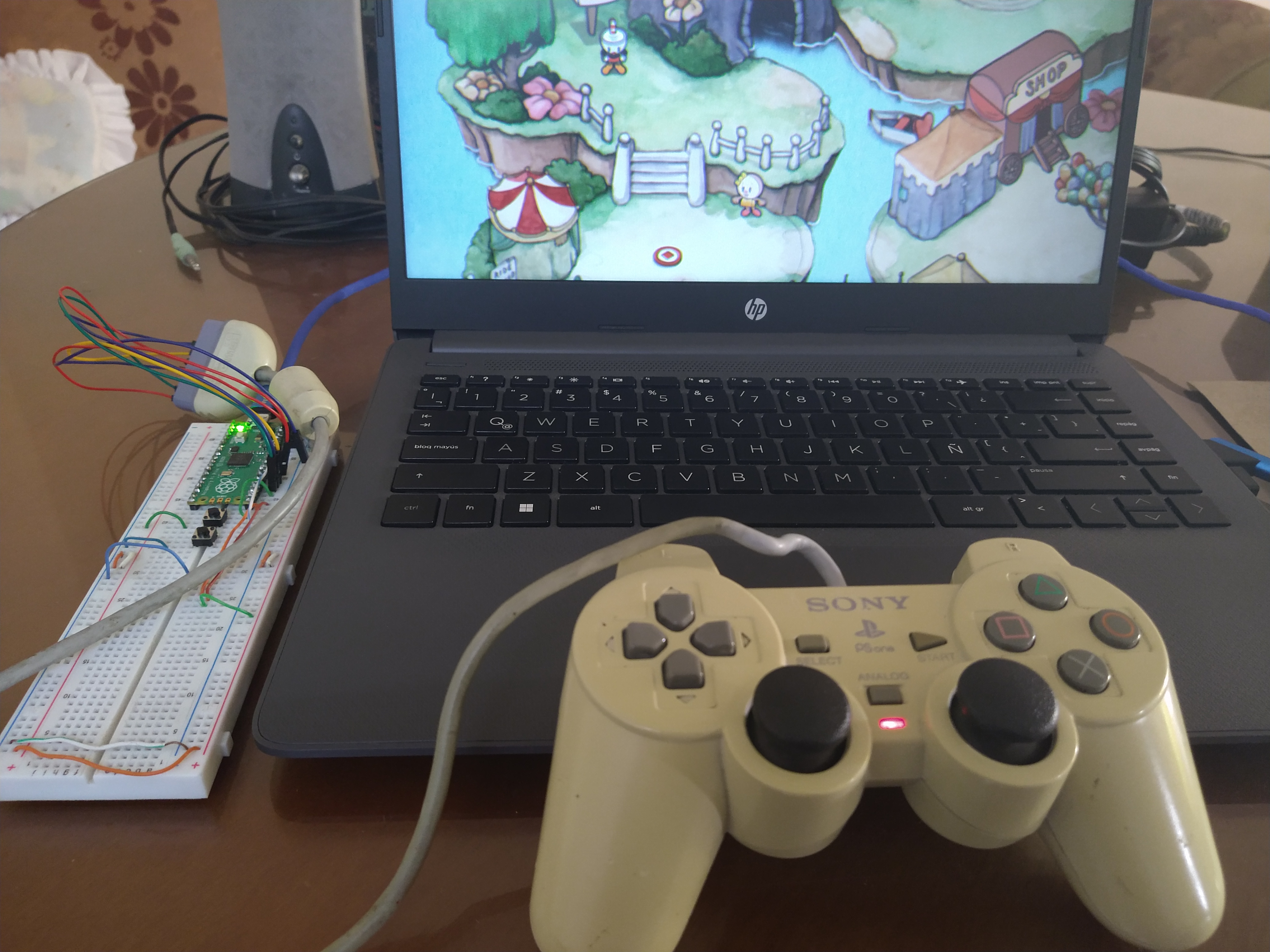
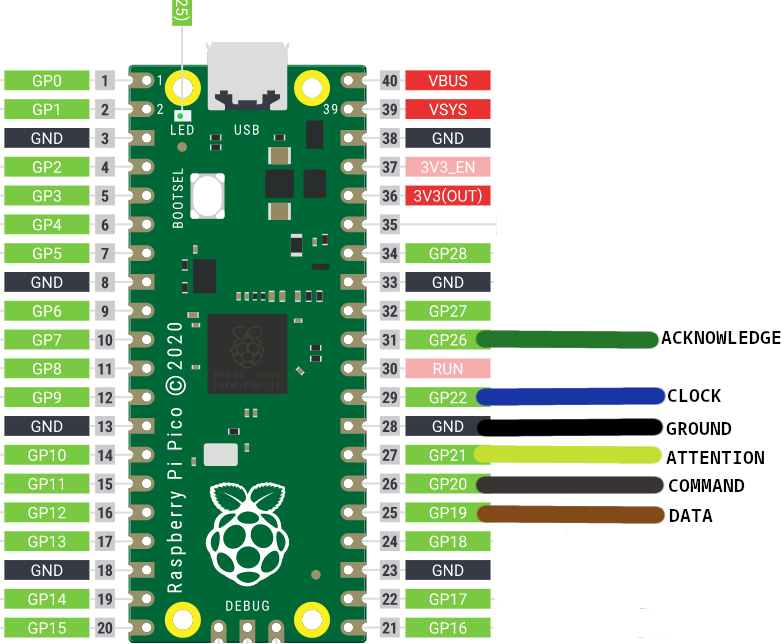
On PS1/PS2 device mode, the host connection is on native usb female connector on the microcontroller.
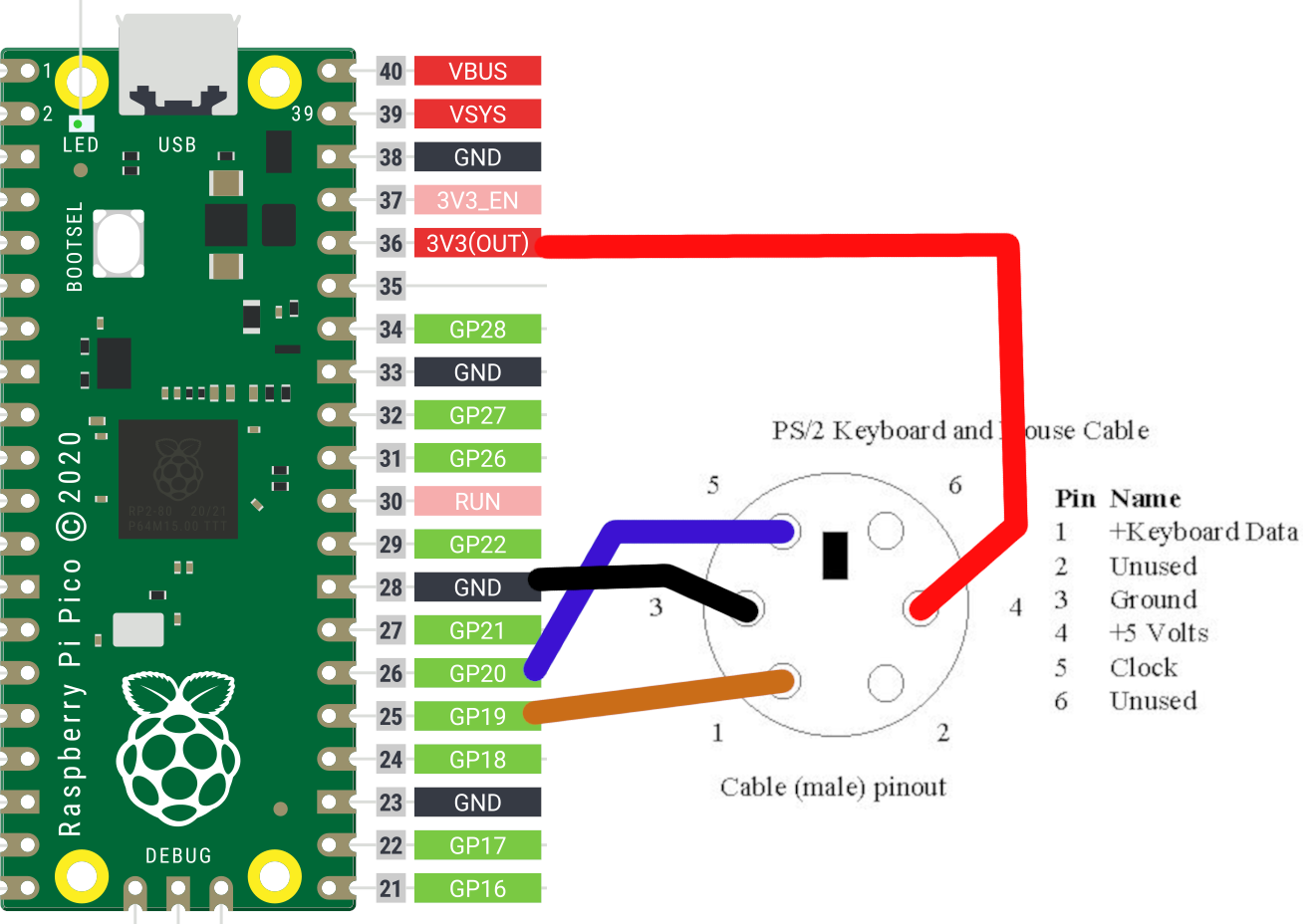
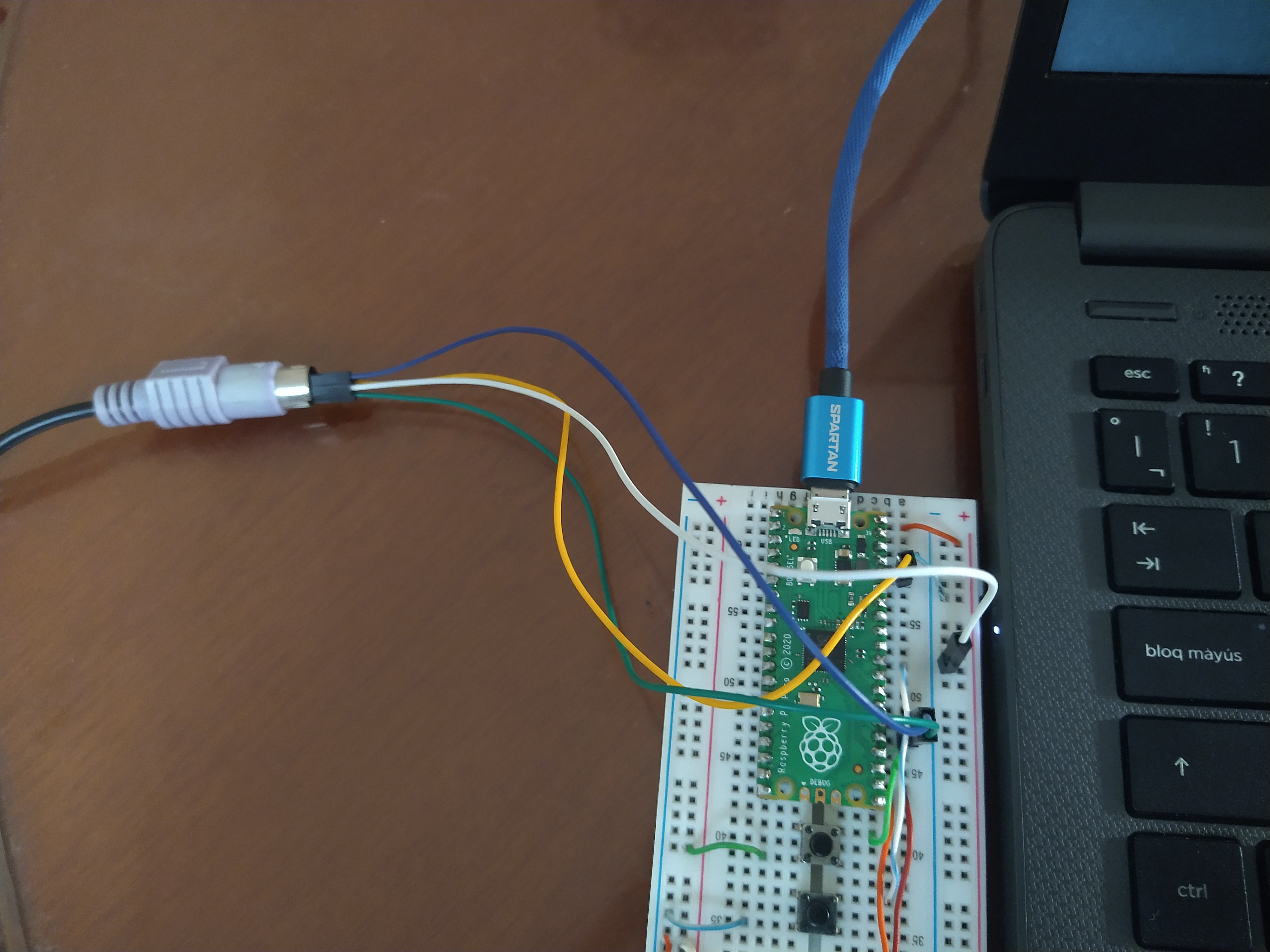
On PS1/PS2 device mode, the alternative connection for Keyboard PS/2 are on 5 GPIO for DATA PIN and 6 GPIO for CLOCK PIN.
On PS1/PS2 device mode, the alternative connection for PS1/PS2 controllers are on 5 GPIO for COMMAND PIN, 6 GPIO for CLOCK PIN, 7 GPIO for ATTENTION PIN and 8 GPIO for DATA PIN.
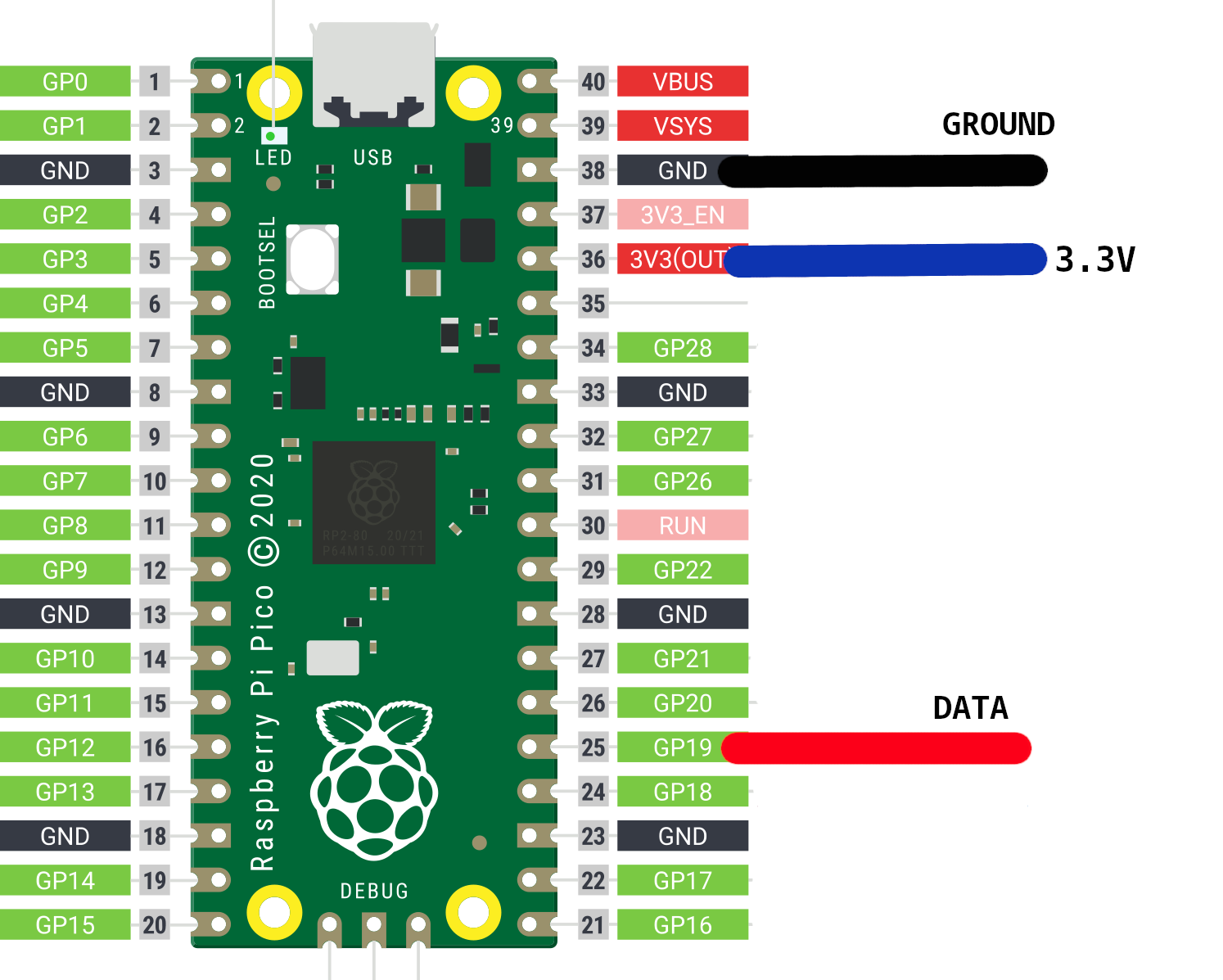
On Gamecube device mode, the host connection is on native usb female connector on the microcontroller.
On Gamecube device mode, the alternative connection for Keyboard PS/2 are on 5 GPIO for DATA PIN and 6 GPIO for CLOCK PIN.
On Gamecube device mode, the alternative connection for PS1/PS2 controllers are on 5 GPIO for COMMAND PIN, 6 GPIO for CLOCK PIN, 7 GPIO for ATTENTION PIN and 8 GPIO for DATA PIN.
Exist two parameter to choose on web interface, host and device. The first is the input and another one the output.
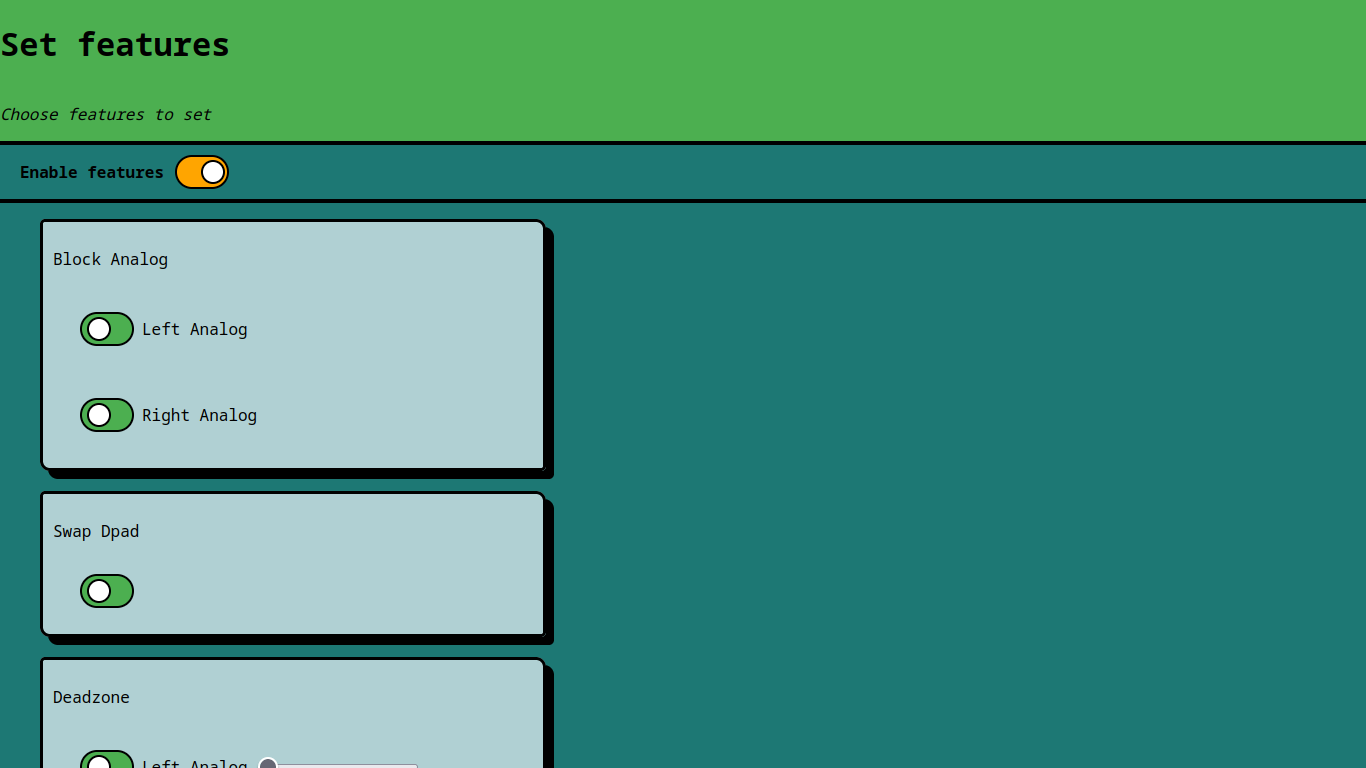
You can set some additional configuration if you required:
Controllers that was tested on different host modes.
| Tested Controllers | Modes (Host) |
|---|---|
| Logitech F710 | Xinput, Dinput |
| 8BitDo Ultimate 2.4G | Xinput, Dinput, Bluetooth |
| 8BitDo Ultimate C 2.4G | Xinput, Dinput |
| DualShock (PS1) | PS1/PS2 |
| DualShock 2 (PS2) | PS1/PS2 |
| DualShock 3 (PS3) | Dinput |
| DualShock 4 (PS4) | Dinput, Bluetooth |
| Keyboard HP KB-0316 | Keyboard PS/2 |
| Nintendo 64 Controller | Nintendo 64 |
| Rapoo 9010M | Dinput (Keyboard + Mouse) |
git clone https://github.com/Loc15/PicoGamepadConverter
cd PicoGamepadConverter/
git submodule update --init
cd pico-sdk/
git submodule update --init
cd ..
mkdir build
cd build
cmake ../src -DPICO_BOARD=your_pico
make
The instructions below have been successful on Windows (11) but should mostly apply to Linux
pc1 container, click on ⋮ and select Open in Terminal then type in these commands:cd /home/dev
mkdir pico
cd pico
git clone https://github.com/Loc15/PicoGamepadConverter
cd PicoGamepadConverter/
git submodule update --init
cd pico-sdk/
git submodule update --init
cd ..
mkdir build
cd build
cmake ../src -DPICO_BOARD=your_pico
make
cd Downloads
docker cp pc1:/home/dev/pico/PicoGamepadConverter/build/PicoGamepadConverter.uf2 .
cp PicoGamepadConverter.uf2 d:
psxSPI.pio program from PicoMemcard project.This project is licensed under the GNU Public License Version 3.
If you encounter any issues or have any questions regarding the PicoGamepadConverter project, please open an issue on the GitHub repository.
more like this
XMB for Plasma BigScreen, console-like fullscreen launcher for living room gamepad users
A CLI and library written in Go for controlling Magic Home (Magic Hue) LED Strip Controllers.
search projects, people, and tags