dragontoothmg
A fast Go chess library. Legal move generation, move/board types, apply/unapply, FEN parsing, Zobrist hashing.
Go★ 51
Commandline tool for me to play with concrete art.
 MarcelMue
git clone https://github.com/MarcelMue/konstrukt.gitMarcelMue/konstruktA simple commandline tool to generate SVGs roughly fitting the area of concrete art.
The konstrukt binary can be downloaded from releases section of this repository.
It is contained together with the LICENSE in a .tar.gz or .zip depending on the target operating system.
You can interact with konstrukt through your native command line interface.
If you are unfamiliar with a command line then these examples should give you some guidance:
First download the latest .zip release from the releases page.
Unzip the archived files in a location of your choice (e.g. your Downloads folder).
Open a command line of your choice (e.g. cmd.exe).
Navigate tp the location of the unpacked konstrukt binary (e.g. cd C:\Users\SomeUser\Downloads).
Display the help text of konstrukt by calling it without arguments (konstrukt.exe).
The output should look like this:
Command line tool for generating konstruktive art.

Usage:
  konstrukt [flags]
  konstrukt [command]

Available Commands:
  gen         Generate files.
  help        Help about any command

Flags:
  -h, --help   help for konstrukt

Use "konstrukt [command] --help" for more information about a command.
Now you should be able to experiment with the usage examples below just remember to use konstrukt.exe!
First download the correct .tar.gz release depending on your operating system from the releases page.
Unpack the .tar.gz in a location of your choice (e.g. your Downloads folder).
Open a terminal of your choice.
Navigate to the location of the unpacked konstrukt binary (e.g. cd ~/Downloads).
Display the help text of konstrukt by calling it without arguments (./konstrukt).
The output should look like this:
Command line tool for generating konstruktive art.

Usage:
  konstrukt [flags]
  konstrukt [command]

Available Commands:
  gen         Generate files.
  help        Help about any command

Flags:
  -h, --help   help for konstrukt

Use "konstrukt [command] --help" for more information about a command.
Now you should be able to experiment with the usage examples below!
All commands allow for the following flags:
      --filename string   Name of the output file.
      --height int        Height of the output file in pixels. (default 500)
  -h, --help              help
      --randomize         Randomize all colors in the pattern, ignore other color flags.
      --width int         Width of the output file in pixels. (default 500)
Other flags for coloring patterns can be explored in the individual usage examples below.
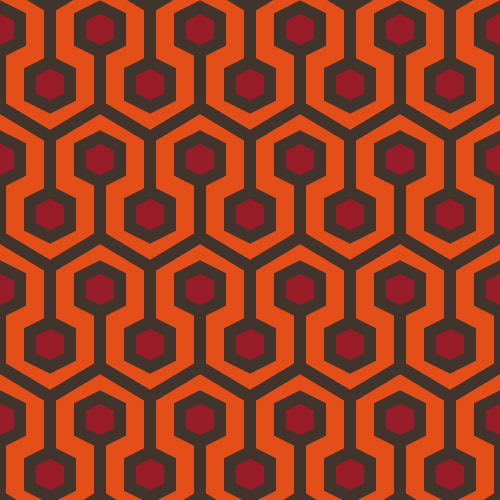
The pattern and default implementation is inspired by a carpet design by David Nightingale Hicks commonly known as "Hicks' Hexagon". It became known in popular culture as the pattern of the carpet in The Shining. The code for the pattern was initially implemented here.
The original output can be generated with:
konstrukt gen shining
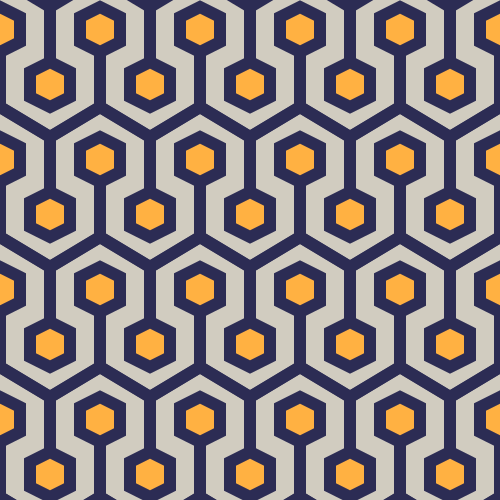
Changing the colors can be easily done like this:
konstrukt gen shining --color3 "#2c2c54" --color2 "#d1ccc0" --color1 "#ffb142" --filename shining-es.svg
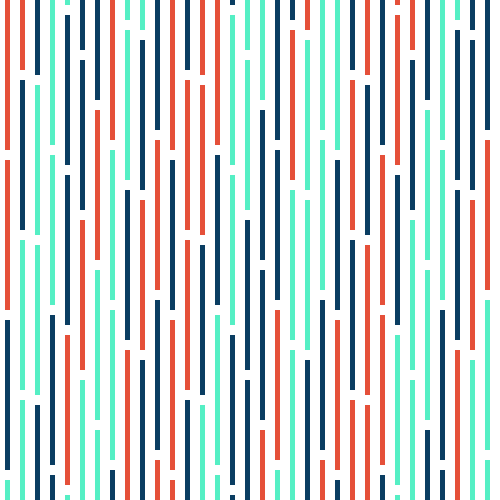
The pattern and default implementation is inspired by Horst Bartnigs collection of works titled 72 Unterbrechungen.
The default can be generated with:
konstrukt gen interruptions
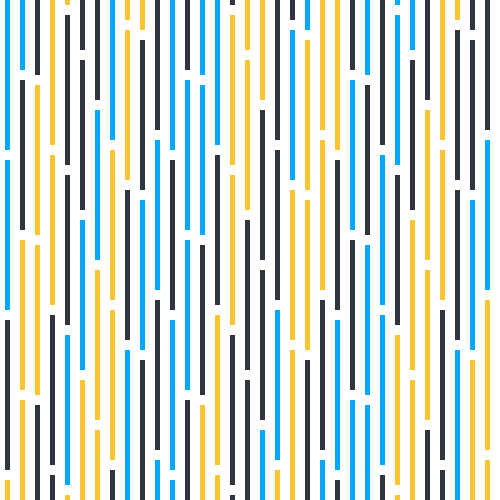
Changing the colors can be easily done like this:
konstrukt gen interruptions --color1 "#00a8ff" --color2 "#2f3640" --color3 "#fbc531" --filename interruptions-br.svg
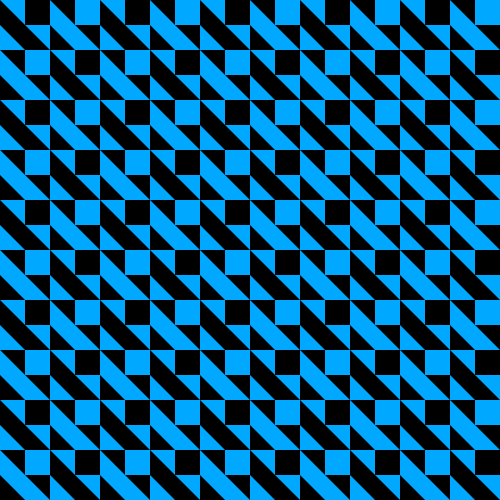
The pattern and default implementation is inspired by Horst Bartnigs work titled 8 blaue und 8 schwarze Quadrate.
The default can be generated with:
konstrukt gen quadrat
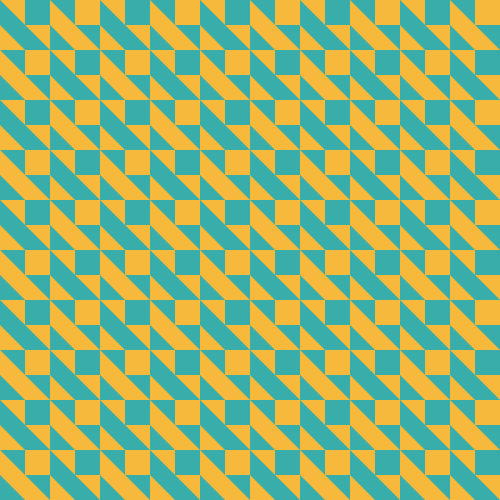
Changing the colors can be easily done like this:
konstrukt gen quadrat --color1 "#f6b93b" --color2 "#38ada9" --filename quadrat-fr.svg
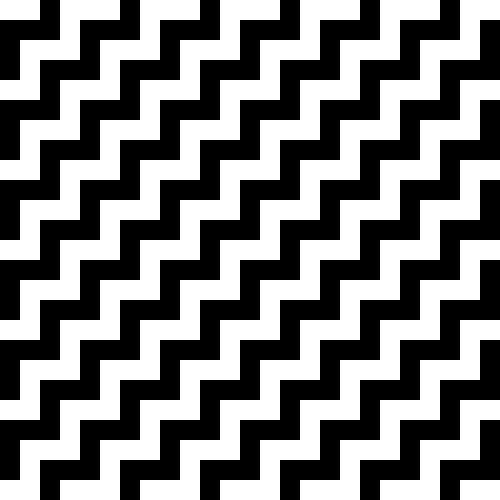
The pattern and default implementation is inspired by Wolfgang Bosses work titled JA-NEIN.
The default can be generated with:
konstrukt gen janein
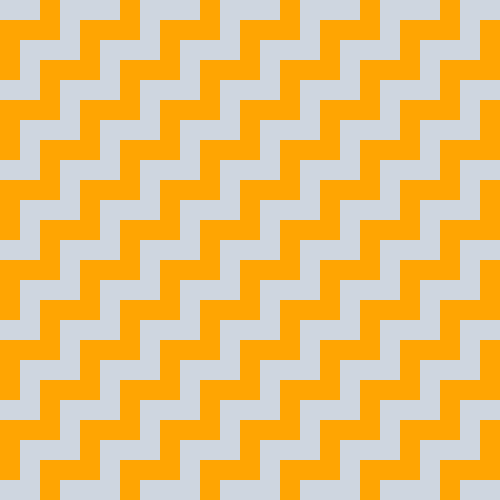
Changing the colors can be easily done like this:
konstrukt gen janein --color1 "#ced6e0" --color2 "#ffa502" --filename janein-cn.svg
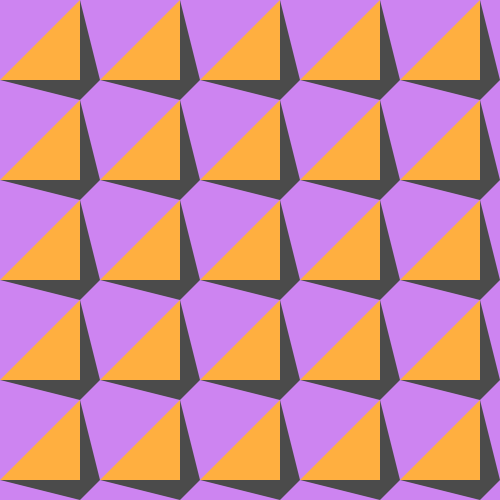
The pattern and default implementation is inspired by Julia Breunigs work titled Bild Nr. 55.
The default can be generated with:
konstrukt gen fiftyfive
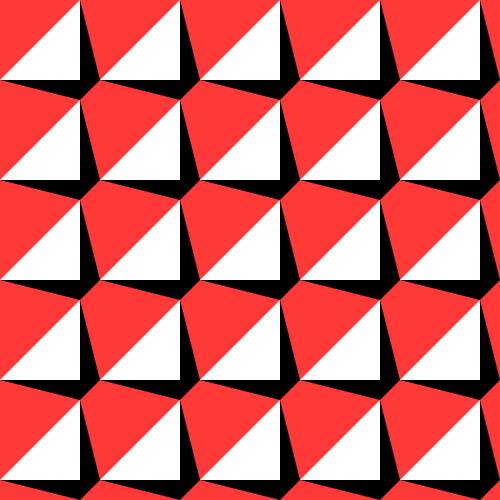
Changing the colors can be easily done like this:
konstrukt gen fiftyfive --color1 "#cd84f1" --color2 "#4b4b4b" --color3 "#ffaf40" --filename fiftyfive-tr.svg
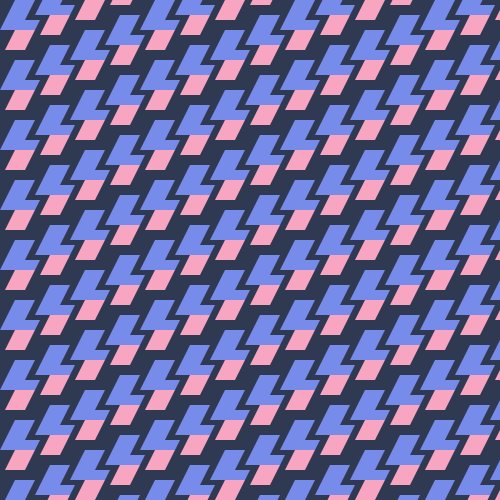
The pattern and default implementation is inspired by Joshua Blankenships work titled Lady Sweat Repeating Pattern.
The default can be generated with:
konstrukt gen ladysweat

Changing the colors can be easily done like this:
konstrukt gen ladysweat --color1 "#303952" --color2 "#f8a5c2" --color3 "#778beb" --filename ladysweat-ru.svg
The pattern and default implementation is inspired by Emma Methods work titled modern hive.
The default can be generated with:
konstrukt gen modernhive
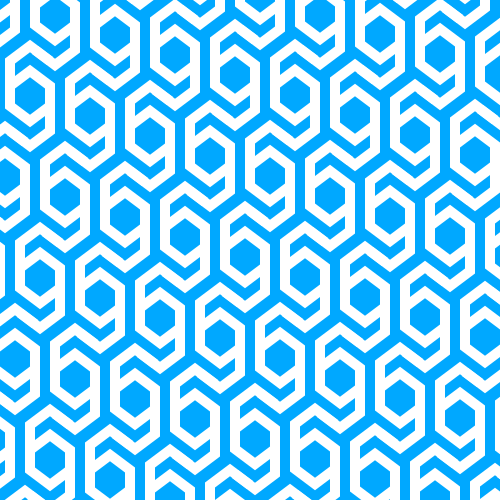
Changing the colors can be easily done like this:
konstrukt gen modernhive --color1 "#B33771" --color2 "#55E6C1" --filename modernhive-in.svg
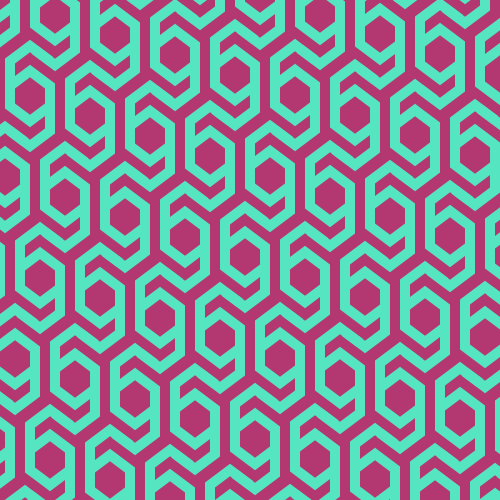
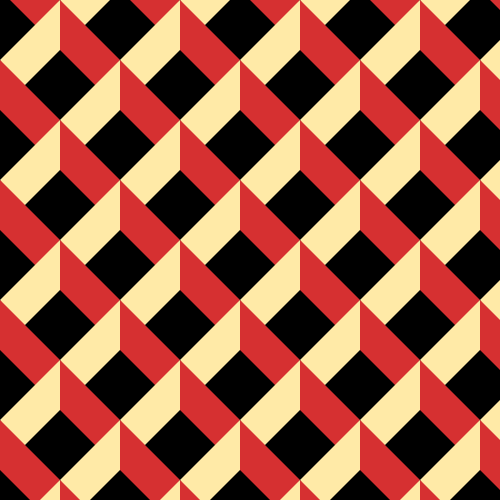
The pattern and default implementation is inspired by Neo Geometrics work titled swiss-16.
The default can be generated with:
konstrukt gen swiss16
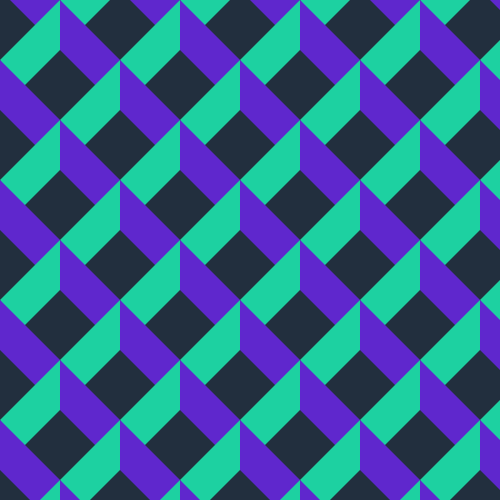
Changing the colors can be easily done like this:
konstrukt gen swiss16 --color1 "#222f3e" --color2 "#5f27cd" --color3 "#1dd1a1" --filename swiss16-ca.svg
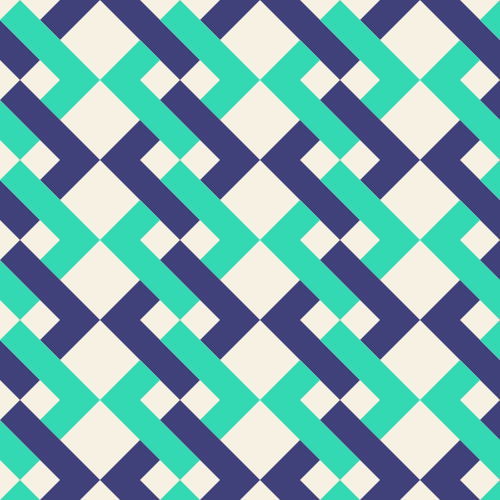
The pattern and default implementation is inspired by Cami Dobrins work titled Interlocking Abstract Pattern Background.
The default can be generated with:
konstrukt gen interlocking
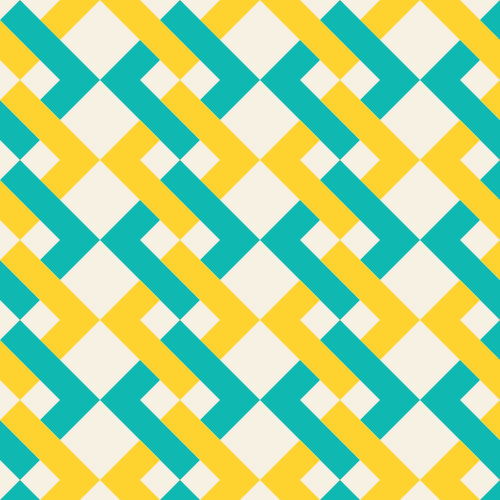
Changing the colors can be easily done like this:
konstrukt gen interlocking --color1 "#f7f1e3" --color2 "#40407a" --color3 "#33d9b2" --filename interlocking-es.svg
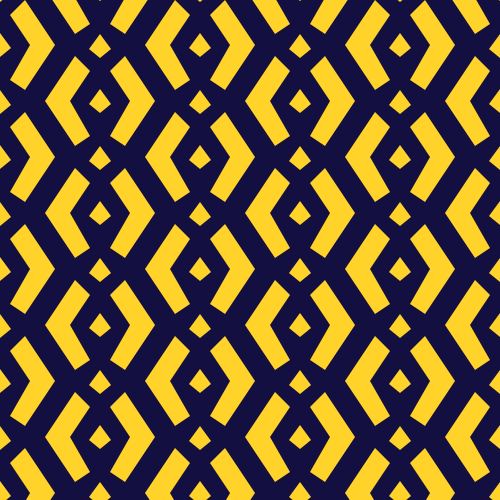
The pattern and default implementation is MarcelMues work titled whitegold.
The default can be generated with:
konstrukt gen whitegold
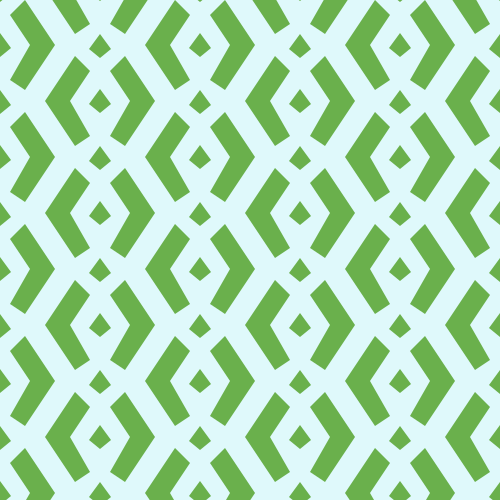
Changing the colors can be easily done like this:
konstrukt gen whitegold --color1 "#dff9fb" --color2 "#6ab04c" --filename whitegold-au.svg
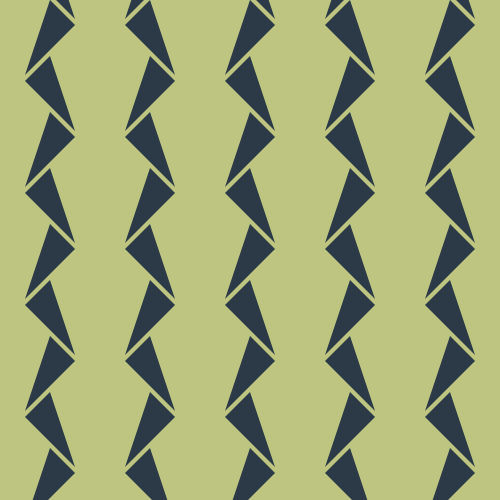
The pattern and default implementation is MarcelMues work titled fallingdaggers.
The default can be generated with:
konstrukt gen fallingdaggers
Changing the colors can be easily done like this:
konstrukt gen fallingdaggers --color1 "#e55039" --color2 "#f39c12" --filename fallingdaggers-in.svg

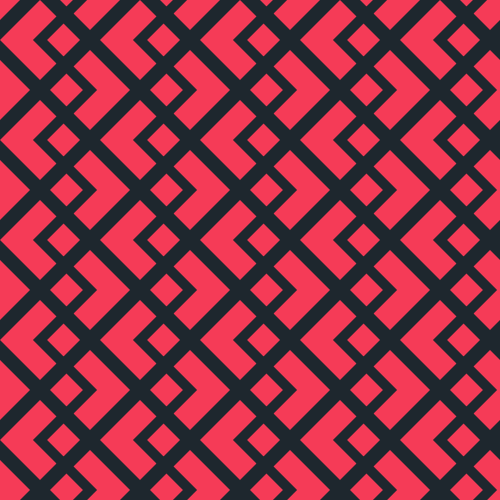
The pattern and default implementation is MarcelMues work titled whitegold2.
The default can be generated with:
konstrukt gen whitegold2
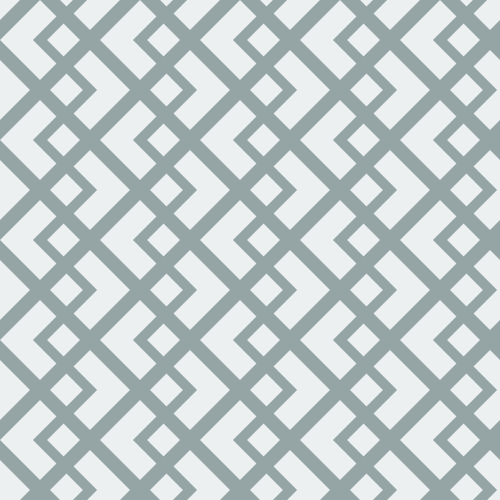
Changing the colors can be easily done like this:
konstrukt gen whitegold2 --color1 "#1e272e" --color2 "#f53b57" --filename whitegold2-se.svg
The pattern is inspired by Sophie Adams-Foster work titled blockplay.
The default can be generated with:
konstrukt gen blockplay
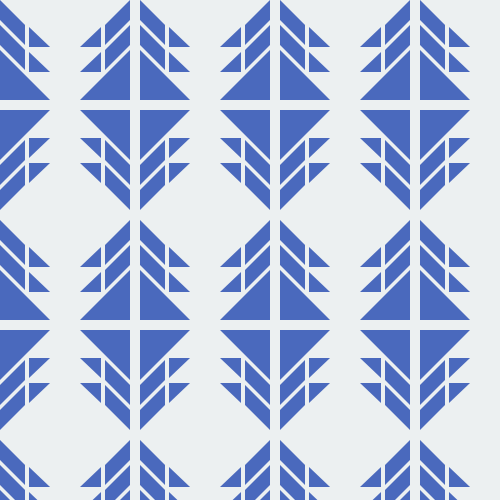
Changing the colors can be easily done like this:
konstrukt gen blockplay --color1 "#ced6e0" --color2 "#ff6b81" --filename blockplay-cn.svg
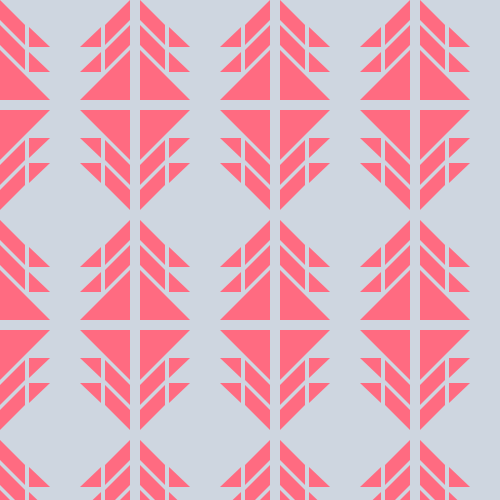
The pattern is inspired by Sophie Adams-Foster work titled blockplay.
The default can be generated with:
konstrukt gen blockplay2
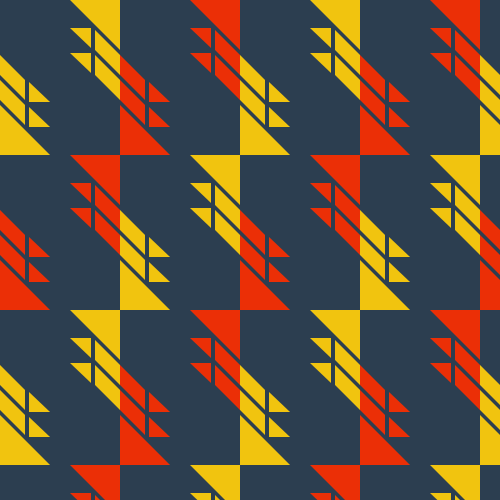
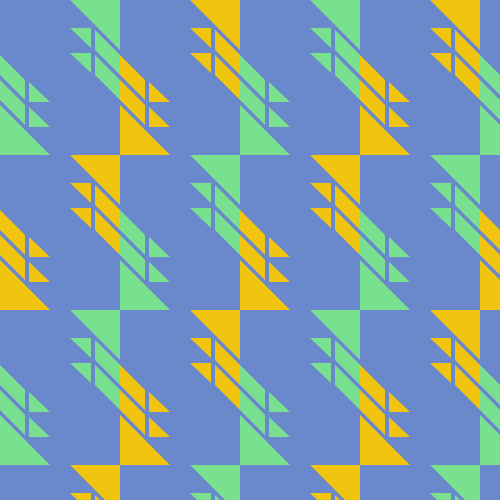
Changing the colors can be easily done like this:
konstrukt gen blockplay2 --color1 "#ced6e0" --color2 "#ff6b81" --filename blockplay2-cn.svg
The pattern and default implementation is MarcelMues work titled octolines.
The default can be generated with:
konstrukt gen octolines
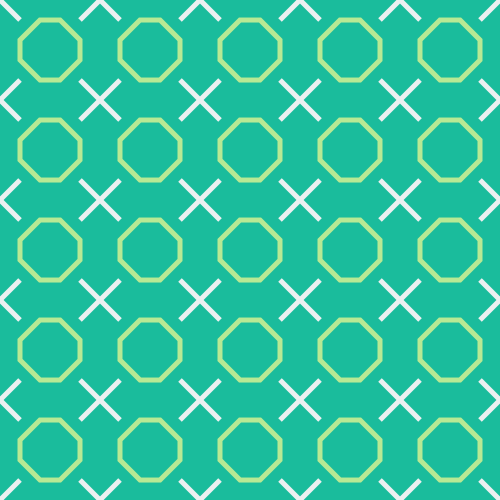
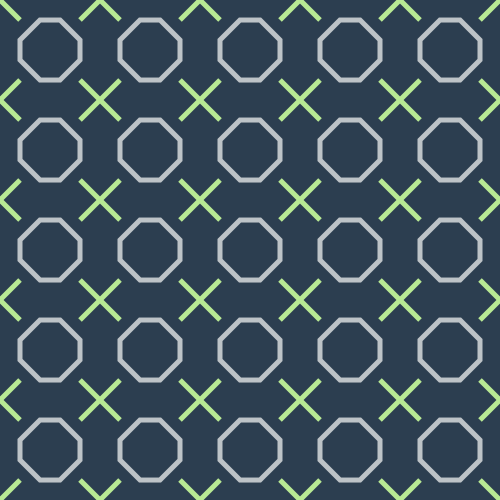
Changing the colors can be easily done like this:
konstrukt gen octolines --color1 "#2c3e50" --color2 "#bdc3c7" --color3 "#b8e994" --filename octolines-cn.svg
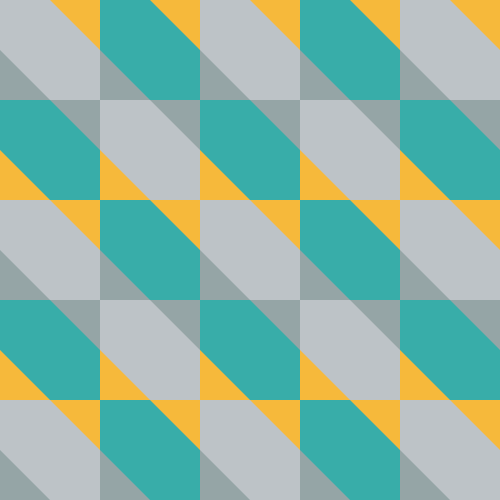
The pattern is inspired by the game Q-bert which is a variattion of Rhombille Tiling.
The default can be generated with:
konstrukt gen qbert
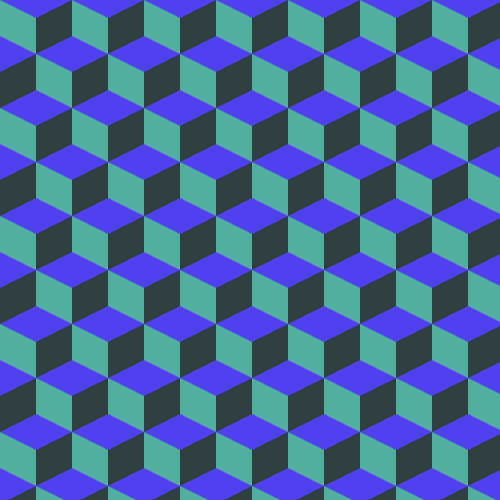
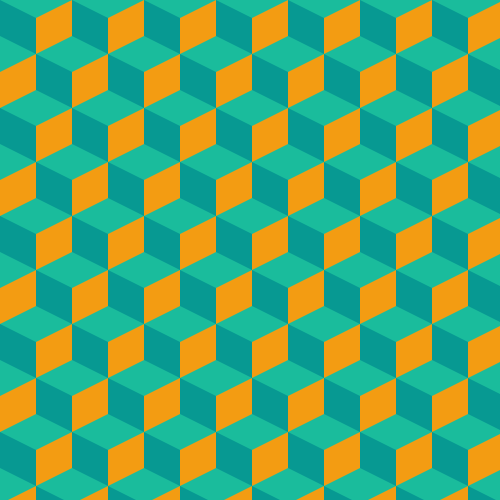
Changing the colors can be easily done like this:
konstrukt gen qbert --color1 "#1abc9c" --color2 "#f39c12" --color3 "#079992" --filename qbert-ca.svg
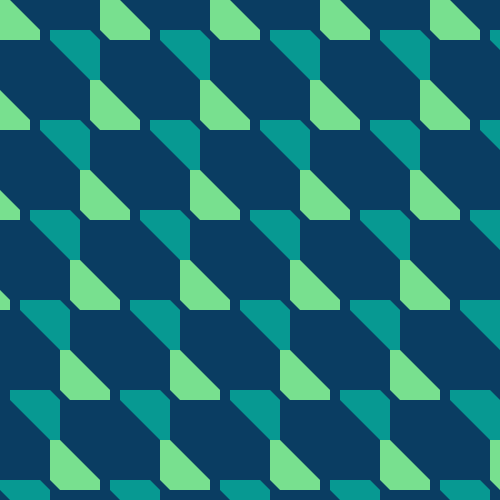
The pattern and default implementation is MarcelMues work titled hourglass.
The default can be generated with:
konstrukt gen hourglass
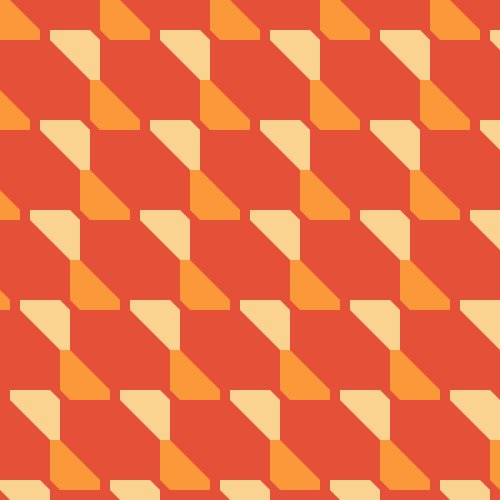
Changing the colors can be easily done like this:
konstrukt gen hourglass --color1 "#e55039" --color2 "#fa983a" --color3 "#fad390" --filename hourglass-cn.svg
The pattern and default implementation is MarcelMues work titled waves.
The default can be generated with:
konstrukt gen waves
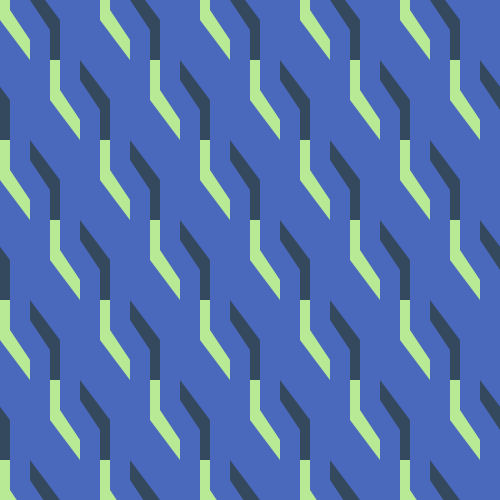
Changing the colors can be easily done like this:
konstrukt gen waves --color1 "#e55039" --color2 "#ecf0f1" --color3 "#fad390" --filename waves-ca.svg

The pattern and default implementation is MarcelMues work titled riviera.
The default can be generated with:
konstrukt gen riviera
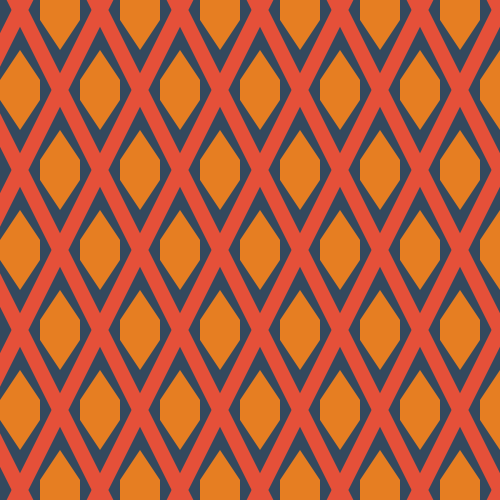
Changing the colors can be easily done like this:
konstrukt gen riviera --color1 "#27ae60" --color2 "#2980b9" --color3 "#f1c40f" --filename riviera-ca.svg
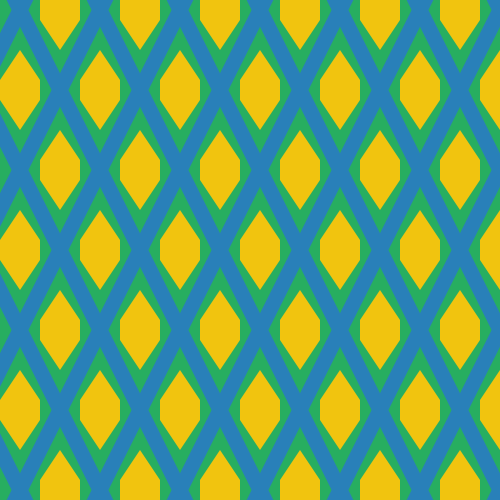
The pattern and default implementation is MarcelMues work titled nolock.
The default can be generated with:
konstrukt gen nolock
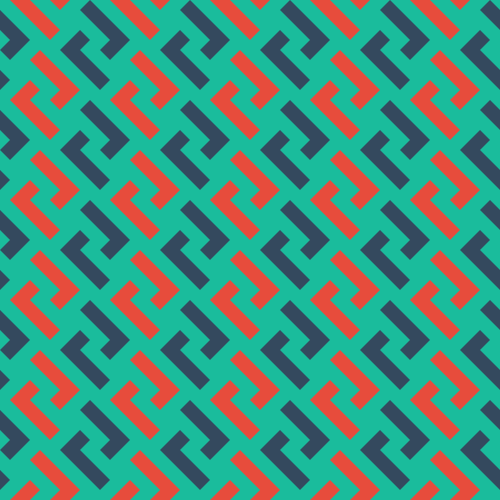
Changing the colors can be easily done like this:
konstrukt gen nolock --color1 "#6a89cc" --color2 "#f6b93b" --color3 "#9b59b6" --filename nolock-ca.svg
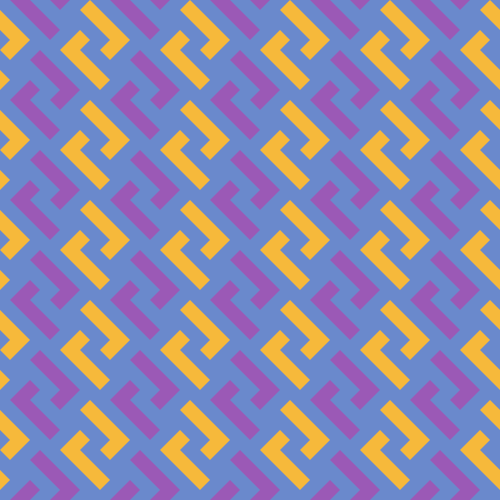
The pattern and default implementation is MarcelMues work titled pantheon.
The default can be generated with:
konstrukt gen pantheon

Changing the colors can be easily done like this:
konstrukt gen pantheon --color1 "#bdc3c7" --color2 "#f6b93b" --color3 "#6a89cc" --filename pantheon-au.svg
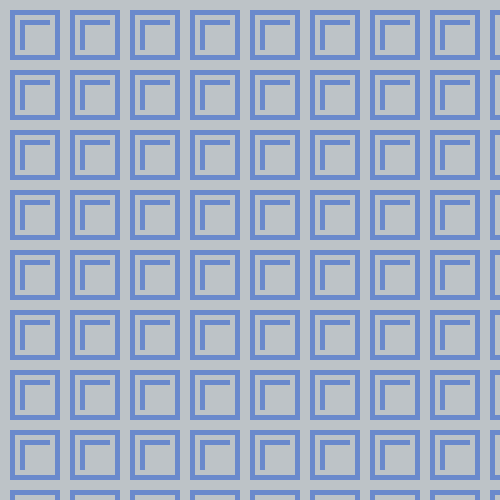
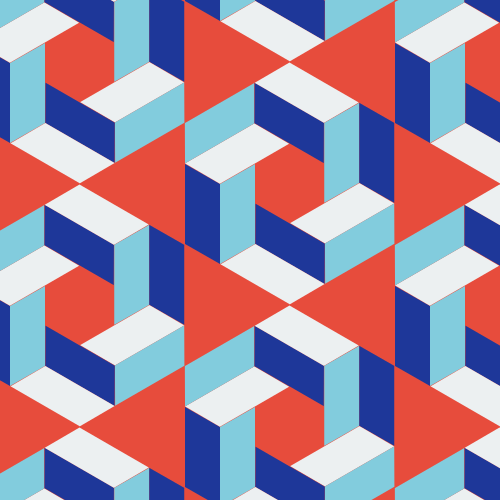
The pattern and default implementation is MarcelMues work titled hex22.
The default can be generated with:
konstrukt gen hex22
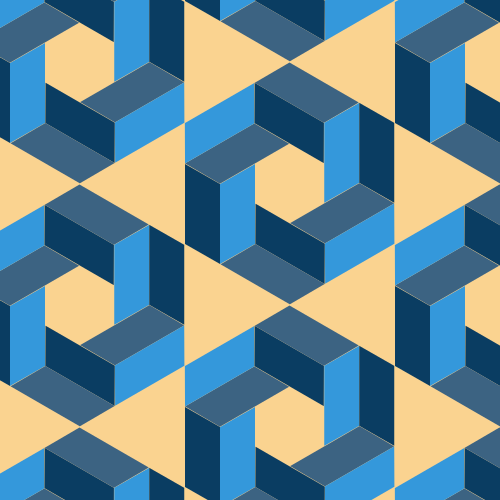
Changing the colors can be easily done like this:
konstrukt gen hex22 --color1 "#e74c3c" --color2 "#1e3799" --color3 "#82ccdd" --color4 "#ecf0f1" --filename hex22-cv.svg
The pattern is inspired by johal_geometrics work title Euphonic Colour No. 8 and implemented by MarcelMues.
The default can be generated with:
konstrukt gen euphonic

Changing the colors can be easily done like this:
konstrukt gen euphonic --color1 "#2980b9" --color2 "#2c3e50" --color3 "#e58e26" --color4 "#d35400" --color5 "#f6b93b" --color6 "#0c2461" --filename euphonic-cv.svg
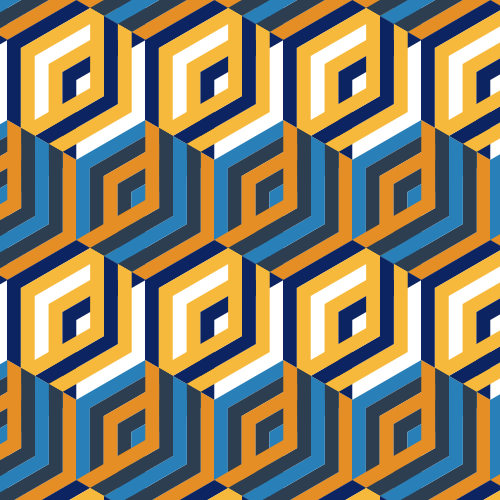
The pattern and default implementation is MarcelMues work titled woozoo.
The default can be generated with:
konstrukt gen woozoo
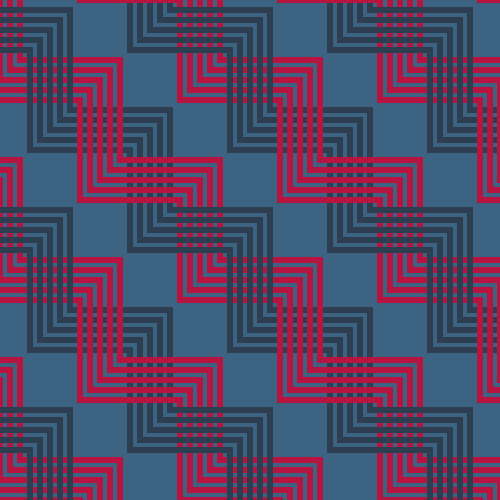
Changing the colors can be easily done like this:
konstrukt gen woozoo --color1 "#079992" --color2 "#ecf0f1" --color3 "#0c2461" --filename woozoo-cv.svg
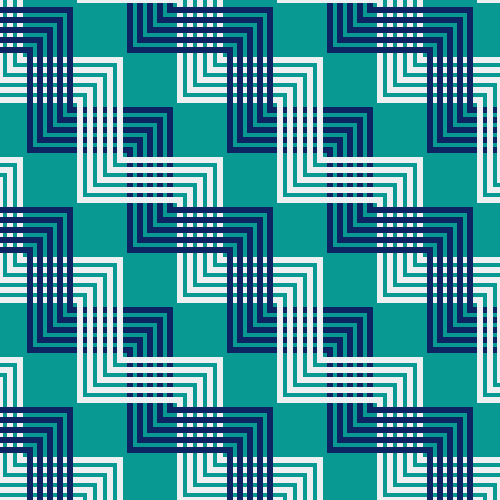
The pattern and default implementation is MarcelMues work titled triangles.
The default can be generated with:
konstrukt gen triangles
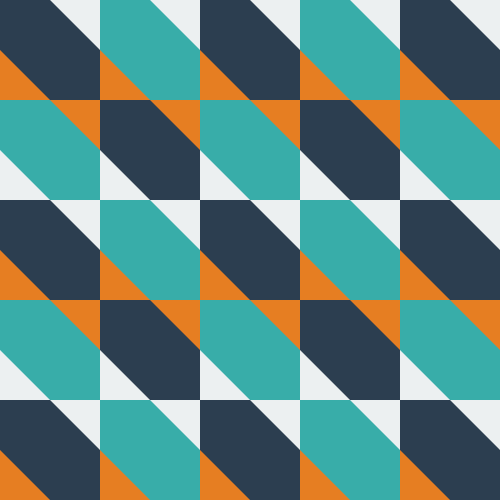
Changing the colors can be easily done like this:
konstrukt gen triangles --color1 "#079992" --color2 "#ecf0f1" --color3 "#0c2461" --filename triangles-ca.svg
Additions to this project should follow these guidelines:
more like this
A fast Go chess library. Legal move generation, move/board types, apply/unapply, FEN parsing, Zobrist hashing.
YiMao · 云海求片助手 — 双核心 Telegram 影视求片机器人。订阅模式:TMDB 智能搜索一键订阅 / 趣味求片模式:AI 生成五层地狱闯关,通关解锁优先求片。深度集成 MoviePilot + Emby/Jellyfin。…
search projects, people, and tags