xmb-bigscreen
XMB for Plasma BigScreen, console-like fullscreen launcher for living room gamepad users
QML★ 50
A convenient launcher for moonlight. Say goodbye to patching Discord every update!
 MeguminSama
git clone https://github.com/MeguminSama/moonlight-launcher.gitMeguminSama/moonlight-launcher
The cross-platform launcher for moonlight that doesn't modify your Discord install.
sh -c "$(curl -fsSL https://github.com/MeguminSama/moonlight-launcher/releases/latest/download/install.sh)"
sh -c "$(curl -fsSL https://github.com/MeguminSama/moonlight-launcher/releases/latest/download/install.sh)" -- ptb
sh -c "$(curl -fsSL https://github.com/MeguminSama/moonlight-launcher/releases/latest/download/install.sh)" -- canary
yay -S moonlight-stable # or moonlight-ptb or moonlight-canary
sh -c "$(curl -fsSL https://github.com/MeguminSama/moonlight-launcher/releases/latest/download/install.sh)" -- --uninstall <branch>
| Windows | Linux (KDE) |
|---|---|
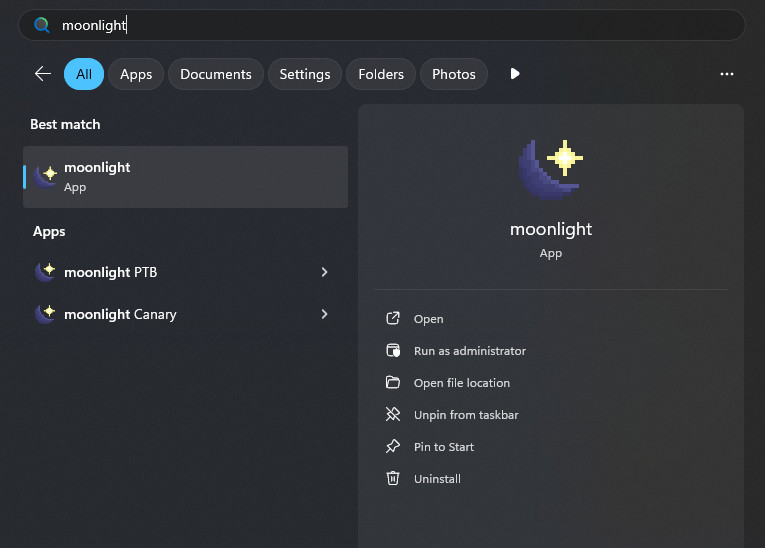 |
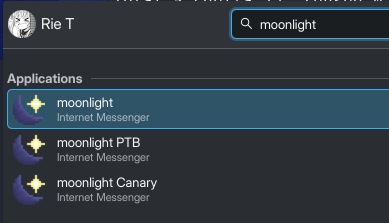 |
--local <path>: Use a local moonlight instance--branch [stable | nightly]: Use a specific branch of moonlight--help: Display help messageAny arguments after -- will be passed directly to Discord:
moonlight-stable -- --start-minimized --enable-blink-features=MiddleClickAutoscroll
If you're using moonlight-stable, the launcher will default to using the latest stable release of moonlight.
If you're using moonlight-ptb or moonlight-canary, it will default to using the latest nightly build.
You can change this behaviour by using the --branch flag:
moonlight-stable --branch nightly
# or
moonlight-canary --branch stable
To use a local development version of moonlight:
moonlight-stable --local /path/to/your/moonlight/injector.js
Made with ❤️ by MeguminSama
more like this
XMB for Plasma BigScreen, console-like fullscreen launcher for living room gamepad users
Launcher and management utility for running an Astroneer Dedicated Server on Linux using WINE
search projects, people, and tags