img-txt_viewer
Windows tool for side-by-side image & text viewing, manual caption/tag editing, and batch dataset operations. Perfect…
 Nenotriple
git clone https://github.com/Nenotriple/img-txt_viewer.gitNenotriple/img-txt_viewer img-txt_viewer
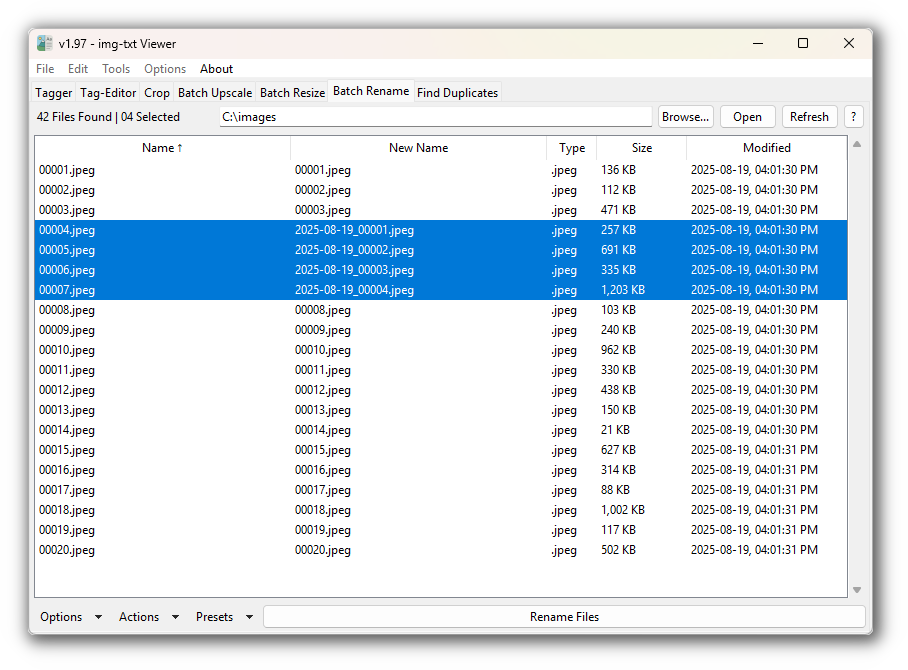
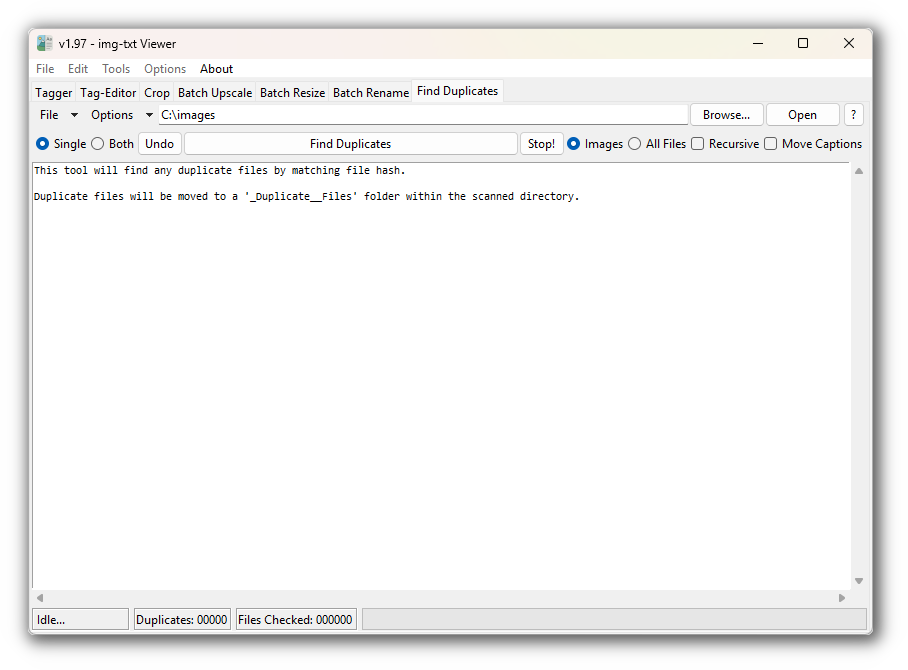
img-txt_viewer is a Windows application for side-by-side image and text viewing, designed to streamline manual captioning or tagging of images. The toolset specifically targets LoRA dataset preparation.
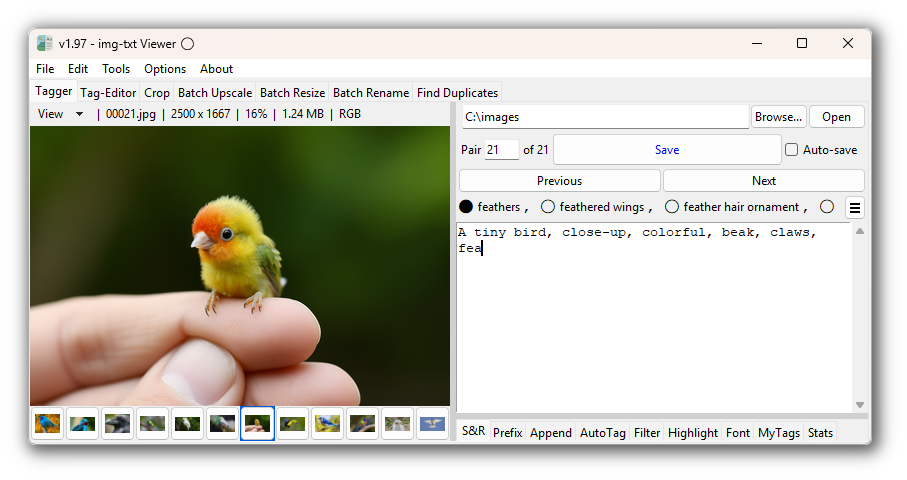
Show App Previews...

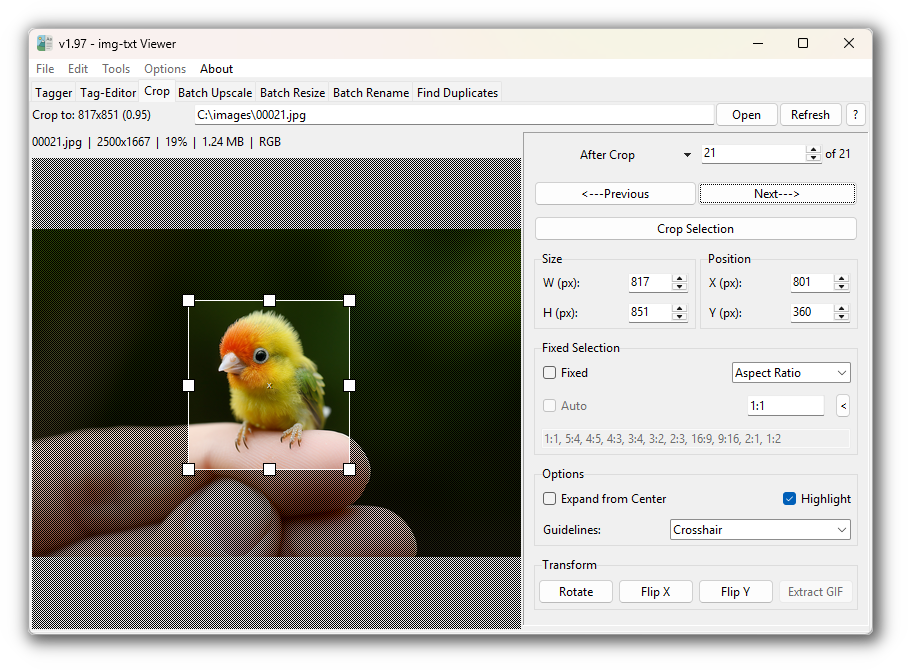
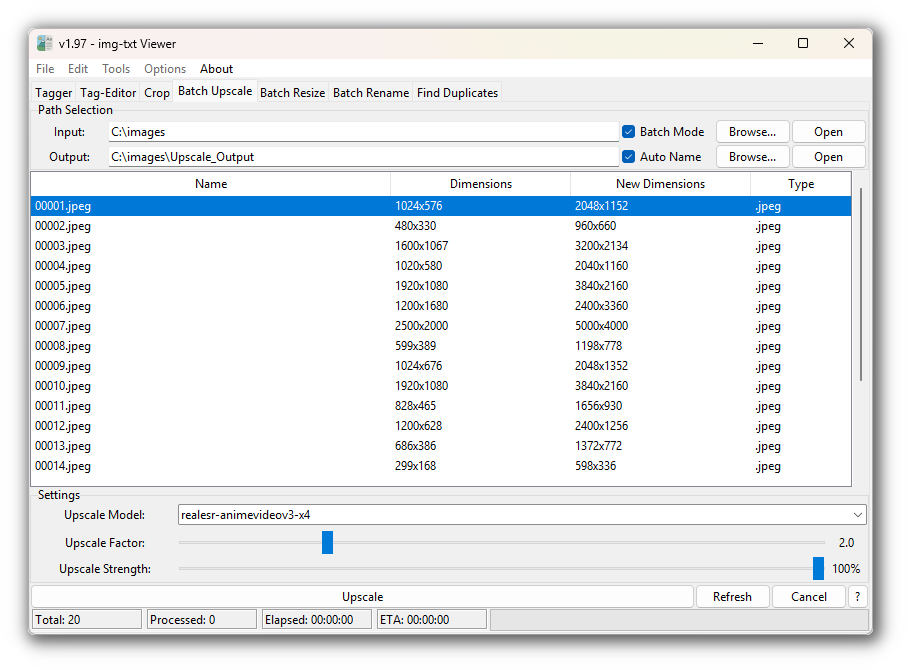
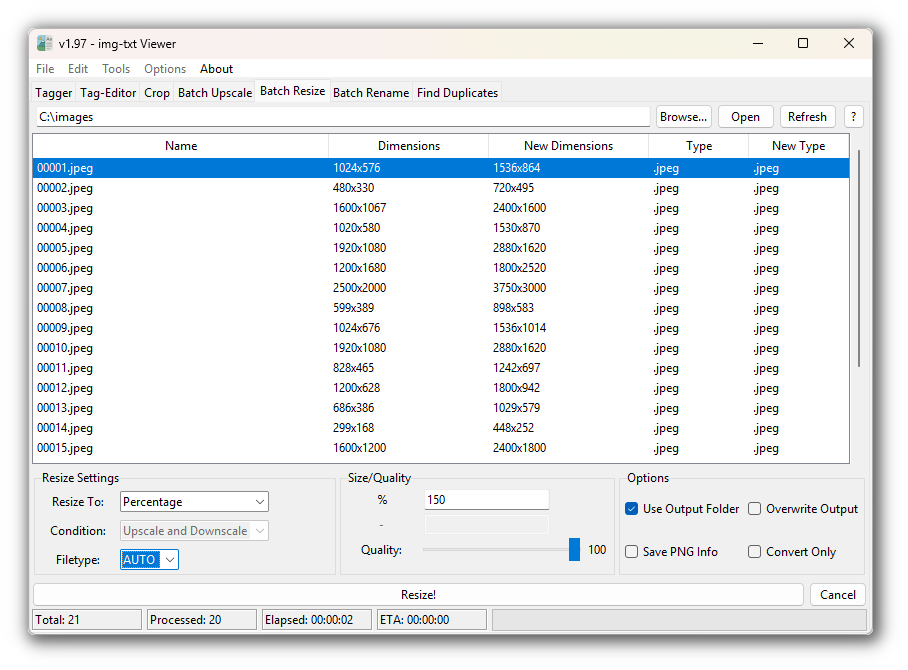

📝 Usage
-
✅ Do this: Ensure image-text pairs share the same basename.
- Example:
01.png, 01.txt,02.jpg, 02.txt, etc.
- Example:
-
❌ Don't do this: Avoid different filetypes with the same basename.
- Example:
01.png, 01.txt,01.jpg, 01.txt(causes text file collision).
- Example:
Supported formats:
.png, .jpg, .jpeg, .jfif, .jpg_large, .webp, .bmp, .gif, .mp4
Select Alt Text Path
Images and text files can be loaded from different folders.
Click to expand...
By default, text files are loaded from the selected directory. To load text files from a different path:
- Select a directory as usual.
- Right-click the
Browse...button and choose Set Text File Path. - When an alternate path is chosen, a blue indicator appears to the left of the directory entry. Hover over the indicator to view the selected text path.
Example folder structures:
Images and text files in same folder
.
└── dataset/
    ├── 01.png
    ├── 01.txt
    ├── 02.jpg
    └── 02.txt
Images and text files in separate folders
.
└── dataset/
    ├── images/
    │   ├── 01.png
    │   └── 02.jpg
    └── captions/
        ├── 01.txt
        └── 02.txt
💡 Features
For details, see the User Guide ✨ or use the links below.
Tagger Shortcuts
- ALT+LEFT/RIGHT – Navigate image-text pairs
- SHIFT+DEL – Move pair to trash
- ALT – Cycle autocomplete suggestions
- TAB – Insert highlighted suggestion
- CTRL+S – Save text file
- CTRL+E – Next empty text file
- CTRL+R – Random image-text pair
- CTRL+F – Find and Replace
- CTRL+Z / CTRL+Y – Undo / Redo
- CTRL+W – Close app
- F1 – Toggle image grid
- F2 – Toggle zoom popup
- F4 – Open in image editor
- Middle-click – Delete tag
Tagger Toolbar
Main Toolbar
Menubar
- File Menu
- Edit Menu
- Tools Menu
- Options Menu
- About Menu
Tagger View Menu
- Toggle Image Grid
- Toggle Zoom
- Toggle Thumbnail Panel
- Toggle Edit Panel
- Always On Top
- Big Save Button
- UI: Vertical View
- UI: Swap img-txt Sides
🛠 Install
Portable Setup
- Download the Windows executable from the releases page.
- Run the executable to launch the app.
Python Package Setup
- Download the source code package from the latest releases page.
- Run the
Start.batfile to automatically create and activate a virtual environment, then launch the app. - Use
Start.batto launch the app in the future.
Manual Python Setup...
-
Clone the repository:
git clone https://github.com/Nenotriple/img-txt_viewer.git
-
Navigate into the project directory:
cd img-txt_viewer/img-txt_viewer
-
Create and activate a virtual environment:
python -m venv venv
venv\Scripts\activate
-
Install the required dependencies:
pip install -r requirements.txt
-
Launch the app:
python app.py
🔒 Privacy Policy
img-txt Viewer is completely private.
- The app operates entirely on your device; your data remains under your control.
- No data is collected, transmitted, or stored except for a basic local config file for app settings.
- The app functions 100% offline and never connects to external servers. No data is ever shared or sent elsewhere.
more like this
react-sane-contenteditable
React component with sane defaults to make any element contentEditable