 Nokse22
ASCII Draw
Create beautiful diagrams and artwork using only ASCII characters
✨ Features
Sketch anything using characters - ASCII Draw is a powerful and intuitive application that lets you draw diagrams, tables, tree views, art and more using only characters. Whether you're documenting code, creating technical diagrams, or expressing your creativity, ASCII Draw provides all the professional tools you need.
🛠️ Comprehensive Tool Set
- 🔲 Rectangle Tools: Multiple line styles for borders and frames
- 🎨 Filled Rectangles: Customizable border and fill characters
- 📏 Line Drawing: Cartesian, Freehand, and Stepped lines with optional arrows
- 🖌️ Freehand Brush: Natural drawing experience for artistic expression
- 📝 Text with FIGlet Fonts: Stylized text using beautiful ASCII font styles
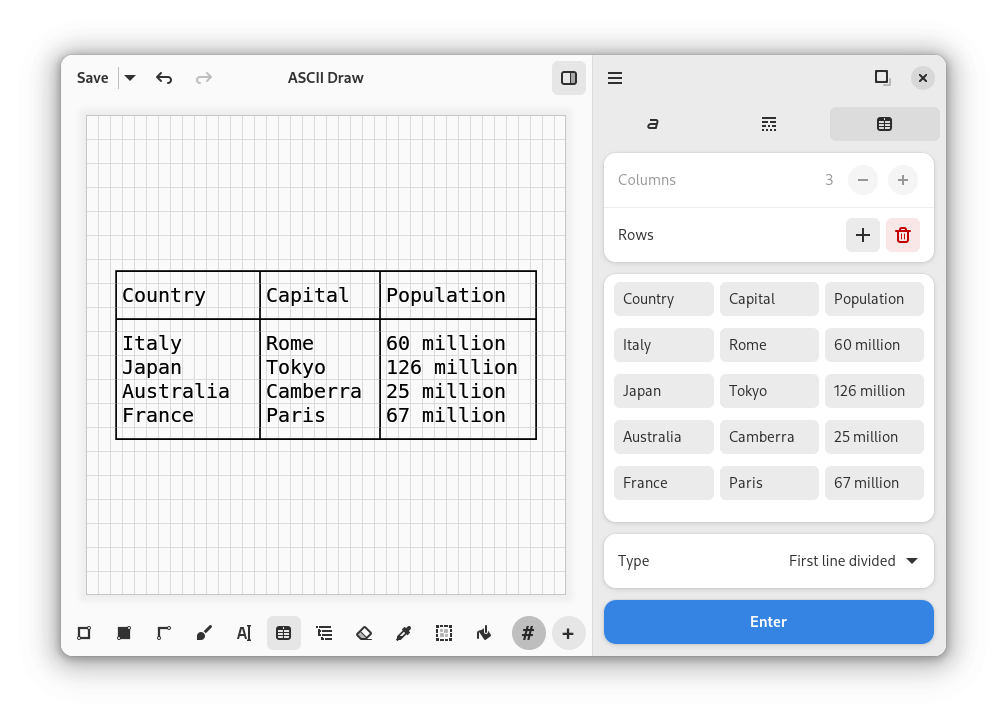
- 📊 Table Creator: Professional table formatting and alignment
- 🌳 Tree View: Hierarchical structures and organizational charts
- 🧹 Eraser: Precise deletion and editing capabilities
- 🔤 Character Picker: Extensive library of ASCII characters and symbols
- ↔️ Selection Tools: Move and rotate selections with ease
- 🪣 Flood Fill: Quickly fill areas with chosen characters
🎨 What You Can Create
- Technical Diagrams: Flowcharts, network diagrams, system architectures
- Code Documentation: Visual representations for README files and documentation
- Data Visualization: Tables, charts, and structured data displays
- Creative Art: ASCII art and decorative elements
- Educational Content: Visual aids for presentations and tutorials
- Organizational Charts: Tree structures and hierarchical displays
📸 View More Screenshots
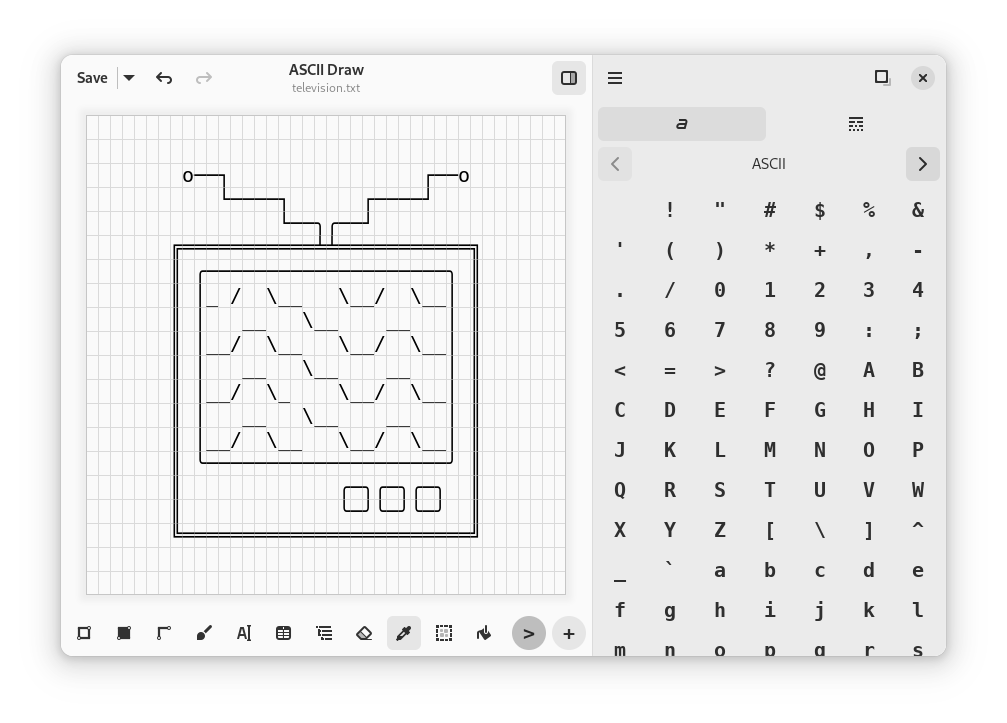
Intuitive drawing interface with various tools
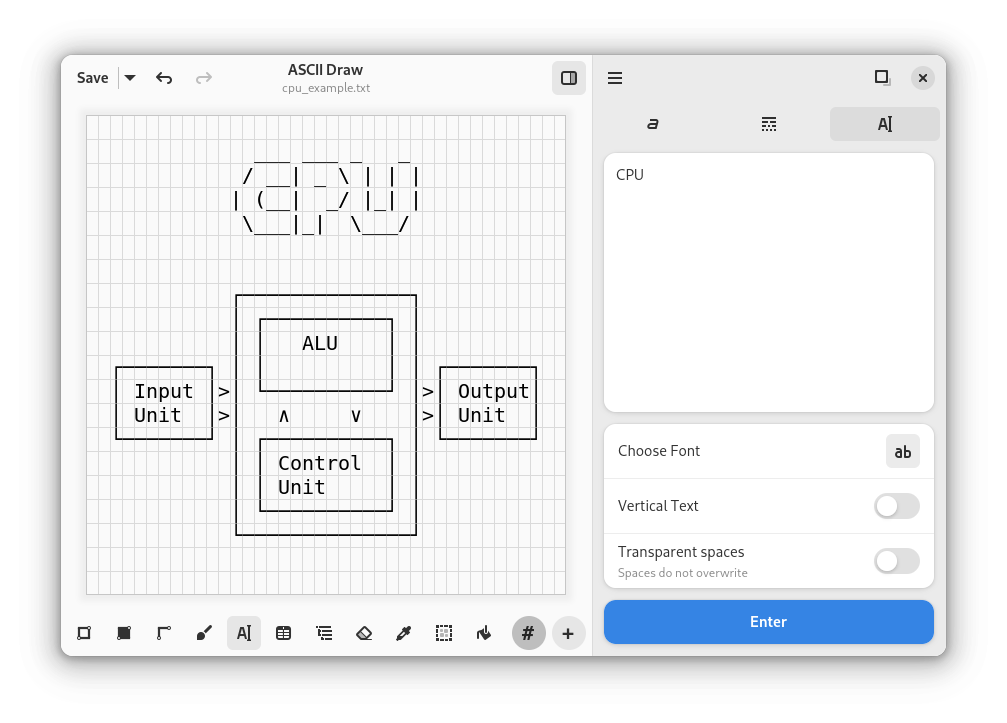
Advanced text manipulation and formatting options
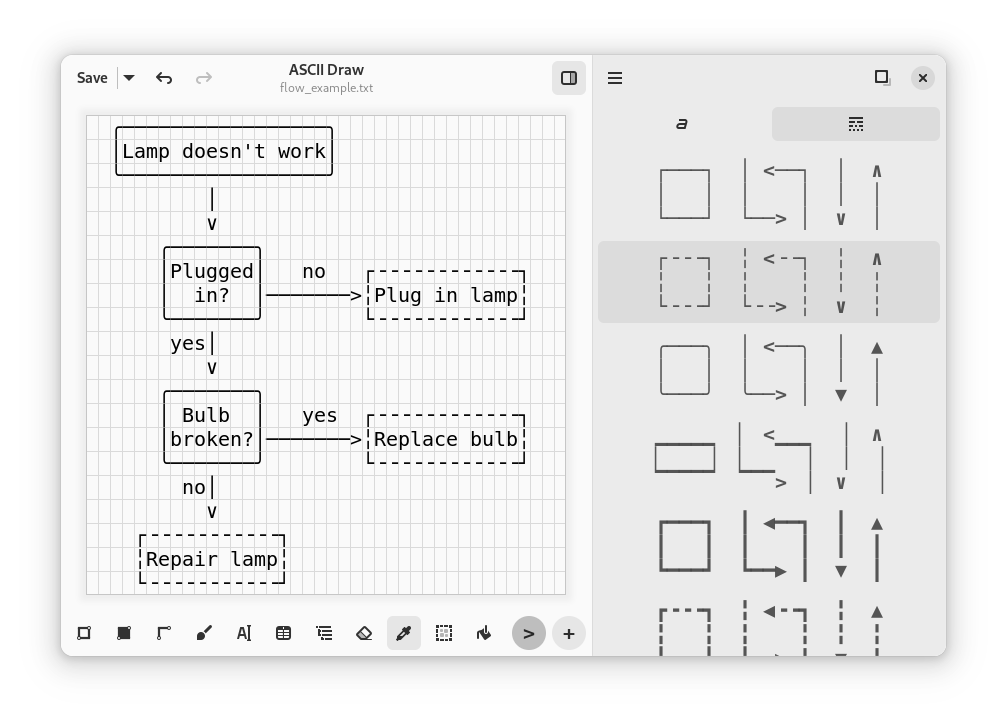
Wide selection of ASCII characters and symbols
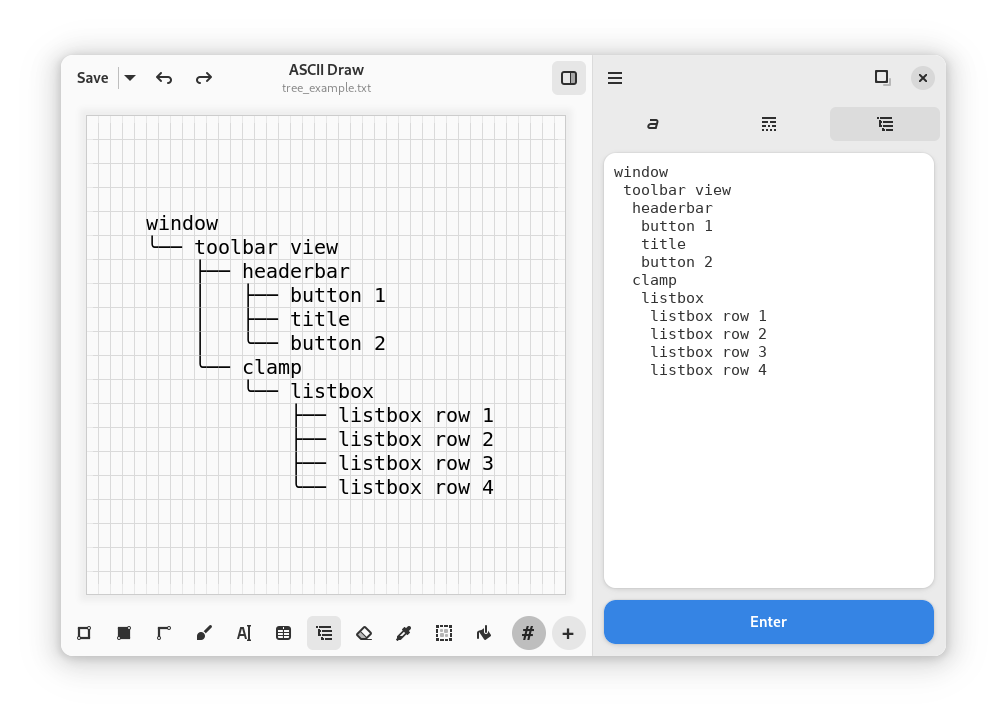
Various drawing tools for precise artwork creation
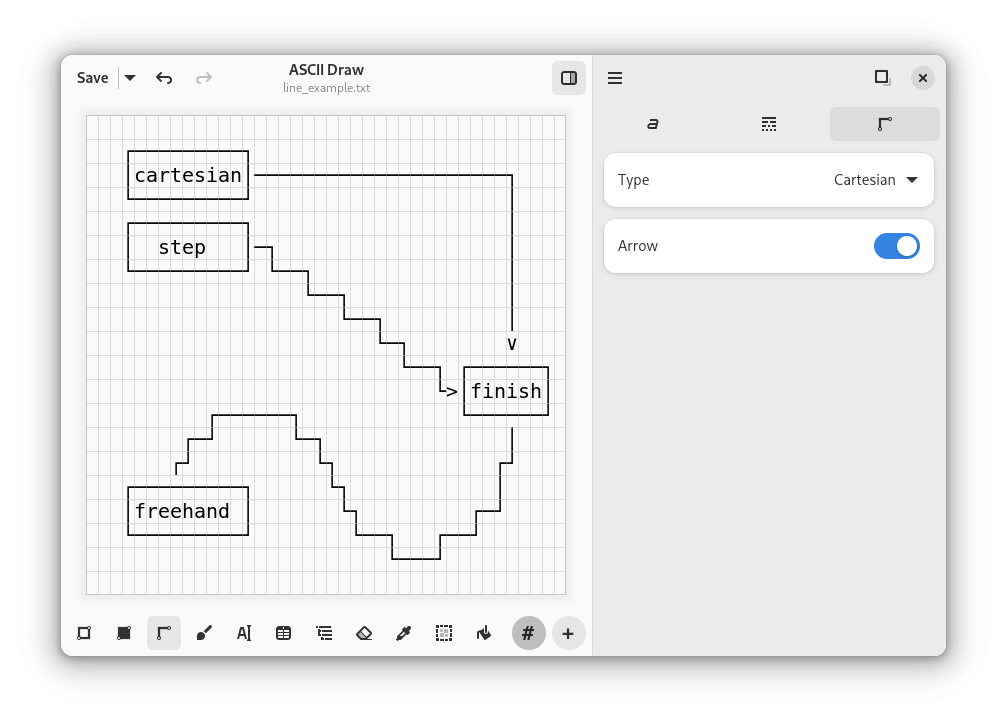
Save as text file or copy to clipboard
💬 Chat
To chat about ASCII Draw, share what you made or ask for help when contributing you can join our Matrix #ascii-draw:matrix.org
🚀 Installation
📦 Quick Install
⚡ From Source
For developers and contributors who want to build from source:
# Clone the repository
git clone https://github.com/Nokse22/ascii-draw.git

# Navigate to the project directory
cd ascii-draw

# Open in GNOME Builder and click "Run Project"
🛠️ System Requirements
- Operating System: Linux (GNOME desktop environment recommended)
- Python: 3.8 or higher
- Dependencies: GTK4, libadwaita, pyfiglet, emoji
🤝 Contributing
We welcome contributions! Whether you're fixing bugs, adding features, or improving documentation, your help makes ASCII Draw better for everyone.
How to Contribute
- Fork the repository
- Create your feature branch (
git checkout -b feature/amazing-feature) - Commit your changes (
git commit -m 'Add some amazing feature') - Push to the branch (
git push origin feature/amazing-feature) - Open a Pull Request
📄 License
This project is licensed under the GNU General Public License v3.0 - see the LICENSE file for details.
🌟 Support the Project
If you find ASCII Draw useful, please consider:
- ⭐ Starring this repository
- 🐛 Reporting bugs and issues
- 💡 Suggesting new features
- 🔄 Sharing with others who might find it useful
Made with ❤️ by the ASCII Draw community
more like this
thorn
a pure lazy functional programming language to make ASCII art animations (and other things too)
emoticon_kaomoji_dataset
Dataset of 62,000 text emoticons and kaomojis with labels.