dorkhub

PawnBit

A bot for chess.com and lichess.org that automatically plays chess for you

PanagiotisIatrou
Python10539 forksMITupdated 8 months ago
git clone https://github.com/PanagiotisIatrou/PawnBit.gitPanagiotisIatrou/PawnBit

PawnBit

A bot for chess.com and lichess.org that automatically plays chess for you

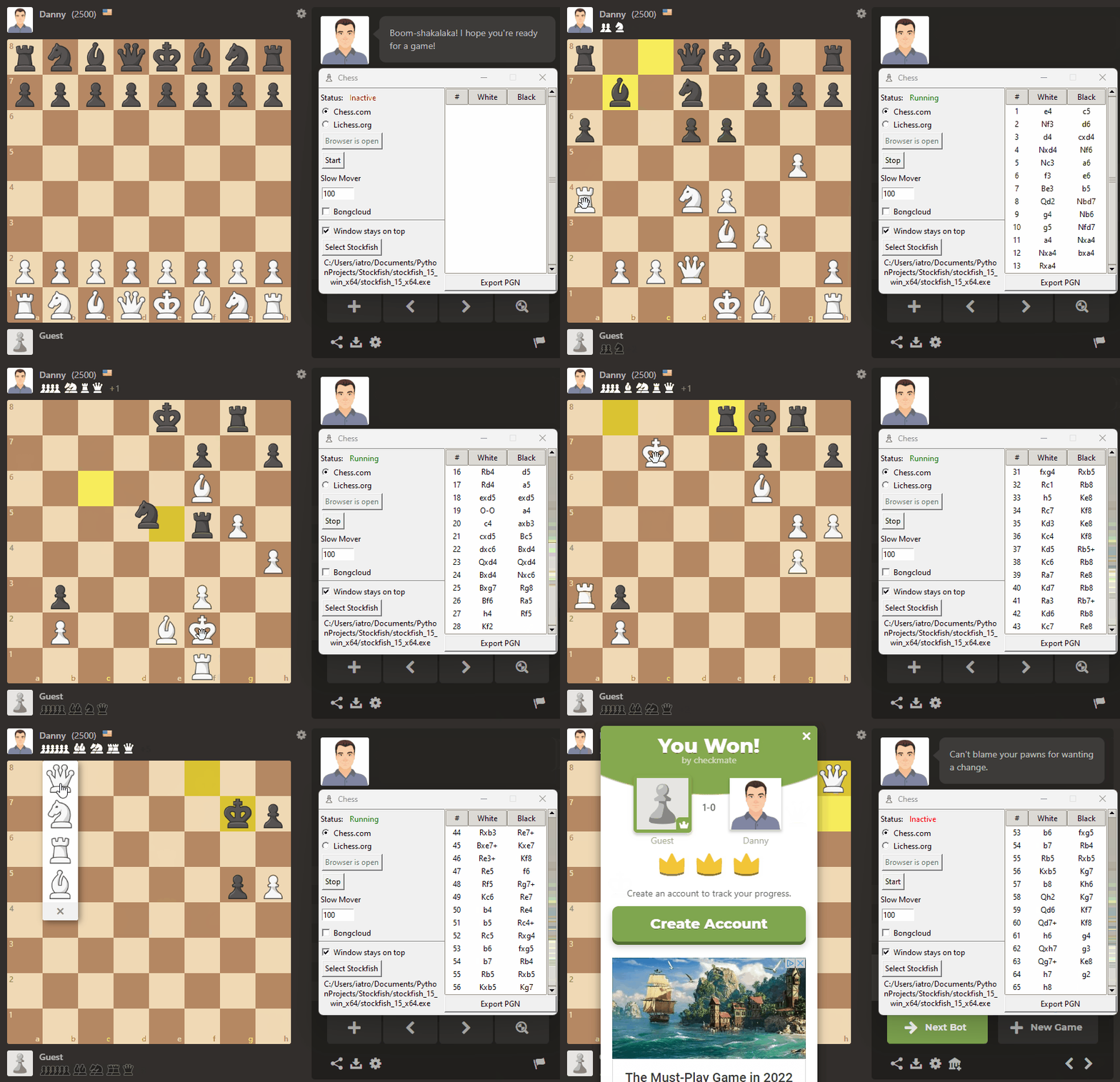
Chess.com
Lichess.org
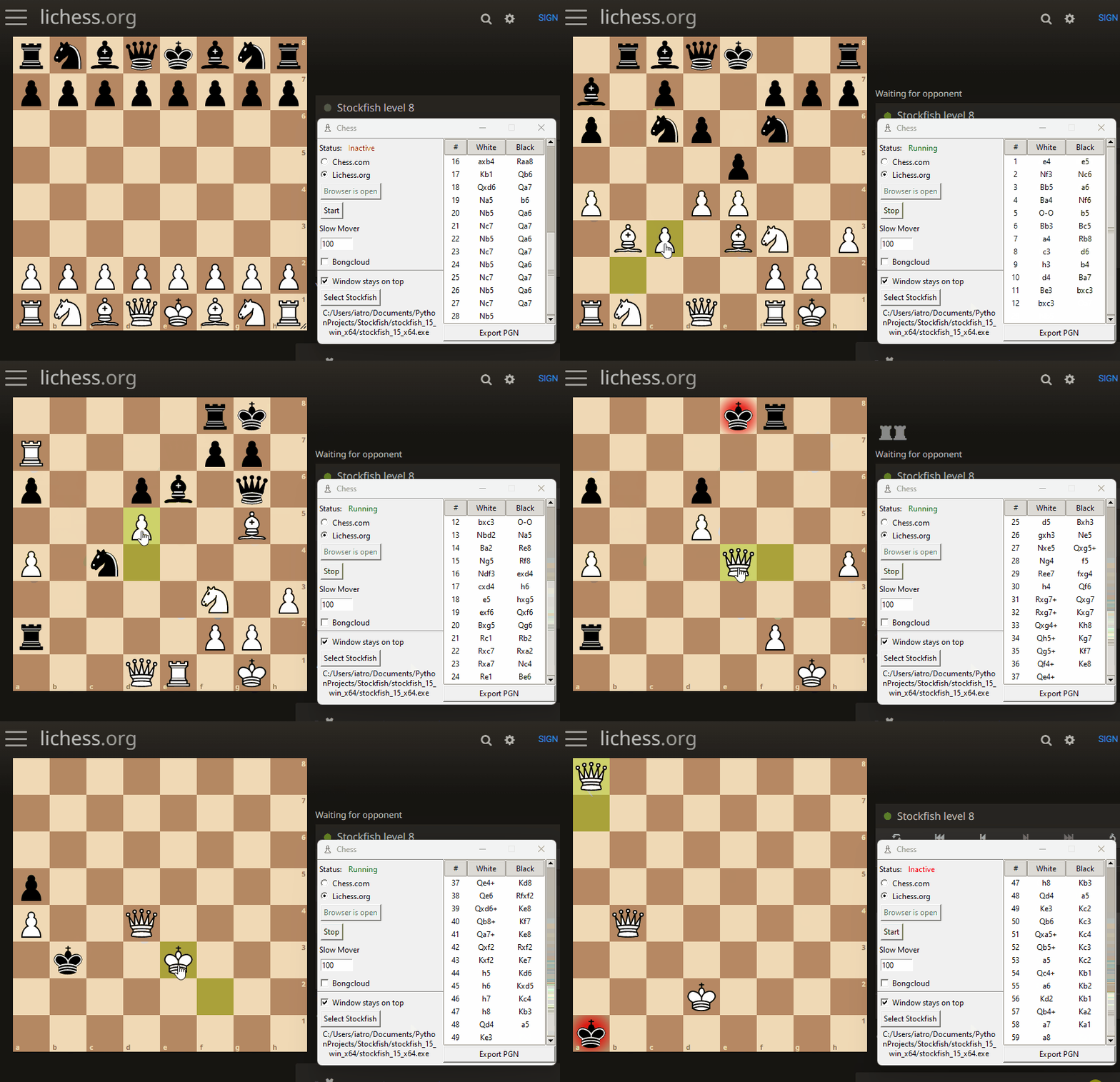
Note that the mouse is being moved by python

How to install

  1. Clone the repository or just download the repository as a .zip
  2. Download Stockfish from https://stockfishchess.org/
    Note that on Linux systems you must manually add execute permissions to the stockfish executable
  3. Open a Terminal
  4. cd PawnBit
  5. Windows: python -m venv venv
    Linux: python3 -m venv venv
  6. Windows: venv\Scripts\pip.exe install -r requirements.txt
    Linux: venv/bin/pip3 install -r requirements.txt

How to use

  1. Open a Terminal
  2. cd PawnBit
  3. Windows: venv\Scripts\python.exe src\gui.py
    Linux: venv/bin/python3 src/gui.py
  4. Click Select Stockfish on the GUI that opens. This will open a file explorer. Navigate to the folder where you downloaded Stockfish and select the Stockfish executable.
  5. Click Open Browser. This will open ChromeDriver and load the selected chess website.
  6. Navigate to a live match (online or vs bot)
  7. Click Start (or press 1)
  8. Enjoy

Note You can stop the bot at any time by pressing Stop or pressing 2.

Currently supports

  • Windows/Linux platforms
  • Chess.com
  • Lichess.org
  • Playing vs humans
  • Playing vs bots
  • Puzzles (with option for non-stop solving):
    • chess.com
    • lichess.org
  • Manual mode (Press or hold 3 to move when enabled)
    An arrow with the best move is also displayed
  • Mouseless mode (The moves are made without the mouse moving, also works while the browser is at the background):
    • chess.com
    • lichess.org
  • Bongcloud mode ( ͡° ͜ʖ ͡° )
  • Non-stop mode (The bot will play non-stop)
    • chess.com
    • lichess.org
  • Ability to add a fixed amount of mouse latency
  • Skill level selection (0-20)
  • Depth level selection (1-20)
  • Memory (RAM) usage selection
  • CPU threads number selection
  • Slow Mover option (defaults to 100, 10 ≤ Slow Mover ≤ 1000)
    lower values will make Stockfish take less time in games, higher values will make it think longer
  • Exporting finished games to PGN
  • W/D/L, accuracy and material statistics tracking
  • Evaluation bar display on the side

Future features

  • Random delays in between moves to simulate human behavior

Disclaimer

Under no circumstances should you use this bot to cheat in online games or tournaments. This bot was made for educational purposes only. Using this bot to cheat in online games or tournaments is against the rules of chess.com and will result in a ban.

more like this

meine

meine 🌒 - A CLI file manager and system utility built with Textual. It combines intuitive command parsing with rich t…

Python50

search

search projects, people, and tags