meine
meine 🌒 - A CLI file manager and system utility built with Textual. It combines intuitive command parsing with rich t…
Python★ 50
Responsive theme for Pelican Static Site Generator, Powered by Python
 Parbhat
Responsive theme for Pelican Static Site Generator, Powered by Python Programming language.
You can see the theme in action at https://parbhatpuri.com
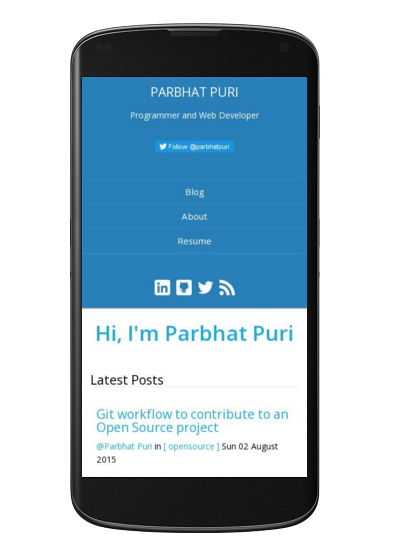
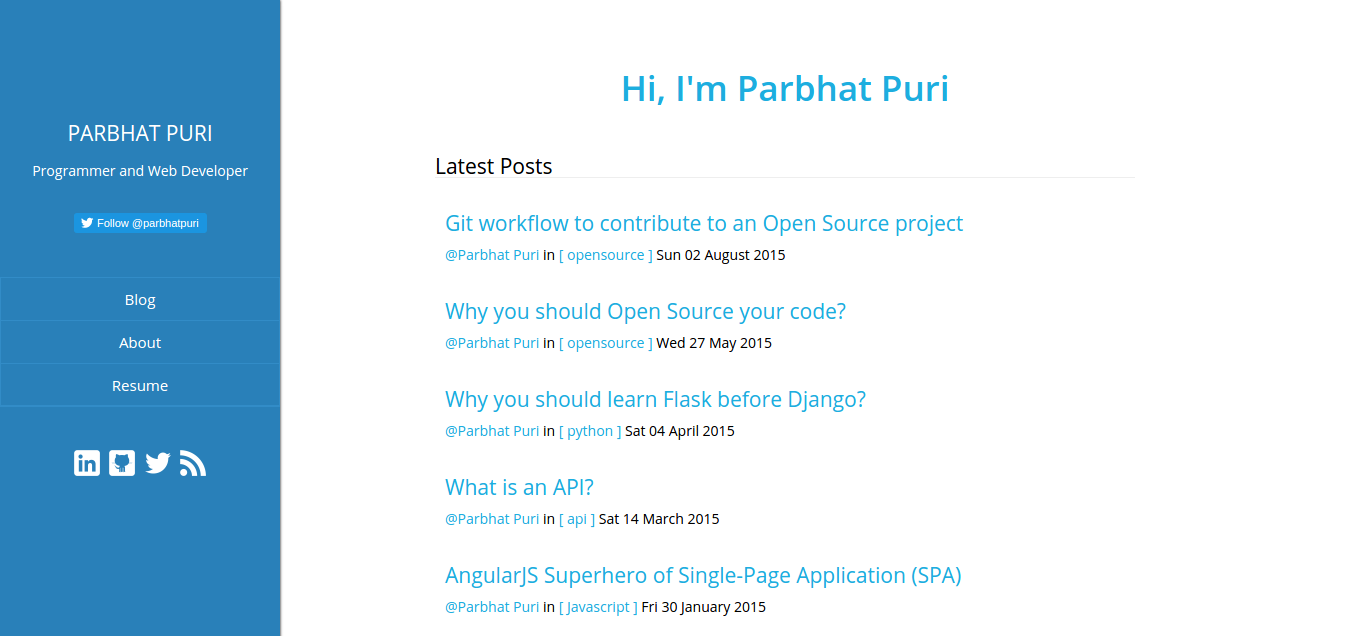
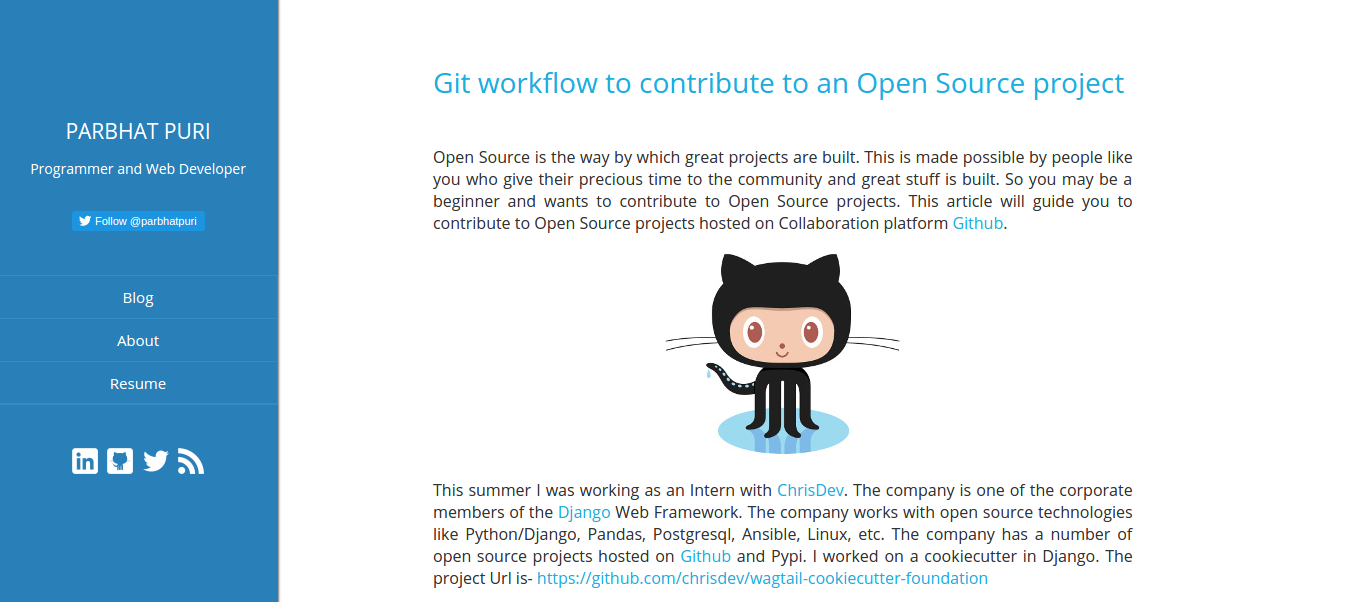
You can install Pelican-Blue theme to your earlier Pelican project or create a new project from the Pelican Quickstart guide.
$ git clone https://github.com/Parbhat/pelican-blue.git
THEME variable in your pelicanconf.py file and set its value to the location of pelican-blue theme.THEME = 'path-to-pelican-blue-theme'
If you have placed the pelican-blue theme inside your project's pelican-themes folder, change the THEME variable in pelicanconf.py to
THEME = 'pelican-themes/pelican-blue'
pelicanconf.py file to display the social icons.SOCIAL = (('linkedin', 'https://www.linkedin.com/in/username'),
('github', 'https://github.com/username'),
('twitter', 'https://twitter.com/username'),
)
pelican-blue. To see the Theme in action run the devservermake devserver
Note: If you are new to Pelican Static Site Generator, you can read the Pelican Docs to learn the working of Pelican. You can also customize the theme after reading the documentation.
Pelican-Blue theme use the following settings. You can add the following to your pelicanconf.py to get the site shown in the screenshots.
SIDEBAR_DIGEST = 'Programmer and Web Developer'

FAVICON = 'url-to-favicon'

DISPLAY_PAGES_ON_MENU = True

TWITTER_USERNAME = 'twitter-user-name'

MENUITEMS = (('Blog', SITEURL),)
When developing locally, set the following variable:
SITEURL = 'http://localhost:8000'
When you are ready to publish your site add the following settings to publishconf.py file
SITEURL = 'http://your-domain-address'

FEED_ALL_ATOM = 'feeds/all.atom.xml'
CATEGORY_FEED_ATOM = 'feeds/%s.atom.xml'

MENUITEMS = (('Blog', SITEURL),)

DISQUS_SITENAME = ""
GOOGLE_ANALYTICS = ""
For more information on publishing your site, read the publishing docs
Your contributions are welcome to improve the pelican-blue theme.
more like this
meine 🌒 - A CLI file manager and system utility built with Textual. It combines intuitive command parsing with rich t…
Create and add progress bars, Office365 Files and Dropbox Paper papers by labels and link them to your Todoist tasks.
search projects, people, and tags