perplexity-cli
🧠 A simple command-line client for the Perplexity API. Ask questions and receive answers directly from the terminal! 🚀🚀🚀
Python★ 176
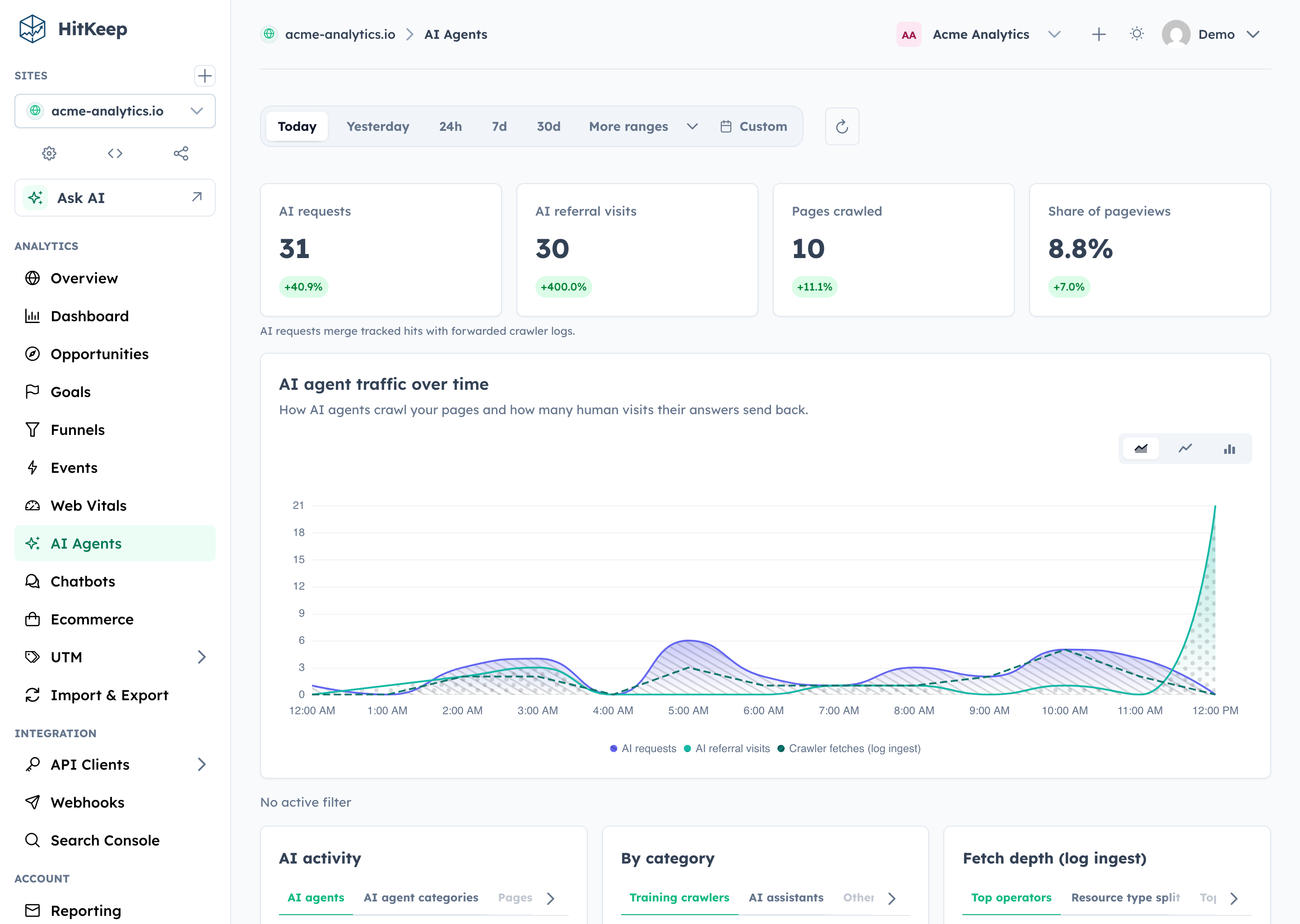
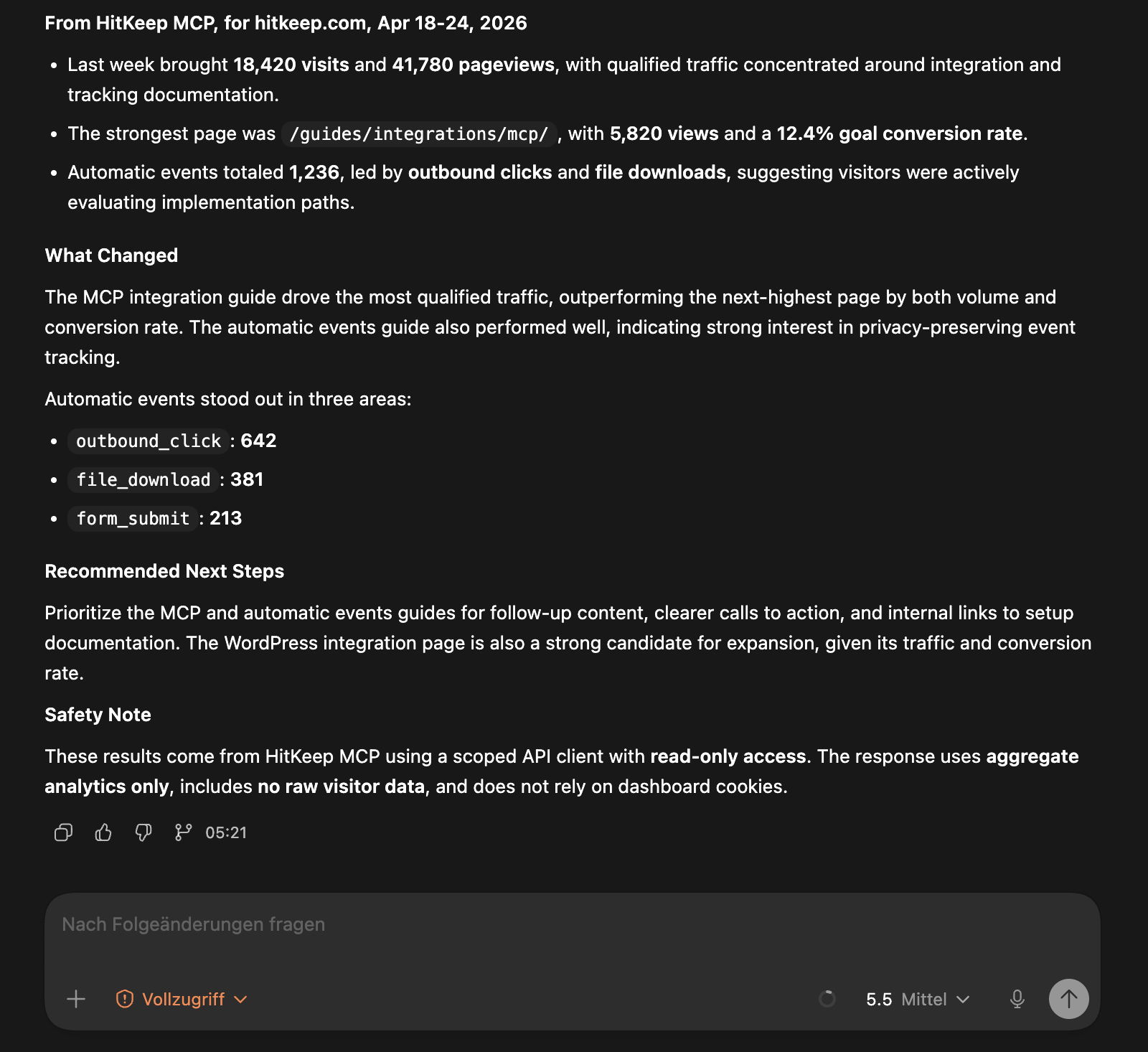
HitKeep is privacy-first analytics for humans and AI agents, self-hosted or in managed EU/US cloud regions.
 PascaleBeier
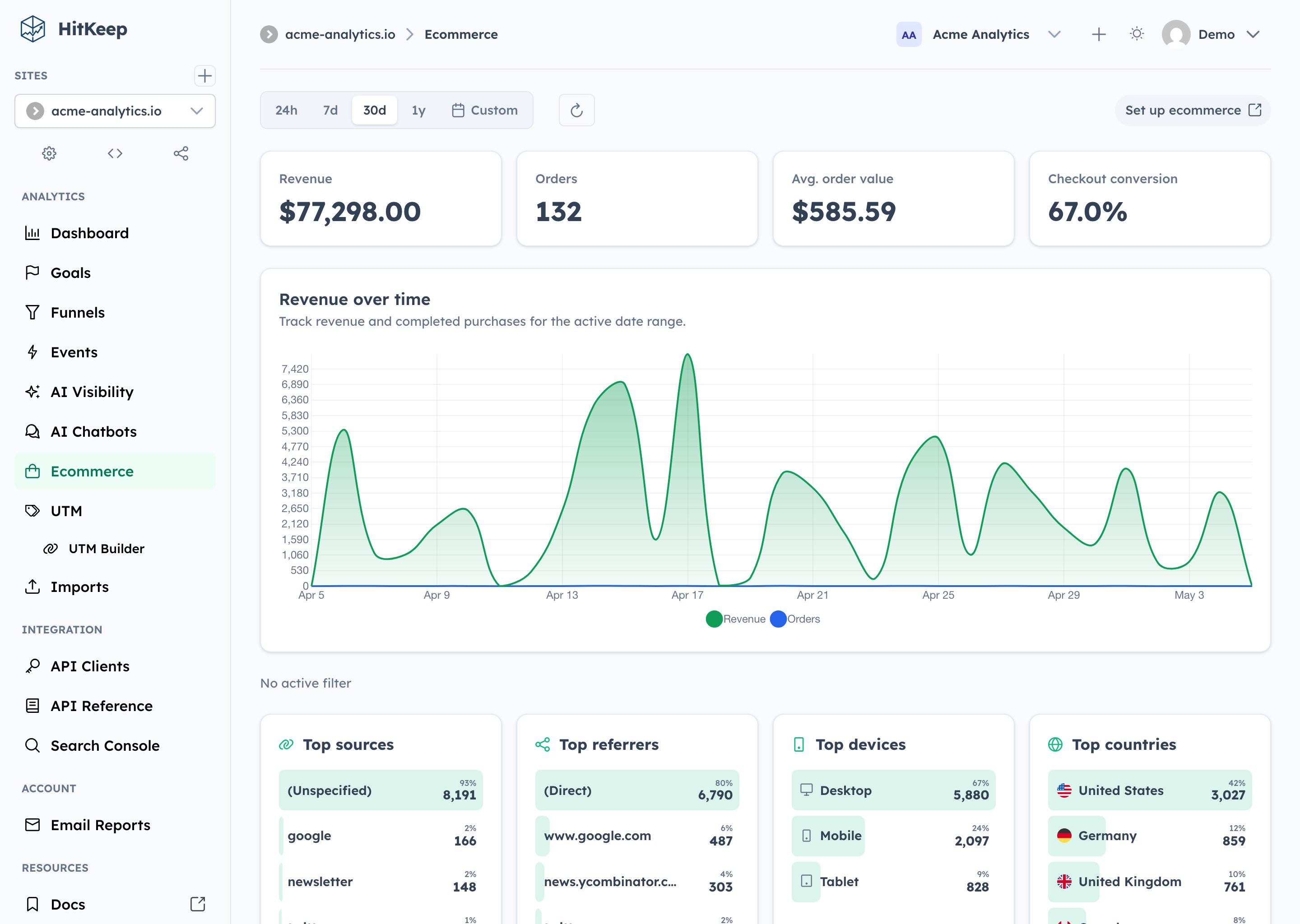
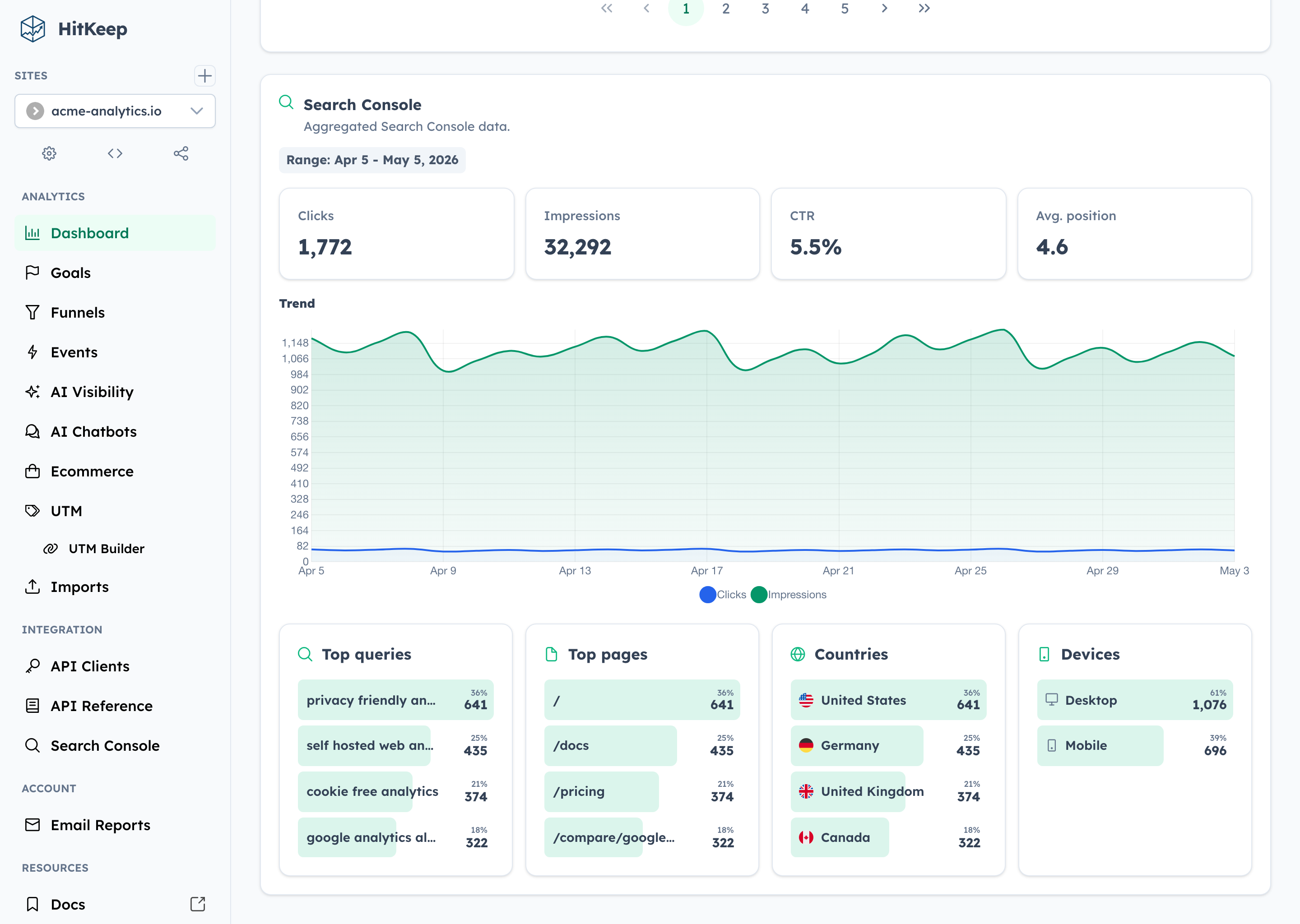
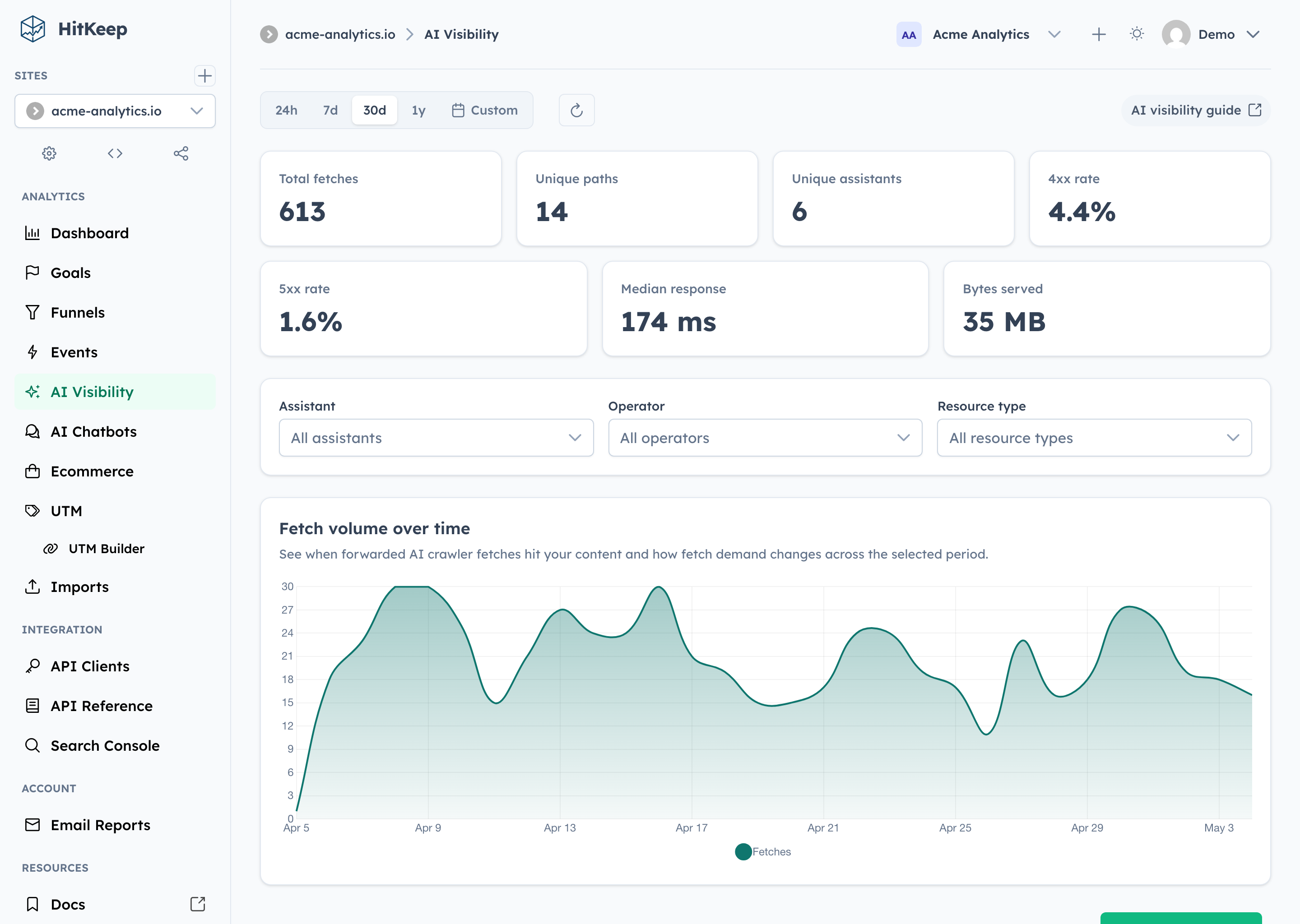
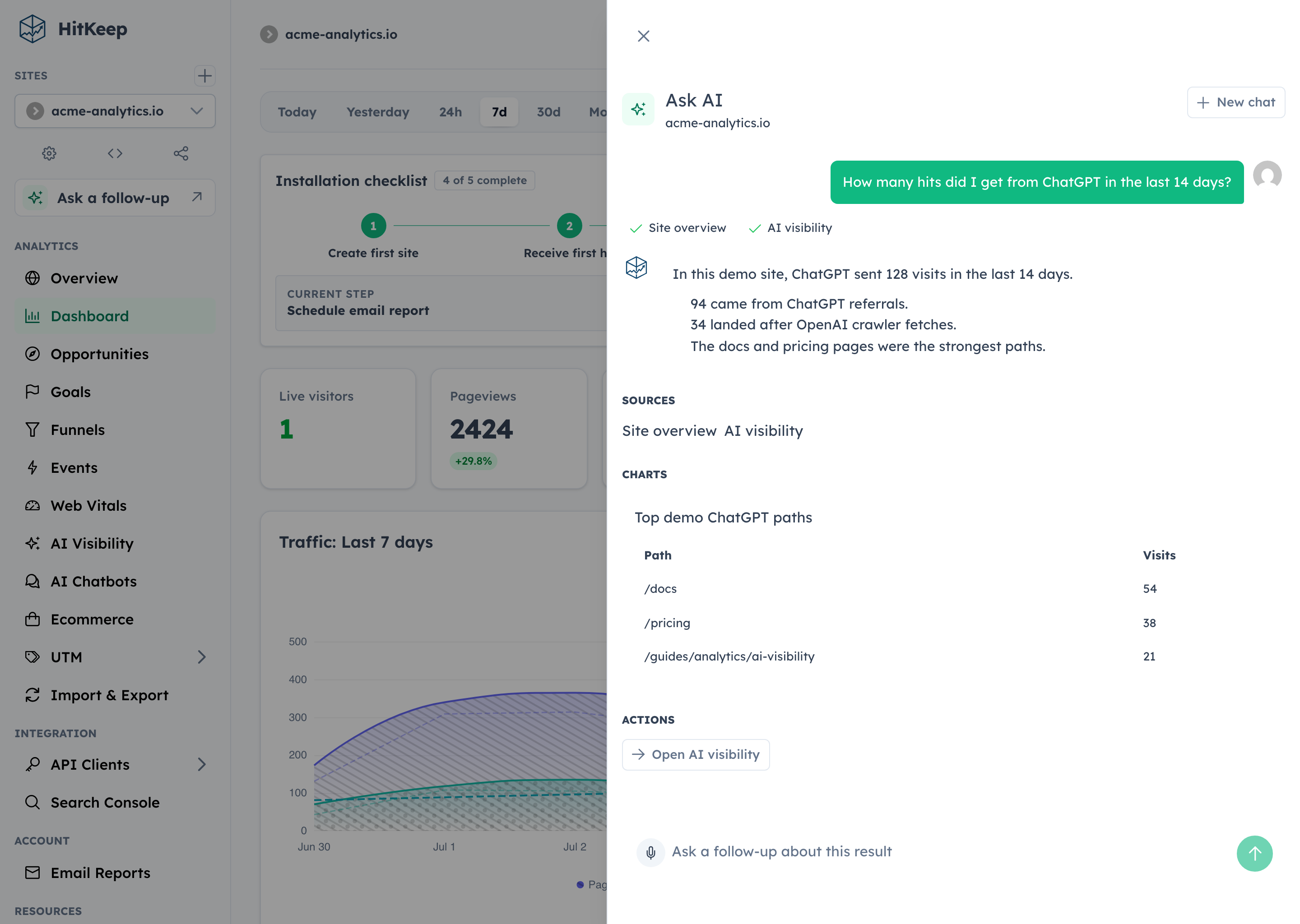
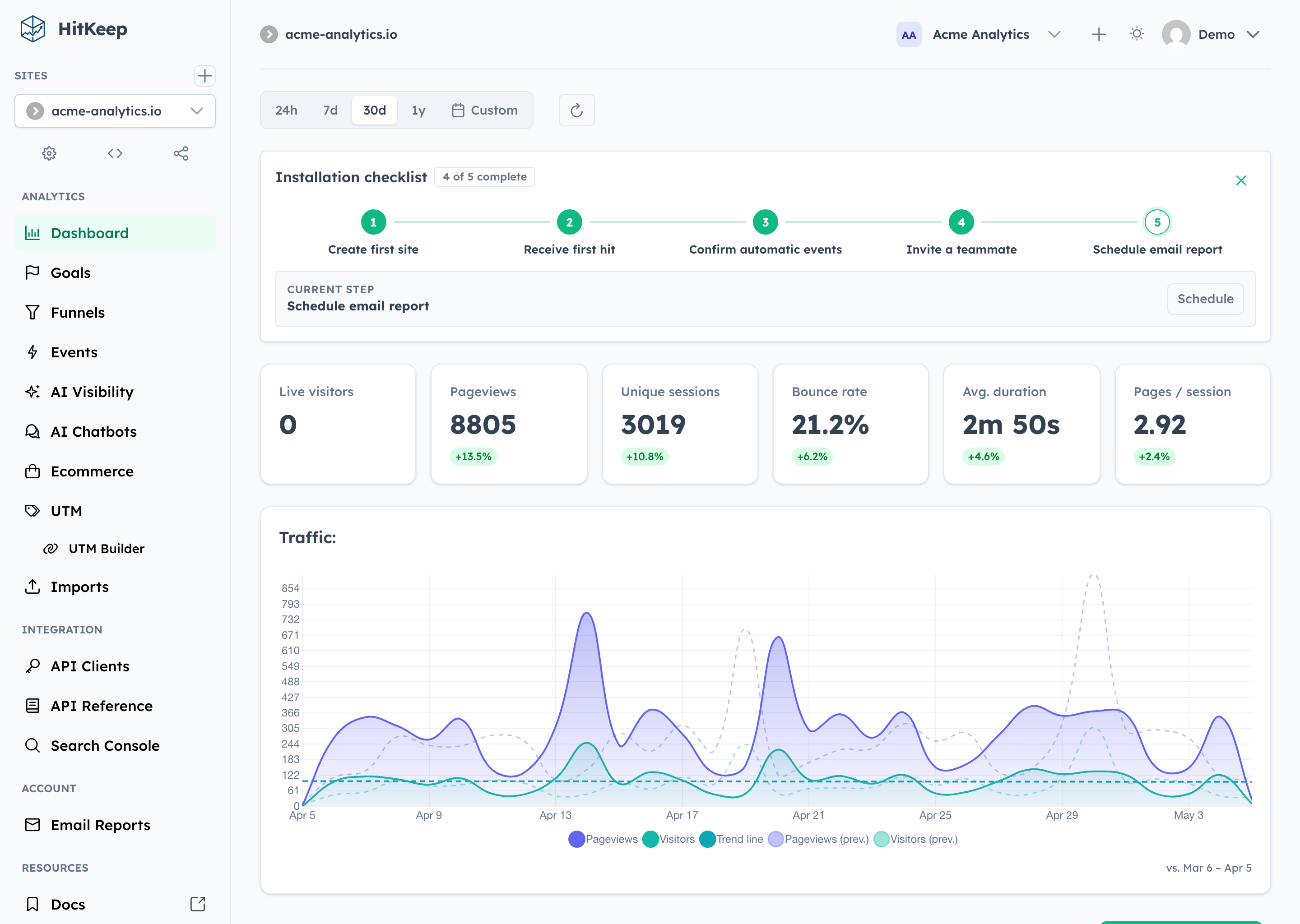
Privacy-first web analytics with conversion reporting, AI visibility, and optional Ask AI, self-hosted or in EU/US cloud.

HitKeep is open source web analytics for teams that want useful product reporting, conversion analytics, and AI-era search visibility without running PostgreSQL, Redis, ClickHouse, or a separate queue. It ships as a single Go binary with an embedded Angular dashboard, DuckDB storage, and in-process NSQ queueing.
Website · Live Demo · Docs · Cloud · AI Performance · API · Releases
Save this as compose.yml:
services:
  hitkeep:
    image: pascalebeier/hitkeep:latest
    restart: unless-stopped
    ports:
      - "8080:8080"
    volumes:
      - hitkeep_data:/var/lib/hitkeep/data
    environment:
      # any flag can also be set as an environment variable
      HITKEEP_JWT_SECRET: replace-this-with-a-long-random-string
    command:
      - "-public-url=http://localhost:8080"

volumes:
  hitkeep_data: {}
Then start it:
docker compose up -d
Open http://localhost:8080 and create your first account. More compose examples — including Caddy, nginx, and Traefik setups — live in examples/.
Download the latest release for your platform (hitkeep-linux-amd64 or hitkeep-linux-arm64) and run it:
curl -LO https://github.com/PascaleBeier/hitkeep/releases/latest/download/hitkeep-linux-amd64
chmod +x hitkeep-linux-amd64
export HITKEEP_JWT_SECRET="$(openssl rand -hex 32)" # keep this stable across restarts
./hitkeep-linux-amd64 -public-url="http://localhost:8080"
Open http://localhost:8080 and create your first account.
For reverse proxies, SMTP, systemd, Kubernetes, S3 archiving, and every configuration flag, use the docs instead of this README:
Create a site in the dashboard, then add the tracker to your pages:
<script async src="https://your-hitkeep-instance.com/hk.js"></script>
Send a custom event:
<script>
  window.hk = window.hk || {};
  window.hk.event?.("signup", { plan: "pro", source: "landing-page" });
</script>
Teams can also serve the tracker from their own verified domains, for example https://analytics.example.com/hk.js, via Team Settings → Tracking domains. DNS verification, TLS options, and ready-made Caddy, nginx, Traefik, and Helm configurations are covered in the custom tracking domains guide and examples/.
More tracking guides:
The maintained reference lives on hitkeep.com.
If you want the same product without running it yourself, start here:
The repository-owned developer CLI provides a small default development workflow, with isolated worktrees, cloud-parity builds, and the same QA contract available when needed.
The checked-in ./hk file is a POSIX launcher, not a compiled binary. It builds the current worktree's developer CLI into a content-addressed host cache; developer CLI binaries are neither committed nor attached to HitKeep releases.
Start with:
./hk setup
./hk dev --seed
./hk dev runs the workspace's Compose stack in the foreground, prints URLs, and streams component logs; Ctrl+C stops the complete stack. Use ./hk dev --detach for an explicit background session, ./hk dev logs to follow it, ./hk dev restart to preserve data while restarting, ./hk dev stop to stop it, and ./hk dev reset --seed for a fresh seeded data volume. Add --variant cloud for local managed-cloud parity. Concurrent Git worktrees remain isolated automatically.
Capture one or several local routes for visual QA with ./hk screenshot /dashboard /admin/status. The routes share one browser and authenticated seeded session, and the PNGs stay in the workspace's managed artifact state instead of entering the repository.
Run ./hk help for human guidance, ./hk catalog commands --output json for the complete machine-readable command surface, ./hk catalog configuration --output json for the runtime configuration documentation contract, ./hk doctor for prerequisites, and ./hk qa pr before review. hk is the sole supported developer workflow entry point.
Contributor docs and local development guides:
Distributed under the MIT License. See LICENSE.
more like this
🧠 A simple command-line client for the Perplexity API. Ask questions and receive answers directly from the terminal! 🚀🚀🚀
Comprehensive analytics dashboard for AI coding agents — Cursor, Windsurf, Claude Code, VS Code Copilot, Zed, Antigravi…
search projects, people, and tags