perplexity-cli
🧠 A simple command-line client for the Perplexity API. Ask questions and receive answers directly from the terminal! 🚀🚀🚀
Python★ 176
A minimal, distraction-free markdown editor built with Tauri, React, and TypeScript
 Razee4315


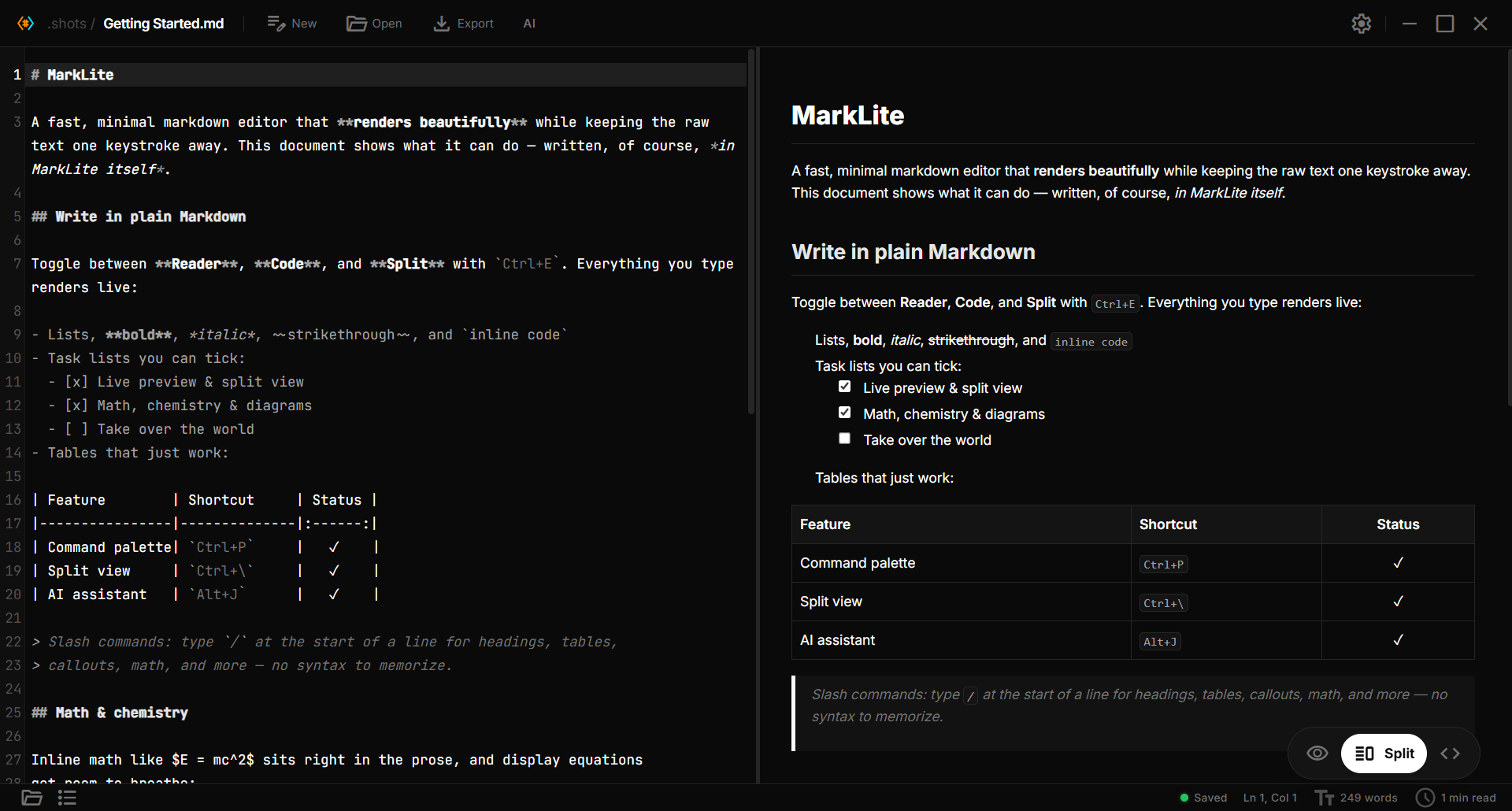
A no-setup Markdown reader and editor. Open any .md file and read it beautifully, edit with live preview (math, chemistry, and diagrams as you type), and use an optional free AI that proposes edits you accept or reject inline. No vaults, no plugins, no heavy app. Built with Tauri, React, and TypeScript.
⬇ Download · Website · Features · Contribute

As a developer, I frequently work with markdown files for documentation, notes, and project READMEs. The frustration of opening .md files in Notepad or basic text editors, only to see raw, unformatted text with all the symbols and syntax cluttering the content, inspired me to build Paperling.
I wanted something you just open and write in: it renders Markdown beautifully while keeping the raw text one keystroke away. Tools like Obsidian are powerful, but vaults, graphs, and plugins are overkill if you only want to open a file and edit it. Paperling stays out of that complexity and adds the things I actually reach for: math and chemistry that render live, and an optional free AI (bring your own model) that proposes edits you accept or reject right in the text.
The little paper fellow above lives inside the app too: it greets you on the welcome screen, gives you a 30-second tour on first launch, and naps in the corners of empty panels.
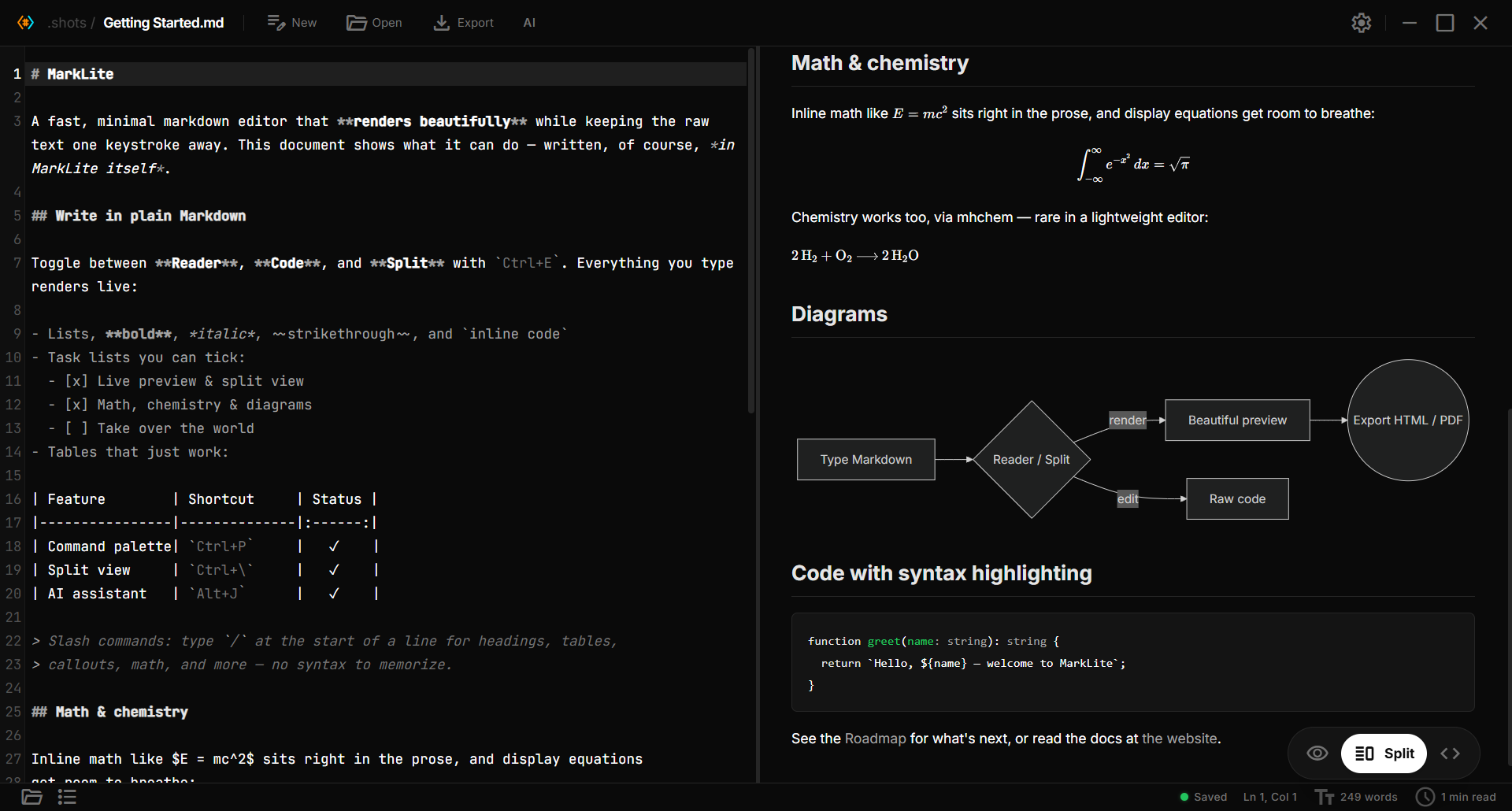
Math, chemistry, diagrams, and code — all rendered live as you type.
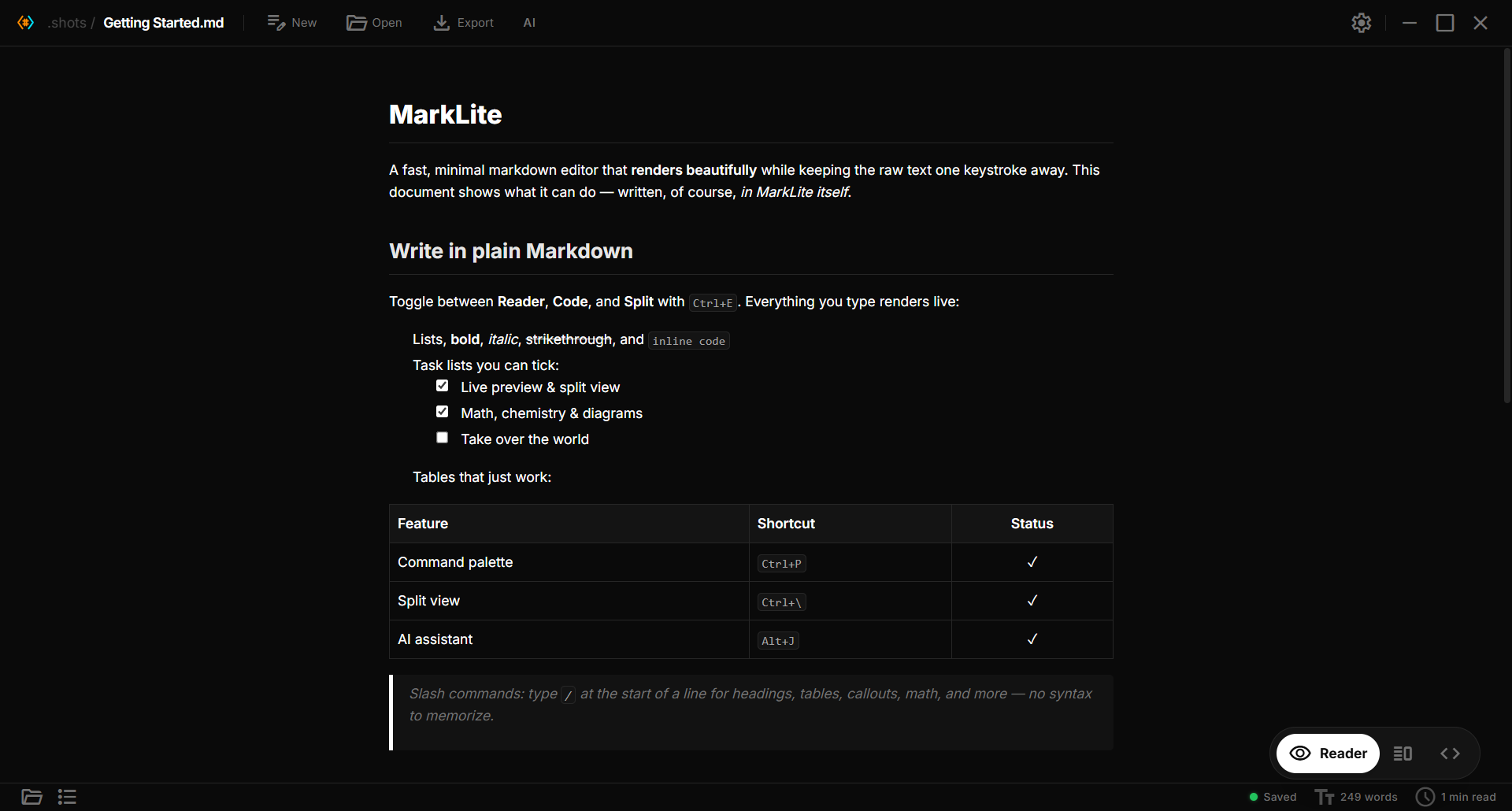
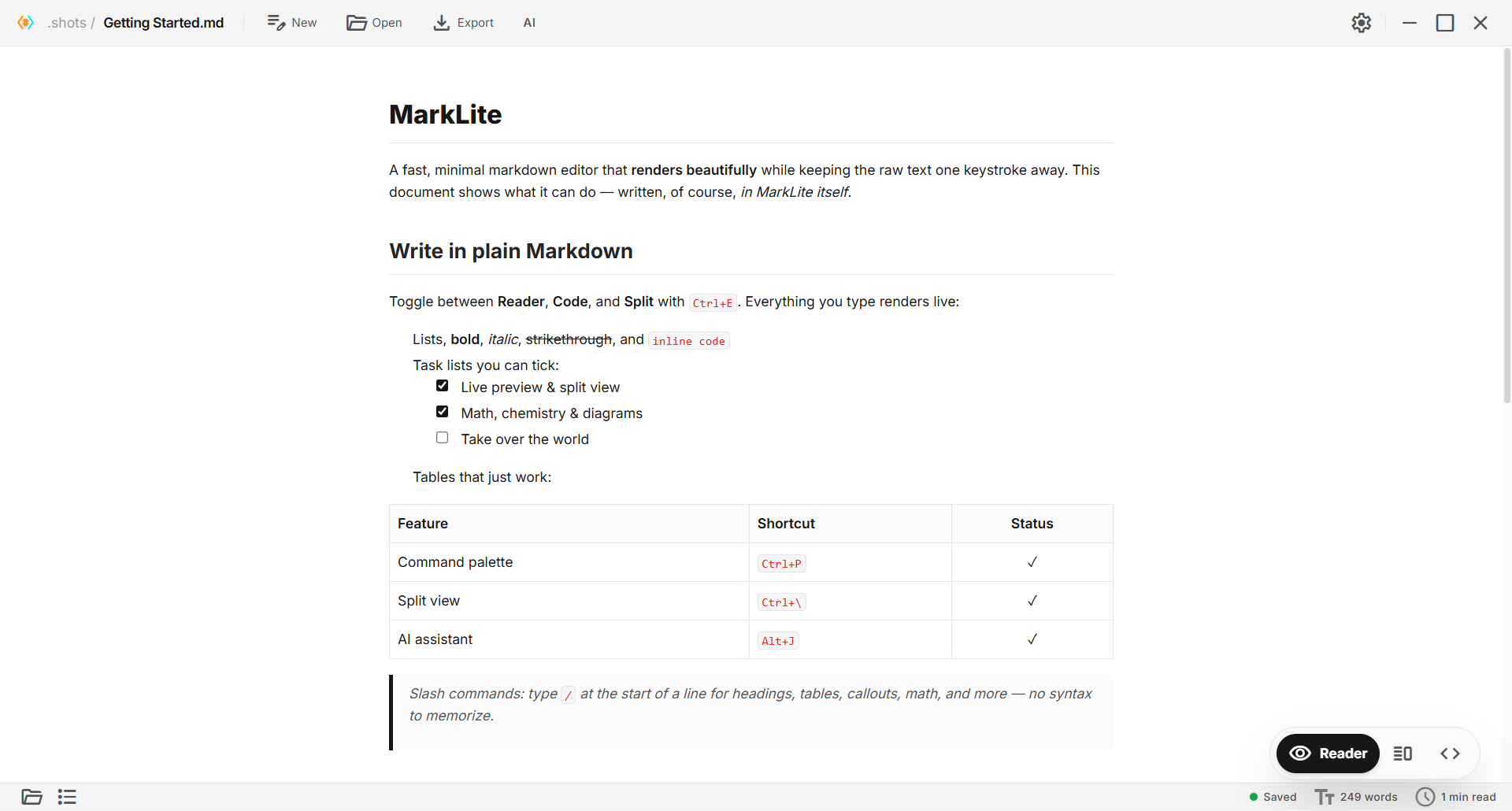
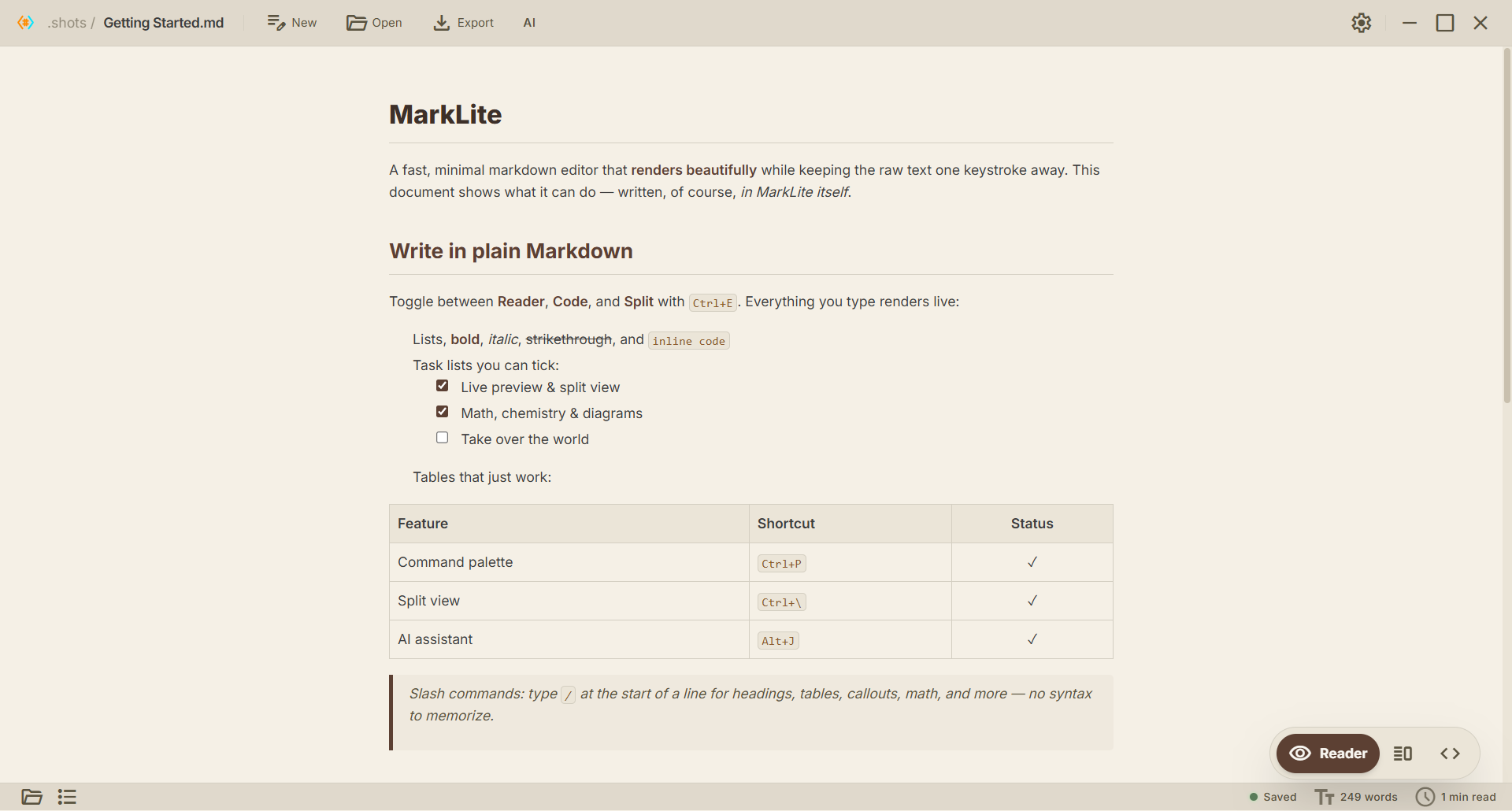
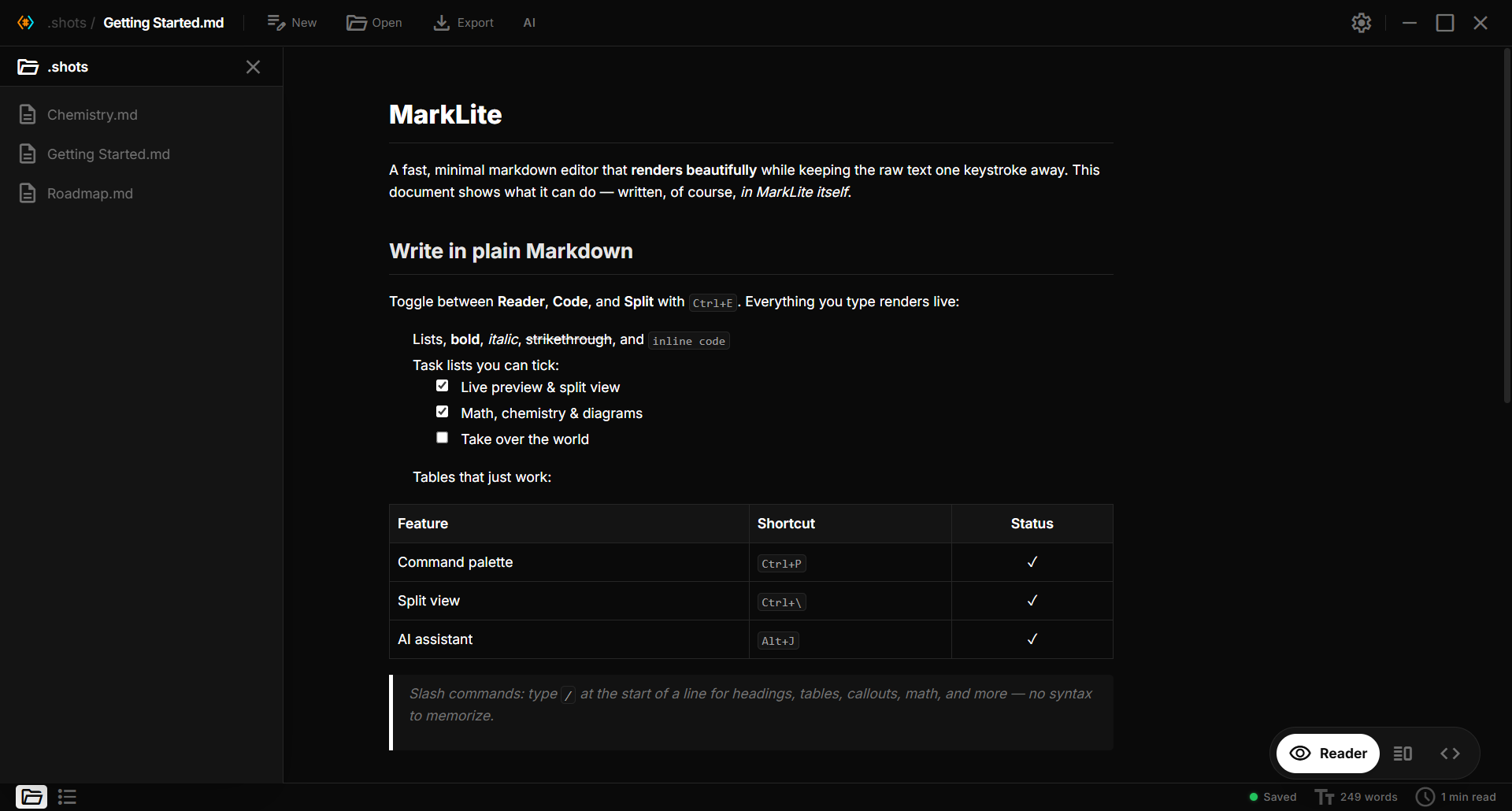
Dark, Light, Paper, and Dracula.
| Dark | Light | Paper |
|---|---|---|
 |
 |
 |
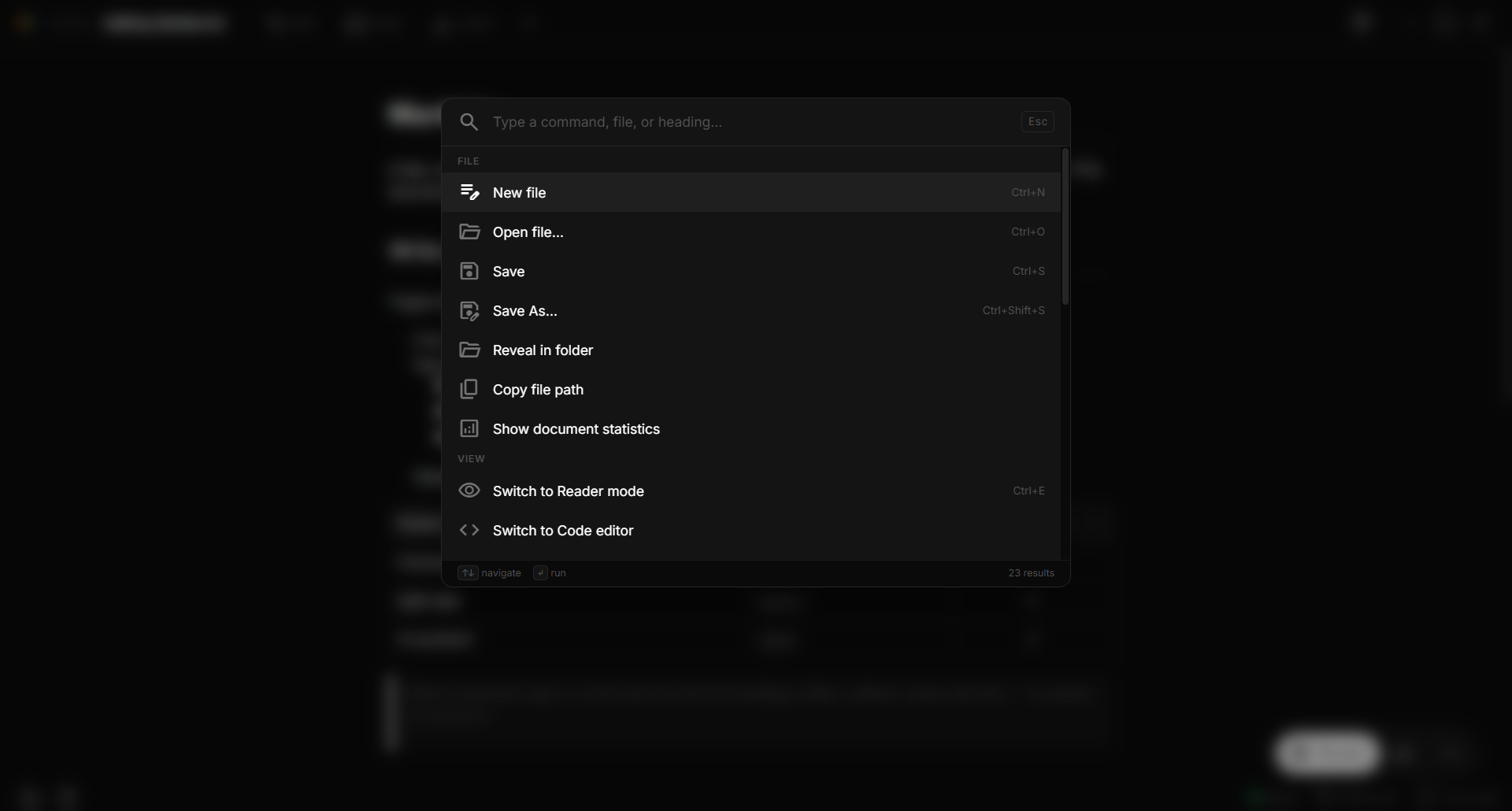
| File explorer | Command palette |
|---|---|
 |
 |
 Writing
/ at line start for headings, lists, tables, math, mermaid, callouts, and more Preview
$inline$, $$block$$) — loaded only when needed$\ce{2 H2 + O2 -> 2 H2O}$, ions, isotopes, Kröger-Vink defects```mermaid) — flowcharts, sequence, class, state, gantt, ER, mindmaps[[other-file]] resolve in the same folder AI assistant

Alt+J / ⌘J). A VS Code-style chat docked on the right; content reflows beside it.Alt+J / ⌘J to rewrite, shorten, expand, continue, or translate it in place. Files & workflow
?) — every shortcut categorized and searchable Customization
prefers-reduced-motion respected Platform
 Installation
Download the latest release from the Releases page.
| Platform | Formats |
|---|---|
| Windows | .msi installer · .exe (NSIS) installer |
| macOS | .dmg (Apple Silicon) |
| Linux | .AppImage · .deb · .rpm |
Note: builds aren't code-signed yet, so Windows SmartScreen or macOS Gatekeeper may warn on first launch. On Windows choose More info → Run anyway; on macOS right-click the app and choose Open. Auto-update packages are signed and verified before installing.
# Clone the repository
git clone https://github.com/Razee4315/Paperling.git
cd Paperling

# Install dependencies
bun install

# Run in development mode
bun run tauri dev

# Build for production
bun run tauri build
 Keyboard Shortcuts
A few essentials — press ? inside the app for the full searchable list.
| Action | Shortcut |
|---|---|
| Command palette | Ctrl+P |
| Cheatsheet | ? |
| Settings | Ctrl+, |
| New file | Ctrl+N |
| Open file | Ctrl+O |
| Save | Ctrl+S |
| Save As | Ctrl+Shift+S |
| Toggle Reader / Code | Ctrl+E |
| Toggle Split view | Ctrl+\ |
| File explorer / Outline | Ctrl+Shift+E / Ctrl+Shift+O |
| Find / Replace | Ctrl+F / Ctrl+H |
| Bold / Italic / Link | Ctrl+B / Ctrl+I / Ctrl+K |
| Toggle blockquote | Ctrl+/ |
| AI panel / assist | Alt+J (Windows) · ⌘J (macOS/Linux) |

Contributions are very welcome — code, docs, bug reports, or ideas.
good first issue — small, scoped tasks to get started.packaging/ (winget, Scoop, and more).Even a ⭐ helps others discover the project.
Saqlain Abbas
Email: saqlainrazee@gmail.com
GitHub: @Razee4315
Linkedin: @saqlain.razee
Paperling is licensed under the Apache License 2.0: free to use, modify, and distribute for both personal and commercial purposes, with an explicit patent grant. Just keep the license and NOTICE with copies you redistribute.

~ end of file ~
more like this
🧠 A simple command-line client for the Perplexity API. Ask questions and receive answers directly from the terminal! 🚀🚀🚀
Free open-source Cloudflare R2 desktop client and S3 GUI for macOS, Windows, and Linux. Manage Cloudflare R2, AWS S3, M…
Open-source, offline-first face recognition attendance platform that runs on any webcam.
search projects, people, and tags