perplexity-cli
🧠 A simple command-line client for the Perplexity API. Ask questions and receive answers directly from the terminal! 🚀🚀🚀
Python★ 176
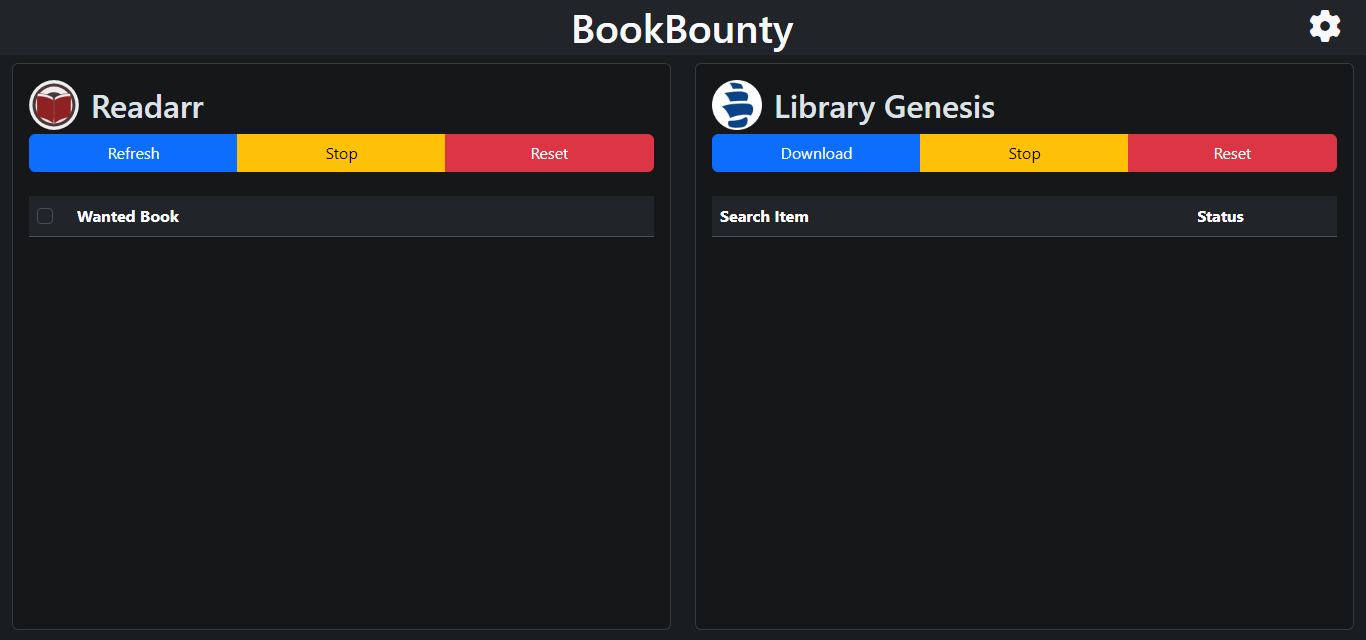
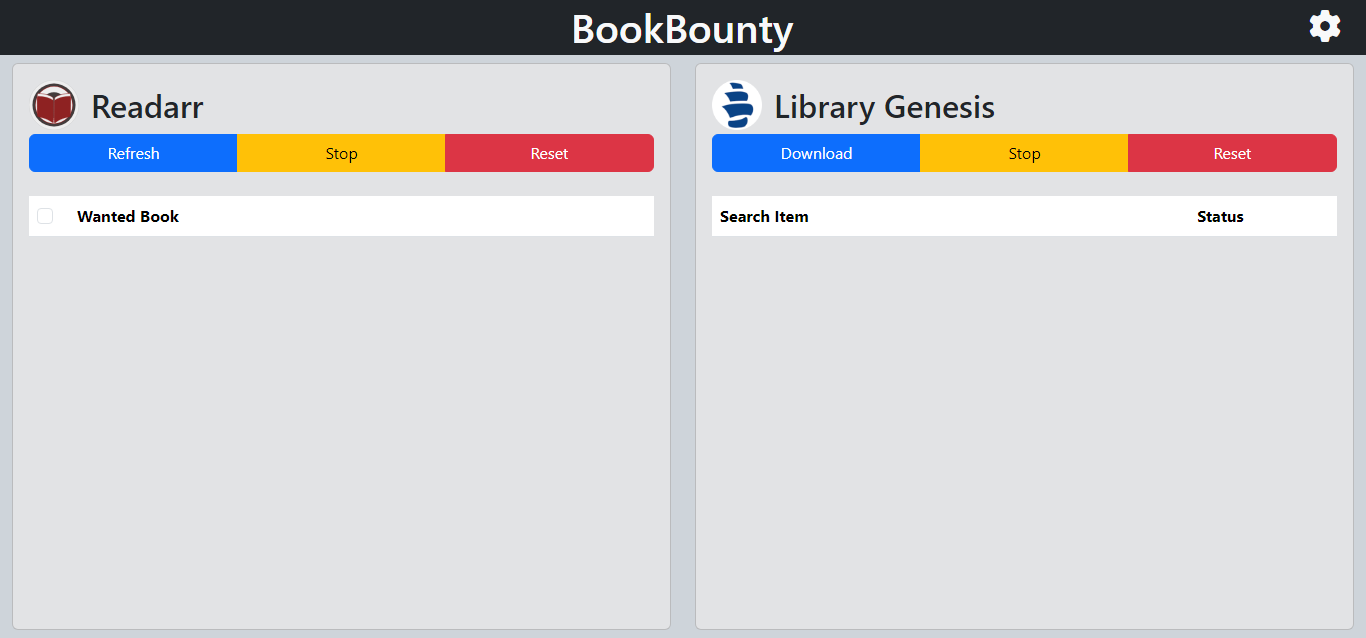
Retrieve missing Readarr books from Library Genesis.
 TheWicklowWolf
git clone https://github.com/TheWicklowWolf/BookBounty.gitTheWicklowWolf/BookBounty

BookBounty is a tool for finding missing Readarr books.
services:
  bookbounty:
    image: thewicklowwolf/bookbounty:latest
    container_name: bookbounty
    ports:
      - 5000:5000
    volumes:
      - /path/to/config:/bookbounty/config
      - /path/to/downloads:/bookbounty/downloads
      - /etc/localtime:/etc/localtime:ro
    restart: unless-stopped
Certain values can be set via environment variables:
1000.1000.http://192.168.1.2:8787. .http://libgen.is.0. .90.file.fiction.True.120.1.English. This is used if BookBounty is unable to get the languages from the Readarr Metadata Profile..epub, .mobi, .azw3, .djvu..pdf .epub, .mobi, .azw3, .djvu.False.:). Defaults to False.Use a comma-separated list of hours to start sync (e.g. 2, 20 will initiate a sync at 2 AM and 8 PM).
Note: There is a deadband of up to 10 minutes from the scheduled start time.
You have two choices to integrate BookBounty with Readarr:
Directly map /bookbounty/downloads to your main Readarr folder and configure selected_path_type=folder.
This method will attempt to create the correct folder structure (/author/book/filename.ext, etc.) before downloading files directly into their respective folders.
Alternatively, map /bookbounty/downloads to an _unprocessed folder and set selected_path_type=file.
This method downloads all files into a single folder. After a library scan in Readarr, some files may remain unmapped and require manual import.
After importing, you can use the "Rename Files" function in Readarr to organize the files into the correct folders.
For both methods, setting library_scan_on_completion=True automates the import process in Readarr.
Note: Readarr does not automatically rename files upon import.
more like this
🧠 A simple command-line client for the Perplexity API. Ask questions and receive answers directly from the terminal! 🚀🚀🚀
search projects, people, and tags