perplexity-cli
🧠 A simple command-line client for the Perplexity API. Ask questions and receive answers directly from the terminal! 🚀🚀🚀
Python★ 176
A modern, cross-platform, and free AI RSS reader. 一个现代化、跨平台且免费的 AI RSS 阅读器.
 WCY-dt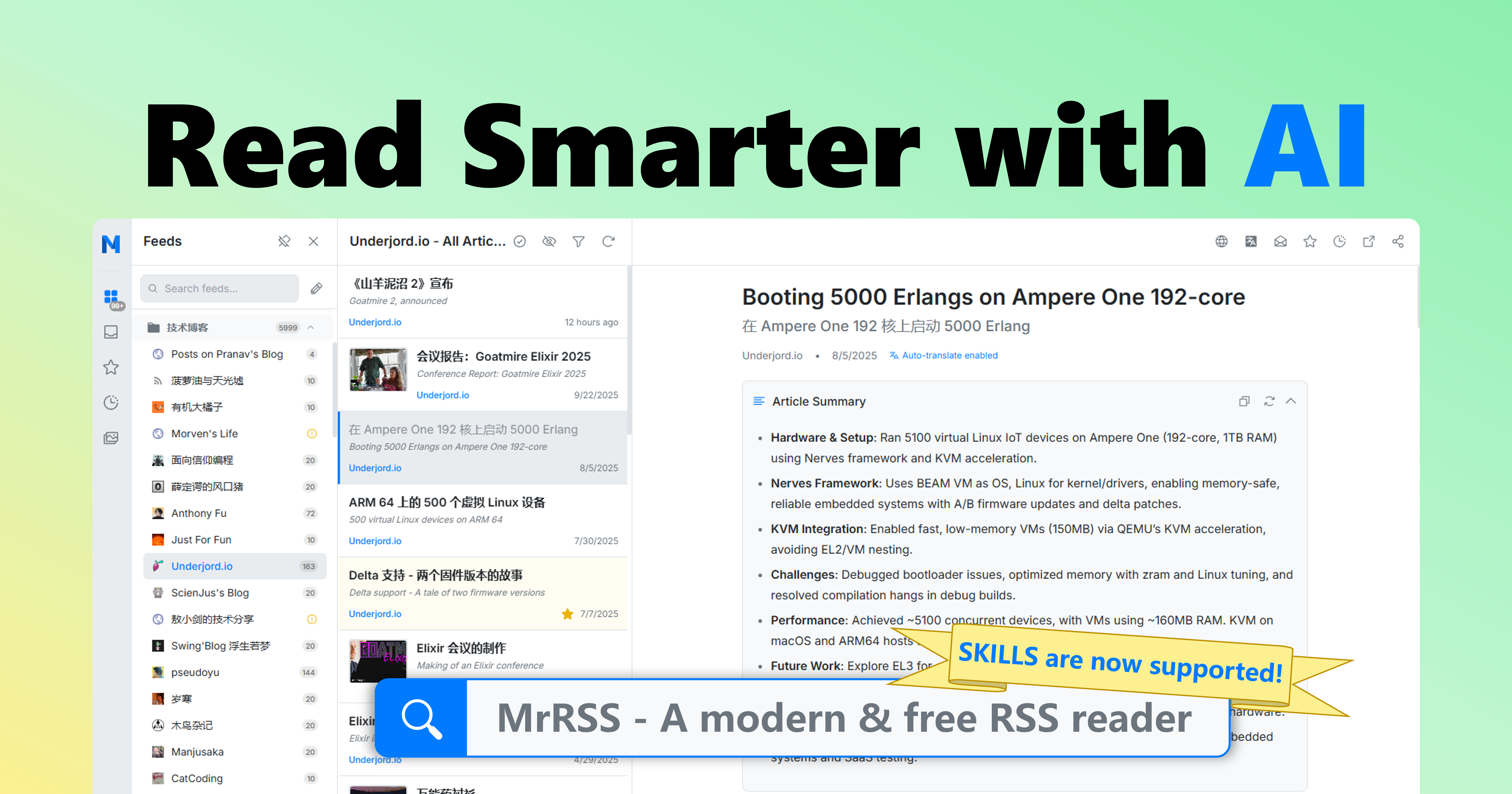
English | 简体中文
Download the latest installer for your platform from the Releases page.
Standard Installation:
MrRSS-{version}-windows-amd64-installer.exe / MrRSS-{version}-windows-arm64-installer.exeMrRSS-{version}-darwin-universal.dmgMrRSS-{version}-linux-amd64.AppImage / MrRSS-{version}-linux-arm64.AppImagePortable Version (no installation required, all data in one folder):
MrRSS-{version}-windows-{arch}-portable.zipMrRSS-{version}-linux-{arch}-portable.tar.gzMrRSS-{version}-darwin-{arch}-portable.zipAI Agent Skills:
MrRSS-{version}-skills.zip (usage guide)Before you begin, ensure you have the following installed:
Platform-specific requirements:
For detailed installation instructions, see Build Requirements
# Quick setup for Linux (Ubuntu 24.04+):
sudo apt-get install libgtk-4-dev libwebkitgtk-6.0-dev libsoup-3.0-dev gcc pkg-config
Clone the repository
git clone https://github.com/WCY-dt/MrRSS.git
cd MrRSS
Install frontend dependencies
cd frontend
npm install
cd ..
Install Wails v3 CLI
go install github.com/wailsapp/wails/v3/cmd/wails3@v3.0.0-alpha2.117
Build the application
# Using Task (recommended)
task build

# Or using Makefile
make build

# Or directly with wails3
wails3 build
The executable will be created in the build/bin directory.
Run the application
build/bin/MrRSS.exebuild/bin/MrRSS.appbuild/bin/MrRSSNormal Mode (default):
%APPDATA%\MrRSS\ (e.g., C:\Users\YourName\AppData\Roaming\MrRSS\)~/Library/Application Support/MrRSS/~/.local/share/MrRSS/Portable Mode (when portable.txt exists):
data/ folderThis ensures your data persists across application updates and reinstalls.
Start the application with hot reloading:
# Using Wails v3
wails3 dev

# Or using Task
task dev
We provide a Makefile for handling common development tasks (available on Linux/macOS/Windows):
# Show all available commands
make help

# Run full check (lint + test + build)
make check

# Clean build artifacts
make clean

# Setup development environment
make setup
This project uses pre-commit hooks to ensure code quality:
# Install hooks
pre-commit install

# Run on all files
pre-commit run --all-files
make test
For server deployments and API integration, use the headless server version:
# Using Docker (recommended)
docker run -p 1234:1234 mrrss-server:latest

# Or build from source
go build -tags server -o mrrss-server .
./mrrss-server
Pre-built server images based on ghcr.io are also available:
docker run -d -p 1234:1234 ghcr.io/wcy-dt/mrrss:latest-amd64
docker run -d -p 1234:1234 ghcr.io/wcy-dt/mrrss:latest-arm64
Please refer to the Server Mode API Documentation for a complete API reference. To let Codex operate MrRSS through this API, install the release skill package described in MrRSS Skills.
We welcome contributions! Please see our Contributing Guidelines for details.
Before contributing:
If you discover a security vulnerability, please follow our Security Policy.
This project is licensed under the GPL-3.0 License - see the LICENSE file for details.

Made with ❤️ by the MrRSS Team
⭐ Star us on GitHub if you find this project useful!
more like this
🧠 A simple command-line client for the Perplexity API. Ask questions and receive answers directly from the terminal! 🚀🚀🚀
Skill Claude Code de veille tech francophone. Agrège les flux RSS (Journal du Hacker, Human Coders News…) et produit un…
search projects, people, and tags