ForwardWidgets
Widgets for Douban and Trakt watchlists plus personalized recommendations, live TV streaming including PlutoTV, Yatu ra…
JavaScript★ 247
Kotlin Multiplatform Calendar Library
 WojciechOsak
git clone https://github.com/WojciechOsak/Calendar.gitWojciechOsak/CalendarThank you for your contributions and support. This library is no longer maintained. You can use kizitonwose/Calendar instead — it now supports Kotlin Multiplatform as well.

Highly configurable Kotlin Multiplatform Compose library where you can easily draw calendar picker for any platform you want: Android, iOS, Desktop or even Web!
We give you logic, you define UI with Composables!
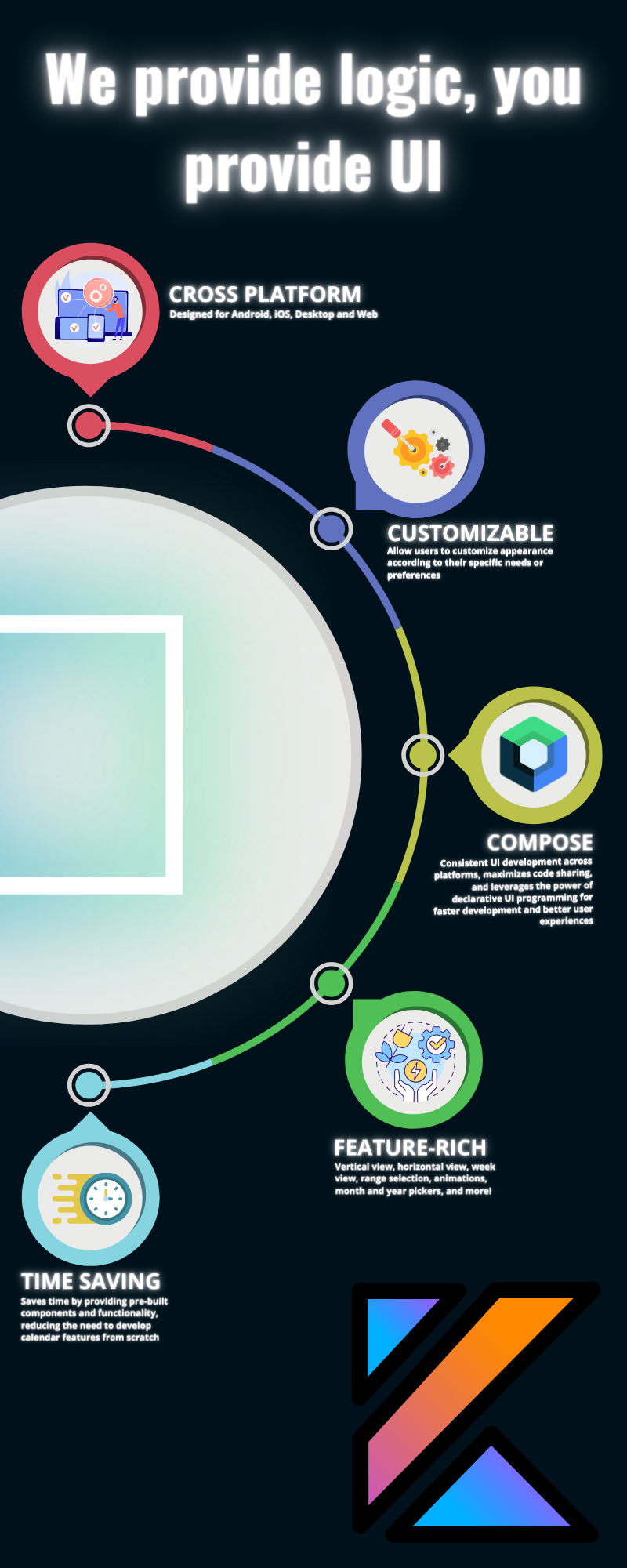
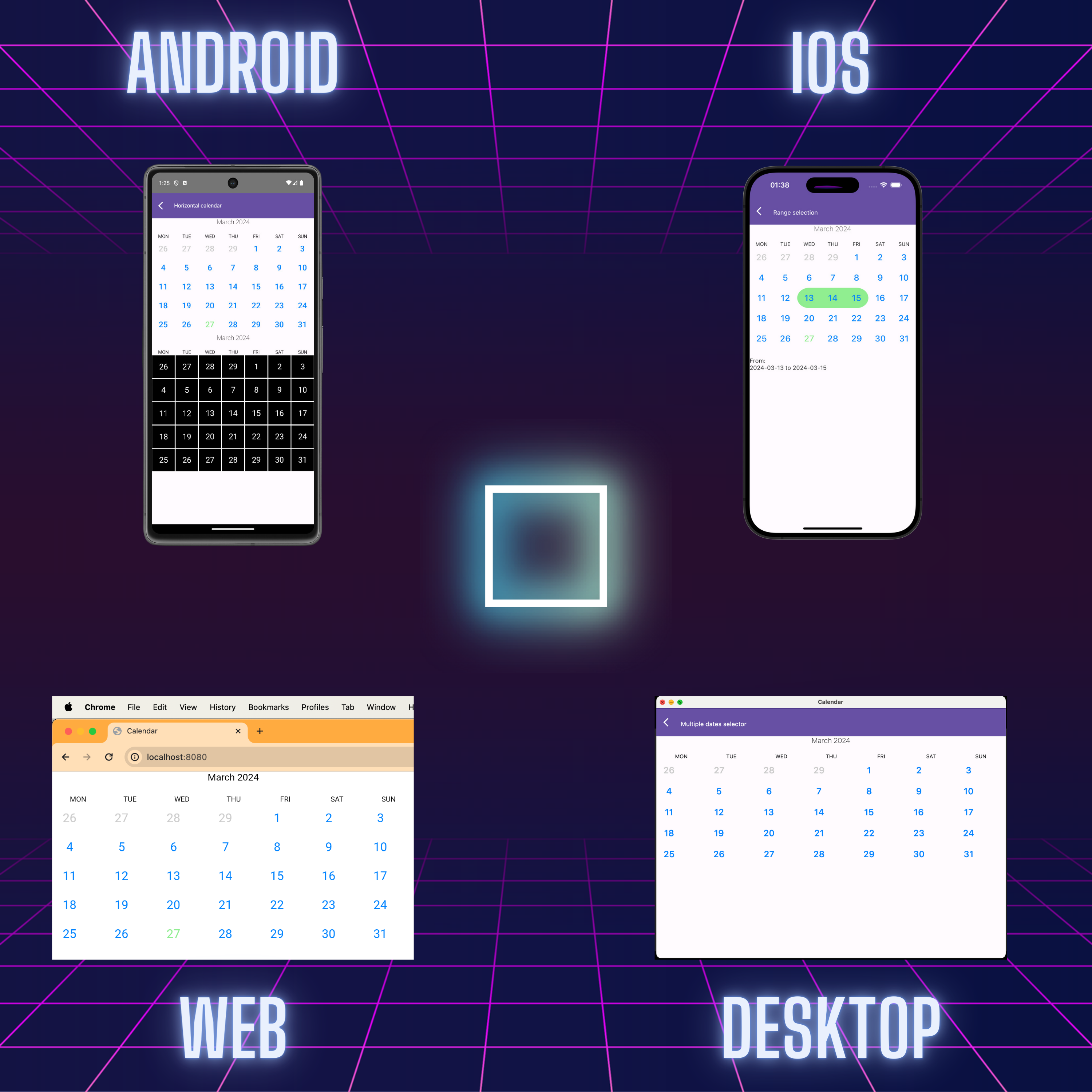
Features:
| Feature | Supported |
|---|---|
| Single month calendar view | ✅ |
| Week calendar | ✅ |
| Horizontal calendar | ✅ |
| Customizable UI | ✅ |
| Headers support | ✅ |
| Calendar offsets | ✅ |
| Single selection | ✅ |
| Multiple selection | ✅ |
| Month/Year picker | ✅ |
| Scroll to date animation | ✅ |
| Vertical calendar | ✅ |
| Range selection | ✅ |
You can test Web version here: Web Demo It is builded sample app and distributed by Github Pages.
In Android project:
dependencies {
  implementation 'io.github.wojciechosak:calendar:<latest-version>'
}
In Kotlin Multiplatform project:
commonMain.dependencies {
  implementation 'io.github.wojciechosak:calendar:<latest-version>'
}
HorizontalCalendarView(startDate = startDate) { monthOffset ->
  CalendarView(
    config = rememberCalendarState(
      startDate = startDate,
      monthOffset = 0
    ),
    day = { dayState ->
      // define your day composable here!
    }
  )
}
Basic horizontal scrollable view:
HorizontalCalendarView(startDate = startDate) { monthOffset ->
  CalendarView(
    config = rememberCalendarState(
      startDate = startDate,
      monthOffset = monthOffset,
    ),
  )
}
Documentation can be found here: docs.md
Simply use in Compose any view you want:
| View type | Preview |
|---|---|
| CalendarView | 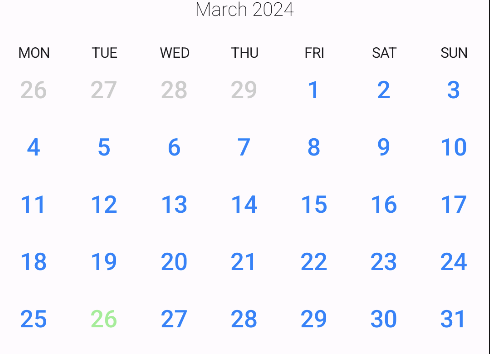 |
| HorizontalView | 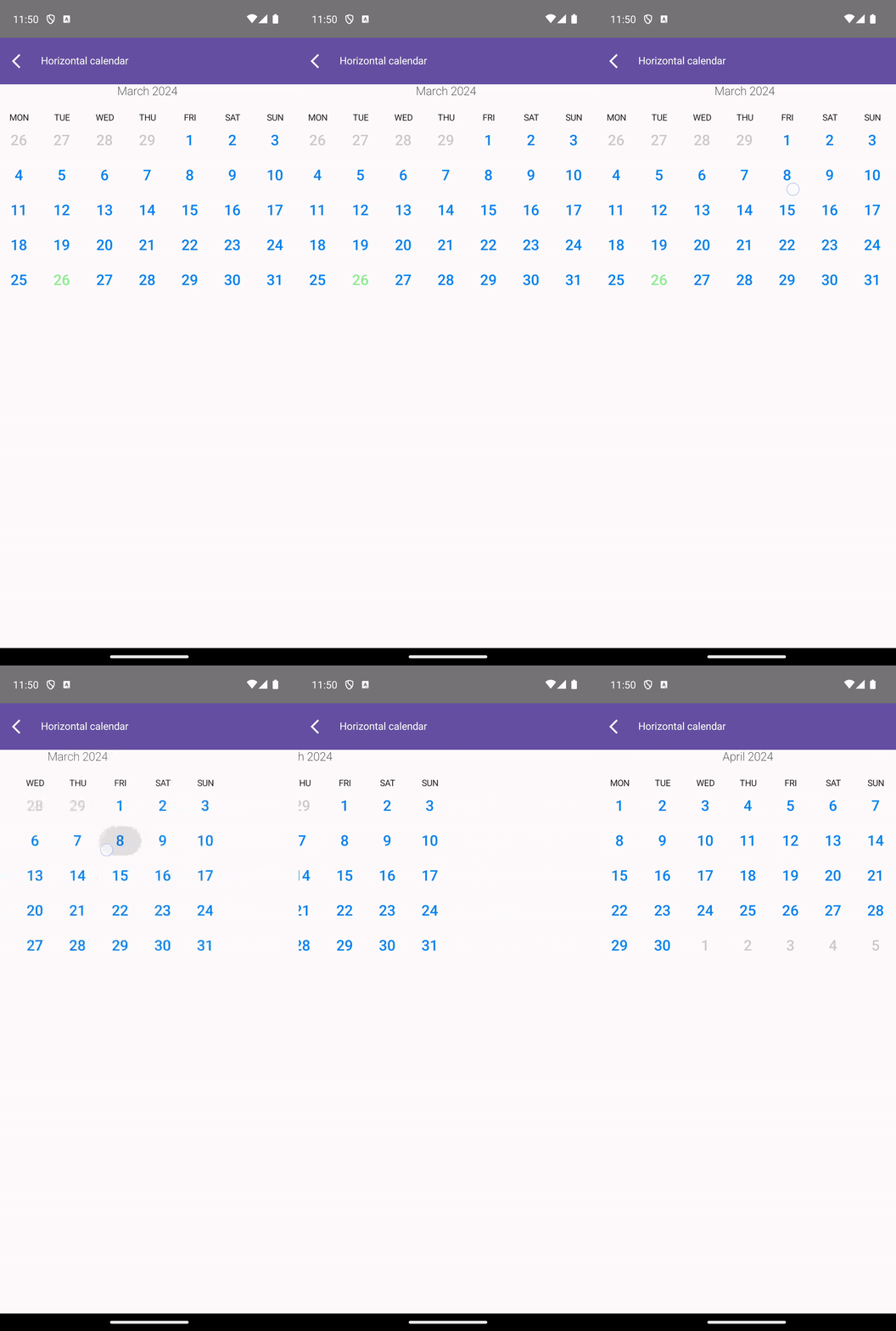 |
| VerticalView | 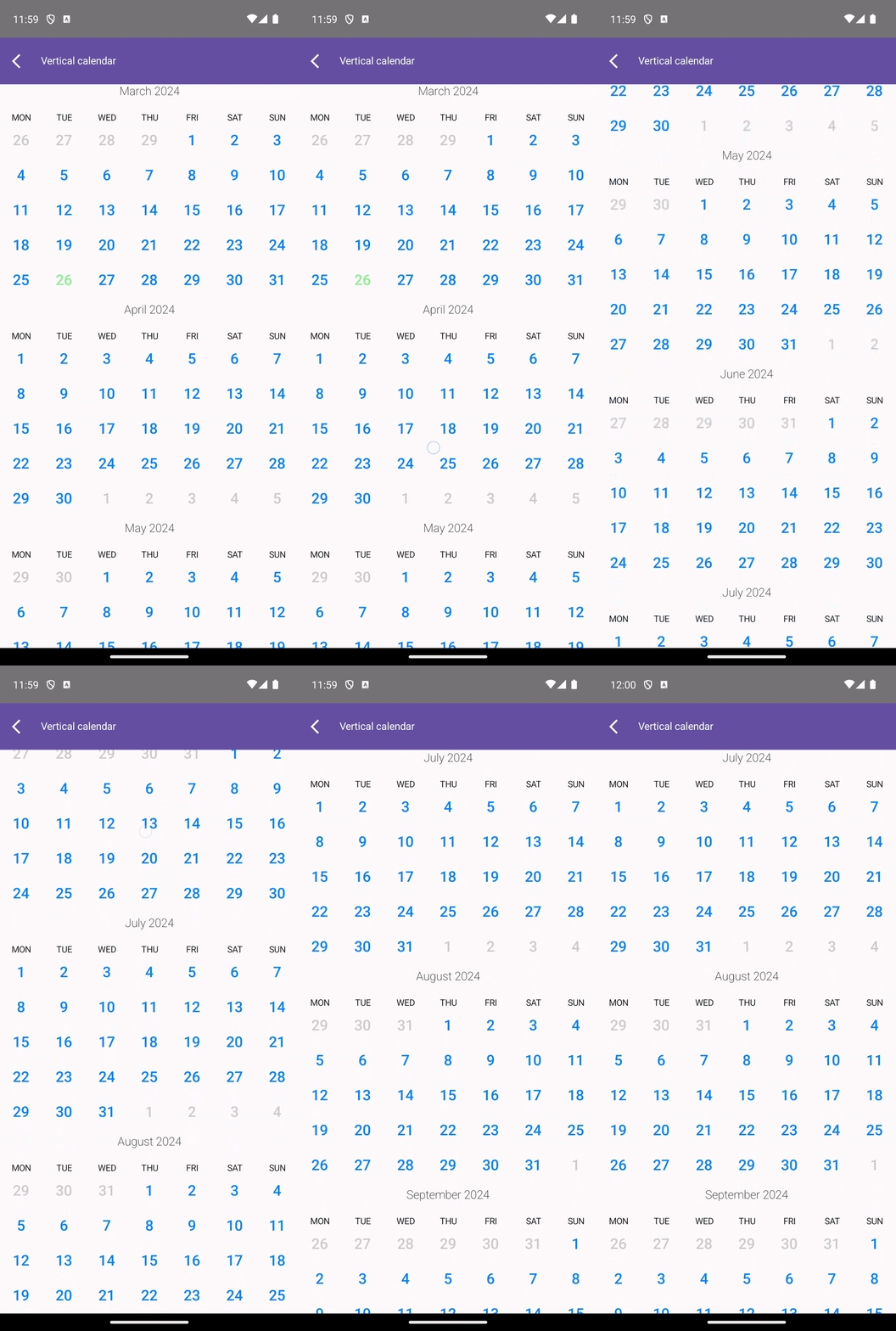 |
| WeekView | 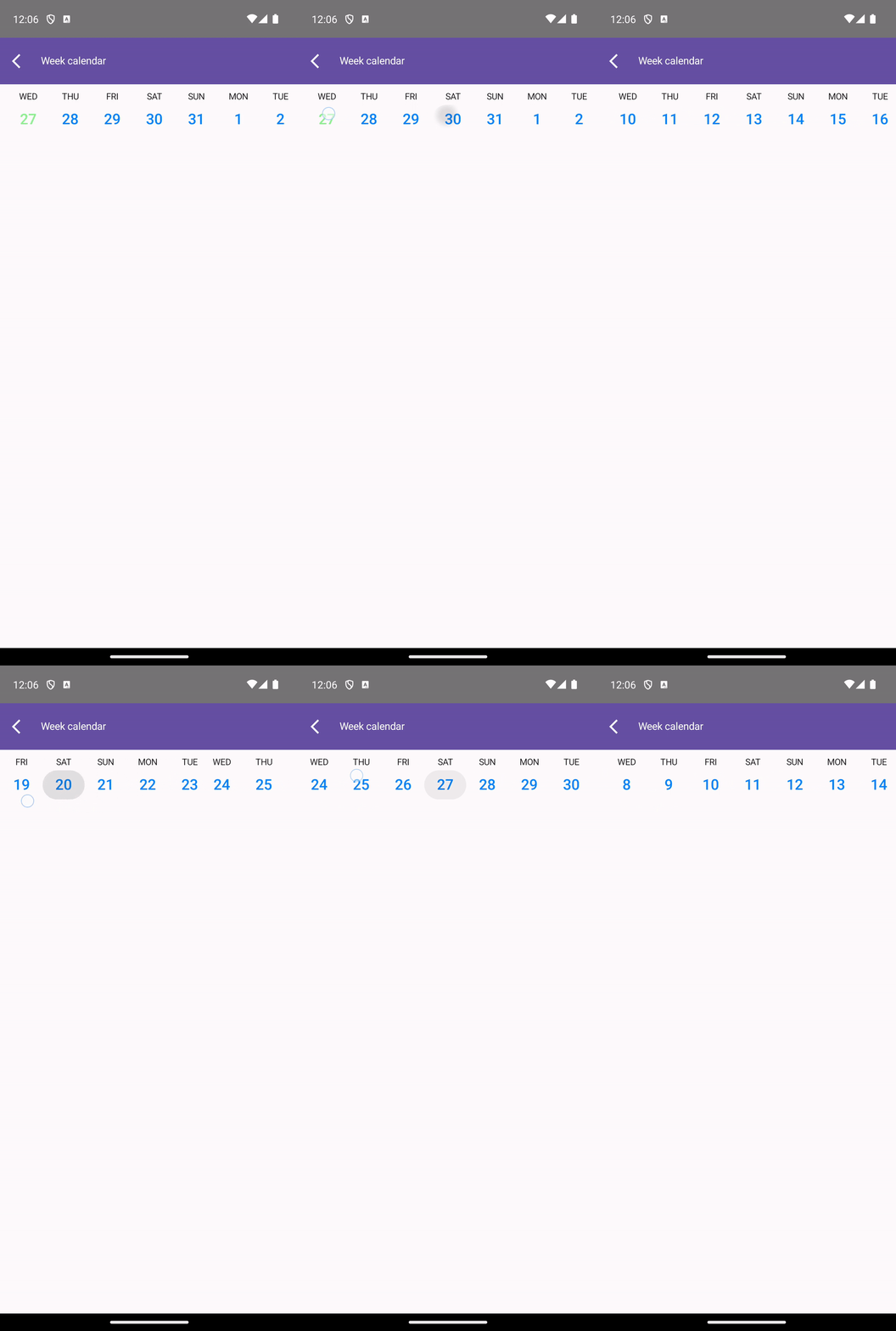 |
| MonthPicker | 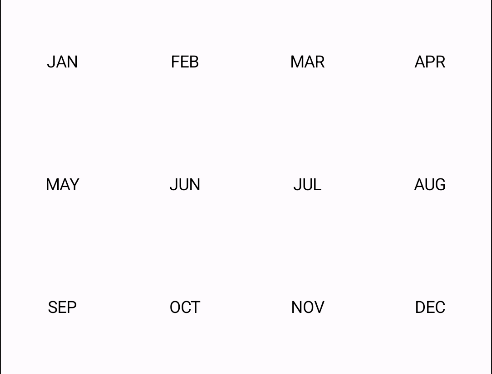 |
| YearPicker | 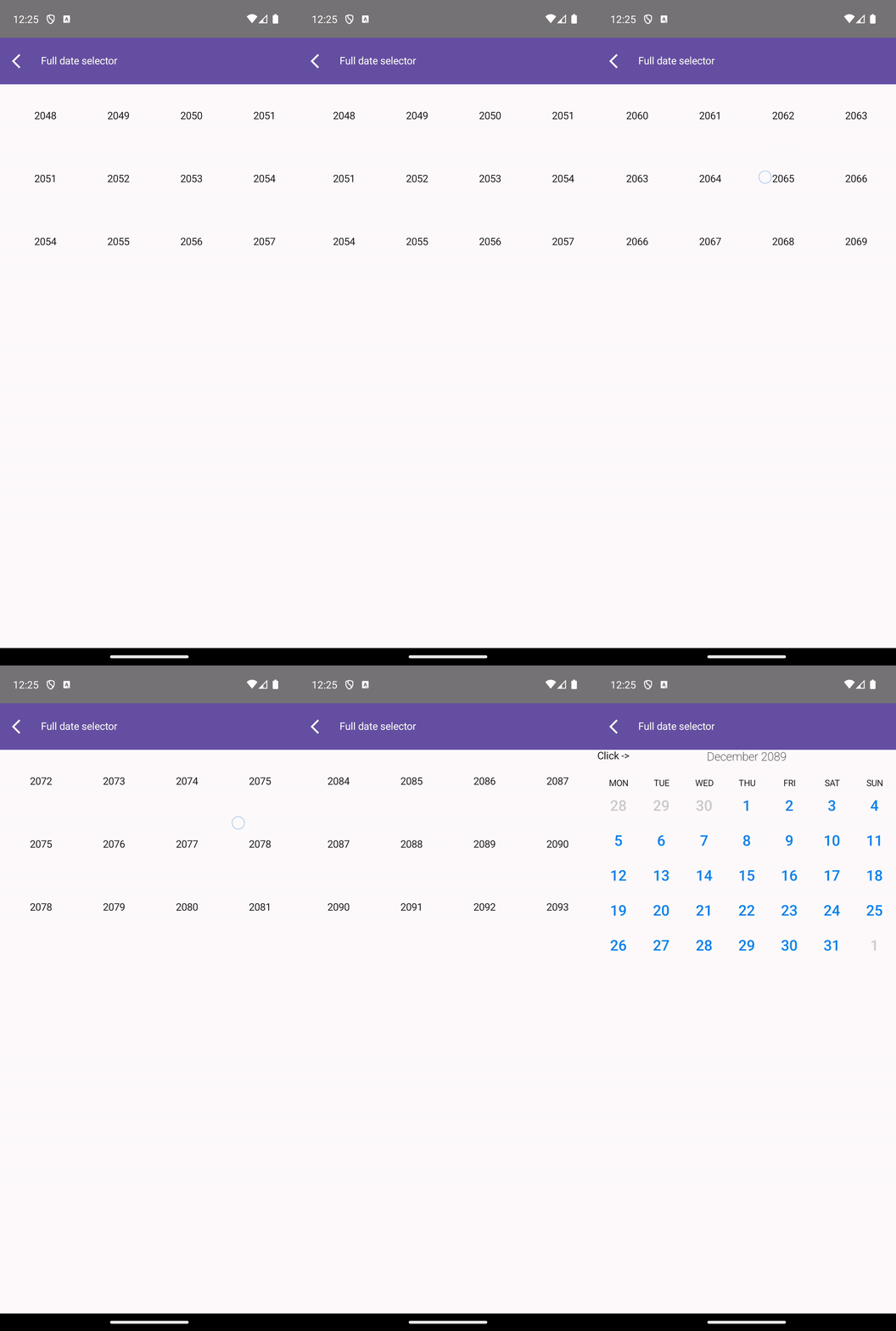 |
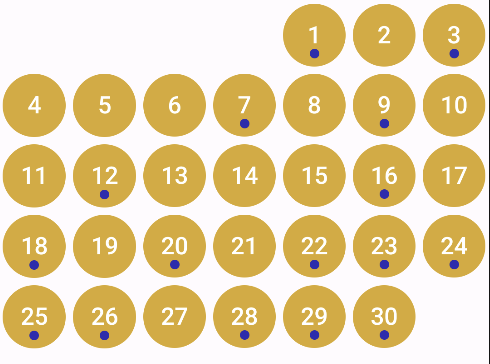
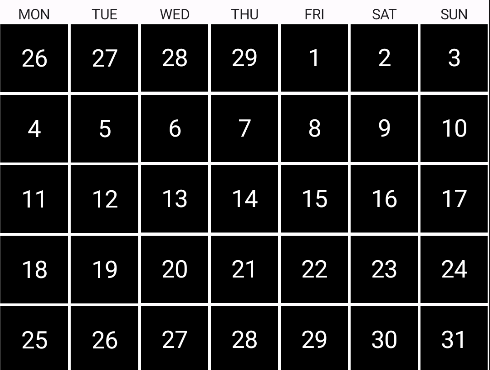
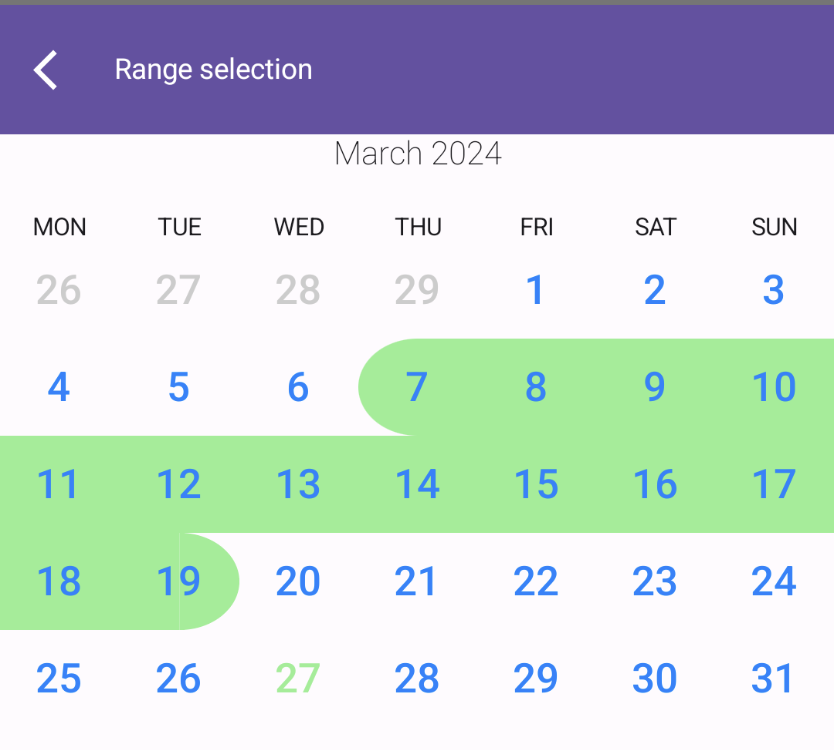
Each view get as parameter day cell composable. Thanks to that your calendar can look whatever you like:
| Compose version | Library version |
|---|---|
| 1.5.11 | 0.0.8-compose-1.5.11 |
| 1.6.1 | 0.0.9 |
| 1.6.10 | 1.0.0 |
| 1.6.10 | 1.0.1 |
| 1.7.0 | 1.0.2 |
In directory sample you can find bunch of examples. You can run Android/iOS application and test it yourself. Below you can find instruction how to run sample project on your computer.
To run the application on android device/emulator:
To build the application bundle:
./gradlew :sample:composeApp:assembleDebug.apk file in sample/composeApp/build/outputs/apk/debug/composeApp-debug.apkRun the desktop application: ./gradlew :sample:composeApp:run
To run the application on iPhone device/simulator:
iosApp/iosApp.xcproject in Xcode and run standard configuration cd "$SRCROOT/../../"
./gradlew :sample:composeApp:embedAndSignAppleFrameworkForXcode
And build the project.
Run the browser application: ./gradlew :sample:composeApp:jsBrowserDevelopmentRun
more like this
Widgets for Douban and Trakt watchlists plus personalized recommendations, live TV streaming including PlutoTV, Yatu ra…
Install and monitor KlipperScreen on Android via DroidKlipp APK, USB ADB forwarding, and WiFi fallback
search projects, people, and tags