handpose-facemesh-demos
🎥🤟 8 minimalistic templates for tfjs mediapipe handpose and facemesh
JavaScript★ 192
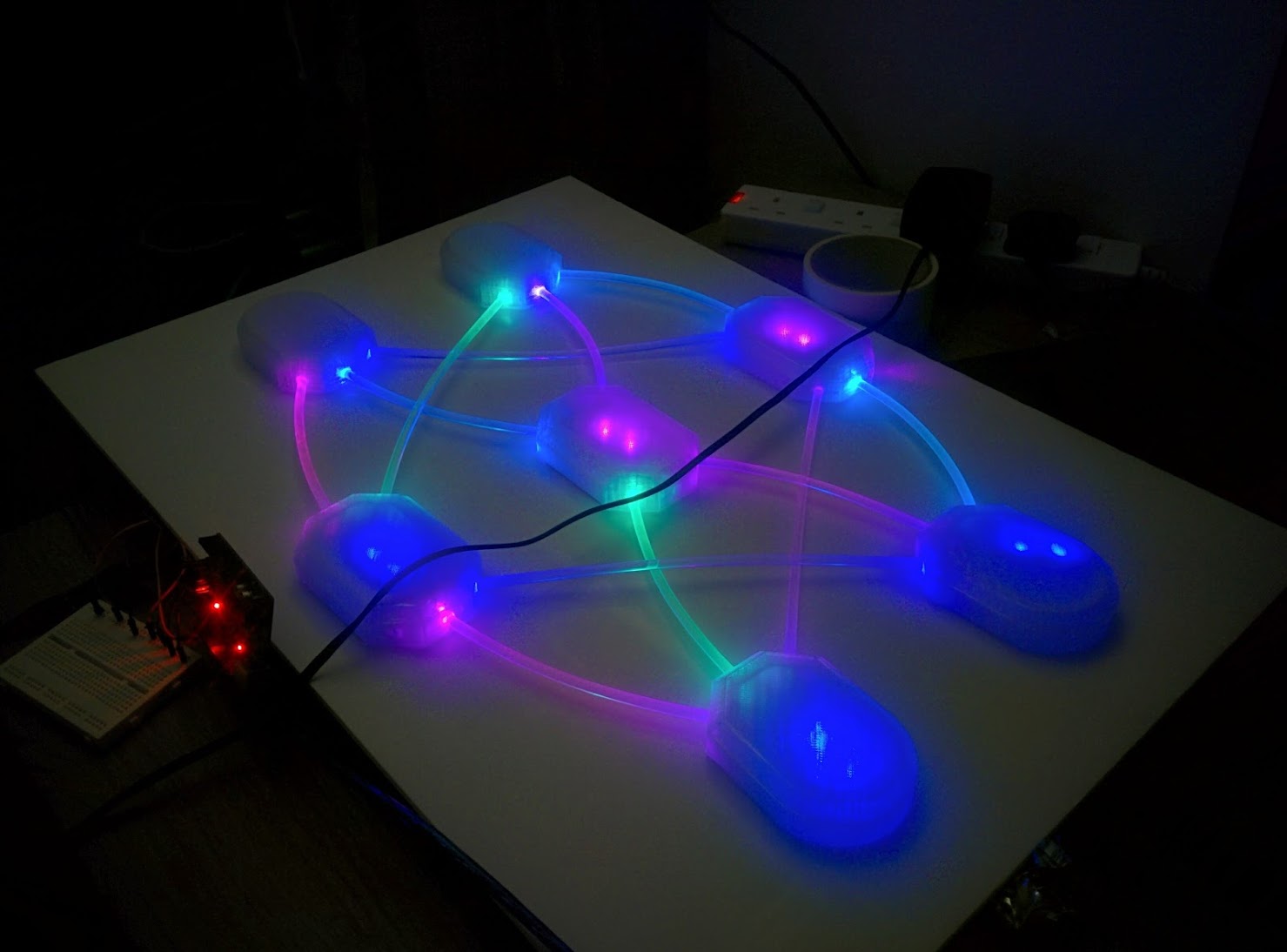
Physical visualisation of neural network learning using RGB leds, arduino and raspberry pi.
 ZackAkil
git clone https://github.com/ZackAkil/rgb-neural-net.gitZackAkil/rgb-neural-netIssue 5 - April 2018
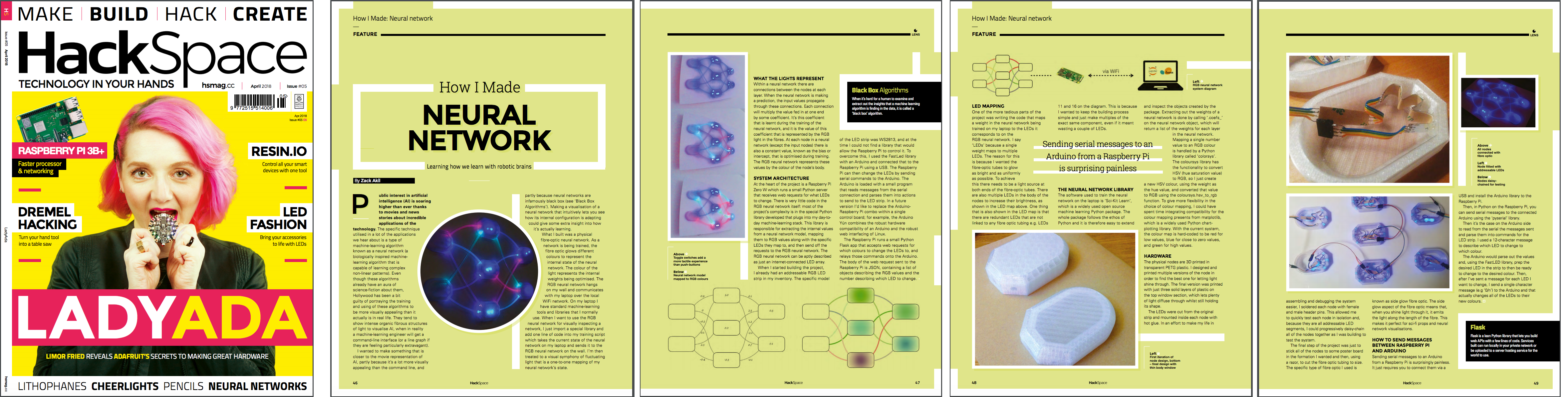
IOT physical neural network visualization
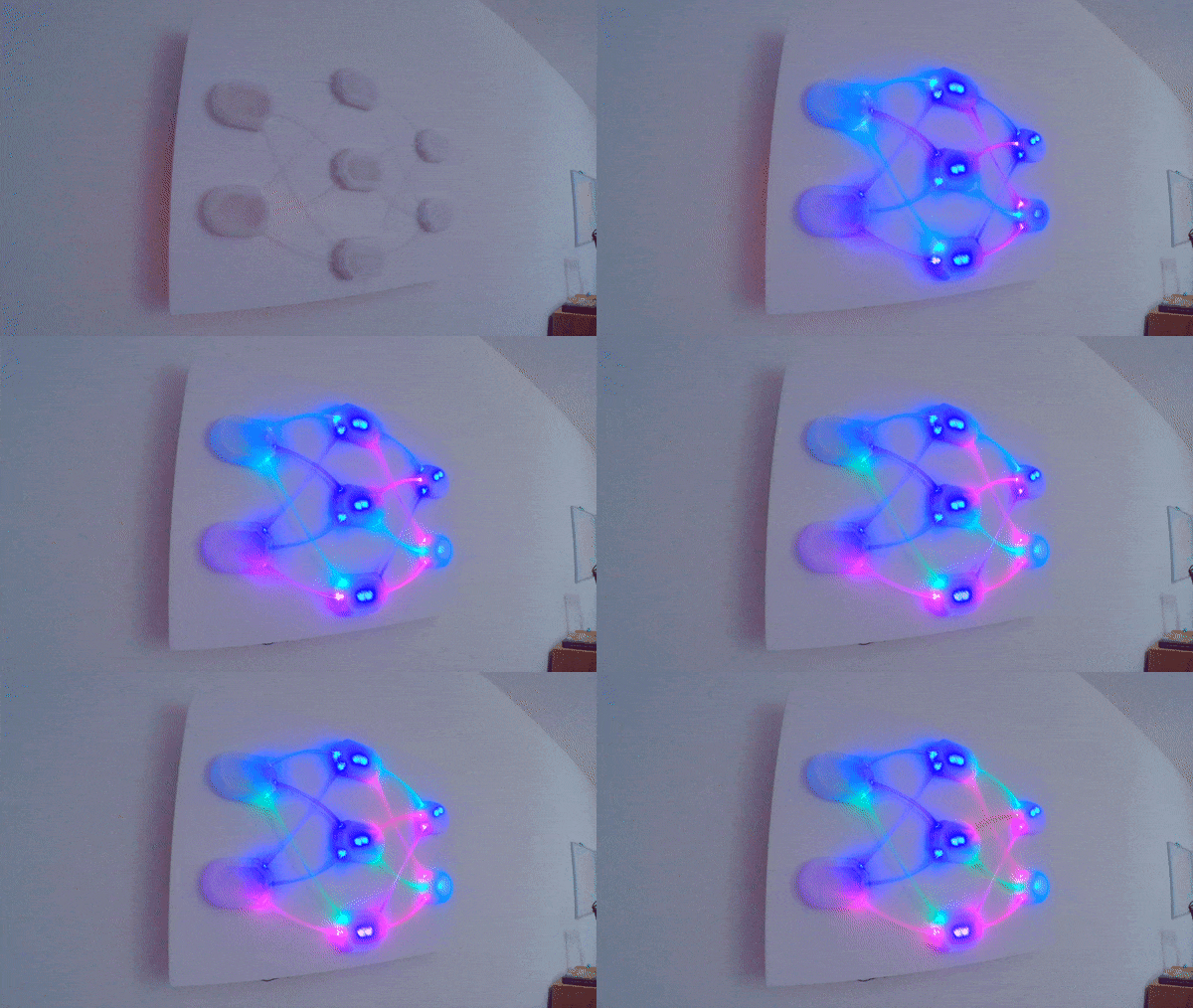
This projects goal was to build an intuitive and visually interesting way of seeing a neural network learn. I built it because I had some empty wall space.
A separate computer runs the neural network training program and communicates with the RGB Neural Net over WiFi.
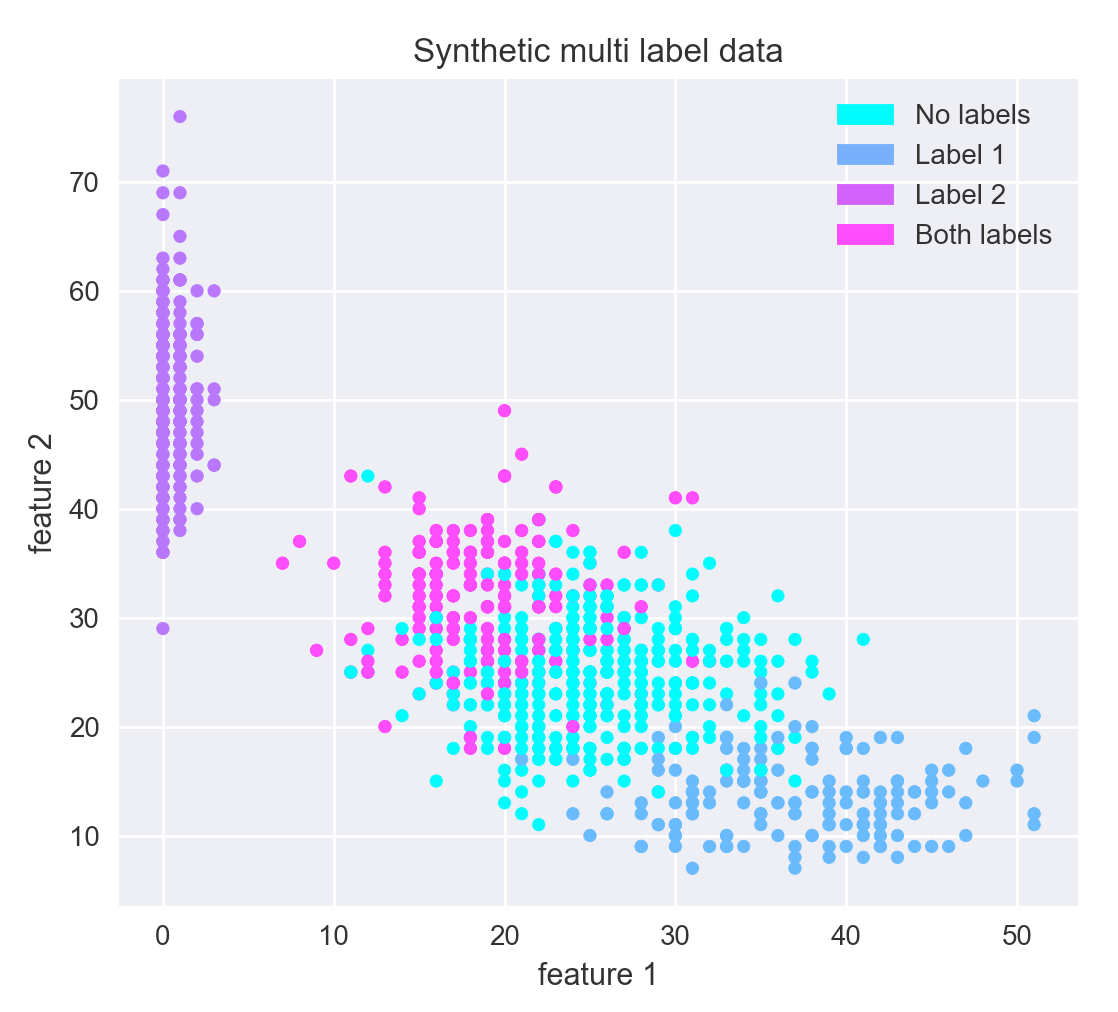
First I generate some data that I want the neural network to learn. In this case it's some multi label classification data, meaning that given an 'x' and a 'y' value (2 continuous features) a data point can either have label A, label B, both label A and B, or no label assigned to it. i.e Label A could be 'if someone likes apples', and label B could be 'if someone like oranges', and therefore someone could like one, or the other, or both, or neither.
There generated data looks like the following:
Then in our program (python + sklearn) when create a neural network that is the same shape as the RGB one (1 hidden layer with 3 nodes).
nn = MLPClassifier(hidden_layer_sizes=(3),
                   activation='logistic',
                   learning_rate_init=0.02,
                   max_iter=1, warm_start=True)
Then import the RGB library and create the connection to the RGB neural network:
from rgb_nn import RGB_NN
rgb = RGB_NN(server_loc='http://192.168.1.153:5000')
Finally just loop over the fitting of the code neural network along with the function to update the RGB neural network:
for i in range(50):
   nn.fit(X_train, y_train)
   rgb.display_weights(nn)
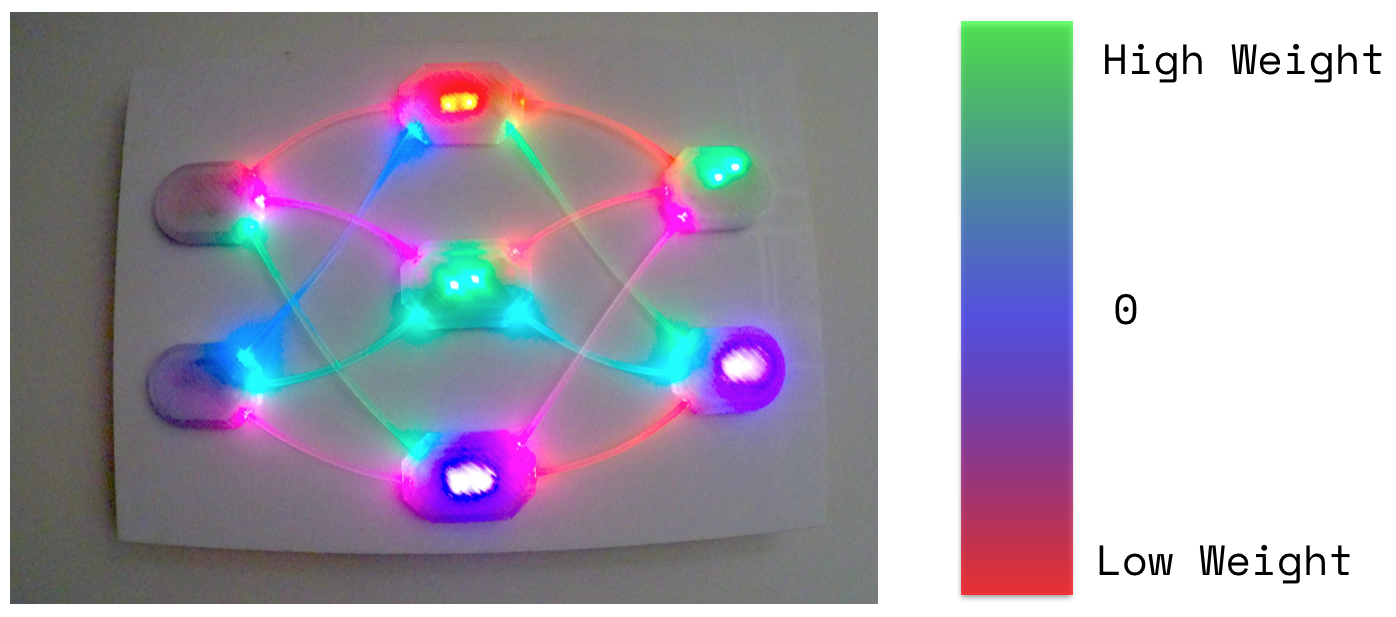
Then sit back and watch the learning happen:
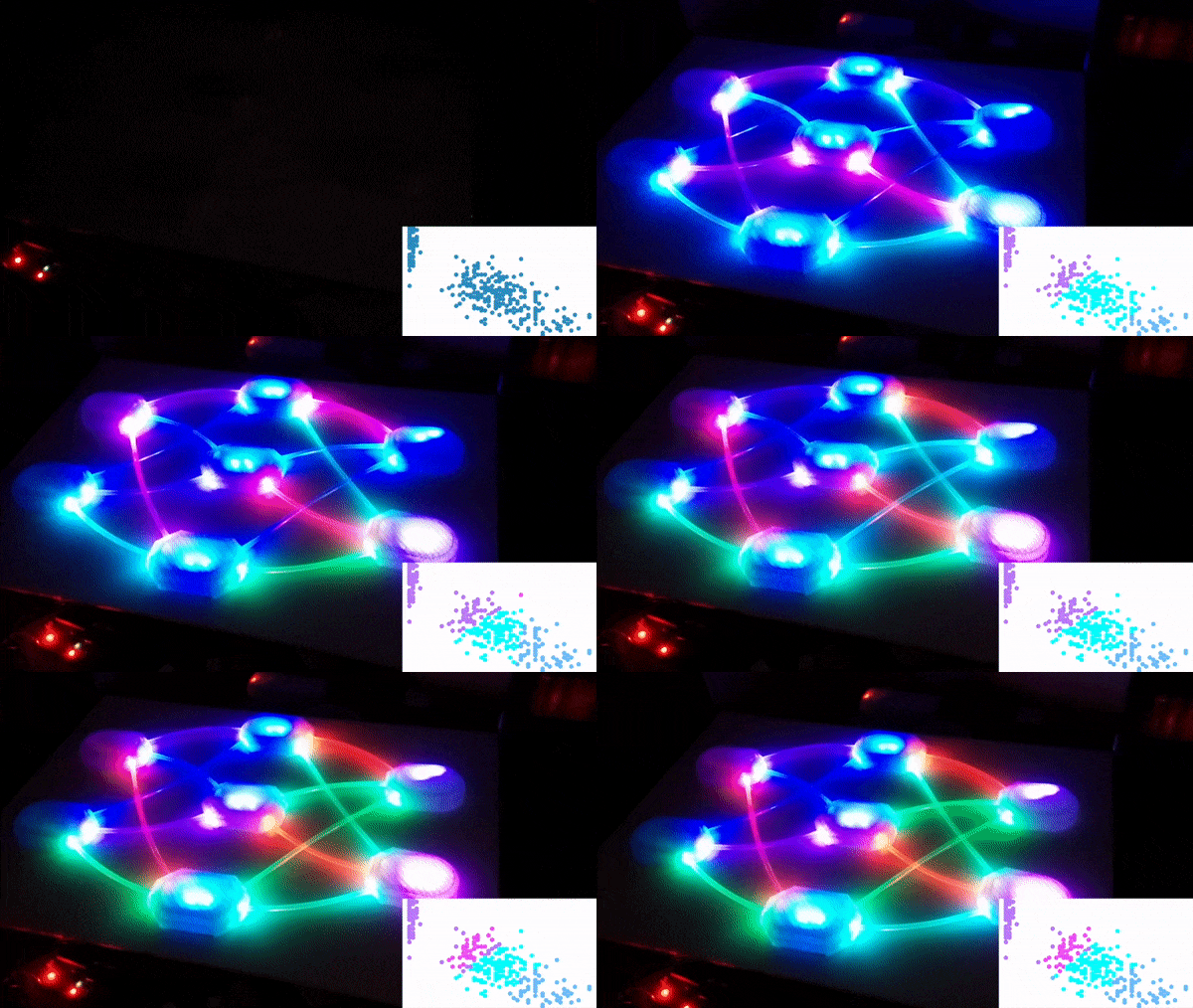
The colours of the connections represents the value of the weights between nodes (RED - Low, BLUE - 0, GREEN - High). The colours of the nodes themselves represent the bias value.
Hardware:
Software:
sudo apt-get install arduino
import serial
# create serial connection
arduino_serial_connection = serial.Serial('/dev/ttyACM0',9600)
# send serial message
arduino_serial_connection.write('10010010020\n')
POST /change_leds sets the RGB values of multiple LEDs at once.
Json body:
{
    "leds":
    [
        { "red": 0, "green": 200, "blue": 100, "led_num": 1 },
        { "red": 0, "green": 50, "blue": 100, "led_num": 2 },
        { "red": 0, "green": 50, "blue": 100, "led_num": 3 },
        { "red": 0, "green": 50, "blue": 100, "led_num": 4 }
    ]
}
^ this probably should have been a single dict with the key being the led number... ¯\(ツ)/¯
http://www.meccanismocomplesso.org/en/controlling-arduino-raspberry-pi/
https://forum.arduino.cc/index.php?topic=405287.0
https://github.com/FastLED/FastLED
Serial communication was becoming incredibly slow when testing sending a lot of requests. This turns out to be because I had the Arduino printing to the serial line whilst the Raspberry Pi was not reading it. This filled up the buffer of the Arduino and puts a 1 second delay on all further communication. https://arduino.stackexchange.com/questions/22816/serial-communication-dead-slow-after-a-while
When starting the server, the first led can become frozen at its initial colour, restarting the power to the strip will fix this.
Cooling: it seems that the little pi zero can get a bit flustered running as a server and thus either helping it with some cooling or upgrading to a beefier pi board is necessary.
Initial 3D design of nodes:
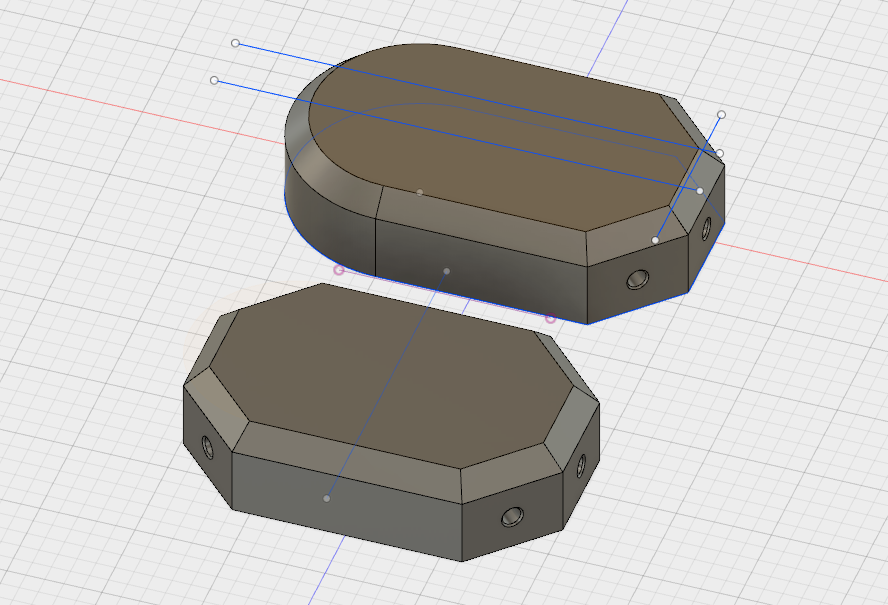 First and second interaction of input/output node:
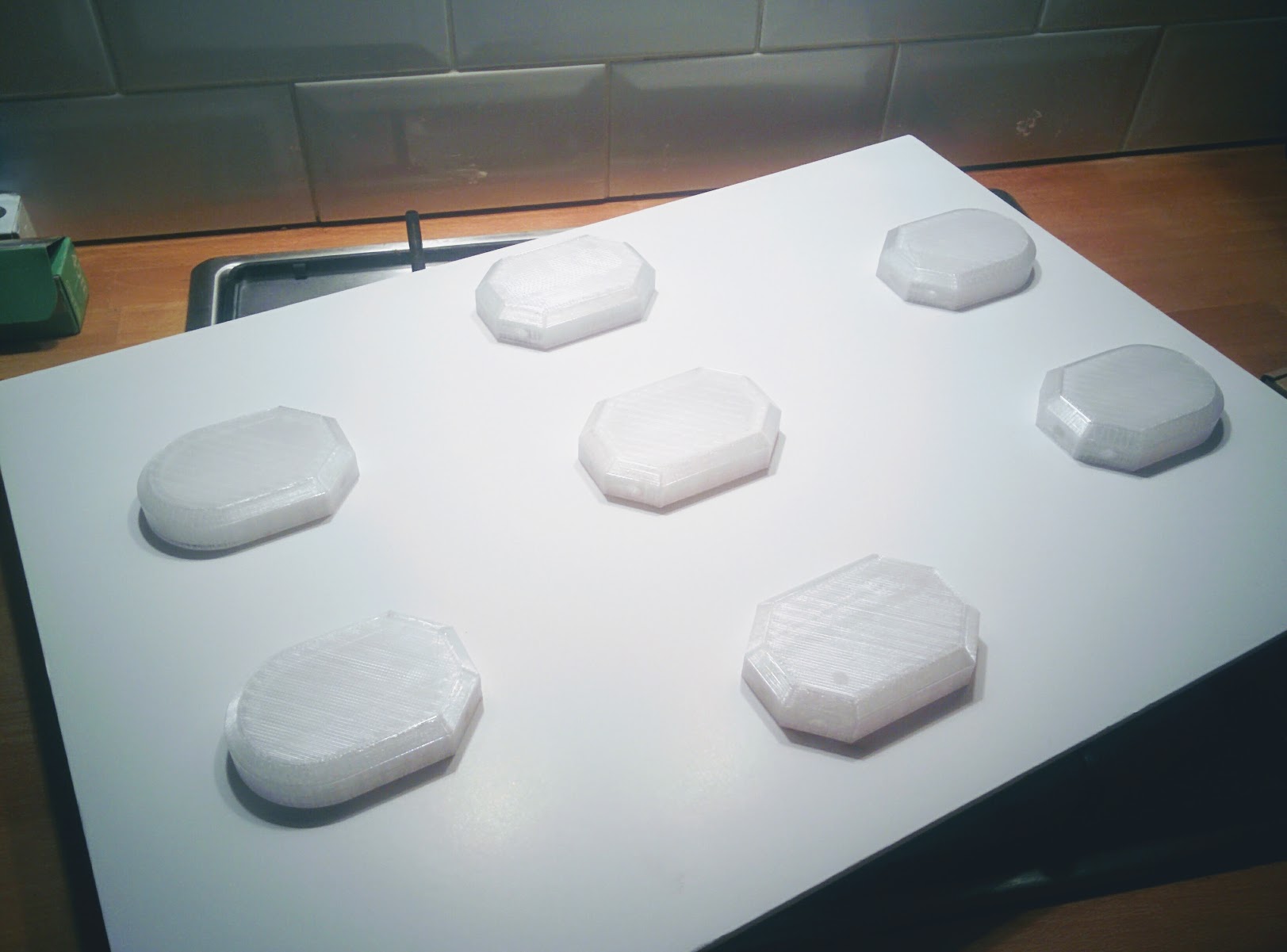
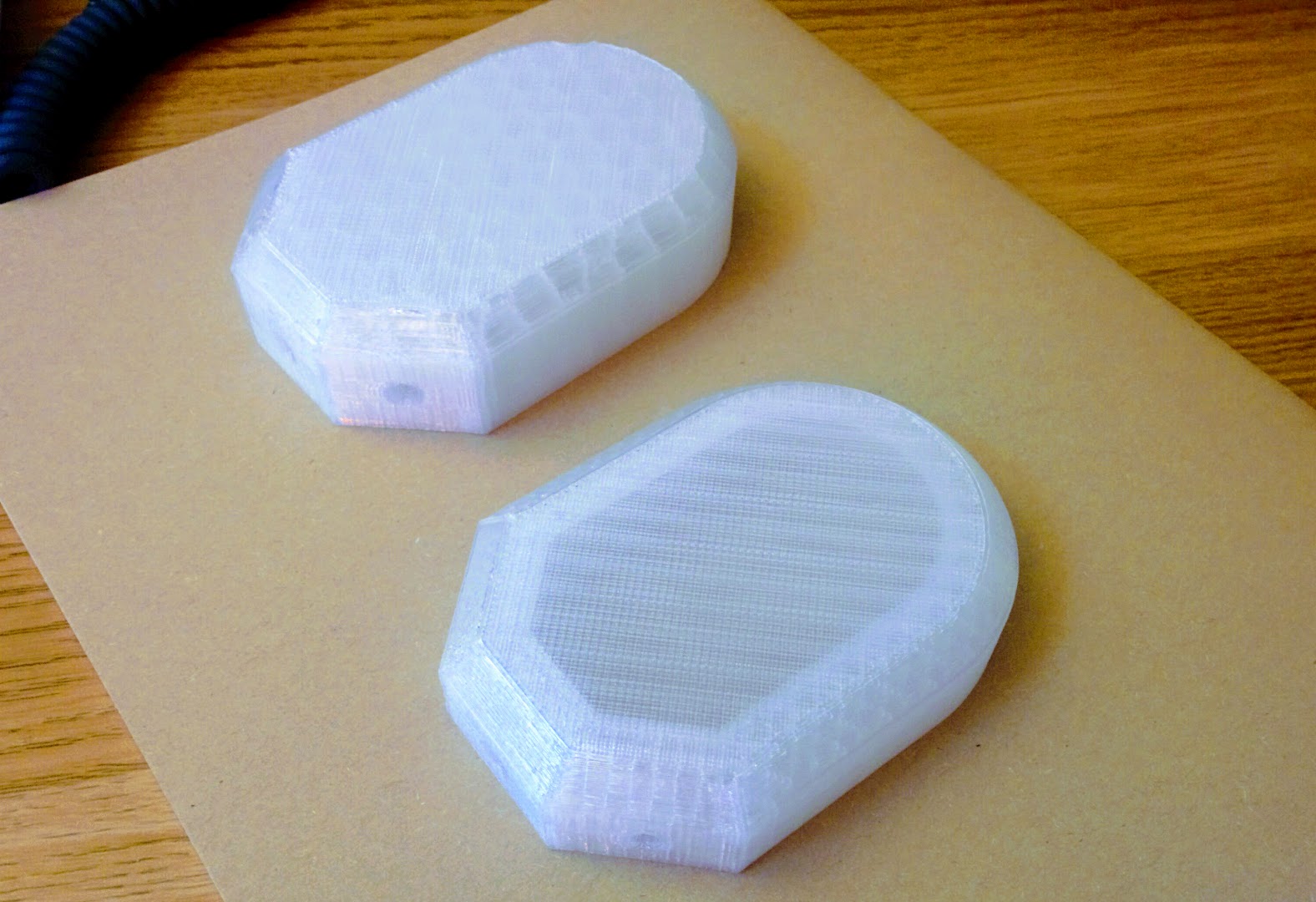 All nodes printed:
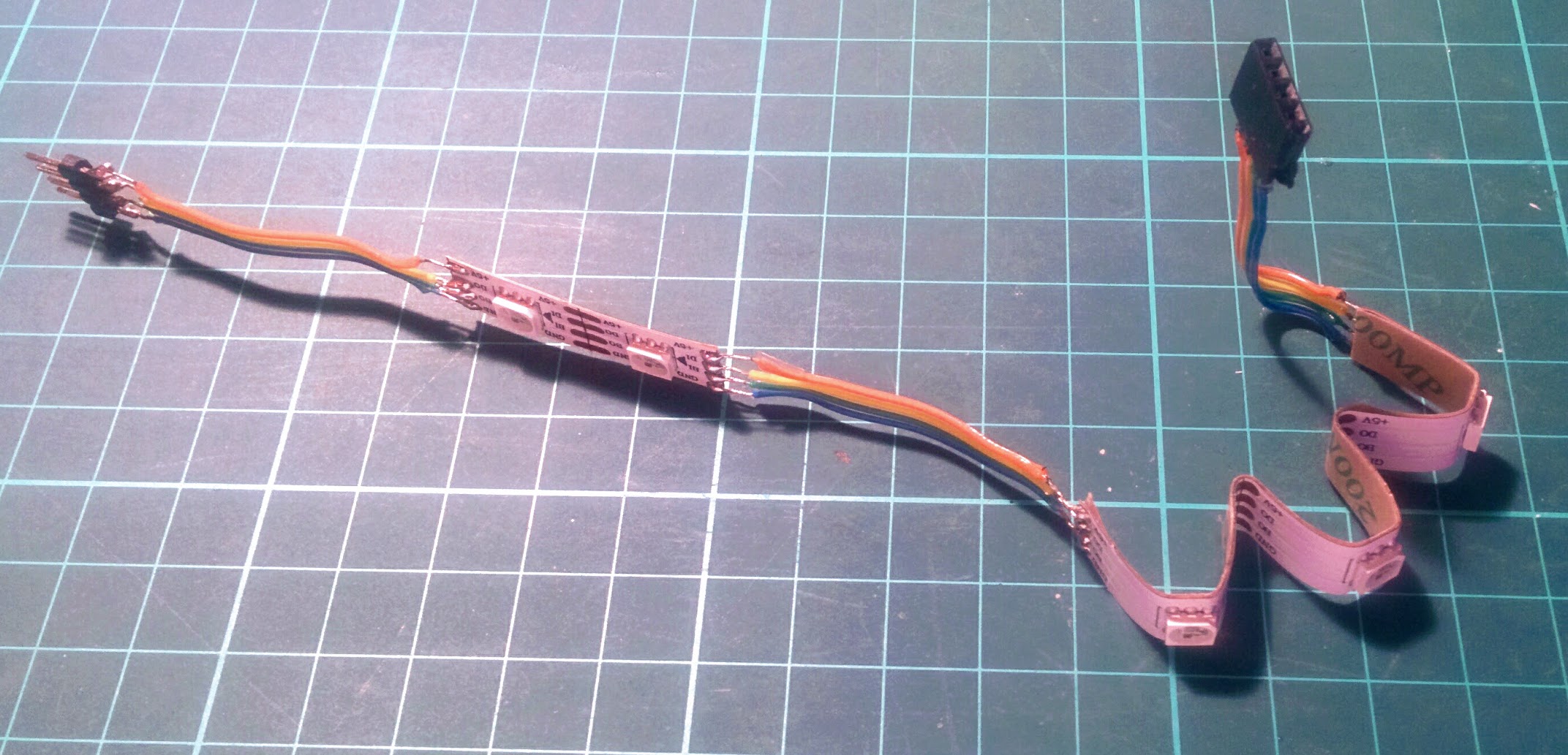
 Soldered node lights:
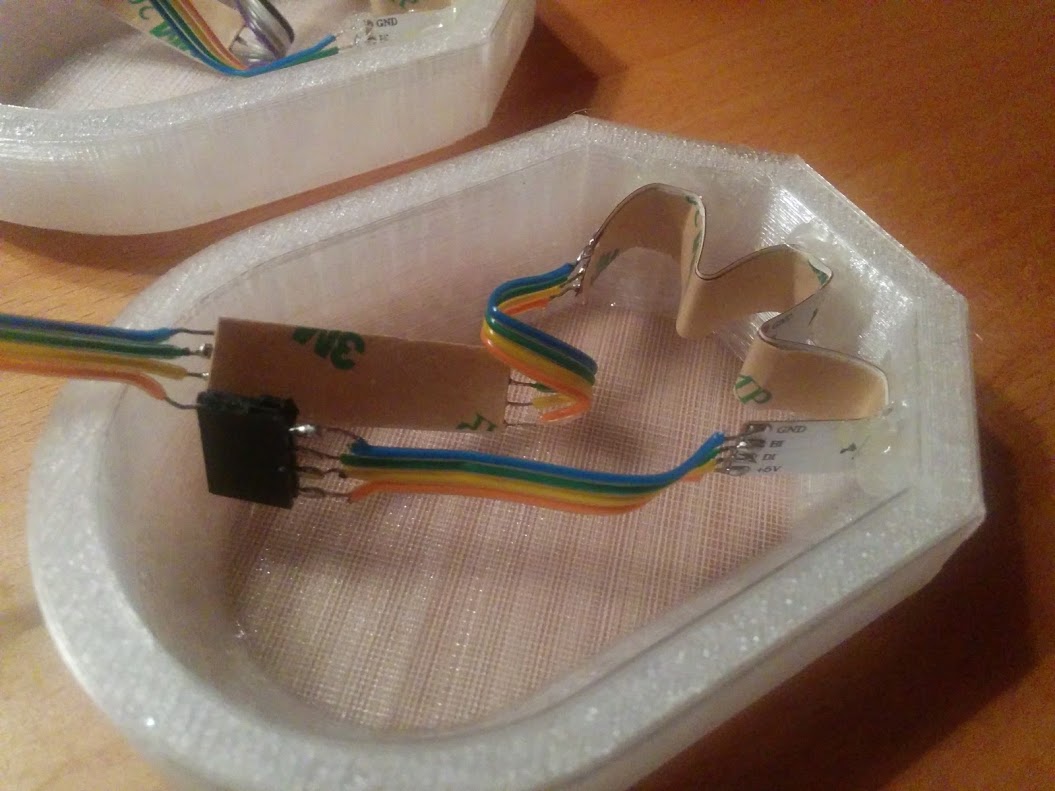
 Electronics fitting in node shell:
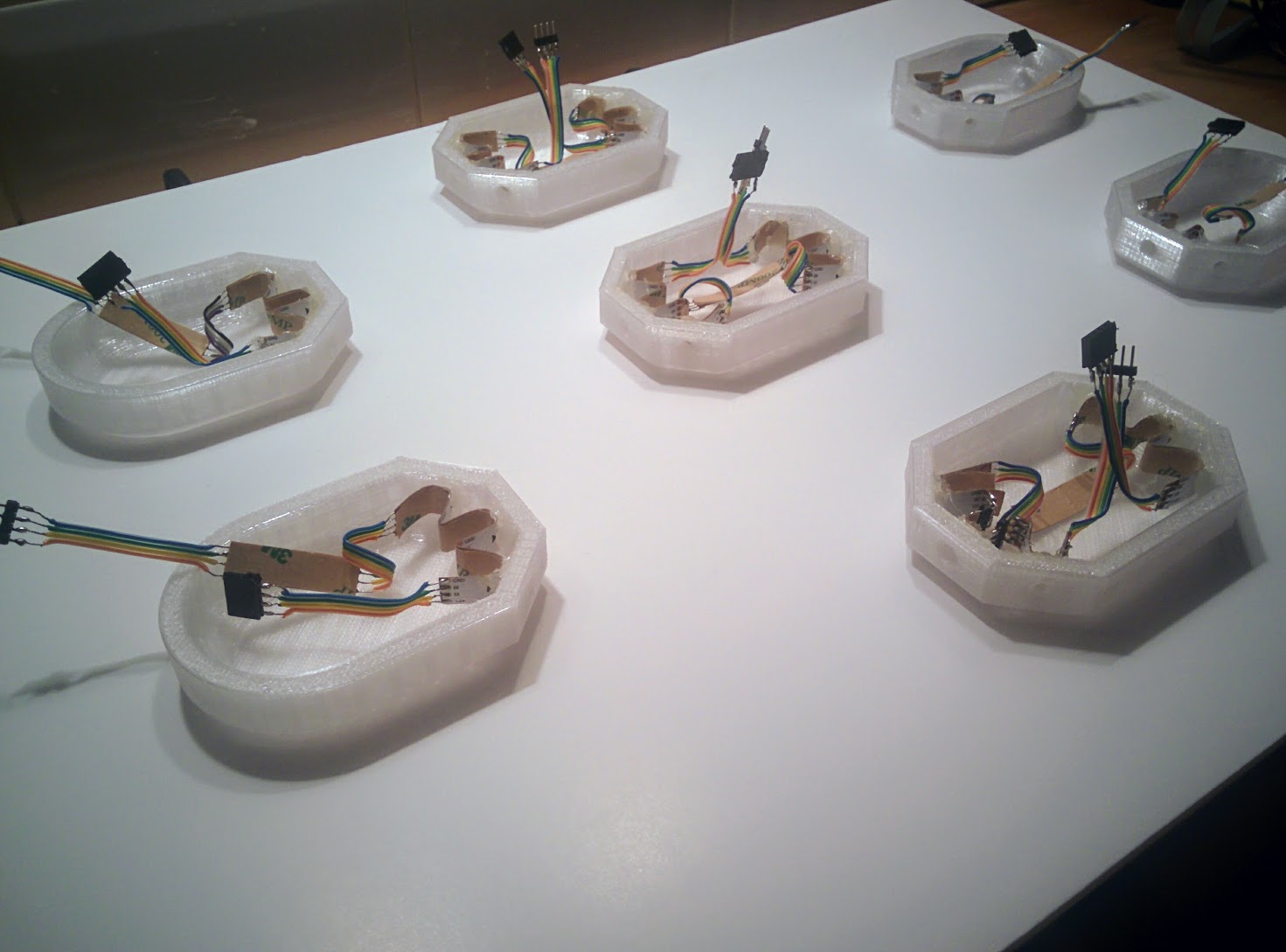
 All electronics fitted in nodes
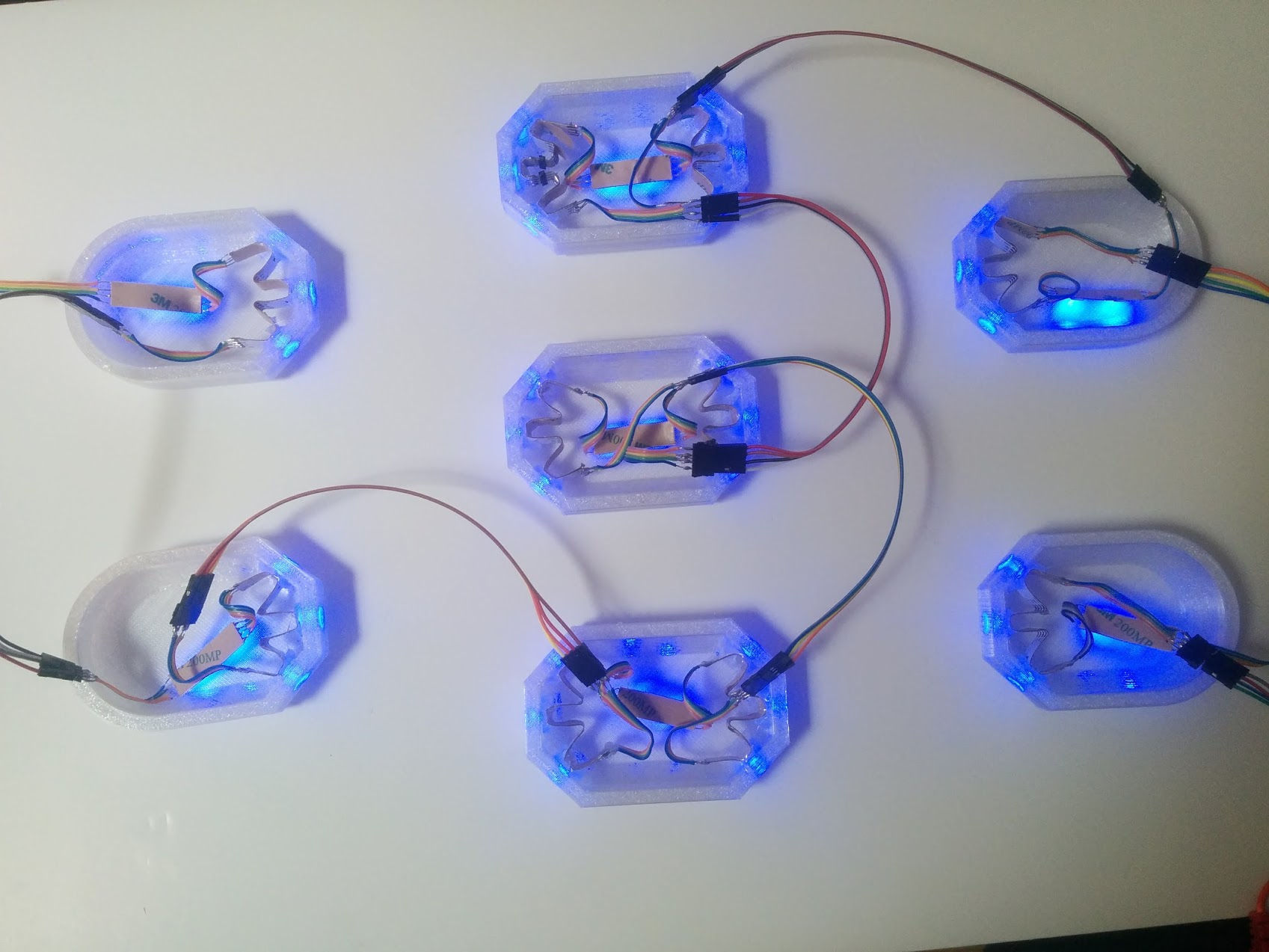
 All nodes connected and lighting up
 Nodes mounted on boards
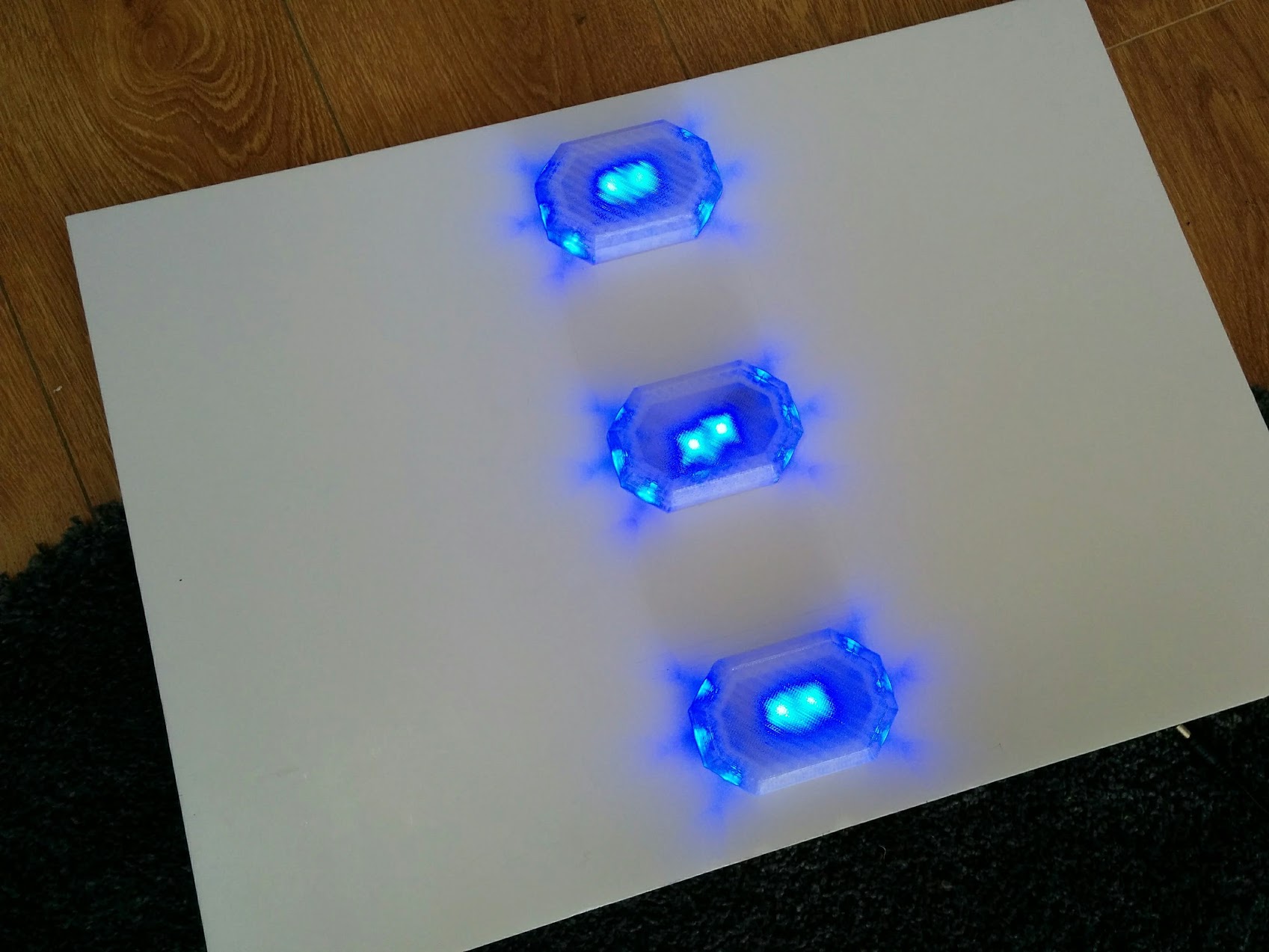 Nodes connected by fiber optic
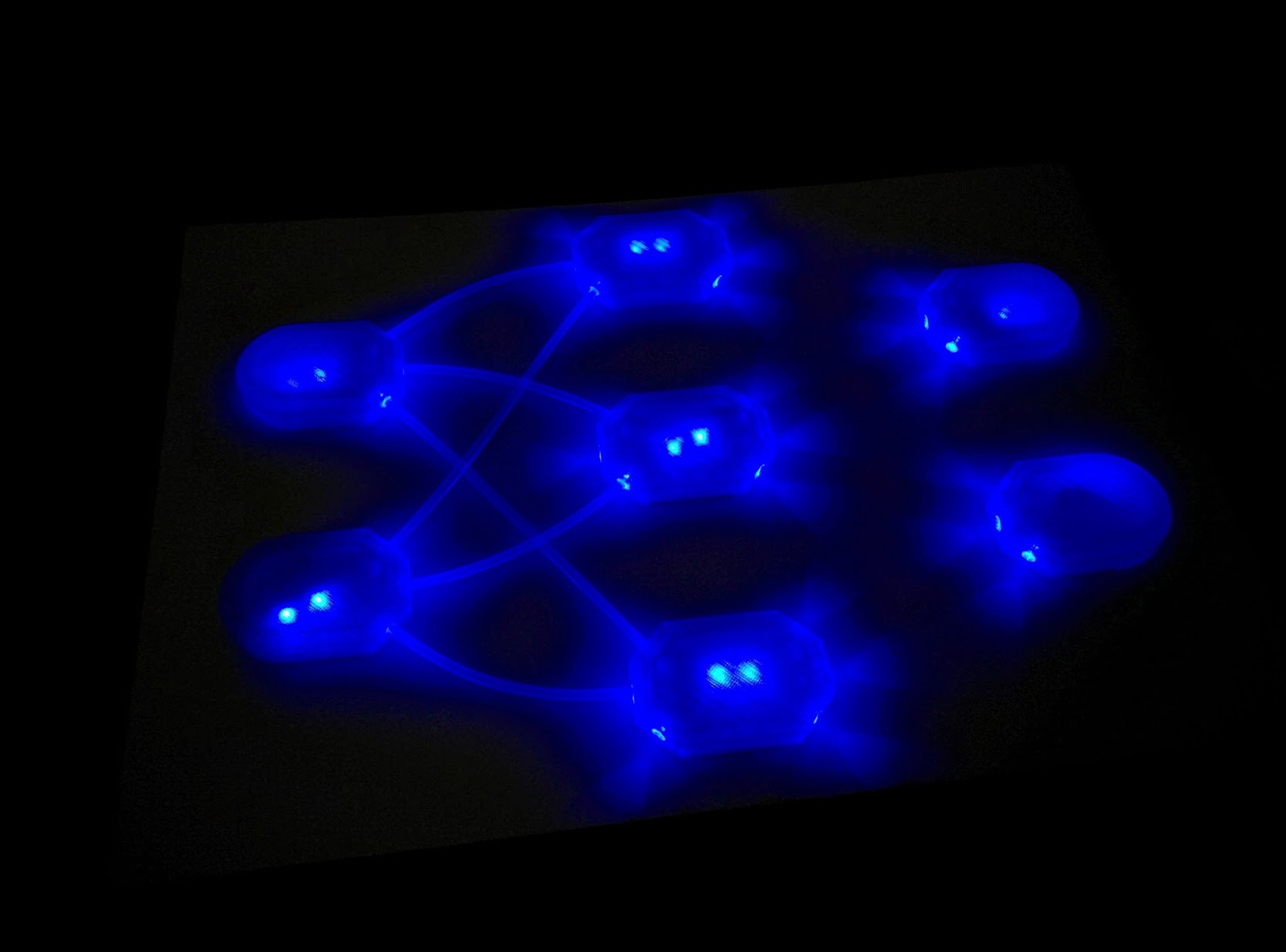 All nodes connected by fiber optic
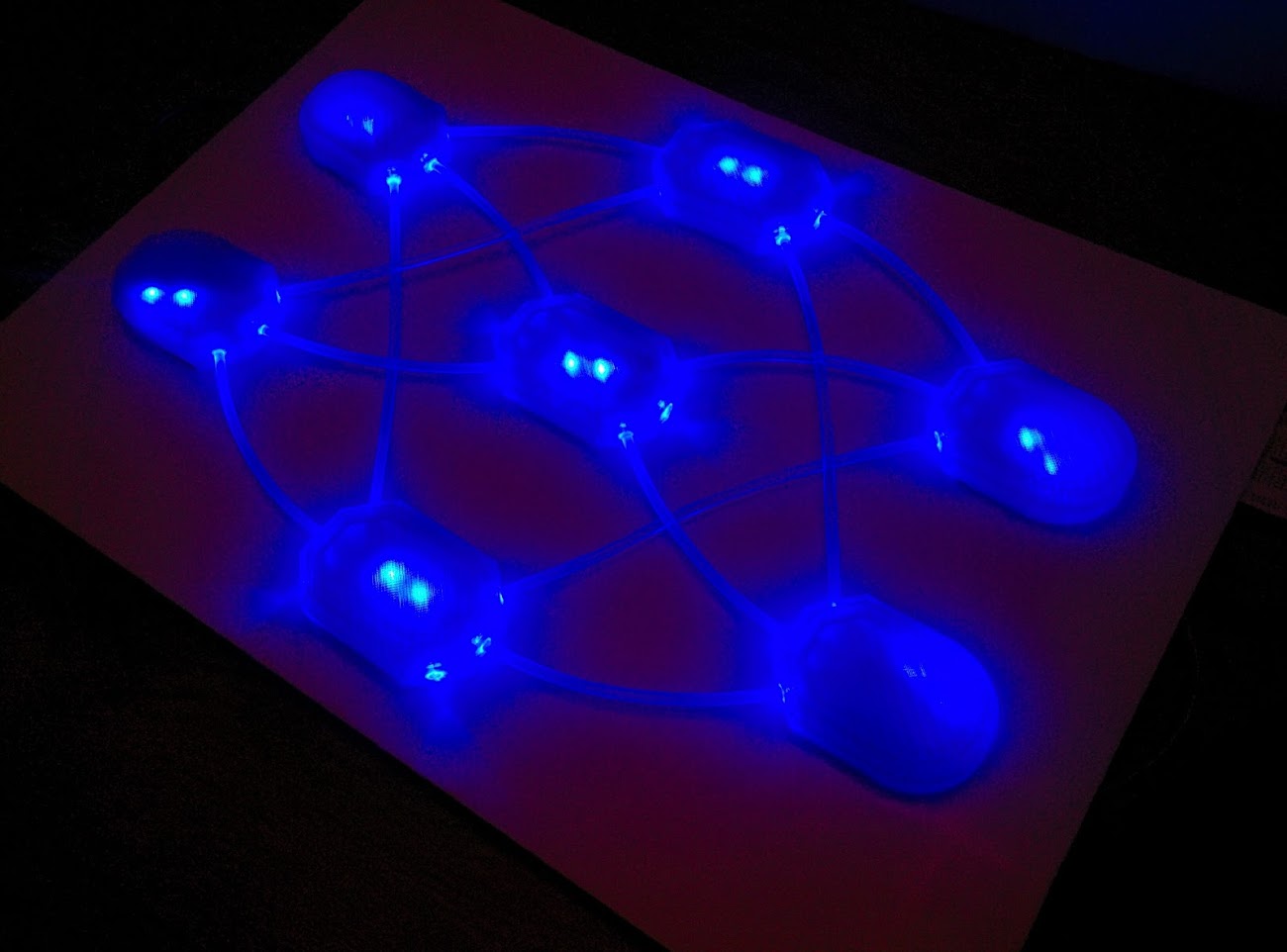 High and low colour weights
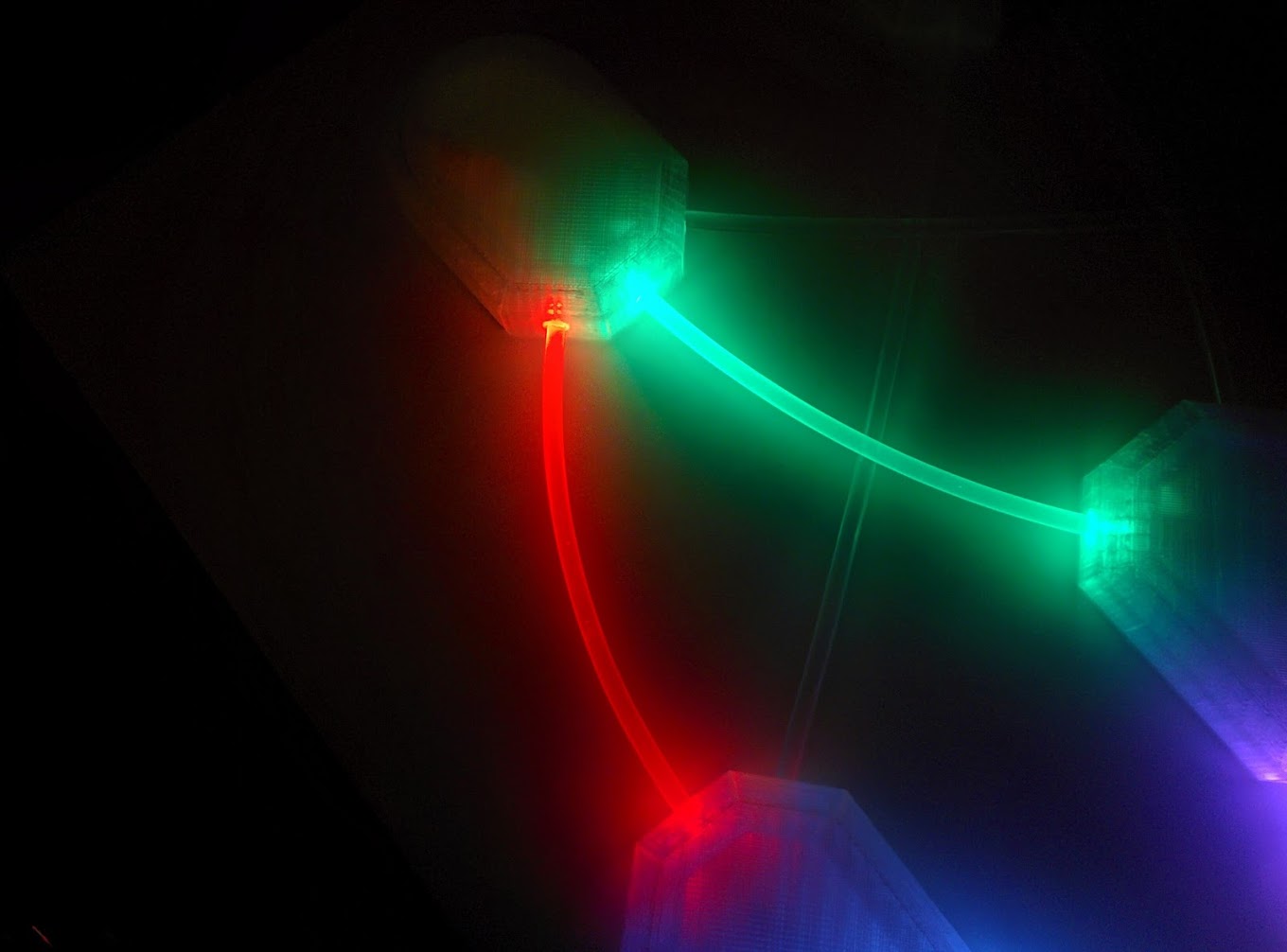
RGB network connected up and displaying weights in real time from a learning sklearn NN multi-label classifier model:
more like this
🎥🤟 8 minimalistic templates for tfjs mediapipe handpose and facemesh
simple generator for 3D-printed frames for a moxon rectangle antenna
search projects, people, and tags