gns3theme
Custom color themes for GNS3 GUI. Built-in schemes, custom JSON themes, device symbols. Supports Linux and macOS.
Python★ 50
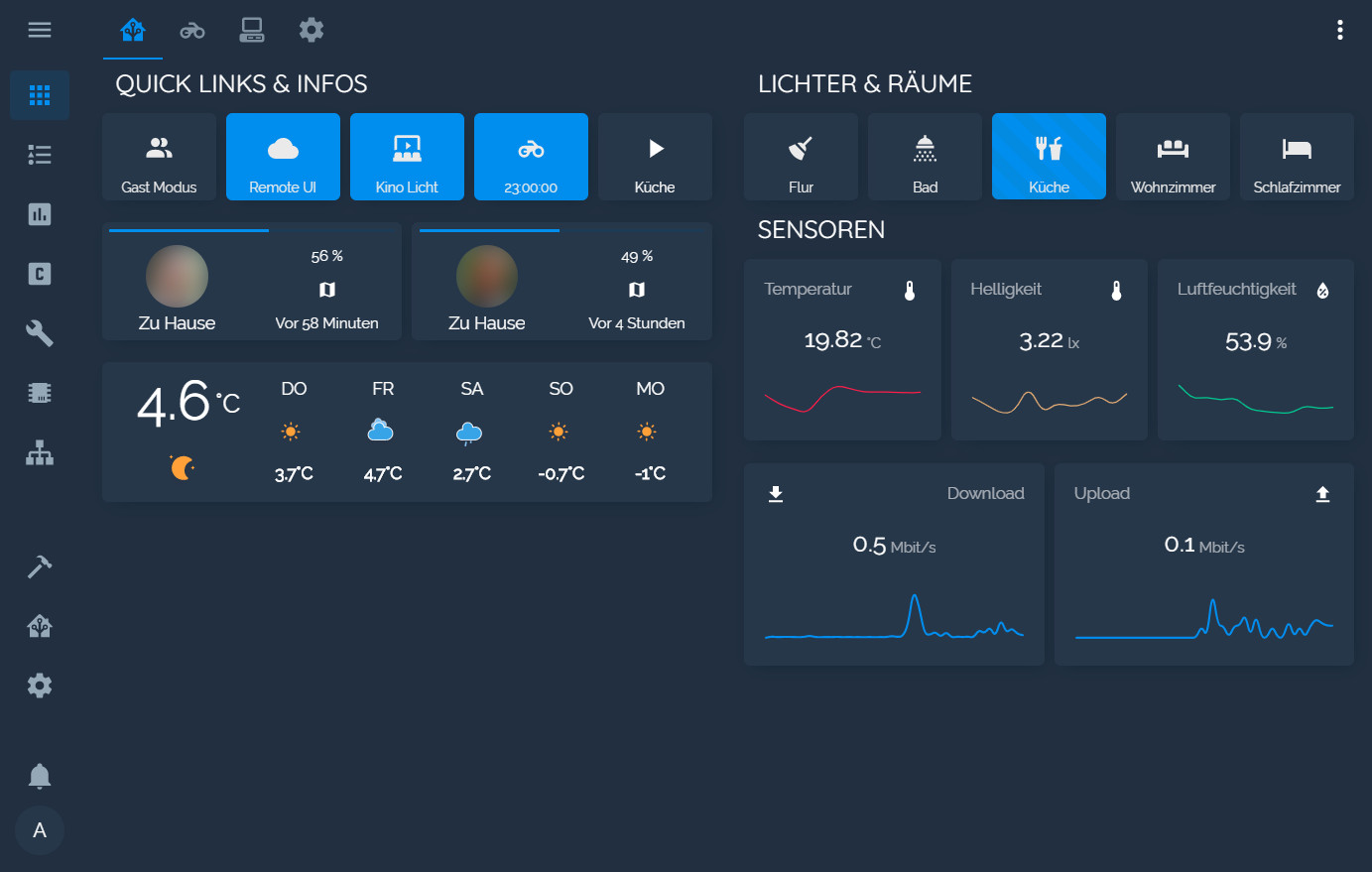
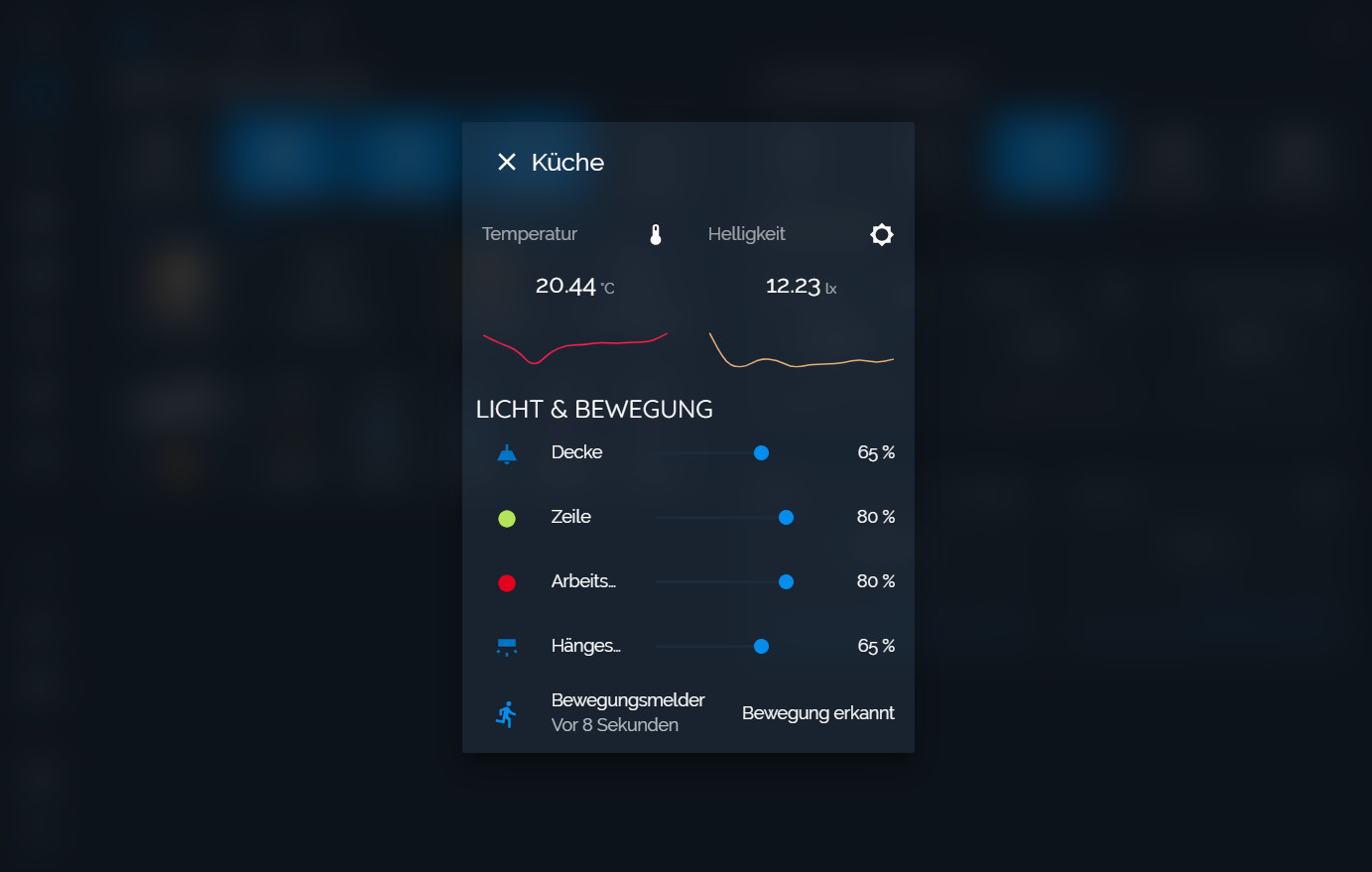
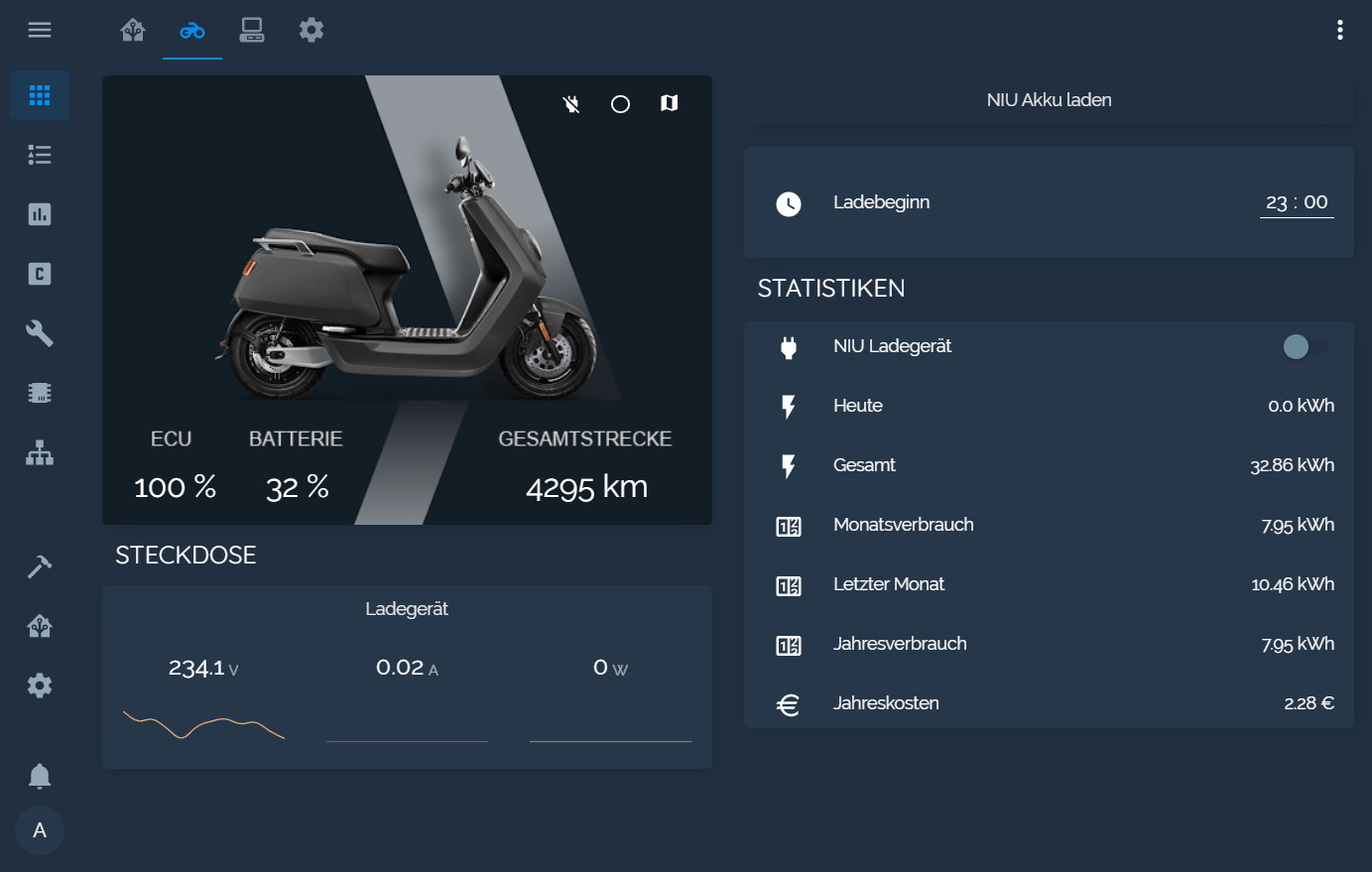
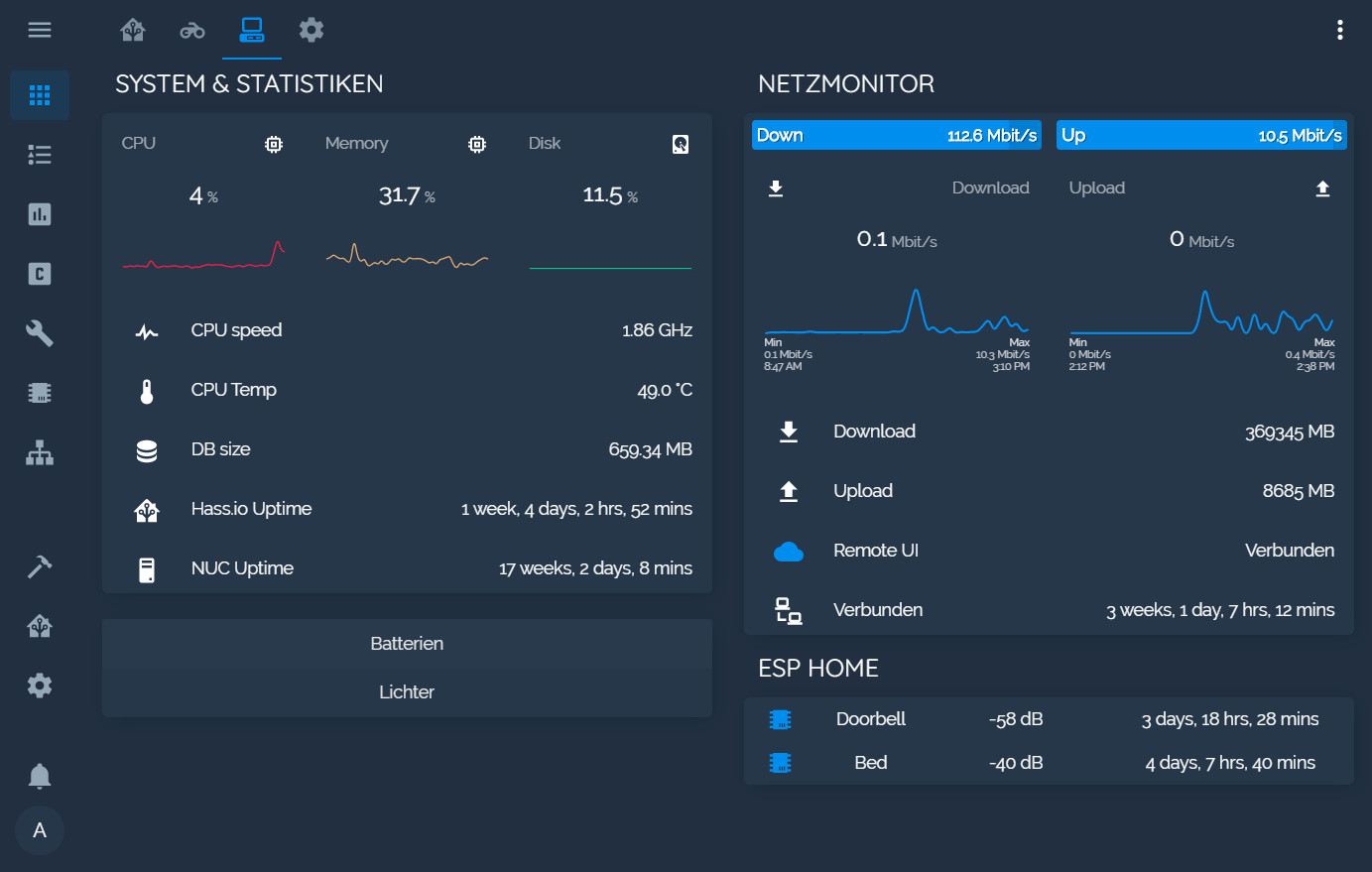
🐵 Dark Blue Theme for Home Assistant
 aFFekopp
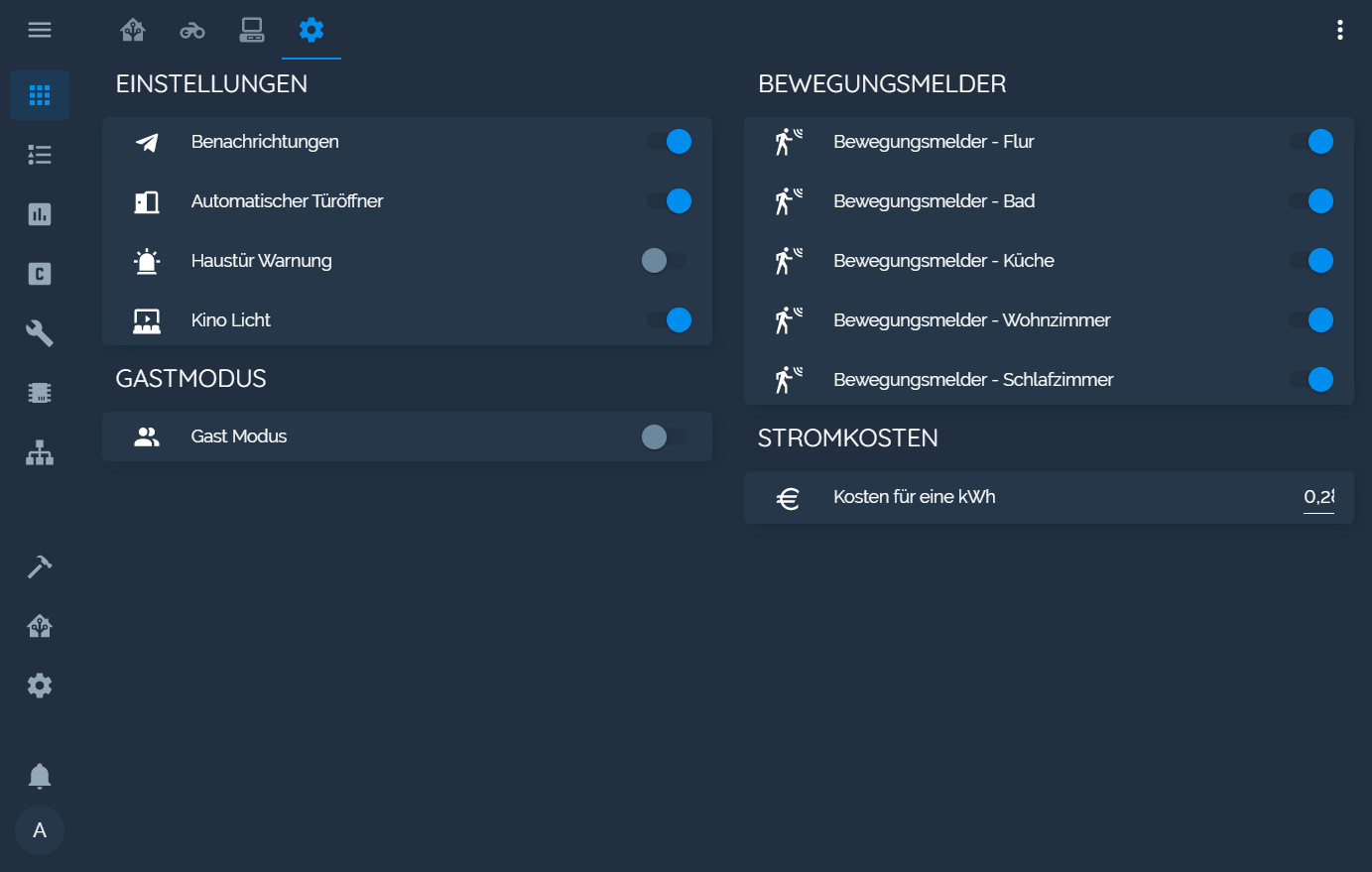
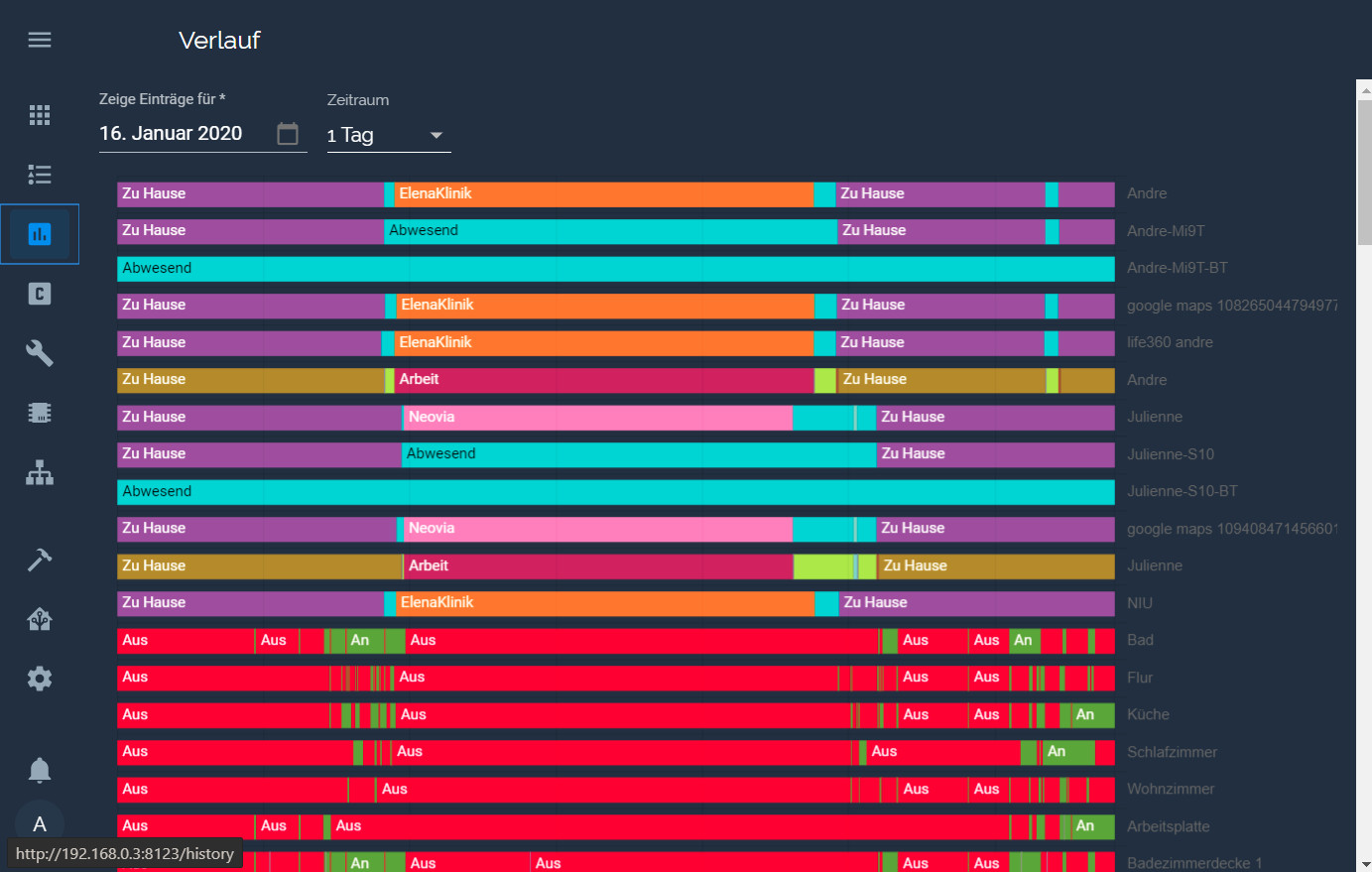
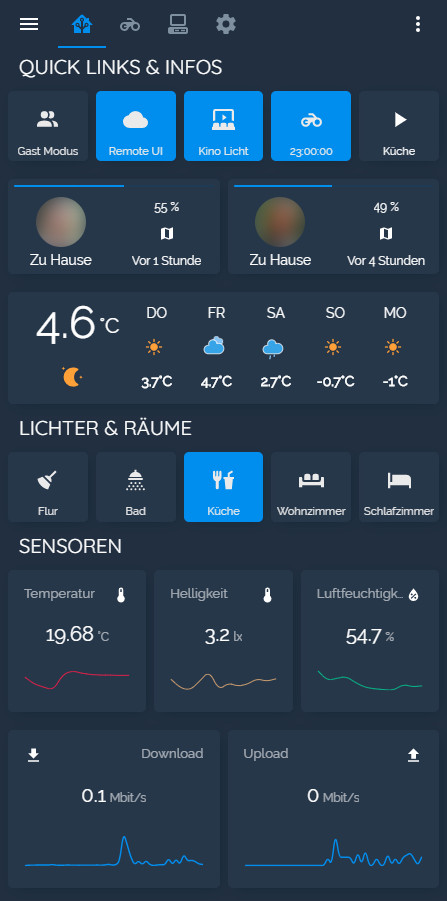
git clone https://github.com/aFFekopp/noctis.gitaFFekopp/noctisDark Blue Theme with Blue accent Colors for Home Assistant
themes folder into your home-assistant folderconfiguration.yamlfrontend: themes: !include_dir_merge_named themes
Optional: I recommend installing Custom Header
Noctis.Noctis.If you want to use the custom fonts, you need to add this to your ui-lovelace.yaml under resources
- url: 'https://fonts.googleapis.com/css?family=Raleway'
  type: css
If you like my theme and enjoy using it consider donating
 |
 |
|---|---|
 |
 |
 |
 |
 |
 |
 |
|---|
more like this
Custom color themes for GNS3 GUI. Built-in schemes, custom JSON themes, device symbols. Supports Linux and macOS.
A specialized swipe card for todo lists in Home Assistant with custom styling
ESPHome Modbus TCP↔RTU Bridge – Transparent bridge for ESP8266/ESP32 that lets multiple Modbus TCP clients communicate…
search projects, people, and tags