PokyPow
PokyPow: turn on/off and monitor your PC or Server with Home Assistant. Build with ESPHome.
 ajfriesen
PokyPow
Remote shutdown and start you PC/server with Home Assistant.
Note
The CrowdSupply campaign for PokyPow launch site is live! We need 200 subscribers in order to go to the next steps. Subscribe and make it real!
Powered by ESPHome.
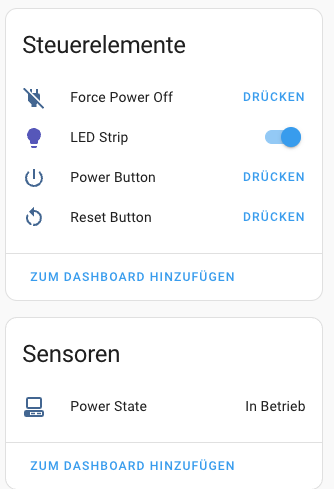
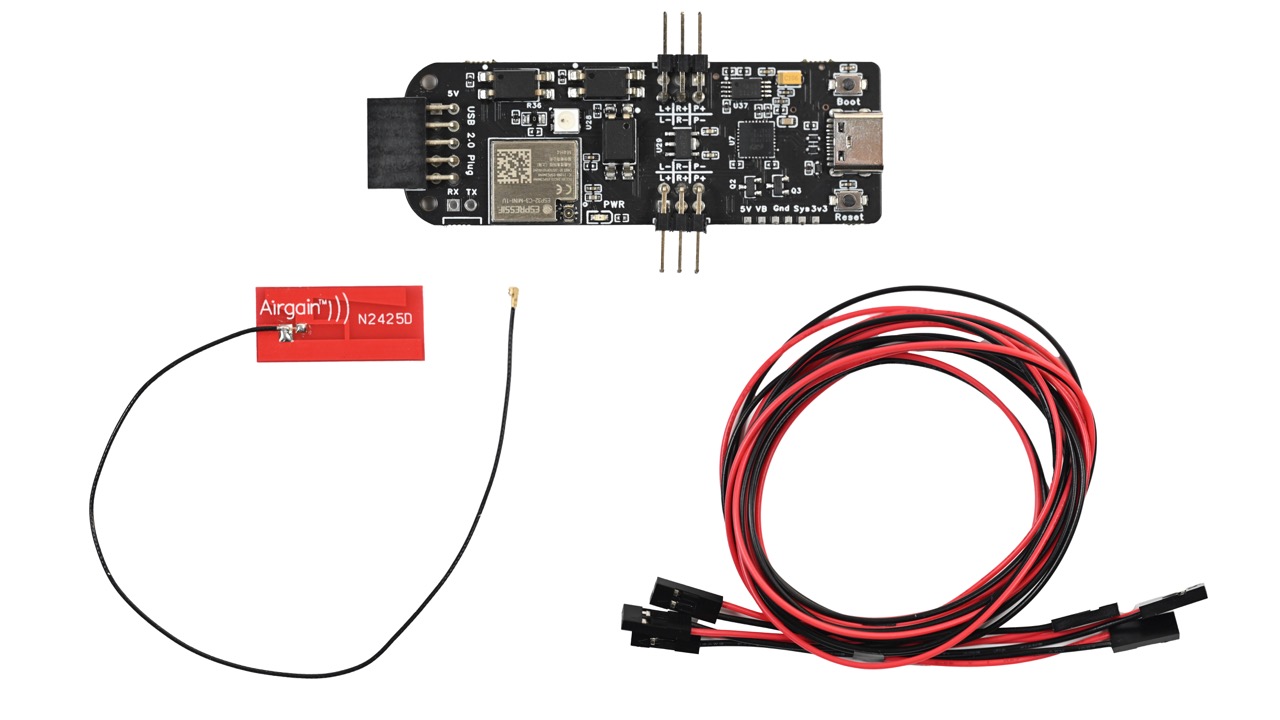
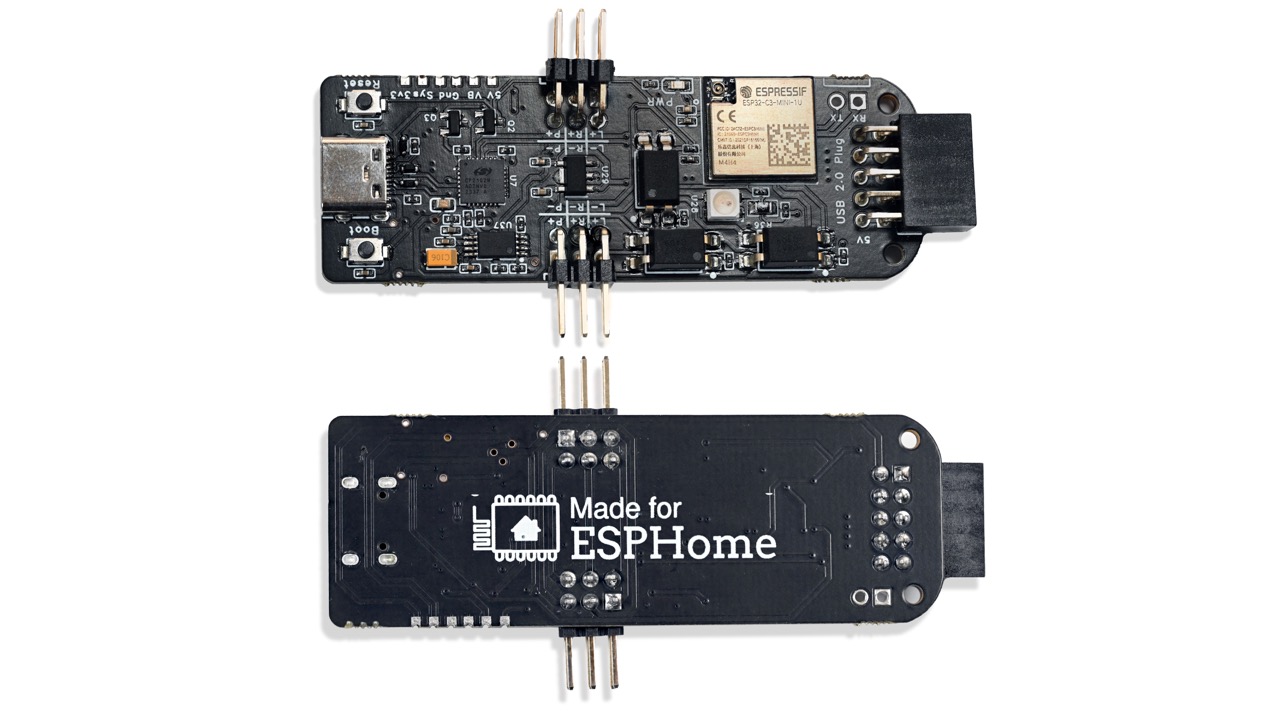
Just connect your power, reset and power led front panel connector to appropriate pin pairs, power the PokyPow via USB-C or an internal USB2.0 header. Now you can turn on/off your PC and check if it is running via Home Assistant.
Use cases
- Hide your PC in a closet or on a shelf without the need to press the actual button. You can just connect any other button via home assistant
- Setup automation based on time, motion or the moon phase, or whatever you like to power on your PC
- No funky magic packets anymore with flaky wake on LAN (never worked for me)
- No addons with admin access (password) to your Windows PC
- Add voice commands via Home Assistant to Google Assistant
Project Documentation
You can find all product documentation, related blog post on my dedicated PokyPow Documentation.
Developer Docs
Build:
docker run --rm --privileged -v "${PWD}":/config -it ghcr.io/esphome/esphome:2026.1.2 compile ESPHome/pokypow.yaml
more like this
PowerDisplayESPHome
A small display for ESPHome and Home Assistant to retrieve the current house consumption and energy price via a sensor…