r2
Free open-source Cloudflare R2 desktop client and S3 GUI for macOS, Windows, and Linux. Manage Cloudflare R2, AWS S3, M…
TypeScript★ 50
Terminal file manager
 antonmedv
git clone https://github.com/antonmedv/walk.gitantonmedv/walk
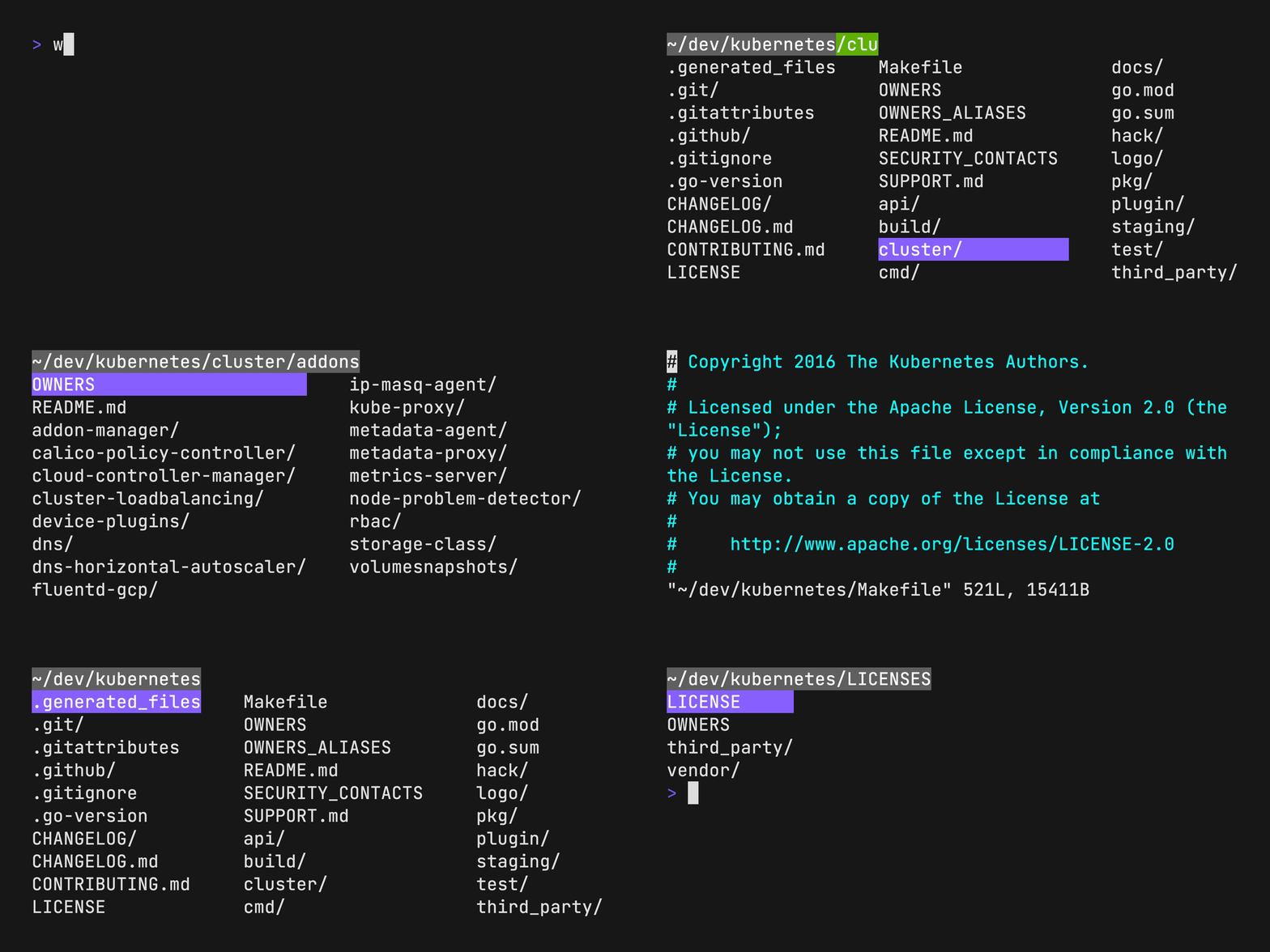
Walk — a terminal navigator; a cd and ls replacement.
Run lk, navigate using arrows or hjkl. Press, esc to jump to a new location; or ctrl+c to stay.
brew install walk
pkg_add walk
go install github.com/antonmedv/walk@latest
curl https://raw.githubusercontent.com/antonmedv/walk/master/install.sh | sh
Or download prebuild binaries.
Put the next function into the .bashrc or a similar config:
| Bash/Zsh | Fish | PowerShell |
|---|---|---|
function lk {
  cd "$(walk "$@")"
}
|
function lk set loc (walk $argv); and cd $loc; end |
function lk() {
  cd $(walk $args)
}
|
Now use lk command to start walking.
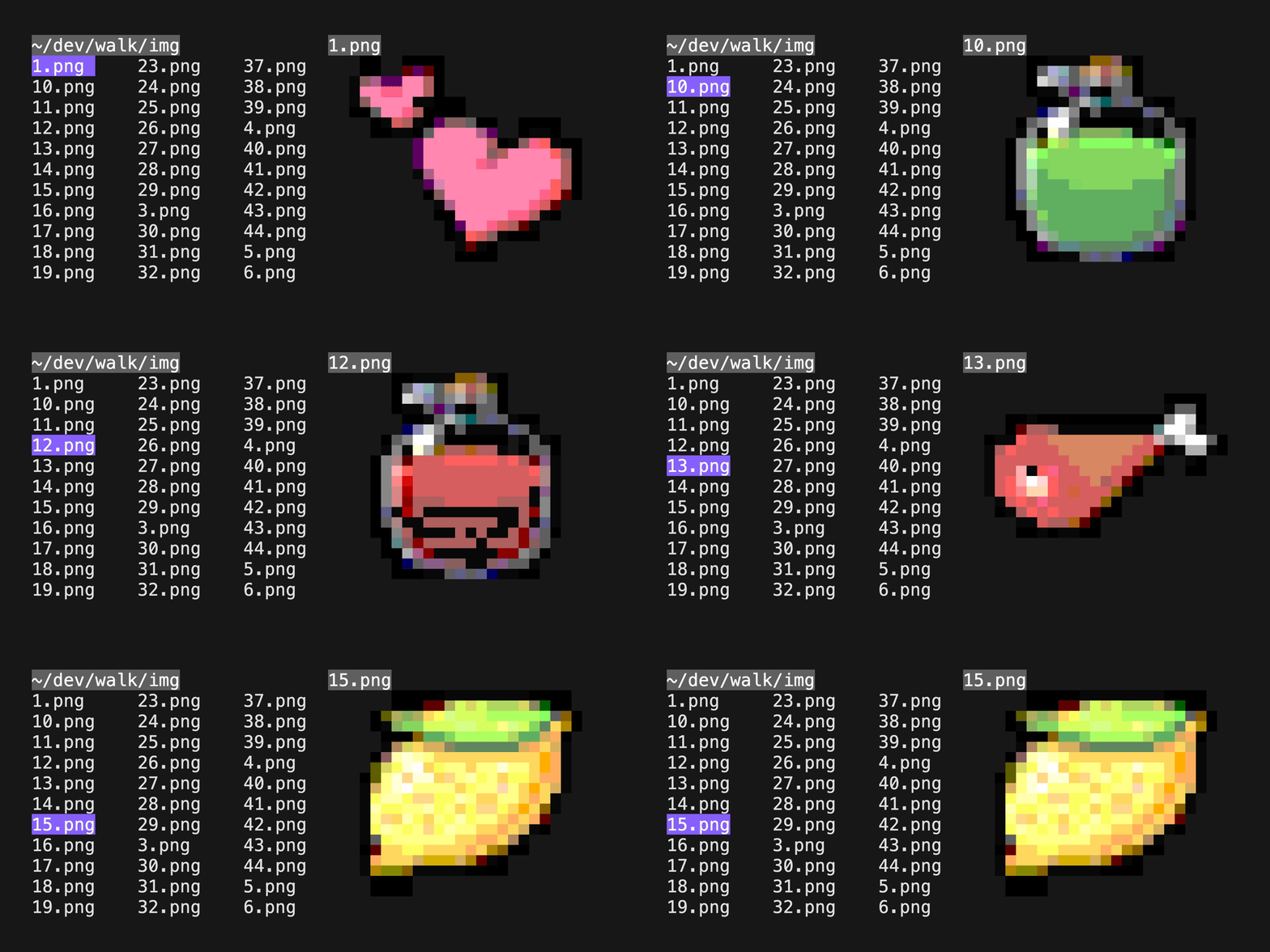
Press Space to toggle preview mode.
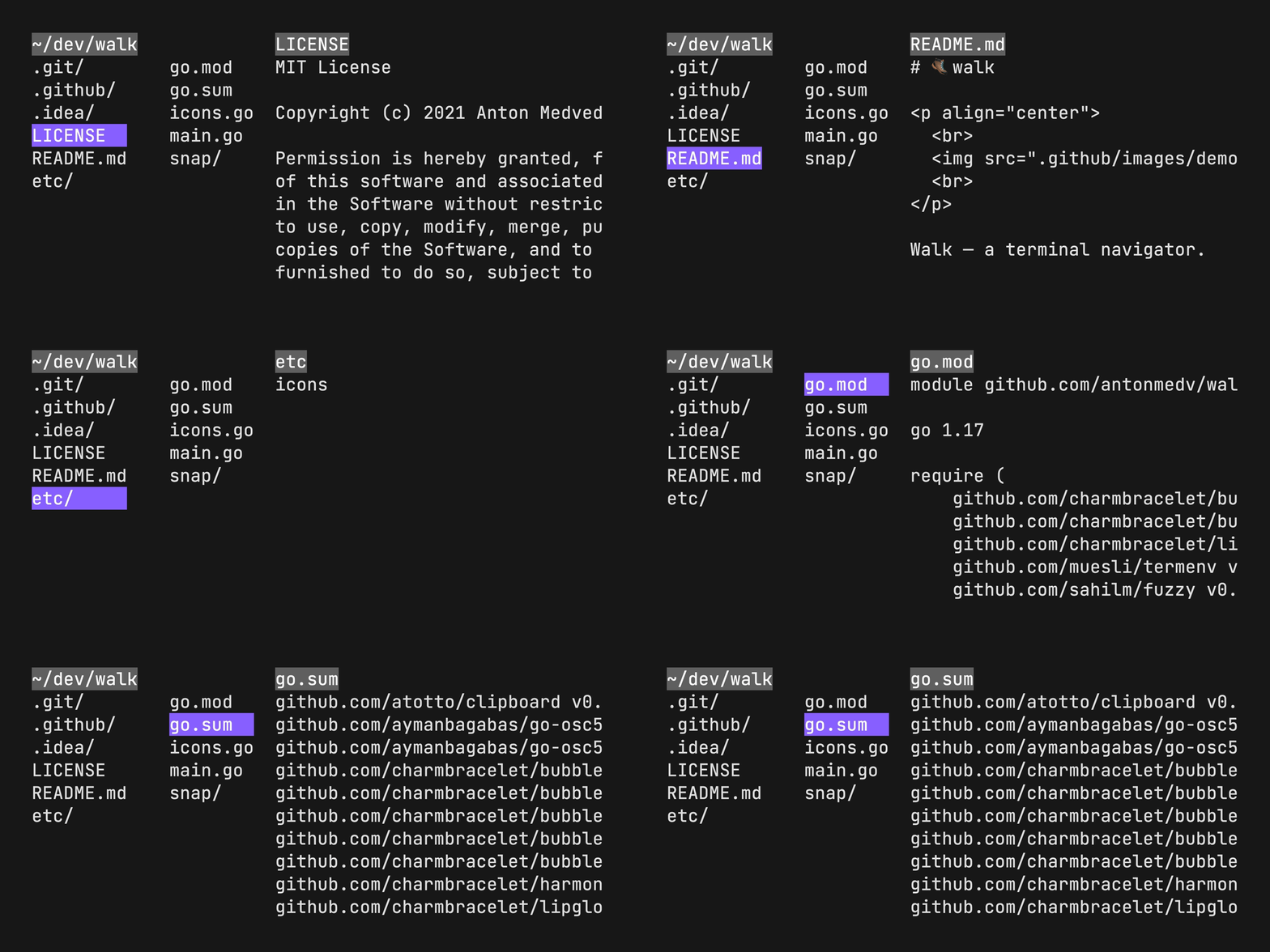
Press dd to delete file or directory. Press u to undo.
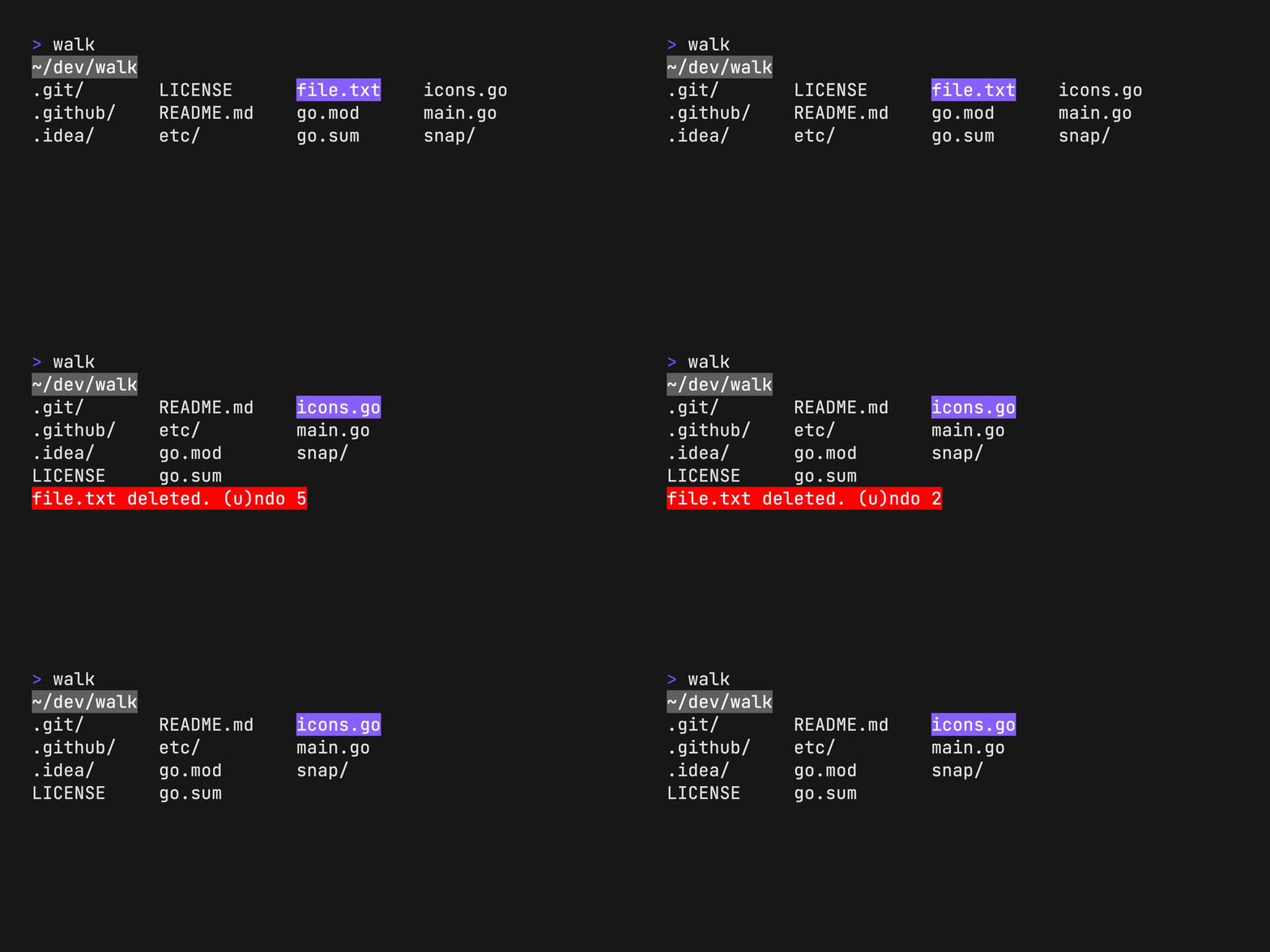
Install Nerd Fonts and add --icons flag.
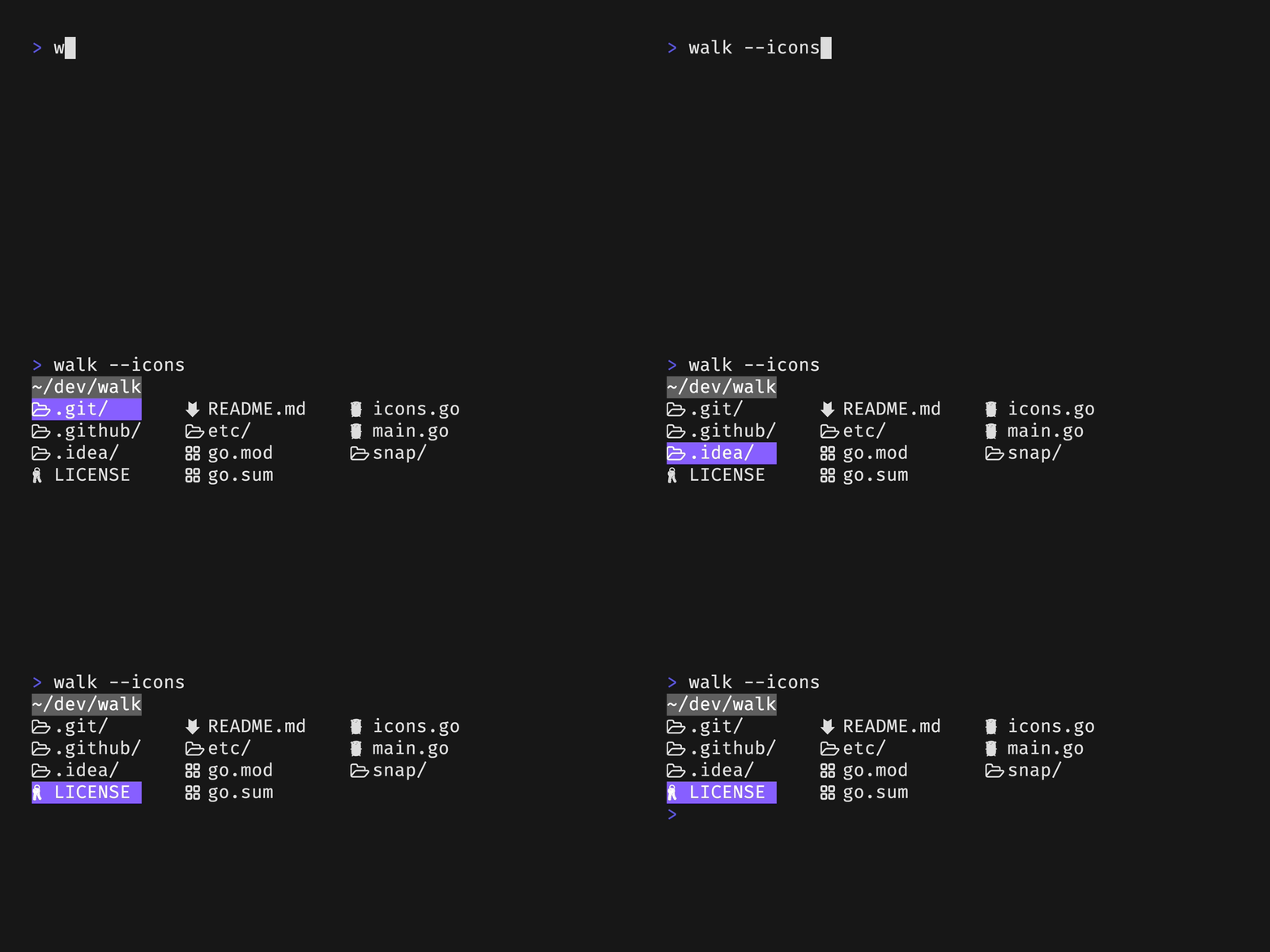
No additional setup is required.
| Key binding | Description |
|---|---|
| arrows, hjkl | Move cursor |
| shift + arrows | Jump to start/end |
| enter | Enter directory |
| backspace | Exit directory |
| space | Toggle preview |
| esc, q | Exit with cd |
| ctrl + c | Exit without cd |
| / | Fuzzy search |
| d, delete | Delete file or dir |
| y | yank current dir |
| . | Hide hidden files |
The EDITOR or WALK_EDITOR environment variable used for opening files from
the walk.
export EDITOR=vim
To specify a command to be used to open files per extension, use the WALK_OPEN_WITH environment variable.
export WALK_OPEN_WITH="txt:less -N;go:vim;md:glow -p"
The WALK_REMOVE_CMD environment variable can be used to specify a command to
be used to remove files. This is useful if you want to use a different
command to remove files than the default rm.
export WALK_REMOVE_CMD=trash
Change main color with WALK_MAIN_COLOR environment variable. Available colors
are here.
export WALK_MAIN_COLOR="#0000FF"
Use WALK_STATUS_BAR environment variable to specify a status bar program.
export WALK_STATUS_BAR="Size() + ' ' + Mode()"
Flags can be used to change the default behavior of the program.
| Flag | Description |
|---|---|
--icons |
Show icons |
--dir-only |
Show dirs only |
--hide-hidden |
Hide hidden files |
--preview |
Start with preview mode on |
--with-border |
Show border in preview mode |
--fuzzy |
Start with fuzzy search on |
more like this
Free open-source Cloudflare R2 desktop client and S3 GUI for macOS, Windows, and Linux. Manage Cloudflare R2, AWS S3, M…
meine 🌒 - A CLI file manager and system utility built with Textual. It combines intuitive command parsing with rich t…
MTT File Manager is a Rust-based Windows file manager with tabbed navigation, rich media previews, deep system integrat…
search projects, people, and tags