motif
Wario.Style. Game Boy Midi Synthesis Engine. Search any song. Get the 8-bit Game Boy version.
 b1rdmania
TypeScript★ 442⑂ 96 forksupdated 5 days ago
README.mdfork it — it’s yours
Wario Synthesis Engine 8-Bit Midi
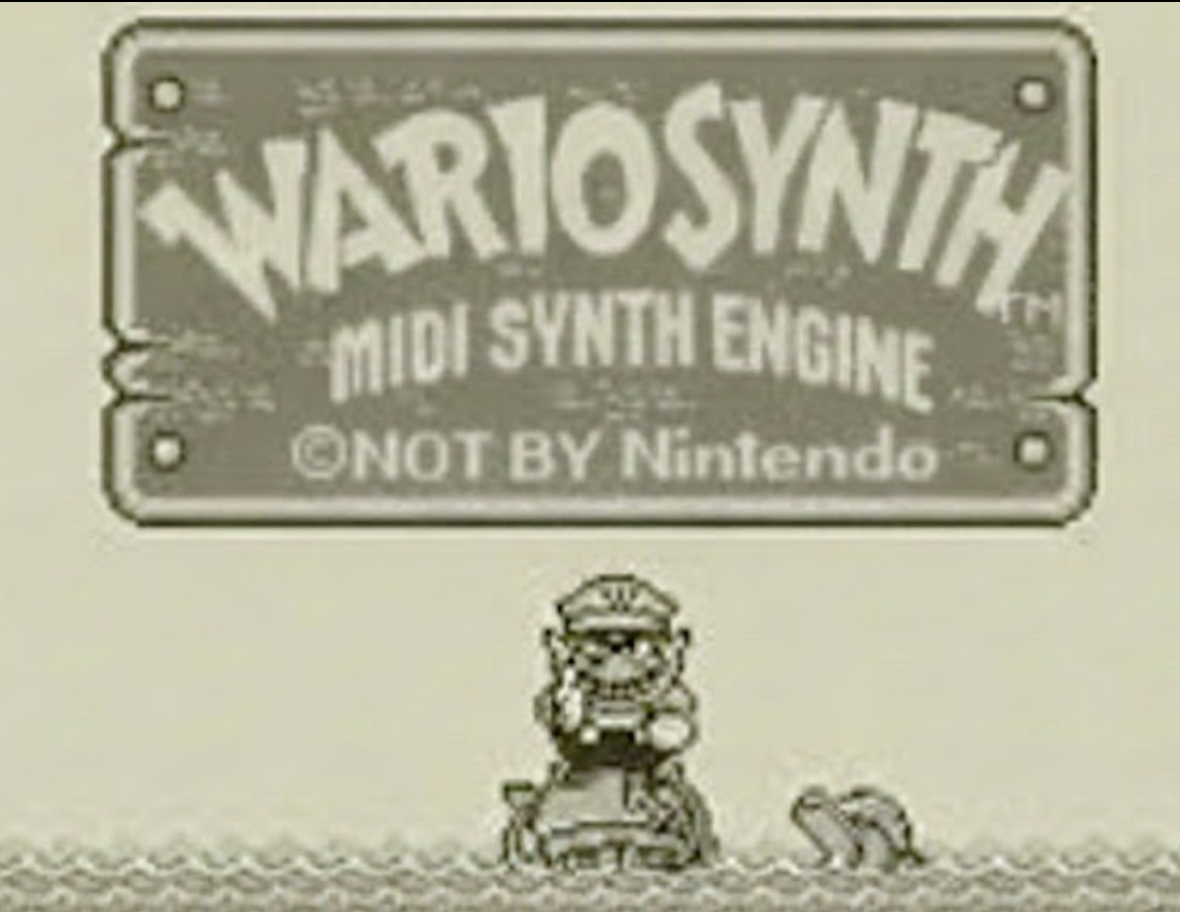
Turn any song into a Game Boy version.
Live Demo
About
WAH! 🎮
Type in literally any song. We'll find a MIDI file somewhere on the internet and absolutely demolish it through a janky homebrew Game Boy sound chip running in your browser.
Is it accurate? Sometimes. Is it legal? Probably. Does it slap? Absolutely.
Four glorious channels of chiptune chaos:
- 🟨 Pulse 1 — screamy lead melodies
- 🟨 Pulse 2 — whatever pulse 1 forgot
- 🟩 Wave — chunky bass that hits different
- ⬜ Noise — percussion (tssss pshhhh)
Zero samples. Zero server audio. Just raw oscillators having the time of their lives.
wario.style ← go make your favorite song worse

Features
- MIDI search from BitMidi, called directly from the browser (no server round-trip)
- Local MIDI upload — load your own
.mid/.midifiles (client-side only) - Browser playback with soundfont piano preview
- Wario Synthesis Engine: procedural Game Boy-style synthesis from parsed MIDI structure
- Save Audio (WAV) and Save MIDI — export the generated result after playback
- Share links with dynamic social previews — works for searched MIDI sources; not available for local uploads
- Works on mobile (iOS audio unlock included)
- v2 beta engine (
/v2.html, or the "v2 beta" tab): an experimental engine that targets the real Game Boy chip (Sharp LR35902) with a 15-bit LFSR noise channel, proper pulse duty cycles, and custom wavetables. The synthesis is authentic; arranging arbitrary MIDI onto 4-8 fixed voices is the open problem — see issue #5
See CHANGELOG.md for release history.
Quick Start (Local)
# Install frontend deps
npm install

# Install backend deps
cd server && npm install && cd ..

# Run backend (http://localhost:3001)
npm run dev:backend

# Run frontend (Vite prints the URL, typically http://localhost:5173)
npm run dev
How It Works
- User searches for a song or uploads a local MIDI file
- The browser queries BitMidi's CORS-enabled JSON API directly and ranks the candidates client-side
- User picks a MIDI source or uploaded file
- Frontend parses MIDI into normalized note events
- Wario Synthesis Engine maps tracks to Game Boy sound channels
- Web Audio oscillators generate the retro sound
- Optional: save the generated result as WAV or MIDI
Embed Widget
WARIO SYNTH includes an embeddable widget at /embed:
<iframe
  src="https://www.wario.style/embed?song=Hotel%20California"
  width="420"
  height="260"
  style="border:0;border-radius:12px;overflow:hidden"
  allow="autoplay"
></iframe>
Tech Stack
- Frontend: TypeScript, Vite, Web Audio API
- Backend: Express, Node.js
- Deployment: Vercel
- Built with: Claude Code
Credits
A non-commercial project by @b1rdmania for lols. Please don't sue me.
more like this