hydra-launcher
hydralauncher: Hydra Launcher download free PC library fontes links baixar , hydralauncher github, trusted sources ur…
TypeScript★ 50
Fully-functional open-source server implementation for Diablo 3
 blizzless
git clone https://github.com/blizzless/blizzless-diiis.gitblizzless/blizzless-diiis
DiIiS is a fully-functional open-source local server for Diablo III: Reaper of Souls.
Disclaimer and Project Philosophy.
Developers, please contribute using the branch: community, always create your branches from it and also follow the Roadmap below.
To test the server, use the test-stable or community branch
Each version of the client includes changes to structures, opcodes and attributes.
The currently supported version of the client: 2.7.4.84161
diiis and worlds.database.Account.config and database.Worlds.conifg.worlds.backup to worlds database.docker-compose up from root folder (here).dotnet publish ./src/DiIiS-NA/Blizzless.csproj --configuration Release --output ./publish
config.ini for now.config.ini file on the published folder with your network's IP records (BindIP and PublicIP)!account add Login Password Tag!account add username@ YourPassword YourBattleTagusername@, password YourPassword and BattleTag YourBattleTag!account add username@ YourPassword YourBattleTag ownerusername@, password YourPassword and BattleTag YourBattleTag with rank owner!account add username@ YourPassword YourBattleTag
Creates an account with Login username@, password YourPassword and BattleTag YourBattleTag
!account add username@ YourPassword YourBattleTag owner
Creates an account with Login username@, password YourPassword and BattleTag YourBattleTag with rank owner
!account add username@ YourPassword YourBattleTag
Creates an account with Login username@, password YourPassword and BattleTag YourBattleTag
!account add username@ YourPassword YourBattleTag owner
Creates an account with Login username@, password YourPassword and BattleTag YourBattleTag with rank owner
Do this for each client connecting to the server.
Get supported client D3 (2.7.4).
Install certificate bnetserver.p12, password - 123 (the game verifies the CA root certificates).
Setting up redirects client to your server:
Method #1 - Hosts
Add redirects to the hosts file (Windows - %WinDir%\System32\drivers\etc\hosts, Linux - /etc/hosts):
127.0.0.1 us.actual.battle.net
127.0.0.1 eu.actual.battle.net
!After the modification the official Battle.Net application will not be able to connect to the server!
Method #2 - Modify main executable file
// Find null-terminated string enum and rewrite with HexEditor to your IP server.
eu.actual.battle.net/
us.actual.battle.net/
cn.actual.battle.net/
kr.actual.battle.net/
Launch client (x64 or x86) with arguments "Diablo III64.exe" -launch
Login to the game using your credentials.
[Skip this stage for local game] After that, when creating a game (in client), indicate the creation of a public game. Other players, when connecting, must also indicate a public game, and at the start they will connect to you.
You're in the game world!
Using the configuration file you can easily override the global world parameters.
The command system allows you to get control of the game world if you have rights. A list of commands is available here.
Check the report form before submitting issue, this will help people save time!
GR closure: ensure the Greater Rift closes automatically after 15 minutes.
Exit portal: fix the teleport at the end of the GR so it appears and works correctly.
Resource consumption: make sure the GR Stone and gold are properly consumed when energizing the rift.
Death time penalty: implement the correct penalty (+5 seconds per death after the 3rd inside the GR).
Mob removal: clear all enemies after a GR is finished.
Next-level portal display: ensure the portal to the next GR level only appears when appropriate.
Level display bug: fix the issue that shows only GR level 13 Torment 2.
GR pillars validation: review and validate the behavior of GR pillars.
Kanai’s Cube: fix legendary power extraction so it correctly consumes the required items.
Enchant NPC: enable proper re-rolling of any item’s stats.
Ramaladni’s Gift: ensure it correctly adds a socket to weapons.
Gem validation: review the behavior of normal and legendary gems.
Affix validation: confirm that all item affixes work as intended.
Set bonus validation: review and adjust item set bonuses.
Legendary bonus validation: ensure legendary powers are correctly applied (including duplicate checks).
Boss drop validation: confirm that bosses drop the correct items.
Waypoints:
Fix client crash when changing Sanctuary view with the + and – buttons.
Correctly display the map name when clicked.
Normal rift teleport: fix the portal that remains after a normal rift is closed.
Character weapon display: fix the bug where the character’s weapon is not shown inside the GR.
Difficulty save: store the last difficulty level used by the player for the next session.
Bounty system: validate the full bounty system and its rewards.
Critical stability: GR closure, resource consumption, exit teleport, and waypoint fixes.
Player progression: NPC upgrades, Kanai’s Cube, Ramaladni’s Gift, and difficulty saving.
Balance & content: validations for gems, affixes, set bonuses, legendary bonuses, and boss drops.
General improvements: visual fixes (weapon display) and overall gameplay polish.
| Entry-level | Mid-range | High-end | |
|---|---|---|---|
| CPU | Intel Core i5 or AMD Ryzen 5 | Intel Core i7 or AMD Ryzen 7 | Intel Core i9 or AMD Ryzen 9 |
| Memory | 4 GB RAM | 16 GB RAM | 64 GB RAM |
| Disk | 500 MB | 1 GB | 1 GB |
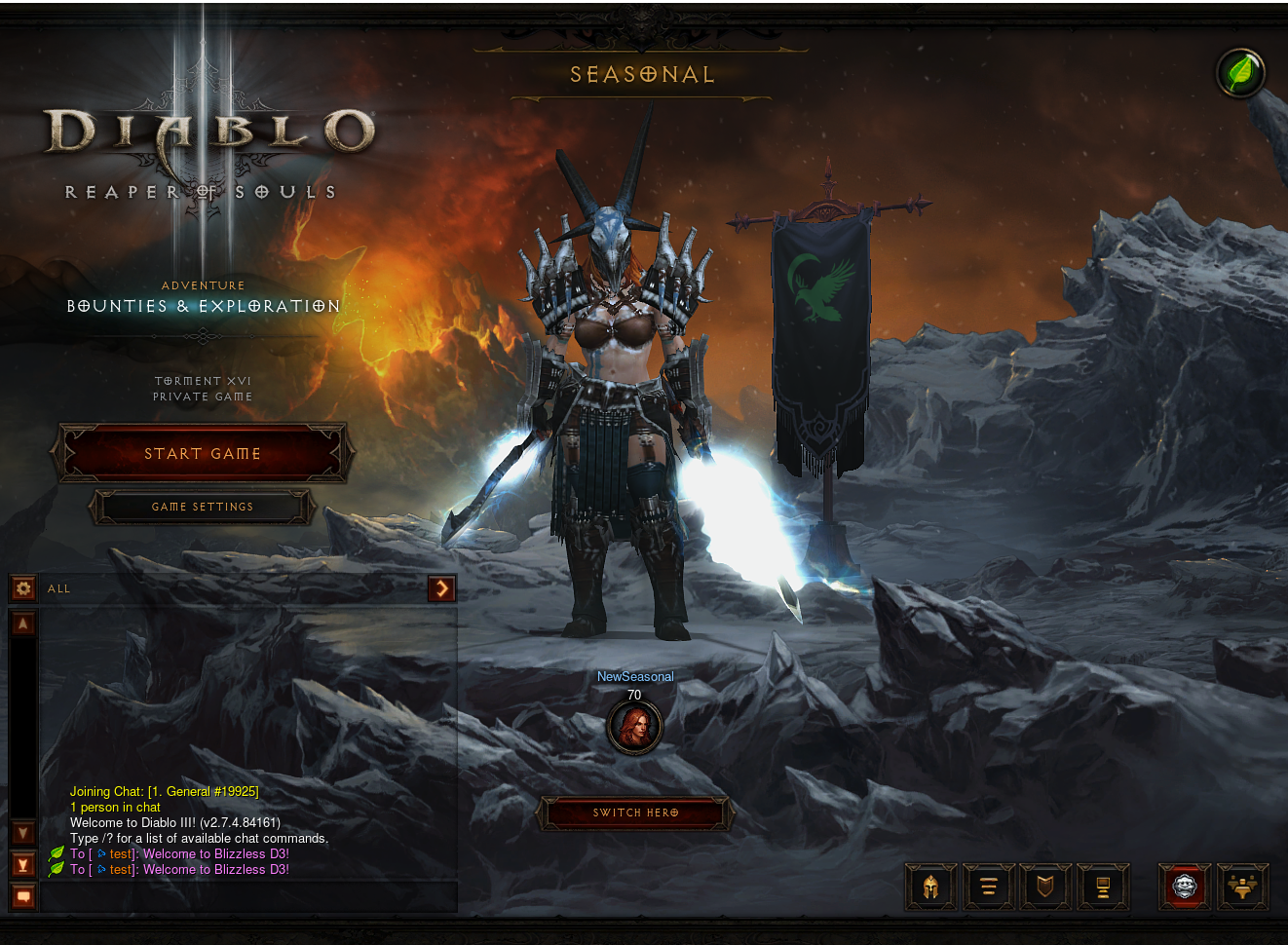
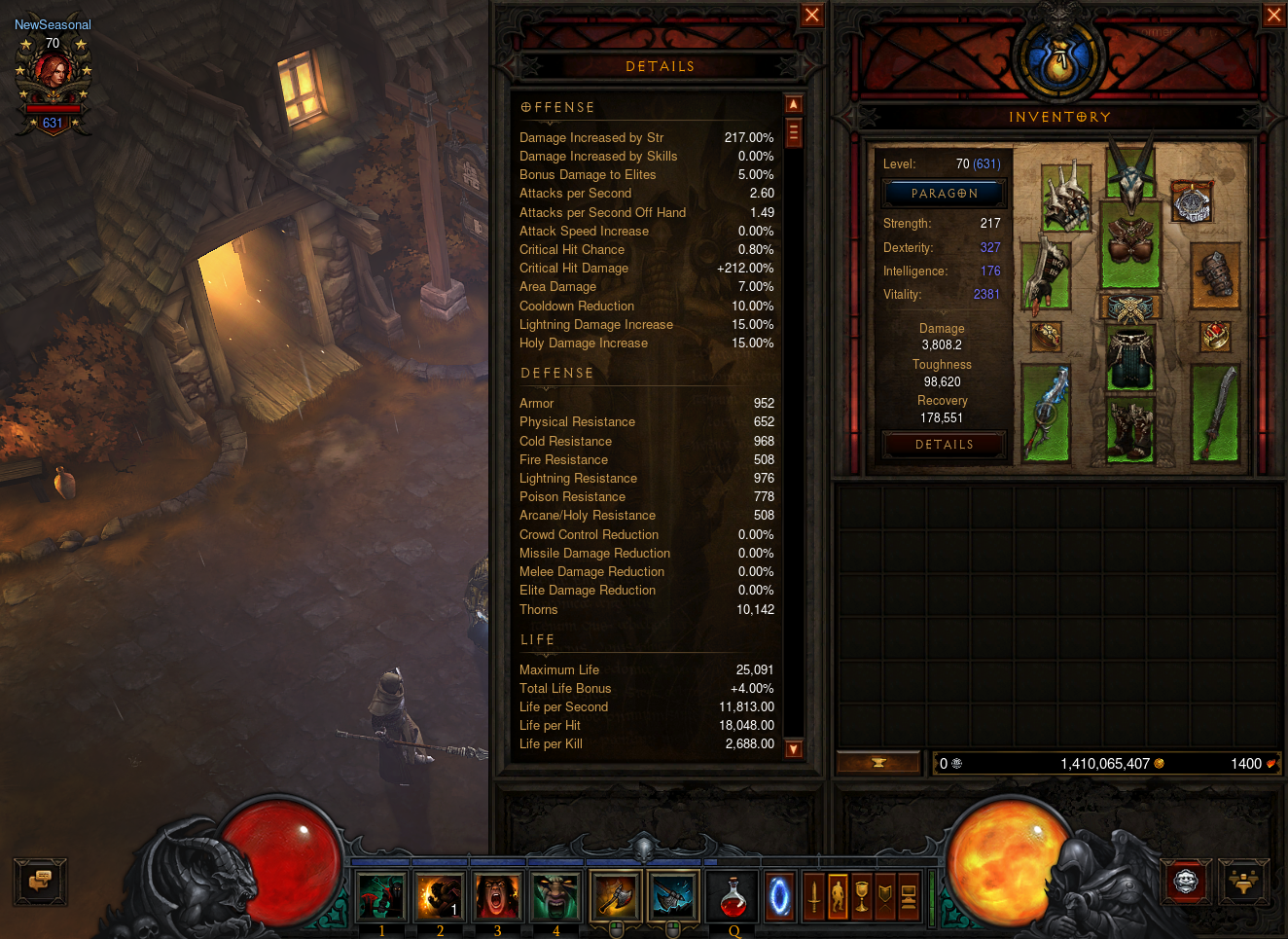
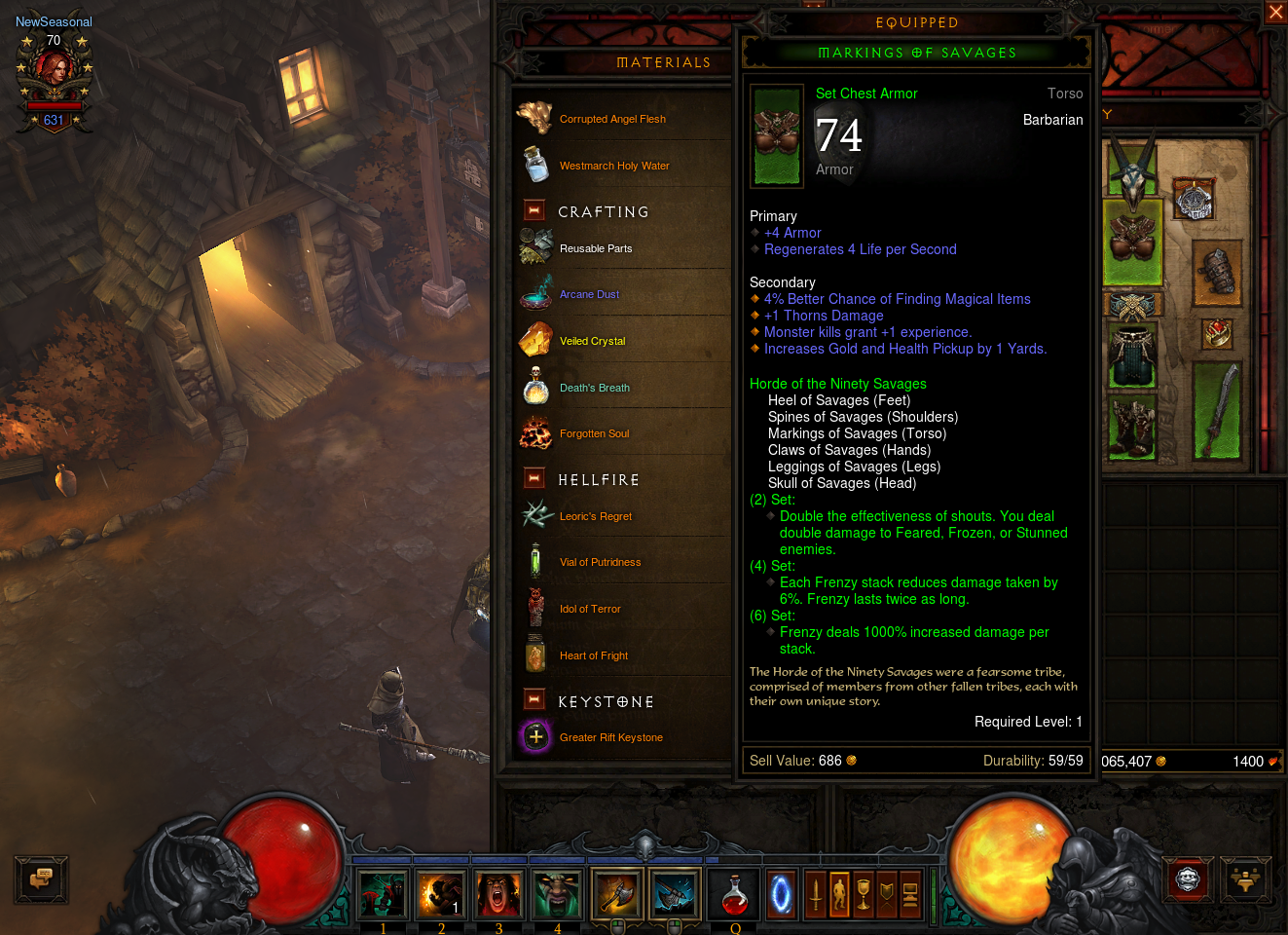
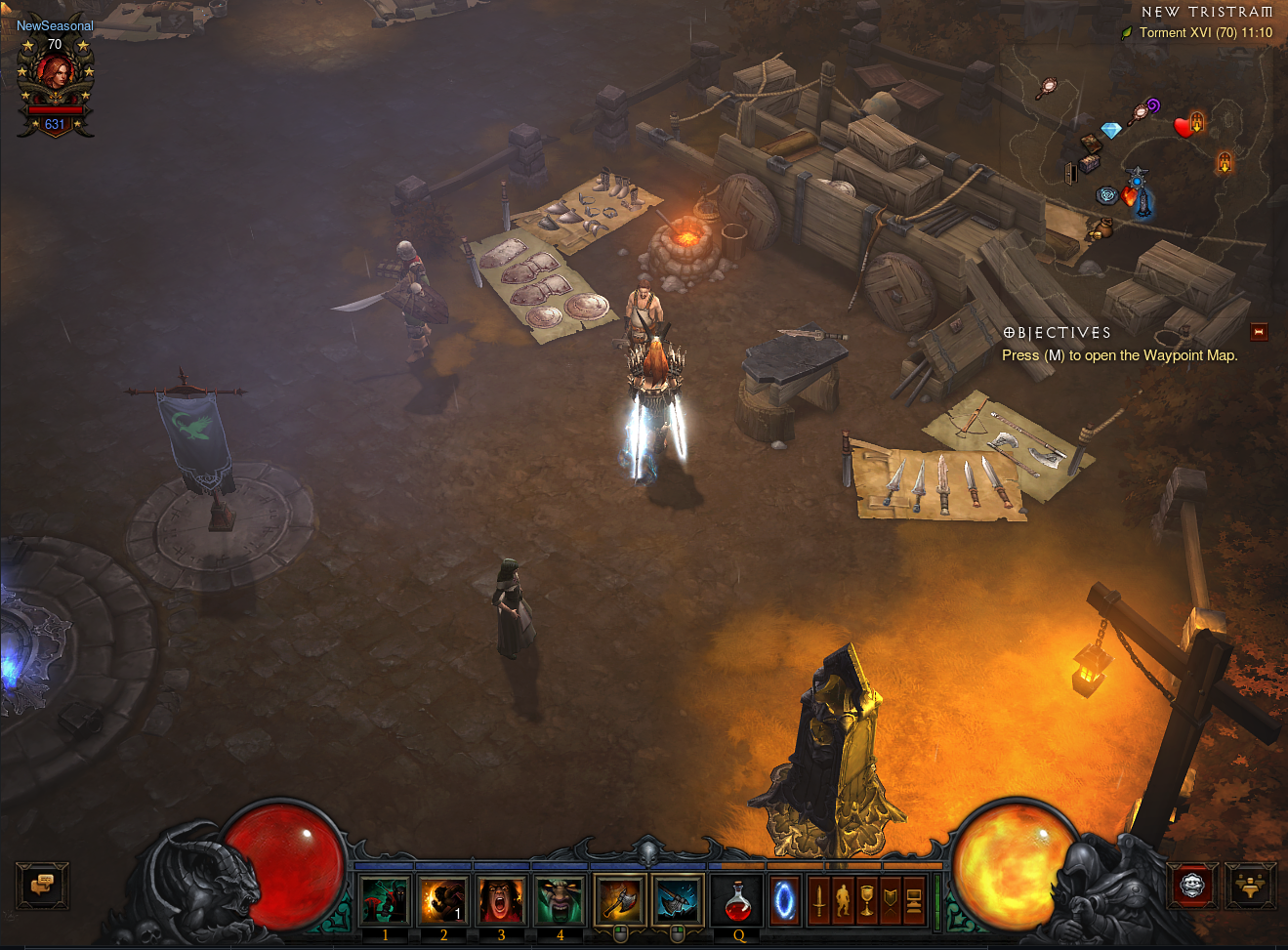
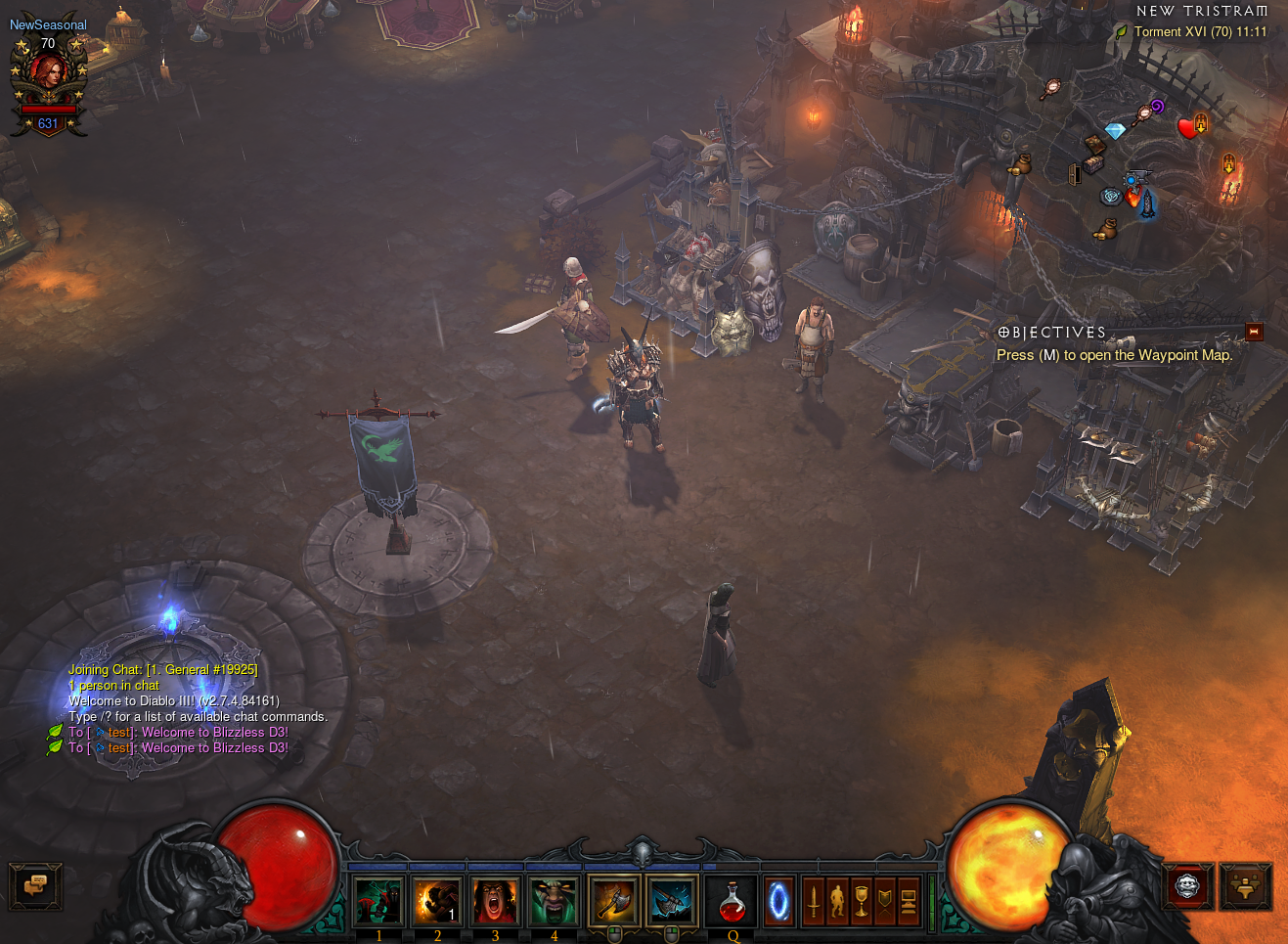
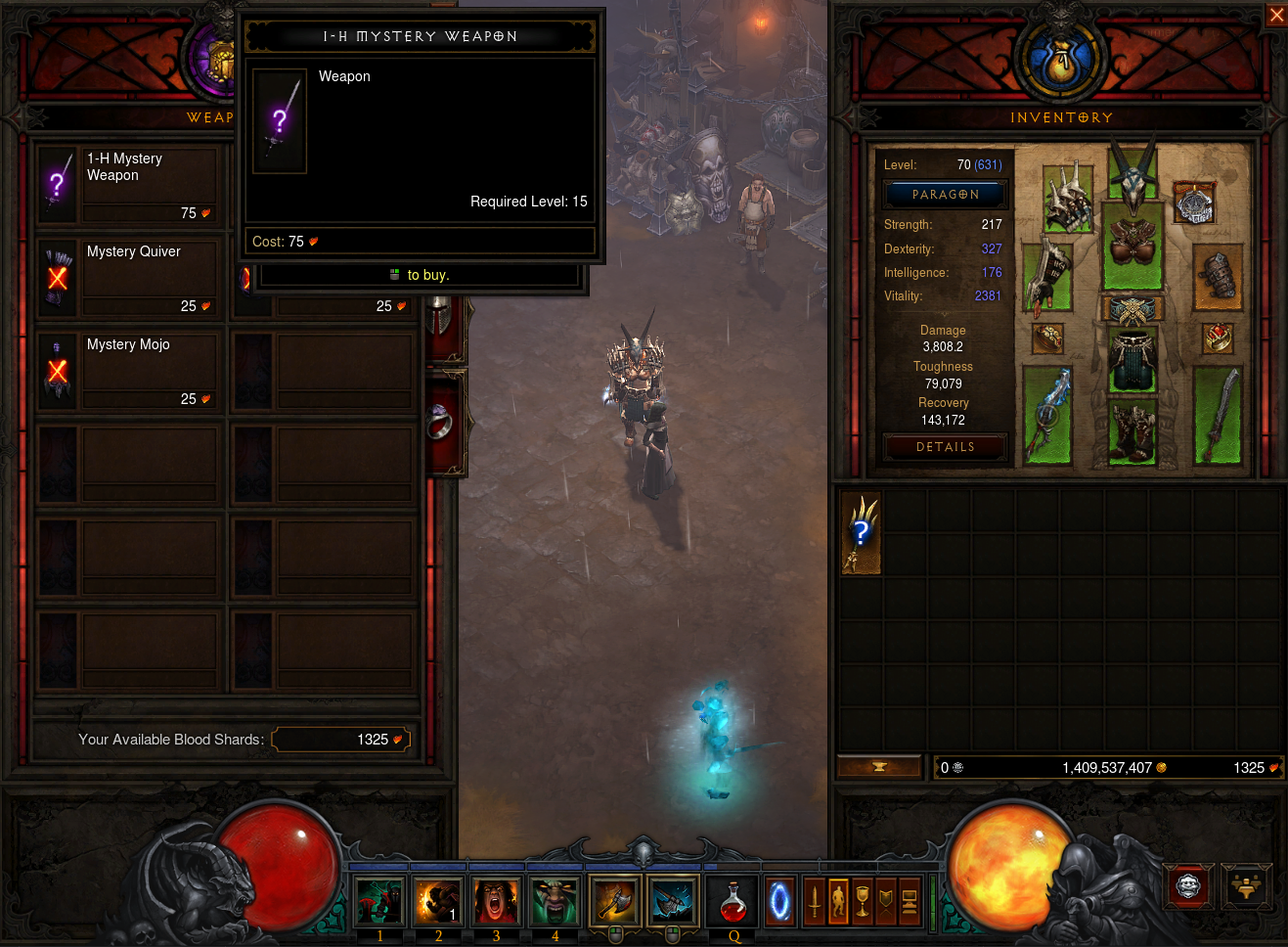
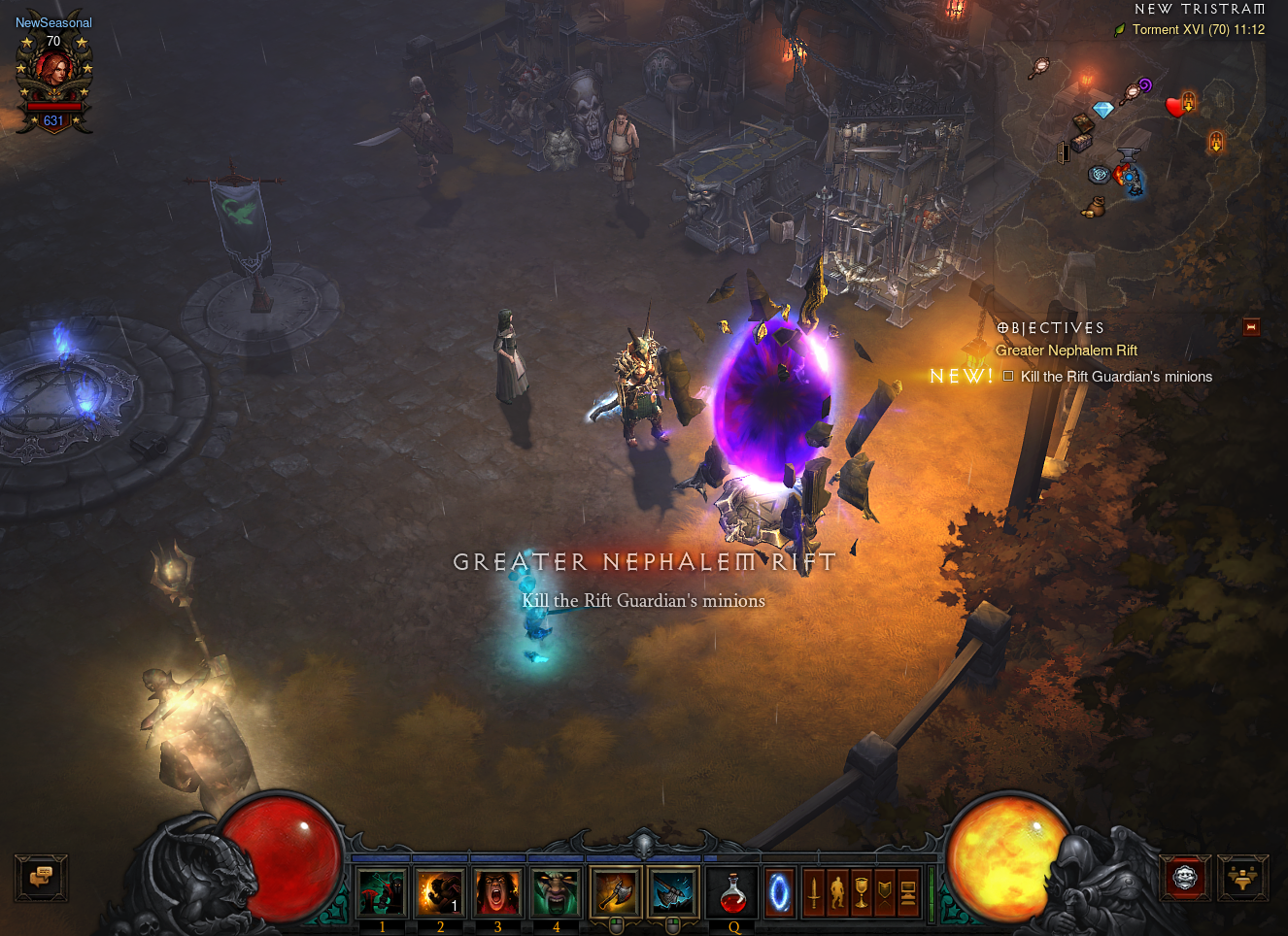
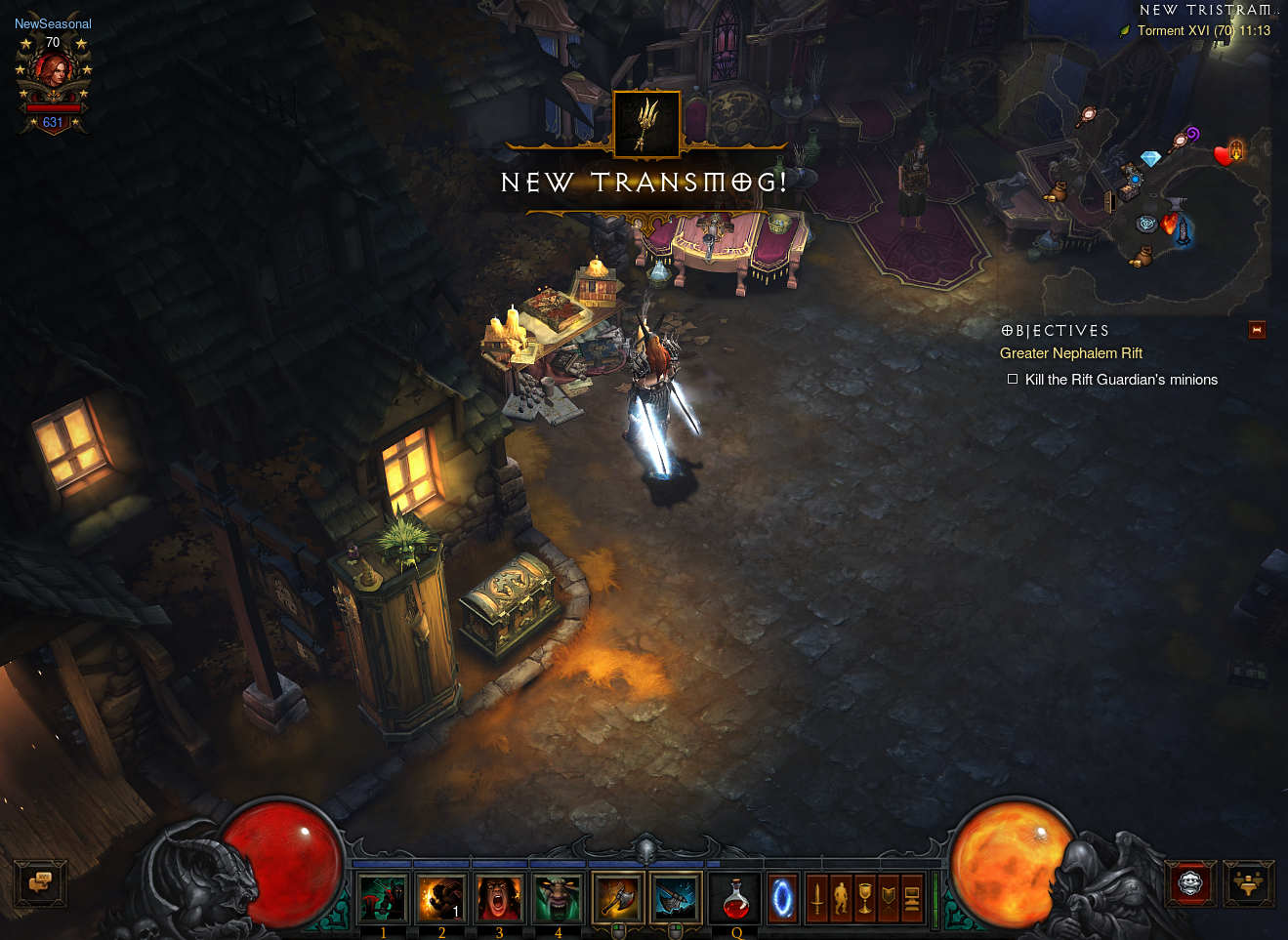
You can see more screenshots here

more like this
hydralauncher: Hydra Launcher download free PC library fontes links baixar , hydralauncher github, trusted sources ur…
search projects, people, and tags