markItDown
📱 A React app to preview and edit Markdown✍. You can also export it as HTML.
JavaScript★ 51
👻 Soothing pastel theme for Ghostty
 catppuccin
git clone https://github.com/catppuccin/ghostty.gitcatppuccin/ghostty
 Catppuccin for Ghostty
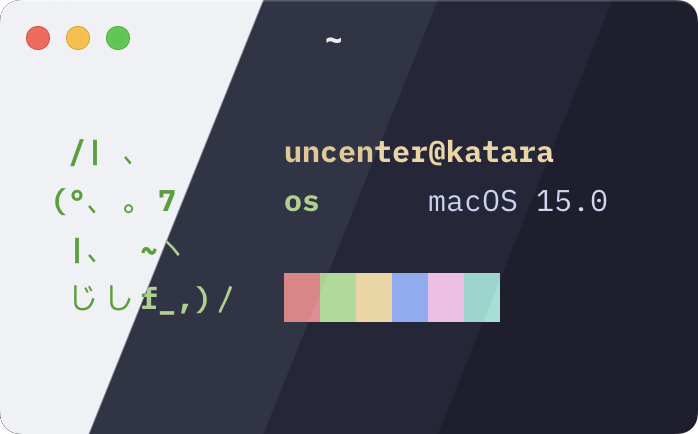
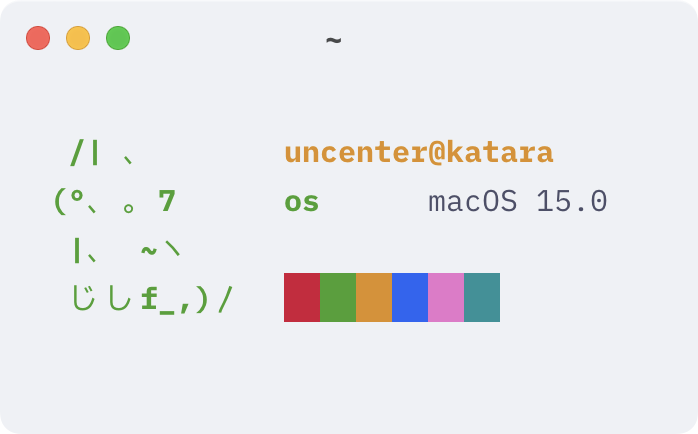
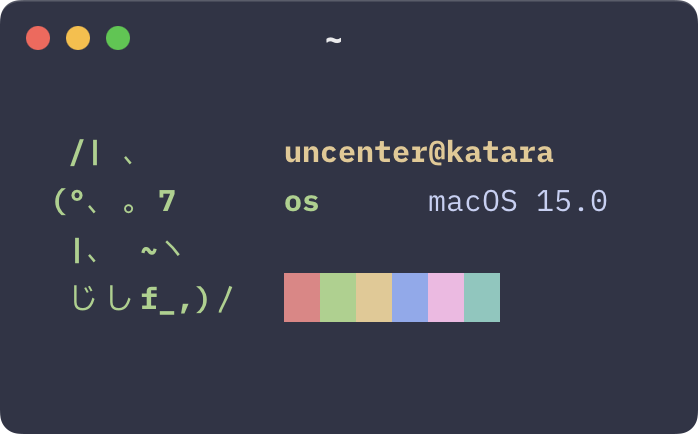
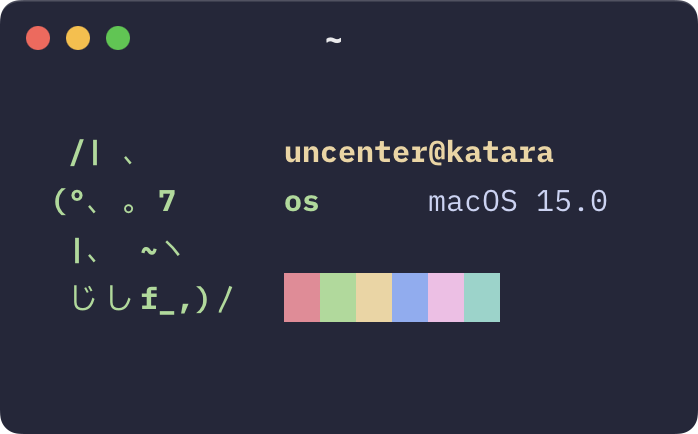
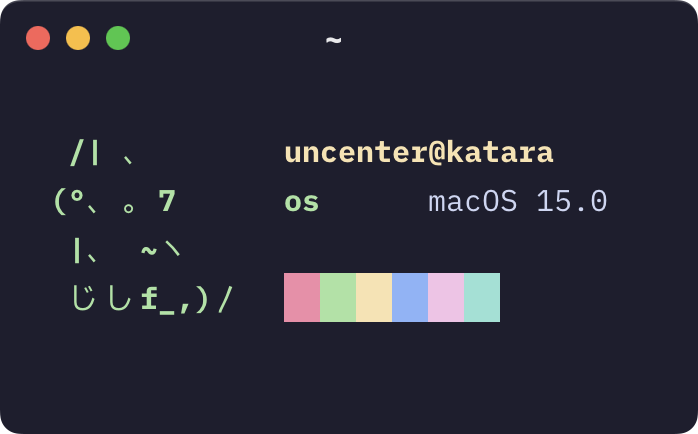
Set theme = Catppuccin <flavor> in your Ghostty configuration file, where <flavor> is one of Latte, Frappe, Macchiato, or Mocha.
The above simplified instructions use the upstream Catppuccin theme bundled into Ghostty, which may differ from the themes provided in this repository. To install these exact themes, see the following instructions:
themes/ to the themes/ subdirectory of your Ghostty configuration directory (i.e. ~/.config/ghostty/themes/).theme = catppuccin-<flavor>.conf in your Ghostty configuration file, where <flavor> is one of latte, frappe, macchiato, or mocha.Note
For further theme configuration reference, see https://ghostty.org/docs/config/reference#theme.

Copyright © 2021-present Catppuccin Org
more like this
📱 A React app to preview and edit Markdown✍. You can also export it as HTML.
A Light theme for both KDE and GTK based distros, pleasant to the eyes and perfect for your daily workload.
search projects, people, and tags