xmb-bigscreen
XMB for Plasma BigScreen, console-like fullscreen launcher for living room gamepad users
QML★ 50
🌻 Soothing pastel theme for KDE
 catppuccin
git clone https://github.com/catppuccin/kde.gitcatppuccin/kde
 Catppuccin for KDE
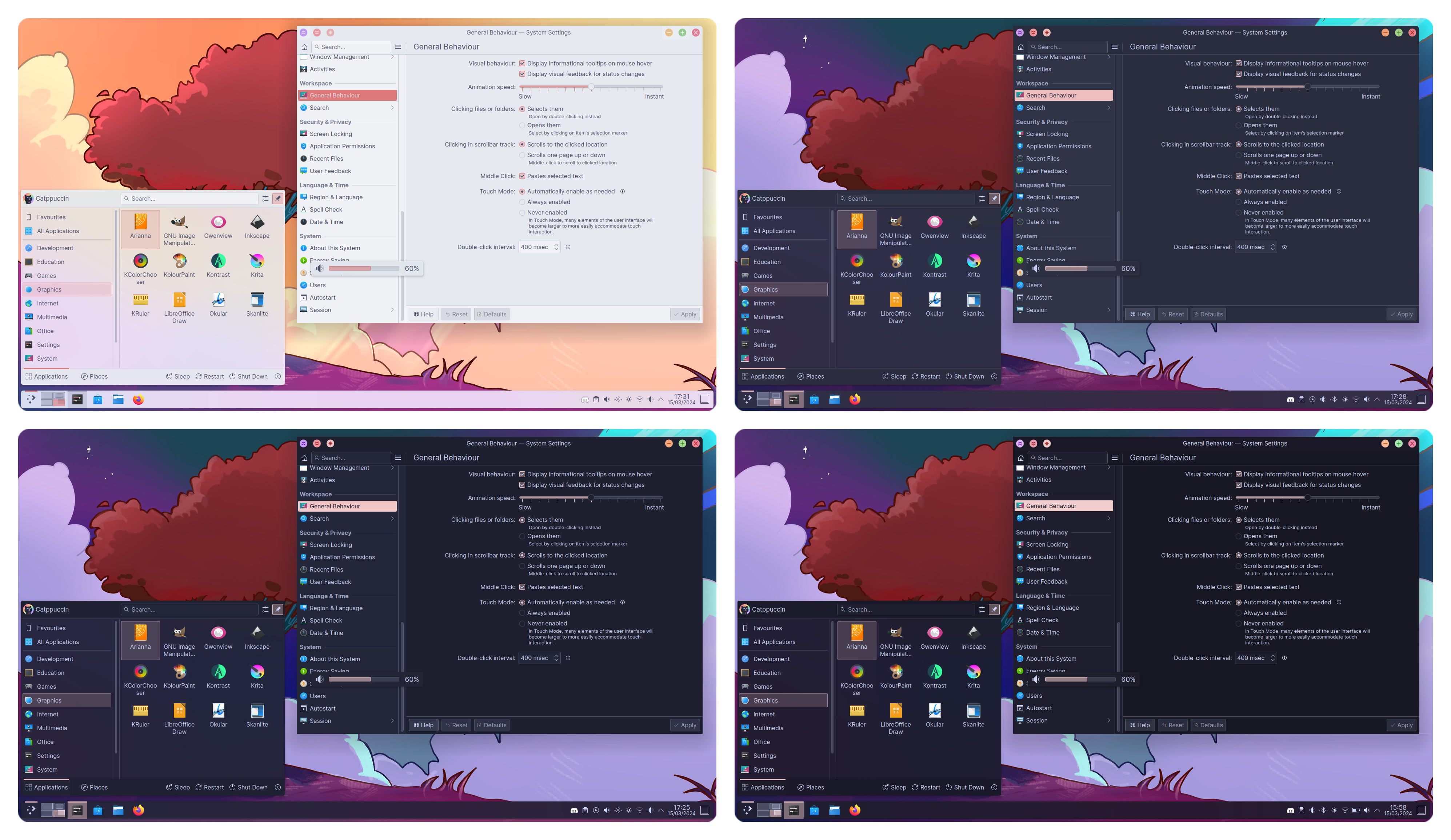
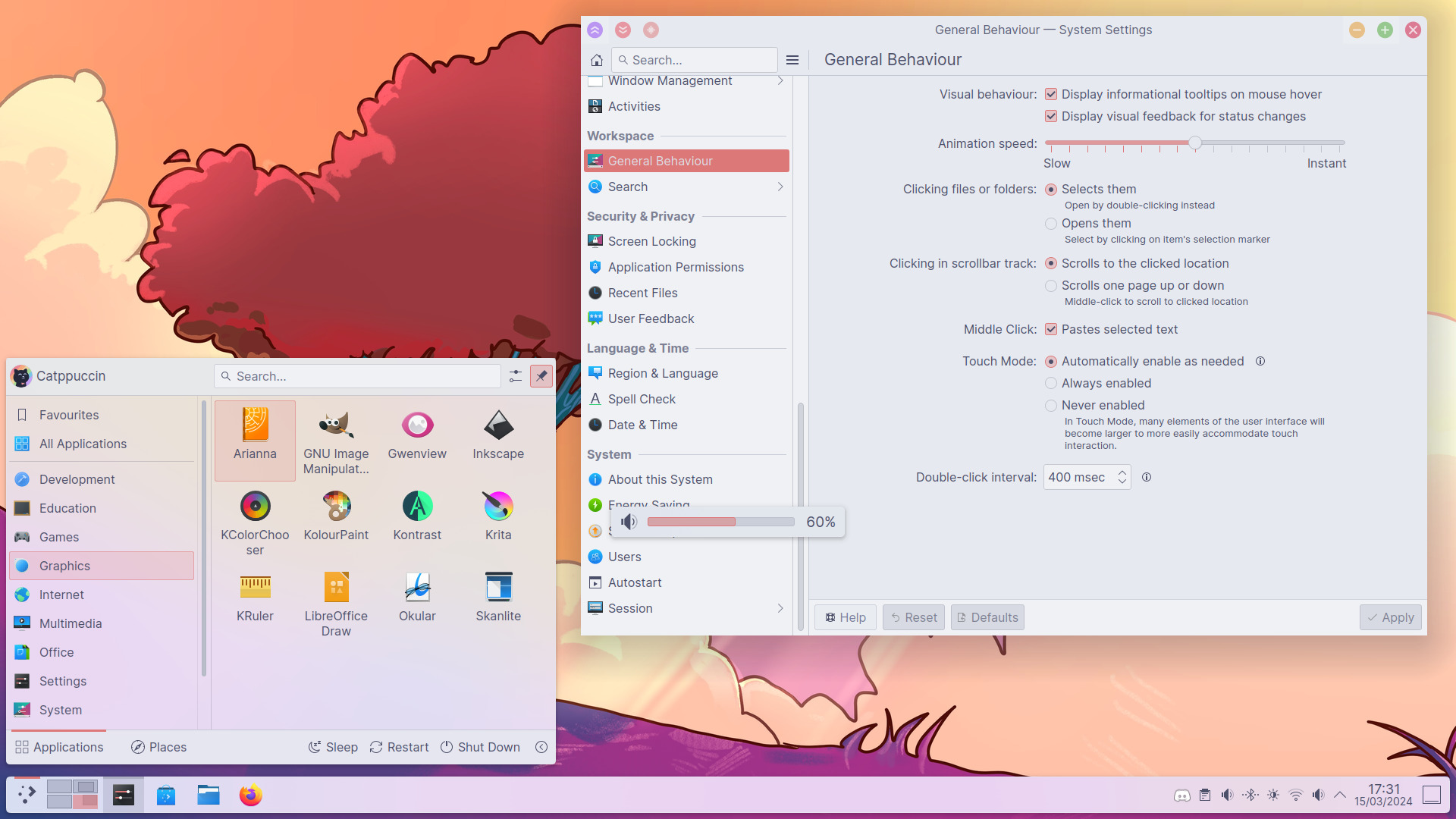
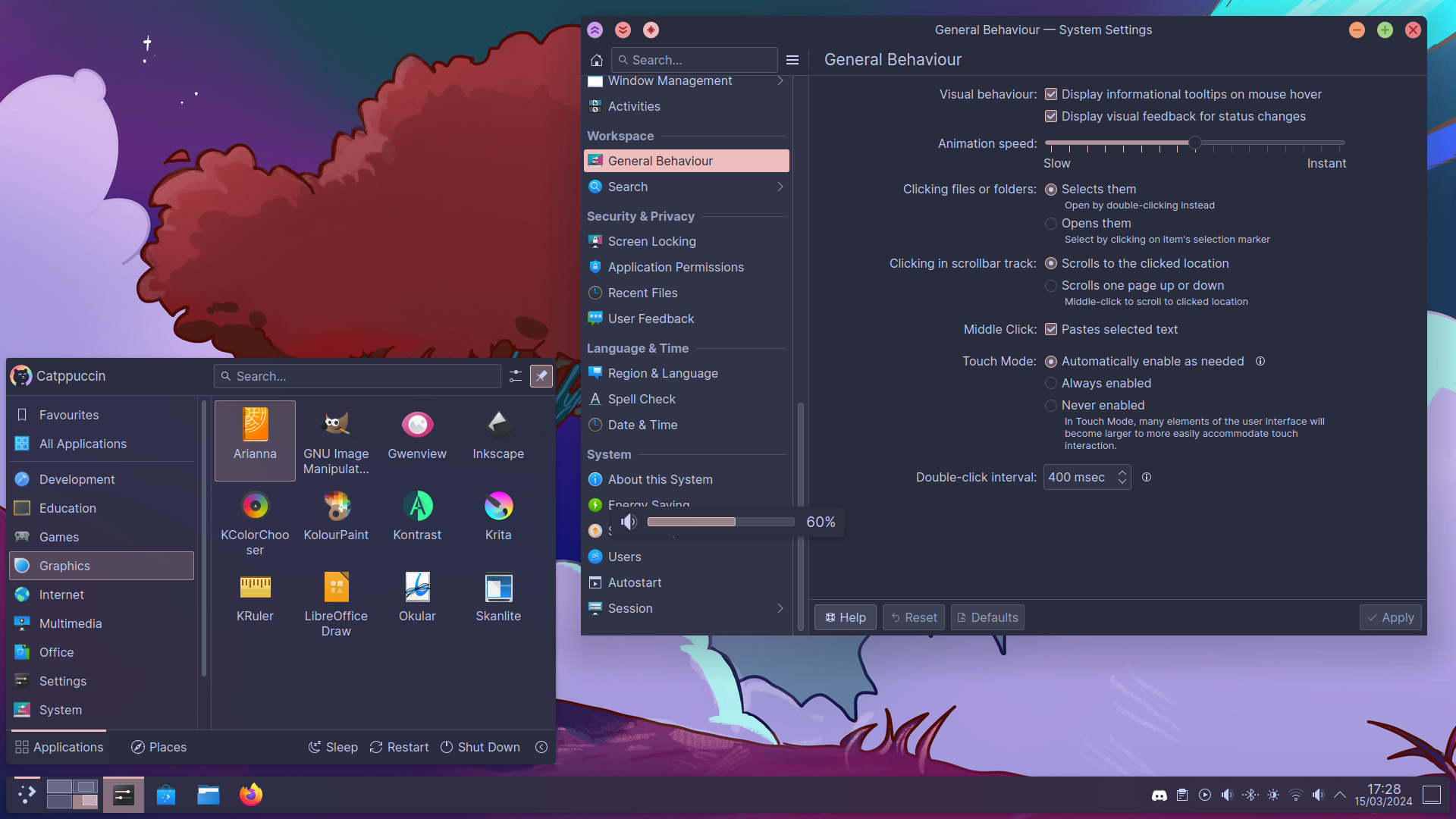
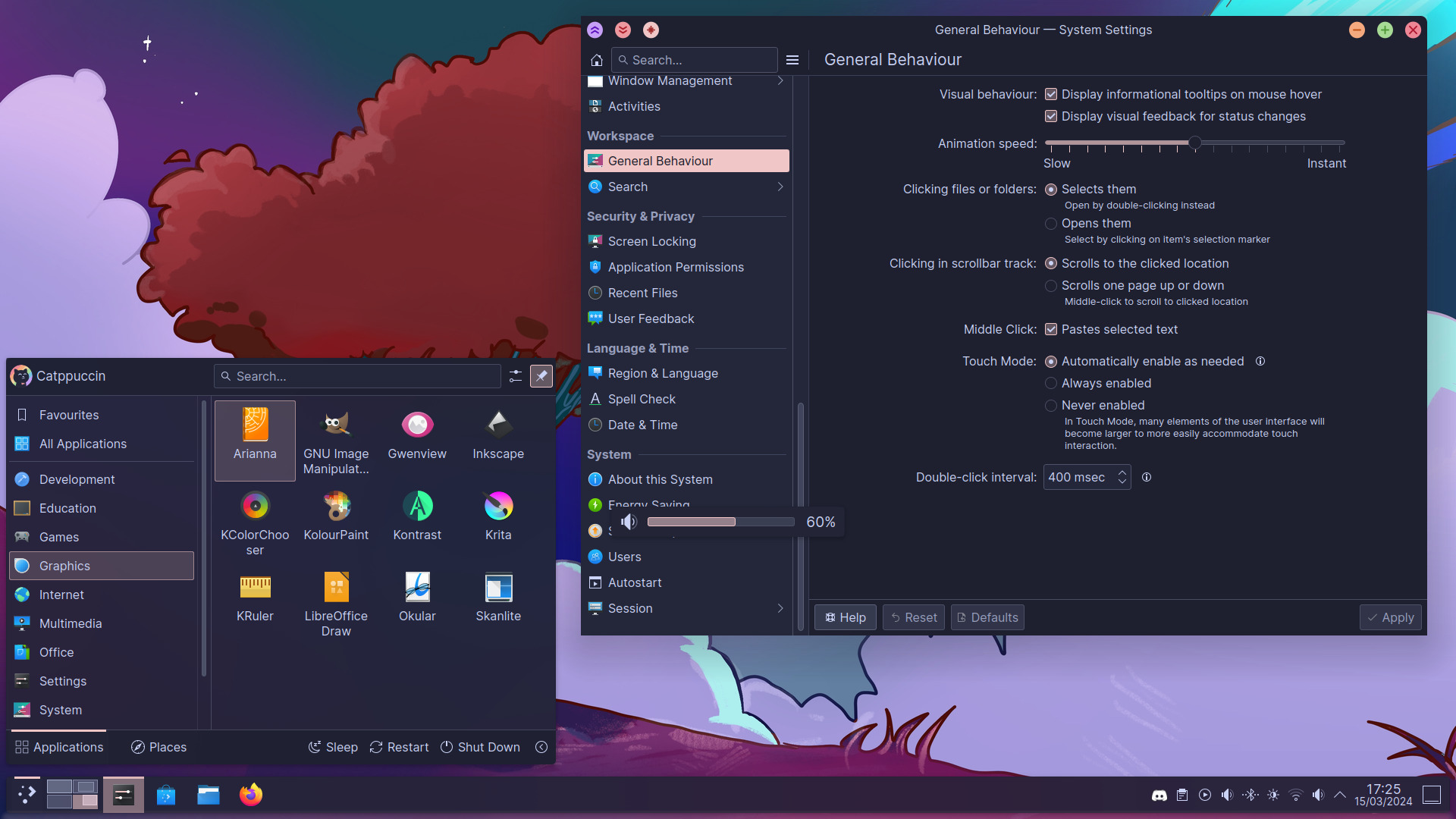
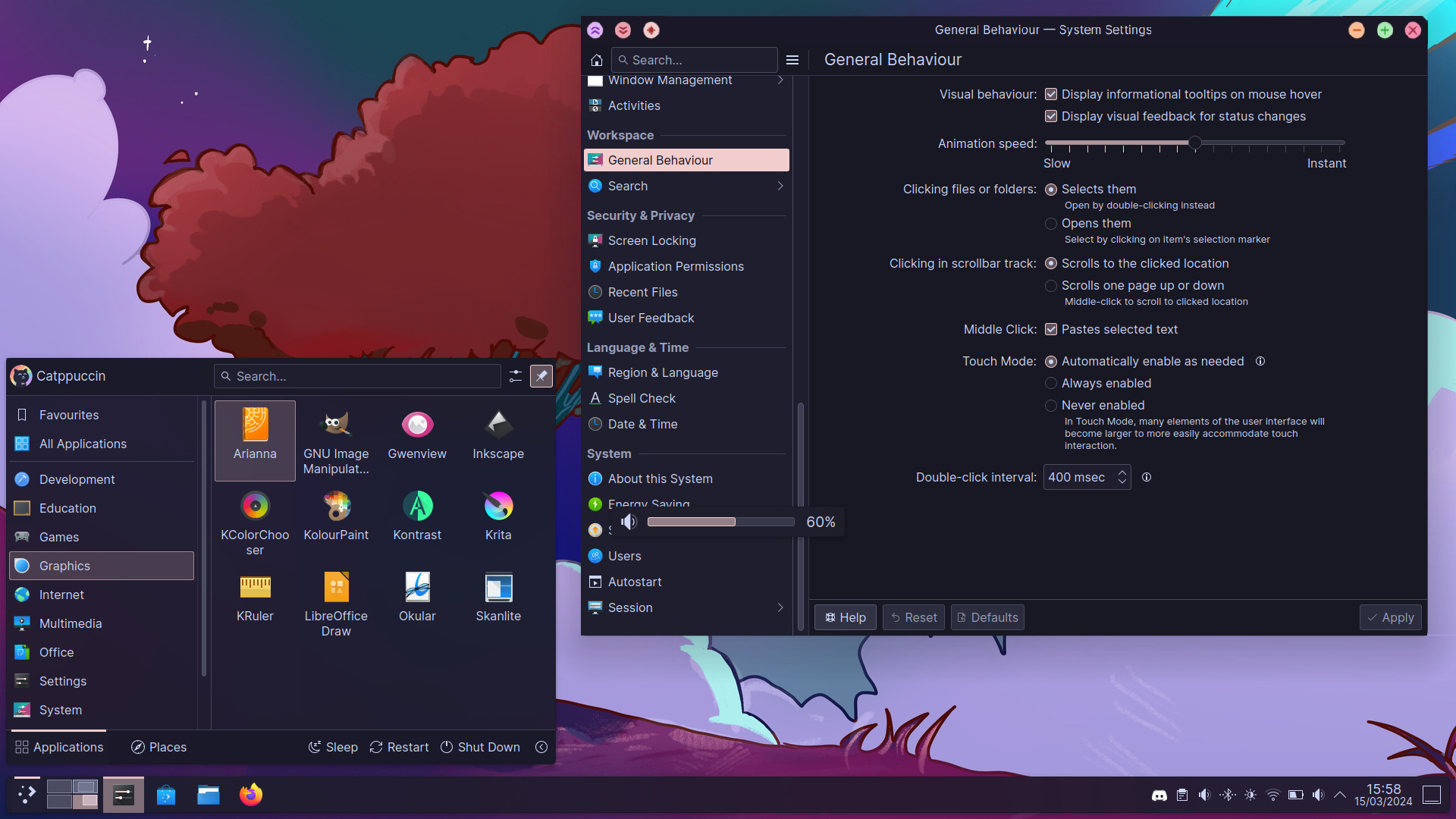
git clone --depth=1 https://github.com/catppuccin/kde catppuccin-kde && cd catppuccin-kde./install.sh and follow the instructions.Install without any prompts by passing the flavour, accent, and window-decoration numbers plus auto:
./install.sh [-q|--quiet] <flavour 1-4> <accent 1-14> <window_decoration 1-2> auto
Example (Mocha, Blue, Classic):
./install.sh 1 13 2 auto
%appdata%\krita\color-schemes~/.local/share/krita/color-schemesgit checkout v0.2.5 before running the install script to avoid running into compatibility issues. Alternatively, the release binaries are available here.

Copyright © 2021-present Catppuccin Org
more like this
XMB for Plasma BigScreen, console-like fullscreen launcher for living room gamepad users
📱 A React app to preview and edit Markdown✍. You can also export it as HTML.
A Light theme for both KDE and GTK based distros, pleasant to the eyes and perfect for your daily workload.
search projects, people, and tags