agentlytics
Comprehensive analytics dashboard for AI coding agents — Cursor, Windsurf, Claude Code, VS Code Copilot, Zed, Antigravi…
JavaScript★ 555
Electron-based desktop time tracker for Cattr
 cattr-app
git clone https://github.com/cattr-app/desktop-application.gitcattr-app/desktop-applicationElectron desktop application for Cattr
Minimum system requirements to build the app
You need to install xcode from official website
apt-get update
apt-get install -y git cmake curl python3 build-essential pkg-config libsecret-1-0 libsecret-1-dev ca-certificates openssh-client dpkg-dev dpkg-sig
Easiest way to do so is by using nvm, here is the official guide on how to install it.
Now we can use it to install nodejs.
nvm install 14.19.0
nvm use 14.19.0
Install yarn
npm install -g yarn
You can verify the installation like so:
node -v # v14.19.0
yarn -v # 3.2.1
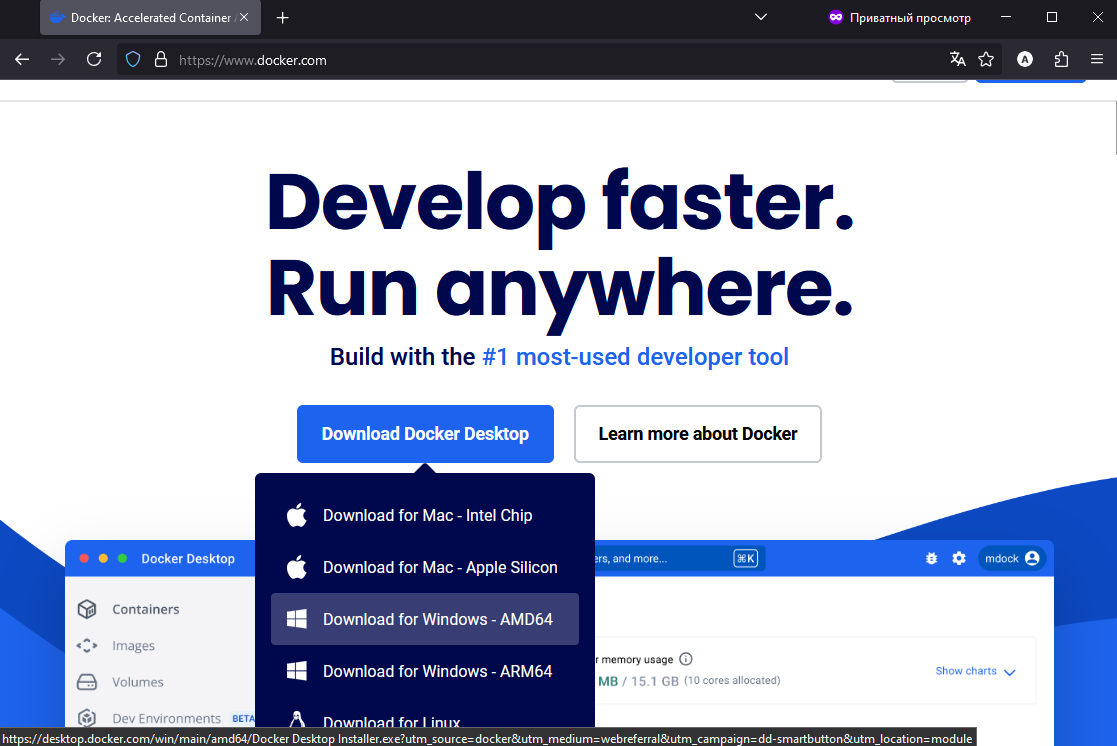
For Docker to work in Windows you may need to enable virtualization in BIOS and install WSL 2. The installation process is described in details in the Docker user manual.
yarnv1.0.0"npm config set git-tag-version false npm version v1.0.0
yarn build-development for development versionyarn dev to launch client in development modeDevelopment installation uses different keychain service name and application folder path (with "-develop" suffix).
docker run -it -v ${PWD}:/project electronuserland/builder:14-wine next commands should be executed inside running container.yarnv1.0.0npm config set git-tag-version false npm version v1.0.0
yarn build-production/target).How to build executable?
yarn package-mac will produce signed & notarized DMGyarn package-linux will produce Tarball, DPKG and AppImageyarn package-windows will produce installer and portable executablesCompatibility sheet:
more like this
Comprehensive analytics dashboard for AI coding agents — Cursor, Windsurf, Claude Code, VS Code Copilot, Zed, Antigravi…
Free open-source Cloudflare R2 desktop client and S3 GUI for macOS, Windows, and Linux. Manage Cloudflare R2, AWS S3, M…
search projects, people, and tags