perplexity-cli
🧠 A simple command-line client for the Perplexity API. Ask questions and receive answers directly from the terminal! 🚀🚀🚀
Python★ 176
AI-powered catflap system that detects when your cat is carrying prey and automatically blocks the catflap.
 fl2o
fl2ogit clone https://github.com/fl2o/catflap-prey-detector.gitfl2o/catflap-prey-detector
AI-powered system that detects when your cat is carrying prey and automatically blocks the catflap to prevent unwanted "gifts" from entering your home.
Problem: Cats bringing prey (mice, birds, etc.) into your home through the catflap.
Solution: Camera captures frames → YOLO tracks cats and other objects (persons, etc.) → Prey Detection API analyzes images → RFID jammer blocks catflap when prey is detected. The system monitors and sends notifications for all detected object classes.
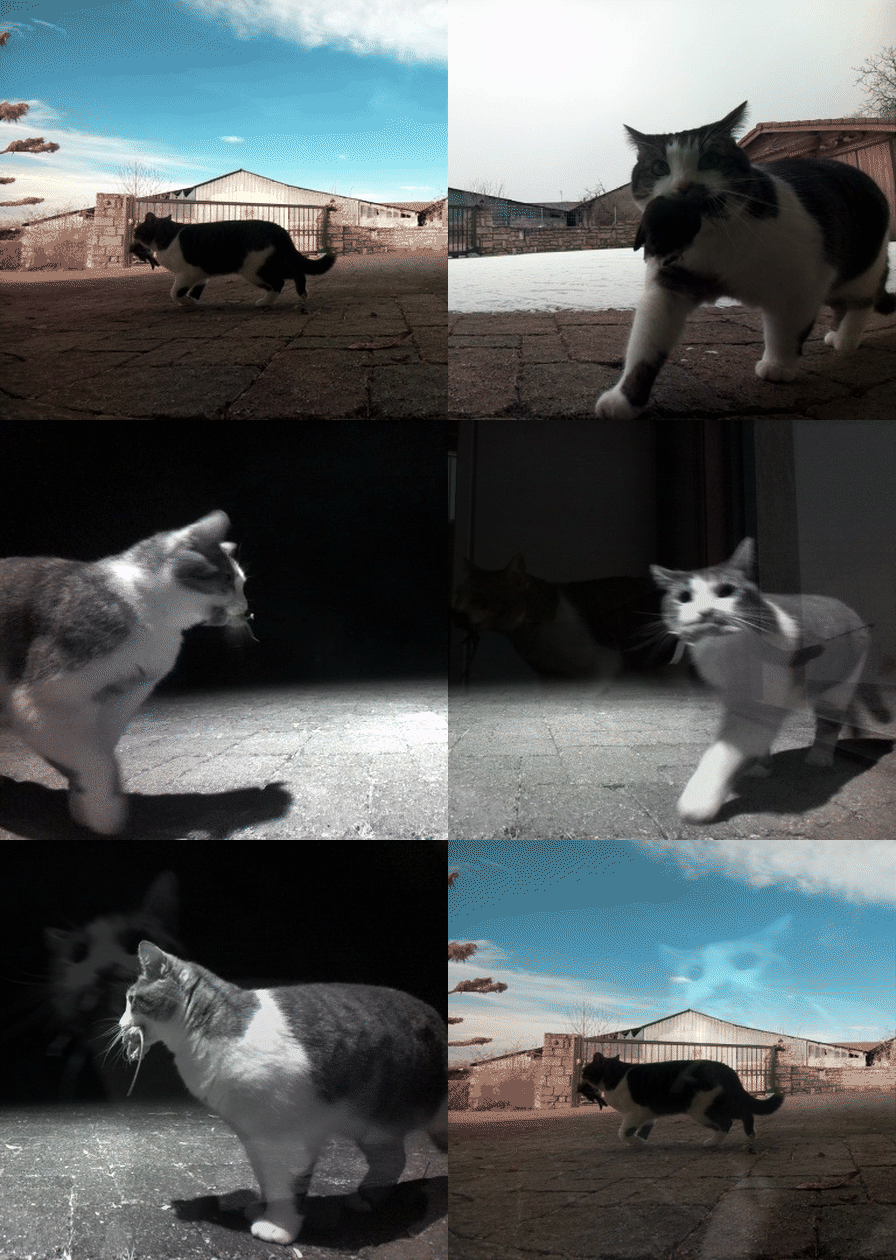
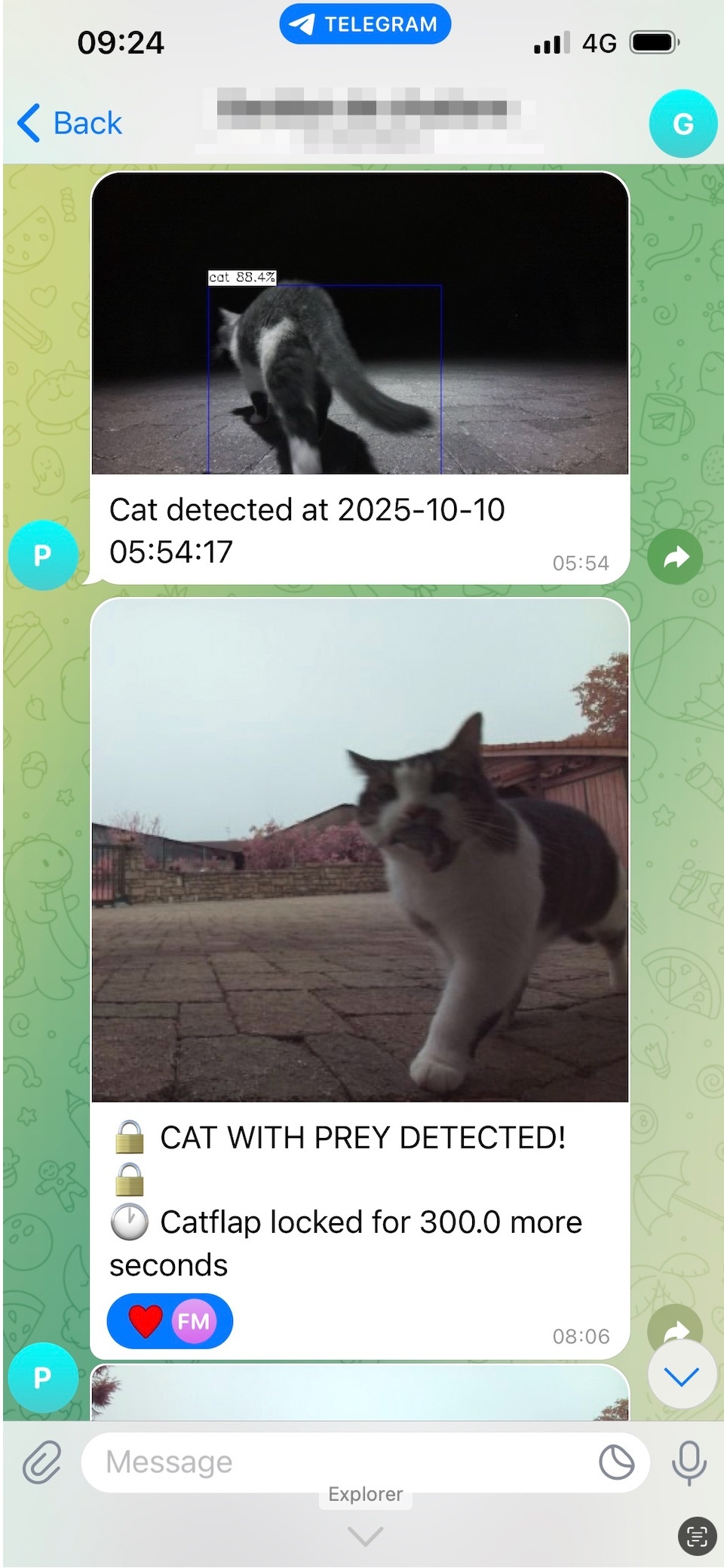
Day detection with Telegram notification |
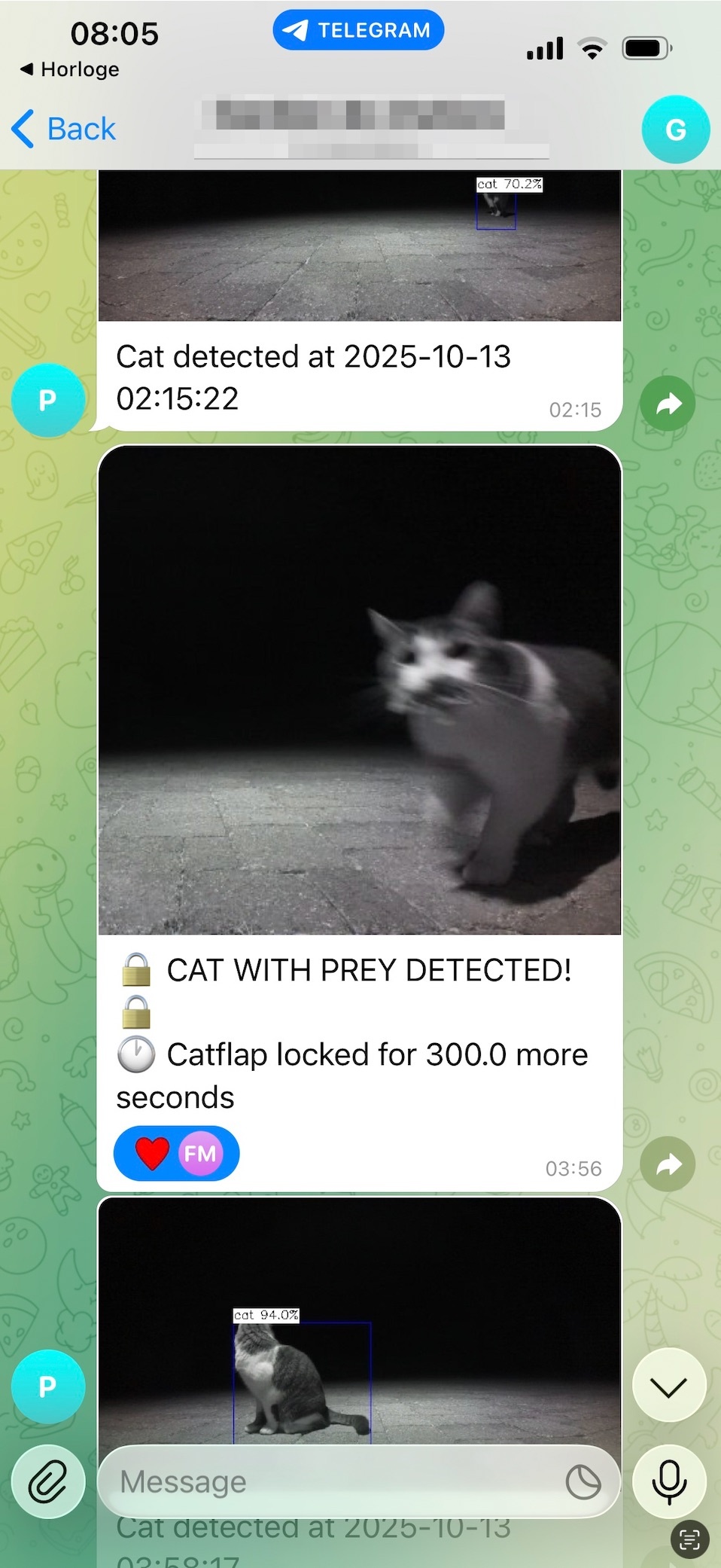
Night detection with infrared camera |
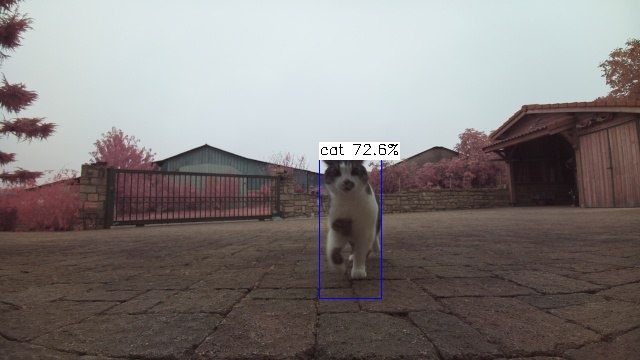
Cat detection notification example |
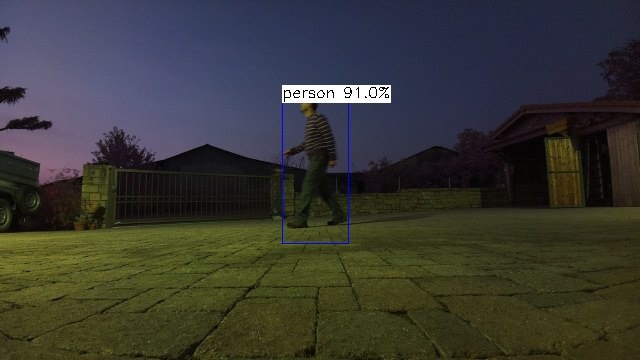
Person detection at night with notification |
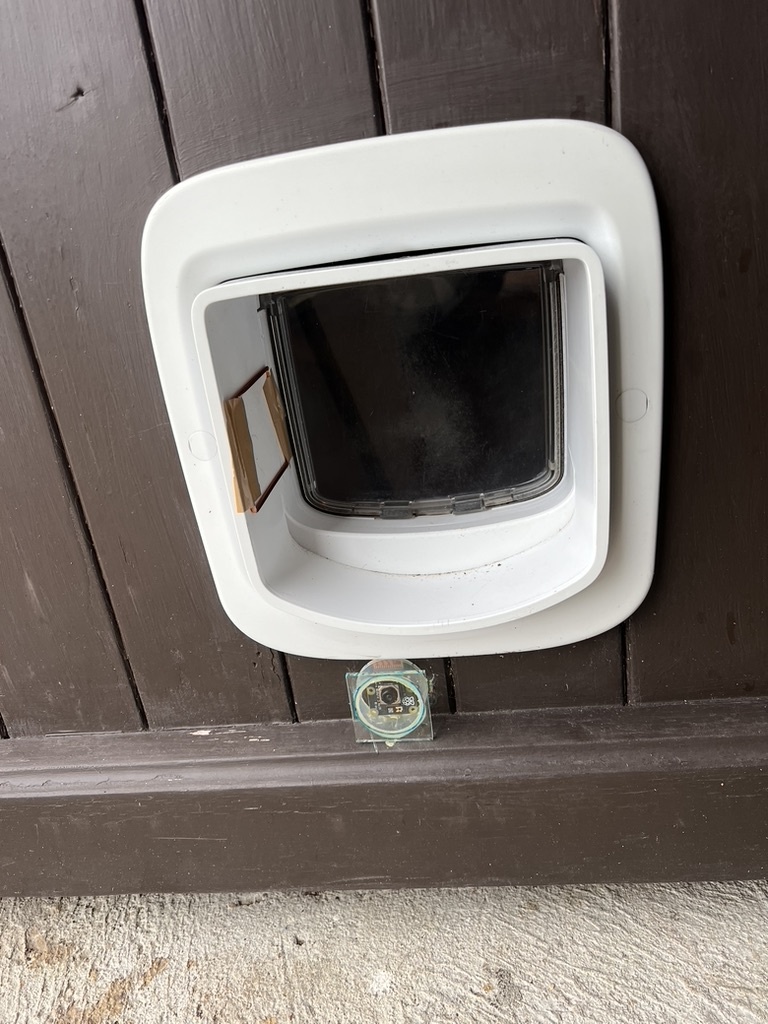
Assembled catflap with camera and antenna |
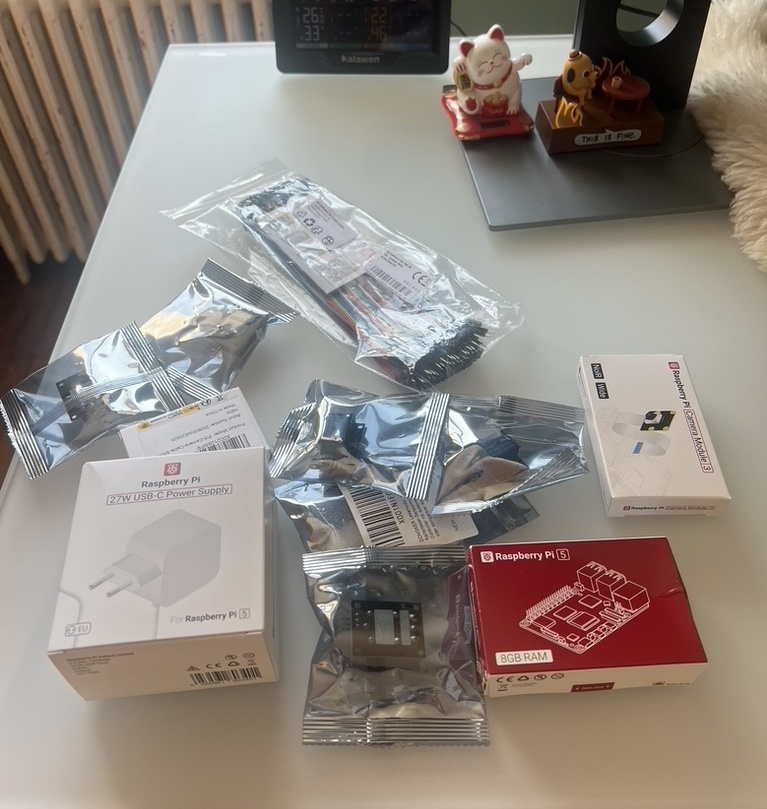
Required hardware components |
Key Features:
New to this project? Follow this step-by-step path:
make run/photo, /status, /pingmake install-service (unit files in deploy/, details in Reliability)*Note: The system only requires ~1GB RAM, so lower-spec Pi models may work. CPU affects YOLO FPS but shouldn't be an issue.
See Hardware Setup Guide for detailed assembly instructions.
git clone https://github.com/fl2o/catflap-prey-detector.git
cd catflap-prey-detector
make install
Important for Raspberry Pi: The installation uses uv venv --system-site-packages to ensure compatibility with the Raspberry Pi camera libraries (picamera2) that are pre-installed on the system.
Set the following environment variables (see Configuration Guide for details):
Required:
BOT_TOKEN - Telegram bot token (get from @BotFather)GROUP_ID - Telegram group/chat ID (use /where command)PREY_DETECTOR_API_KEY - API authentication keyOptional (for long-term image persistence):
GCS_BUCKET_NAME - Google Cloud Storage bucket nameGOOGLE_APPLICATION_CREDENTIALS - Path to GCS service account JSONmake run
(corresponds to uv run catflap-detector)
The system automatically:
Manual Controls (via Telegram bot):
/lock - Manually lock the catflap/unlock - Manually unlock the catflap/status - Check current lock status and remaining time/photo - Capture and receive current camera view/ping - Health check (responds with "pong")Each module has detailed documentation:
The Prey Detection API is a custom-built AI service that powers the prey detection capabilities of this system. I built this model.
Get API Access:
Custom Models: If you have specific use cases or monitoring needs beyond prey detection, I can build custom models tailored to your requirements. Feel free to reach out to discuss your use case.
Self-Hosted Alternative:
You can also modify the code to use your own prey detection model instead of the API. The system is designed to be flexible - simply replace the detect_prey() function in src/catflap_prey_detector/classification/prey_detector_api/detector.py with your own model inference.
Future: A guide for training your own custom model with data collected from the Prey Detection API will be added in the coming months.
Contributions are welcome! Please feel free to submit issues and pull requests.
This project is licensed under the Apache License 2.0 - see the LICENSE file for details.
more like this
🧠 A simple command-line client for the Perplexity API. Ask questions and receive answers directly from the terminal! 🚀🚀🚀
Convert Chinese Characters to Single-Line Fonts using Computer Vision
🎥🤟 8 minimalistic templates for tfjs mediapipe handpose and facemesh
search projects, people, and tags