gocron
A task scheduler built with Go and Vue.js that allows users to specify recurring jobs via a simple YAML configuration f…
 flohoss
git clone https://github.com/flohoss/gocron.gitflohoss/gocron


A self-hosted task scheduler built with Go and Vue.js. Define recurring jobs in a YAML file, run them on cron schedules, pass per-job environment variables, and manage everything through a web UI backed by SQLite.
Table of Contents
- Quick Start
- Features
- Configuration
- Failure semantics
- Safety & security
- Screenshots
- Development
- Star History
- License
Quick Start
Just run the container — GoCron creates a default config with example jobs on first start if none exists:
docker run -it --rm \
  --name gocron \
  -p 8156:8156 \
  -v ./config/:/app/config/ \
  ghcr.io/flohoss/gocron:latest
Open http://localhost:8156 to view your jobs, trigger runs manually, and inspect logs. Edit ./config/config.yaml to add your own jobs — changes are picked up automatically (no restart needed).
Or with Docker Compose:
services:
  gocron:
    image: ghcr.io/flohoss/gocron:latest
    restart: always
    ports:
      - "8156:8156"
    volumes:
      - ./config/:/app/config/
Tagged GitHub releases also include downloadable Linux binaries. Run ./gocron_<version>_linux_<arch> --version to inspect the embedded version metadata.
NixOS
GoCron is packaged in nixpkgs with a NixOS module. Enable the service and point it at a config file:
services.gocron = {
  enable = true;
  openFirewall = true;
  settings = {
    time_zone = "UTC";
    job_defaults.cron = "0 3 * * 0";
    jobs = [{
      name = "Hello World";
      commands = [ ''echo "Hello from GoCron"'' ];
    }];
  };
};
See the package and module options on search.nixos.org for the full list of settings.
Features
- YAML-driven — define jobs, cron schedules, and environment variables in one file.
- Cron scheduling — standard 5-field cron expressions.
- Per-job environment variables — each job gets its own env, with
${VAR}expansion in commands. - Default inheritance — jobs inherit a default cron, timeout, retries, env vars, and pre/post commands.
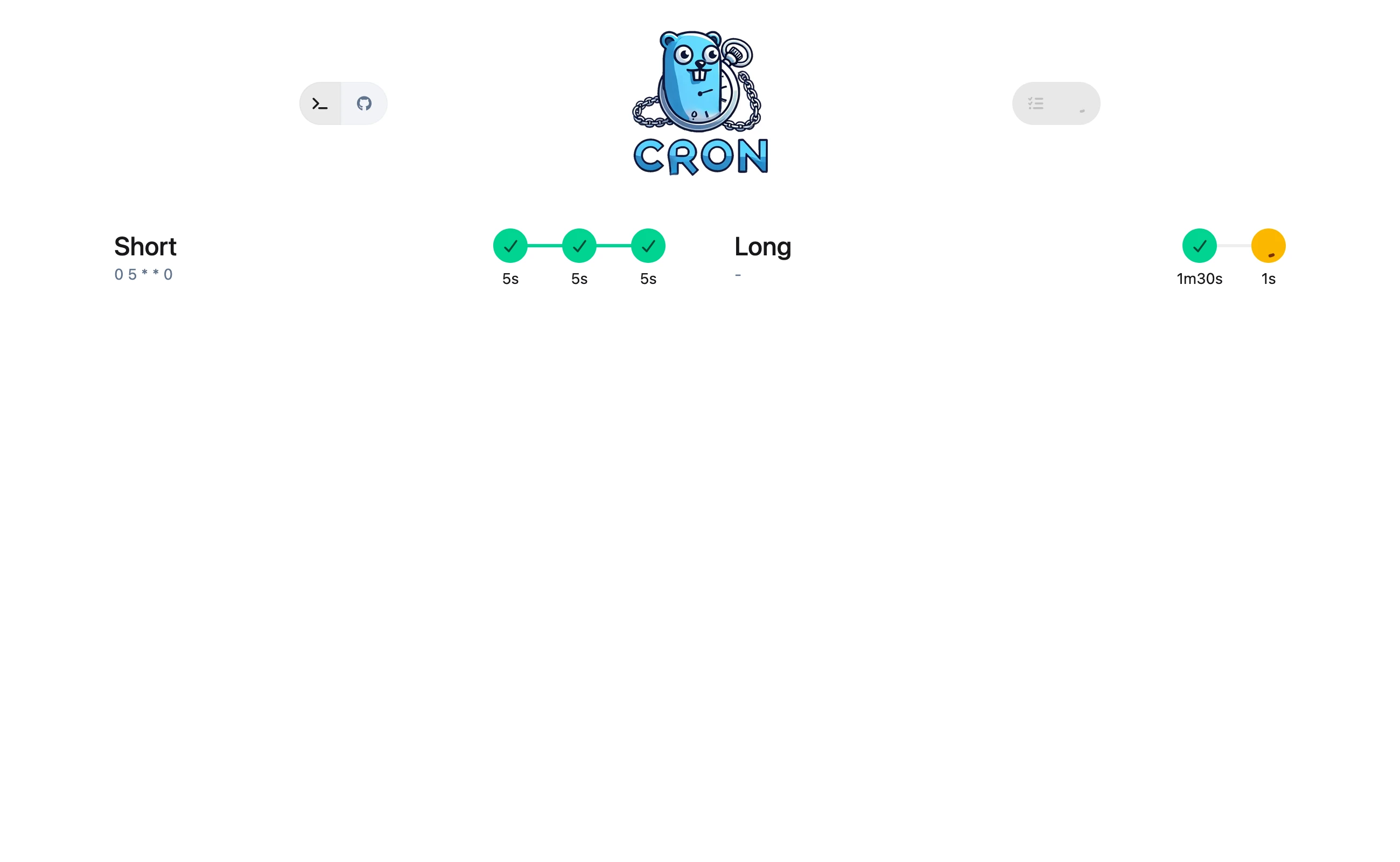
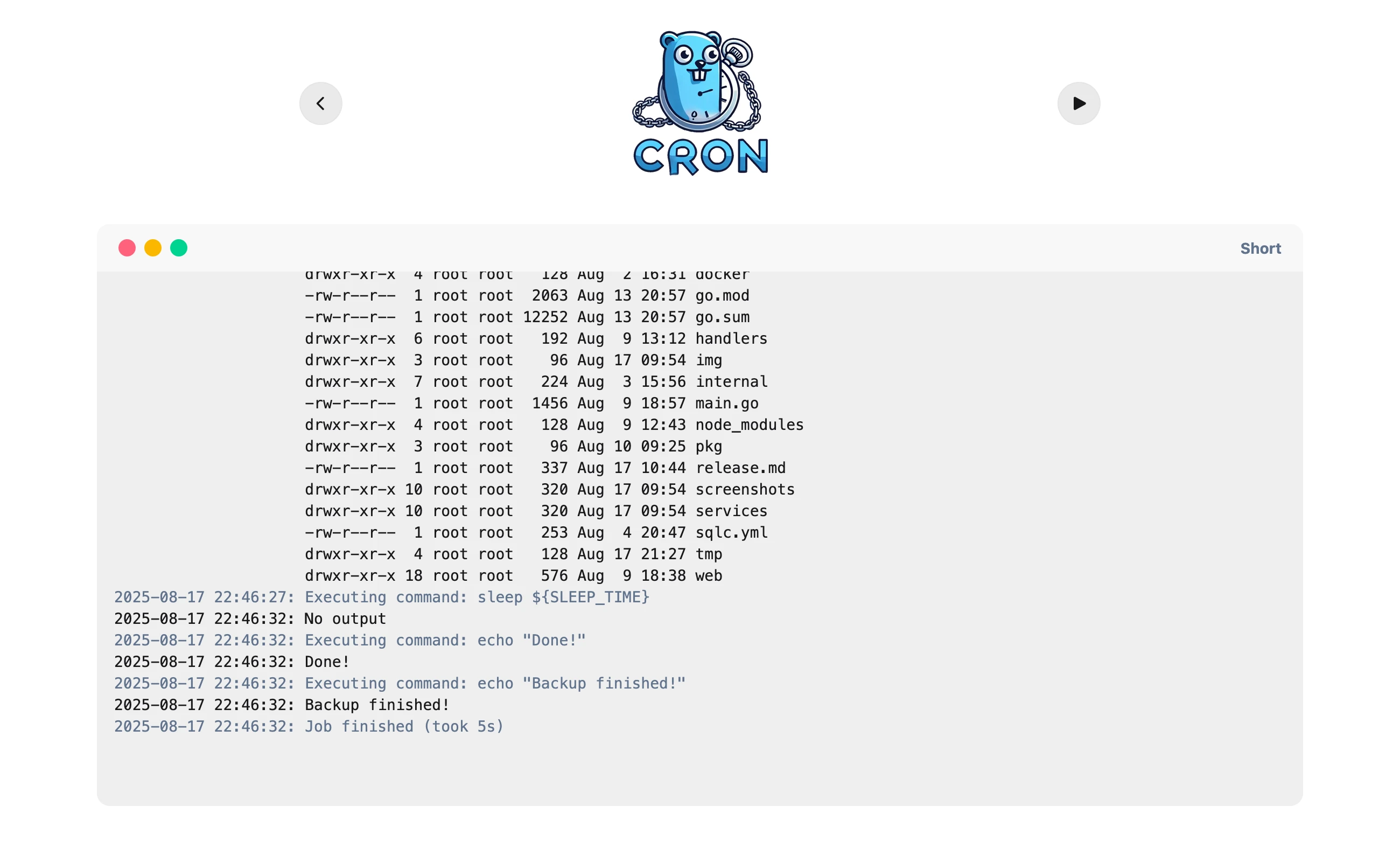
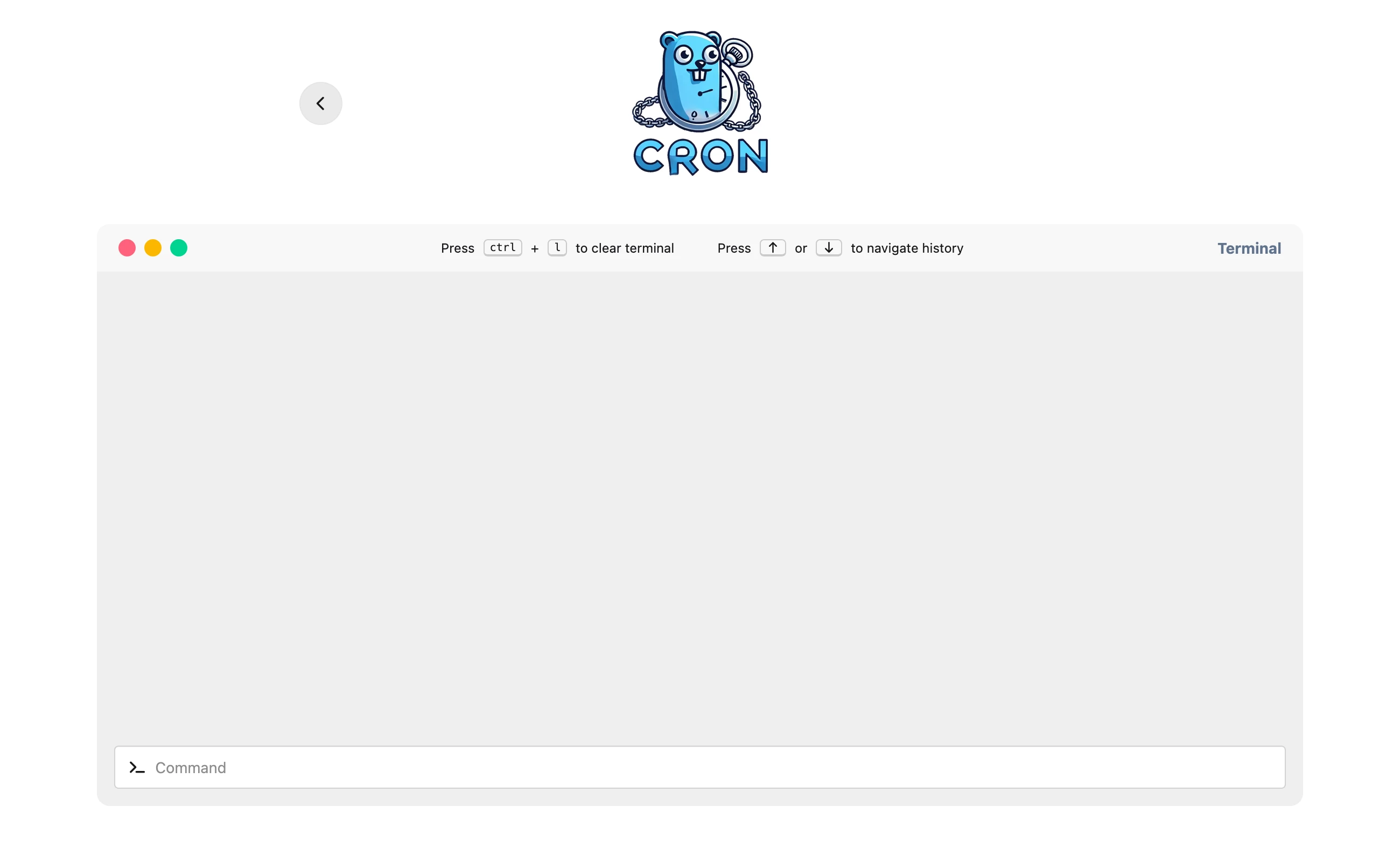
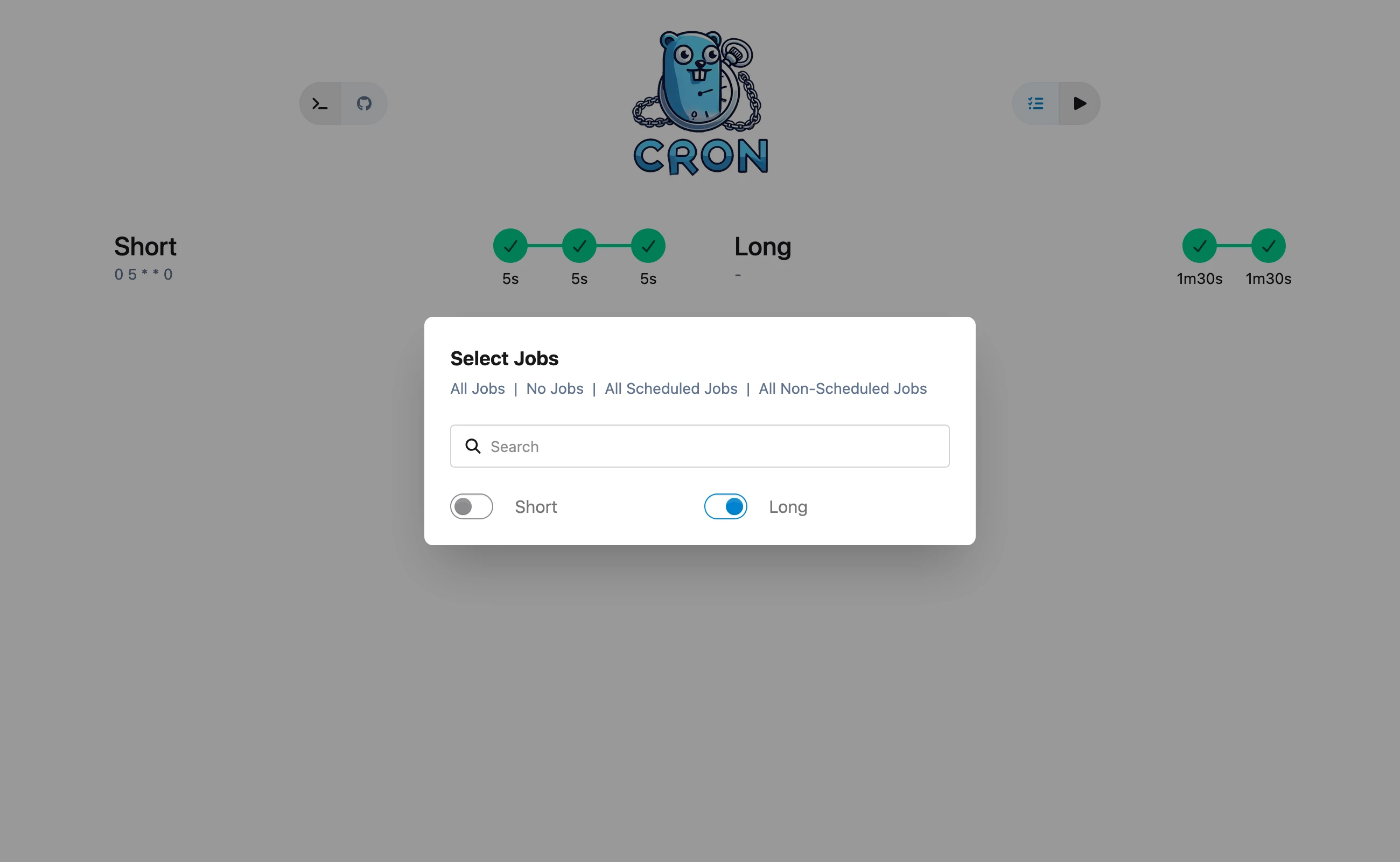
- Web UI — view jobs, trigger runs, read logs, and use a sandboxed terminal (dark/light mode).
- SQLite state — run history and logs persist in a local SQLite database.
- Health checks — HTTP callbacks at job start, end, and failure for alerting.
- Pre-installed backup tools — optionally install restic, borgbackup, rclone, and more.
Configuration
GoCron reads ./config/config.yaml by default. Override the path with --config /path/to/config.yaml. The full reference config is config/config.yaml.
time_zone: 'UTC'                   # Sets the TZ environment variable for the process
log_level: 'info'                  # debug | info | warn | error | off
delete_runs_after_days: 7         # Delete run history after N days (0 = keep forever)
db:
  location: '.'                    # Absolute, or relative to the config file
  name: 'db.sqlite'

server:
  address: '0.0.0.0'
  port: 8156

job_defaults:
  cron: '0 3 * * 0'               # Inherited by jobs without their own cron
  timeout: '30s'                  # Optional: inherited by jobs without their own timeout
  retries: 2                      # Optional: inherited by jobs without their own retries
  envs:
    - key: SLEEP_TIME
      value: '5'
  pre_commands:
    - echo "Starting backup..."
  post_commands:
    - echo "Backup finished!"

jobs:
  - name: 'Nightly Backup'
    cron: '0 5 * * 0'             # Overrides job_defaults.cron
    timeout: '30s'                # Abort a single command after this duration
    retries: 2                    # Retry each failing command up to N times
    disable_fail_fast: false      # Stop on first failing command (default)
    envs:
      - key: RESTIC_REPOSITORY
        value: '/backups/nightly'
    commands:
      - restic backup /data
      - restic forget --keep-daily 7
Job defaults
The job_defaults block defines values inherited by every job that doesn't override them:
| Field | Description |
|---|---|
cron |
Default cron expression for jobs without one. |
timeout |
Abort any single command after this duration (e.g. 30s, 5m). |
retries |
Retry each failing command up to N additional times. |
envs |
Environment variables applied to every job. |
pre_commands |
Commands run before each job's own commands. |
post_commands |
Commands run after each job's commands. |
Jobs
Each job in the jobs list runs its commands in sequence:
| Field | Required | Description |
|---|---|---|
name |
yes | Human-readable job name (shown in the UI). |
cron |
no | Cron expression. Overrides job_defaults.cron. |
disable_cron |
no | If true, the job only runs when triggered manually. |
timeout |
no | Per-command timeout. Overrides job_defaults.timeout. |
retries |
no | Per-command retry count. Overrides job_defaults.retries. |
disable_fail_fast |
no | If true, continue remaining commands after a failure. Default false. |
envs |
no | Per-job environment variables (merged with defaults). |
commands |
yes | Shell commands executed in order. |
Software
You can install common backup and container tools directly in the image. Available packages: apprise, borgbackup, docker, git, podman, rclone, rdiff-backup, restic, rsync, logrotate, sqlite3, and kopia.
Recreate the container for changes to take effect.
software:
  - name: "restic"
    version: "0.14.0"
  - name: "git"
  - name: "rsync"
Version formats depend on the installation method:
- apprise (via pipx): e.g.
1.2.0 - docker (via apt): e.g.
5:24.0.5-1~debian.11~bullseye - Others (via apt): standard apt version format
Environment overrides (GC_)
Any config value can be overridden via an environment variable with the GC_ prefix. Dots become underscores and keys are uppercased.
GC_LOG_LEVEL=debugoverrideslog_levelGC_SERVER_PORT=9000overridesserver.portGC_HEALTHCHECK_TYPE=GEToverrideshealthcheck.type
Database location
SQLite data is stored next to the config file by default. Override with db.location (absolute, or relative to the config file) and db.name (default db.sqlite).
Failure semantics
Because GoCron executes shell commands on a schedule, it's important to understand how it handles failures, overlaps, and shutdowns.
Concurrency and overlapping runs
GoCron is single-flight: while any job is running, no other job will start. Scheduled runs that arrive while a job is active are skipped, not queued. If you need parallel jobs, run multiple GoCron instances with separate config files.
Missed schedules
GoCron uses standard cron semantics. If the container is down when a schedule fires, that run is not caught up on restart. There is no @reboot or missed-run replay.
Time zones and DST
Set time_zone in the config (it sets the TZ environment variable). All schedules run in that timezone. During a DST "spring forward" gap, a cron expression targeting the skipped hour will not fire. During "fall back", a target in the repeated hour may fire once or twice. Test schedules around DST transitions.
Command timeouts
Set a per-job timeout (e.g. 30s, 5m) to abort any single command that runs longer than the given duration. A timed-out command counts as a failure. A timeout in job_defaults is inherited by jobs that don't set their own. If neither is set, commands run without a deadline.
Retries
Set retries on a job to retry each failing command up to N additional times (N+1 total attempts). Retries apply per-command, not per-job, and are immediate (no backoff). A retries value in job_defaults is inherited by jobs that don't set their own.
Fail-fast behavior
disable_fail_fast: false(default) stops the job on the first failing command.disable_fail_fast: truecontinues running remaining commands even if one fails. The run is still marked as failed.
Graceful shutdown
On SIGTERM or SIGINT (e.g. docker stop or Ctrl+C), GoCron:
- Stops the scheduler — no new jobs start.
- Cancels any running command — the command's process group receives
SIGKILL. - Marks the interrupted run as Canceled in the database.
If the container is killed hard (SIGKILL, OOM, power loss), the graceful path doesn't run. On the next startup, any run still marked as Running is reset to Canceled automatically.
Log retention
delete_runs_after_days controls how long run history (logs, exit status) is kept in SQLite. Set to 0 to retain forever. A daily cleanup job runs at midnight to prune old records.
Failure notifications
Configure the healthcheck section to send HTTP callbacks at three phases: start, end, and failure. Each phase supports a URL, query params, and a JSON body. This is designed for Gatus external endpoints with heartbeat — Gatus marks the endpoint unhealthy if it stops receiving pings, so you're alerted both when a job fails and when it doesn't run at all.
healthcheck:
  type: 'POST'
  authorization: 'Bearer token'
  start:
    url: https://twin.sh/health/api/v1/endpoints/backups_nightly/external
    params:
      success: true
  end:
    url: https://twin.sh/health/api/v1/endpoints/backups_nightly/external
    params:
      success: true
  failure:
    url: https://twin.sh/health/api/v1/endpoints/backups_nightly/external
    params:
      success: false
      error: 'Backup failed'
Alternatively, install apprise via the software list to push notifications from within a command.
Safety & security
Trust boundaries and permissions
- Commands run inside the container as the process user (root by default in the published image). Use the least-privileged user for jobs that touch sensitive data.
- The web UI terminal is gated by an allow-list (
terminal.allowed_commandsin the config). Do not setallow_all_commands: truein production. - The working directory is the container's
/app. Mount only the directories a job needs.
Secrets
Do not store passwords, API tokens, or repository credentials in plaintext inside config.yaml or envs blocks. Prefer one of:
- Docker secrets / Compose secrets — mount a secrets file and reference it from the command, e.g.
restic -r $(cat /run/secrets/repo) backup /data. - Environment files — pass sensitive values via
docker run --env-fileorenvironment:in Compose, and reference them with${VAR}expansion in commands.
Supply-chain considerations
Pre-installing backup tools (restic, borgbackup, docker, podman, etc.) increases the image's attack surface. Only list the software you actually need in the software section, and pin versions explicitly to avoid surprise upgrades on image rebuild.
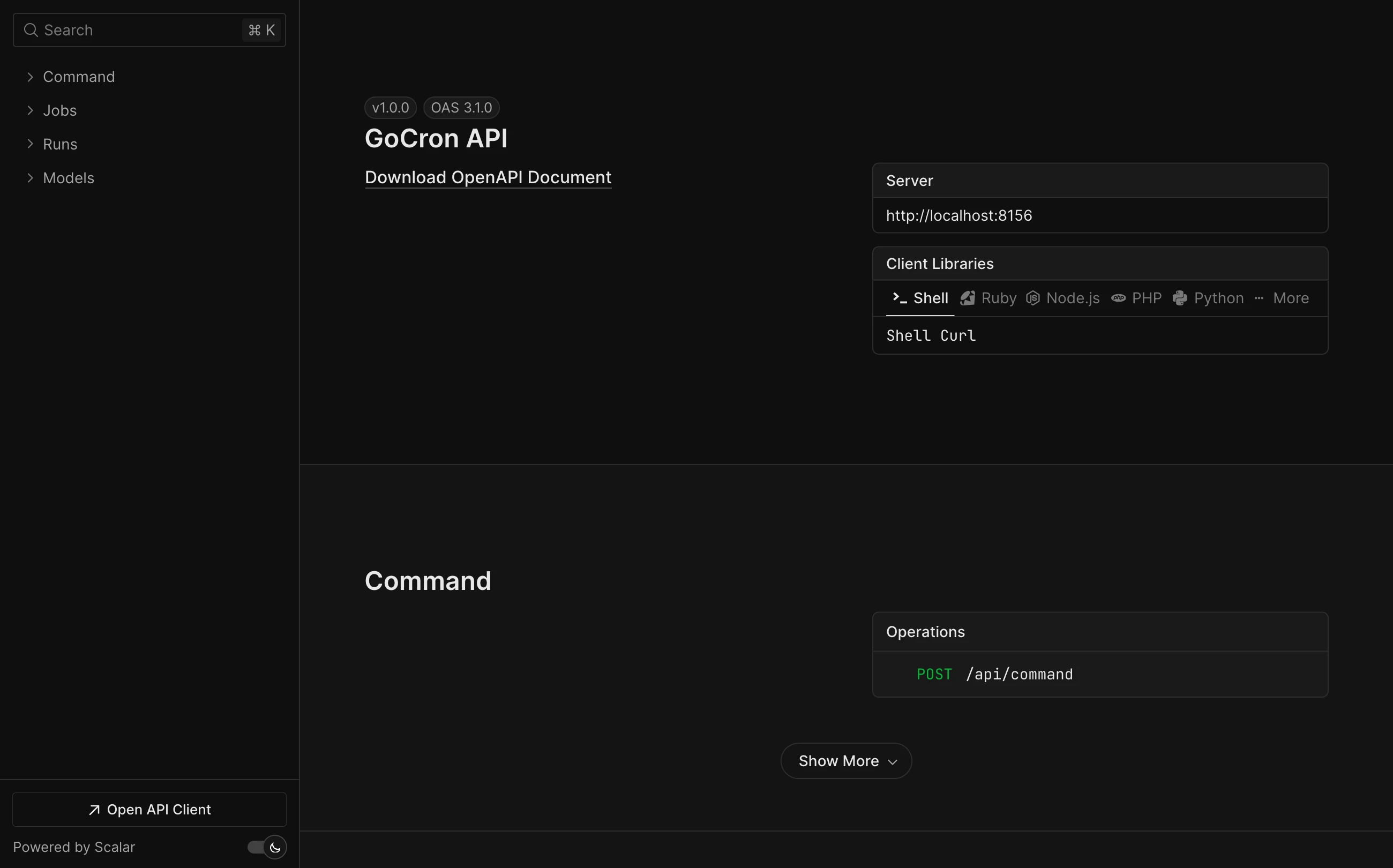
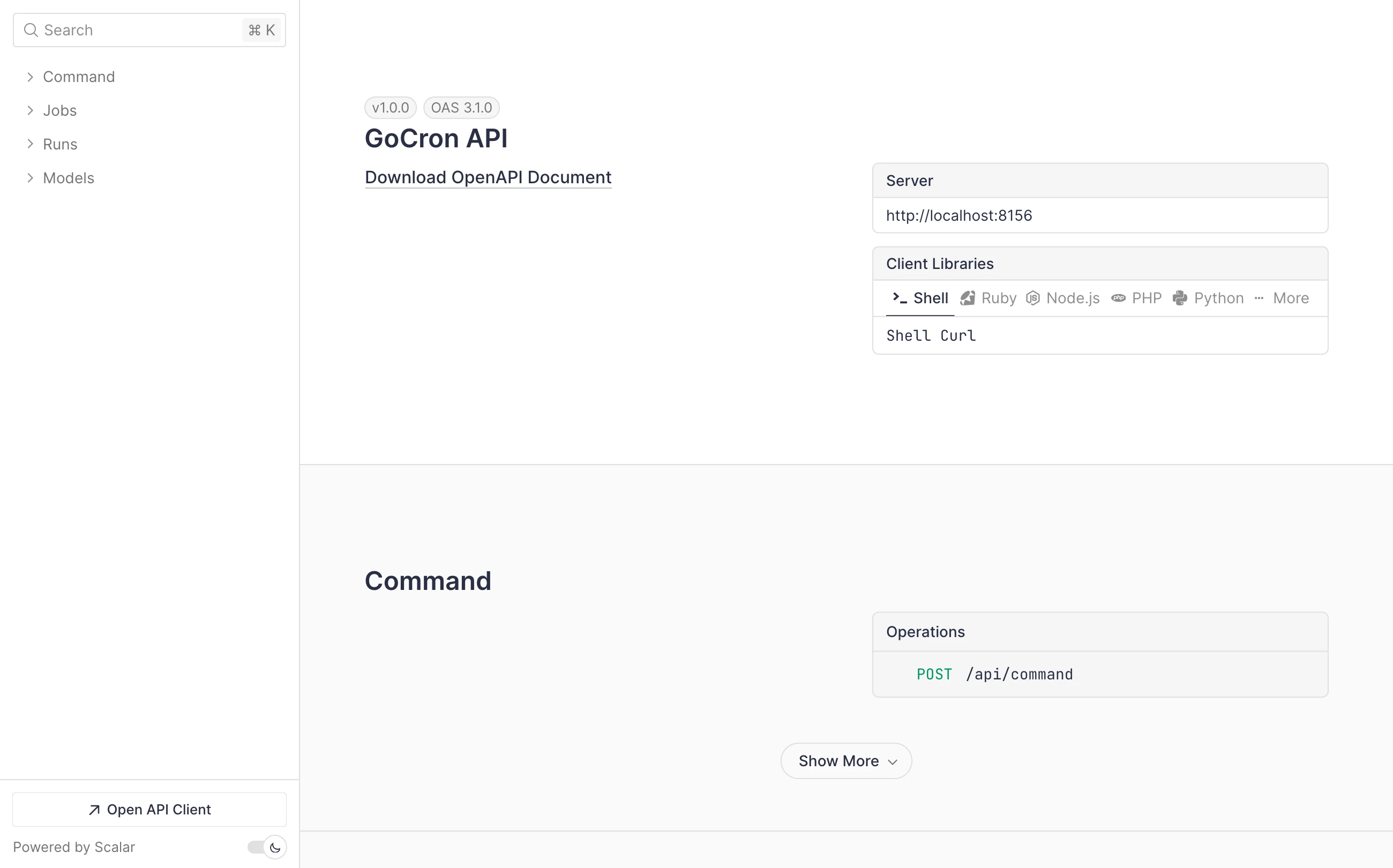
Screenshots
Dark mode
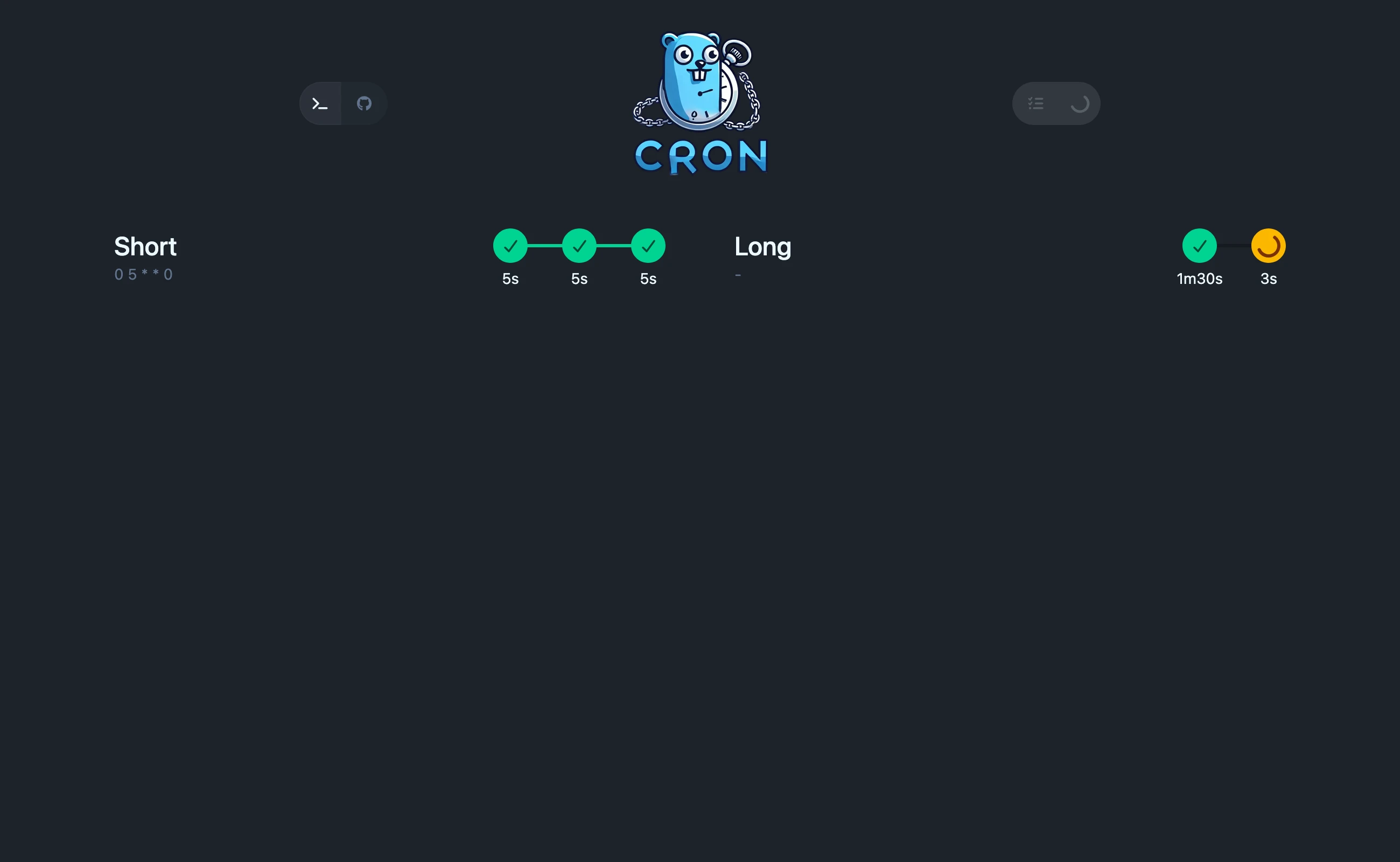
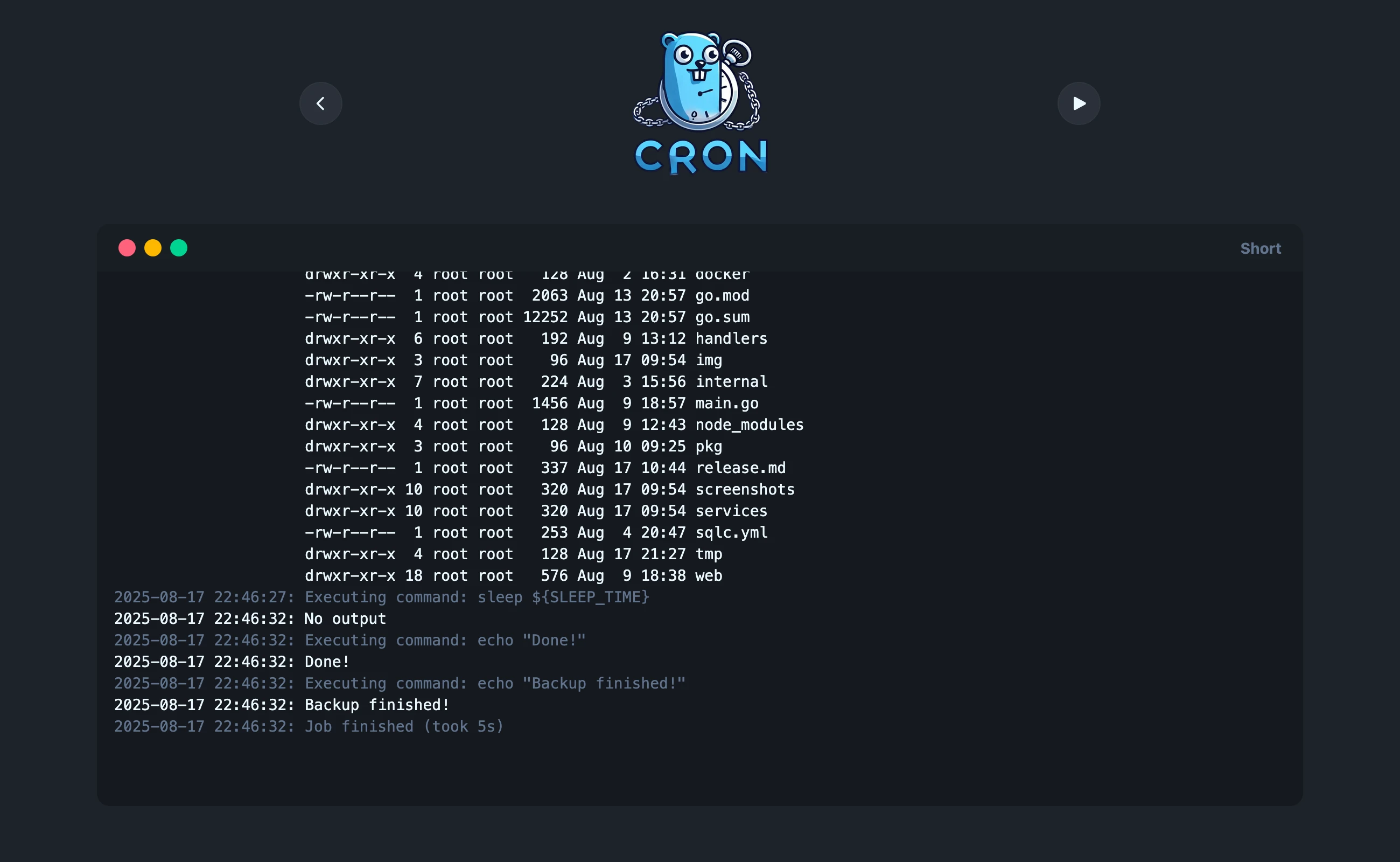
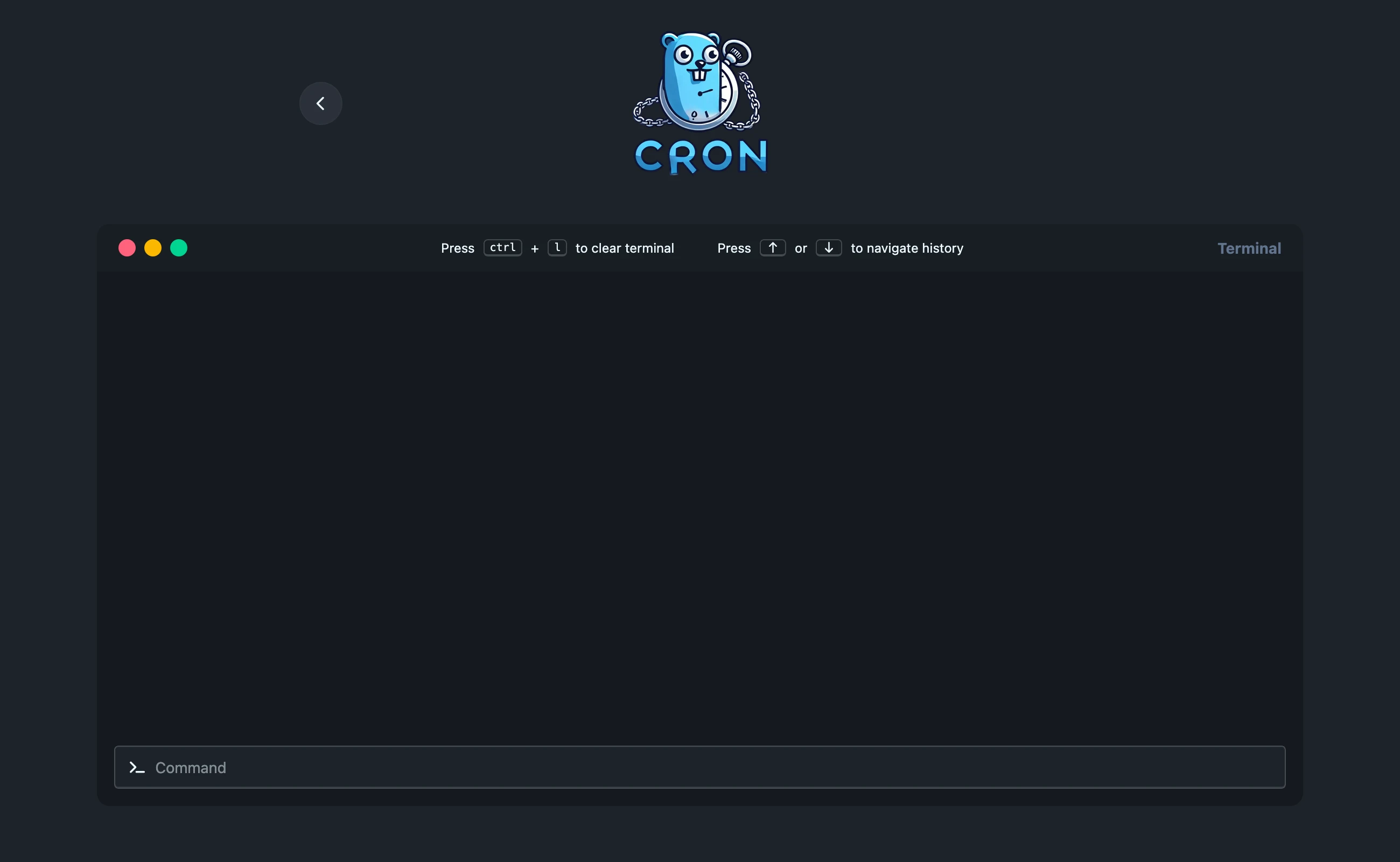
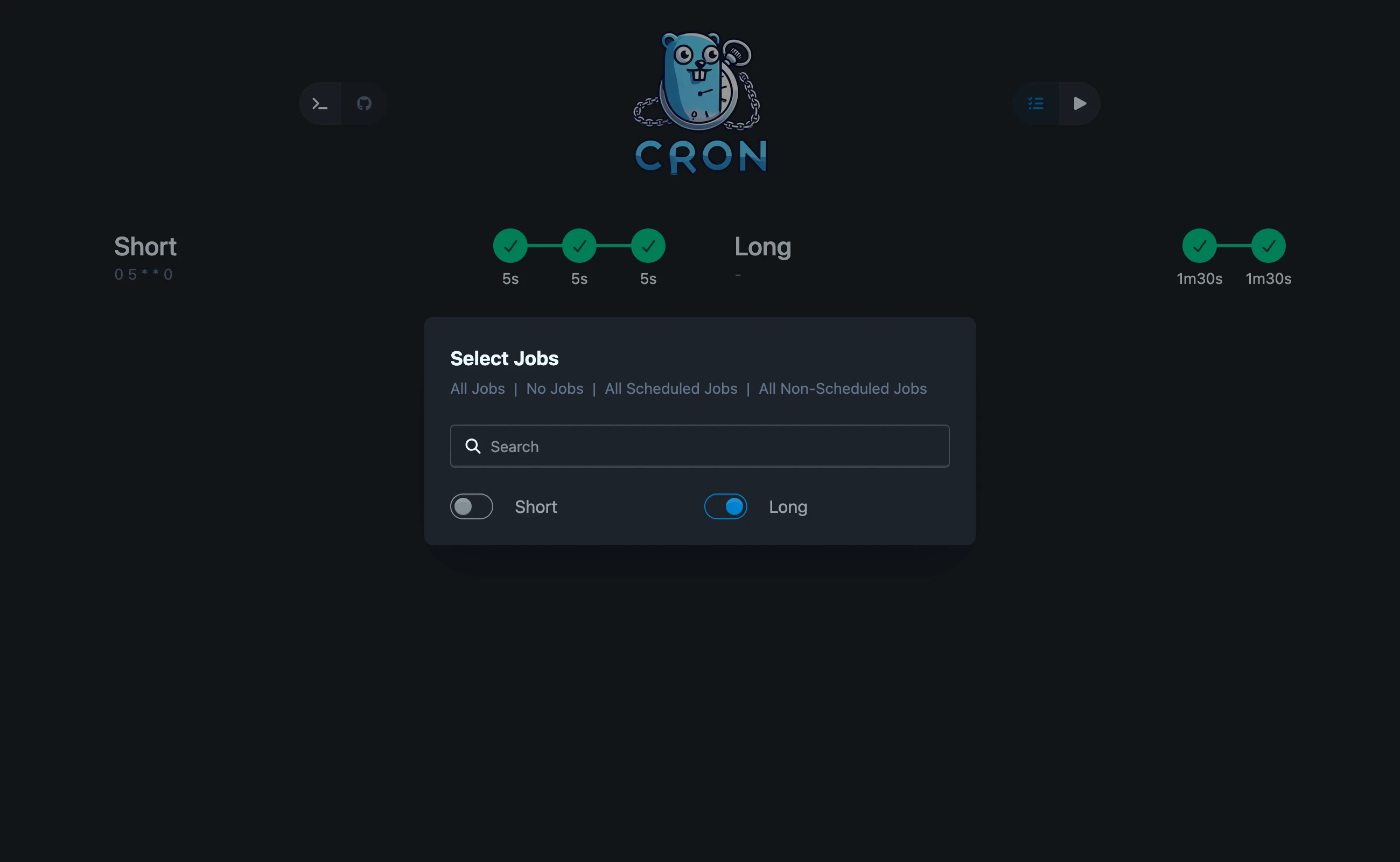
Light mode
API Docs
Development
Run tests
# Go tests
docker compose run --rm go test ./...

# E2E tests (uses a separate e2e config via compose override)
docker compose -f compose.yml -f compose.e2e.yml --profile test run --rm e2e
docker compose -f compose.yml -f compose.e2e.yml --profile test down
Update dependencies
# Node packages
docker compose run --rm npm install
docker compose run --rm --entrypoint npx npm npm-check-updates -u && docker compose run --rm npm install

# E2E packages
docker compose run --rm npm-e2e install
docker compose run --rm --entrypoint npx npm-e2e npm-check-updates -u && docker compose run --rm npm install

# Go packages
docker compose run --rm go get -u ./...
docker compose run --rm go mod tidy
Automatic rebuild and reload
docker compose up
Star History
License
This project is licensed under the MIT License — see the LICENSE file for details.
more like this