r2
Free open-source Cloudflare R2 desktop client and S3 GUI for macOS, Windows, and Linux. Manage Cloudflare R2, AWS S3, M…
TypeScript★ 50
Cross platform GUI toolkit in Go inspired by Material Design
 fyne-io

Fyne is an easy-to-use UI toolkit and app API written in Go. It is designed to build applications that run on desktop and mobile devices with a single codebase.
To develop apps using Fyne you will need Go version 1.22 or later, a C compiler and your system's development tools. If you're not sure if that's all installed or you don't know how then check out our Getting Started document.
Using the standard go command you can add Fyne to your project by running two commands. First:
go get fyne.io/fyne/v2@latest
If you are new to Go, it is important to know that (as of Go 1.18) go get only downloads the specified module and registers it in the go.mod file. It does not add any dependencies into the go.mod file.
The command for automatically adding missing dependencies will remove unused modules as well. Therefore, you must first add a reference to fyne in a .go source file. After you have done that, you can run the second command:
go mod tidy
Now you can build and run your application.
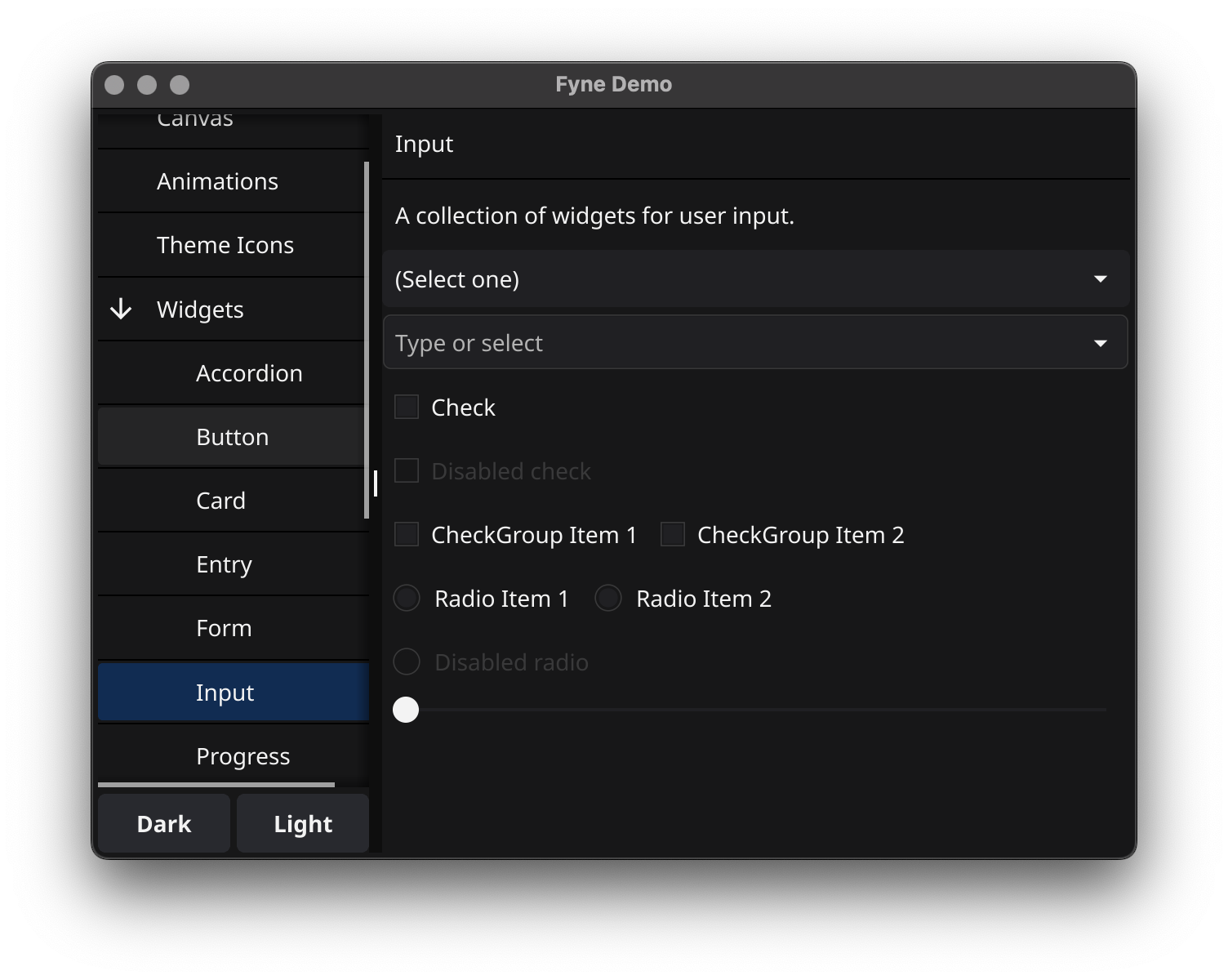
To run a showcase of the features of Fyne execute the following:
go install fyne.io/demo@latest
demo
And you should see something like this (after you click a few buttons):
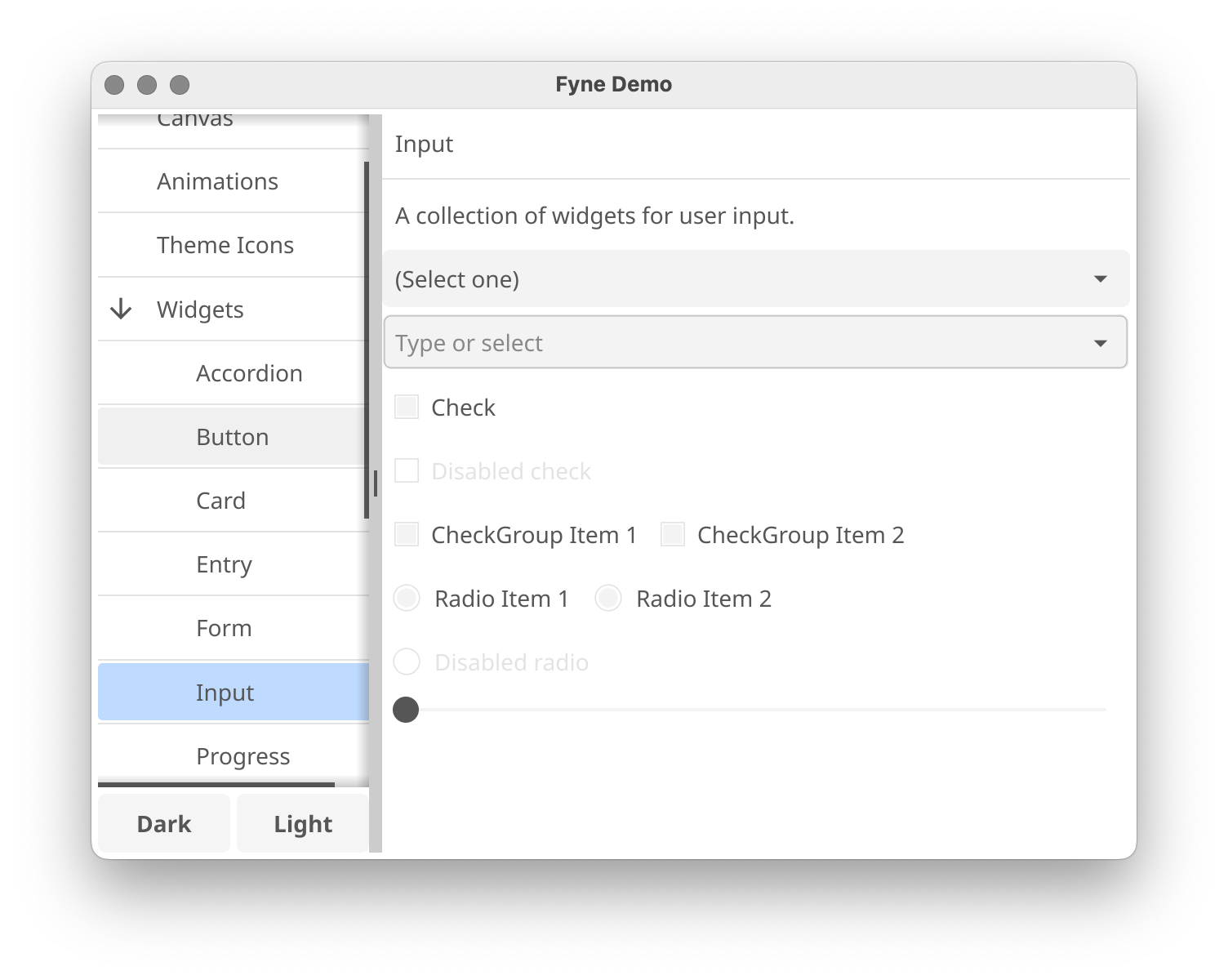
Or if you are using the light theme:
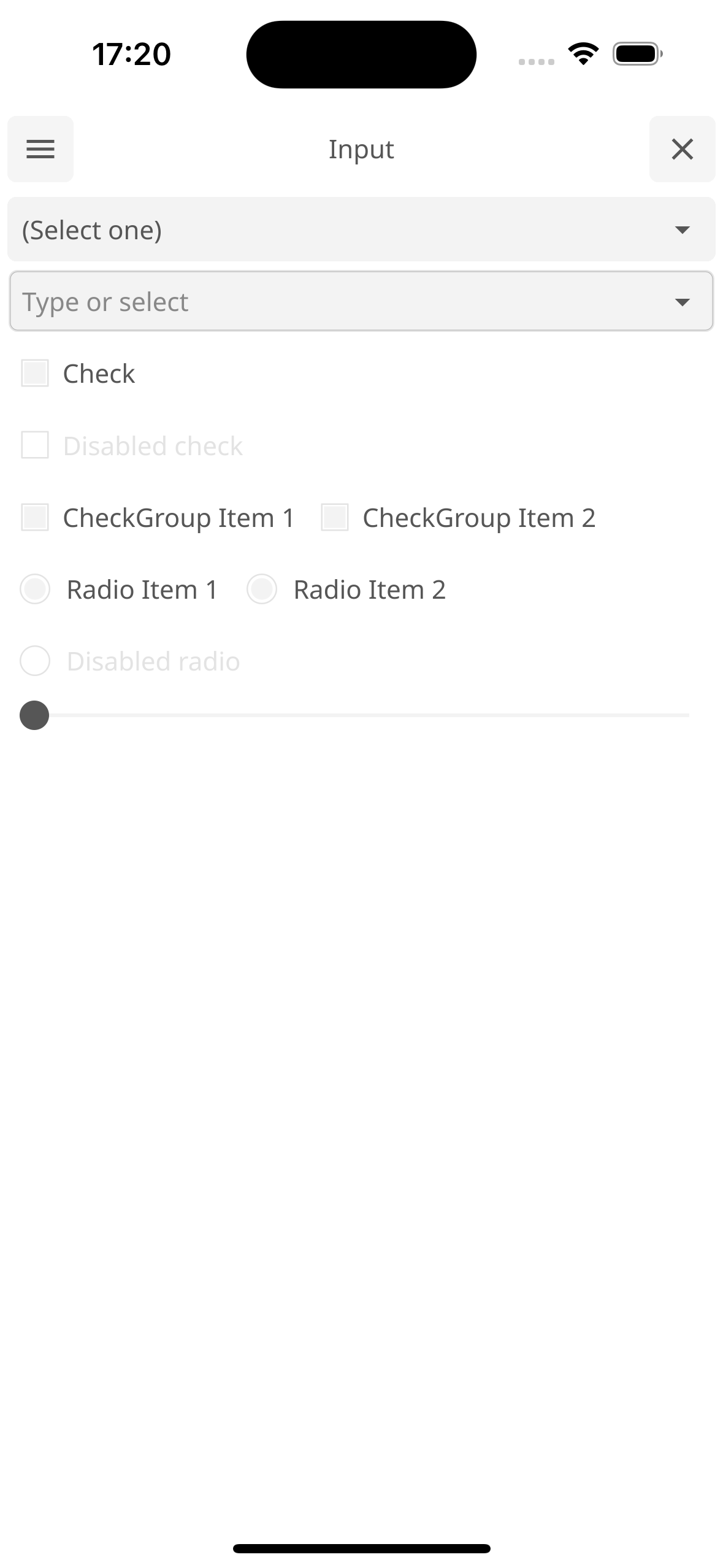
And even running on a mobile device:
Fyne is designed to be really easy to code with. If you have followed the prerequisite steps above then all you need is a Go IDE (or a text editor).
Open a new file and you're ready to write your first app!
package main

import (
	"fyne.io/fyne/v2/app"
	"fyne.io/fyne/v2/container"
	"fyne.io/fyne/v2/widget"
)

func main() {
	a := app.New()
	w := a.NewWindow("Hello")

	hello := widget.NewLabel("Hello Fyne!")
	w.SetContent(container.NewVBox(
		hello,
		widget.NewButton("Hi!", func() {
			hello.SetText("Welcome :)")
		}),
	))

	w.ShowAndRun()
}
And you can run that simply as:
go run main.go
Note
The first compilation of Fyne on Windows can take up to 10 minutes, depending on your hardware. Subsequent builds will be fast.
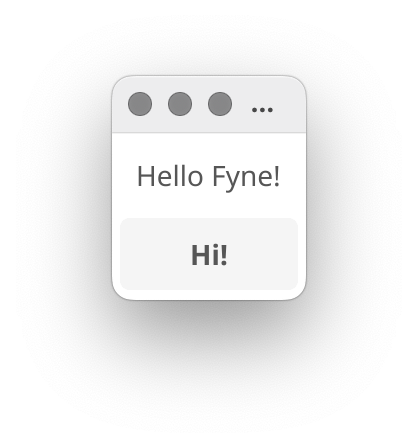
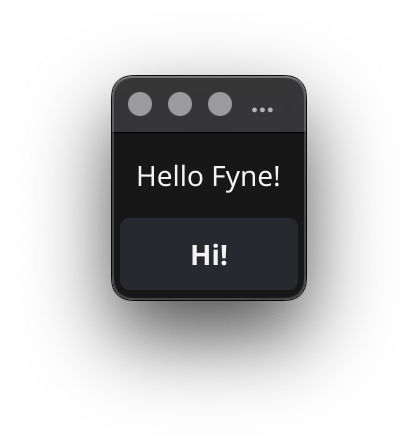
It should look like this:
|
|
There is a helpful mobile simulation mode that gives a hint of how your app would work on a mobile device:
go run -tags mobile main.go
Another option is to use fyne command, see Packaging for mobile.
Using go install will copy the executable into your go bin dir.
To install the application with icons etc into your operating system's standard
application location you can use the fyne utility and the "install" subcommand.
go install fyne.io/tools/cmd/fyne@latest
fyne install
To run on a mobile device it is necessary to package up the application. To do this we can use the fyne utility "package" subcommand. You will need to add appropriate parameters as prompted, but the basic command is shown below. Once packaged you can install using the platform development tools or the fyne "install" subcommand.
fyne package -os android -appID my.domain.appname
fyne install -os android
The built Android application can run either in a real device or an Android emulator. However, building for iOS is slightly different. If the "-os" argument is "ios", it is build only for a real iOS device. Specify "-os" to "iossimulator" allows the application be able to run in an iOS simulator:
fyne package -os ios -appID my.domain.appname
fyne package -os iossimulator -appID my.domain.appname
Using the fyne utility "release" subcommand you can package up your app for release
to app stores and market places. Make sure you have the standard build tools installed
and have followed the platform documentation for setting up accounts and signing.
Then you can execute something like the following, notice the -os ios parameter allows
building an iOS app from macOS computer. Other combinations work as well :)
$ fyne release -os ios -certificate "Apple Distribution" -profile "My App Distribution" -appID "com.example.myapp"
The above command will create a '.ipa' file that can then be uploaded to the iOS App Store.
More documentation is available at the Fyne developer website or on pkg.go.dev.
You can find many example applications in the examples repository. Alternatively a list of applications using fyne can be found at our website.
All Fyne apps will work without pre-installed libraries, this is one reason the apps are so portable. However, if looking to support Fyne in a bigger way on your operating system then you can install some utilities that help to make a more complete experience.
It is recommended that you install the following additional apps:
| app | go install | description |
|---|---|---|
| fyne_settings | fyne.io/fyne/v2/cmd/fyne_settings |
A GUI for managing your global Fyne settings like theme and scaling |
| apps | github.com/fyne-io/apps |
A graphical installer for the Fyne apps listed at https://apps.fyne.io |
These are optional applications but can help to create a more complete desktop experience.
To go all the way with Fyne on your desktop / laptop computer you could install FyneDesk as well :)
more like this
Free open-source Cloudflare R2 desktop client and S3 GUI for macOS, Windows, and Linux. Manage Cloudflare R2, AWS S3, M…
Install and monitor KlipperScreen on Android via DroidKlipp APK, USB ADB forwarding, and WiFi fallback
search projects, people, and tags