Tomato.C
A pomodoro timer written in pure C.
 gabrielzschmitz
git clone https://github.com/gabrielzschmitz/Tomato.C.gitgabrielzschmitz/Tomato.CTomato.C

Tomato.C is a modular, extensible, terminal-based Pomodoro timer written in pure C. Its features dynamic UI, ASCII sprite animations, desktop notifications, built-in notes system with Vim-like motions and comprehensive session history logging.
Installation
Choose the installation method that best fits your needs. Homebrew is recommended for macOS, the install script is the quickest option for Linux and macOS, and building from source is ideal if you want to customize or contribute to the project.
Quick install script
curl -sSL https://raw.githubusercontent.com/gabrielzschmitz/Tomato.C/main/install.sh | bash
Build from source
git clone https://github.com/gabrielzschmitz/Tomato.C.git
cd Tomato.C
./build.sh
Uninstall
From local repo:
sudo ./install.sh --uninstall
Via curl:
curl -sSL https://raw.githubusercontent.com/gabrielzschmitz/Tomato.C/main/install.sh | bash -s -- --uninstall
Usage
Pomodoro controls and navigation are handled via keyboard shortcuts and mouse
input. To get help with the keybinds press ?/F1 at anytime!
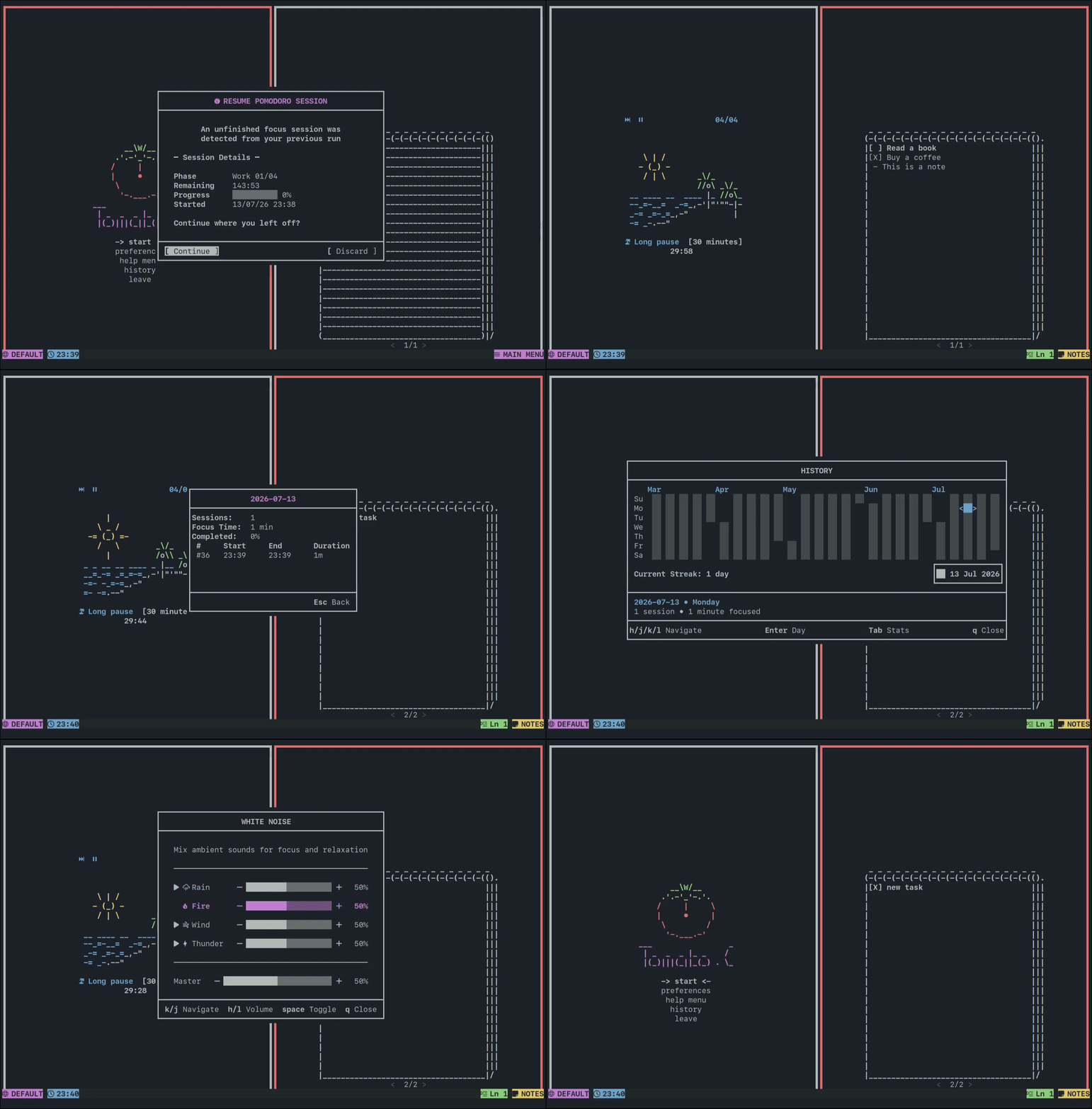
Tomato.C combines modern productivity features with a clean, retro-inspired terminal interface.
Configuration
Tomato.C uses a toml configuration file. When installed via install.sh, a
fully commented sample config is automatically created at
~/.config/tomato/config.toml.
All available options are documented directly in the file, including timer durations, status bar modules, notifications, animations, keybindings, and other general settings.
Documentation
Complete API and developer documentation is generated with Doxygen.
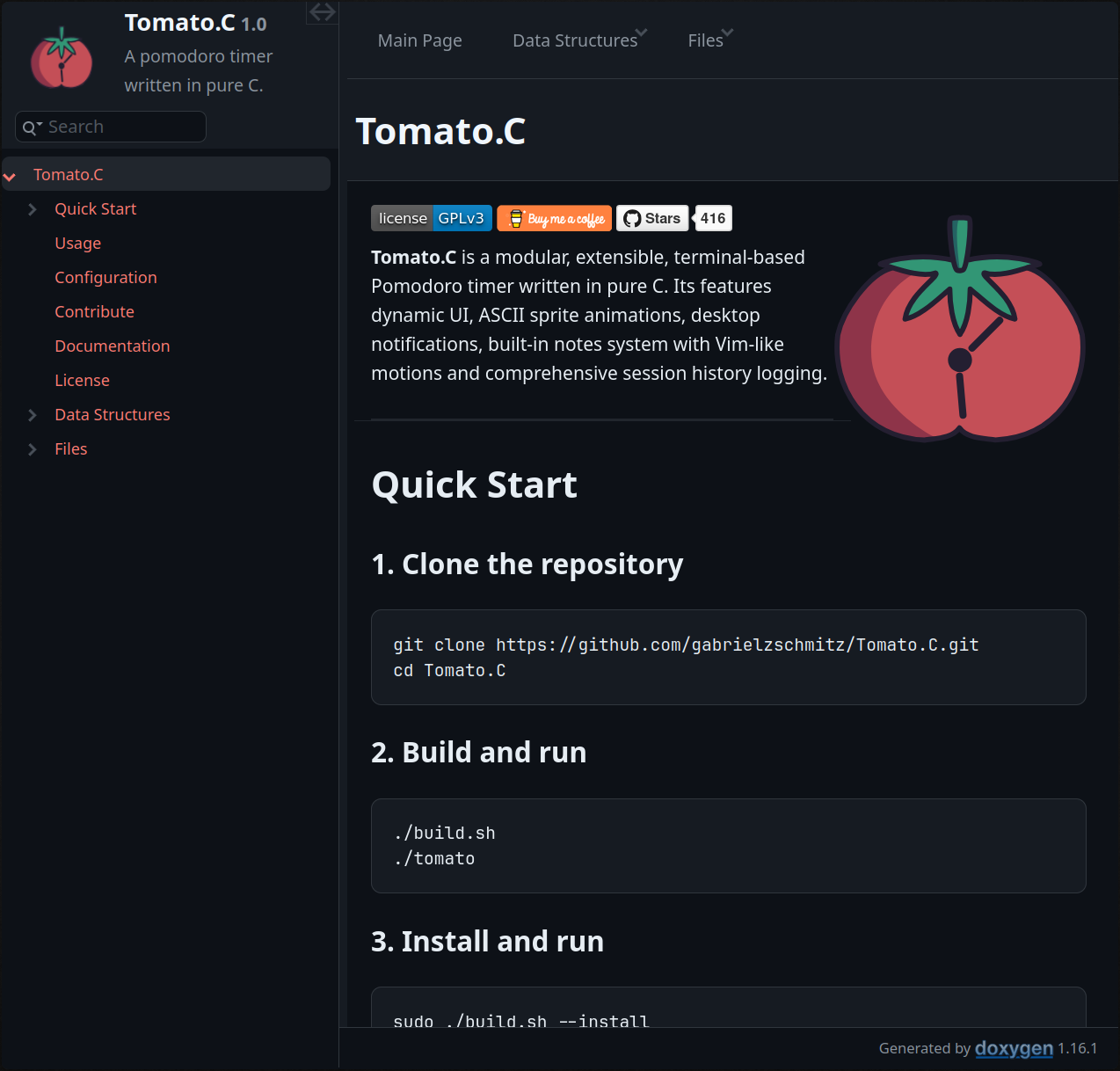
Doxygen-generated API documentation for Tomato.C.
Generate the documentation locally:
cd docs
./generate.sh
$BROWSER output/html/index.html
Contribute
Feel free to contribute to the project, the requirements are to follow
Conventional Commits, follow
DOXYGEN style of documenting code and use
.clang-format to format the files.
License
This project is licensed under the GNU General Public License v3.0. See the LICENSE file for details.
more like this
gns3theme
Custom color themes for GNS3 GUI. Built-in schemes, custom JSON themes, device symbols. Supports Linux and macOS.