ForwardWidgets
Widgets for Douban and Trakt watchlists plus personalized recommendations, live TV streaming including PlutoTV, Yatu ra…
JavaScript★ 247
:blue_book: A diary application optimized for user experience.
 hanjoongcho
git clone https://github.com/hanjoongcho/aaf-easydiary.githanjoongcho/aaf-easydiary
Easy Diary is a diary application optimized for the best user experience.
Download the latest APK from the Releases page or click the badges below.
As of 2023, user manuals are available on Notion and YouTube.


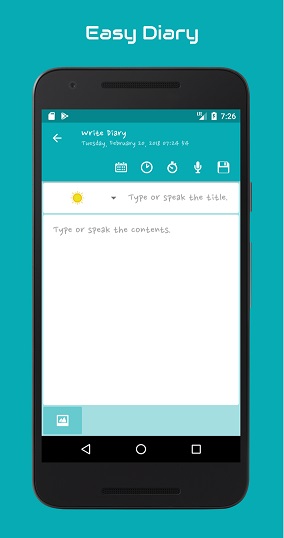
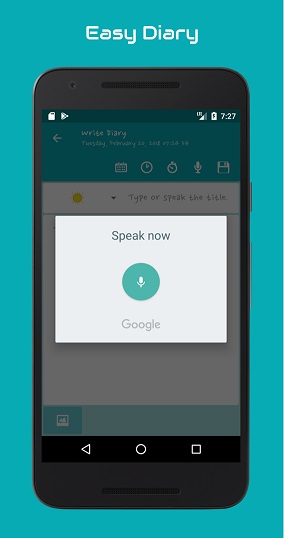
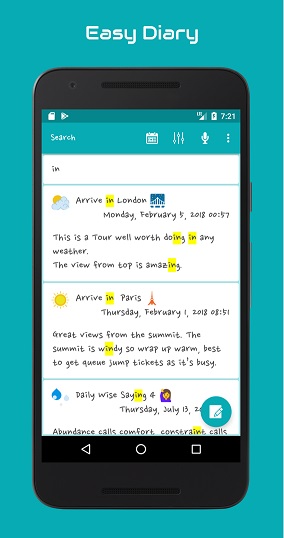
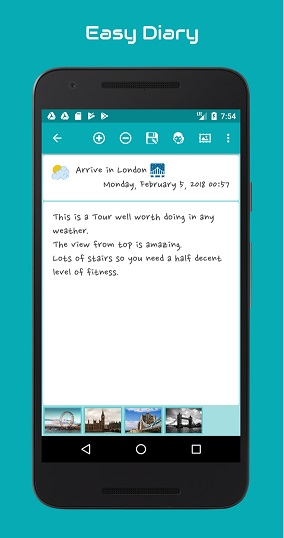
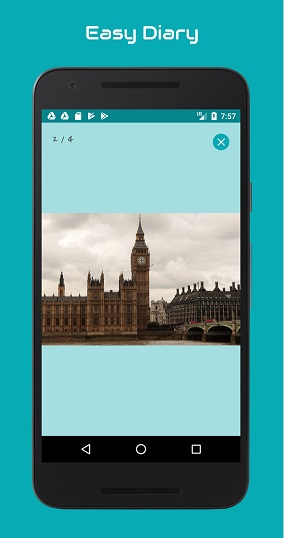
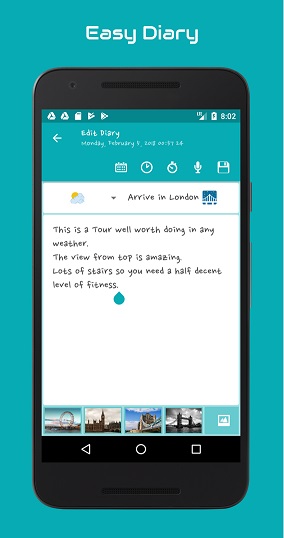
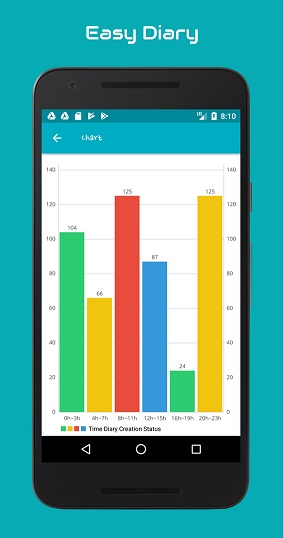
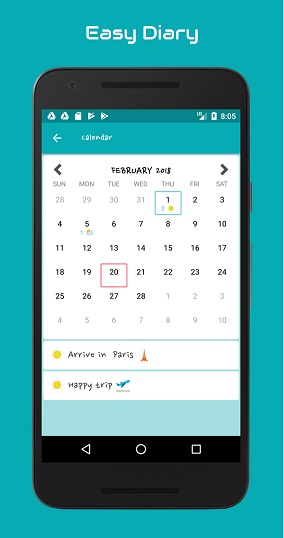
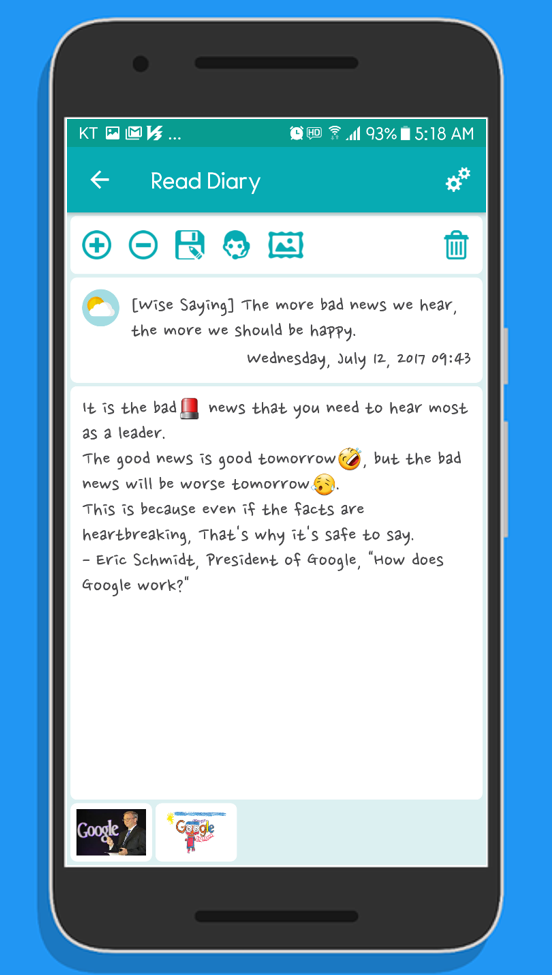
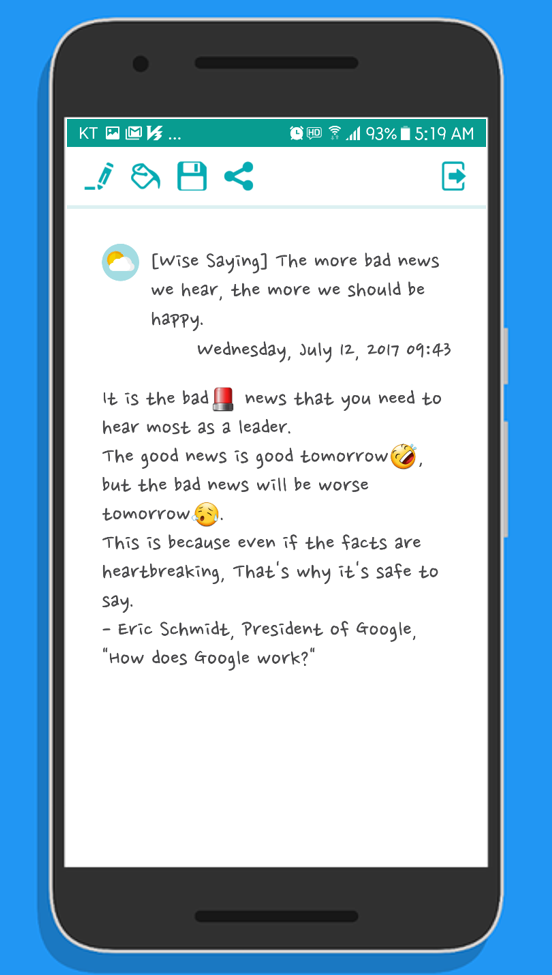
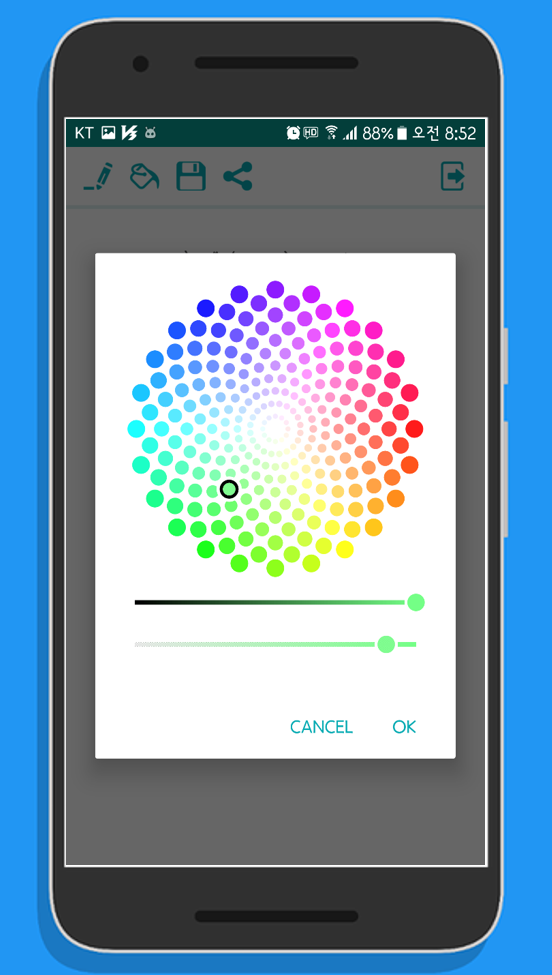
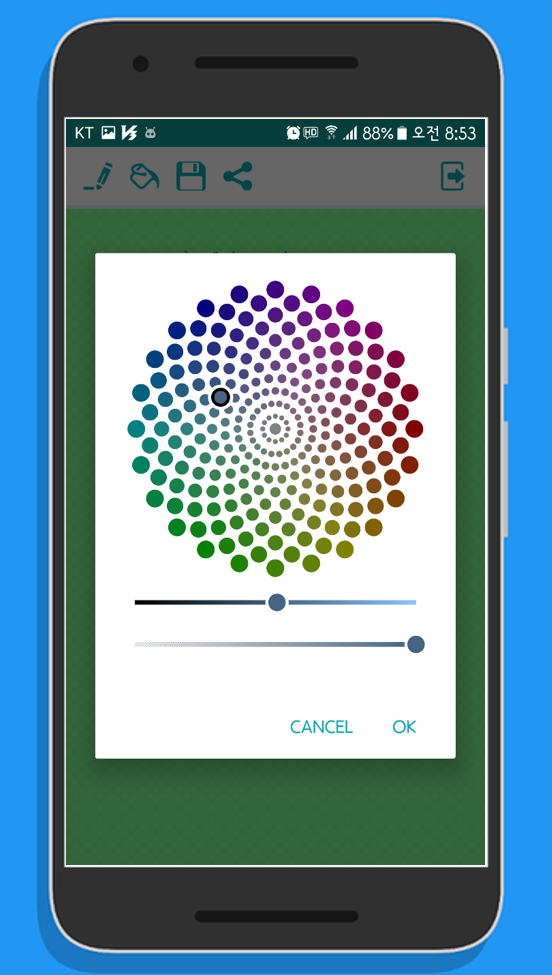
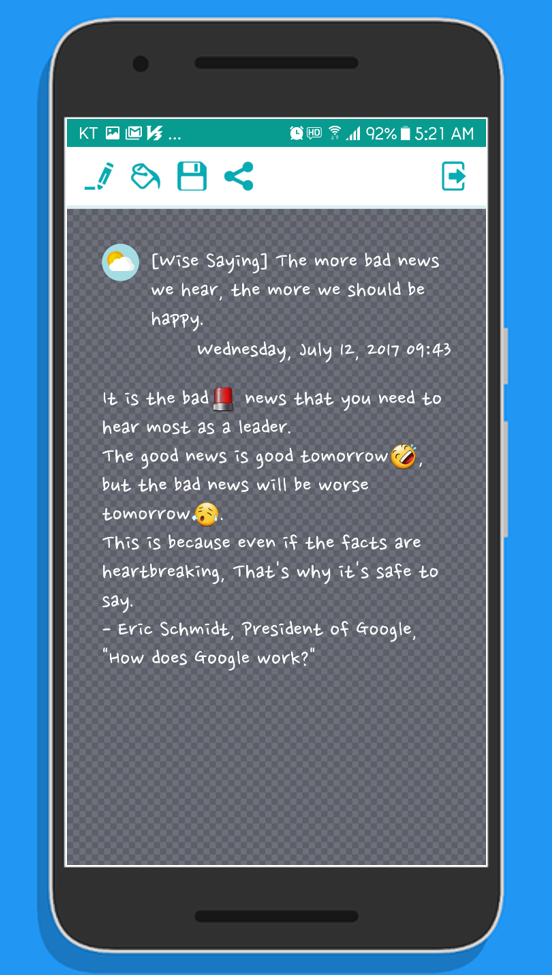
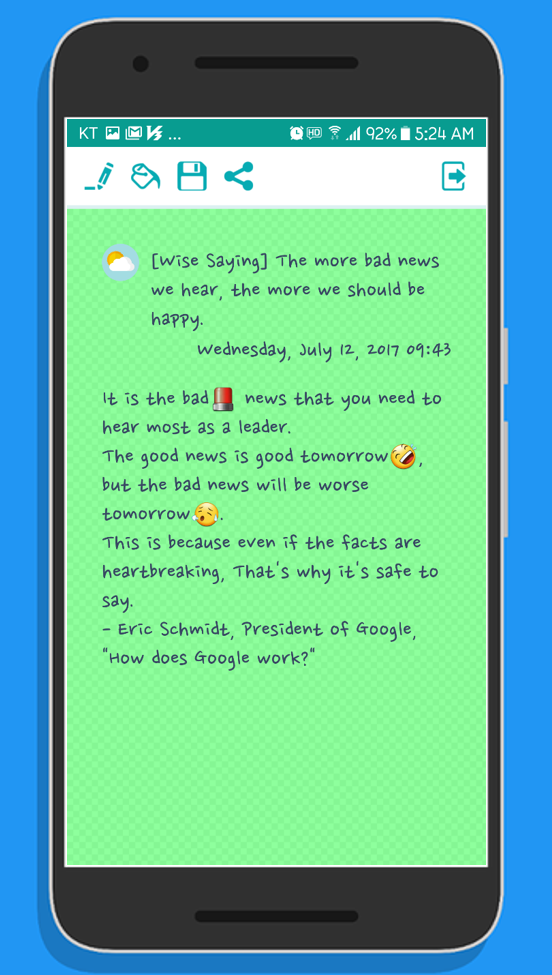
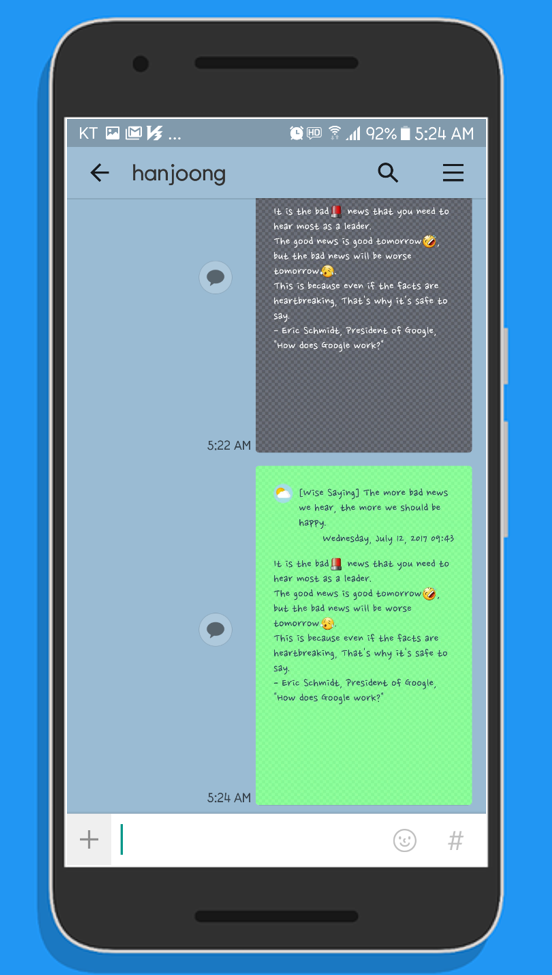
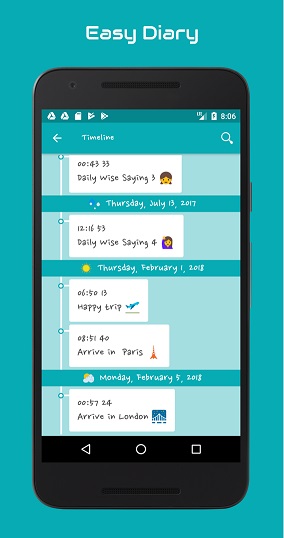
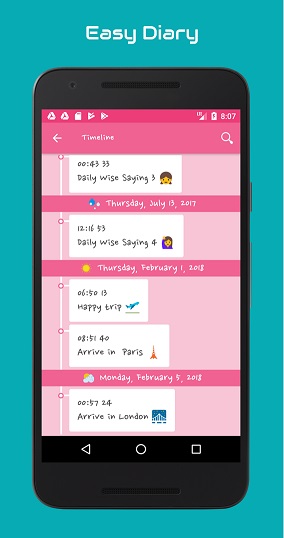
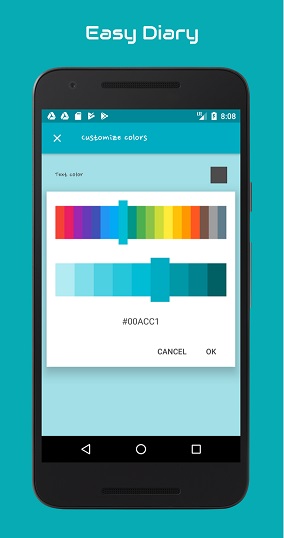
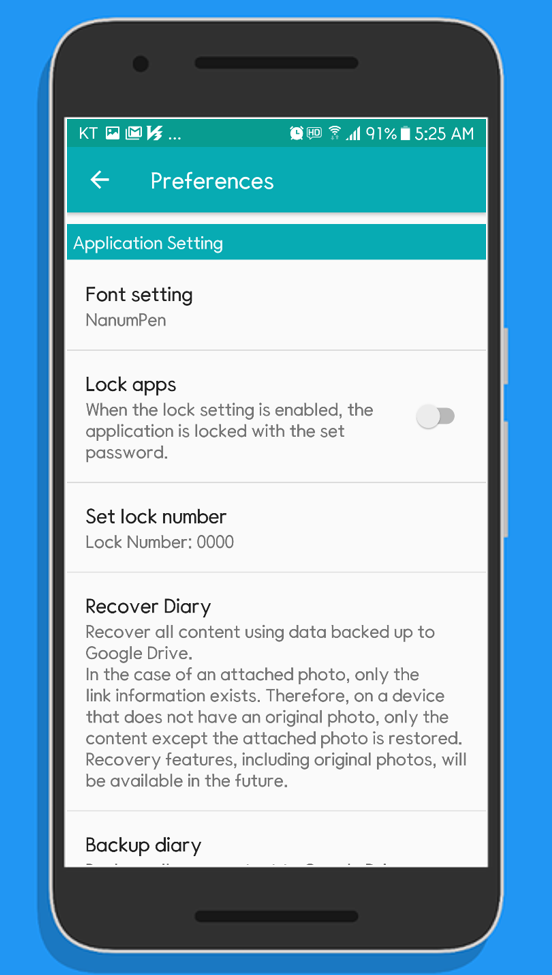
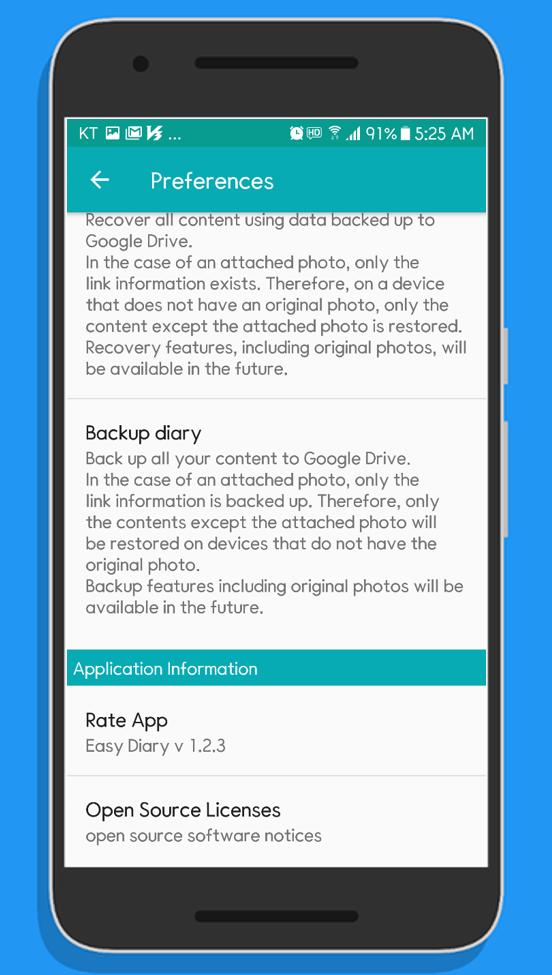
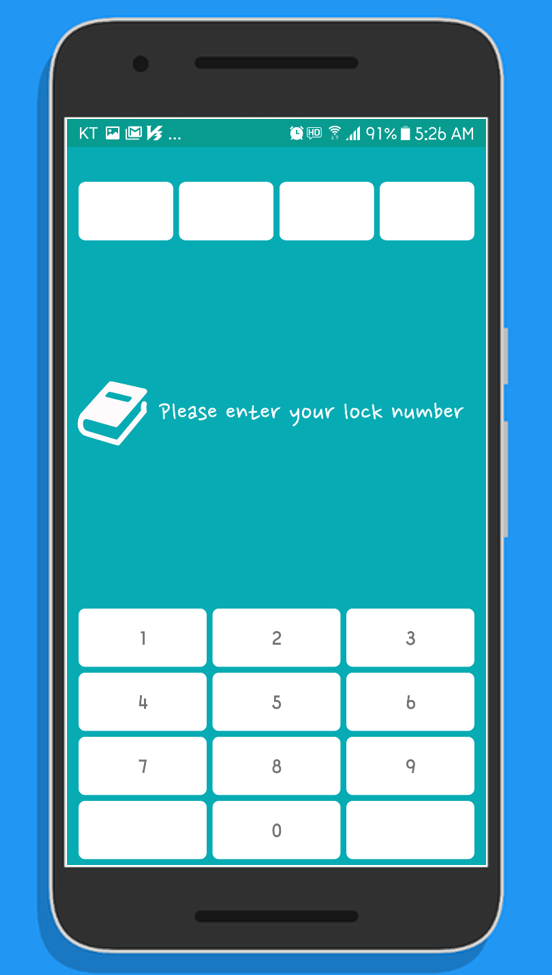
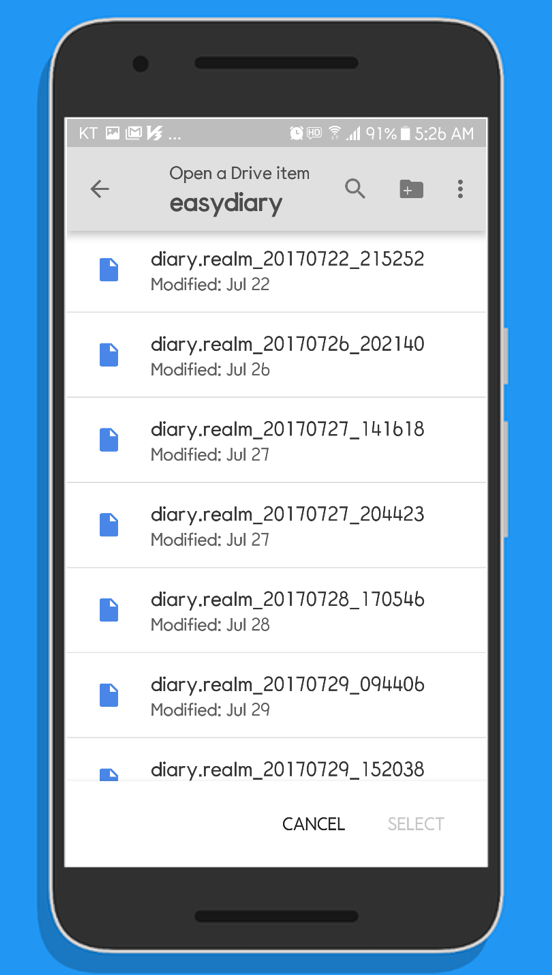
To build the GMS (Google Mobile Services) flavor, you must configure your Google project settings and manually import weather icons from Flaticon.
Step 1. Fork or download the 'aaf-easydiary' project.
Step 2. Import the project into Android Studio.
Step 3. Configure 'storeFile' and 'storePassword' in your 'local.properties' file.
       +++++++ local.properties +++++++++++++++++++++++++++++++++++
       storeFile=your signing key location
       storePassword=your password
       ++++++++++++++++++++++++++++++++++++++++++++++++++++++++++++
       +++++++ example ++++++++++++++++++++++++++++++++++++++++++++
       storeFile=C:/dev/android/app-signing.jks
       storePassword=sjdiSDAss3!@#
       ++++++++++++++++++++++++++++++++++++++++++++++++++++++++++++
       If you do not have a signing key, you can generate one here:
       https://developer.android.com/studio/publish/app-signing#generate-key
Step 4. Download SVG images from Flaticon using the link below.
Step 5. Import the 10 SVG files into your project.
       Right-click project > New > Vector Asset... (Set Res Directory to 'gms')
       Resource mapping:
       clouds-and-sun.svg -> ic_clouds_and_sun.xml
       umbrella-1.svg     -> ic_umbrella_1.xml
       sunny.svg          -> ic_sunny.xml
       stars-2.svg        -> ic_stars_2.xml
       snowing.svg        -> ic_snowing.xml
       raindrops.svg      -> ic_raindrops.xml
       rainbow.svg        -> ic_rainbow.xml
       night-rain.svg     -> ic_night_rain.xml
       moon-9.svg         -> ic_moon_9.xml
       bolt.svg           -> ic_bolt.xml
Step 6. Enable the Google Drive API:
       https://console.developers.google.com/
Step 7. Create an OAuth 2.0 Client ID:
       https://console.developers.google.com/
Step 8. Define your OAuth 2.0 Client ID in '/app/src/gms/res/values/keys.xml':
       <resources>
           <string name="oauth_request_id_token">YOUR_CLIENT_ID.apps.googleusercontent.com</string>
       </resources>
Step 9. Build the project in Android Studio.
       a. Build > Select Build Variant
       b. Select 'gmsDevRelease' and run.
Download 'weather-set-2' SVG images from Flaticon
The FOSS (Free and Open Source Software) flavor requires no additional configuration. Note that Google Drive backup is unavailable in this version as it excludes Google Mobile Services. It also uses a simpler set of weather icons.
Note: New features are prioritized for the GMS flavor and may be delayed in the FOSS version.
Step 1. Fork or download the 'aaf-easydiary' project.
Step 2. Import the project into Android Studio.
Step 3. Configure 'storeFile' and 'storePassword' in your 'local.properties' file.
Step 4. Build the project in Android Studio.
       a. Build > Select Build Variant
       b. Select 'fossRelease' and run.
Special thanks to everyone who helped translate this app. Currently supported languages include:
more like this
Widgets for Douban and Trakt watchlists plus personalized recommendations, live TV streaming including PlutoTV, Yatu ra…
Install and monitor KlipperScreen on Android via DroidKlipp APK, USB ADB forwarding, and WiFi fallback
search projects, people, and tags