silkcircuit
⚡💜 Electric meets elegant. A vibrant cyberpunk color system for Neovim, VS Code, Chrome, terminals, and 20+ tools.
 hyperb1iss
💜⚡ SilkCircuit: Electric Meets Elegant
🌌 A vibrant cyberpunk color system for your entire dev environment. 🎆
⚡ Quick Start · 💜 Neovim · 🎨 Variants · 🌃 Full Ecosystem

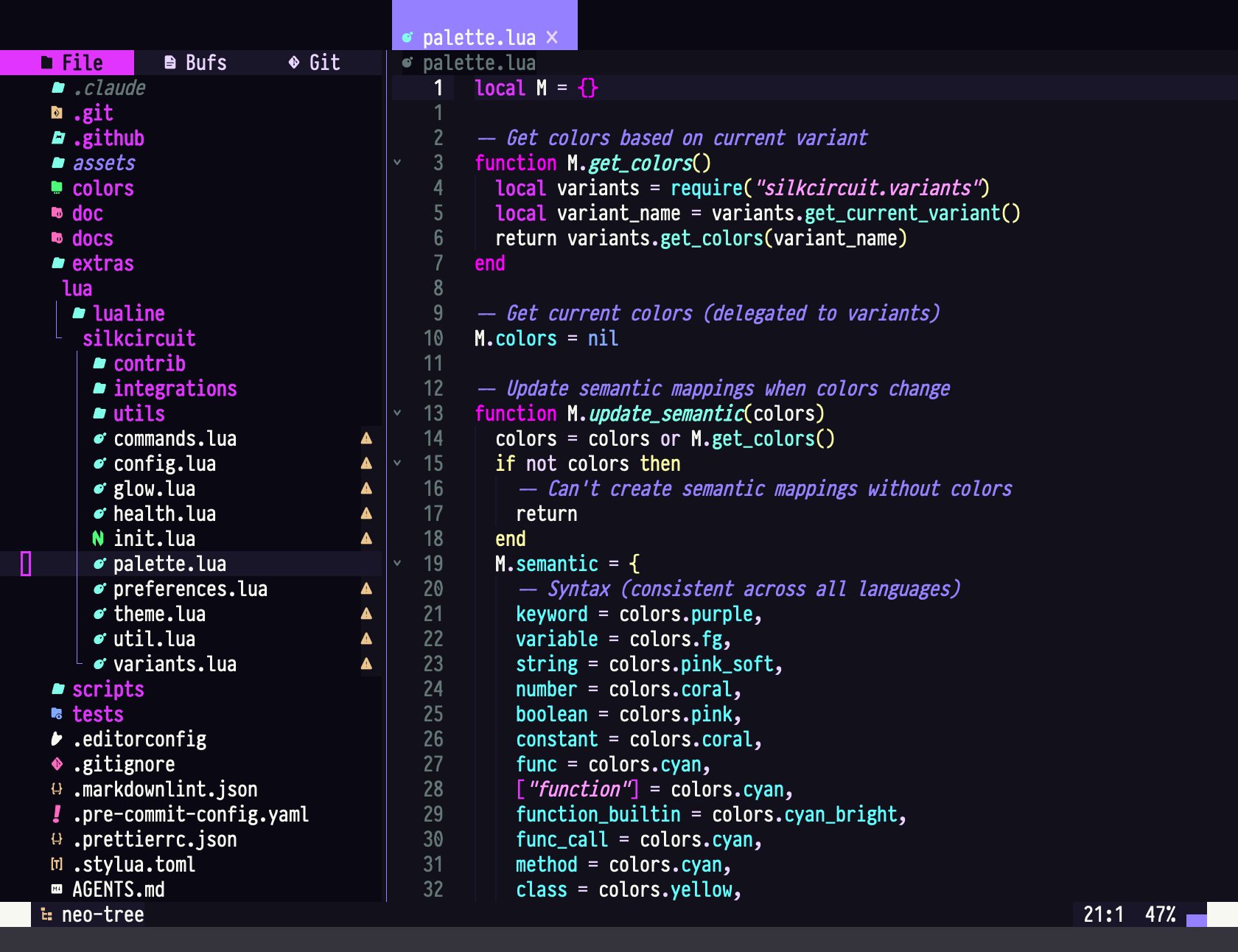
🎭 What Is SilkCircuit?
One palette, one semantic system, five intensity variants, every tool in your workflow. SilkCircuit themes editors, terminals, browsers, system monitors, and CLI tools with consistent colors and WCAG AA contrast ratios across the board.
🌐 Platforms
| Category | Targets |
|---|---|
| 💻 Editors | Neovim (40+ plugin integrations), VS Code (Marketplace), AstroNvim |
| 🖥️ Terminals | Ghostty, Kitty, Alacritty, Warp, Windows Terminal |
| 🌐 Browsers | Chrome (Web Store, 5 variants + DevTools CSS) |
| 🔧 CLI Tools | btop, K9s, lazygit, bat, fzf, lsd, procs, atuin, Starship |
| ⚙️ System | COSMIC Desktop, fastfetch, dmesg, tmux |
| 🎯 Other | Git (delta integration), Slack, Lualine |
🎛️ Variants
Five intensity levels, all using the same underlying palette:
| Variant | Style | Best For |
|---|---|---|
| ⚡ Neon | 100% saturated | Maximum vibrancy |
| 🔮 Vibrant | 85% intensity | Balanced energy |
| 🌸 Soft | 70% intensity | Extended sessions |
| 🌌 Glow | Ultra-dark bg, pure neon fg | Low-light / OLED |
| 🌅 Dawn | Light theme | Daytime & bright rooms |
🪄 Quick Start
⚡ Universal Installer
The fastest way to theme everything at once. Detects your installed tools and applies matching SilkCircuit configs with backups:
git clone https://github.com/hyperb1iss/silkcircuit.git
cd silkcircuit
./install.sh
git clone https://github.com/hyperb1iss/silkcircuit.git
cd silkcircuit
powershell -ExecutionPolicy Bypass -File .\install.ps1
🎯 Individual Platforms
Pick what you need:
🔮 Neovim (lazy.nvim)
{
  "hyperb1iss/silkcircuit",
  lazy = false,
  priority = 1000,
  config = function()
    vim.cmd.colorscheme("silkcircuit")
  end,
}
📦 Neovim (packer.nvim)
use {
  "hyperb1iss/silkcircuit",
  config = function()
    vim.cmd("colorscheme silkcircuit")
  end
}
🔌 Neovim (vim-plug)
Plug 'hyperb1iss/silkcircuit'
colorscheme silkcircuit
💎 VS Code
Install from the VS Code Marketplace, or:
code --install-extension hyperb1iss.silkcircuit-theme
🌐 Chrome
Available on the Chrome Web Store (all 5 variants), or load unpacked:
make chrome
# chrome://extensions/ → Developer mode → Load unpacked
# Select: extras/chrome-theme/silkcircuit-{variant}/
🖥️ Terminals
# Ghostty: copy variant config to ~/.config/ghostty/
cp extras/ghostty/silkcircuit-neon ~/.config/ghostty/themes/

# Kitty
cp extras/kitty.conf ~/.config/kitty/themes/silkcircuit.conf

# Alacritty
cp extras/alacritty.yml ~/.config/alacritty/themes/silkcircuit.yml

# Warp
cp extras/warp.yaml ~/.warp/themes/silkcircuit.yaml

# Windows Terminal: import extras/windows-terminal.json in settings
# Windows Terminal: stage the scheme for import
New-Item -ItemType Directory -Force "$env:APPDATA\silkcircuit"
Copy-Item extras\windows-terminal.json "$env:APPDATA\silkcircuit\windows-terminal.json"
🔧 CLI Tools
# btop (5 variants)
cp extras/btop/silkcircuit_*.theme ~/.config/btop/themes/

# K9s (5 variants)
cp extras/k9s/silkcircuit_*.yaml ~/.config/k9s/skins/

# Git colors with delta integration
cat extras/gitconfig >> ~/.gitconfig

# fzf
source extras/fzf.sh  # or add to .zshrc/.bashrc

# Starship prompt
cp extras/starship/silkcircuit.toml ~/.config/starship.toml
# fzf
. .\extras\fzf.ps1

# Starship prompt
New-Item -ItemType Directory -Force "$HOME\.config"
Copy-Item extras\starship\starship.toml "$HOME\.config\starship.toml"
💜 Neovim
The Neovim theme is the most feature-rich target: bytecode-compiled for <5ms load times, 40+ auto-detected plugin integrations, and persistent preferences.
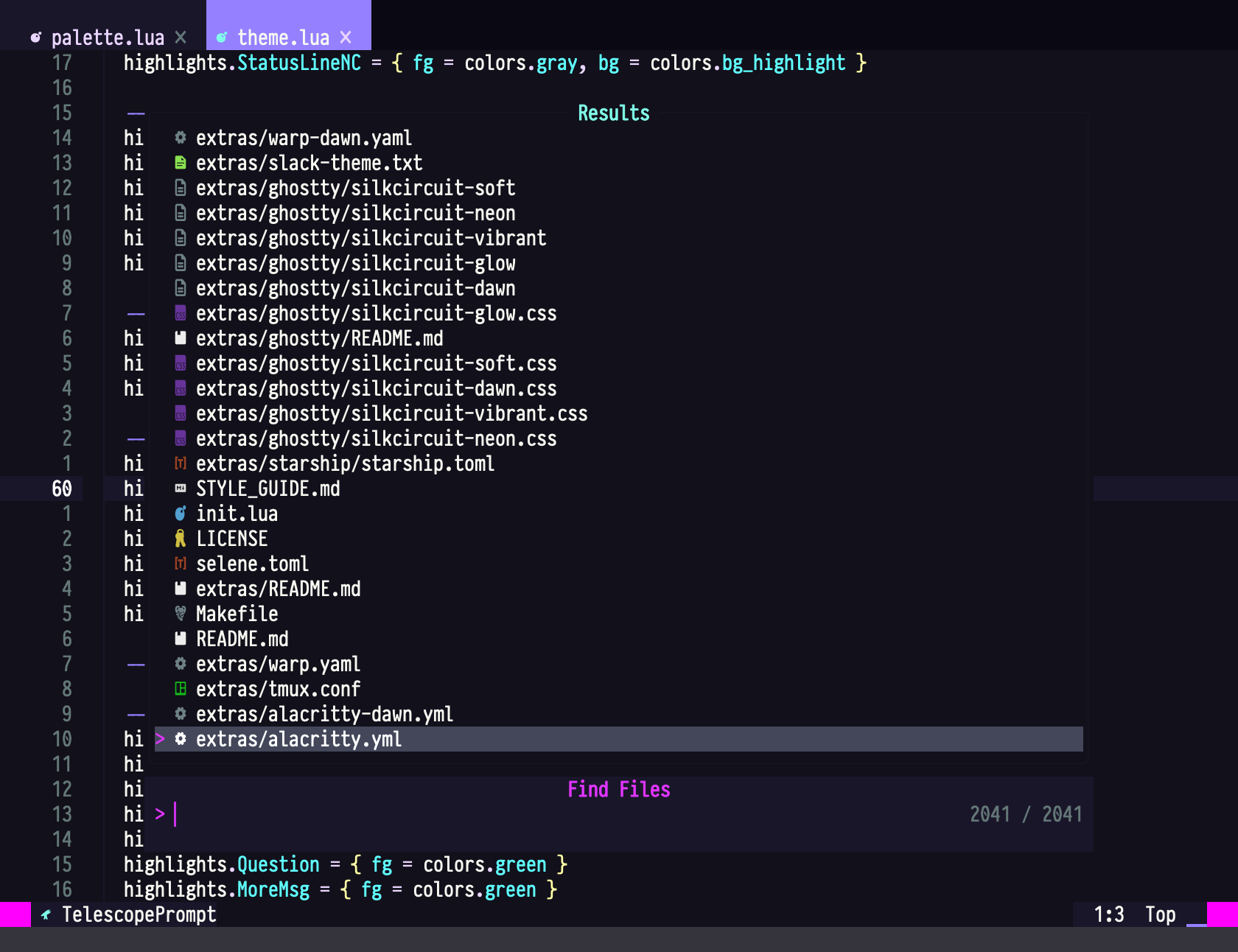
🎪 Configuration
require("silkcircuit").setup({
  transparent = false,
  terminal_colors = true,
  dim_inactive = false,
  variant = "neon",       -- "neon" | "vibrant" | "soft" | "glow" | "dawn"

  styles = {
    comments = { italic = true },
    keywords = { bold = true },
    functions = { bold = true, italic = true },
    variables = {},
    strings = { italic = true },
  },

  integrations = {
    telescope = true,     -- all auto-detected by default
    neotree = true,
    notify = true,
    cmp = true,
    mini = true,
  },
})
🔮 Plugin Support
All integrations activate automatically when plugins are detected.
- 🎯 Core: Telescope, Neo-tree, LSP, Treesitter, nvim-cmp, Mason
- 🏃 Navigation: Flash, Harpoon, Which-Key, Mini.jump
- 🔧 Git & Dev: Gitsigns, Neogit, DAP
- 💎 UI: Lualine, BufferLine, Notify, Noice, Alpha, Indent Blankline, Rainbow Delimiters
🛸 AstroNvim
return {
  "AstroNvim/astrocommunity",
  { "hyperb1iss/silkcircuit", name = "silkcircuit" },
}
🎮 Commands
| Command | Description |
|---|---|
:SilkCircuit {variant} |
Switch variant (neon/vibrant/soft/glow/dawn) |
:SilkCircuitContrast |
Check WCAG contrast compliance |
:SilkCircuitCompile |
Compile theme for performance |
:SilkCircuitIntegrations |
Show detected plugin integrations |
:checkhealth silkcircuit |
Run diagnostics |
🌃 Full Ecosystem
SilkCircuit extends far beyond your editor. See extras/README.md for setup instructions for every supported tool.
🎨 Color Palette
| Color | Hex | Usage |
|---|---|---|
| Background | #0a0a0f |
|
| Foreground | #e0e0e0 |
|
| 💜 Electric Purple | #e135ff |
|
| 🌸 Hot Pink | #ff79c6 |
|
| 💎 Neon Cyan | #80ffea |
|
| ✅ Success Green | #50fa7b |
|
| ⚡ Electric Yellow | #f1fa8c |
|
| 🔥 Warm Orange | #ffb86c |
📸 Screenshot Gallery
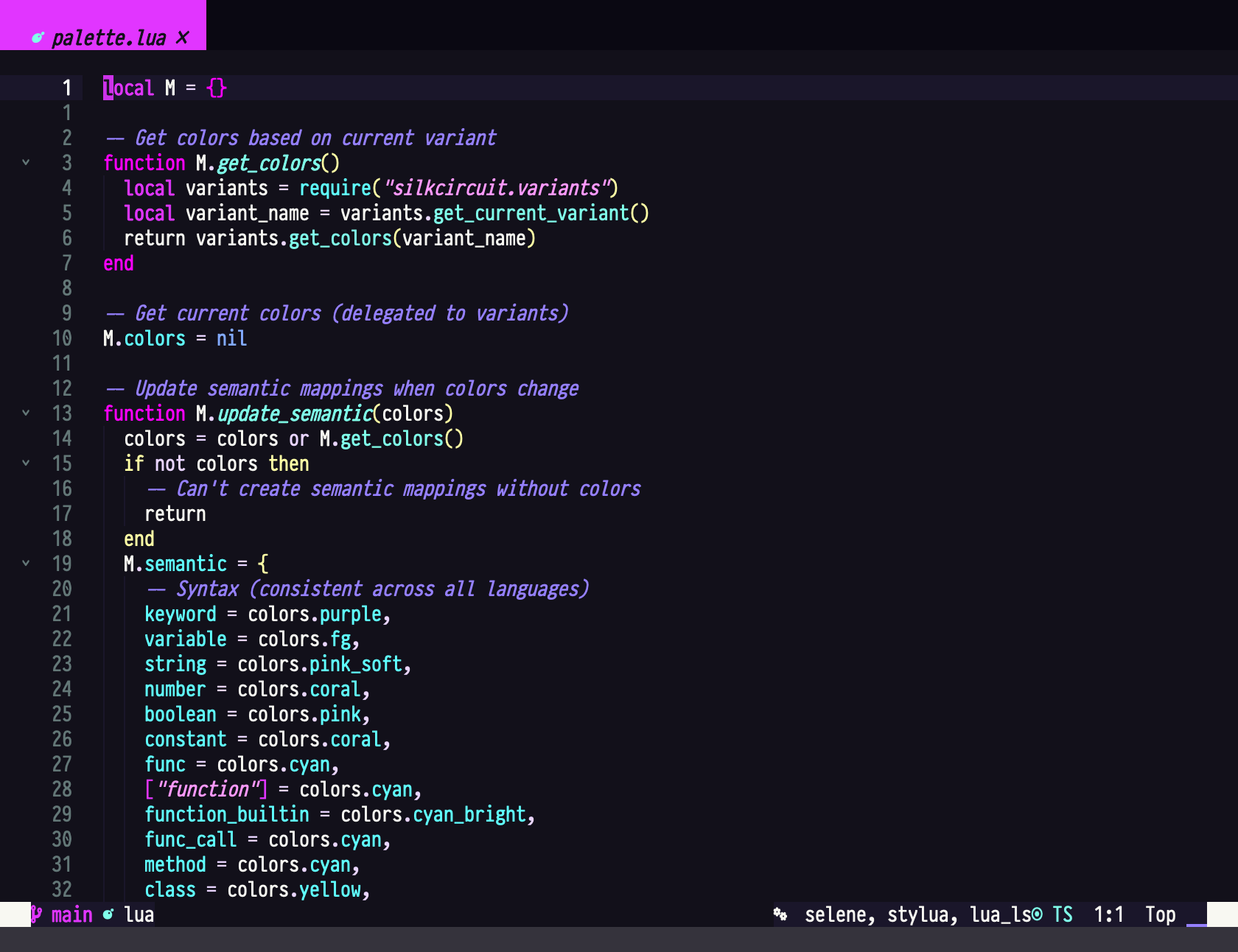
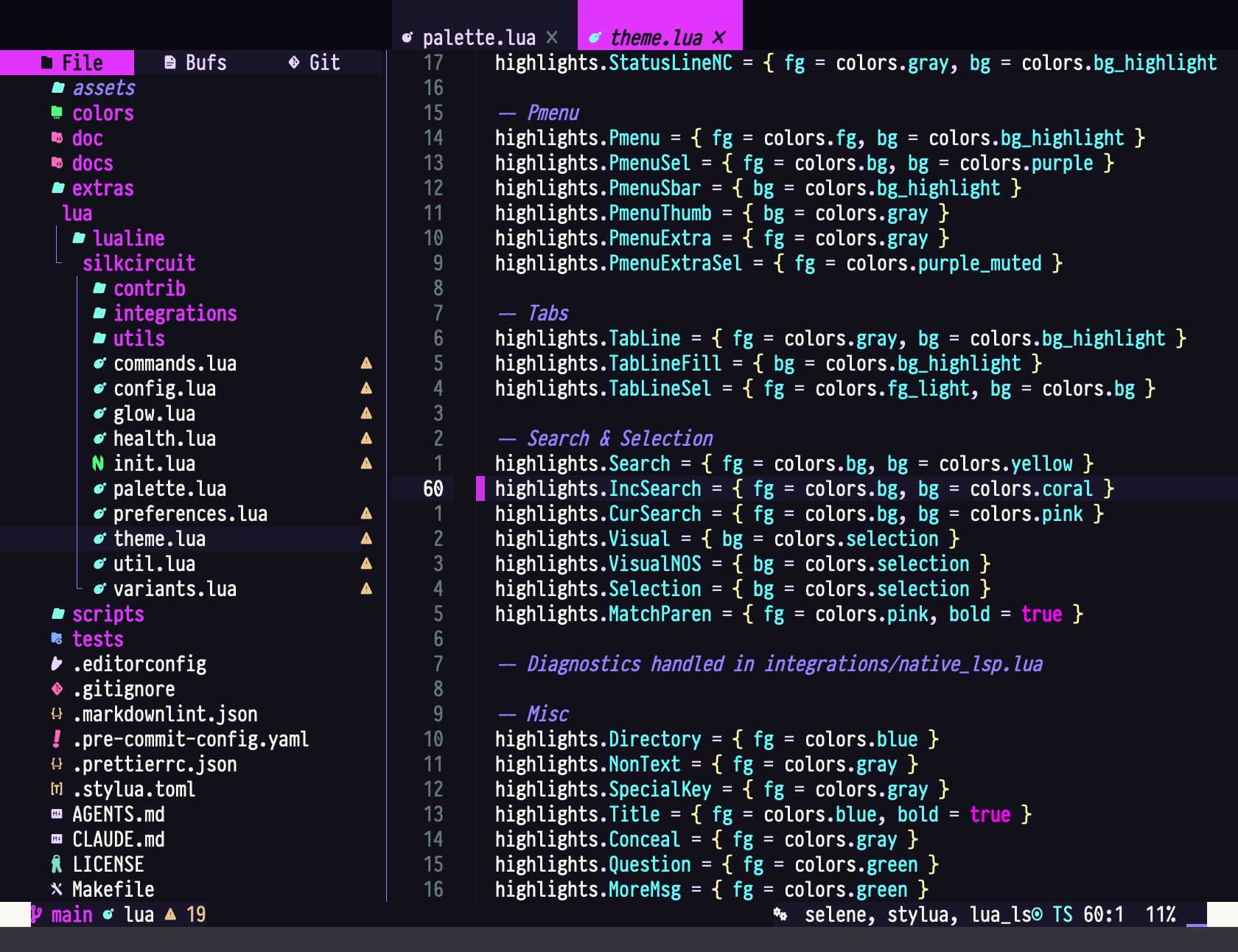
Neovim
| Syntax Highlighting | Theme Highlights |
|---|---|
 |
 |
Terminal & CLI Tools
| lazygit | btop |
|---|---|
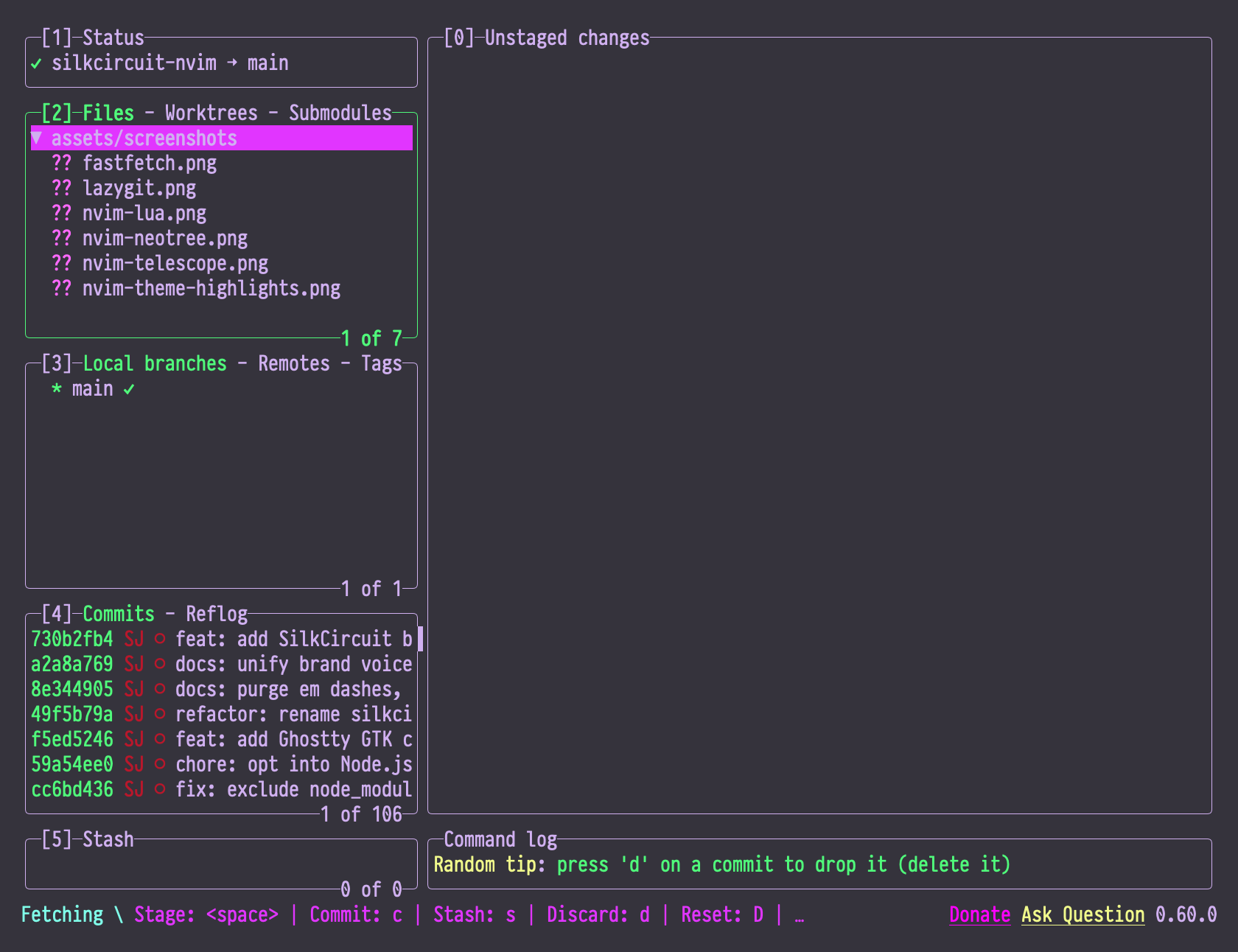 |
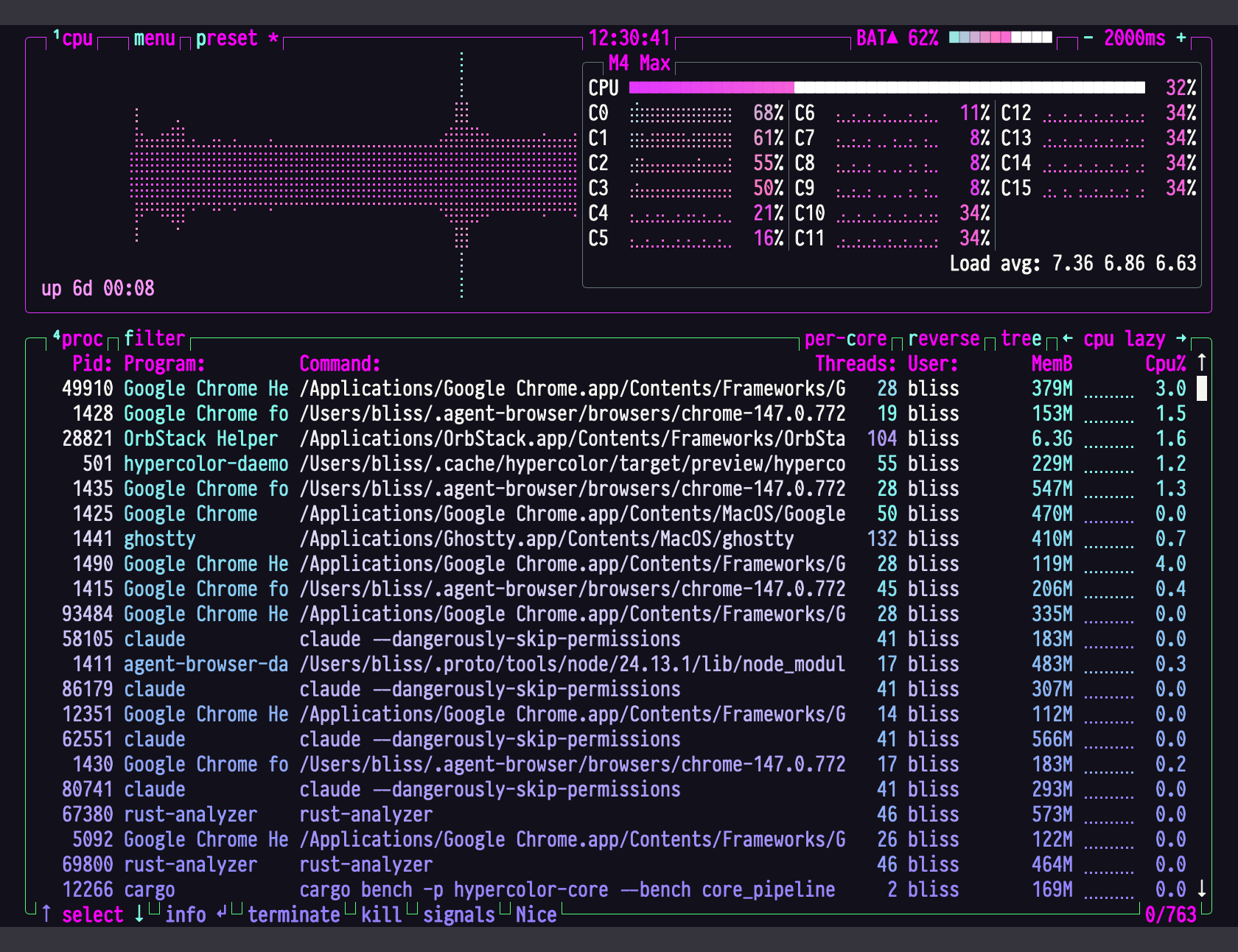 |
| bat | fzf |
|---|---|
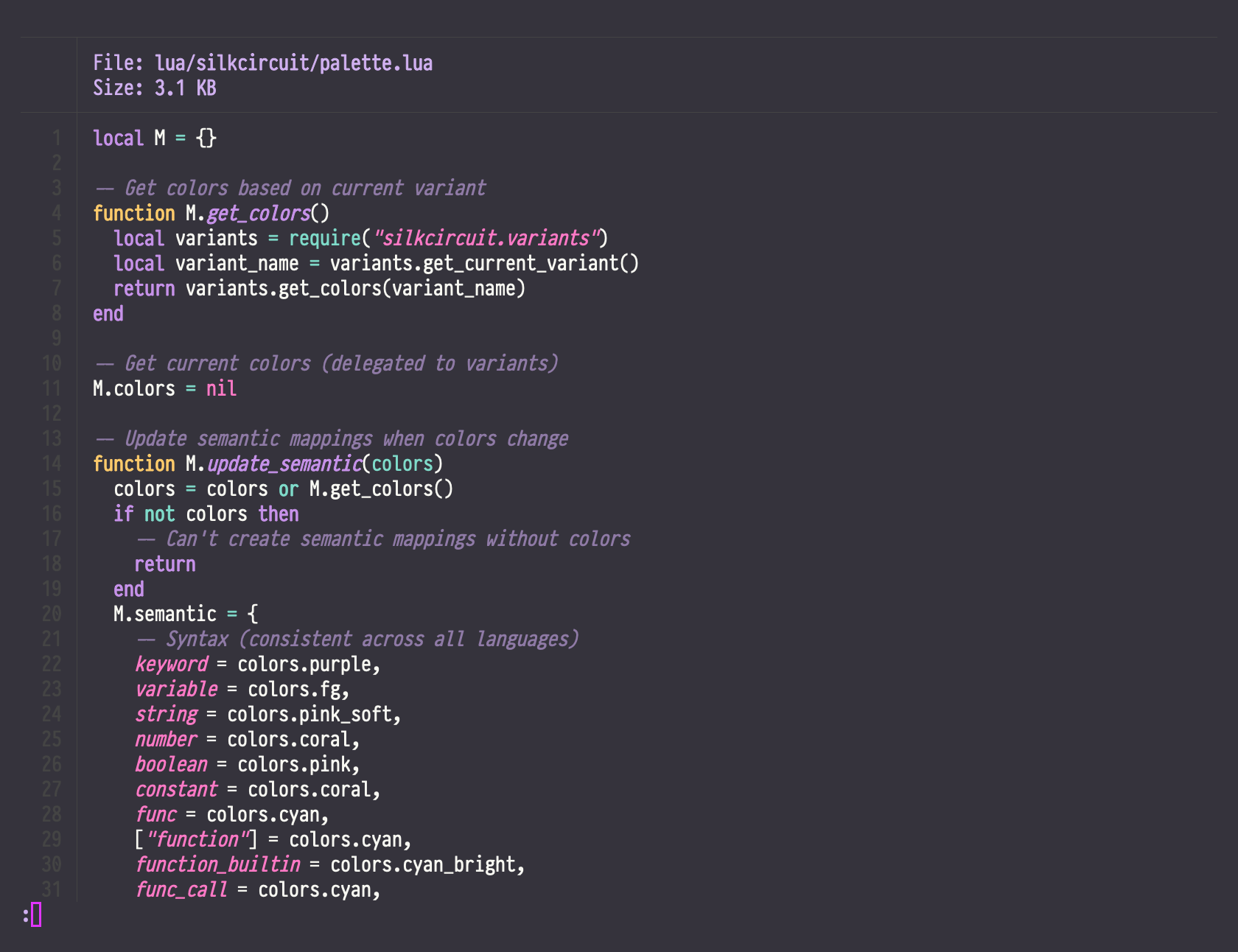 |
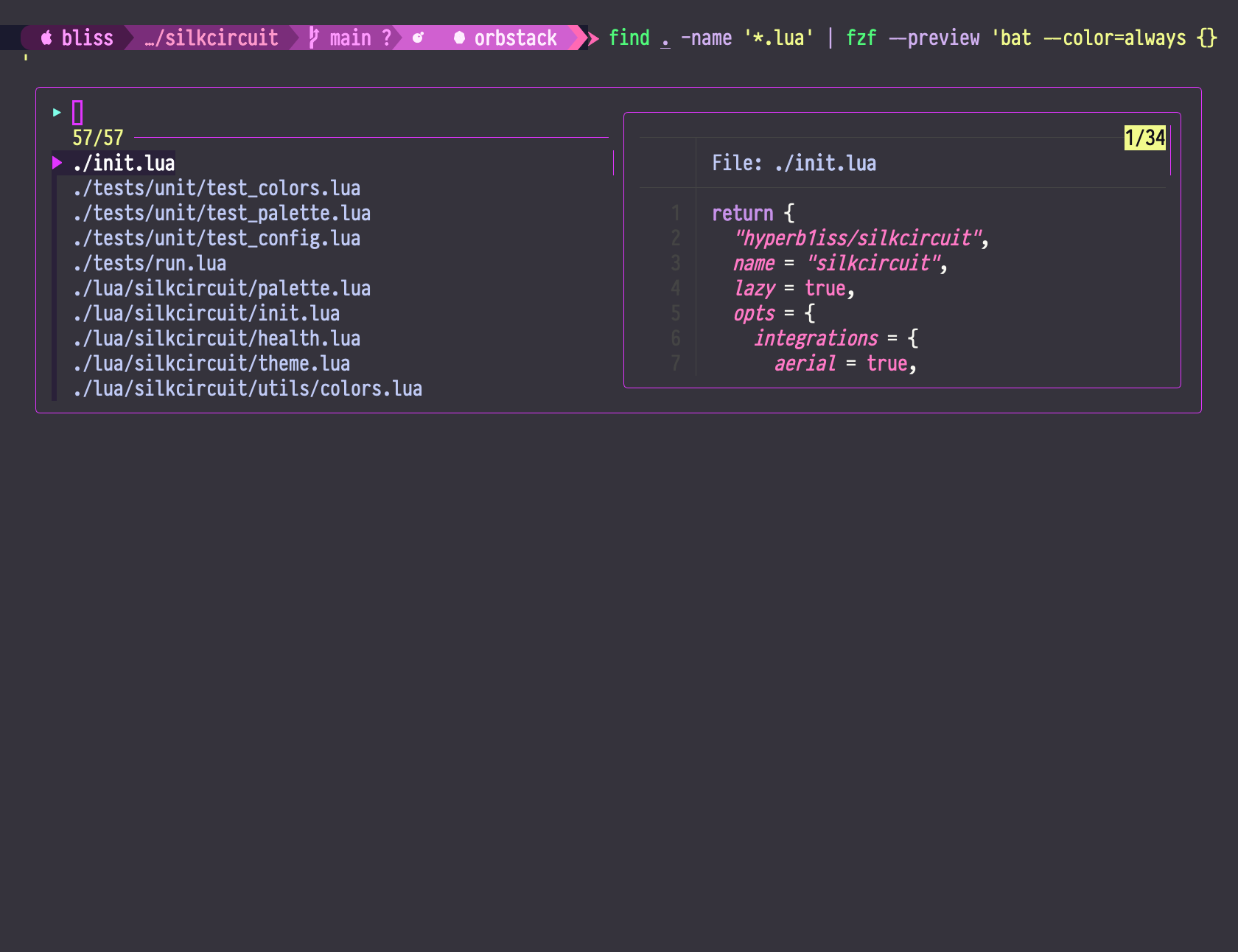 |
| git log | delta |
|---|---|
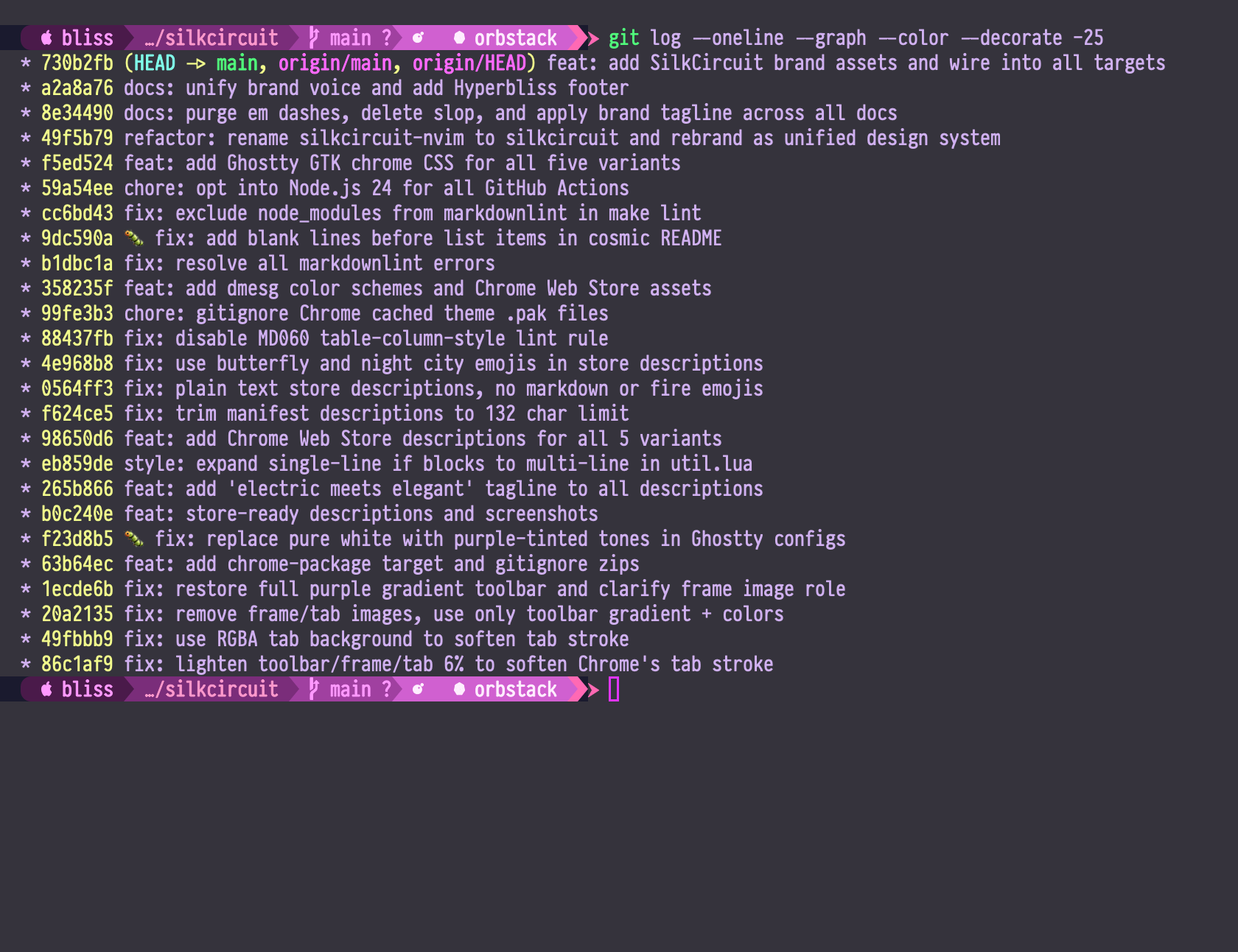 |
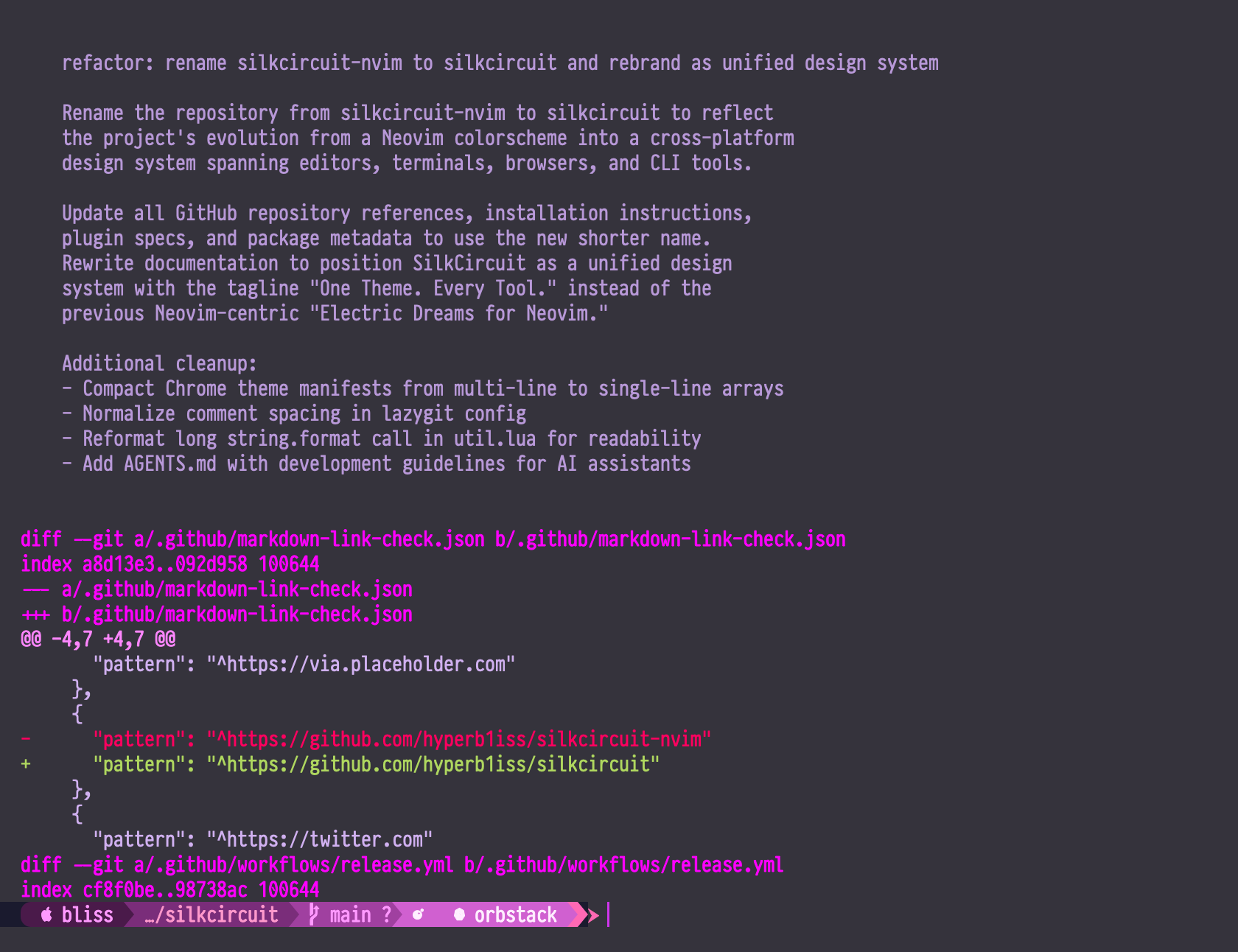 |
| lsd | procs |
|---|---|
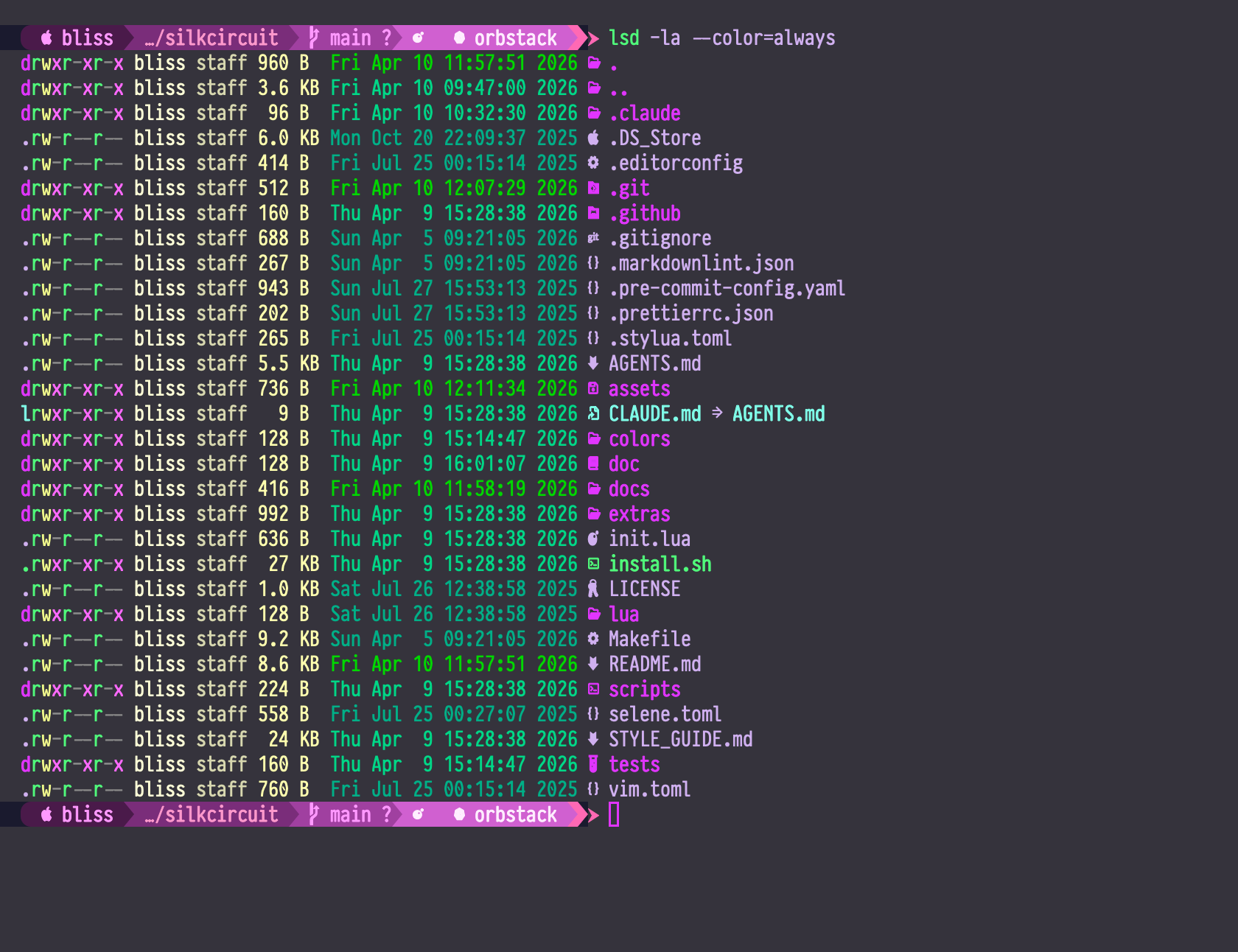 |
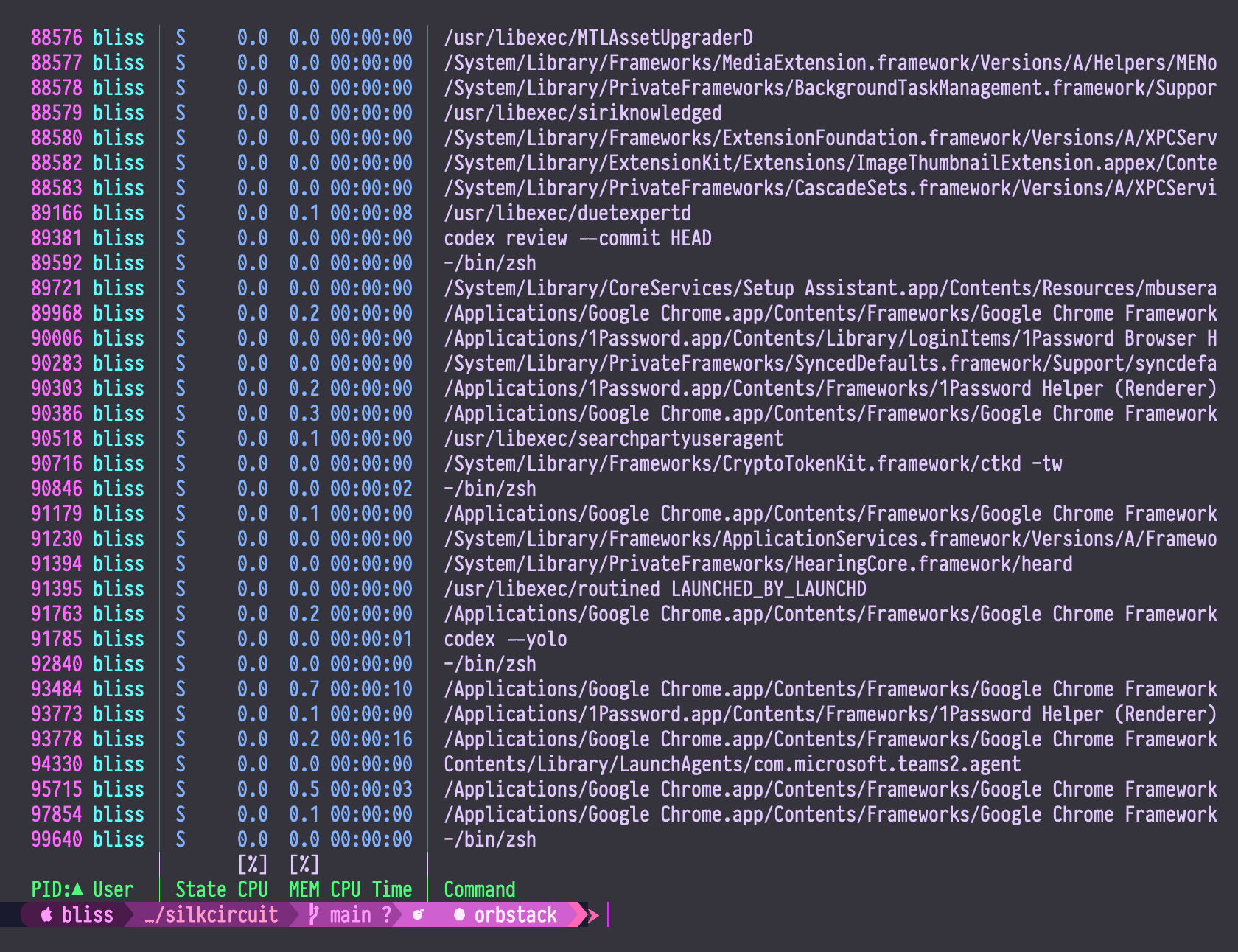 |
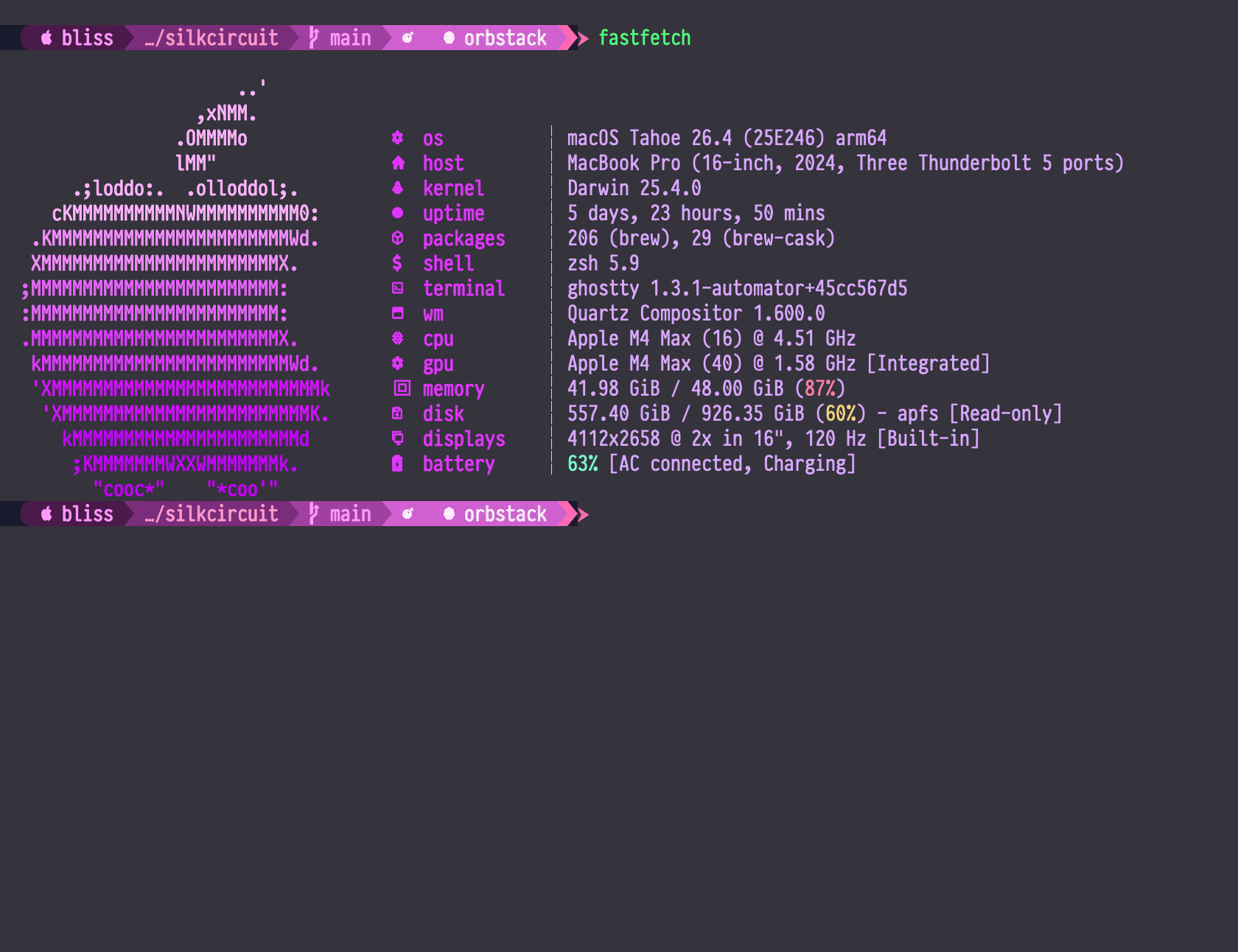
| fastfetch |
|---|
 |
🛠️ Troubleshooting
🤔 Neovim theme not loading? Requires Neovim 0.8.0+ with vim.opt.termguicolors = true. Run :checkhealth silkcircuit.
🎭 Colors look wrong? Your terminal must support true colors (24-bit). Try a different terminal emulator if unsure.
🏎️ Performance issues? Run :SilkCircuitCompile to regenerate the bytecode cache.
💭 Need help? Open an issue with your config and error output.
💖 Contributing
git clone https://github.com/hyperb1iss/silkcircuit.git
cd silkcircuit
make setup    # install dev dependencies
make test     # run unit tests
make lint     # check code quality
See STYLE_GUIDE.md for the entire SilkCircuit design language.
📜 License
MIT License. See LICENSE for details.
If you love SilkCircuit, buy me a Monster Ultra Violet ⚡
✦ Built with obsession by Hyperbliss Technologies ✦
more like this
gns3theme
Custom color themes for GNS3 GUI. Built-in schemes, custom JSON themes, device symbols. Supports Linux and macOS.
Aritim-Light
A Light theme for both KDE and GTK based distros, pleasant to the eyes and perfect for your daily workload.