agentlytics
Comprehensive analytics dashboard for AI coding agents — Cursor, Windsurf, Claude Code, VS Code Copilot, Zed, Antigravi…
JavaScript★ 555
Control window layout using Ctrl + Numeric Keypad on macOS
 janten
git clone https://github.com/janten/keypad-layout.gitjanten/keypad-layoutControl window layout using Ctrl + Numeric Keypad on macOS. Press two number keys in a row while holding down Ctrl to select the new window frame on a 3x3 grid.
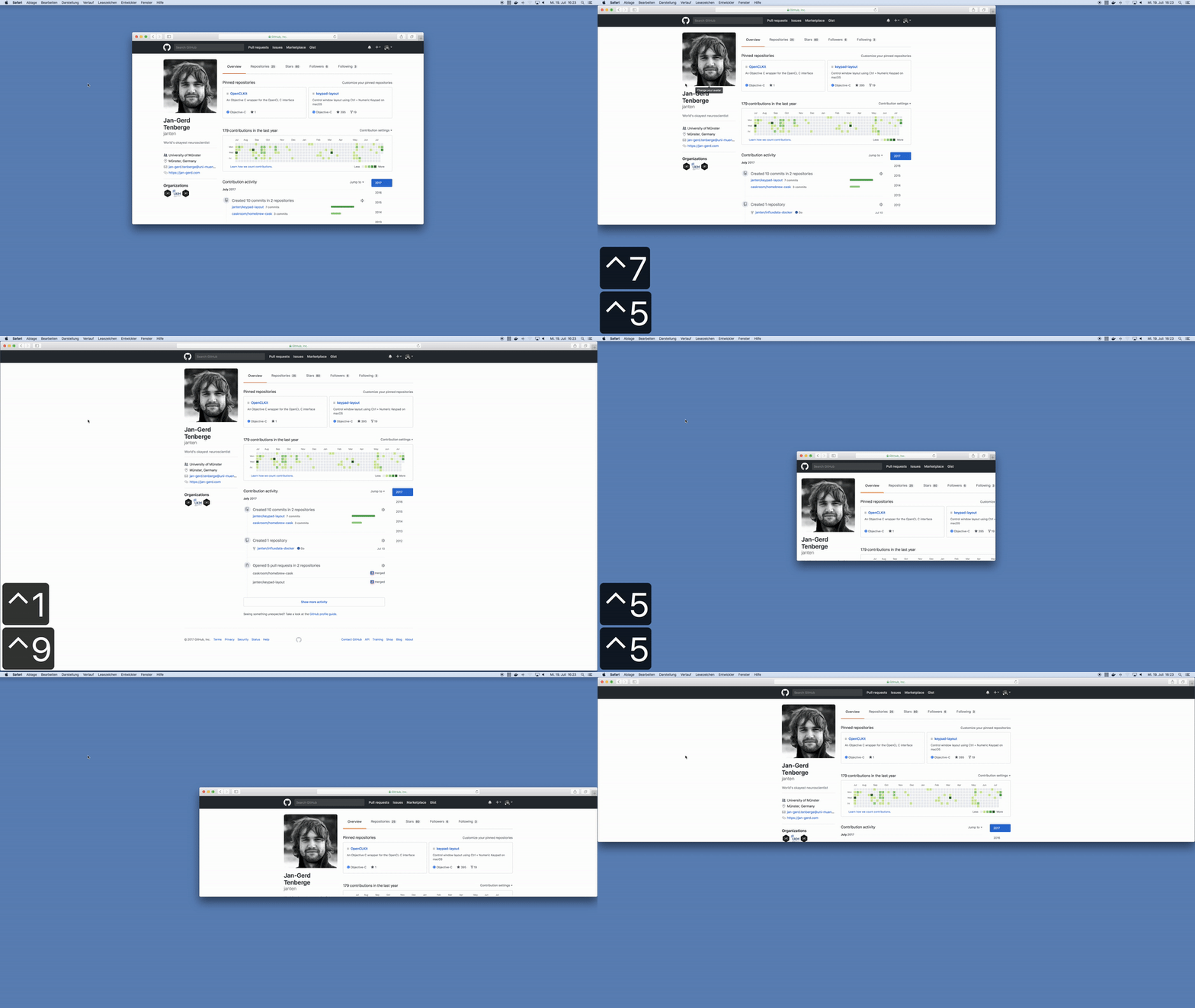
Homebrew users can simply brew install keypad-layout. Compiled versions are also available for download from releases.
Ctrl + |
Result |
|---|---|
1 then 9 |
Full Screen |
7 then 9 |
Top Row |
1 then 3 |
Bottom Row |
3 then 1 |
Bottom Row |
8 then 3 |
Right Two Thirds |
0 then 4 |
Left Half, Full Height |
0 then 6 |
Right Half, Full Height |
0 then 2 |
Bottom Half, Full Width |
0 then 8 |
Top Half, Full Width |
If you use a MacBook and forgot the layout of the numeric keypad, refer to the table below for the grid layout.
╔═══╦═══╦═══╗
║ 7 ║ 8 ║ 9 ║
╠═══╬═══╬═══╣
║ 4 ║ 5 ║ 6 ║
╠═══╬═══╬═══╣
║ 1 ║ 2 ║ 3 ║
╚═══╩═══╩═══╝
The application and menu bar icons are derived from numpad by Ján Slobodník from the Noun Project, available under the Creative Commons Attribution license.
more like this
Comprehensive analytics dashboard for AI coding agents — Cursor, Windsurf, Claude Code, VS Code Copilot, Zed, Antigravi…
Free open-source Cloudflare R2 desktop client and S3 GUI for macOS, Windows, and Linux. Manage Cloudflare R2, AWS S3, M…
search projects, people, and tags