NextGenVisualizer
Audio visualizer library for Android. Written in Kotlin. Light-weight, Flexible, Easy.
 jeffshee
git clone https://github.com/jeffshee/NextGenVisualizer.gitjeffshee/NextGenVisualizer[Beta] NextGenVisualizer
Audio visualizer library for Android. Written in Kotlin. Aim for:
Light-weight, Flexible, Easy.
Preview
Tested on Huawei MediaPad M3, performance was around 50~60 fps. (It depends)
Gif
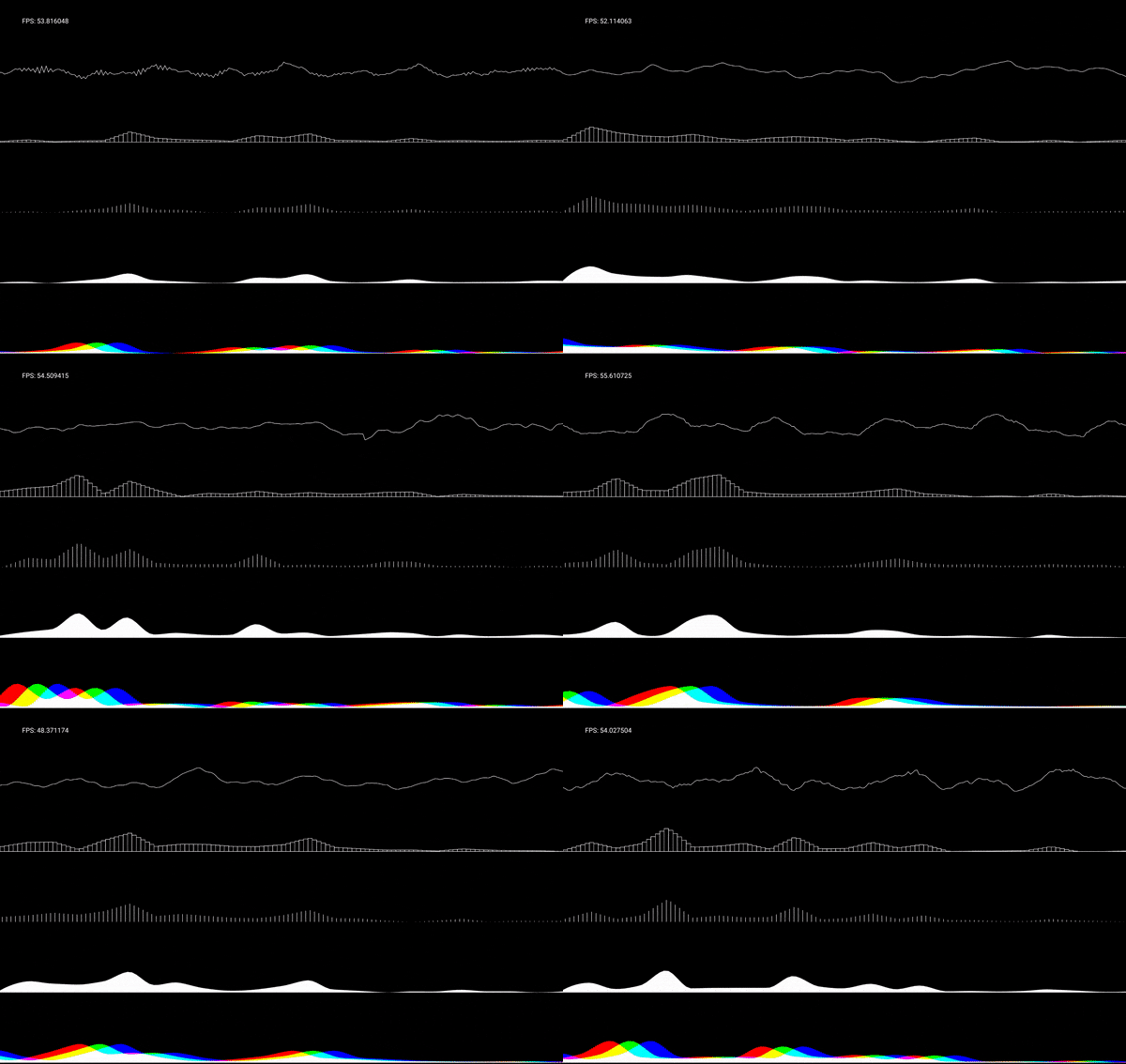
(Basic) Waveform, FftBar, FftLine, FftWave, FftWaveRgb
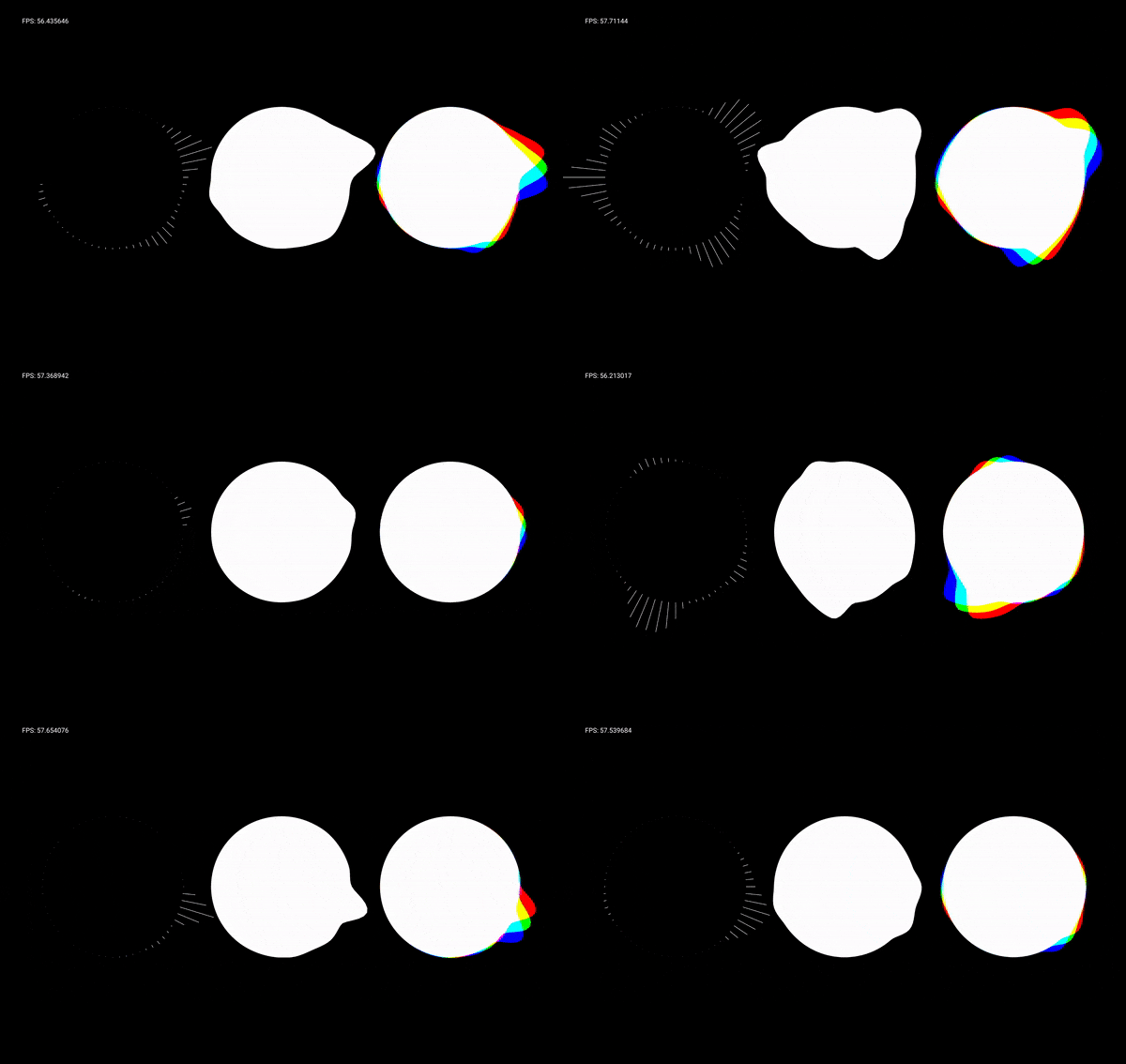
(Basic) FftCircle, FftCircleWave, FftCircleWaveRgb
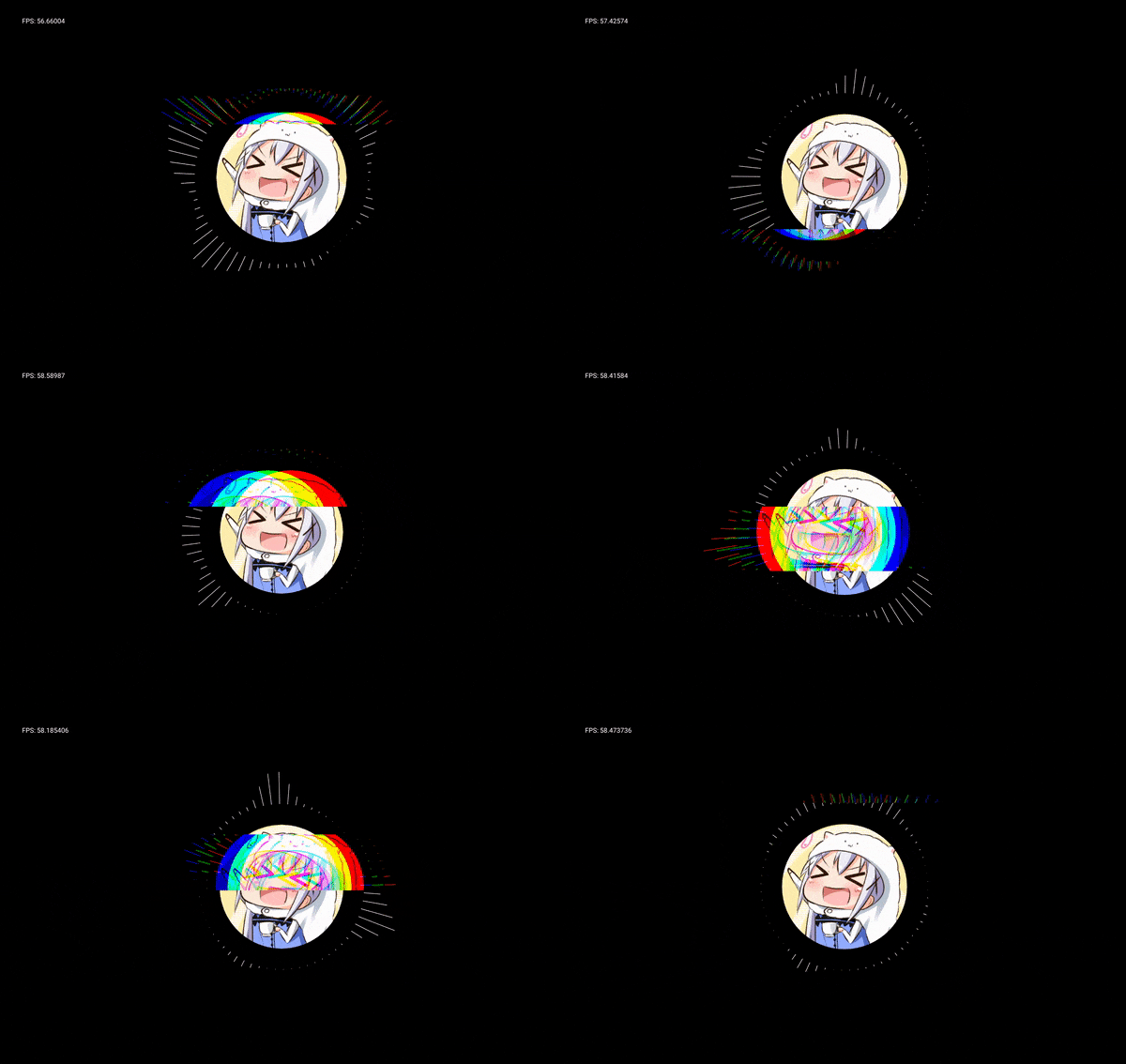
Glitch+Beat+Rotate, SimpleIcon, FftCircle
Shake, SimpleIcon, FftCircleWaveRgb, Waveform
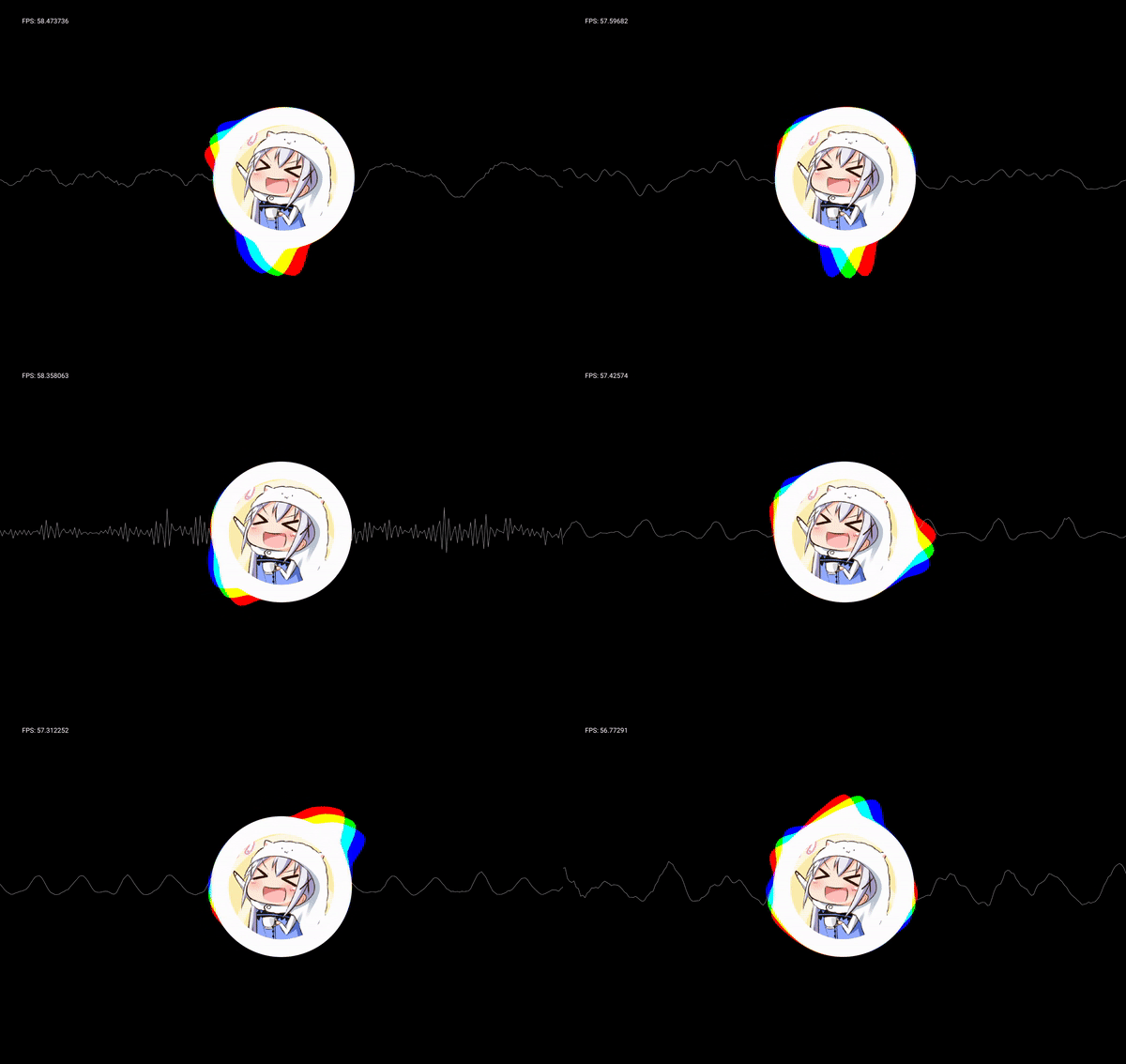
Shake, Background, FftCircle

Video
You can watch it on my Google Drive. Full-screen+HD recommended!
☆ I don't own the music, icon and wallpaper. For demonstration purpose only.
Please!! (。>u<。)
While the library isn't quite ready yet, feel free to open an issue if you have any problem/suggestion ❤️
Star my project if you like it! 🌟
Stay tune!!
Parameter's Naming Convention
Just for reference \(;゚∇゚)/ Some of them might not accurate, but you will get the idea.
-
bitmap = Bitmap class. Doesn't have a default param value.
-
text = String. "" by default.
-
painter = Painter class. Doesn't have a default param value.
-
painters = List of Painter class. Doesn't have a default param value.
-
paint = Paint class. Lots of customization could be done here. For example, change color, style, stroke_width ...
-
startHz = Start Frequency
-
endHz = End Frequency
-
num = Number of Bars/Bands; In case of "Wave", number of slices. (The more slices, the better quality of the curves = computational heavier)
-
interpolator = The method of interpolation. "li" for Linear, "sp" for Spline.
-
side = The side where the drawing should appear. "a" for Side A (= up/out), "b" for Side B (= down/in), "ab" for Both Side
-
mode = *Might be changed in the future. Mode. "mirror" for Mirror mode.
-
xR = The ratio of X position to the canvas.width (= the width of the visualizer's view) For example, 0f mean the start/left, while 1f mean the end/right of the screen.
-
yR = The ratio of Y position to the canvas.height (= the height of the visualizer's view) For example, 0f mean the top, while 1f mean the bottom of the screen.
-
wR = The ratio of width to the canvas.width
-
hR = The ratio of height to the canvas.height
-
X = *Change confirmed. The X position
-
Y = *Change confirmed. The Y position
-
gapX = *Might be changed in the future. The width of the gap.
-
baseR = *Might be changed in the future. The ratio of radius to the canvas.width
-
ampR = The rate of amplification. 1f by default.
-
beatAmpR = *Might be changed in the future. The rate of amplification of beat.
-
peak = *Might be changed in the future. The threshold of beat.
-
rpm = Rotation per minute.
-
enableBoost = *Might be changed in the future. To use "Power Spectrum" instead.
more like this
DroidKlipp
Install and monitor KlipperScreen on Android via DroidKlipp APK, USB ADB forwarding, and WiFi fallback