dotfiles-win
:see_no_evil: oh-my-zsh on bash on windows configuration files
 jieverson
git clone https://github.com/jieverson/dotfiles-win.gitjieverson/dotfiles-windotfiles-win
My Bash Zsh on Ubuntu on Windows configuration files. (See my arch linux configuration files here)
Windows 10 can now officially run native Ubuntu subsystem. Its default settings comes with Bash, but it's possible to install different shells (my settings are using Zsh). If you need to learn how to install Ubuntu on Windows, take a look at this Microsoft Guide.
usage
Just run install.sh to install zsh (including oh-my-zsh and other important stuff) and symlink all dotfiles.
$ git clone https://github.com/jieverson/dotfiles-win.git ~/.dotfiles
$ sudo ~/.dotfiles/install.sh
To keep up to date, you can just pull this repo, and re-run install.sh.
screenshots
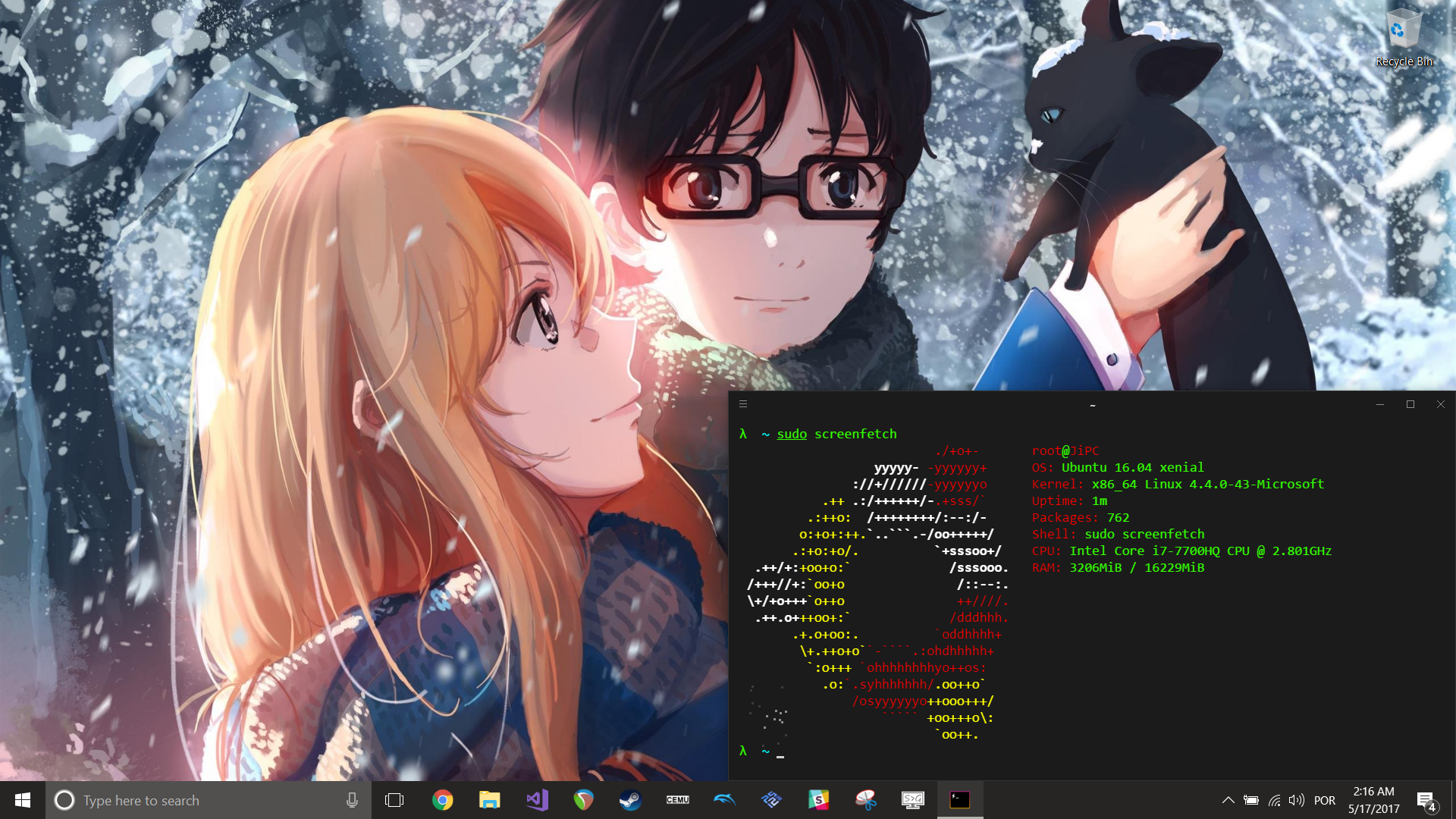
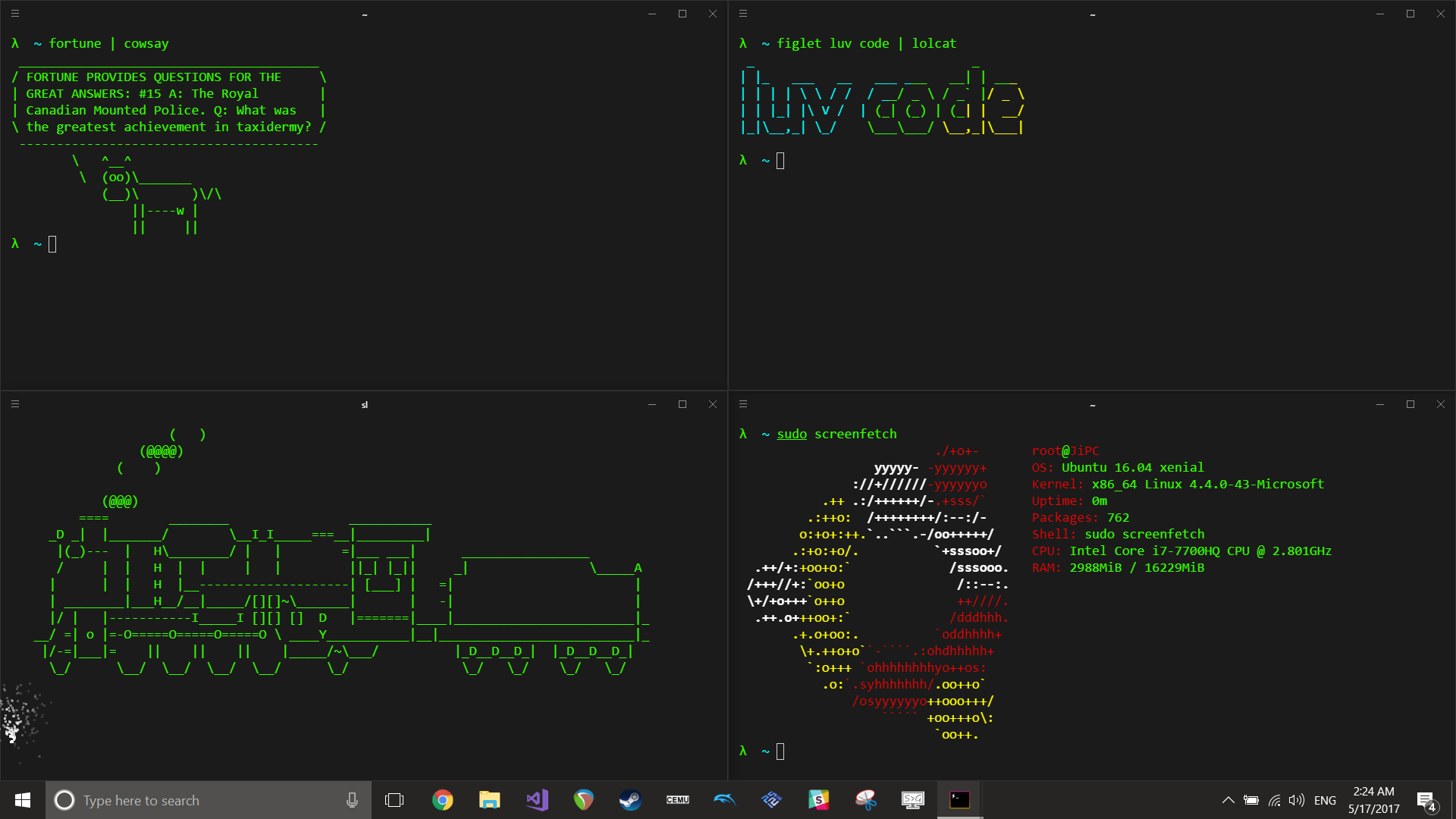
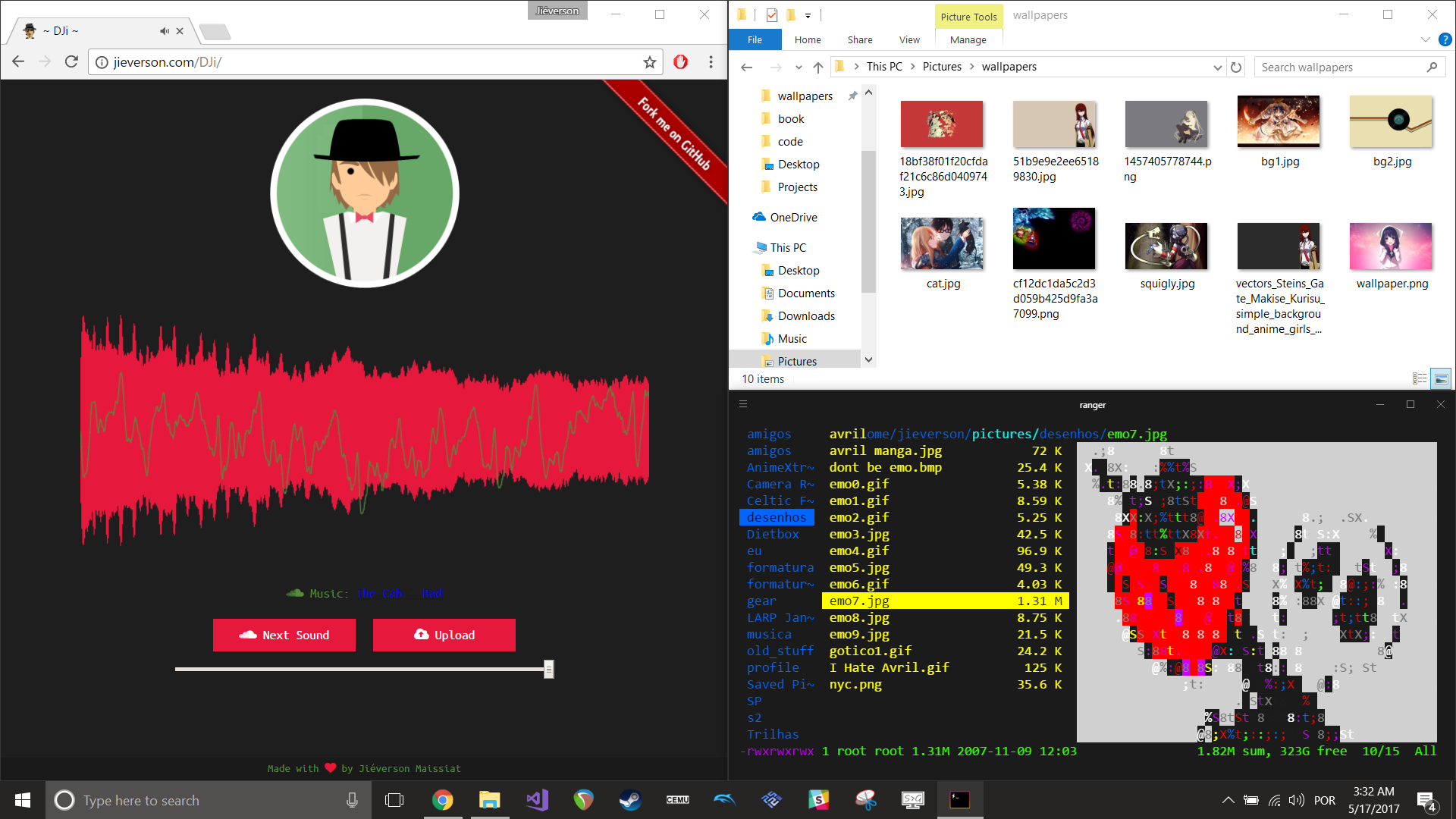
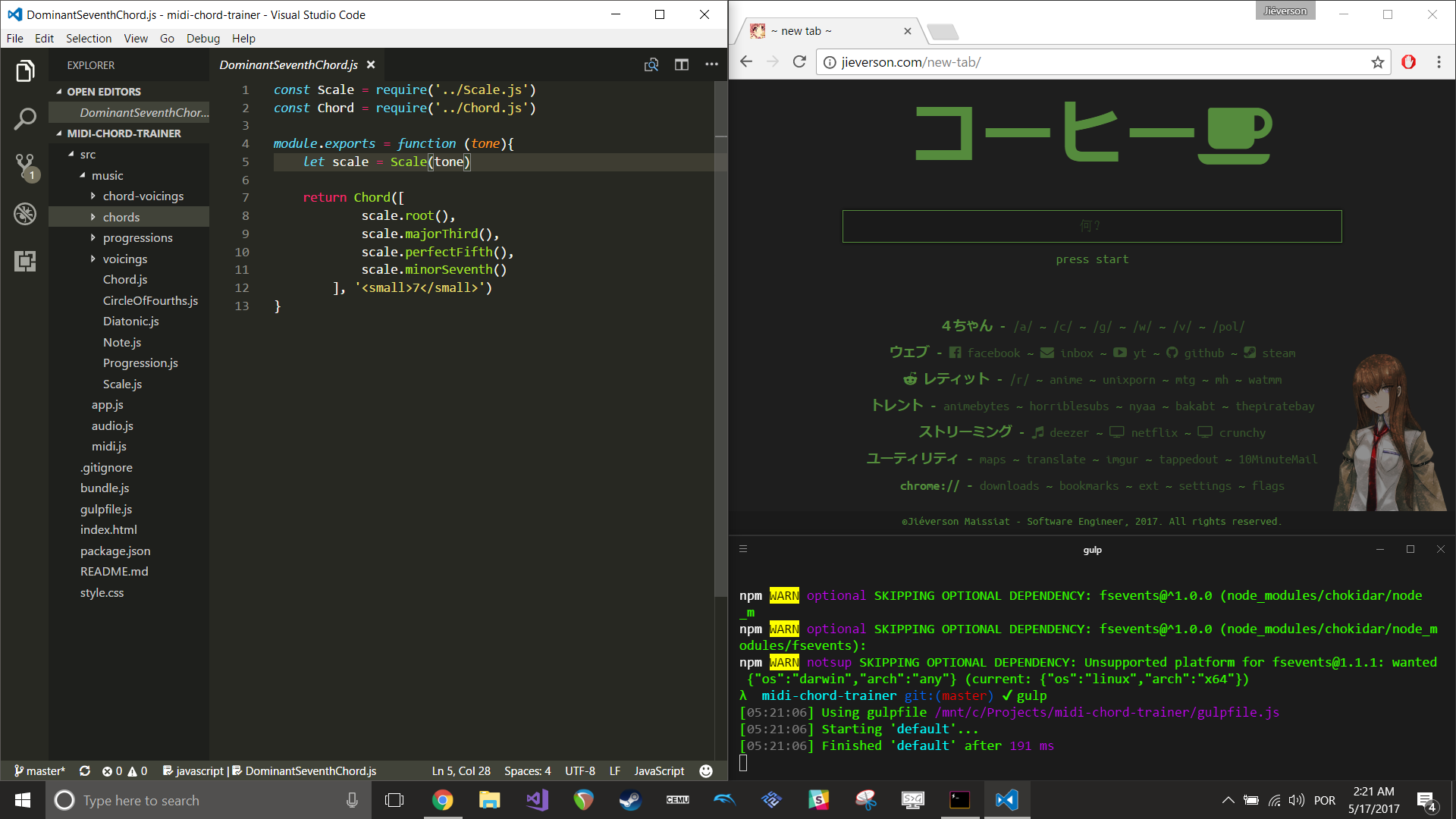

Windows Wallpaper for 4k resolution: ./wallpaper.jpg
About My Terminal Emulator
As you can see at screenshots, I'm not using Windows default console emulator. I'm using Hyper. It's a customizable Terminal Emulator built in js. To use my settings, just copy .hyper.js to your Windows home directory
cp ./.hyper.js ~/c/Users/{YOUR_USER}/
I've been using Cmder (GitHub Repo) in the past, and my settings can be found at ./cmder/config/ConEmu.xml.
more like this
deoplete-zsh
dotfiles
Poom's Neovim, Tmux, Fish and other configurations for macOS & Linux. Literally my entire world.