esphome-media-player
Touch screen display for showing cover artwork from any Home Assistant media entity
 jtenniswood
git clone https://github.com/jtenniswood/esphome-media-player.gitjtenniswood/esphome-media-playerESPHome Media Player for Home Assistant
Important
Support for ESPHome Media Player is ending. Please migrate to EspControl, which includes all the features from this project and more. Follow the migration guide to move your device across.
Turn an ESP32 touchscreen into a dedicated music controller for your home.
This project gives Home Assistant users a small, always-on display for their speakers. It shows album artwork, track details, playback progress, volume, and useful controls without needing to open the Home Assistant app or pick up a phone.
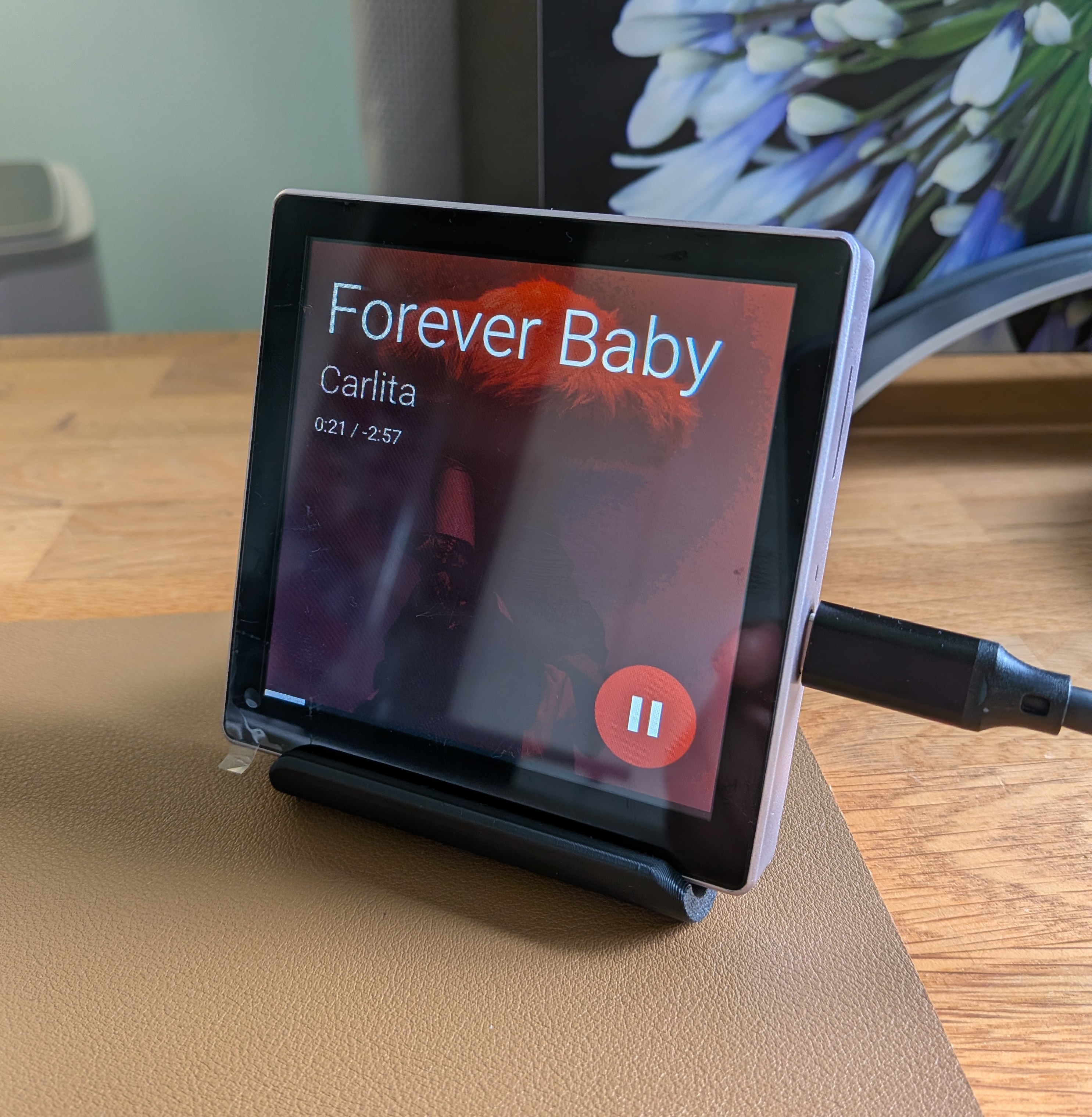
What this unlocks
ESPHome Media Player is for people who want their music controls to feel like part of the room.
You can place a touchscreen next to a speaker, on a desk, by the sofa, in the kitchen, or anywhere you want quick control. Once connected to Home Assistant, the display follows the media player you choose and becomes a dedicated control surface for that room.
With it, you can:
- See what's playing at a glance with large album art, title, artist, and progress.
- Control music without opening an app using touch controls for play, pause, skip, and volume.
- Give guests and family a simple shared controller without giving them access to your phone or Home Assistant dashboard.
- Make speaker setups feel more polished by adding a purpose-built display to Sonos, Google Cast, Music Assistant, and other Home Assistant media players.
- Control multi-room speaker groups from the screen when your speaker platform supports grouping.
- Use TV or Line-in sources more clearly by showing the active source and linked playback information where supported.
- Keep the screen comfortable day and night with dimming, screen saver, clock, night brightness, and optional warmer screen tone.
The goal is simple: take the media players you already have in Home Assistant and give them a physical touchscreen experience.
What you can do from the screen
- View full-screen album artwork.
- See song title, artist, elapsed time, remaining time, and progress.
- Play, pause, skip forward, and skip back.
- Adjust volume with a touch-friendly control.
- Open speaker grouping controls on supported platforms.
- Let the screen dim, show a clock, or turn off when nothing is playing.
- Wake the screen with a touch or when playback starts again.
Easy setup and updates
You do not need to be a developer to use the normal release builds.
The documentation includes a browser-based installer that flashes the firmware to a supported display. After the first install, the device joins your Wi-Fi network, appears in Home Assistant through ESPHome, and can be configured from its own local settings page.
From that settings page you can choose the Home Assistant media player to control, adjust brightness and idle behavior, configure screen saver options, and manage firmware updates. Future updates can install over Wi-Fi, so you usually do not need to reconnect the USB cable after setup.
What you need
- A supported ESP32 touchscreen display.
- A USB-C data cable for the first install.
- A computer running Chrome or Edge for browser flashing.
- Home Assistant on your network.
- At least one Home Assistant
media_playerentity, such as a Sonos speaker, Google Cast speaker, Music Assistant player, TV, or other supported media player.
Supported screens
| Device | Size | Buy |
|---|---|---|
| Guition ESP32-S3 4848S040 | 4 in (480 x 480) | AliExpress |
| ESP32-P4 86 Panel | 4 in (720 x 720) | Waveshare |
| Guition ESP32-P4 JC4880P443 | 4.3 in (800 x 480) | AliExpress |
| Guition ESP32-P4 JC1060P470 | 7 in (1024 x 600) | AliExpress |
| Guition ESP32-P4 JC8012P4A1 | 10.1 in (1280 x 800) | AliExpress |
Works with Home Assistant
ESPHome Media Player is built for Home Assistant and ESPHome. It controls Home Assistant media player entities, so the exact features available depend on what your speaker, TV, or media integration exposes to Home Assistant.
It has been tested with Google and Sonos speakers, and it is designed to work with any Home Assistant media player that provides the needed controls and media information.
Learn more
- Installation guide - flash, connect, and configure your display.
- Feature overview - see what the controller can do.
- Web settings - configure the device from its local settings page.
- Firmware updates - update over Wi-Fi.
- Speaker grouping - control multi-room groups from the touchscreen.
- Troubleshooting - common fixes if something does not behave as expected.
Support this project
If you find this project useful, consider buying me a coffee to support ongoing development.
Feedback
Ideas, questions, and bug reports are welcome. Please open an issue on GitHub.
License
This project is licensed under the PolyForm Noncommercial License 1.0.0.
You can view, use, share, and modify it for non-commercial purposes. Commercial use is not allowed without separate permission. Because it restricts commercial use, this is source-available rather than OSI-approved open source.
Gallery
Guition ESP32-P4 JC8012P4A1 (10.1")
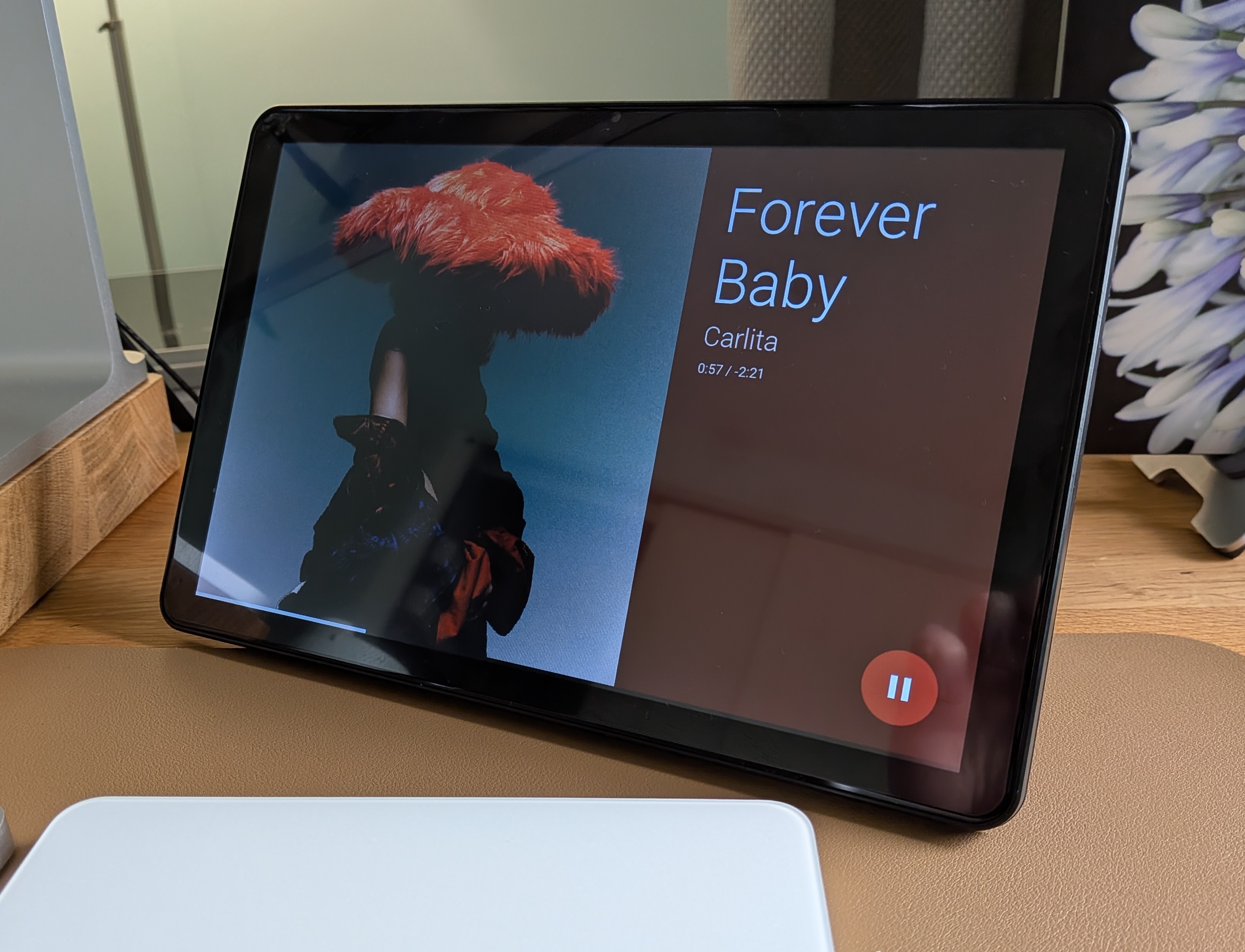
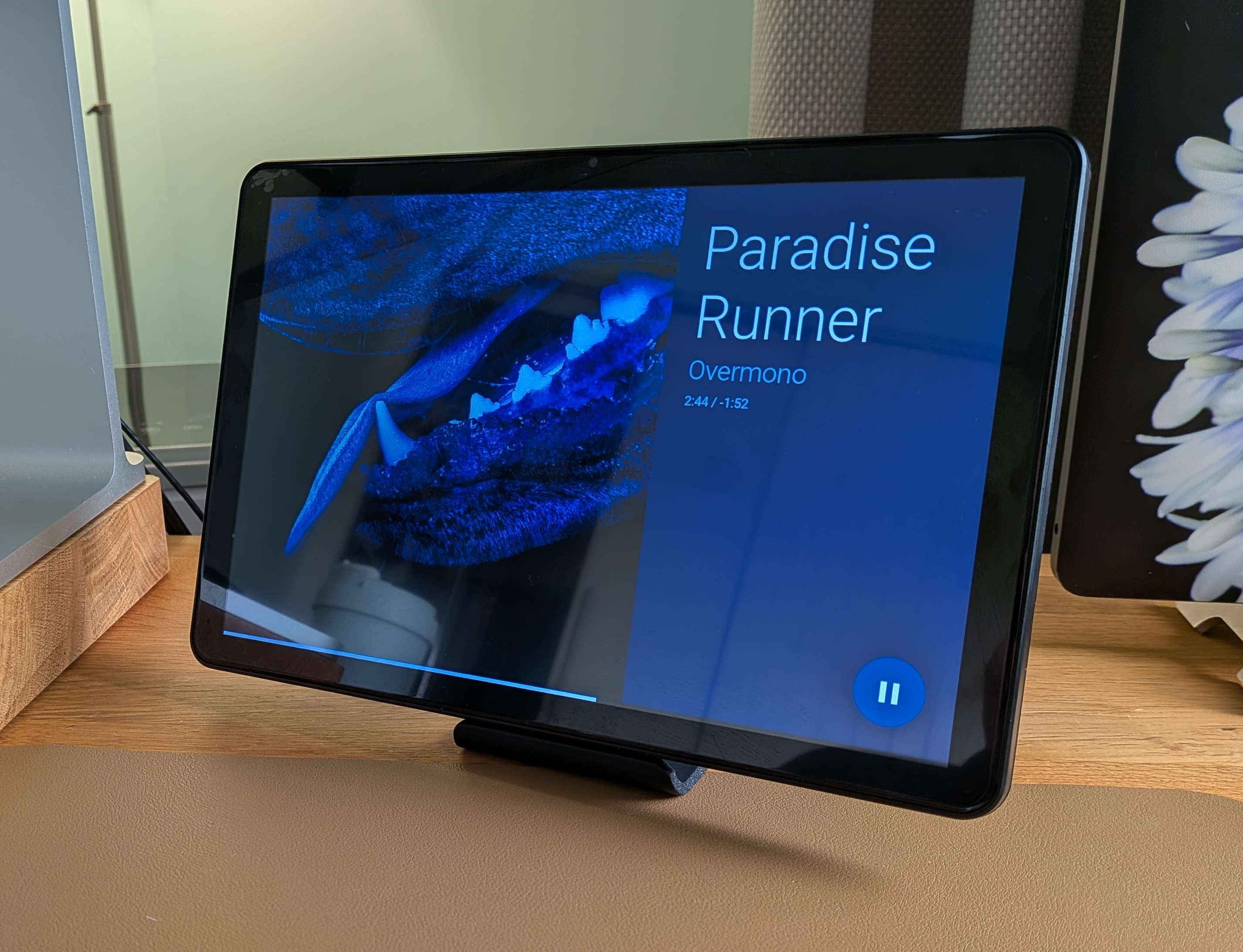
Guition ESP32-S3 4848S040 (4")
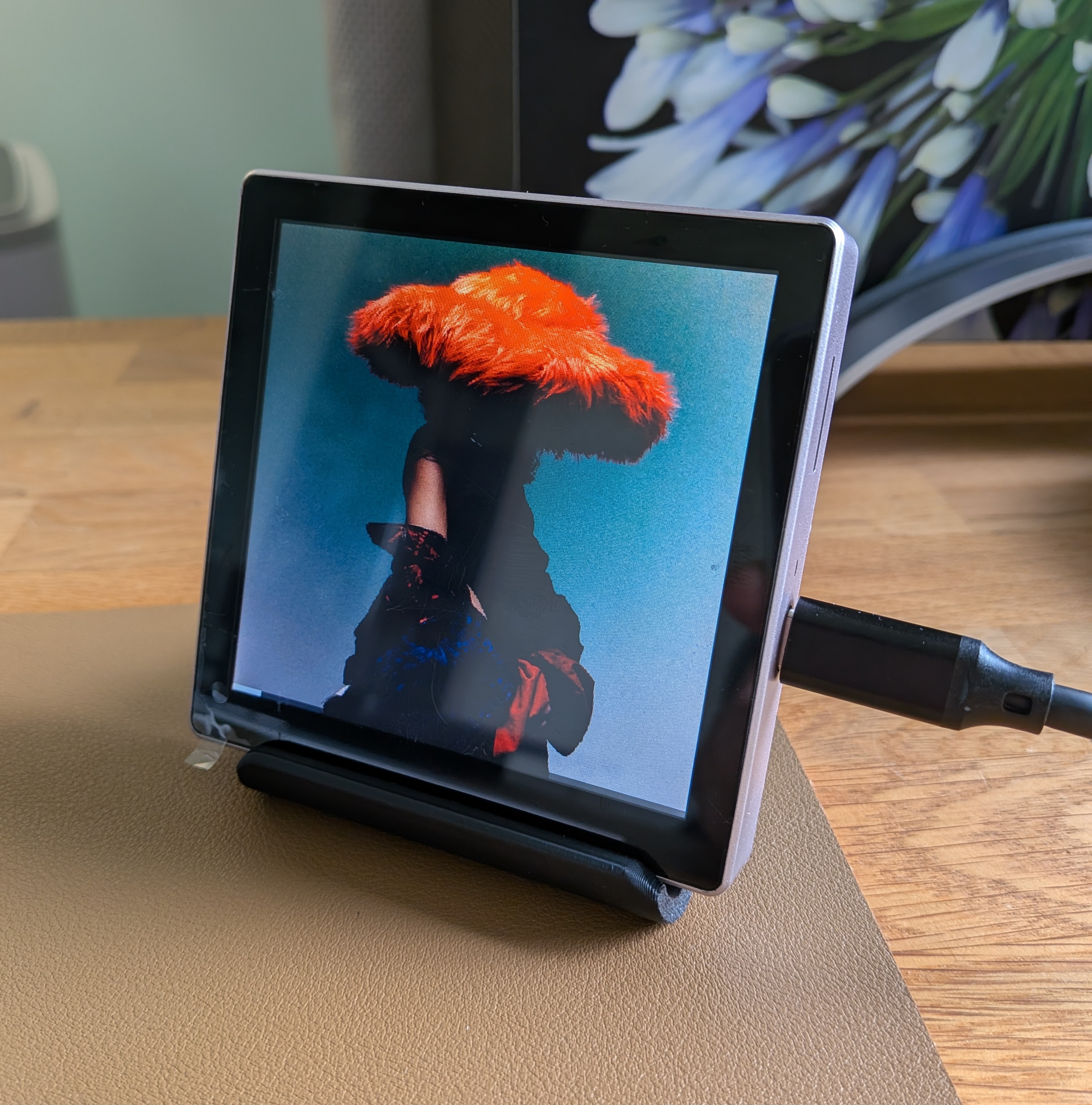
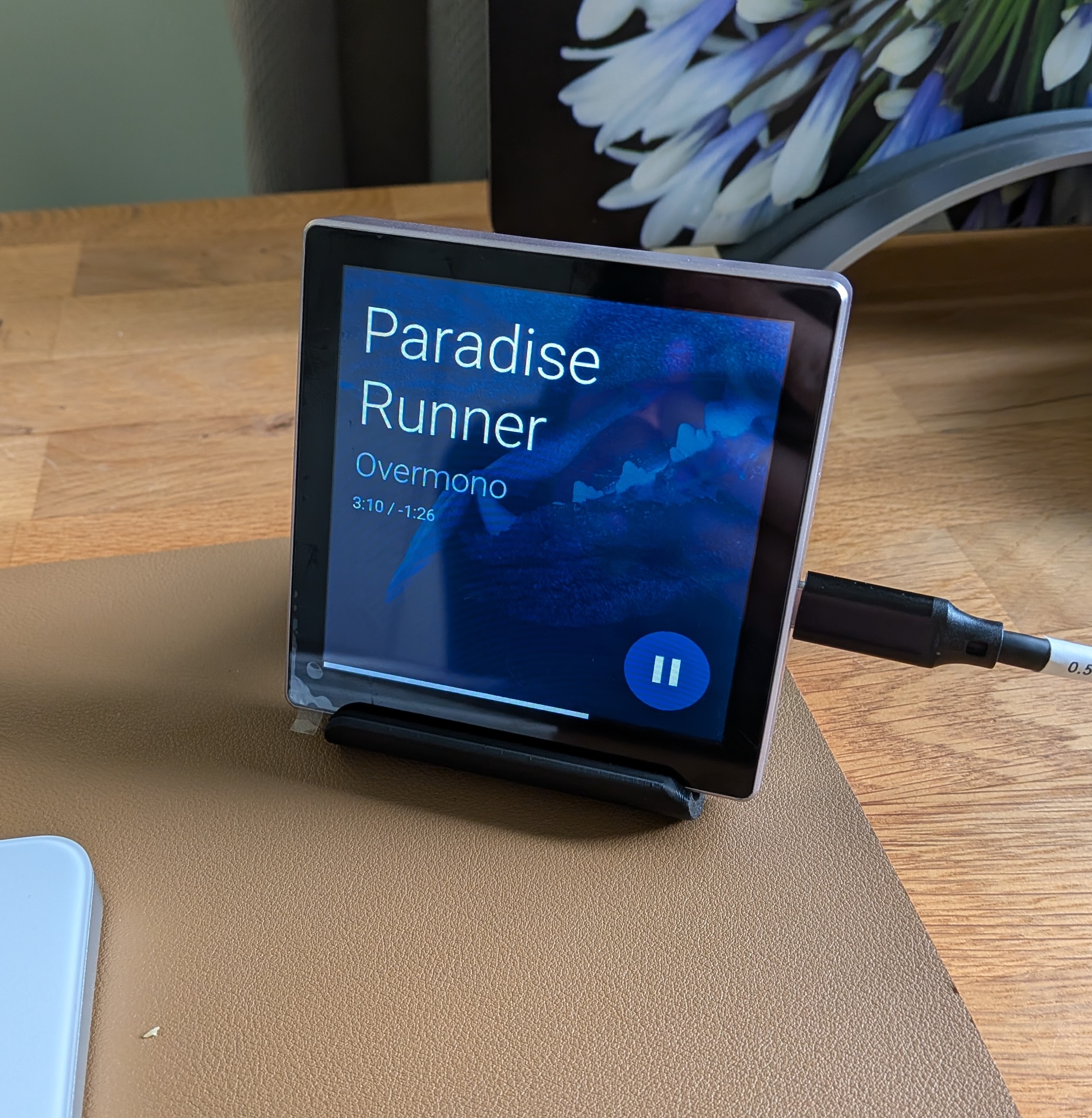
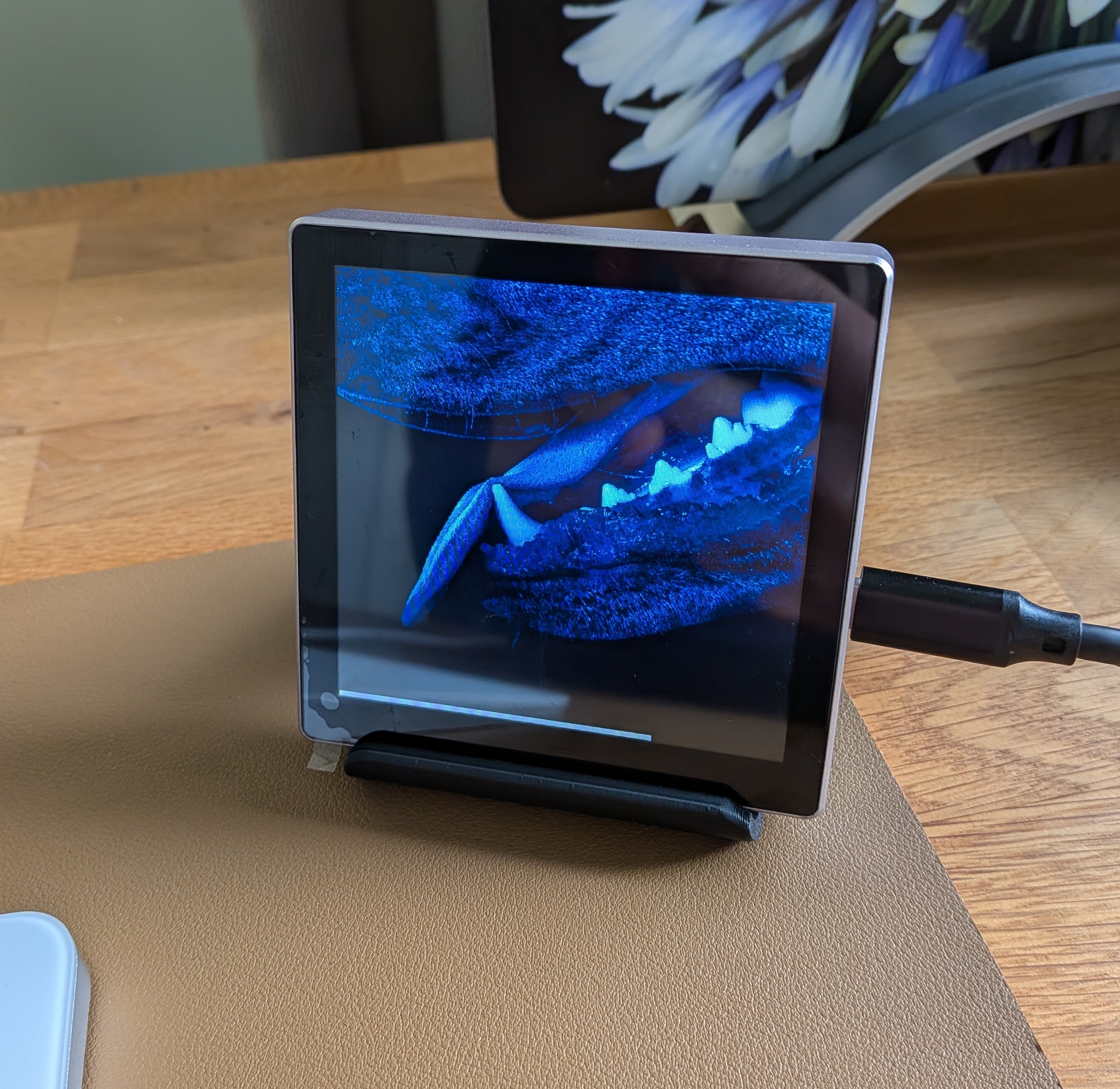
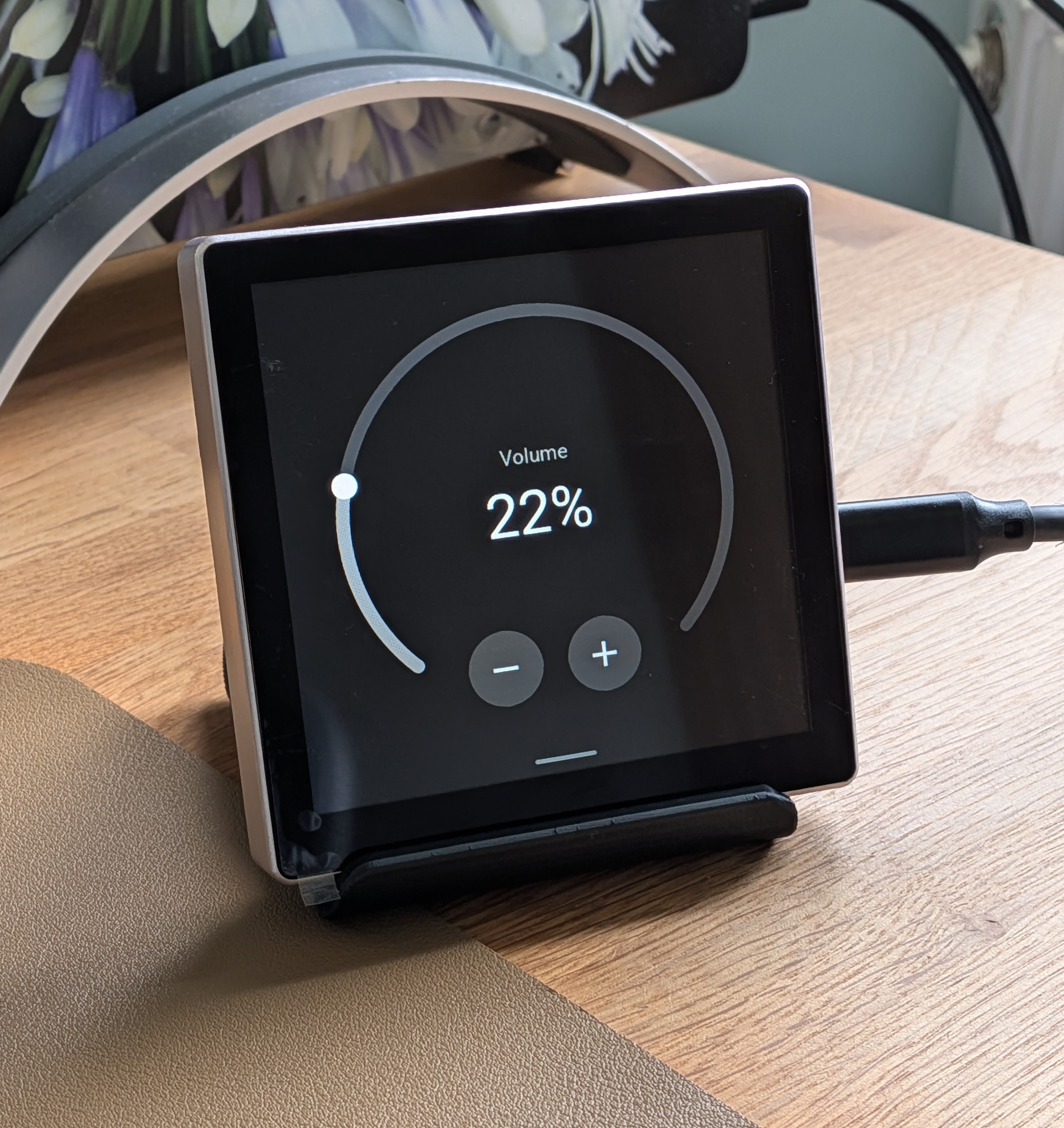
More screenshots are available in the documentation.
more like this
PowerDisplayESPHome
A small display for ESPHome and Home Assistant to retrieve the current house consumption and energy price via a sensor…