typora-github-night-theme
Dark Typora themes that reproduce the new GitHub Dark Themes as much as possible.
 kinoute
git clone https://github.com/kinoute/typora-github-night-theme.gitkinoute/typora-github-night-themeGitHub Night Themes for Typora
Three dark themes for Typora, a multi-platform Markdown Editor, that reproduces the new GitHub Dark Themes, recently deployed on their website — Default Dark, Dark dimmed, Dark High Contrast.
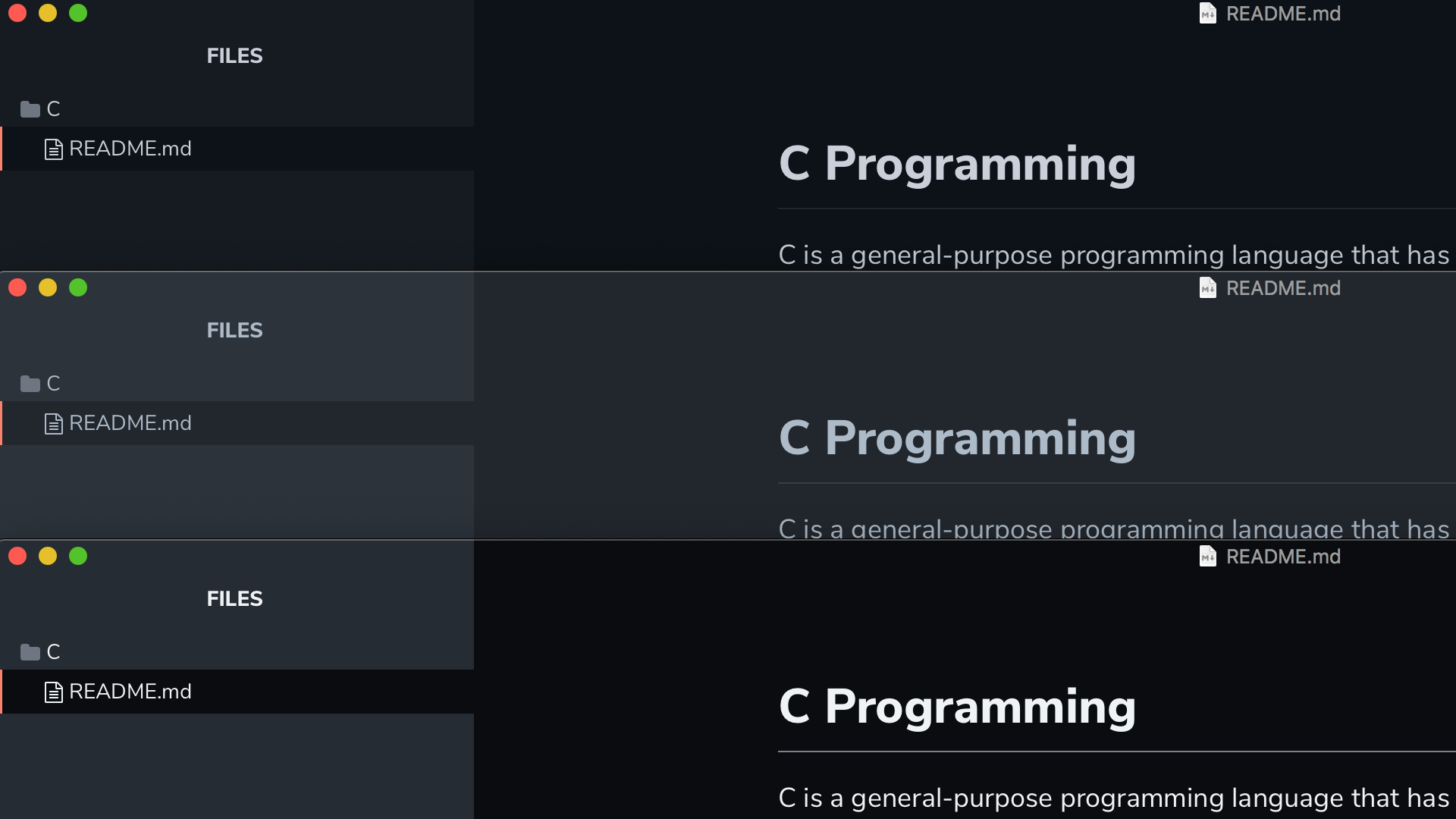
Installation
- Download the zipped project package or the latest stable release.
- Launch Typora and open
Preferencesfrom the app menu. - Go to the
Appearancetab, and chooseOpen Theme Folder. - Copy all the
github-night*.cssfiles and thegithub-nightfolder to your Typora theme library. - Launch or restart Typora and choose one of the
GitHub Nightthemes from the theme menu.
Status
The themes are usable on all three platforms. Since I have only macOS at my disposal right now to test, the themes might look weird on Windows/Linux and still need improvements.
For that matter, Issues and Pull Requests are very welcome!
Screenshots
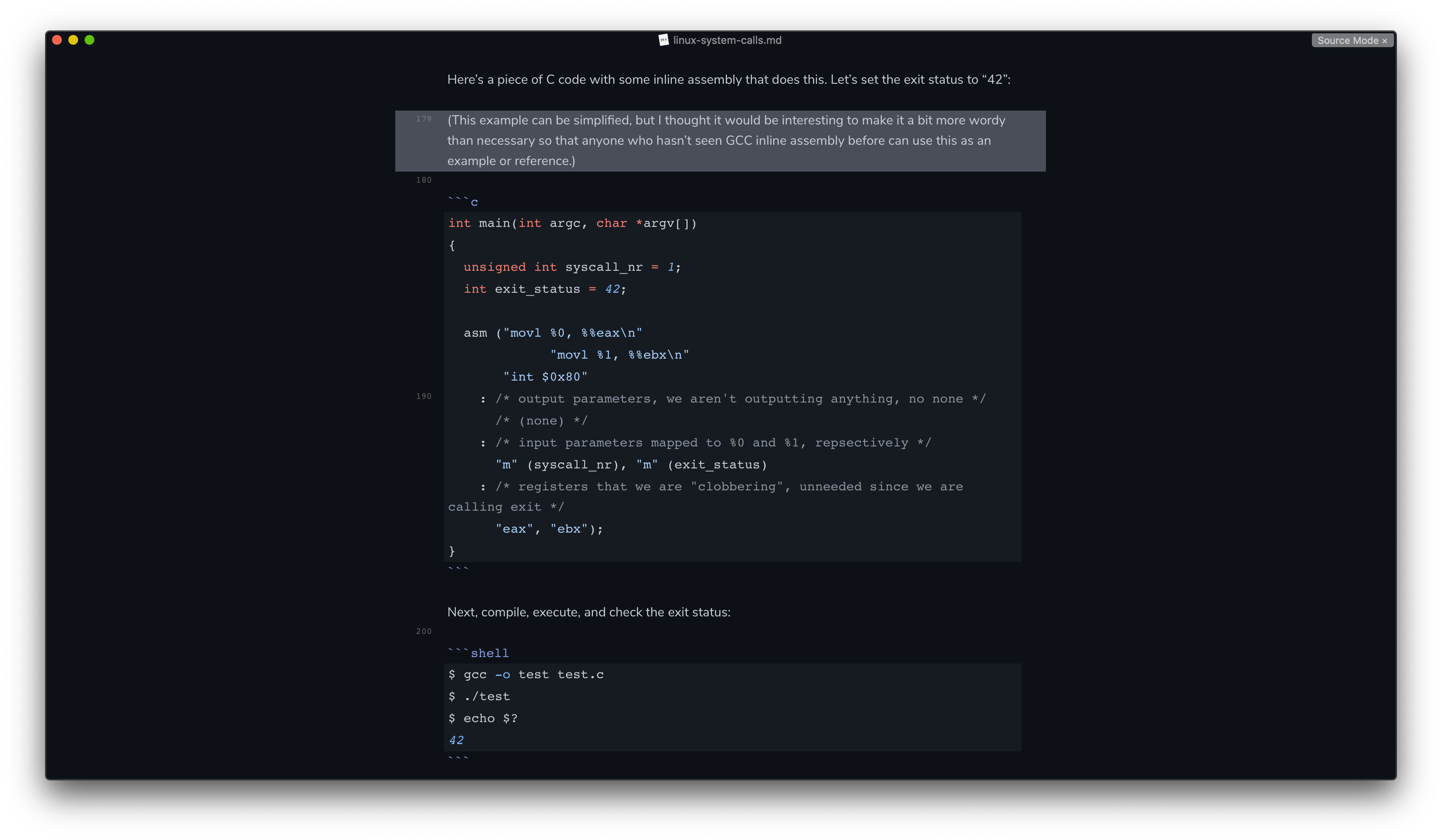
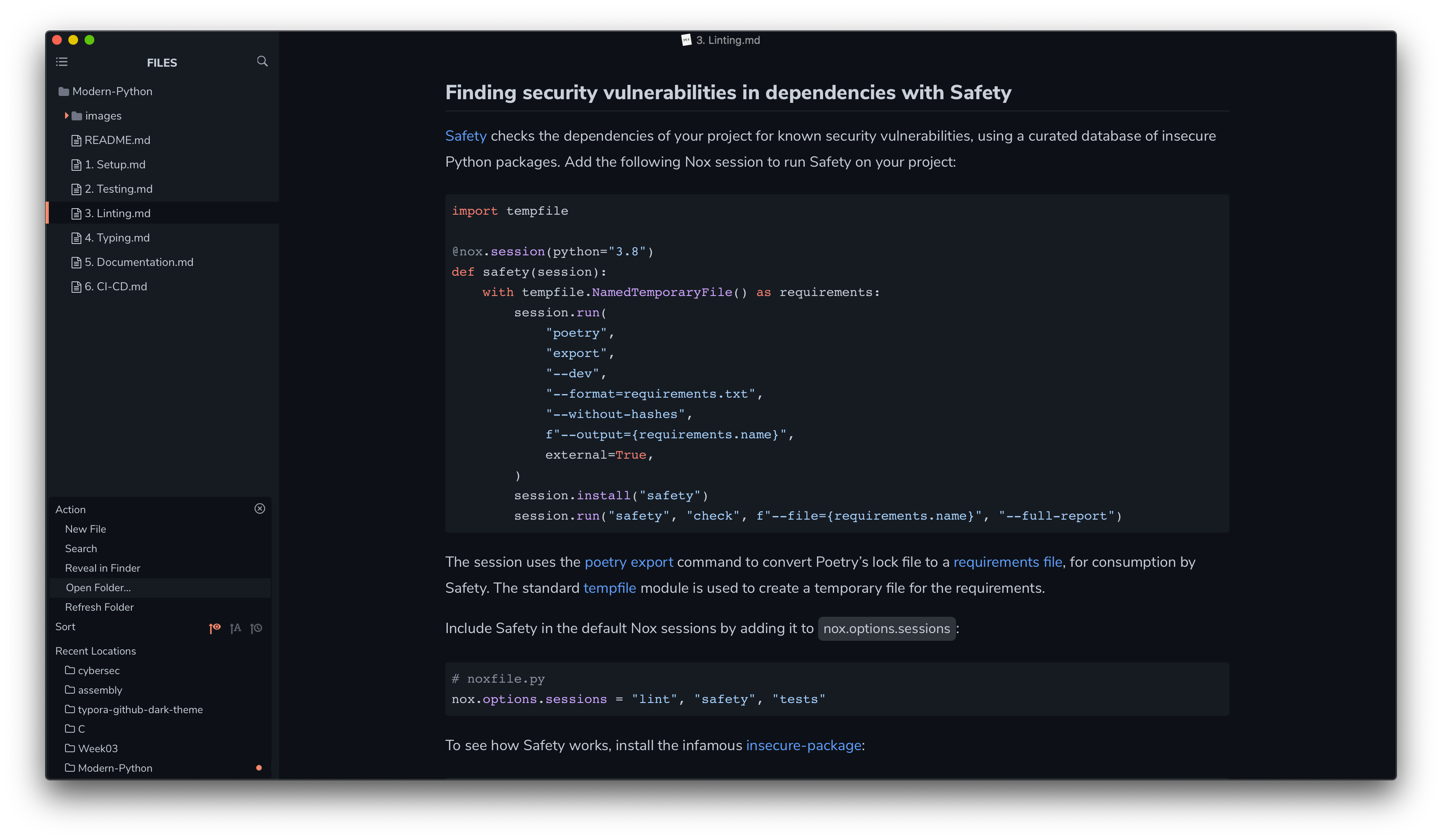
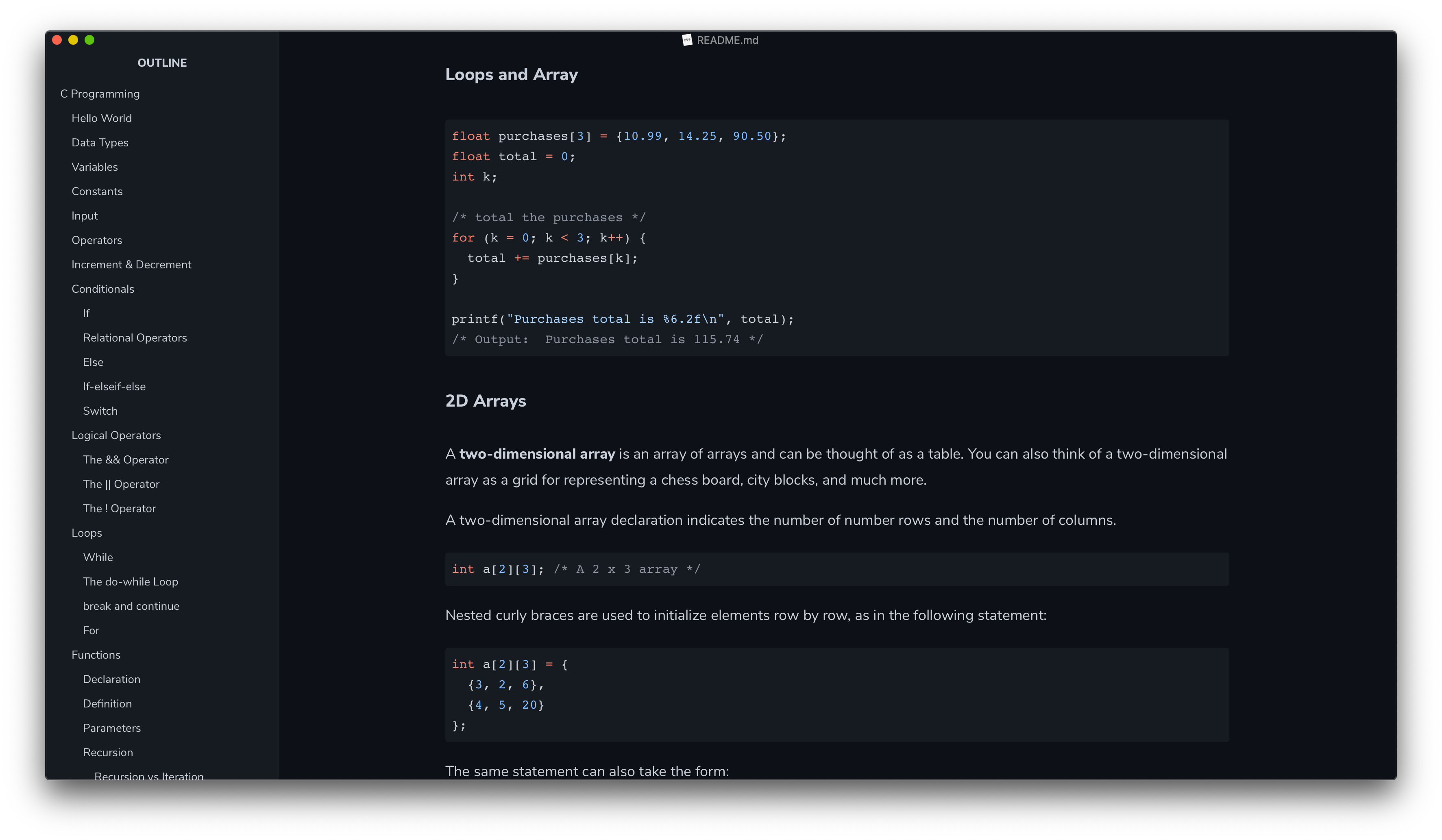
All the screenshots below feature the default GitHub Dark theme, "GitHub Night".
Articles
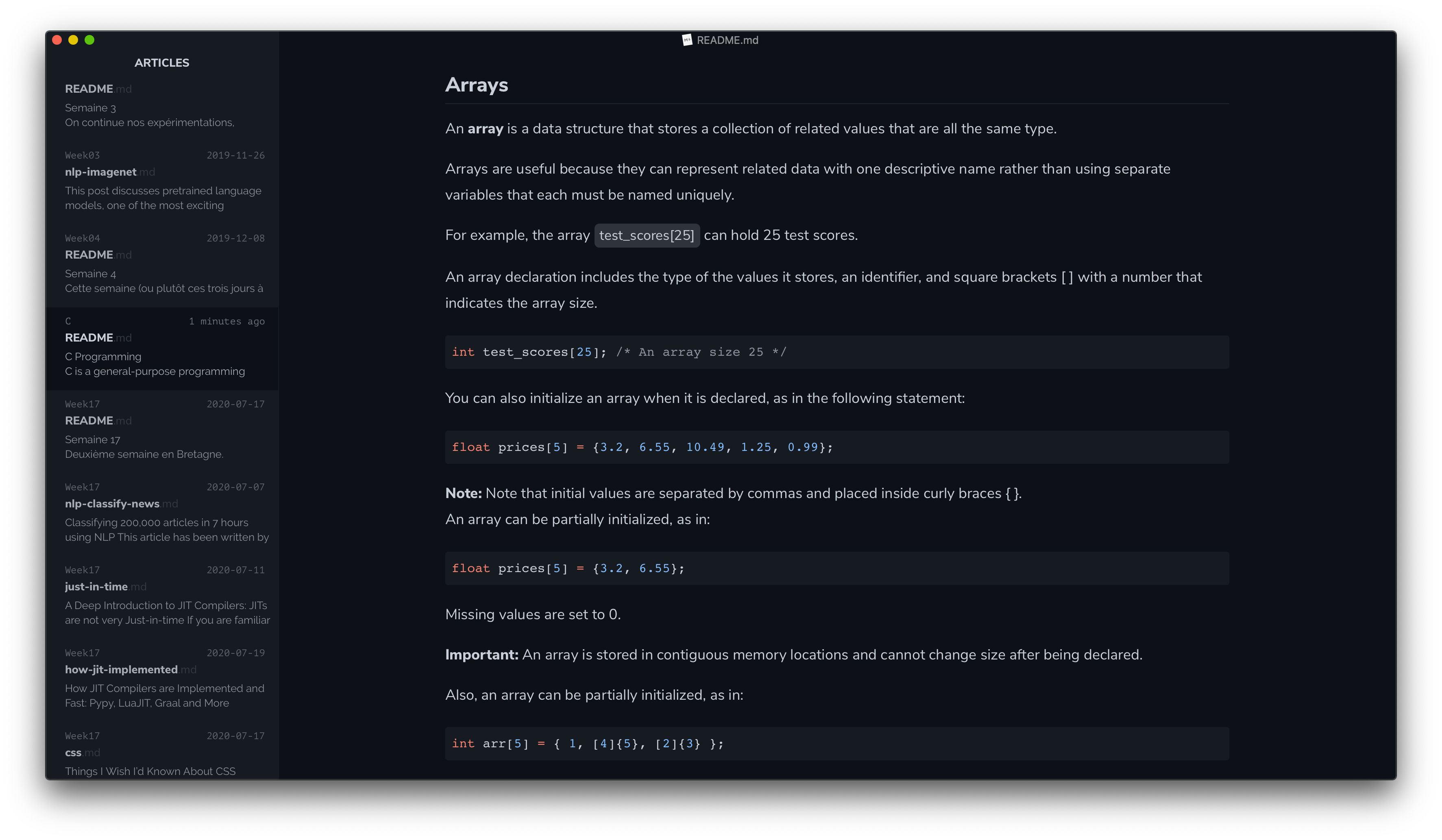
Source Mode
Focus Mode
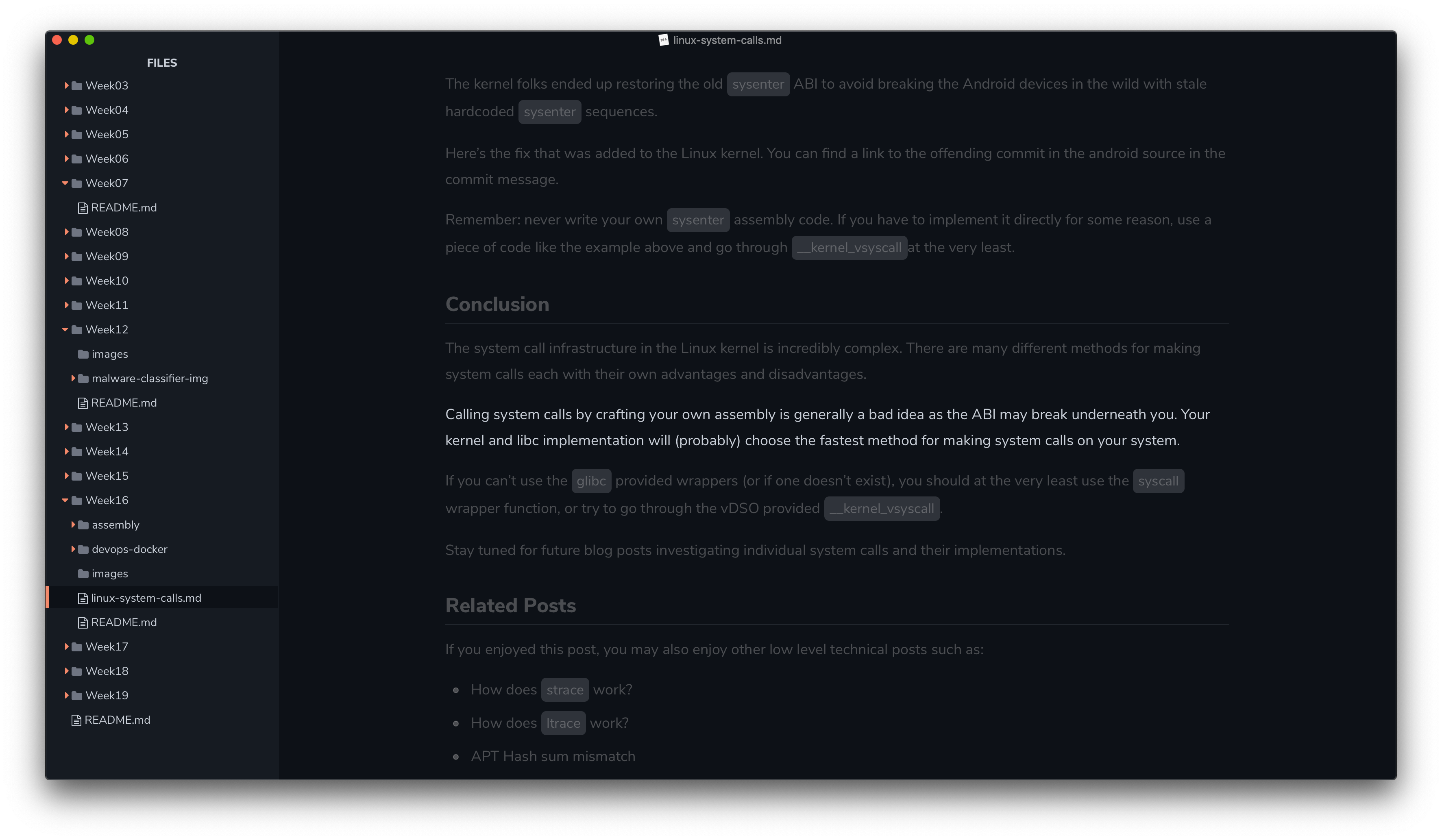
Code Blocks & Folders Menu
Plan
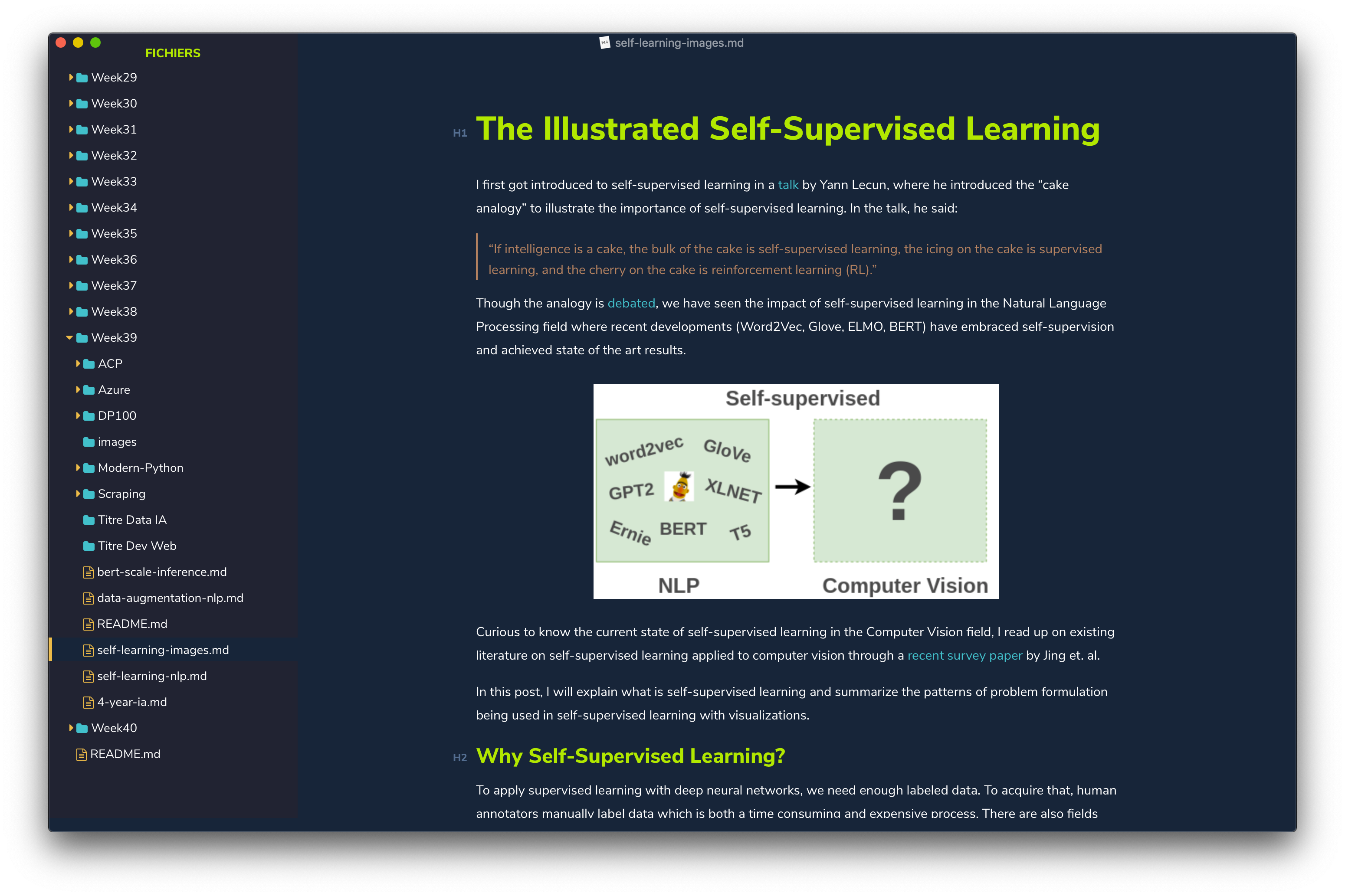
Other theme in Typora
I made another theme for Typora, a dark blue one. It's called "Hivacruz" and you can find it here: https://github.com/kinoute/typora-hivacruz-theme.
Other themes in other apps
I made other themes for different applications. Here there are:
- Sublime Text theme: https://github.com/kinoute/hivacruz-sublime-theme
- VSCode Theme: https://github.com/kinoute/vscode-hivacruz-theme
- Vim Theme: https://github.com/kinoute/vim-hivacruz-theme
- iTerm2: https://github.com/kinoute/hivacruz-itermcolors
- Nova: https://github.com/kinoute/hivacruz-nova-theme
Credits
- Created by Yann Defretin.
- Based on the official GitHub Dark Themes available on their website.
- The main font used is Nunito designed by Vernon Adams.
- The font used for Code Blocks is San Francisco Mono by Apple.
more like this