mfd.nvim
monochrome neovim themes
 kungfusheep
git clone https://github.com/kungfusheep/mfd.nvim.gitkungfusheep/mfd.nvimmfd.nvim
Monotone colorschemes for Neovim. Eighteen variants, from phosphor CRTs to night vision display technologies. Inspired by the aesthetics of military MFDs (multi-function displays) and vintage computer terminals.
Tip
New:
mfd-nerv Evangelion NERV terminal — Warm orange phosphor + bleed.
accessibility_contrast slider (0–10) for WCAG-compliant contrast.
mfd-lumon Lumon Industries MDR terminal with CRT phosphor glow.
mfd-gbl Game Boy Light electroluminescence, dark and light variants.
mfd-flir 4 thermal display schemes.
mfd-blackout true black, ultra-low contrast for late night use.
Aesthetic inspiration from U.S. Graphics Company - thanks for the beautiful work.
Themes
MFD / MFD-DARK
Olive sage.
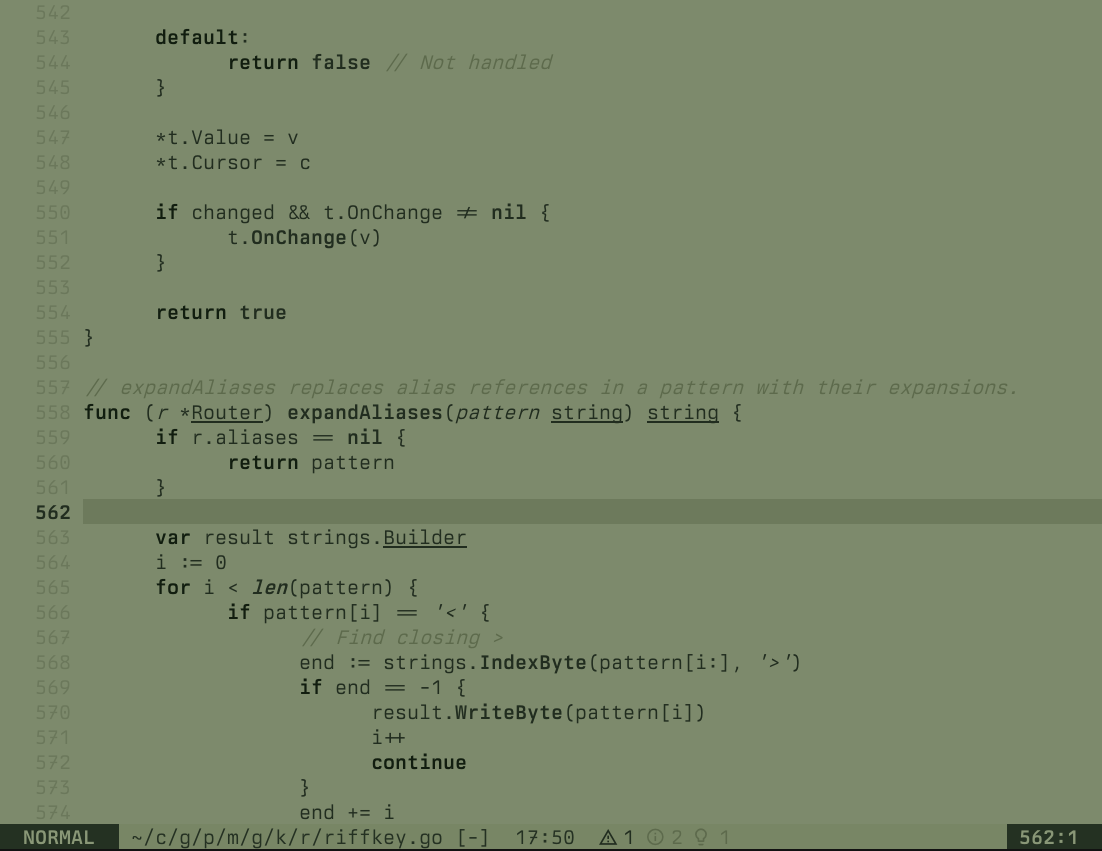
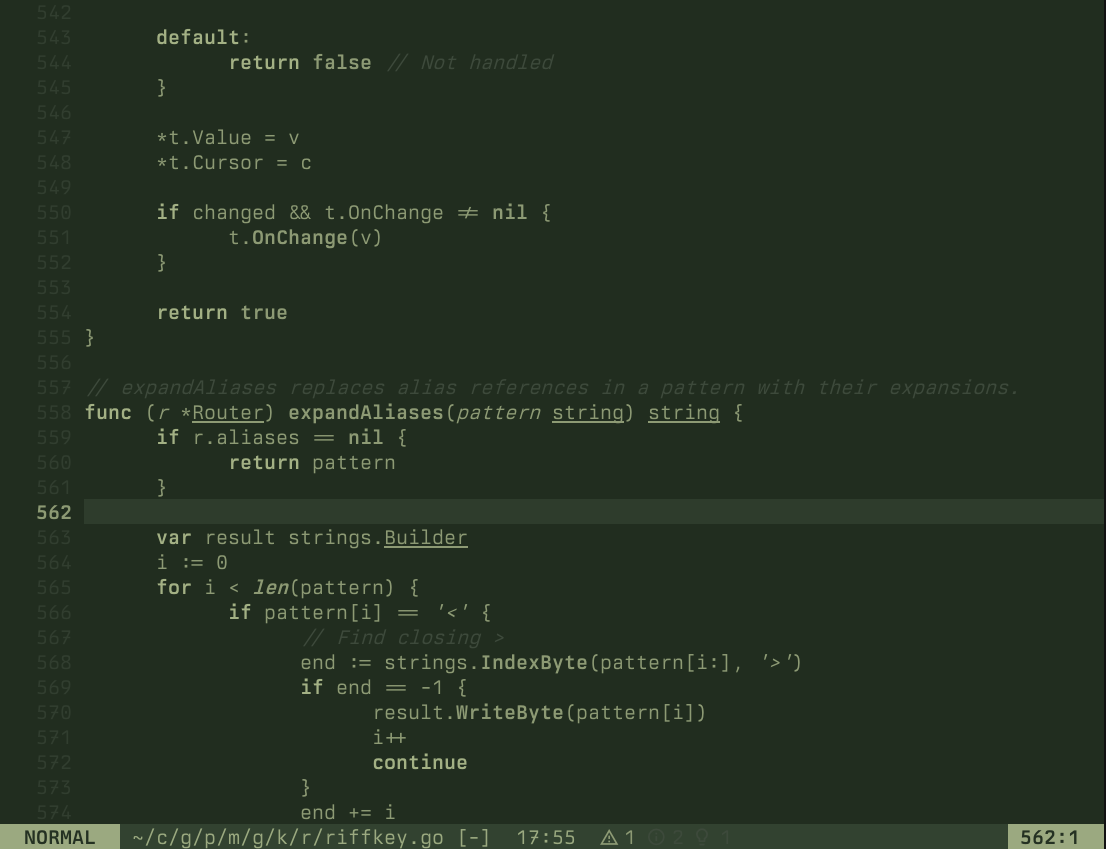
MFD-STEALTH
Green phosphor.
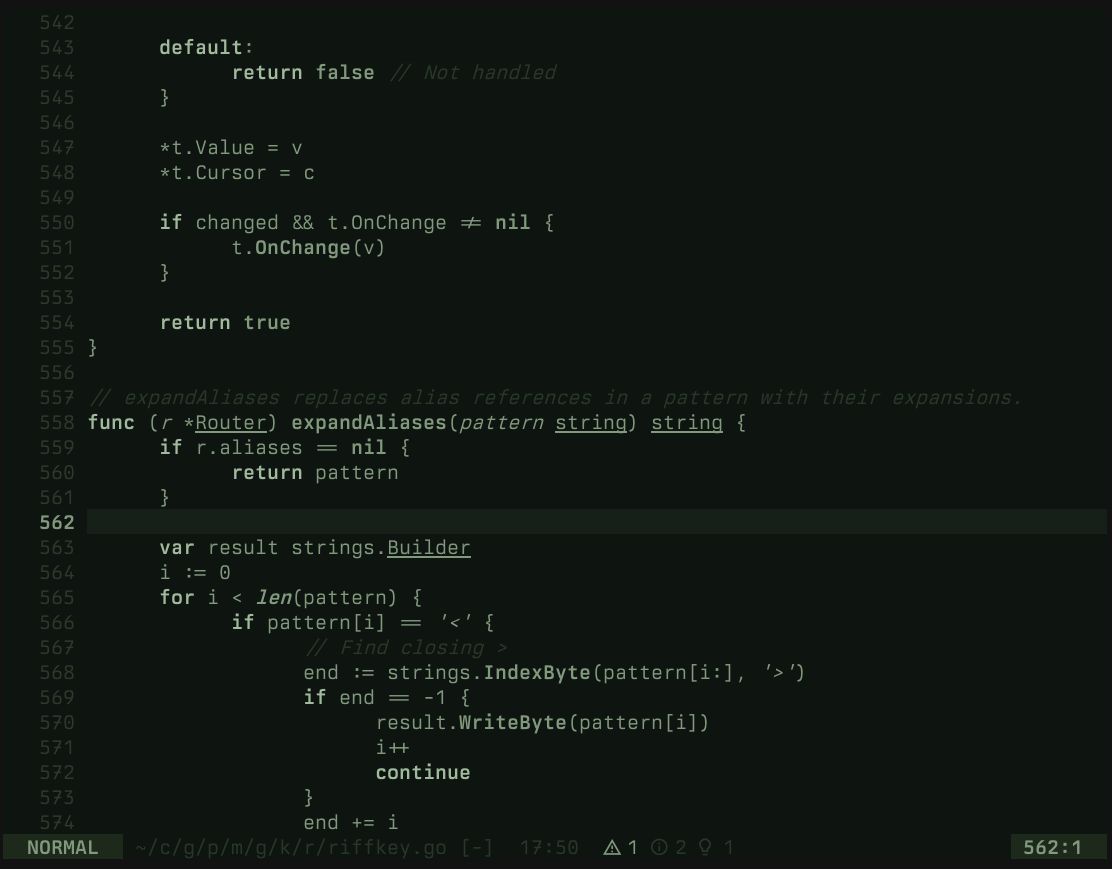
MFD-AMBER
Amber phosphor.
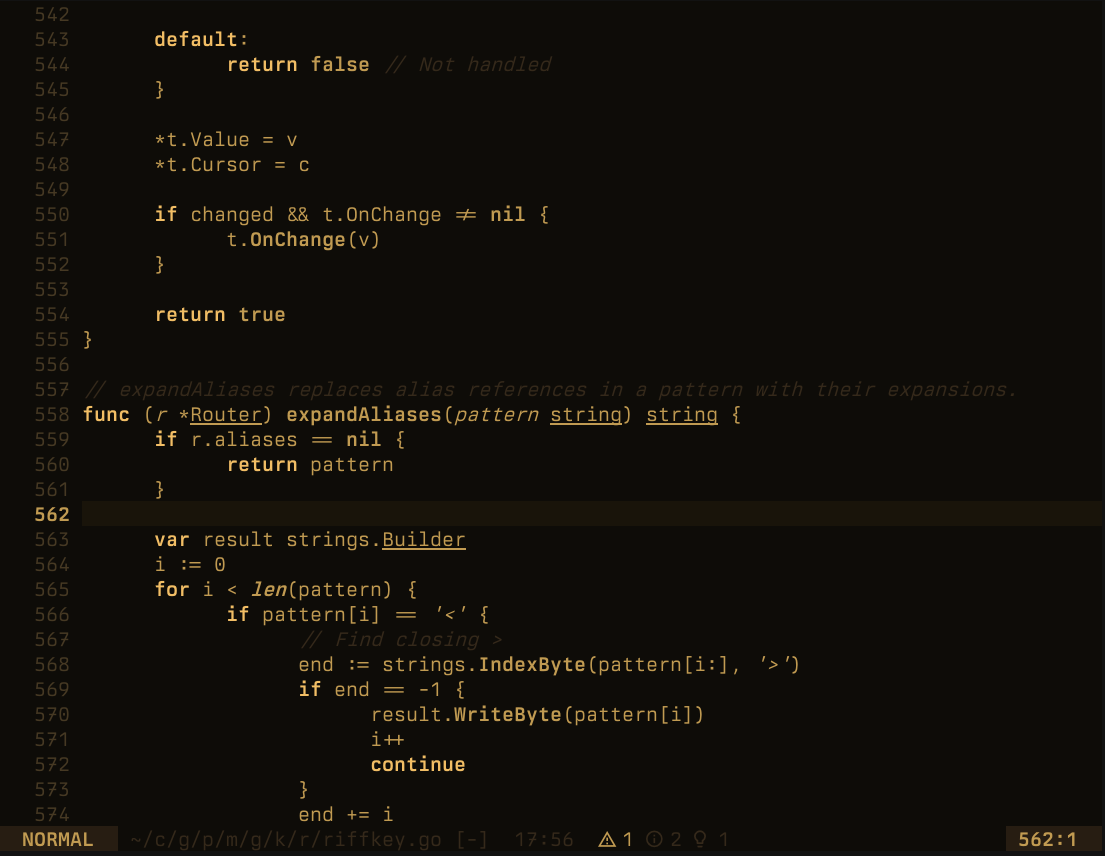
MFD-MONO
White phosphor.
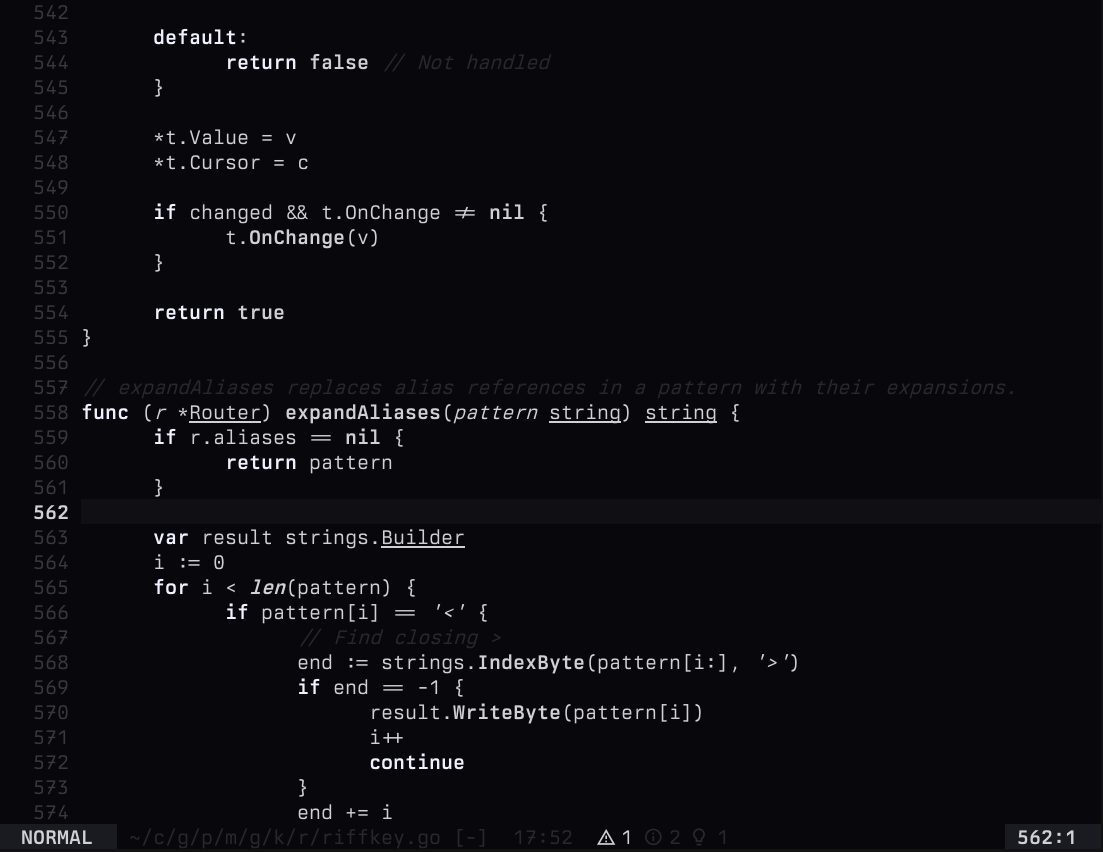
MFD-SCARLET
Deep red.
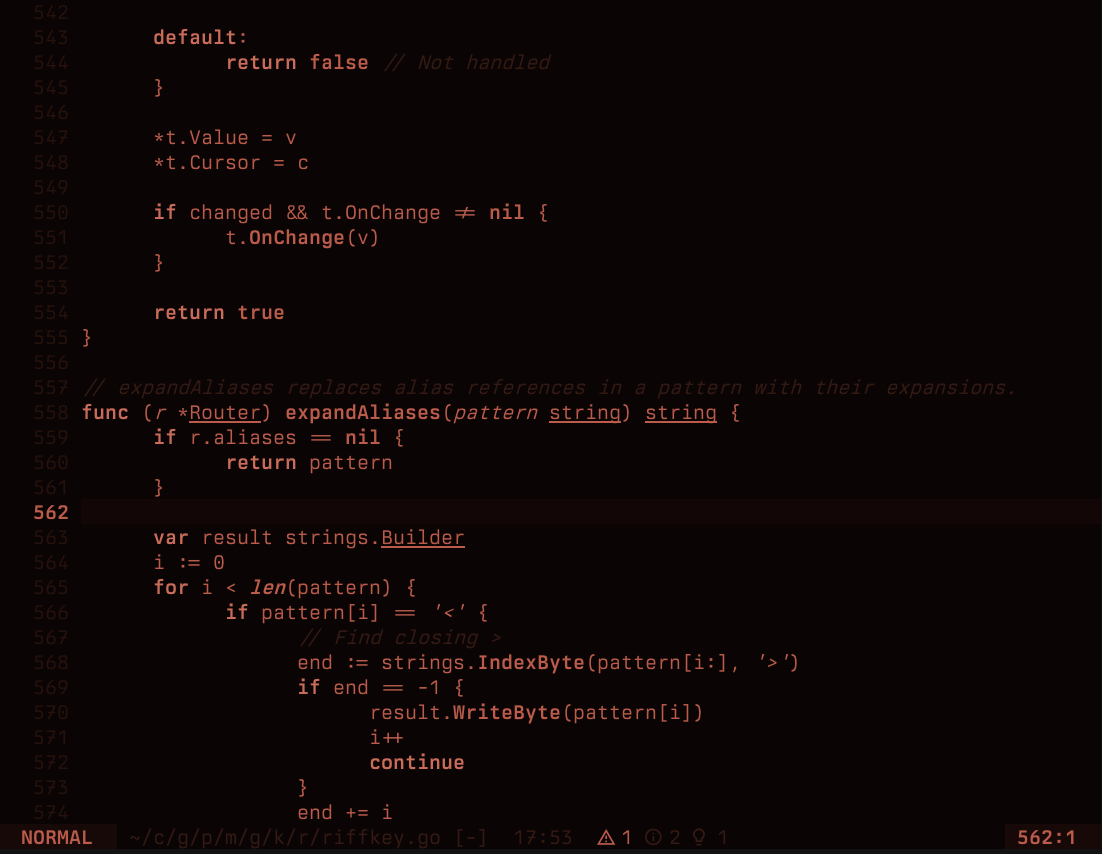
MFD-PAPER
High contrast terminal.
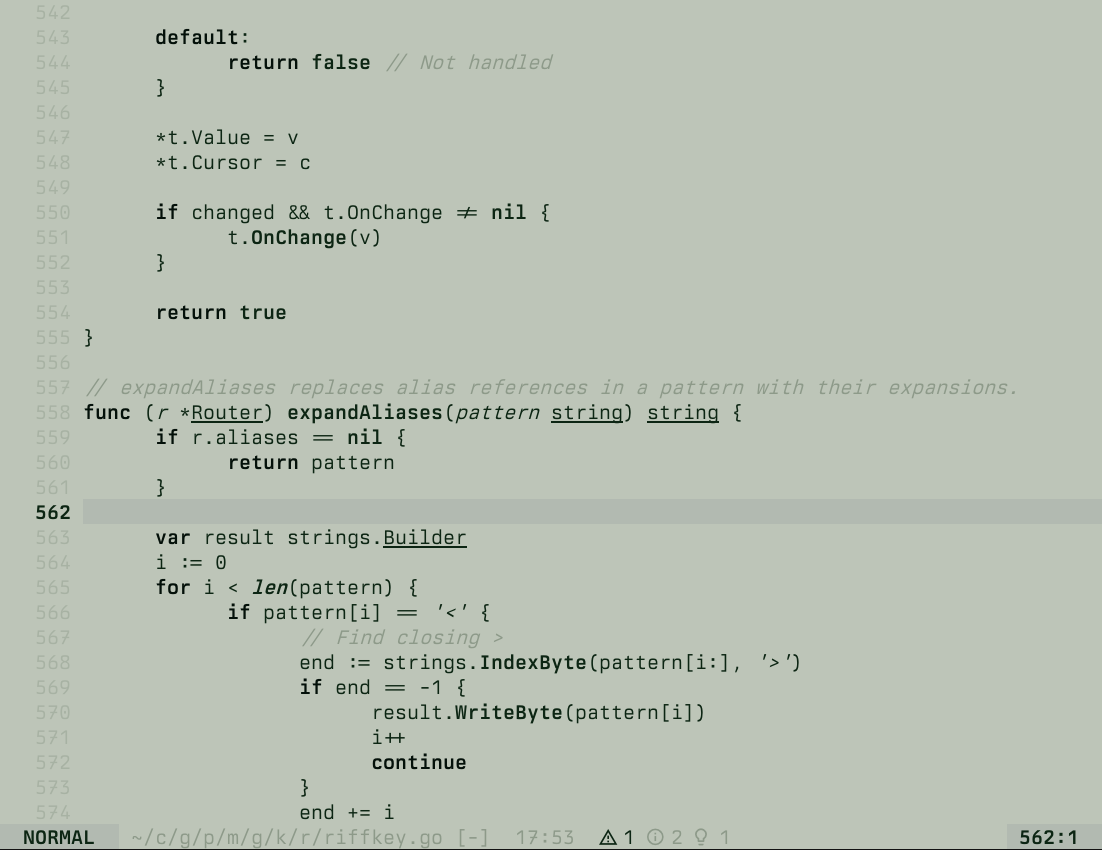
MFD-HUD
Heads-up display.
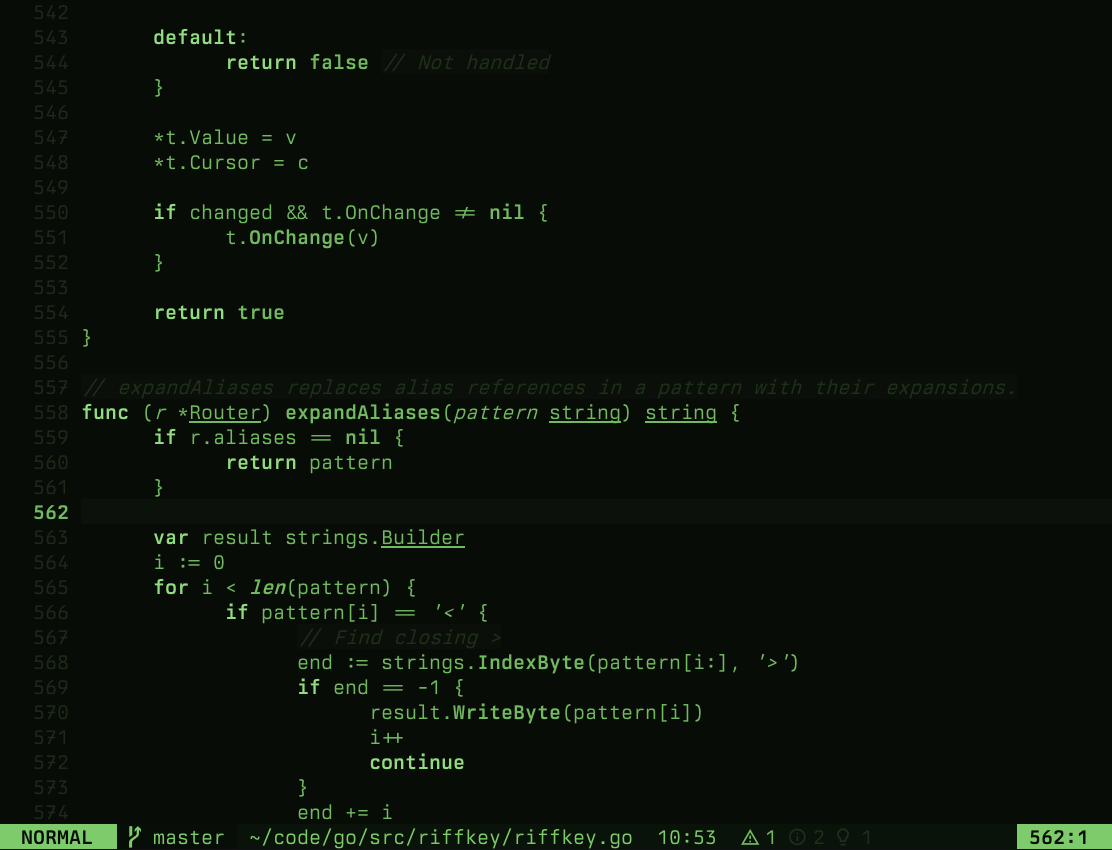
MFD-NVG
Night vision goggles.
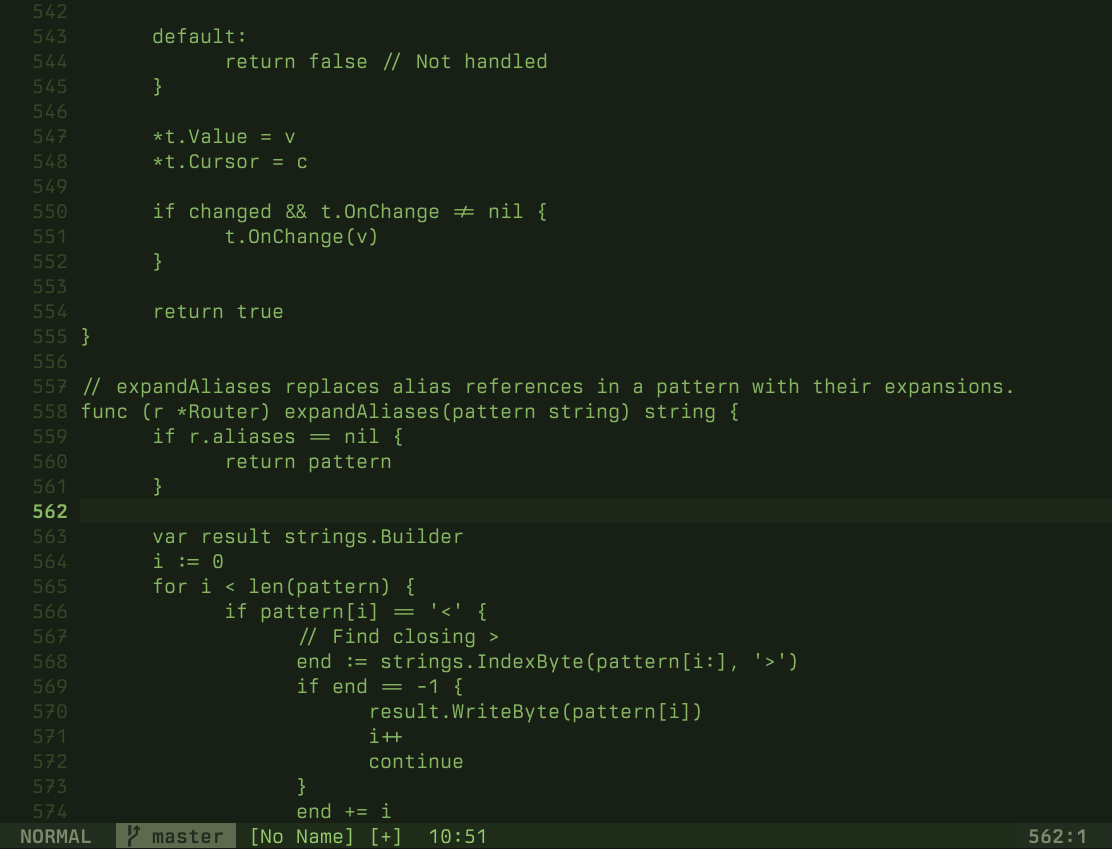
MFD-BLACKOUT
Covert lighting conditions.
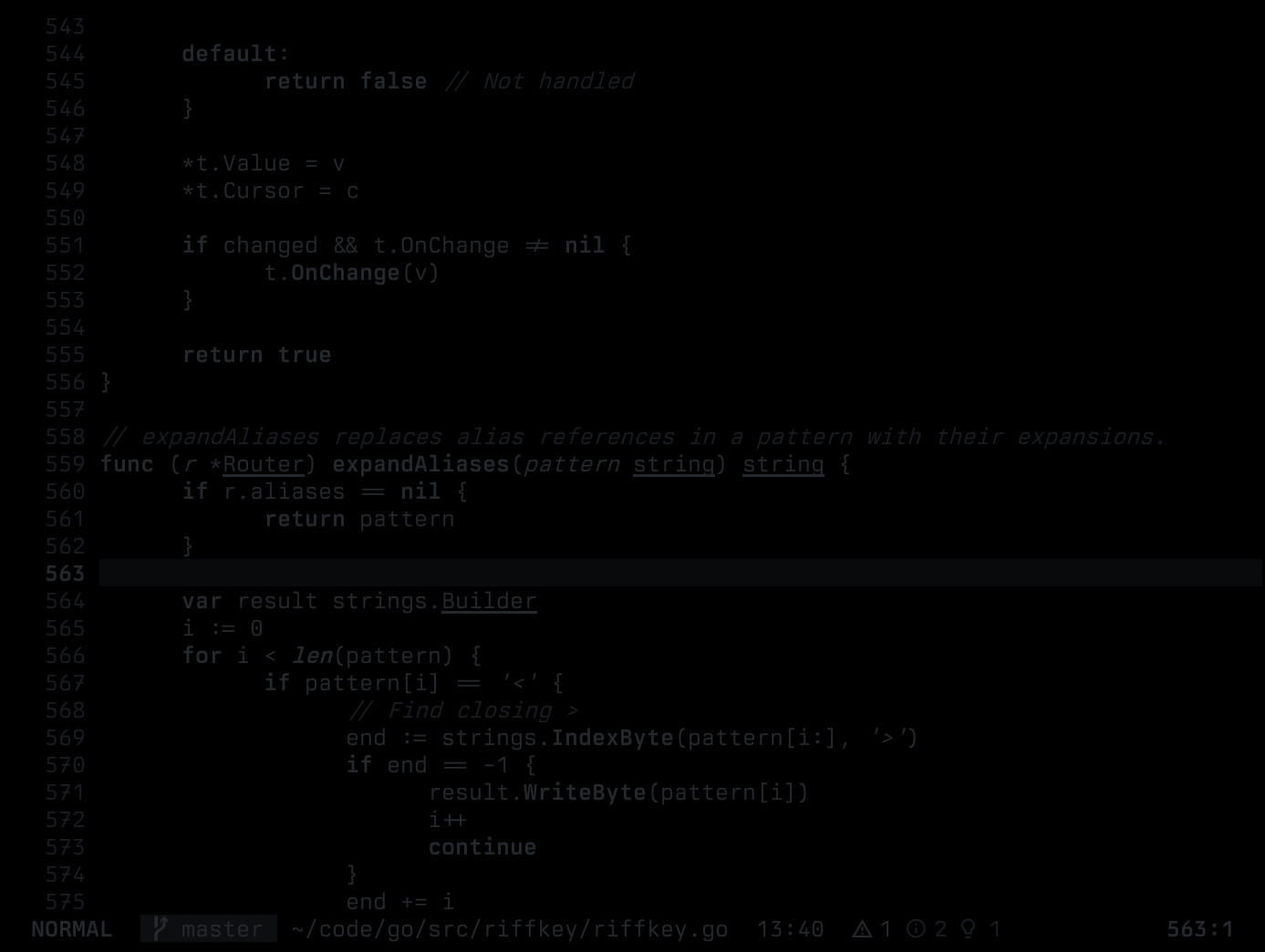
MFD-FLIR
White-hot thermal.
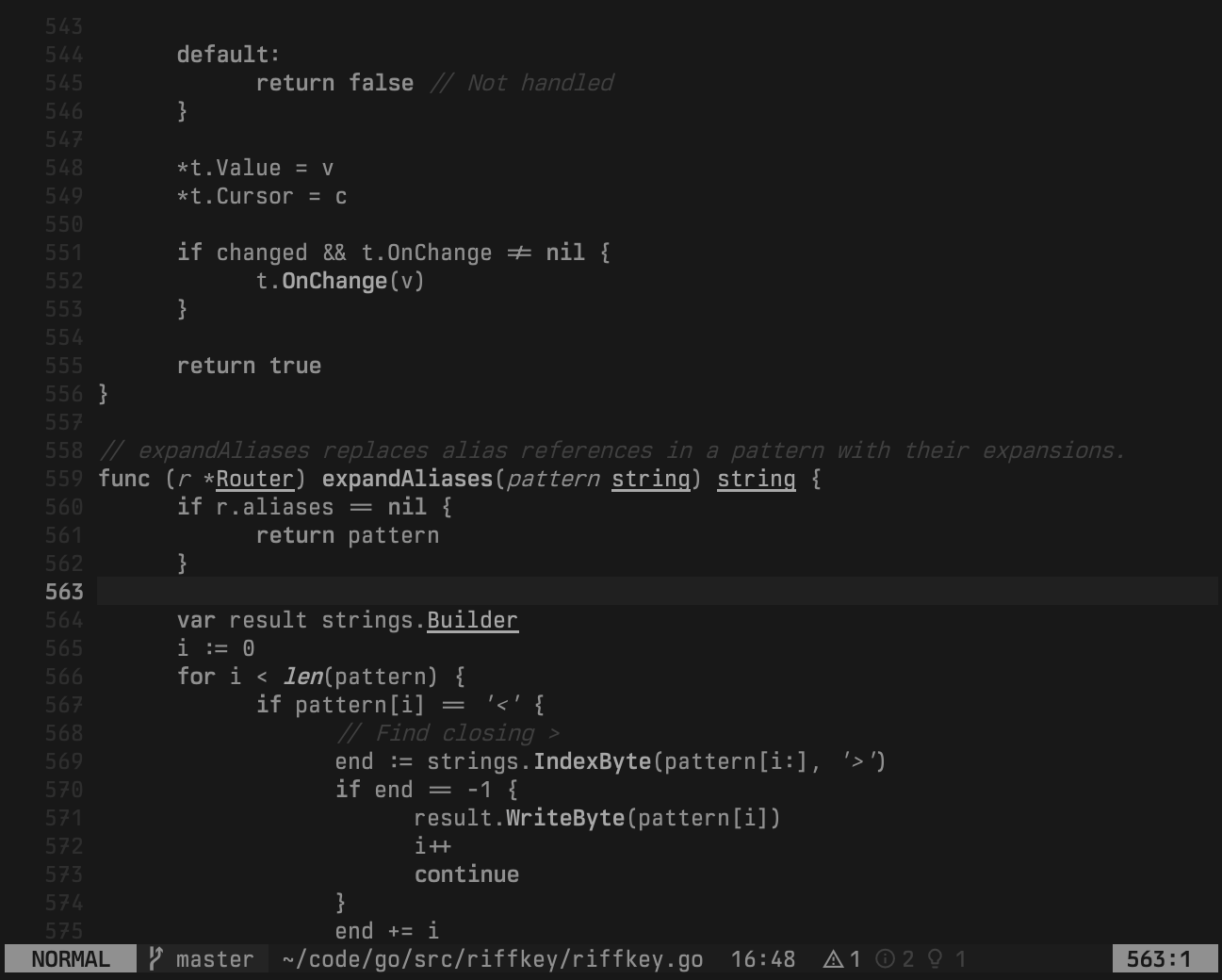
MFD-FLIR-BH
Black-hot thermal.
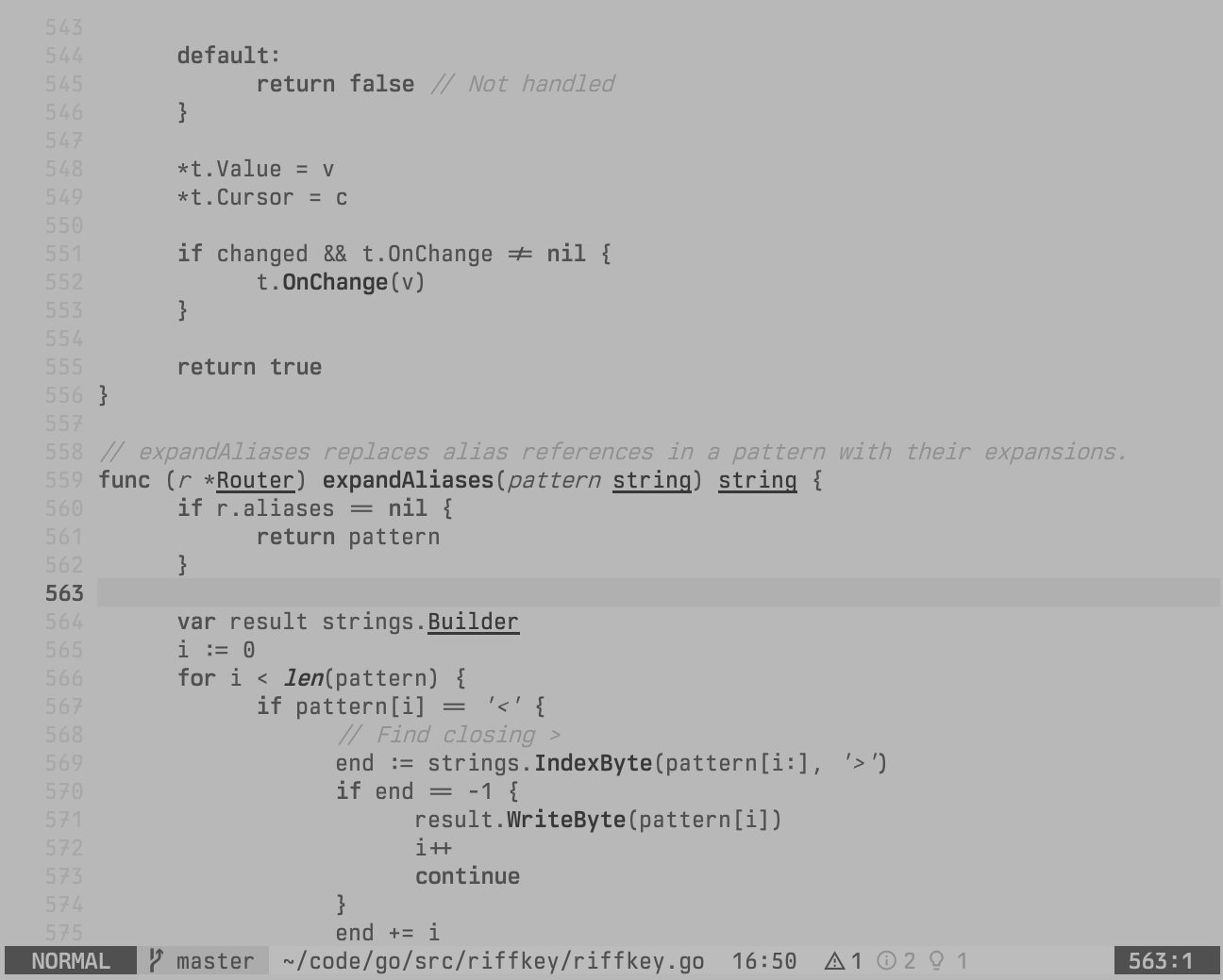
MFD-FLIR-RH
Red-hot thermal.
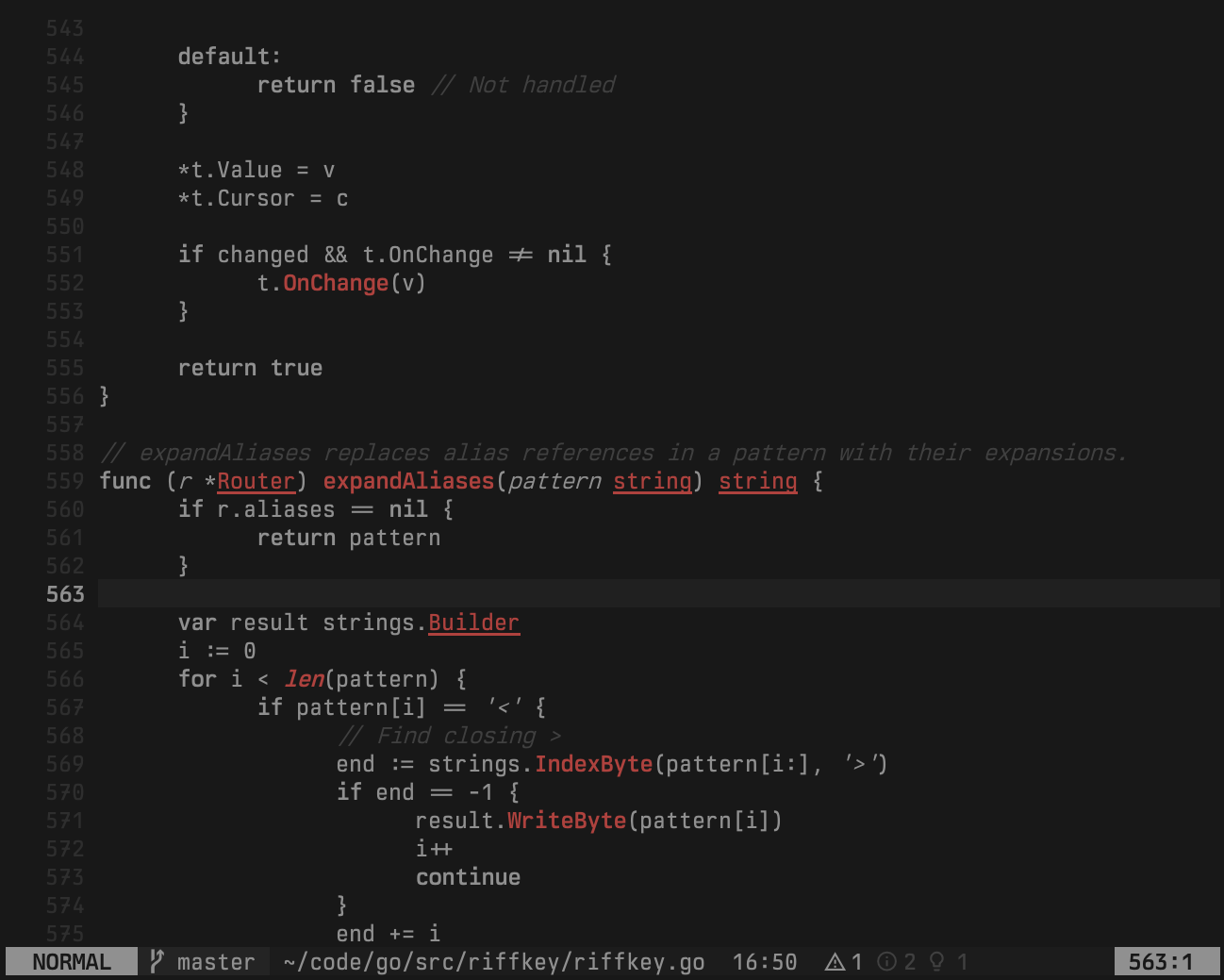
MFD-FLIR-FUSION
Thermal fusion.
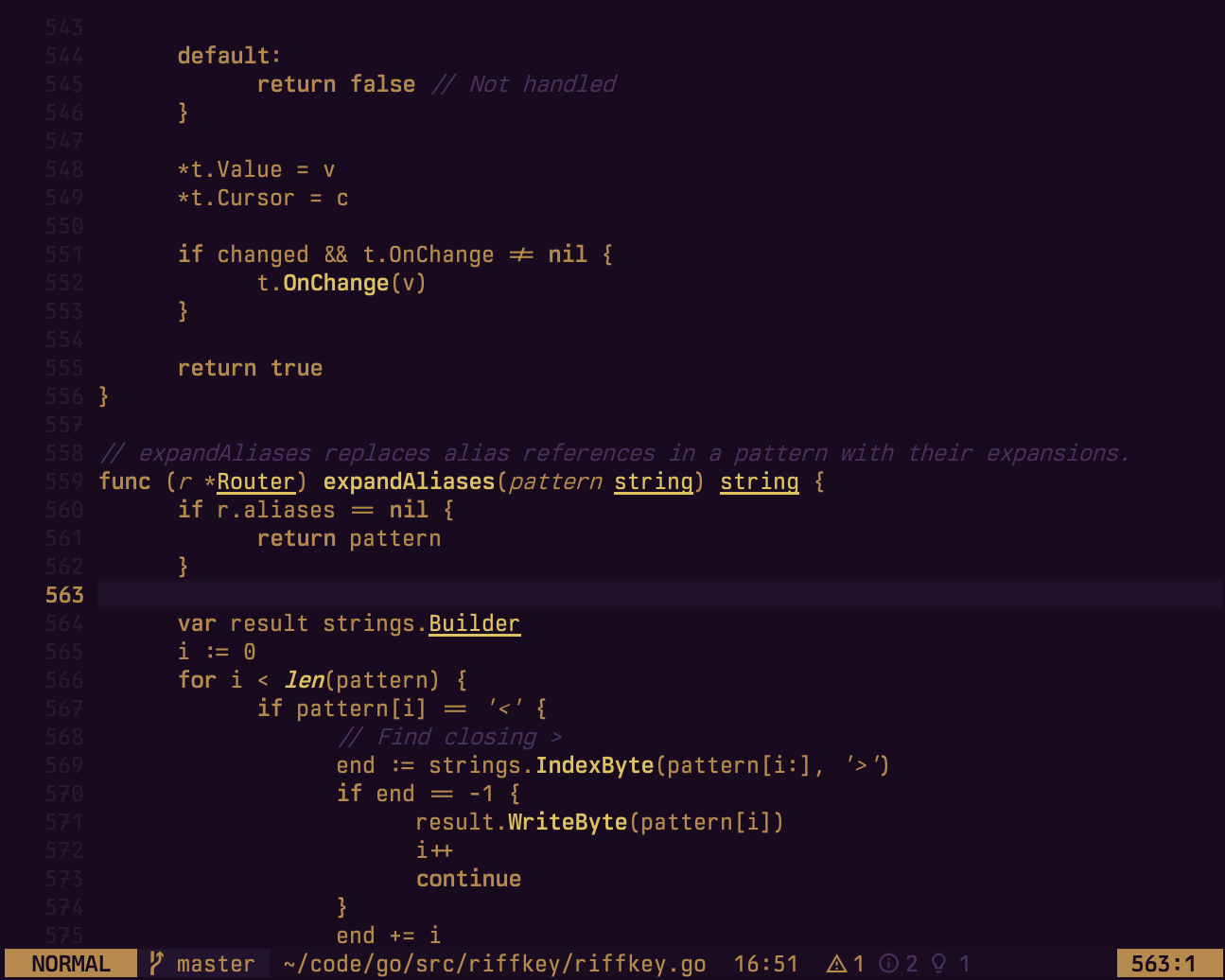
MFD-GBL-LIGHT
Game Boy Light electroluminescence.
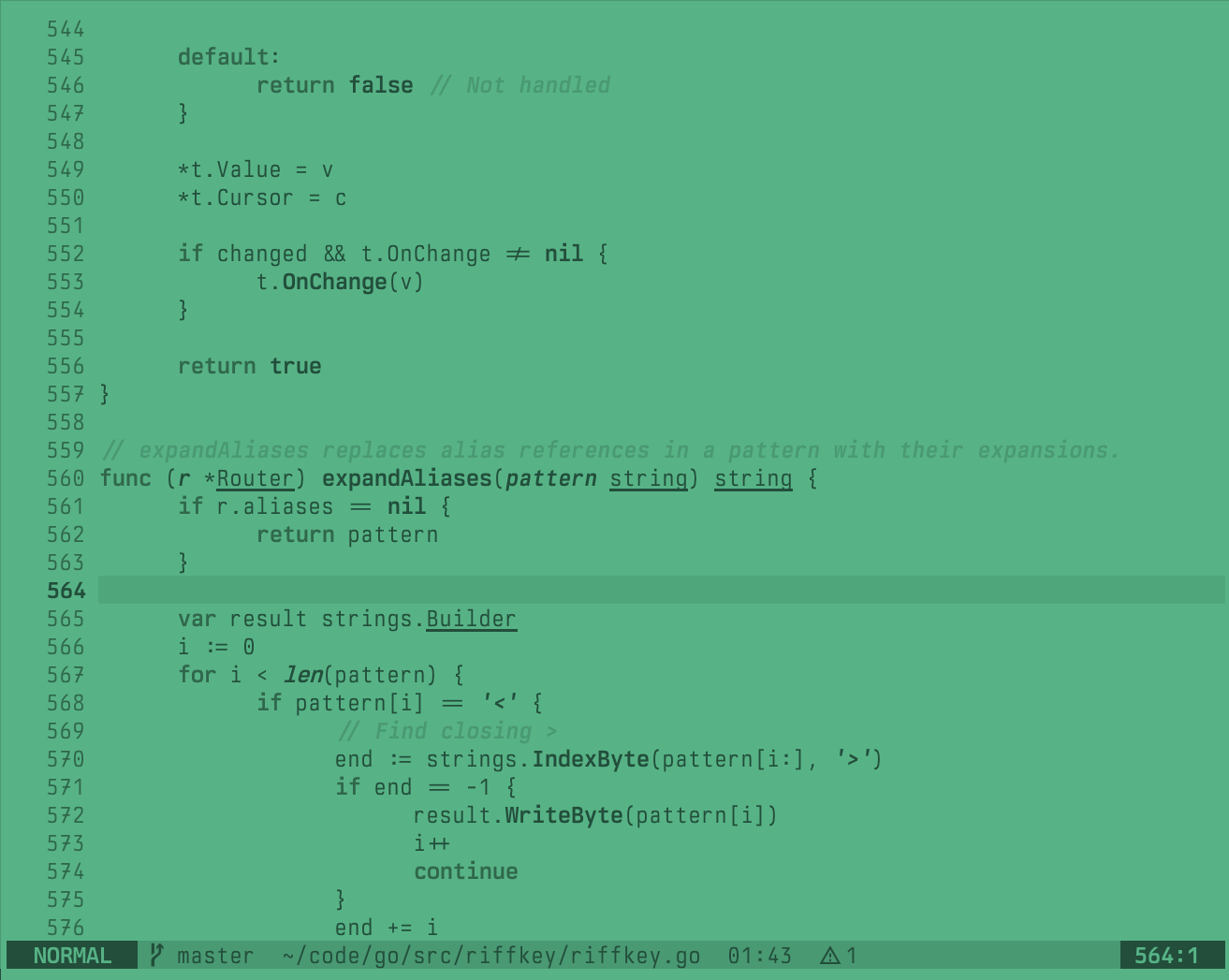
MFD-GBL-DARK
Game Boy Light electroluminescence.
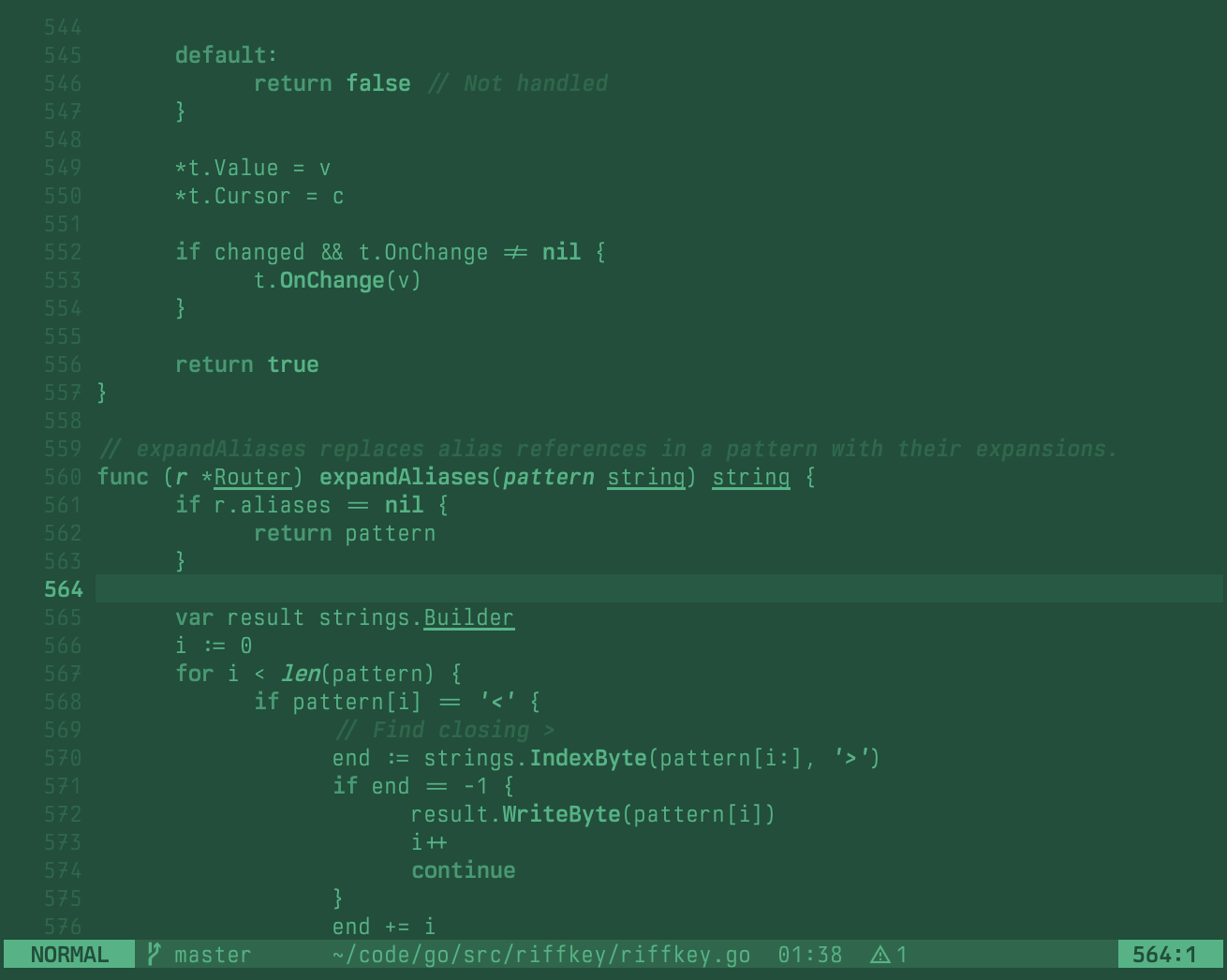
MFD-LUMON
Lumon Industries Macrodata Refinement terminal.
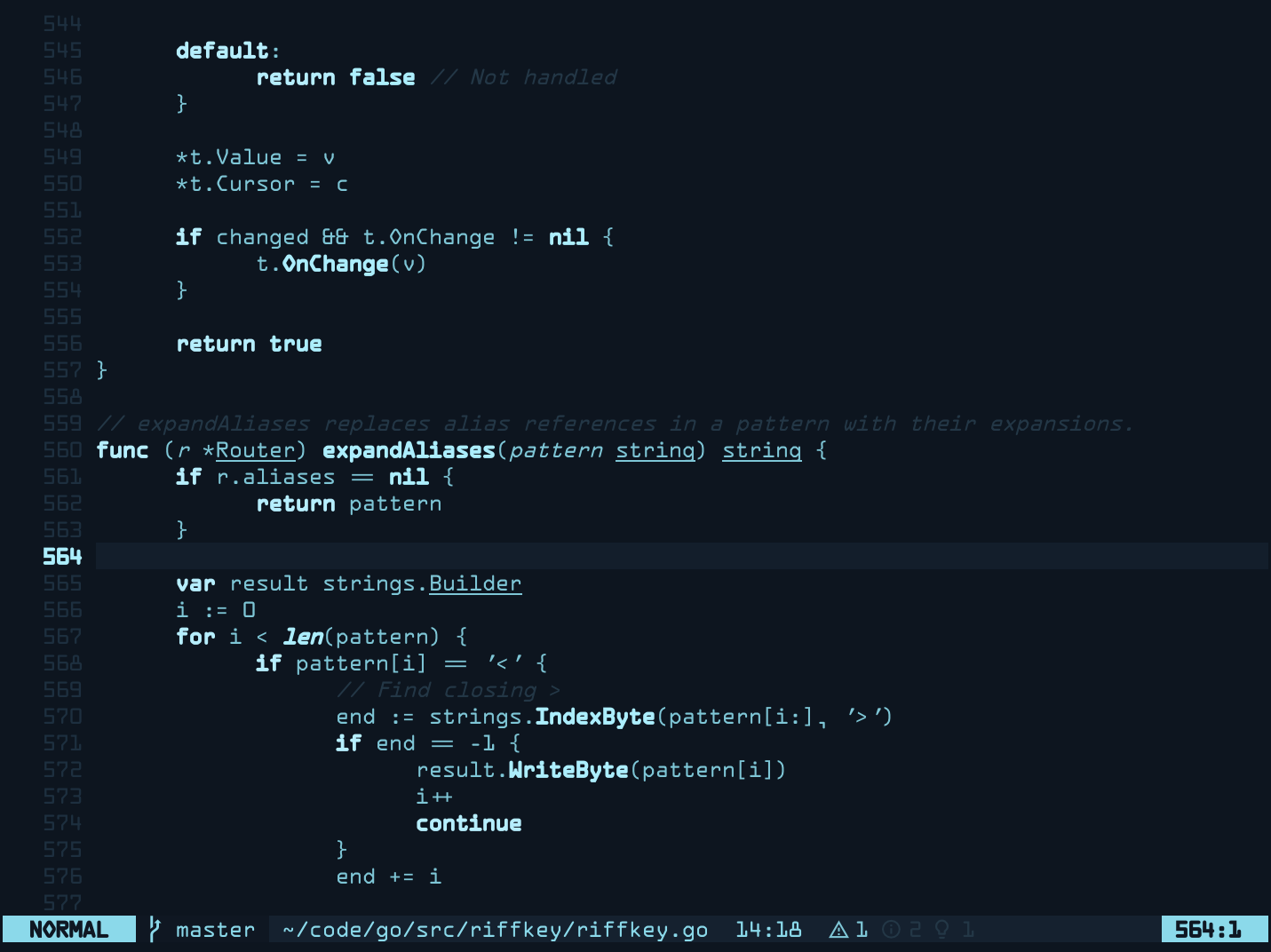 (with a ghostty CRT shader)
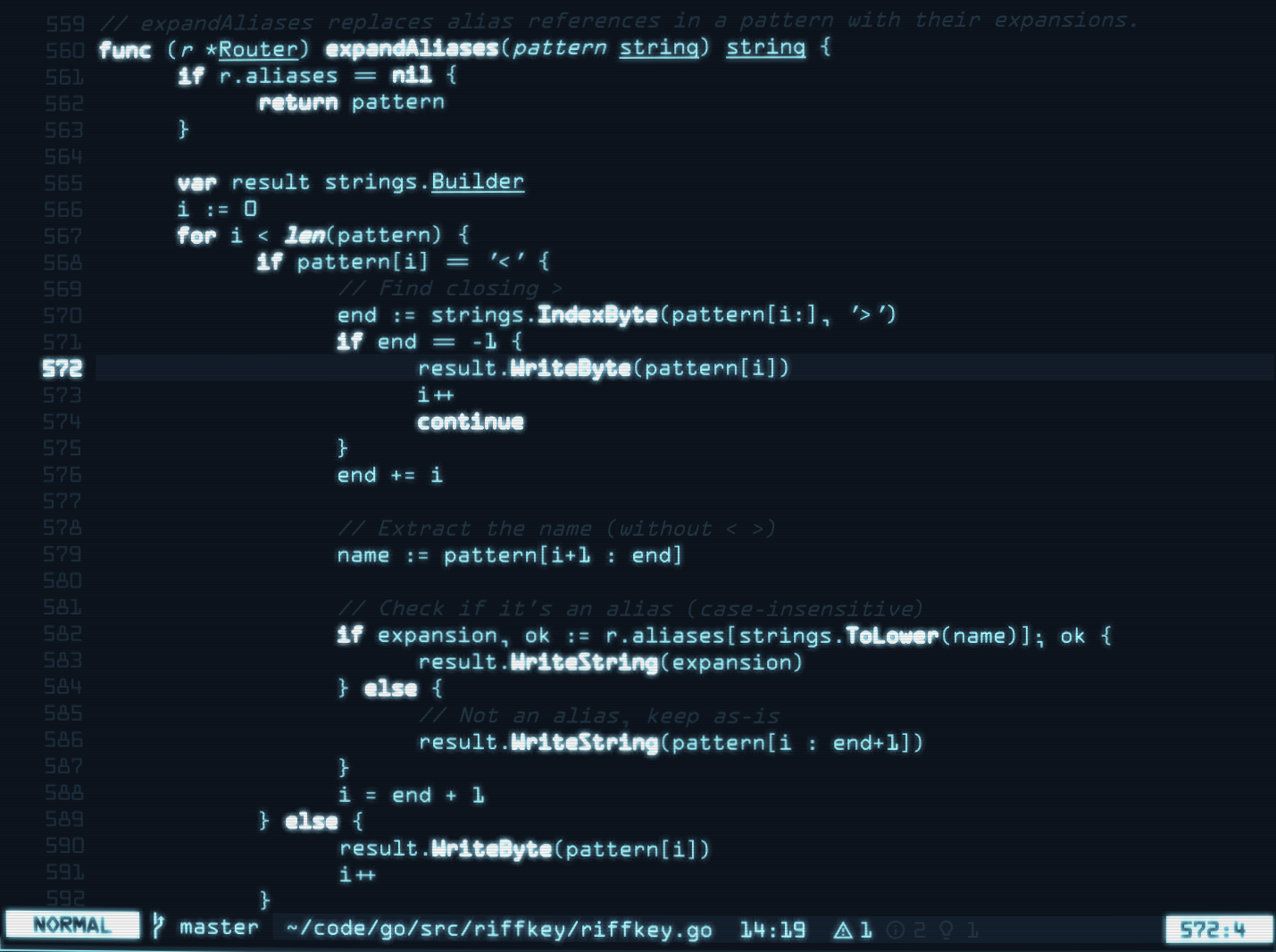
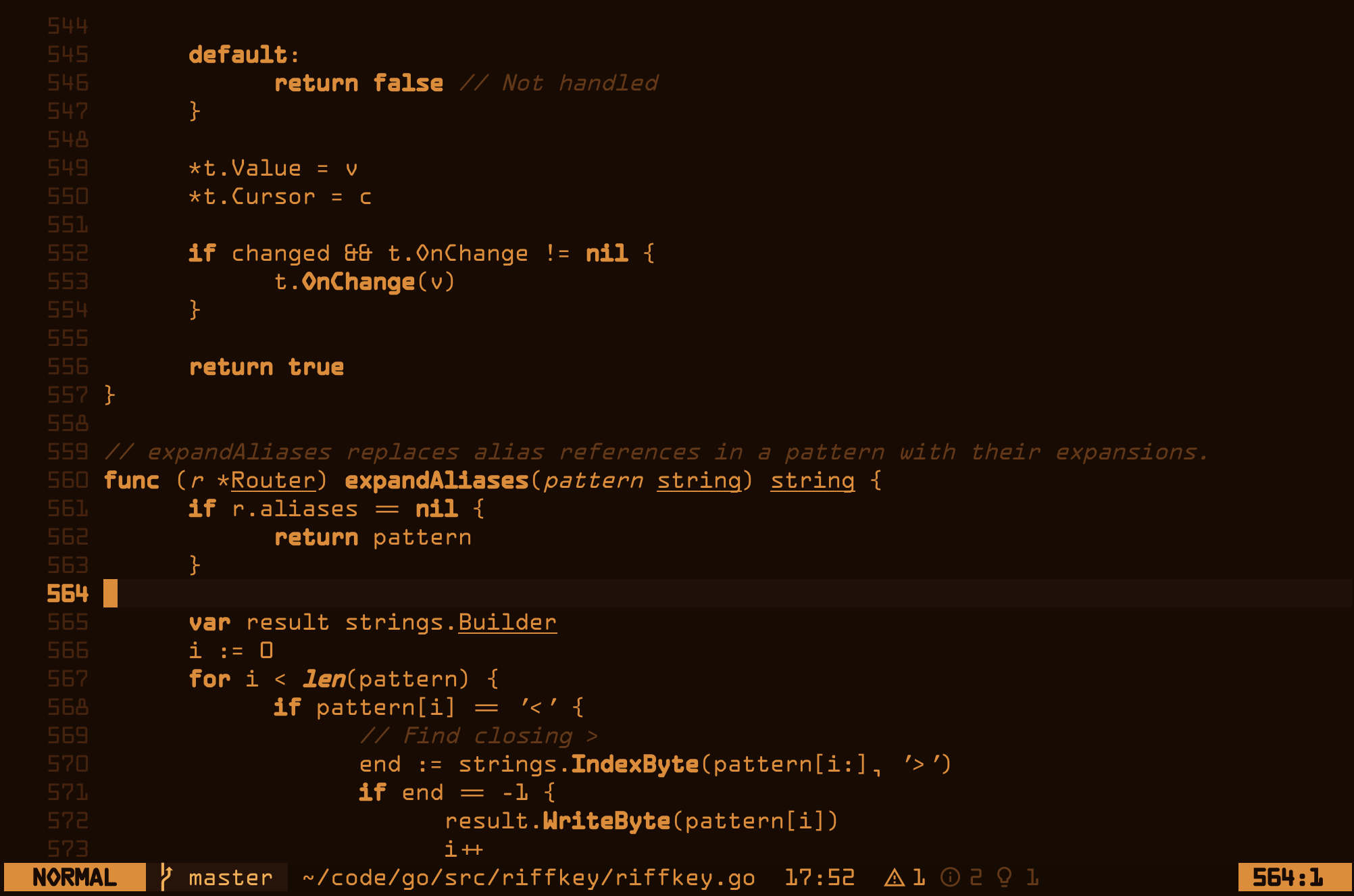
MFD-NERV
Evangelion NERV HQ terminal display. Hot orange phosphor with warm bleed.
Installation
-- lazy.nvim
{
  'kungfusheep/mfd.nvim',
  lazy = false,
  priority = 1000,
  config = function()
    vim.cmd('colorscheme mfd-stealth')
  end,
}
Approach
Syntax differentiation through text decoration, not colour:
- Bold — keywords, functions
- Italic — strings, comments, parameters
- Underline — types, structures
Lualine themes are included for each variant.
Cursor sync
Each theme defines per-mode cursor highlights (CursorNormal, CursorInsert, CursorVisual, CursorReplace, CursorCommand). To sync these to your terminal cursor via OSC 12 (works with Ghostty, kitty, etc.):
{
  'kungfusheep/mfd.nvim',
  lazy = false,
  priority = 1000,
  config = function()
    vim.cmd('colorscheme mfd-stealth')

    vim.opt.guicursor = {
      "n:block-CursorNormal",
      "v:block-CursorVisual",
      "i:block-CursorInsert",
      "r-cr:block-CursorReplace",
      "c:block-CursorCommand",
    }

    require('mfd').enable_cursor_sync()
  end,
}
Options
Call setup() before setting the colorscheme:
require('mfd').setup({
  accessibility_contrast = 0, -- 0 (default) to 10 (max WCAG compliance)
  no_italic = true,           -- disable italic highlighting (default: false)
  bright_comments = true,     -- legacy: equivalent to accessibility_contrast = 4
})
Accessibility
accessibility_contrast lifts dim elements (comments, line numbers, inlay hints, borders) toward WCAG compliance while preserving each theme's hue.
Even small values make a noticeable difference. You'll likely find a comfortable level well before reaching formal WCAG thresholds. Your environment brightness matters too; a theme like mfd-blackout is perfectly readable in a dark room but benefits from a higher level in daylight.
| Theme | Level 5 | Level 10 |
|---|---|---|
| mfd | 1.5 | AA-UI (3.01) |
| mfd-dark | AA-UI | AAA |
| mfd-stealth | AA-UI | AAA |
| mfd-amber | AA-UI | AAA |
| mfd-mono | AA-UI | AAA |
| mfd-scarlet | 2.7 | AAA |
| mfd-paper | 2.6 | AAA |
| mfd-hud | AA-UI | AAA |
| mfd-nvg | AA-UI | AAA |
| mfd-gbl-light | AA-UI | AAA |
| mfd-gbl-dark | AA-UI | AAA |
| mfd-lumon | AA-UI | AAA |
| mfd-nerv | AA-UI | AAA |
| mfd-flir | 2.8 | AAA |
| mfd-flir-bh | 2.6 | AAA |
| mfd-flir-rh | 2.8 | AAA |
| mfd-flir-fusion | 2.6 | AA (6.56) |
| mfd-blackout | 2.6 | AAA |
AA-UI ≥ 3.0 / AA ≥ 4.5 / AAA ≥ 7.0
License
Apache 2.0 LICENSE
more like this