meine
meine 🌒 - A CLI file manager and system utility built with Textual. It combines intuitive command parsing with rich t…
Python★ 50
A Jellyfin theme inspired from Jellyseerr. This theme improves the overall look and experience with various little fixe…
 lscambo13
git clone https://github.com/lscambo13/ElegantFin.gitlscambo13/ElegantFin
This is a Jellyfin theme inspired from Jellyseerr to improve the overall look and experience with various fixes to the UI/UX. It gives Jellyfin a fresh, modern look, and it aims to work on mobile, desktop, and TV, with just one import.
Captured on ElegantFin v25.08.02
| Desktop | Mobile |
|---|---|
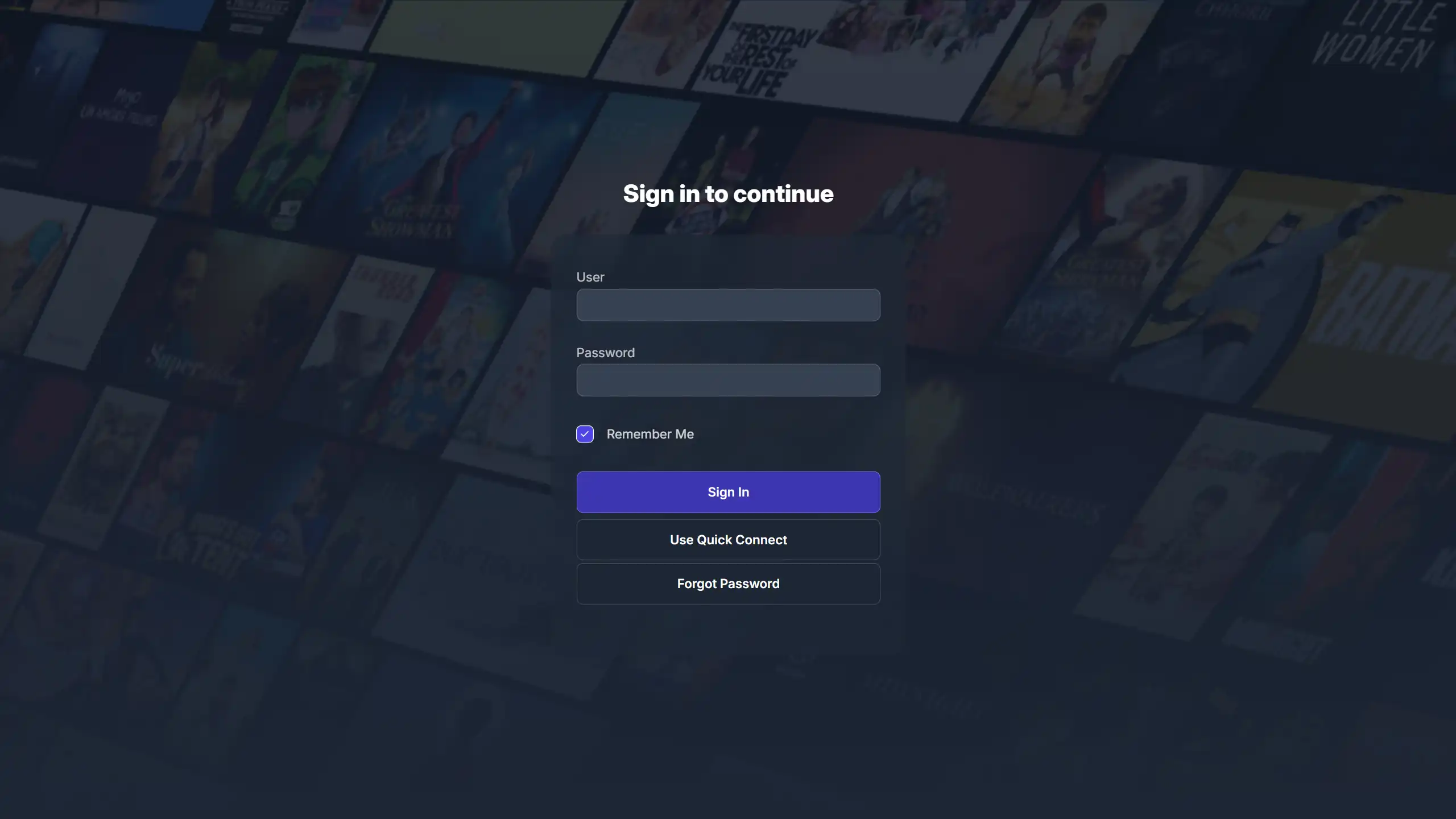 Login Page |
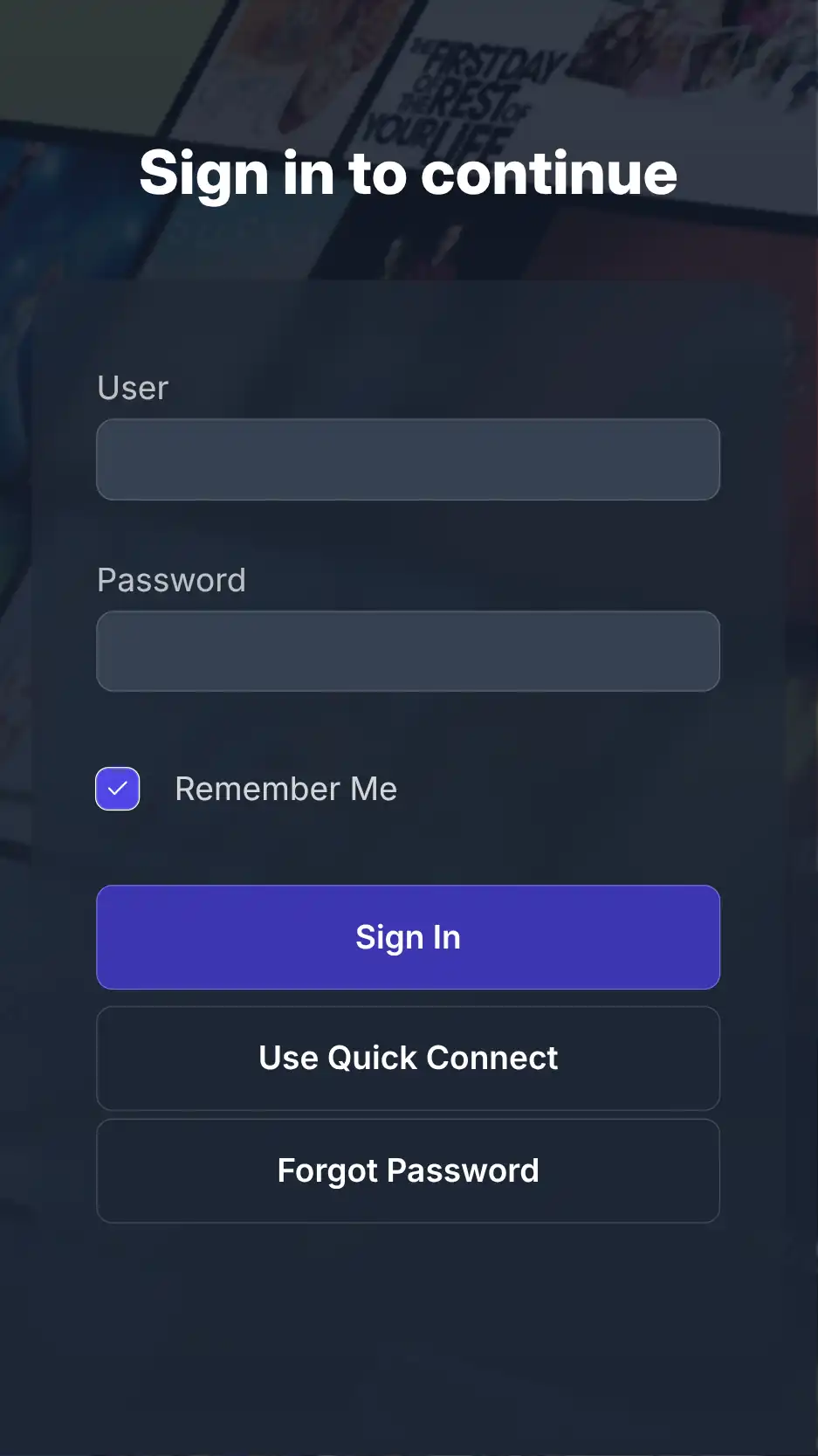 |
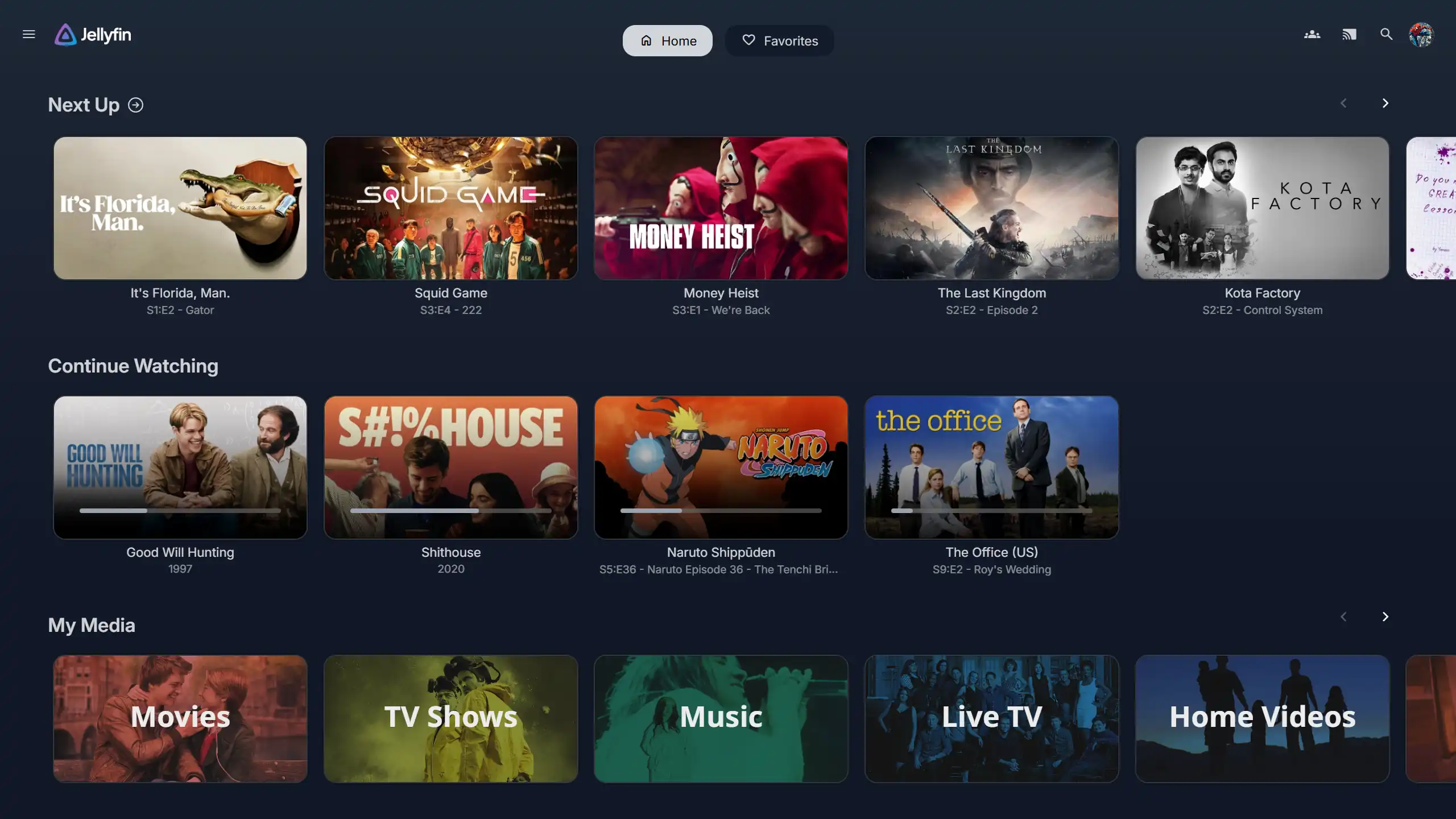 Homepage |
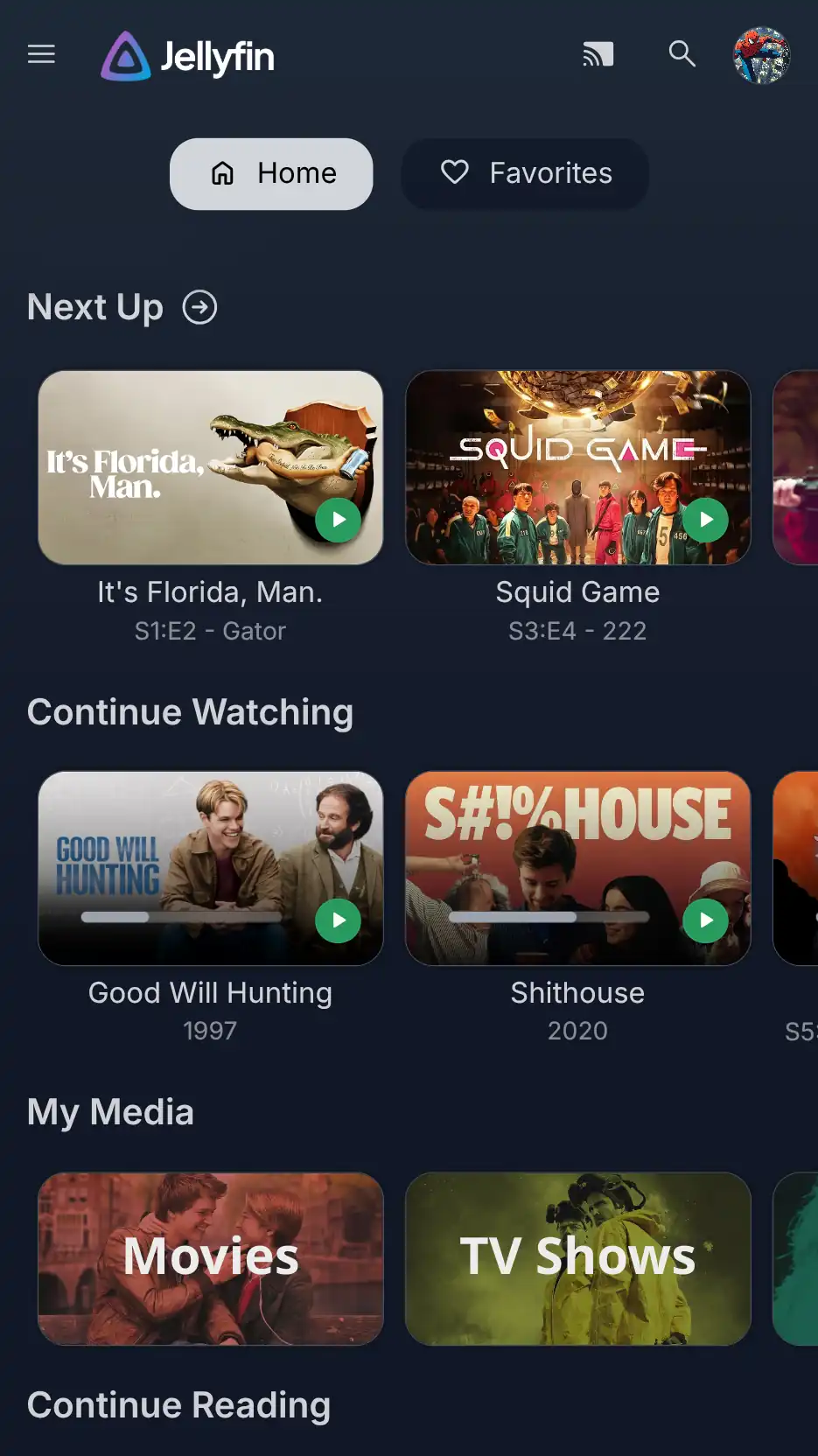 |
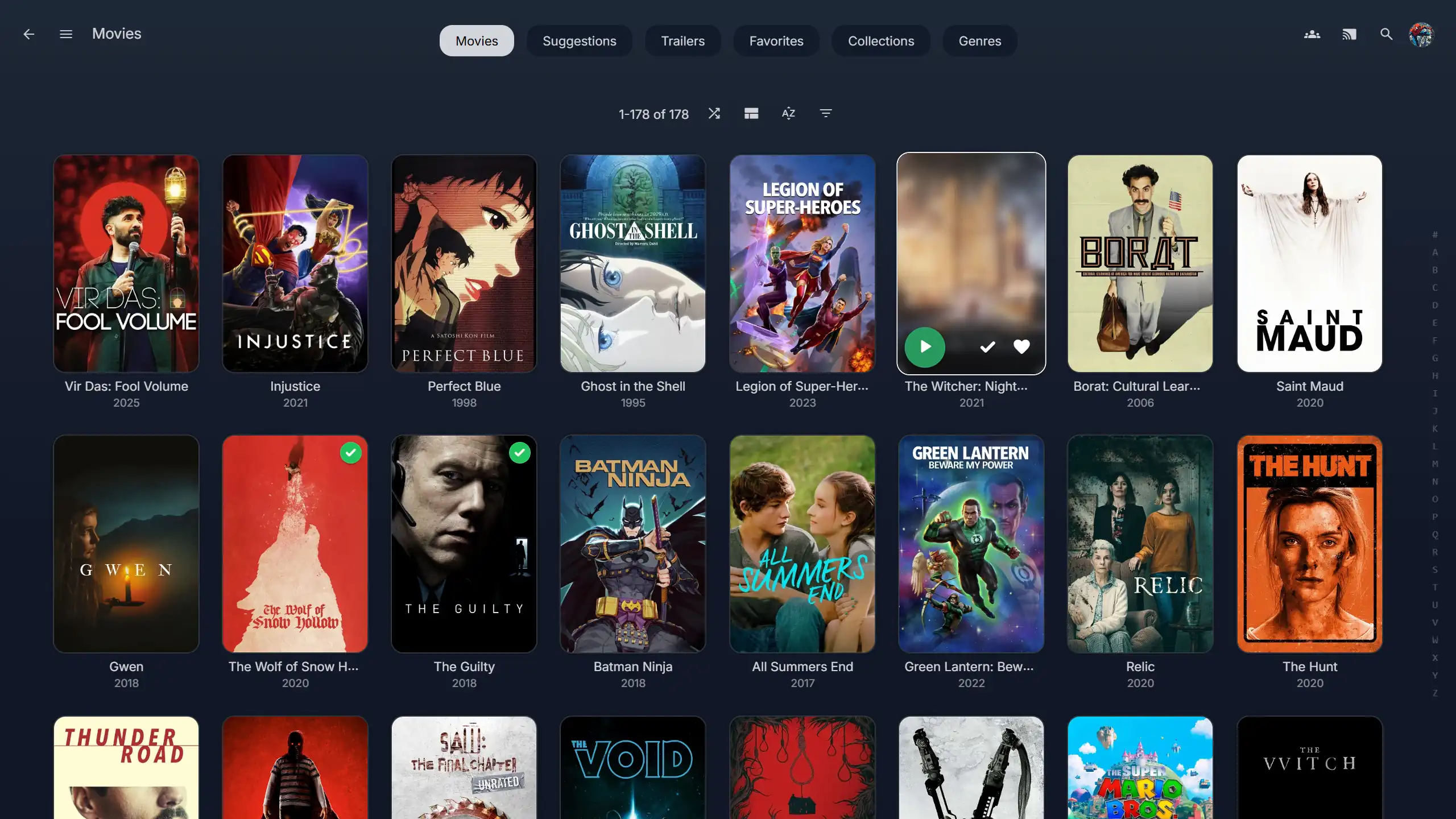 Movies Library |
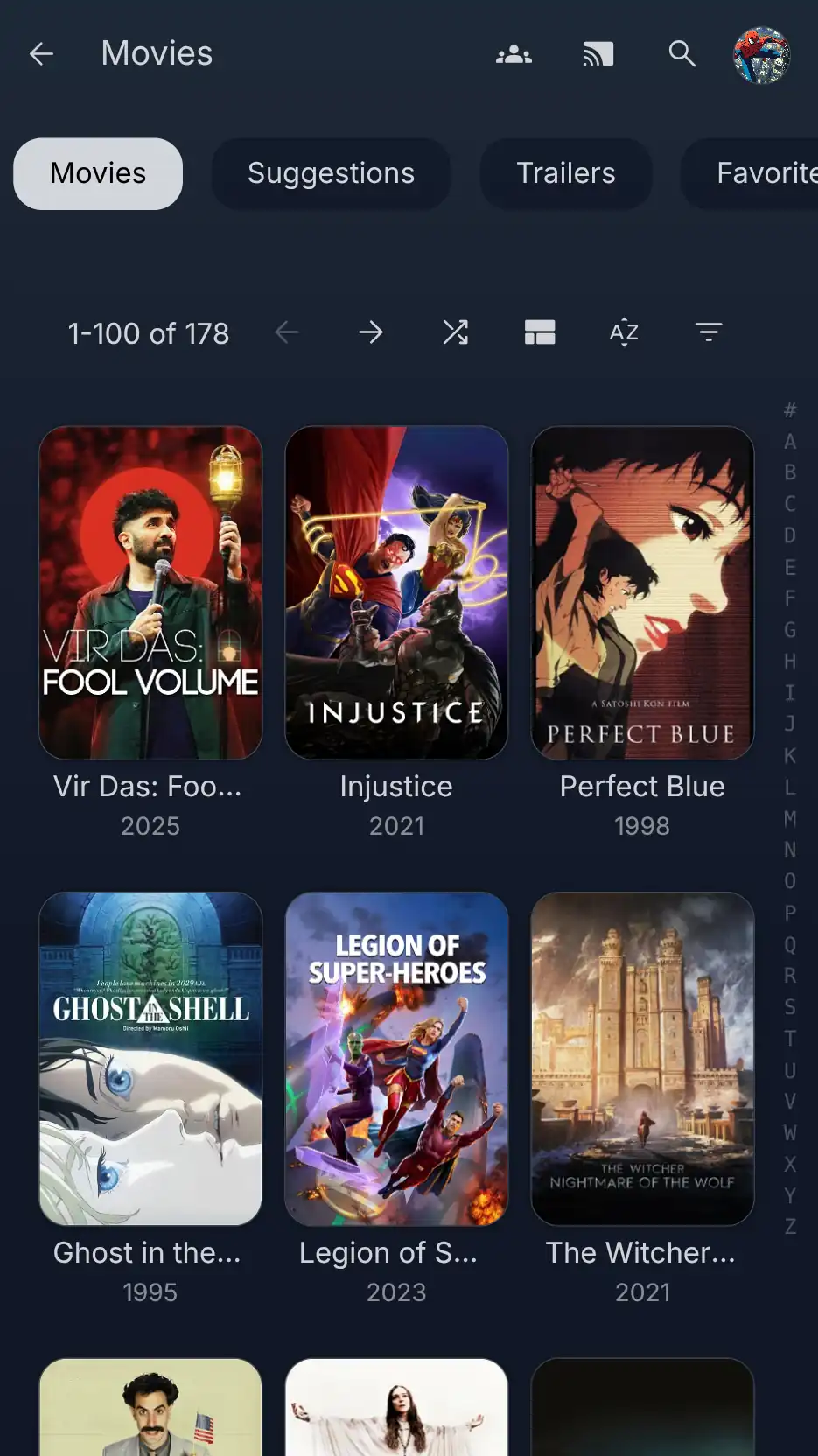 |
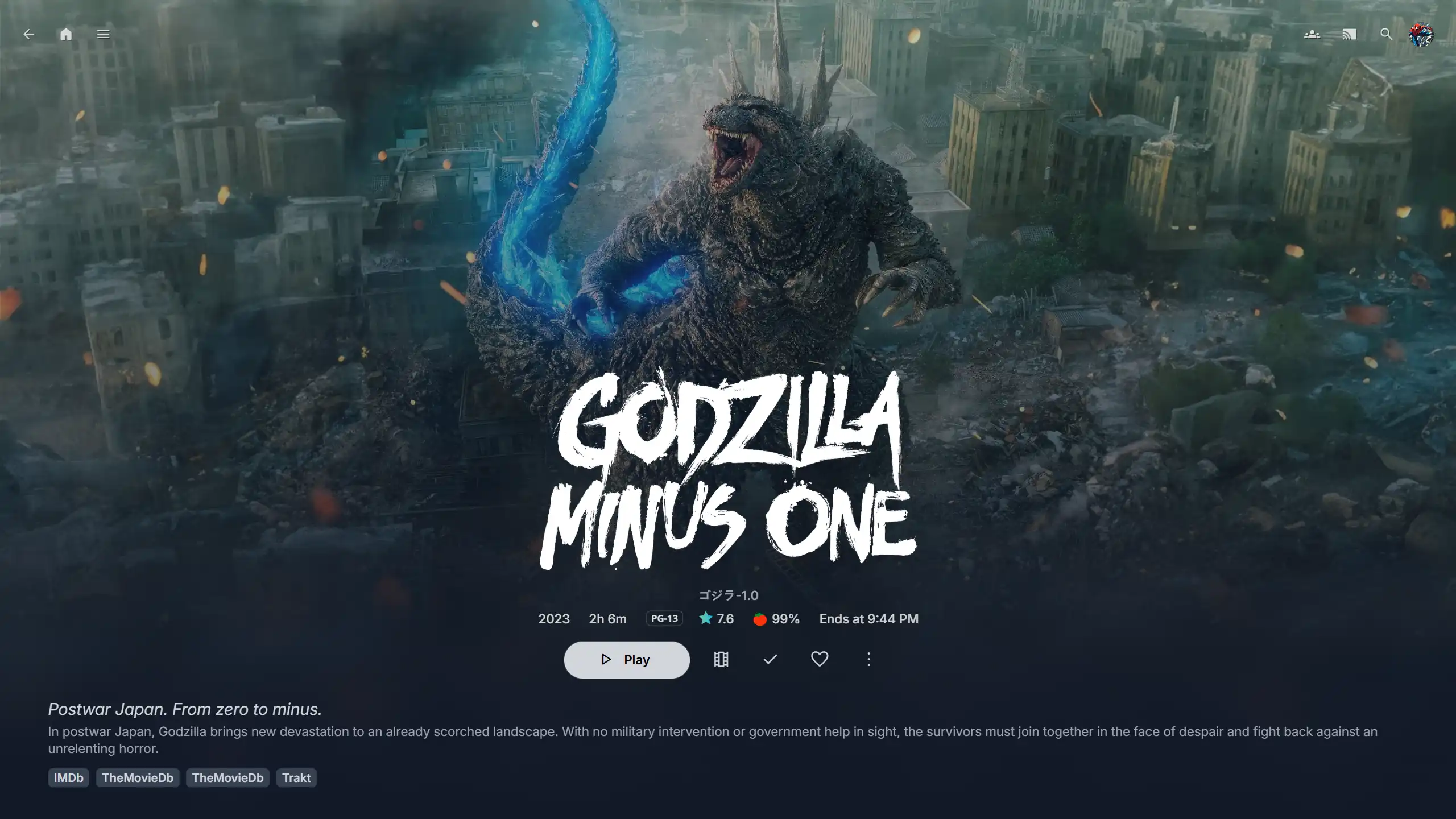 Movie Page |
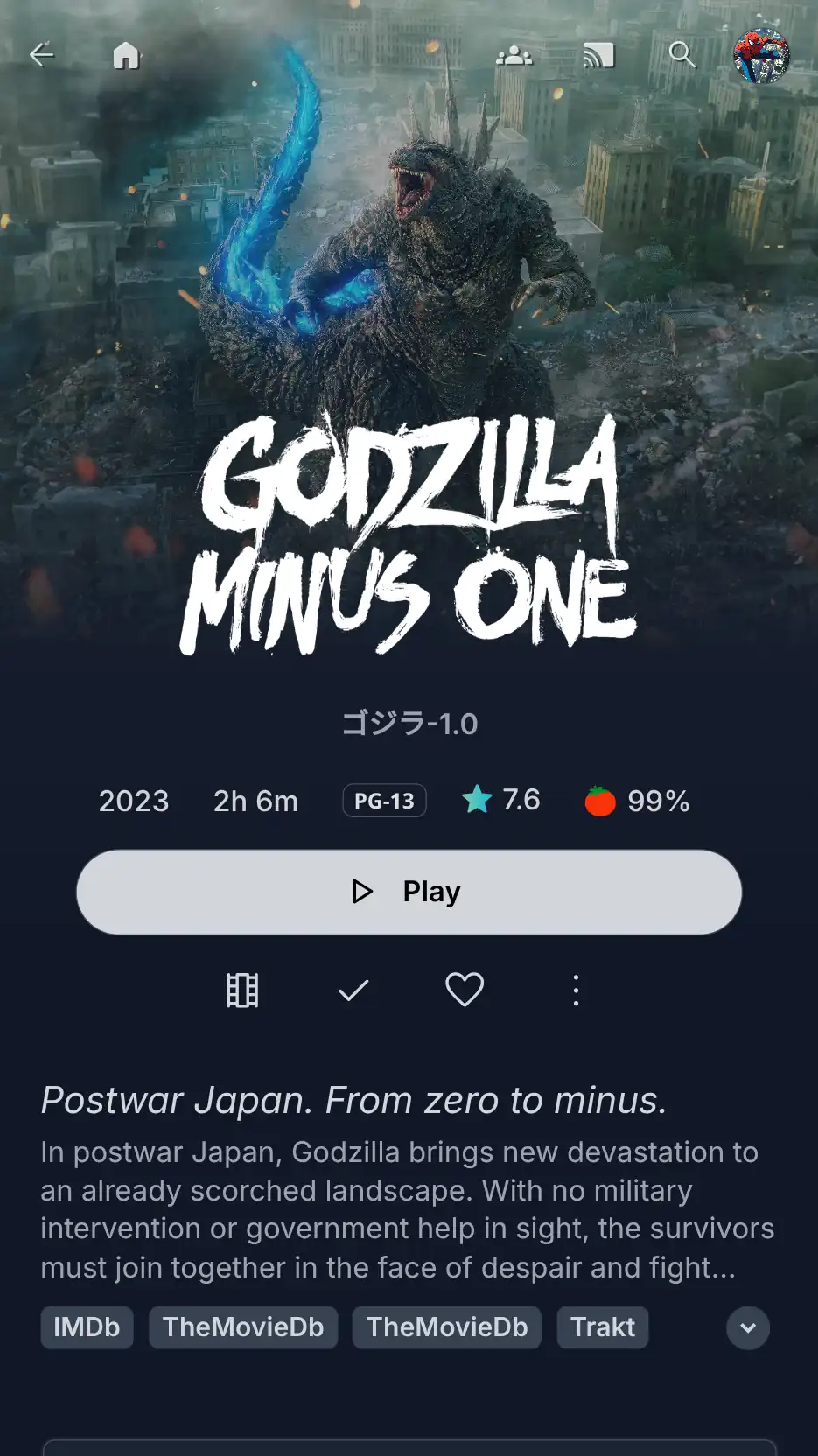 |
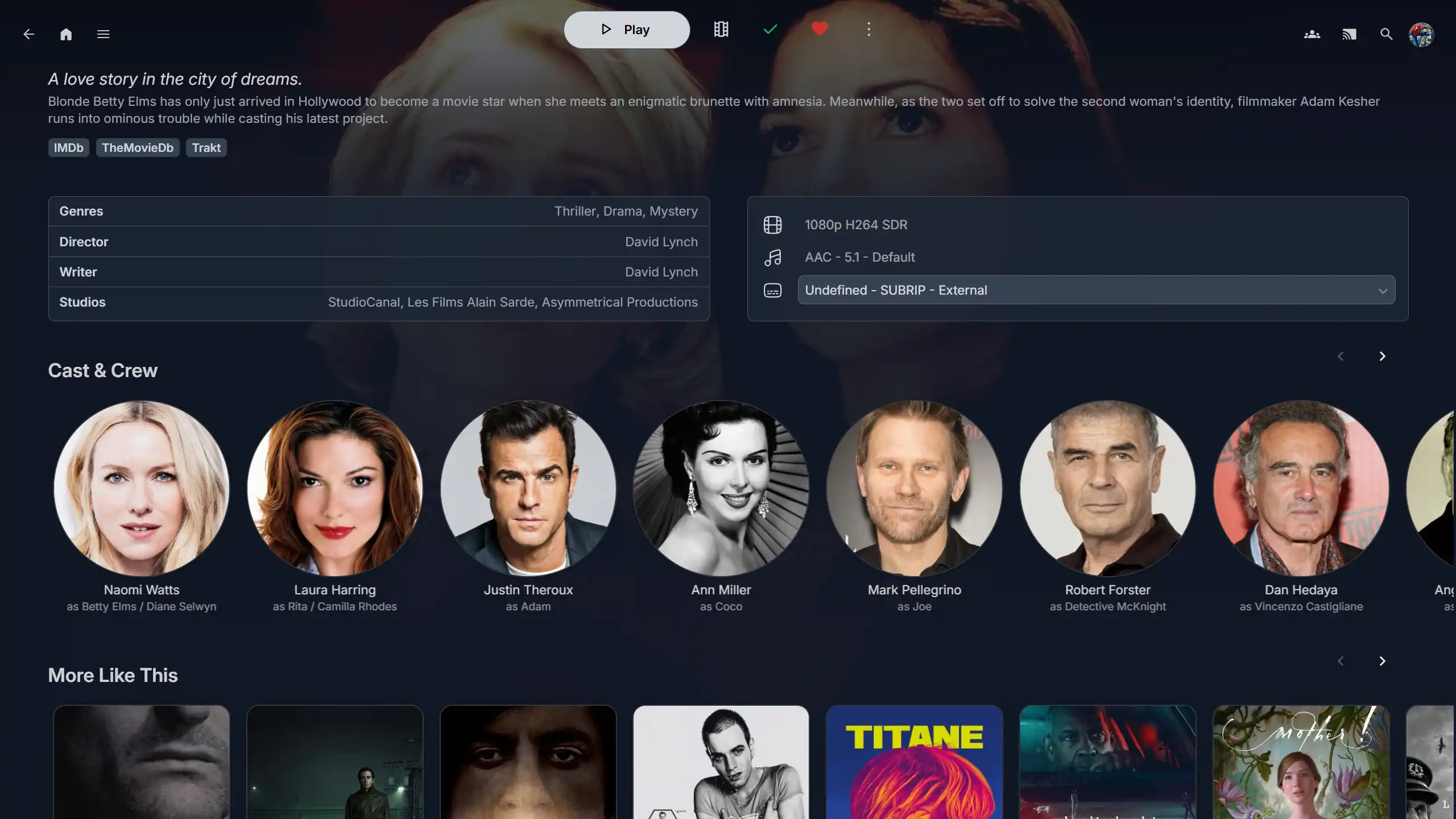 Movie Details |
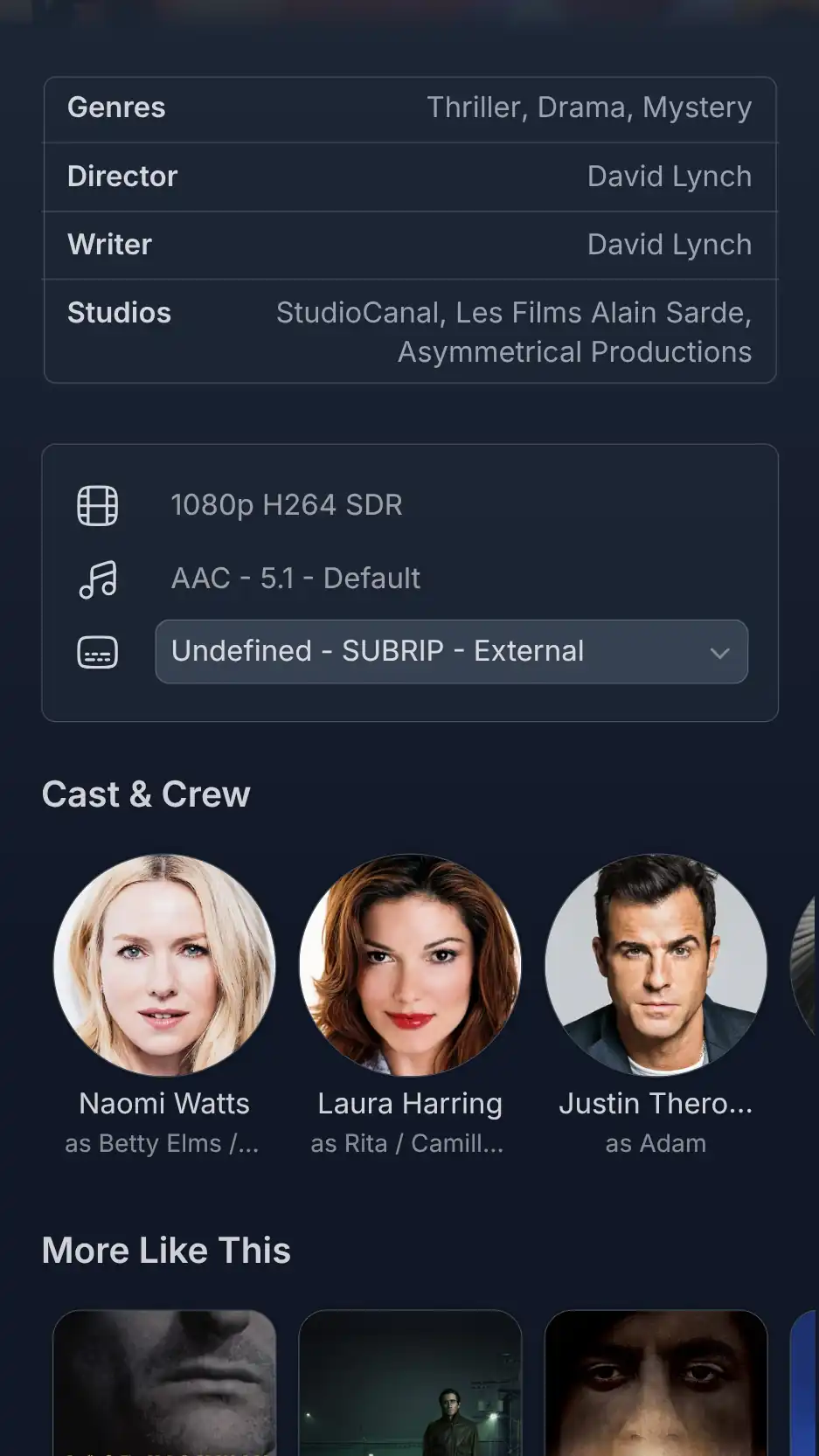 |
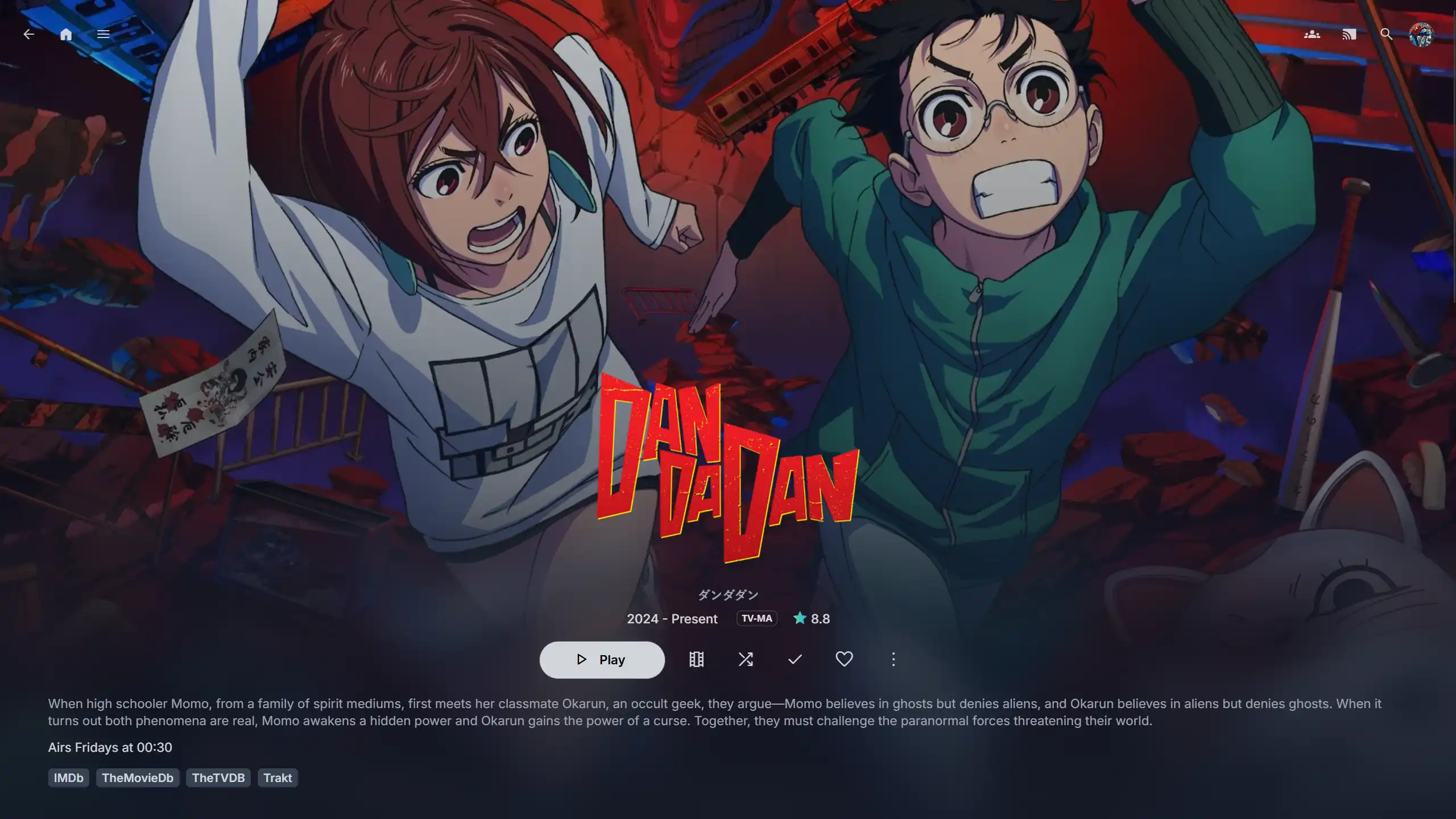 TV Show Page |
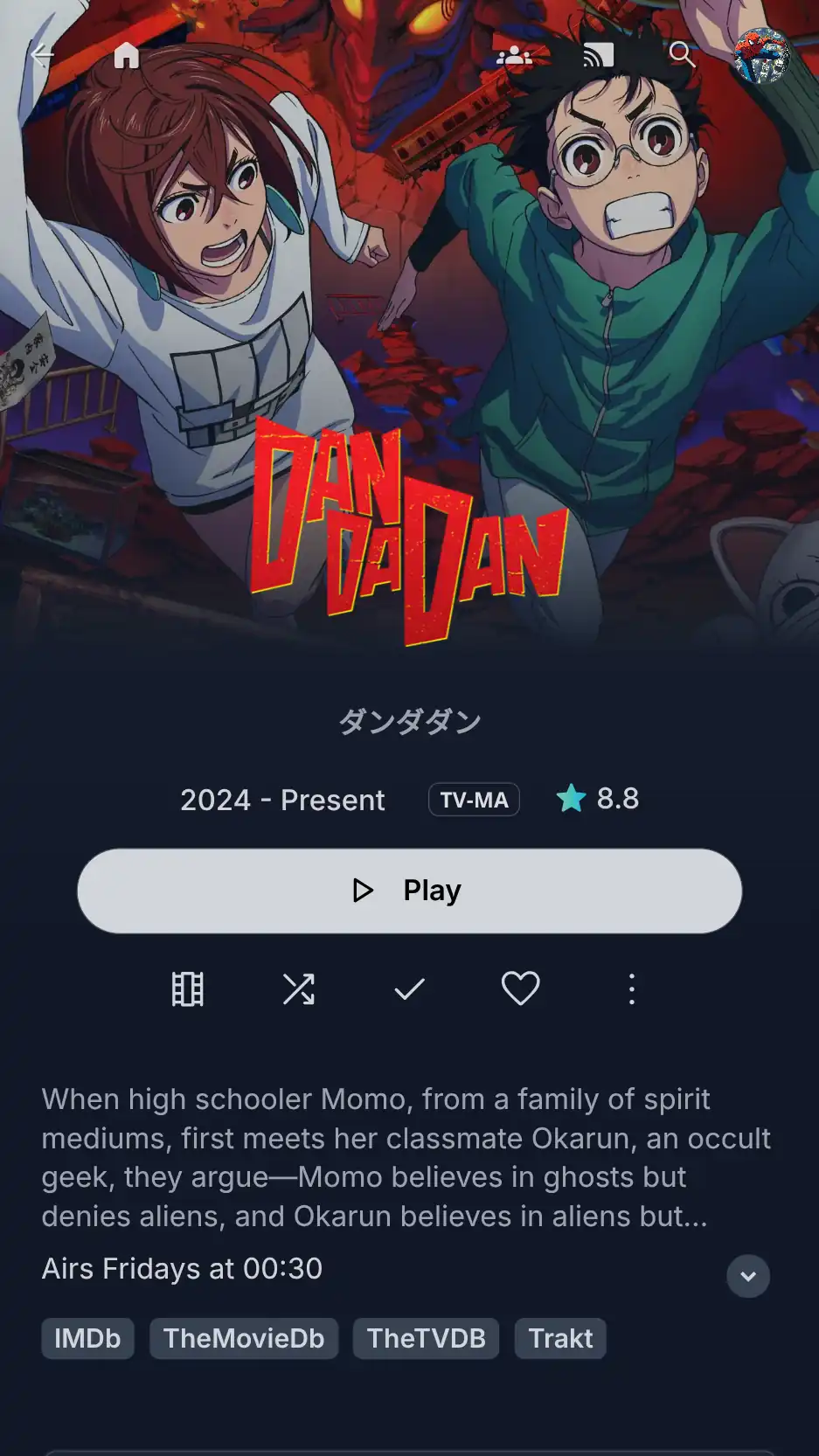 |
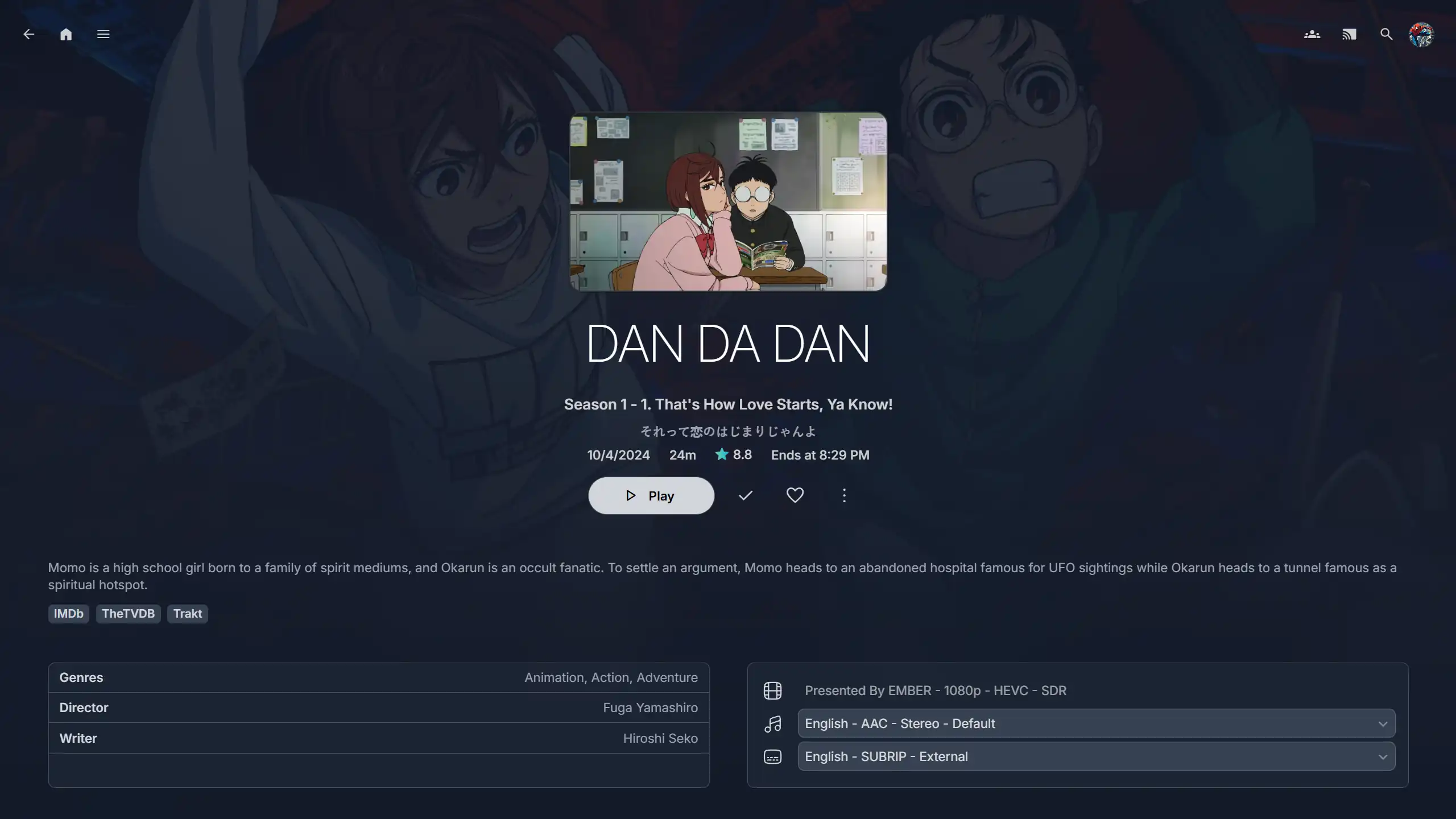 TV Episode Page |
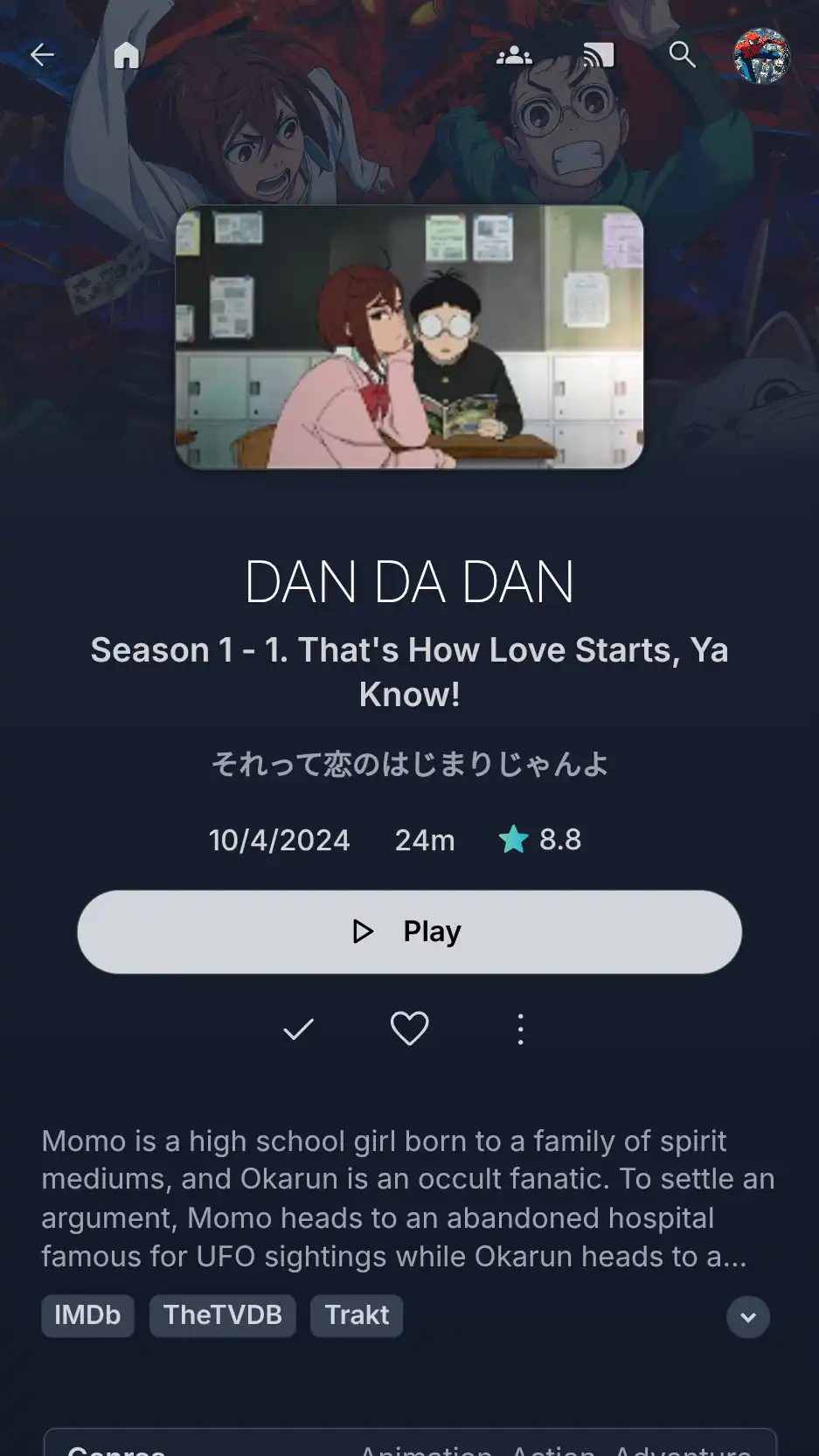 |
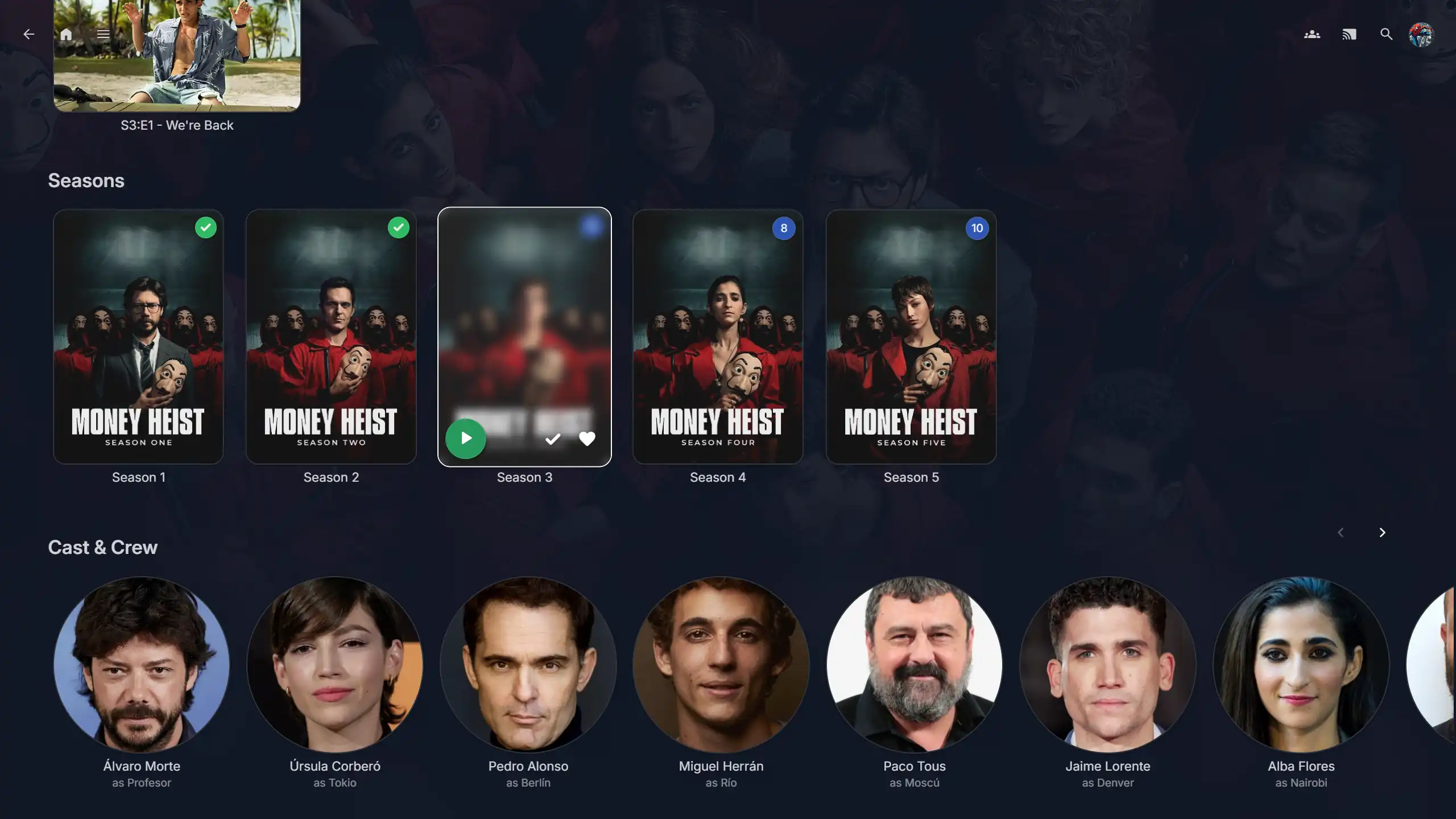 TV Show Seasons |
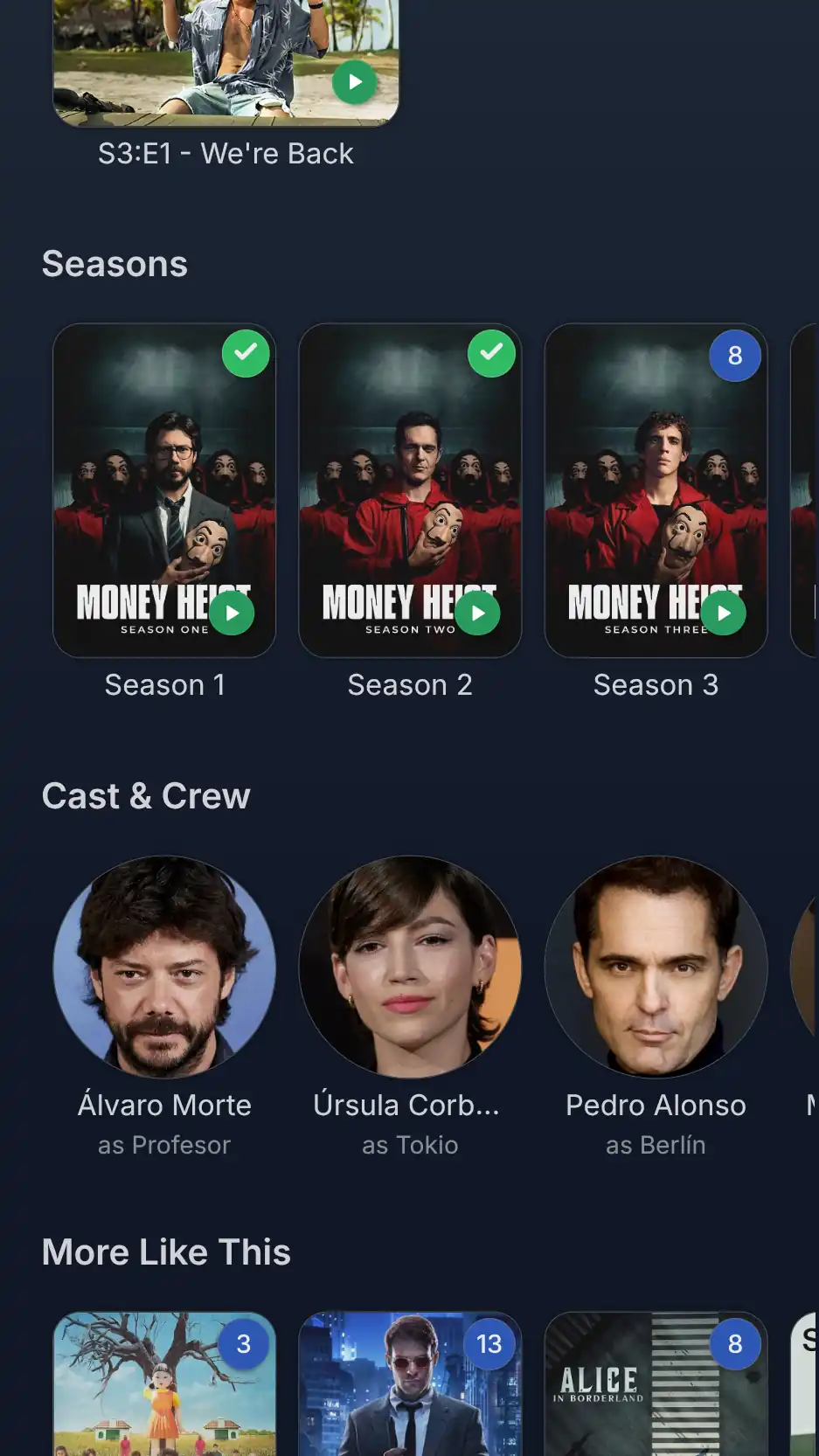 |
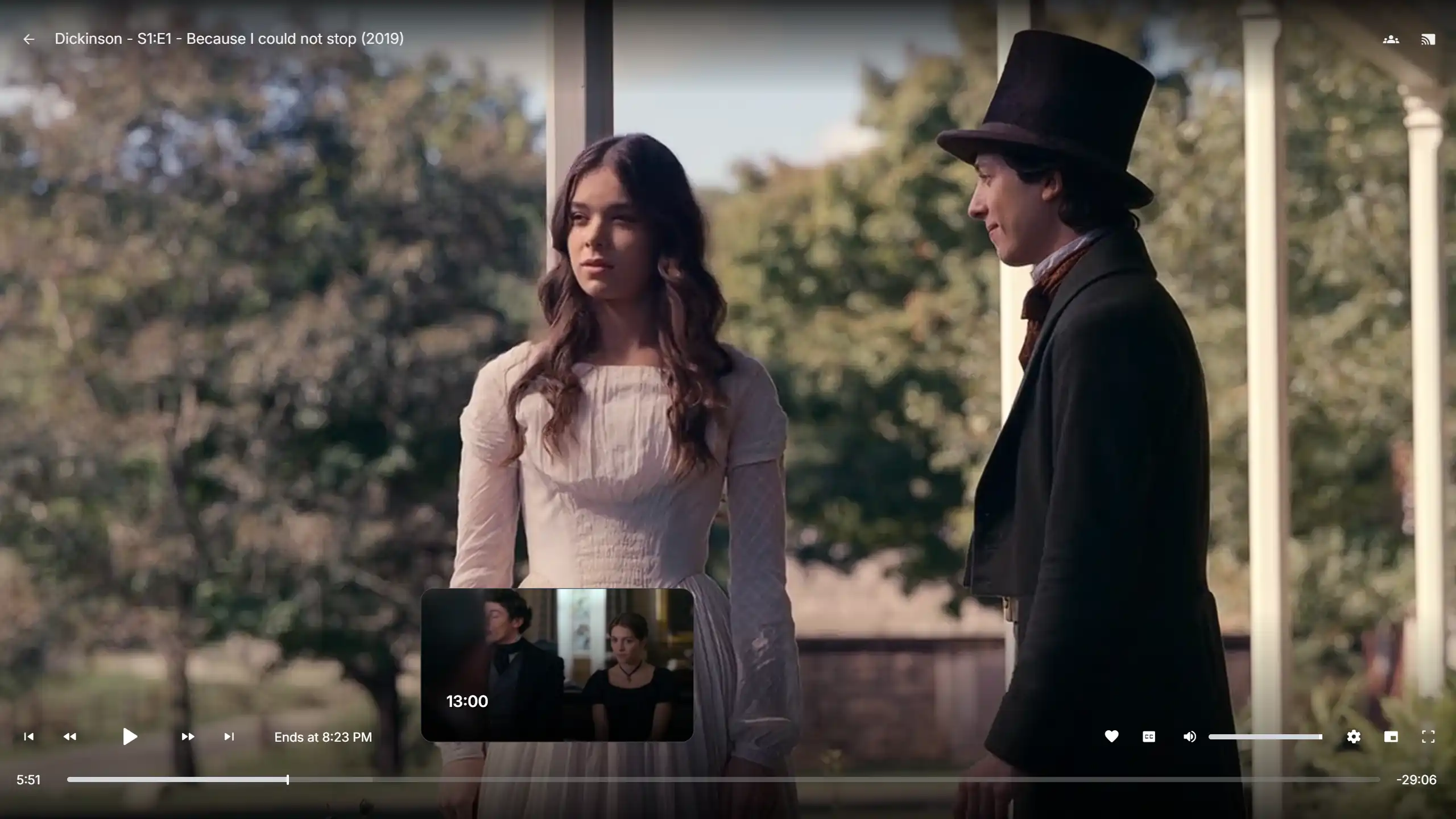 Web Player |
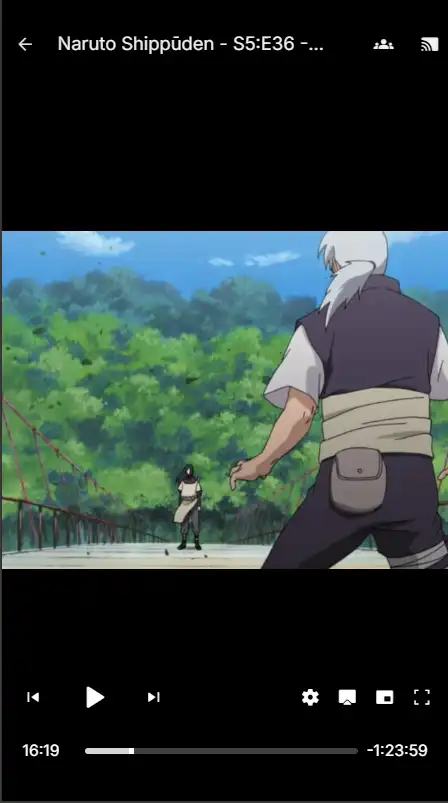 |
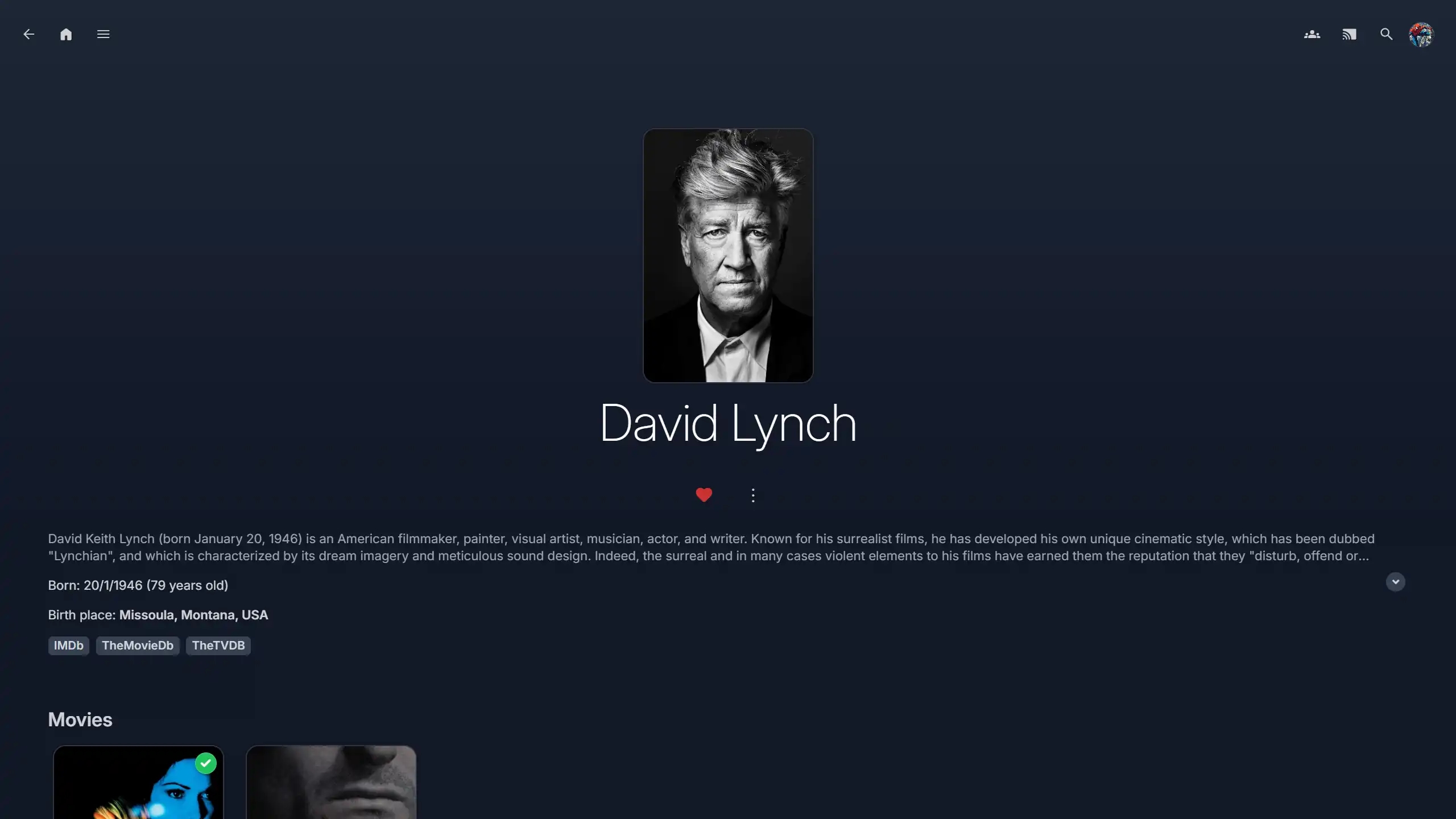 Cast Page |
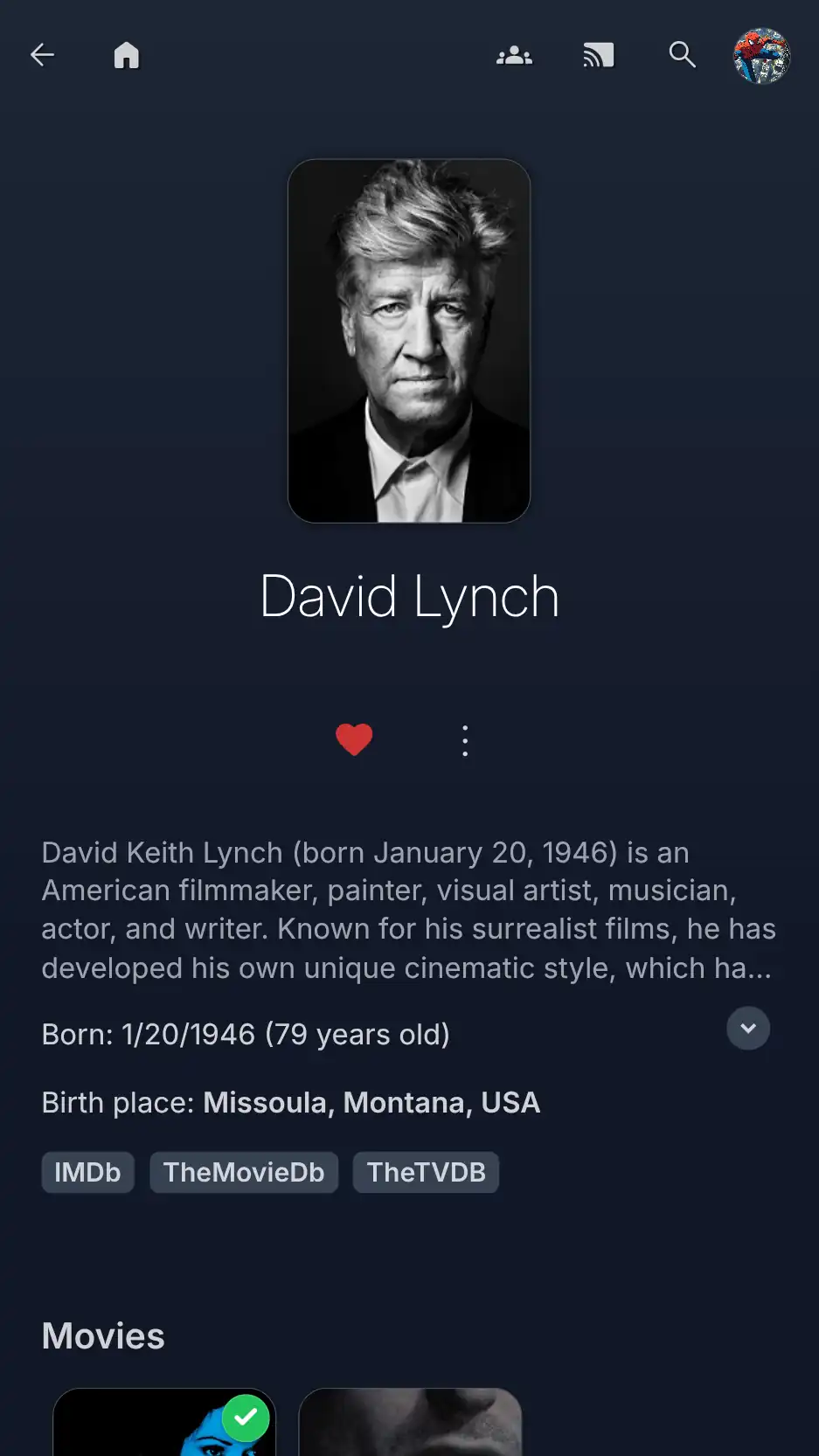 |
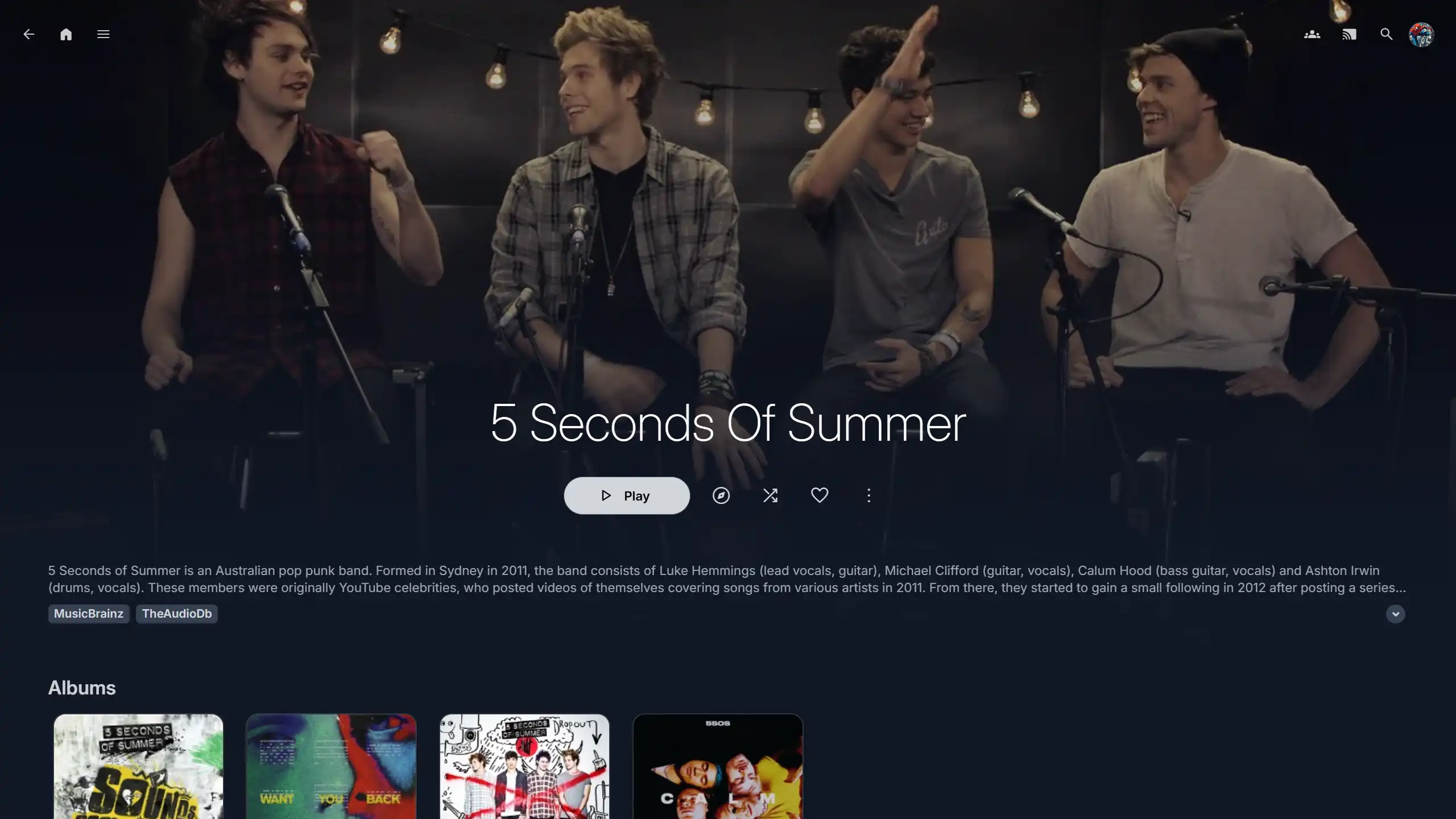 Artist Page |
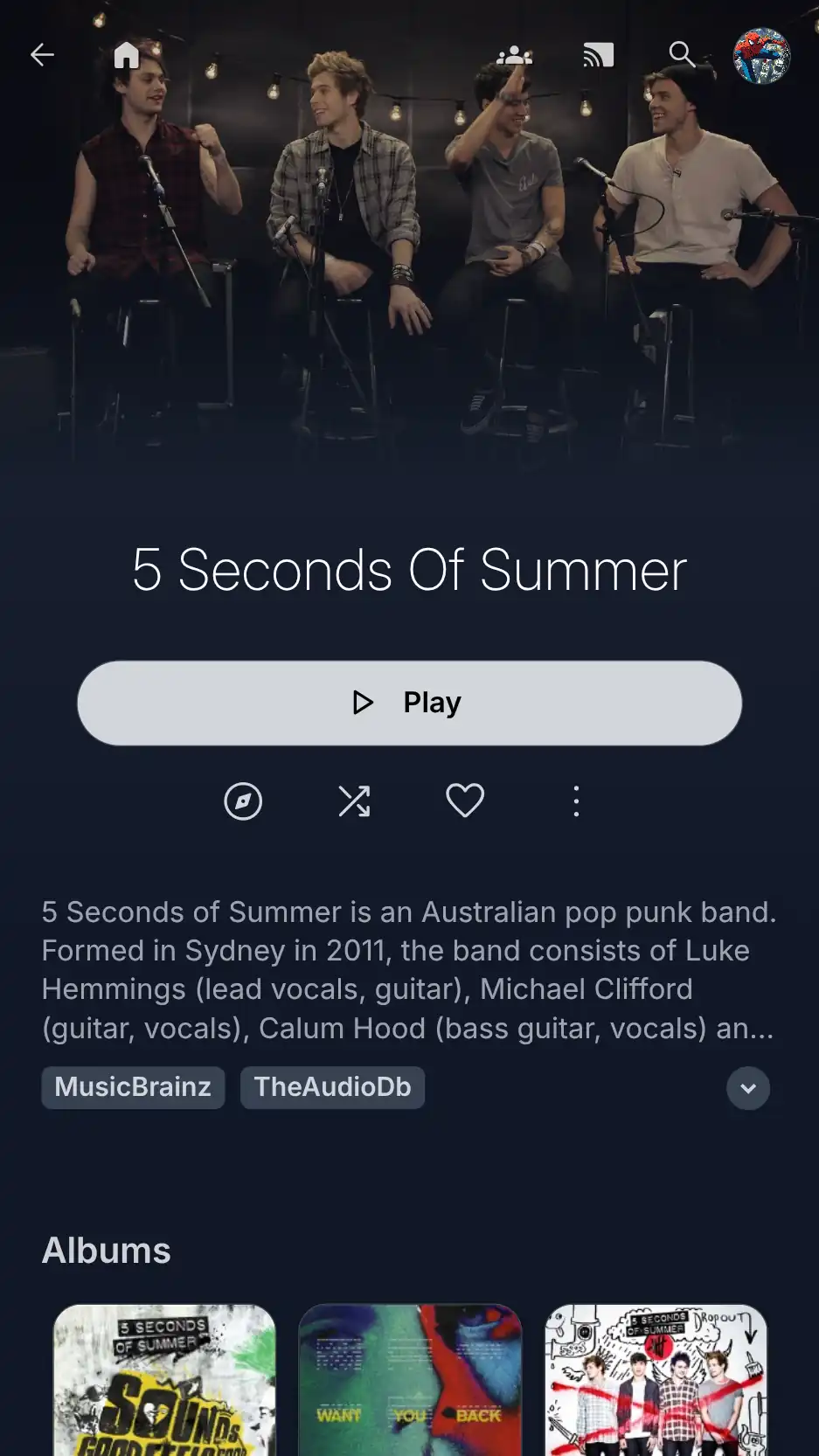 |
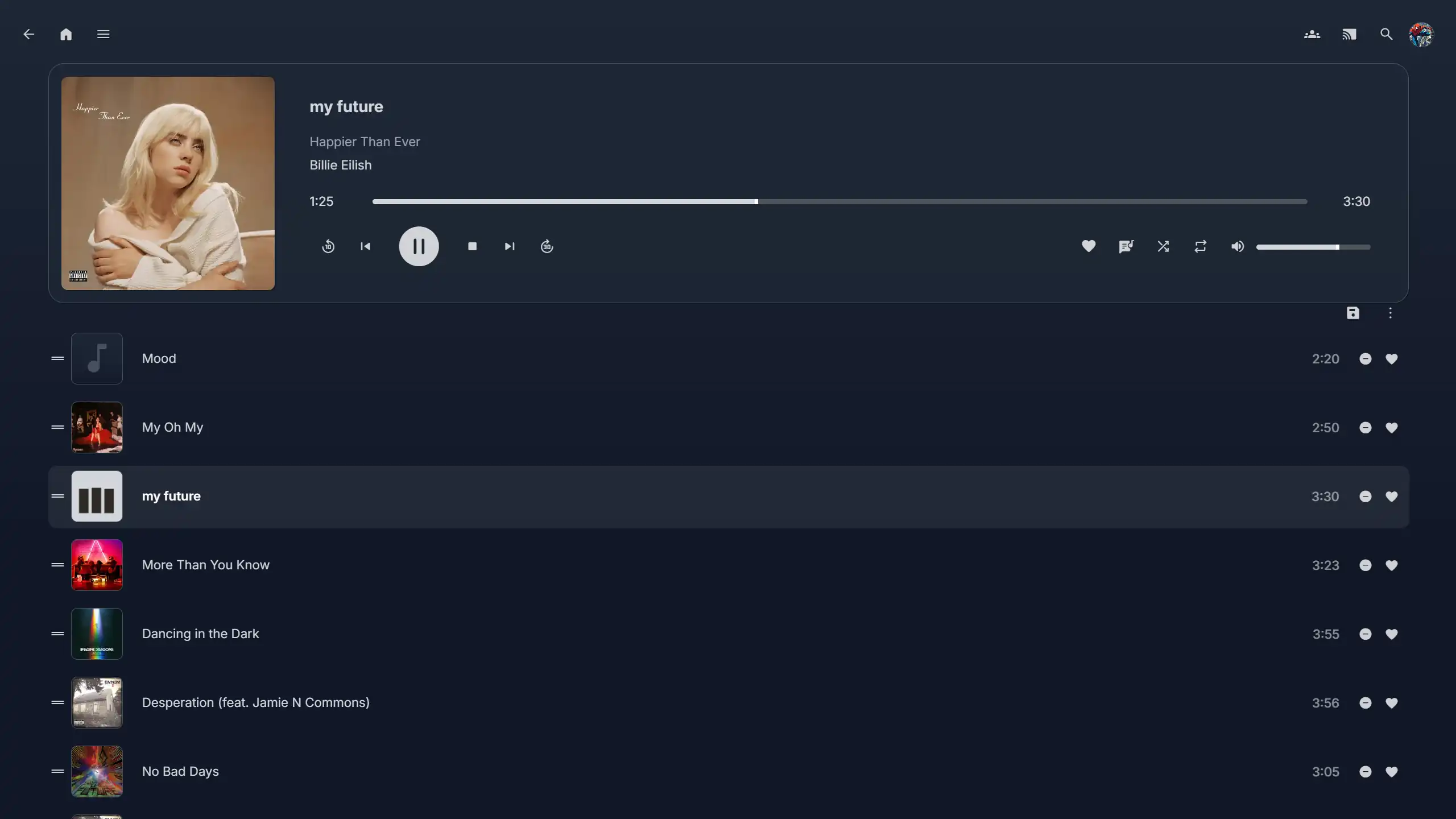 Music Player |
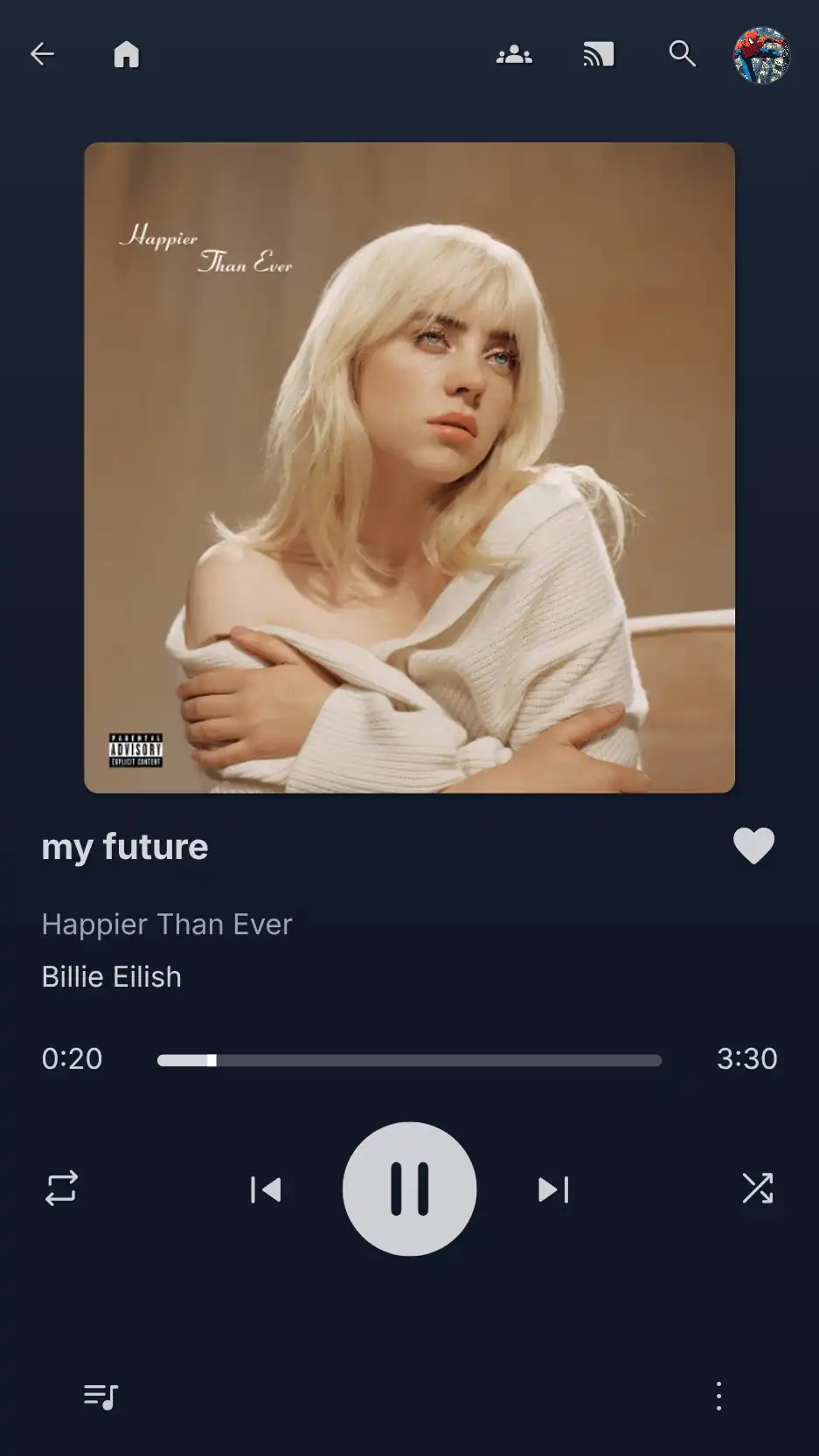 |
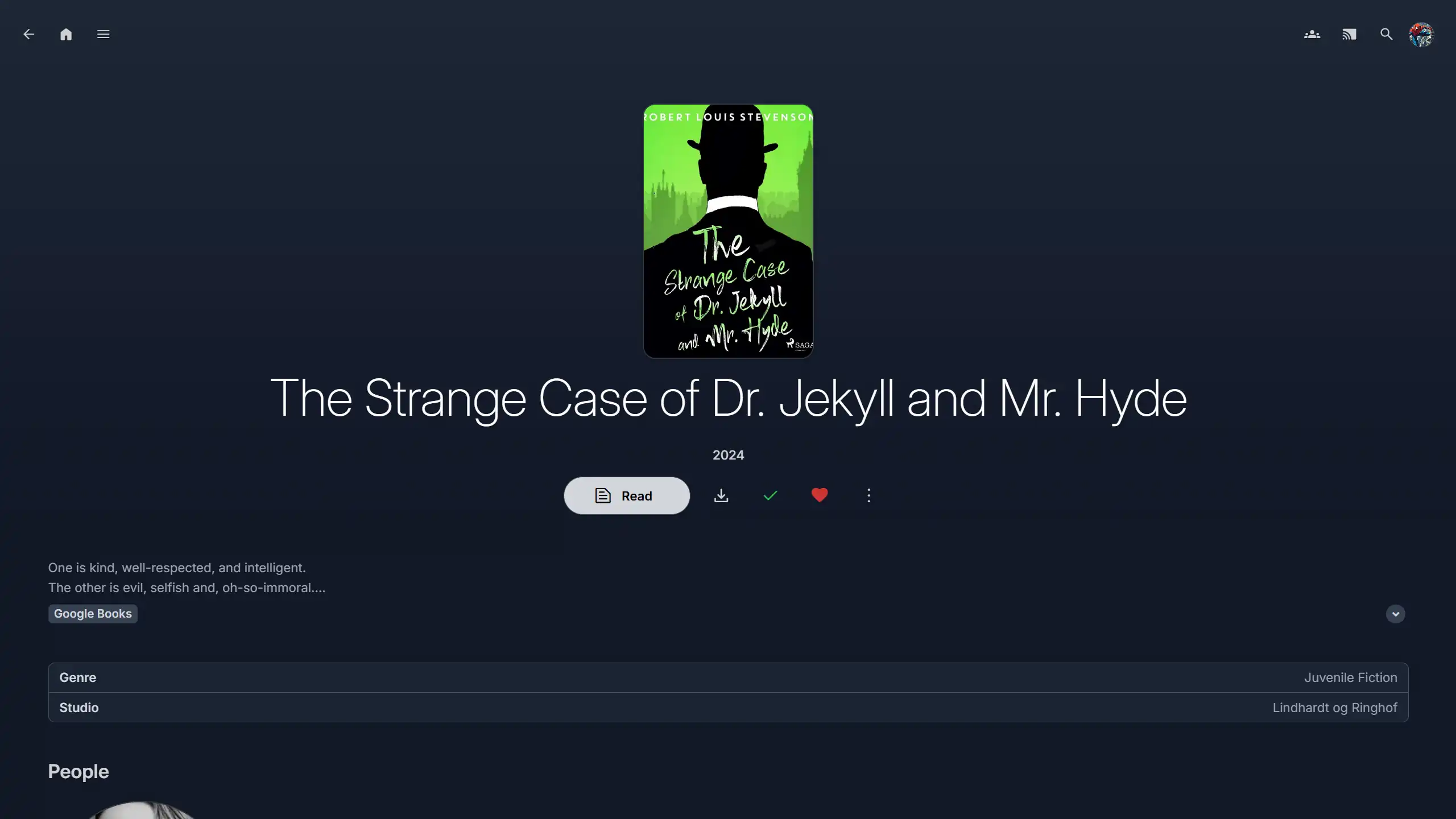 Book Page |
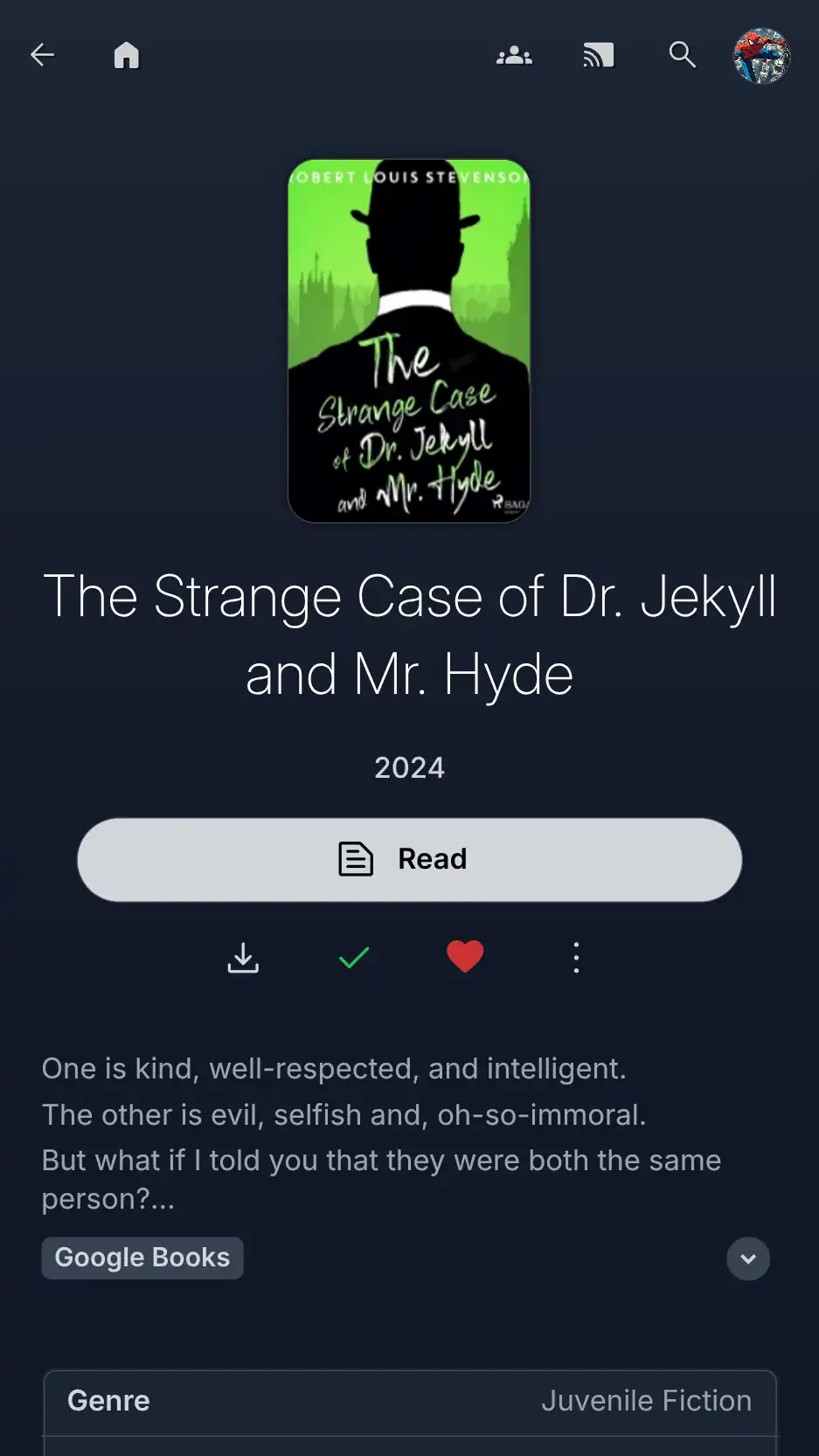 |
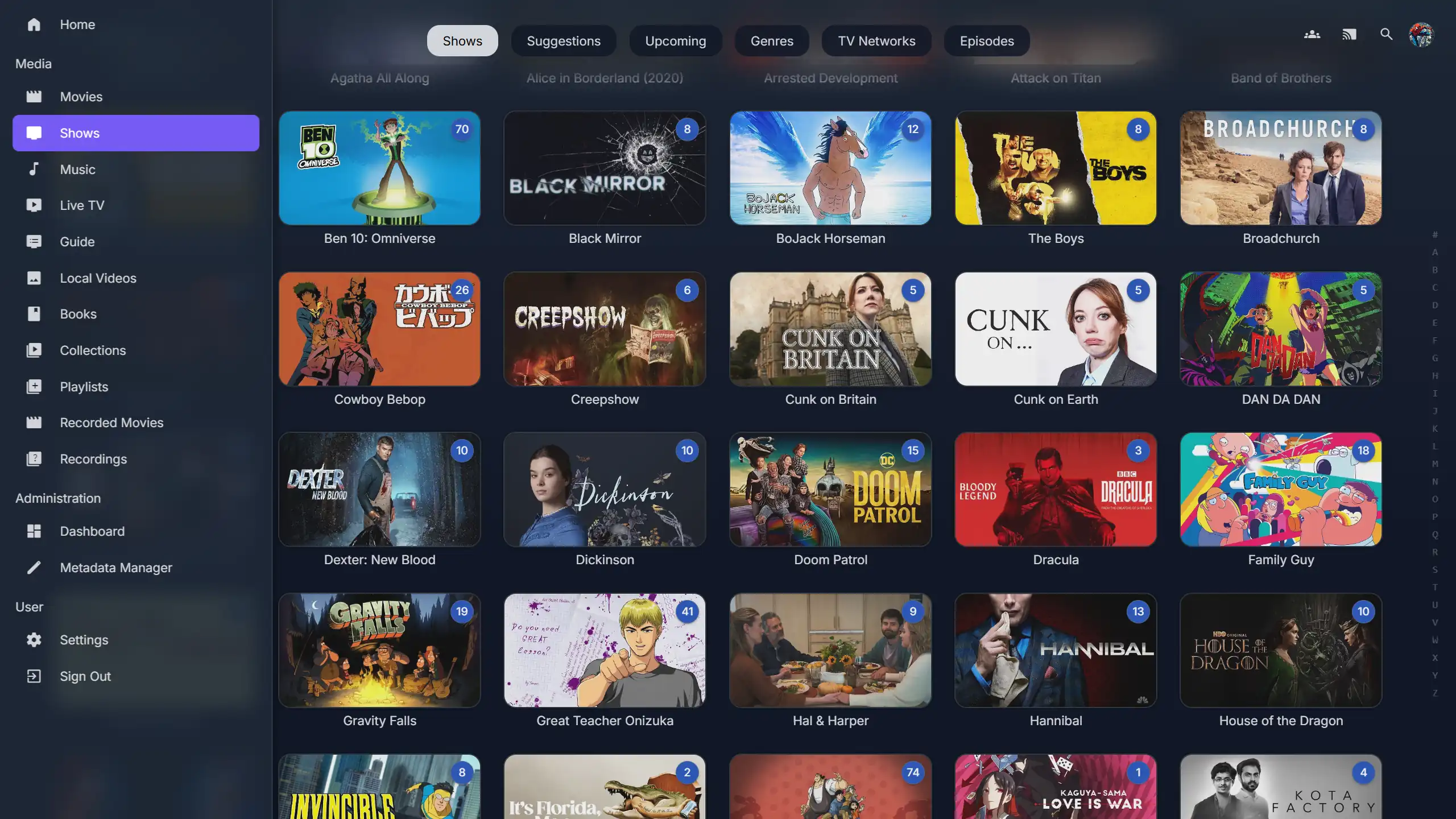 Sidebar |
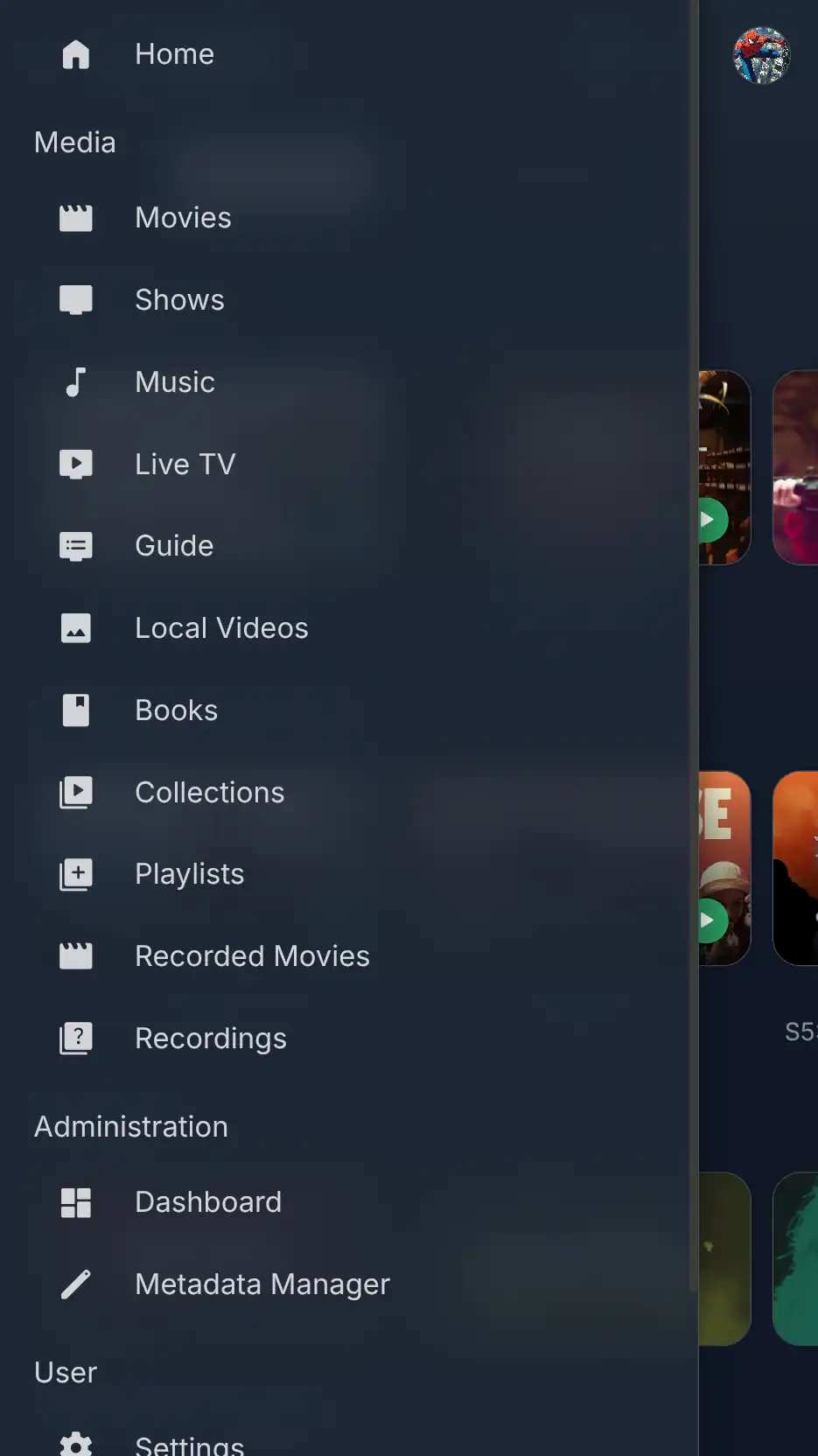 |
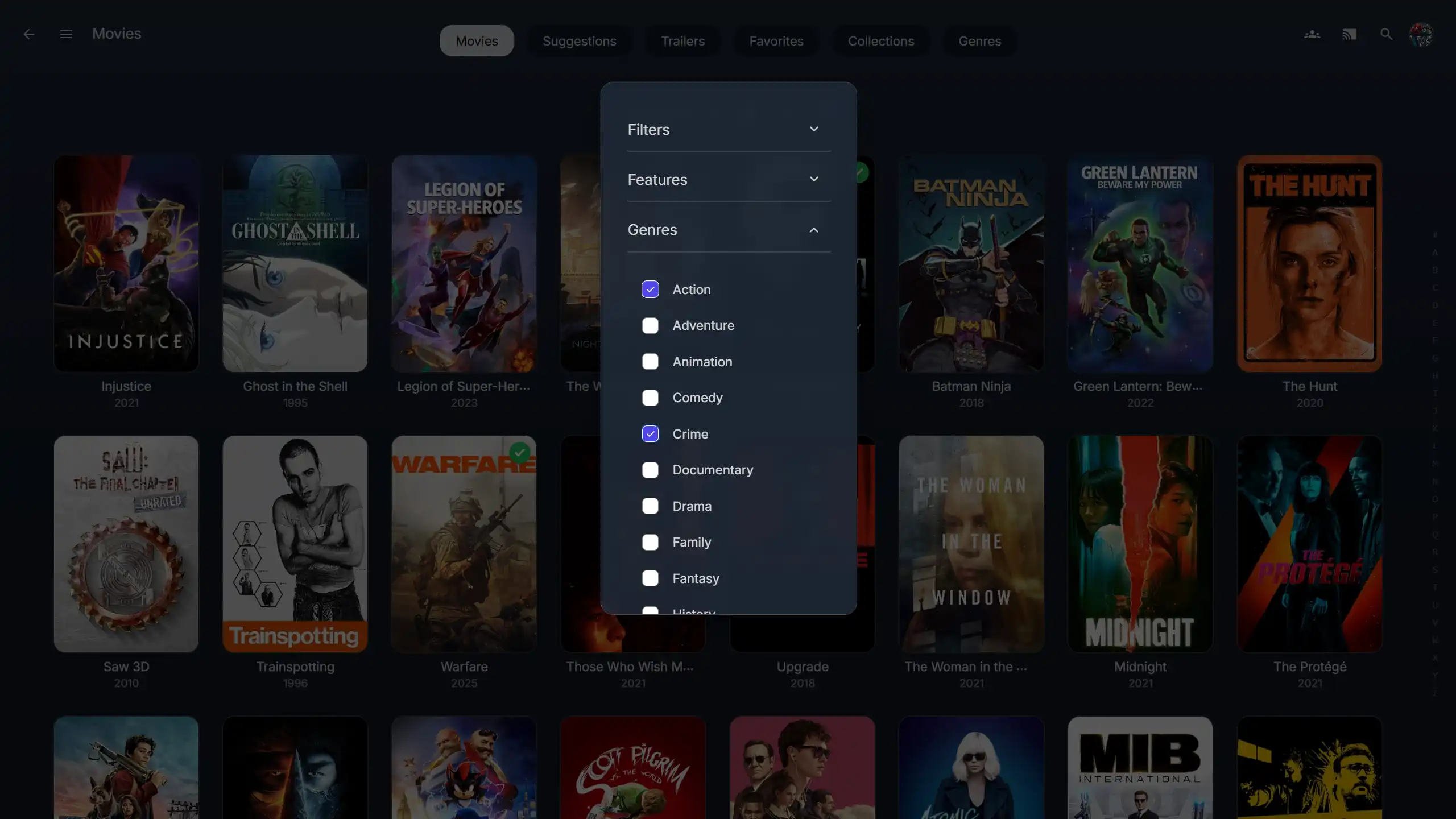 Extra Dialog |
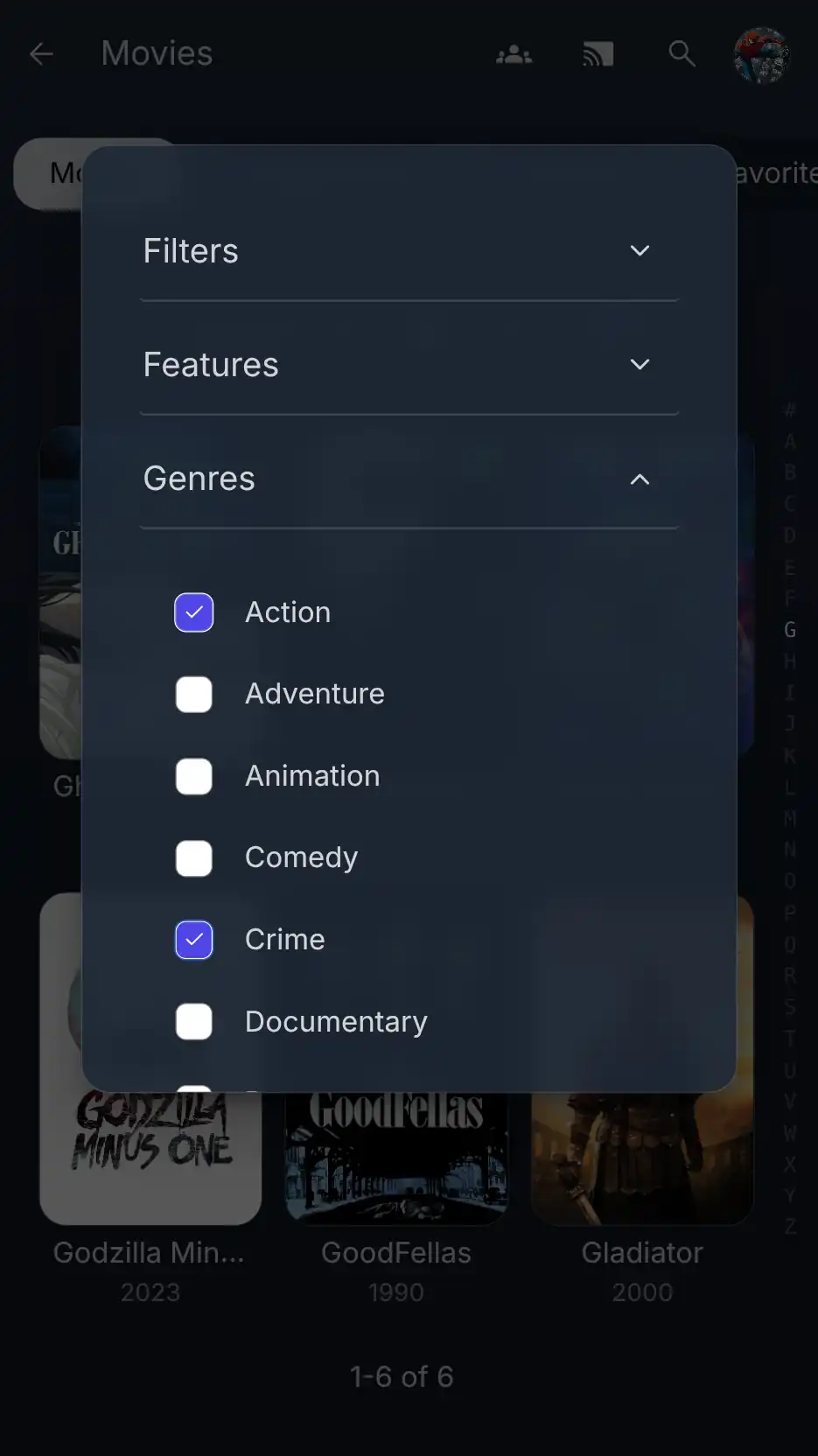 |
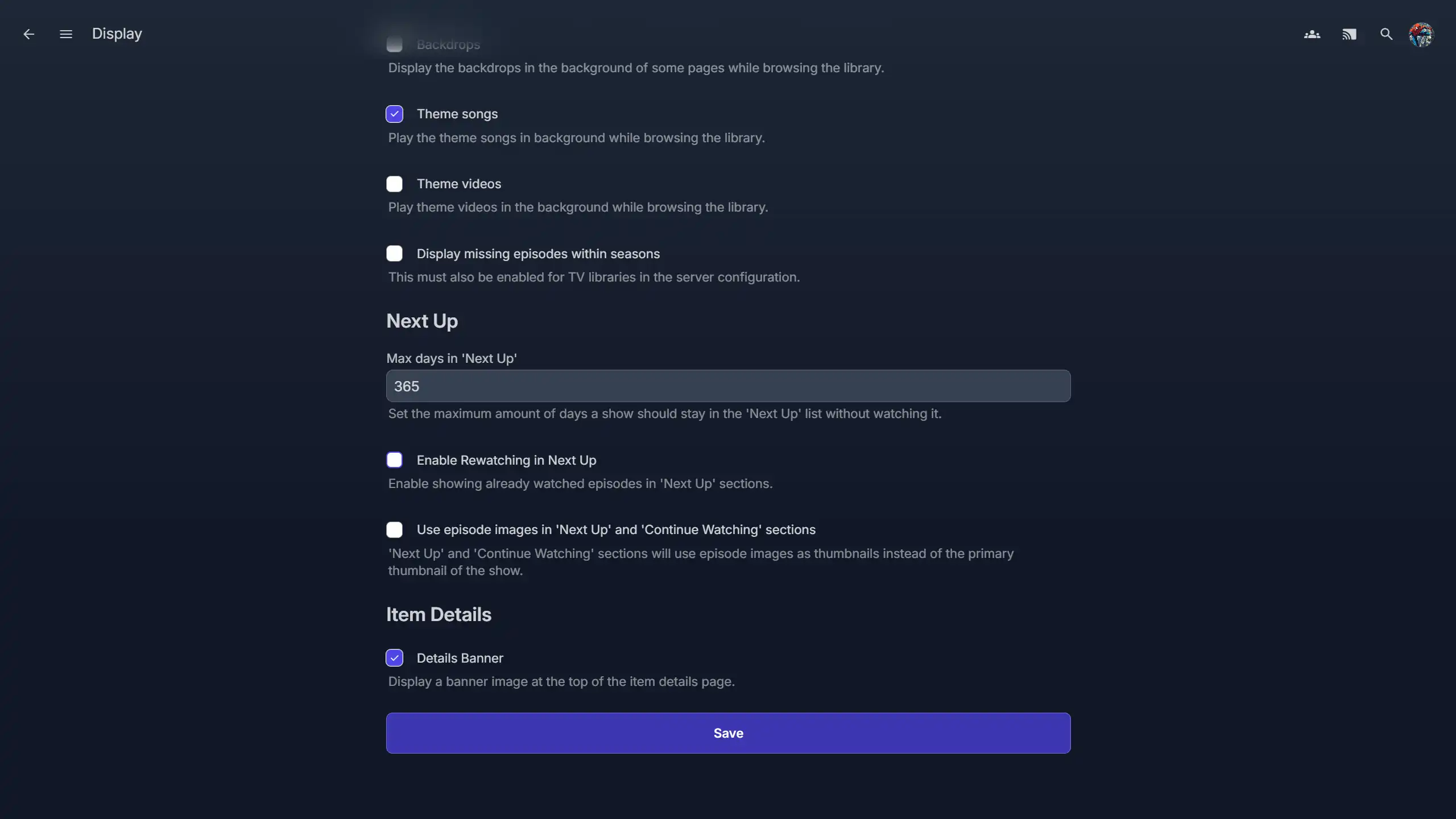 Settings Page |
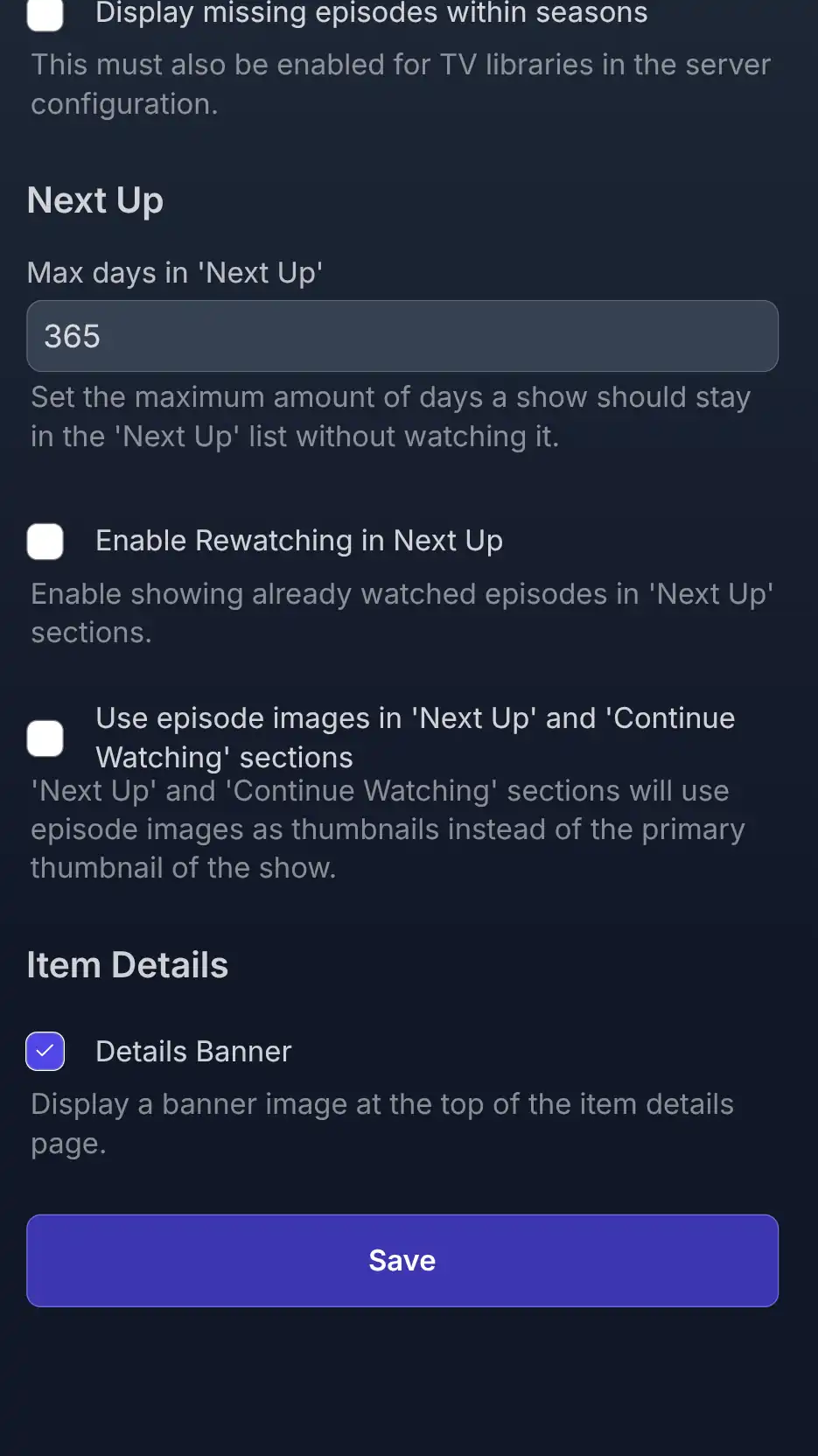 |
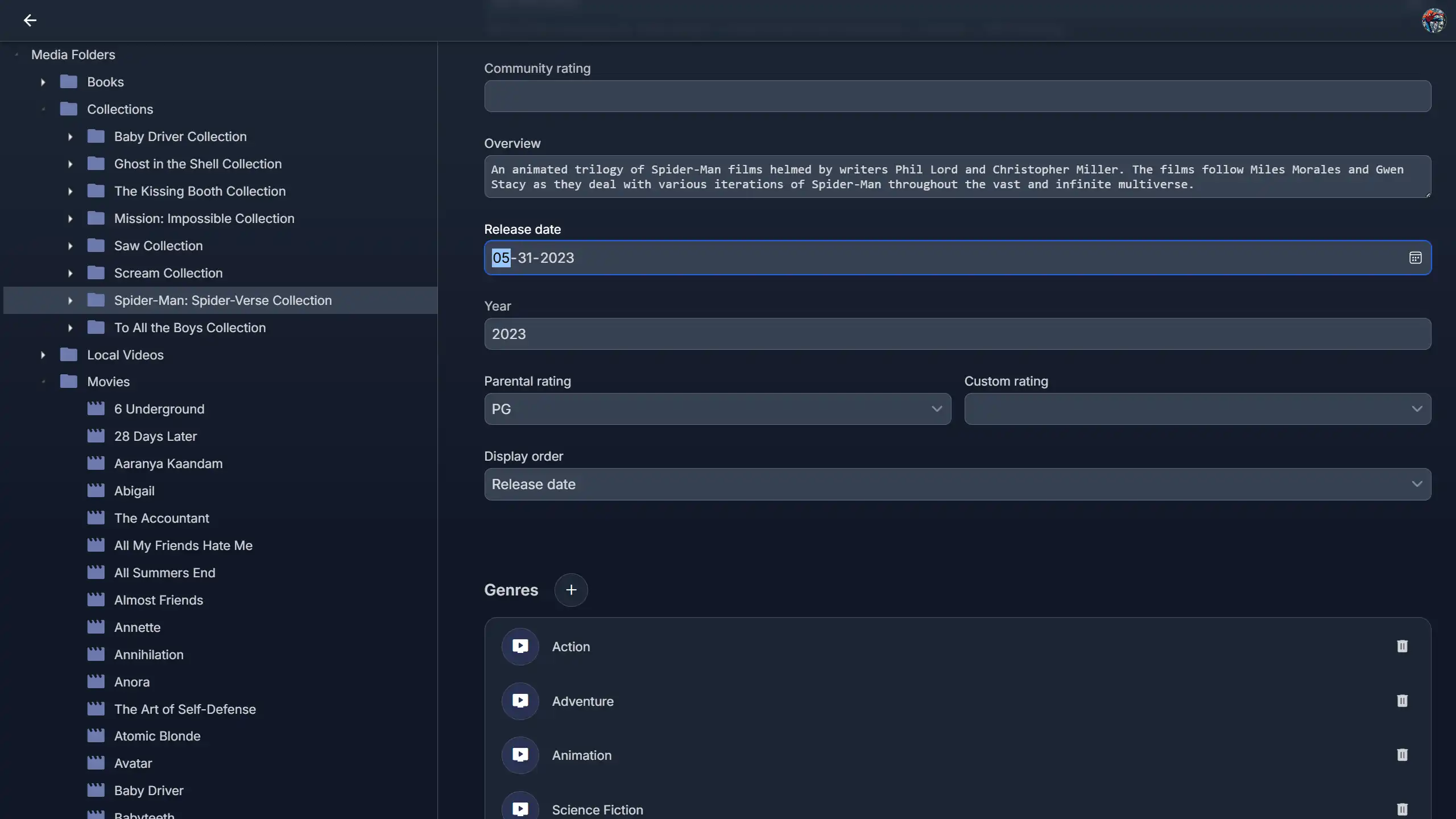 Metadata Menu |
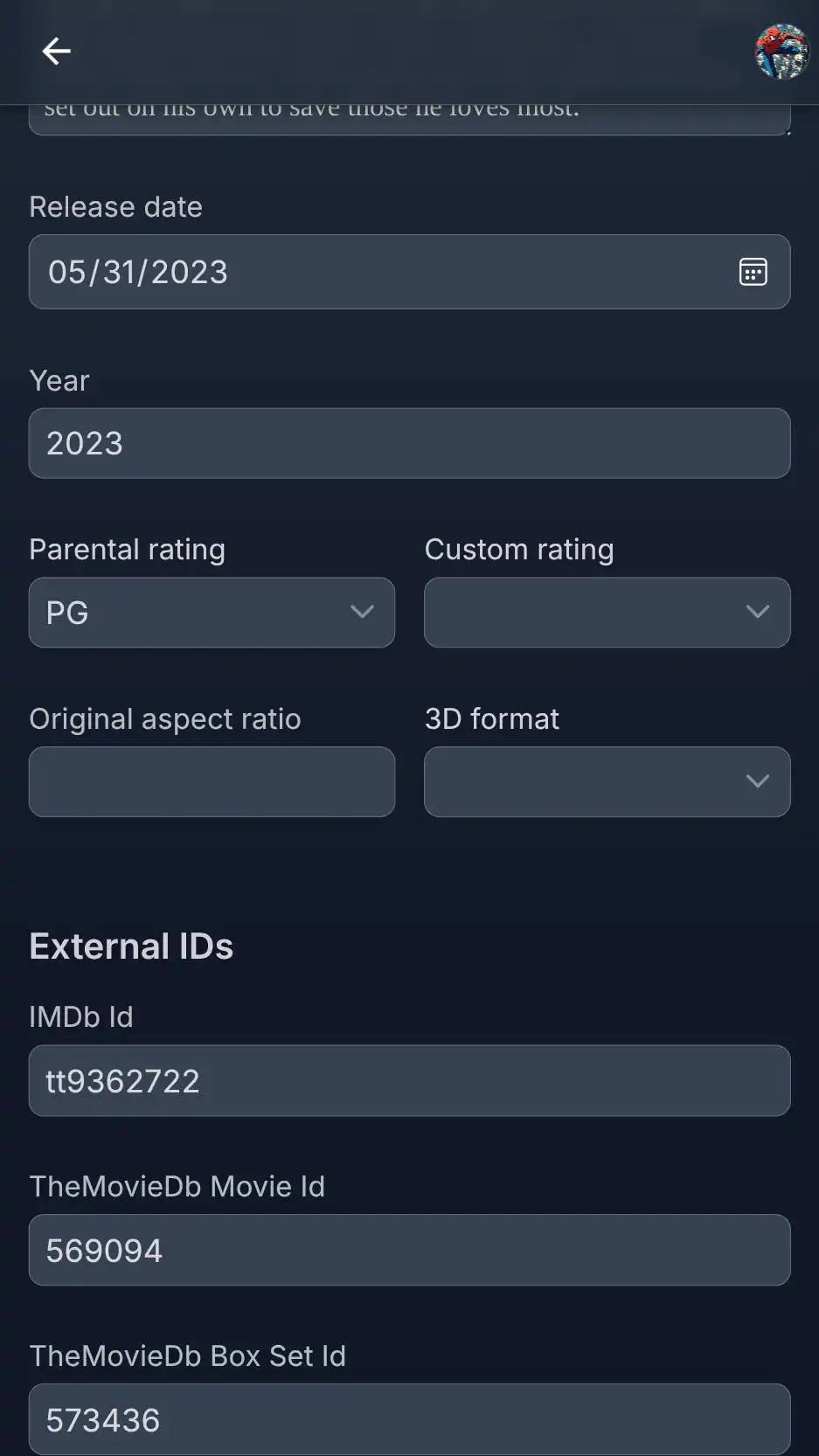 |
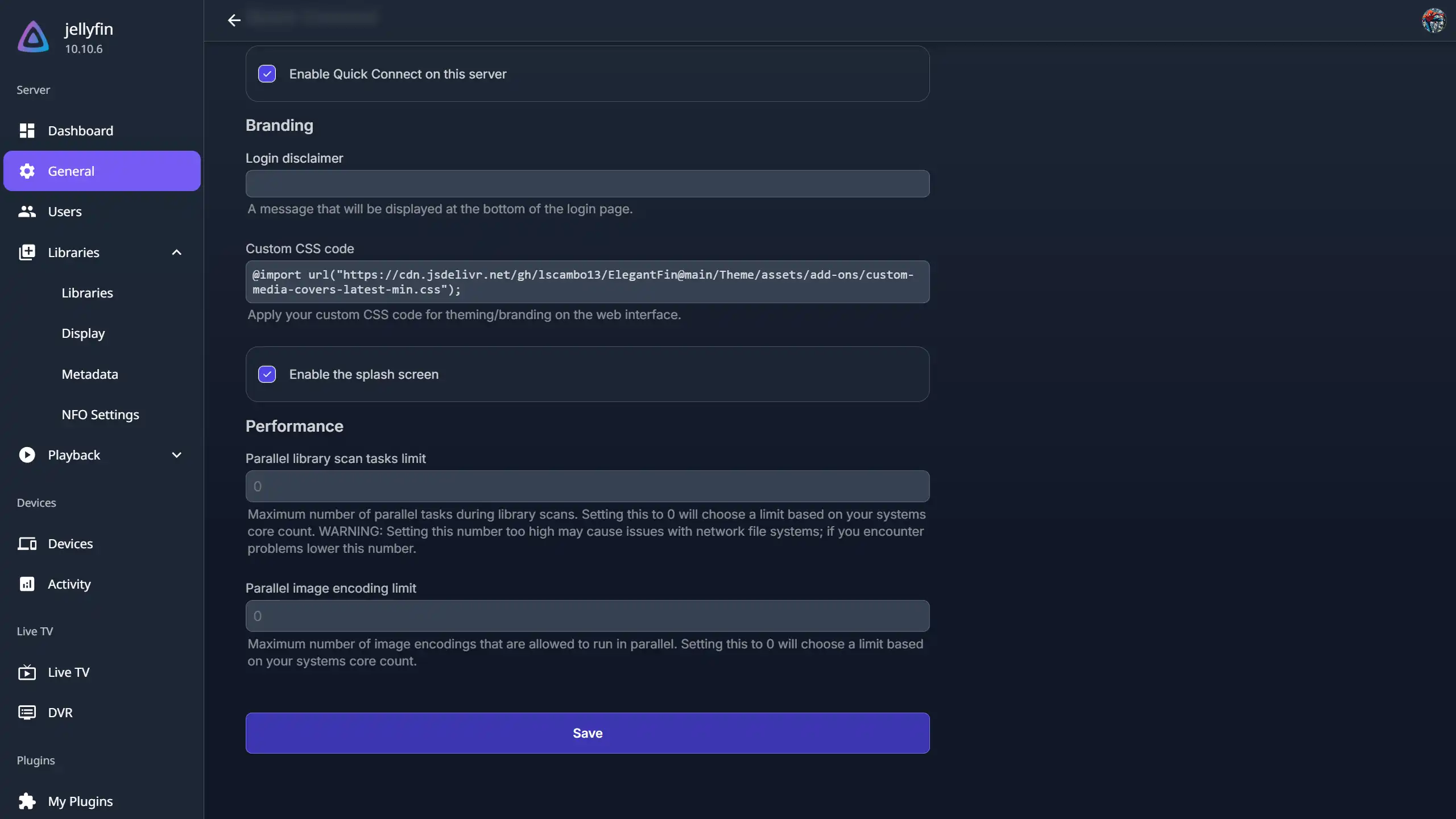 Dashboard Settings |
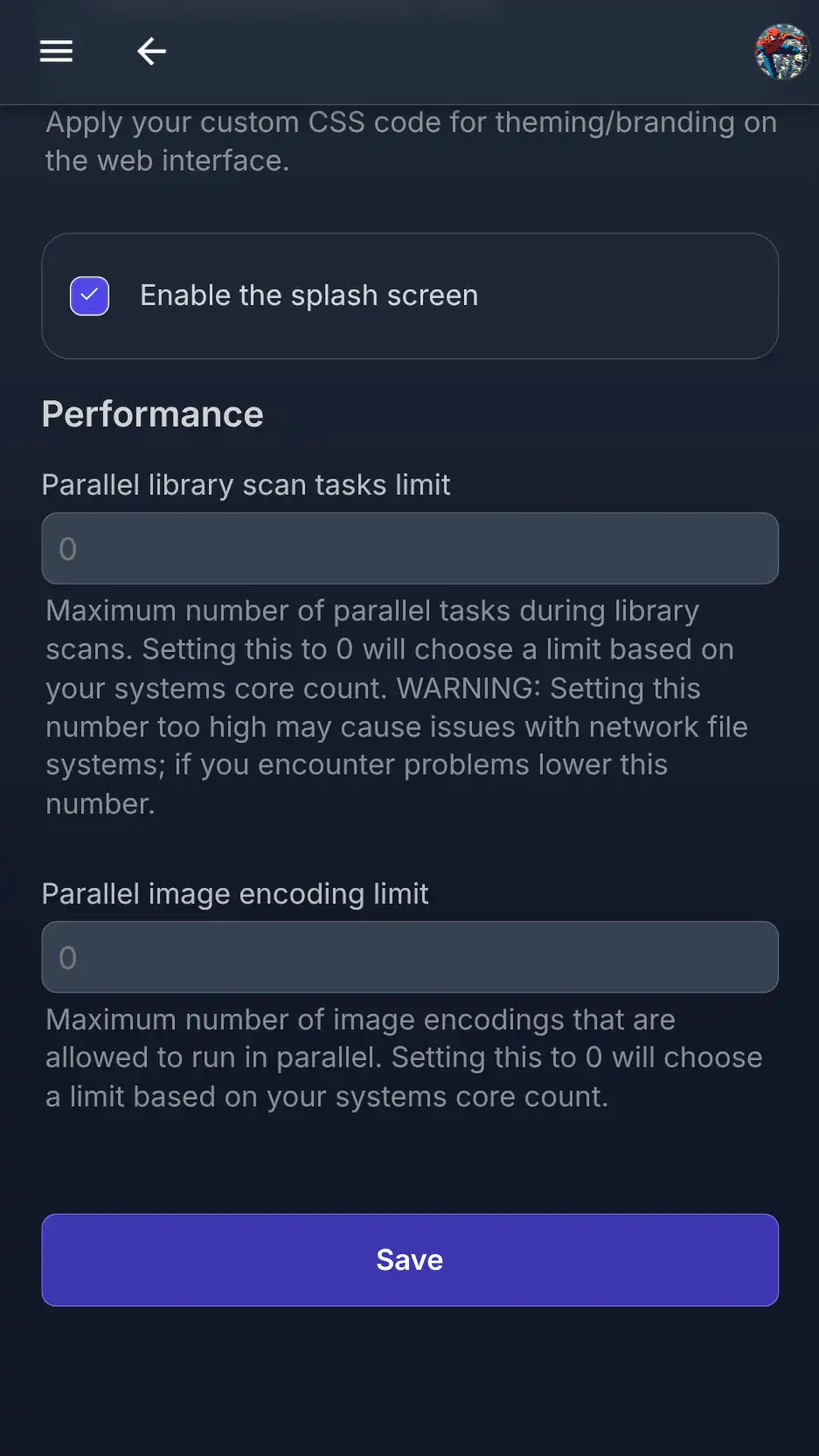 |
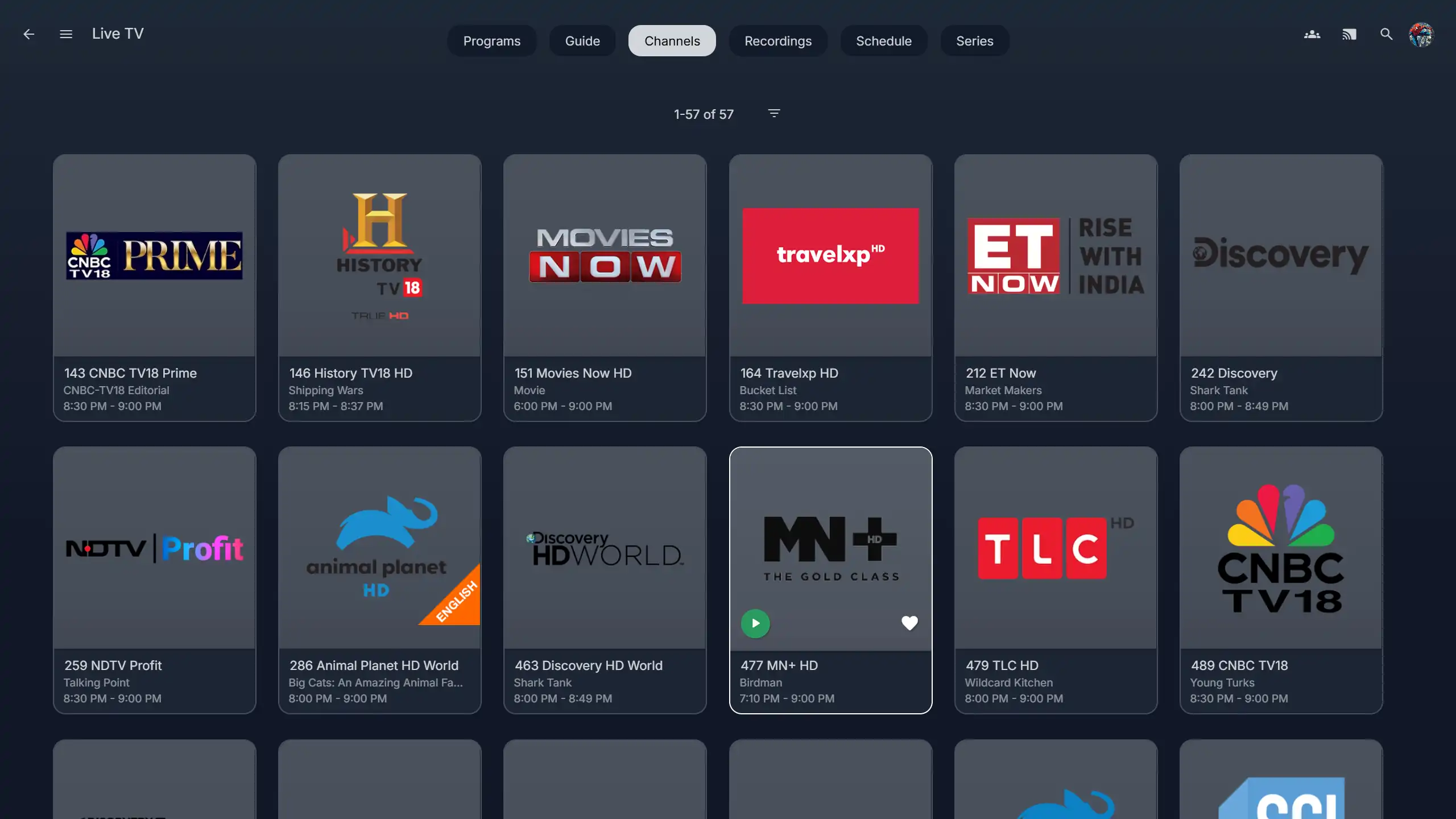 Live TV Page |
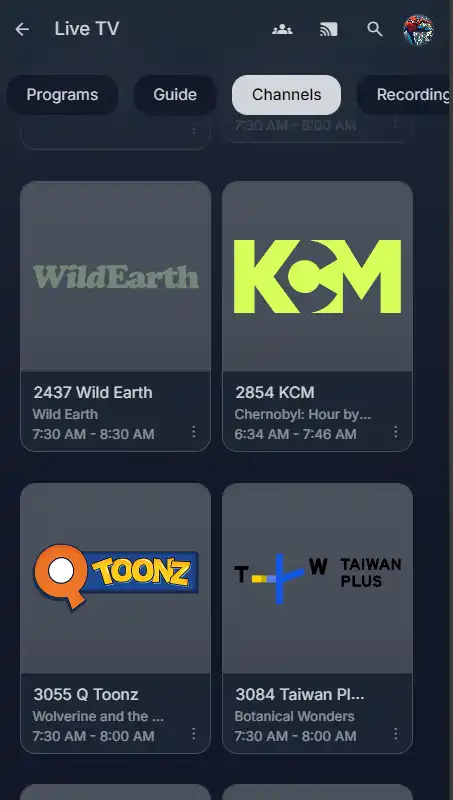 |
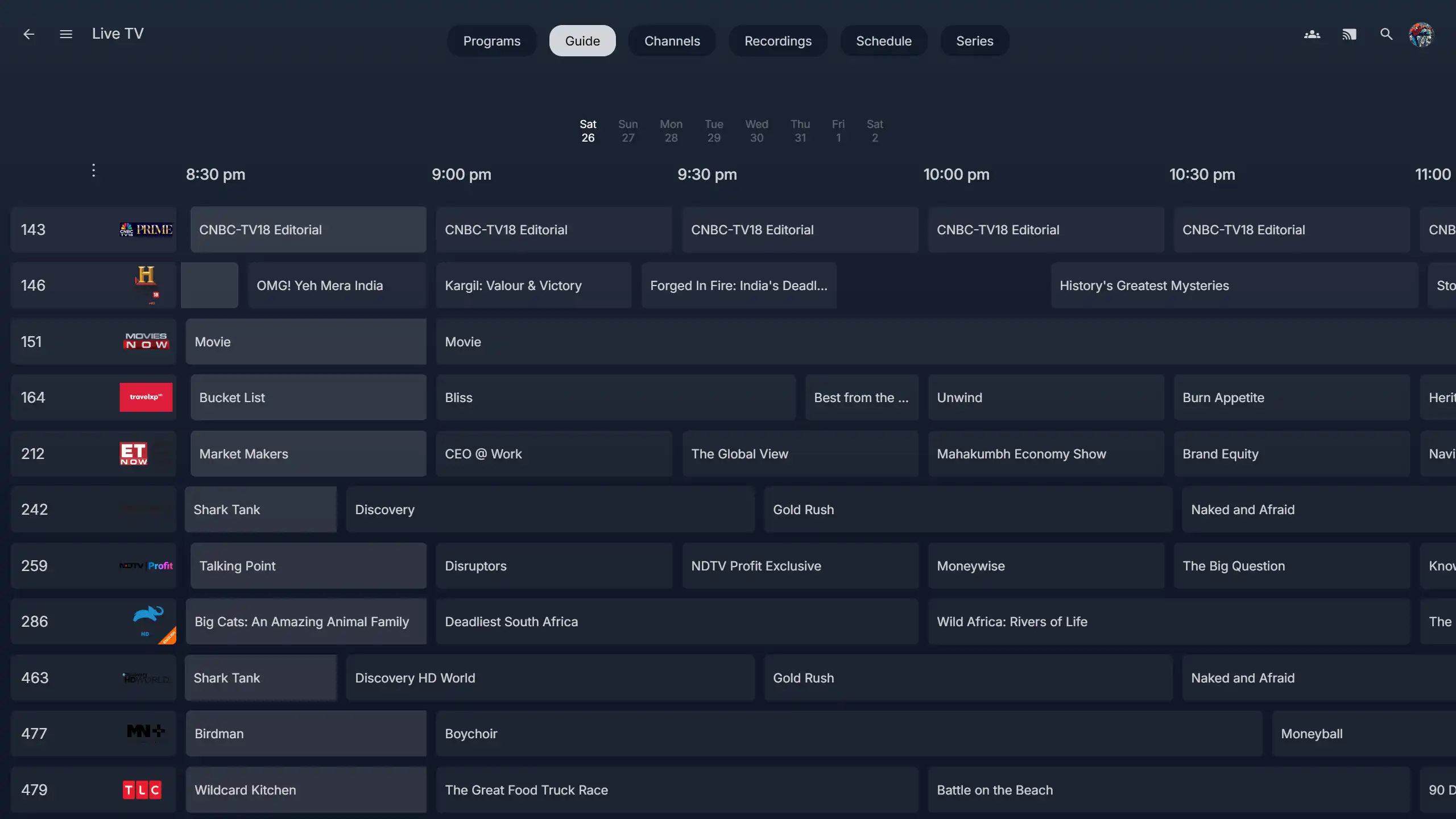 Live TV Guide |
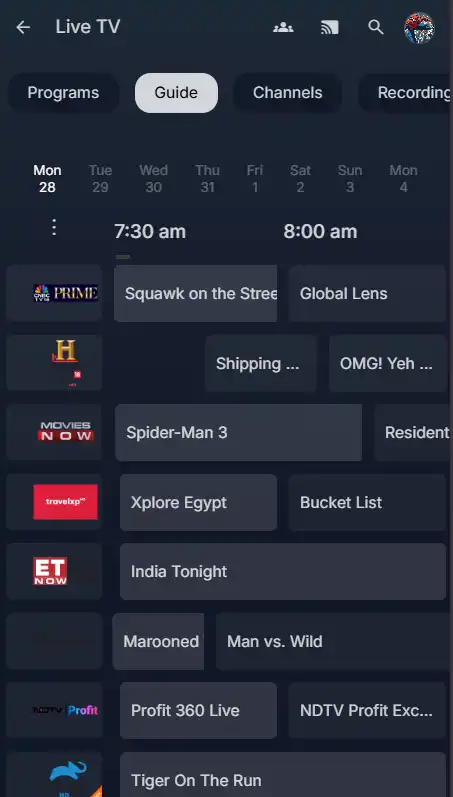 |
| TV View |
|---|
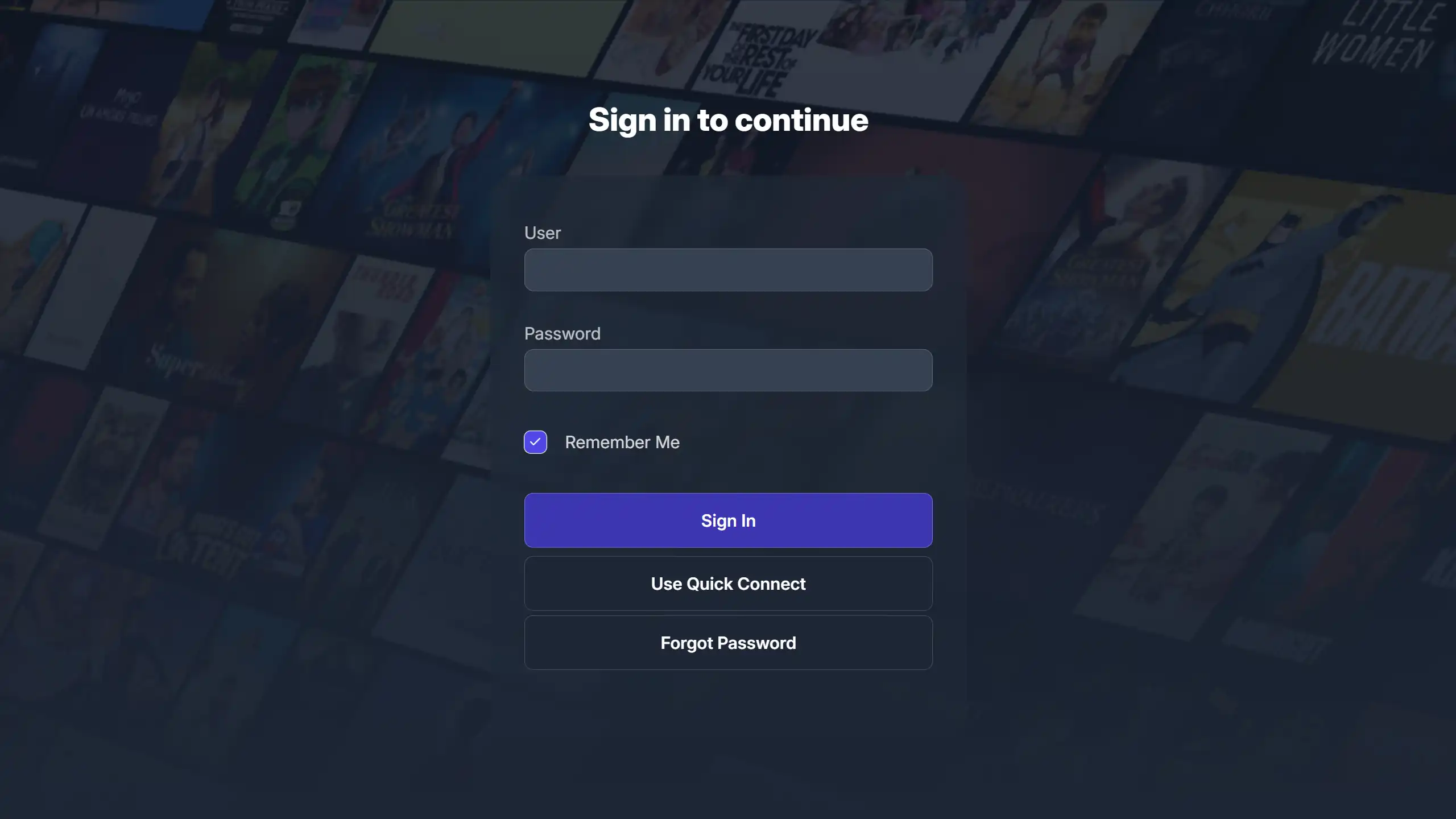 Login Page |
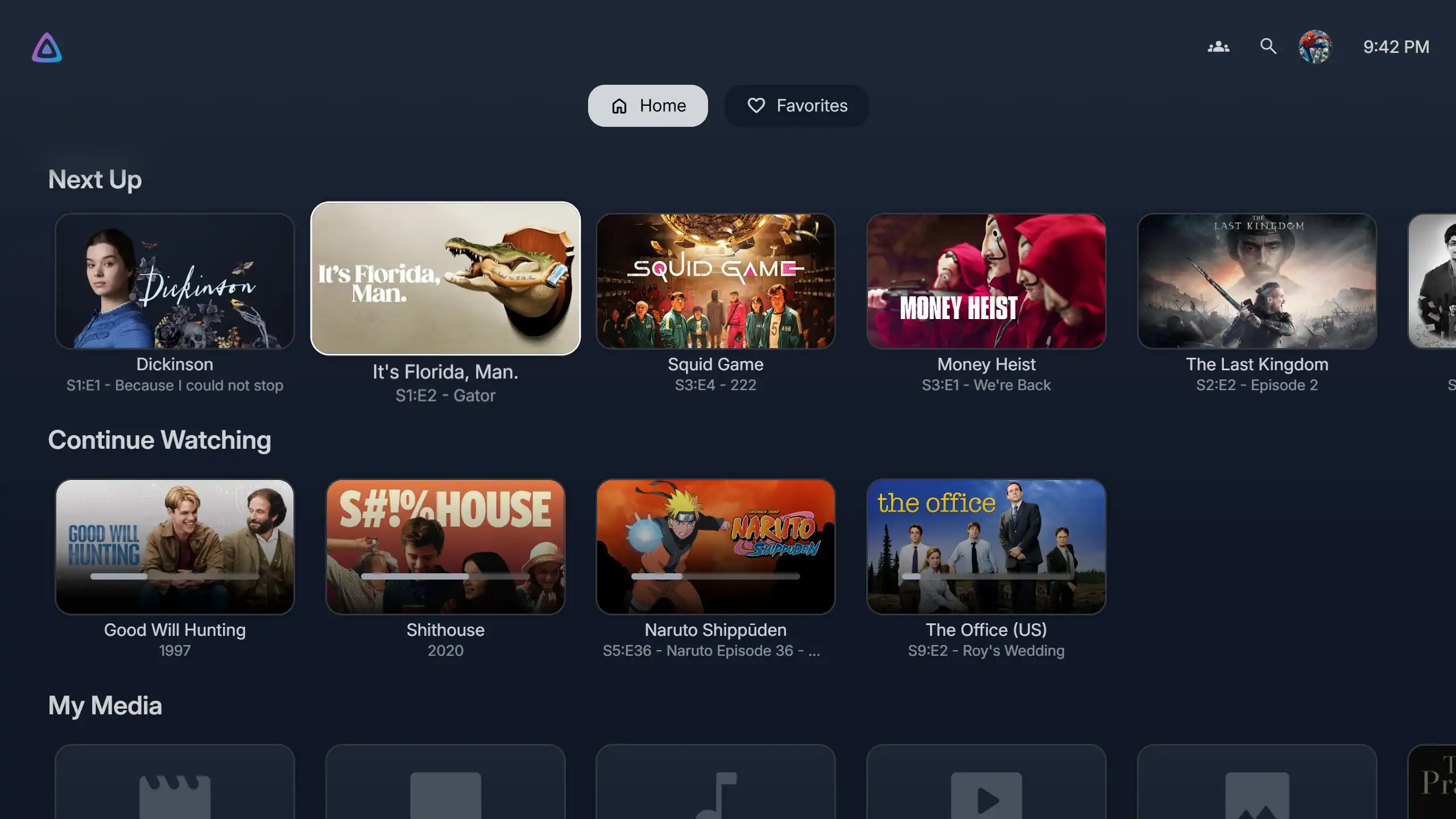 Homepage |
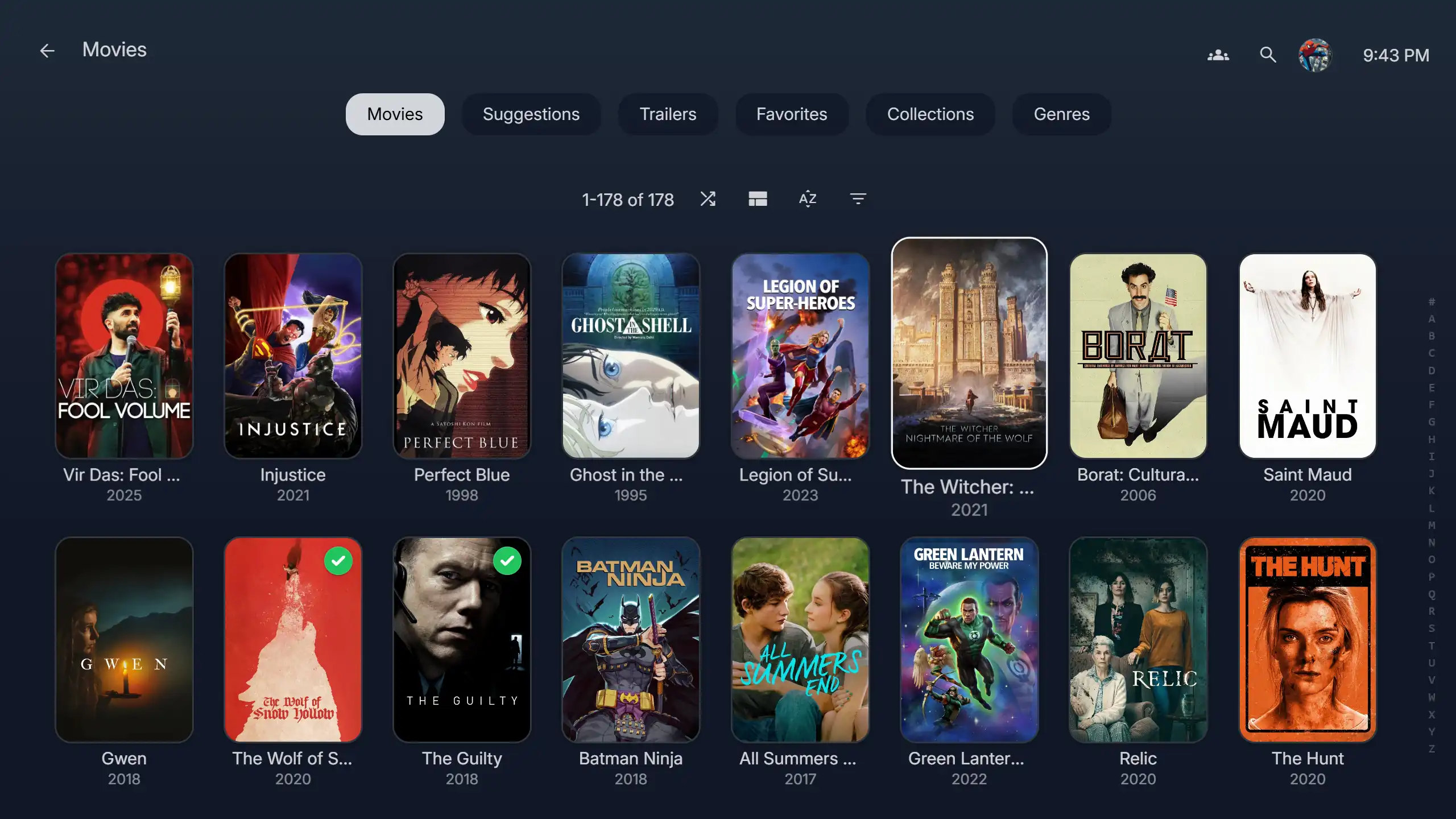 Movies Library |
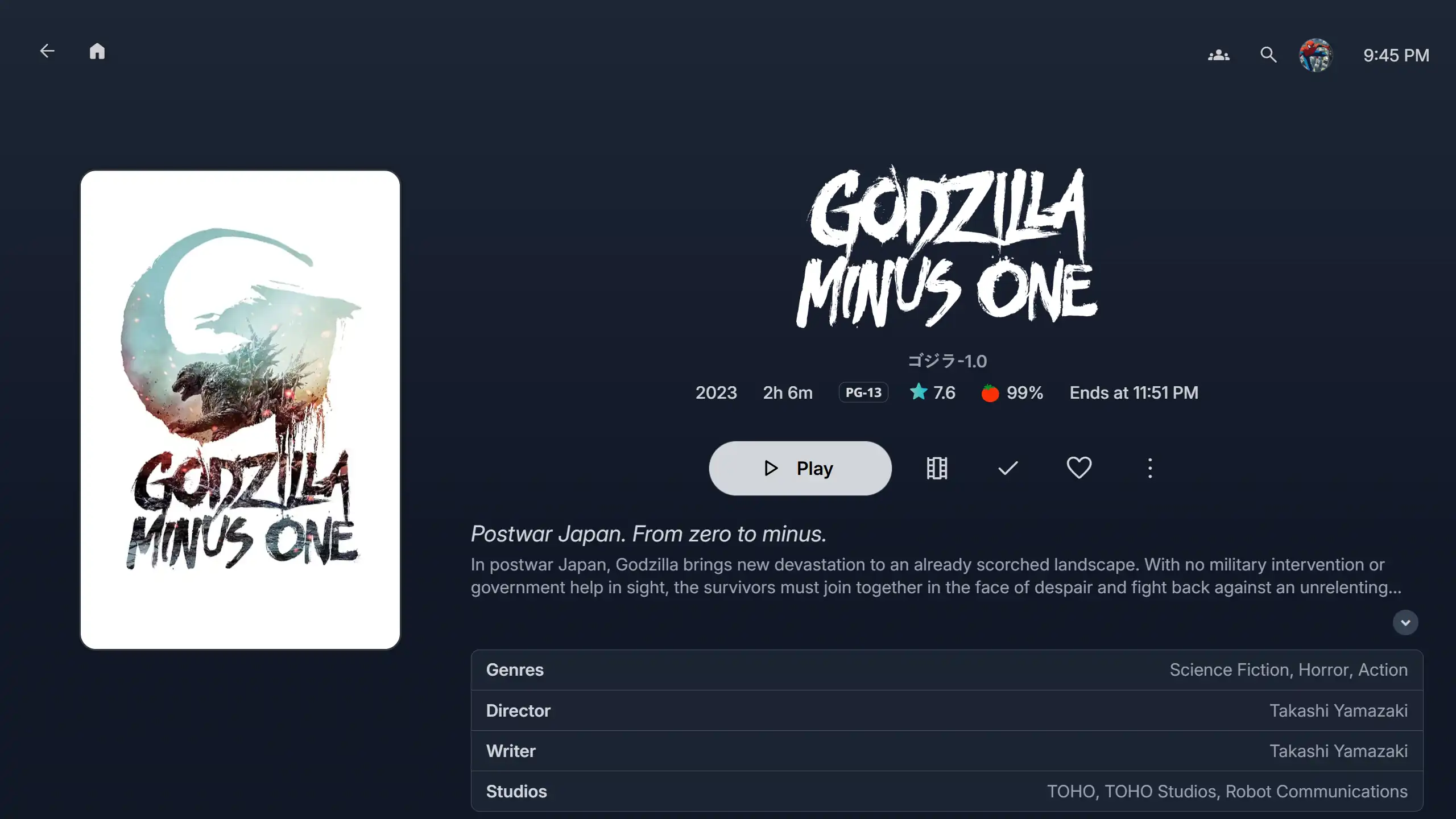 Movie Page |
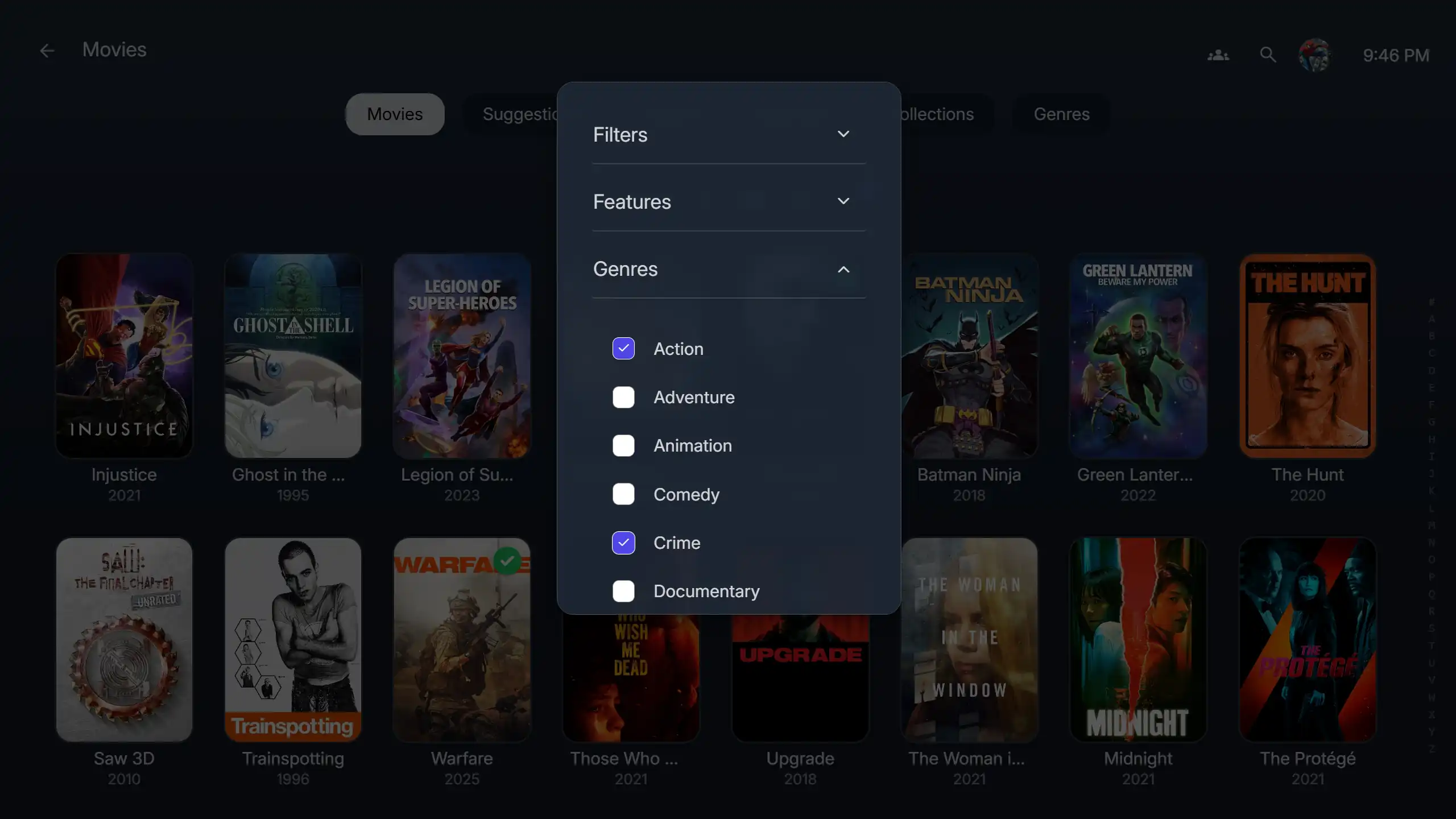 Extra Dialog |
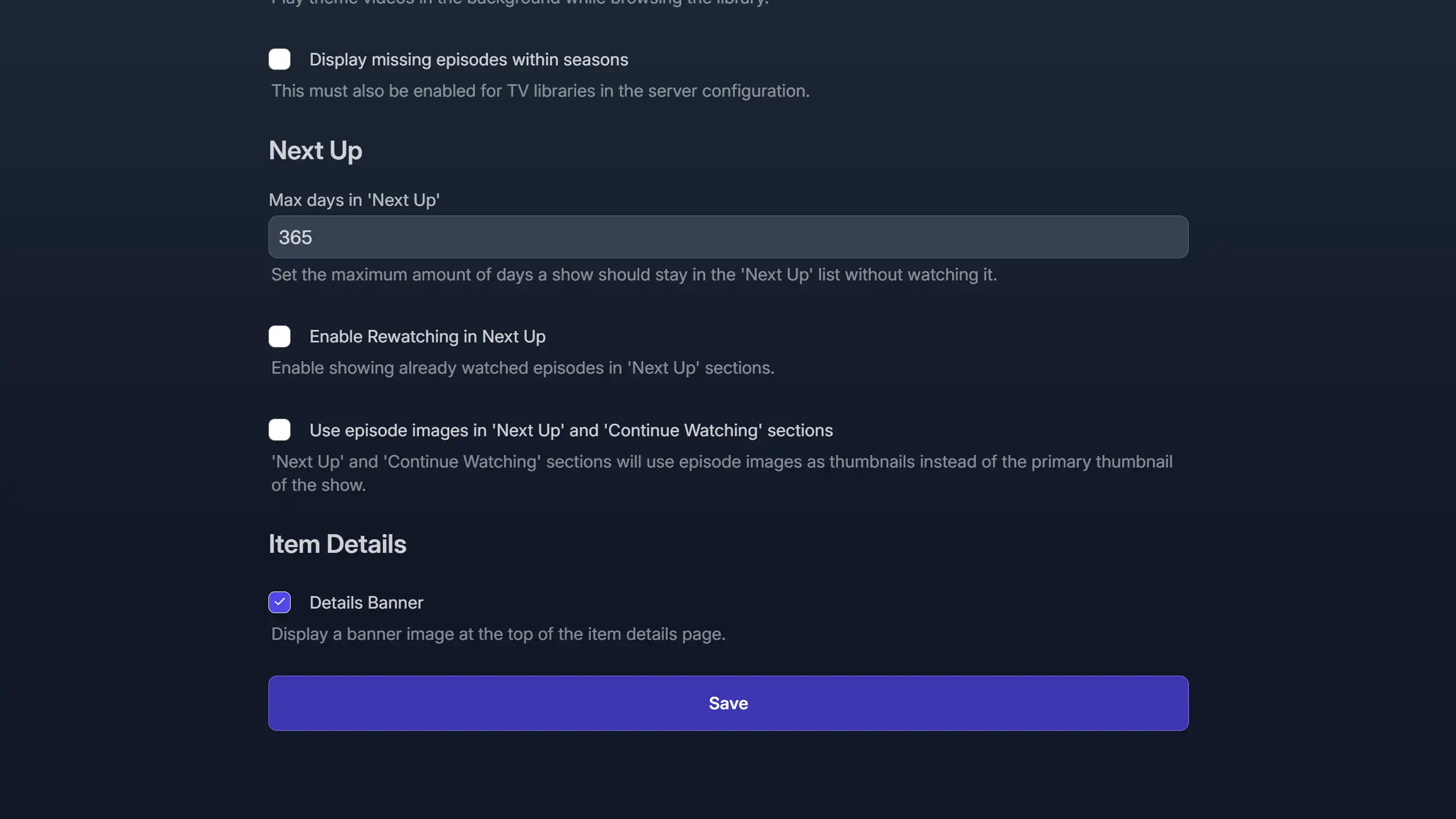 Settings Page |
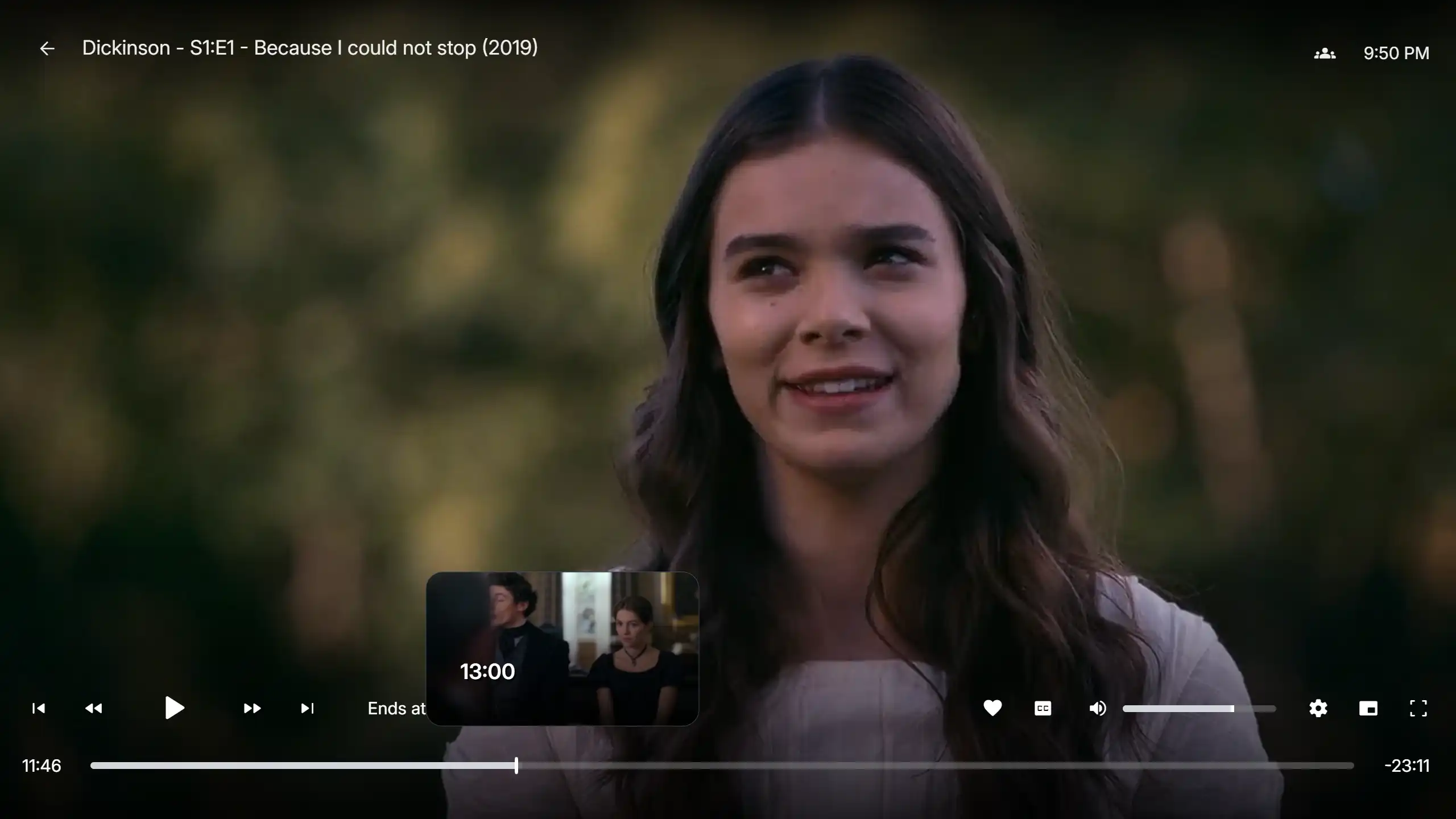 Web Player |
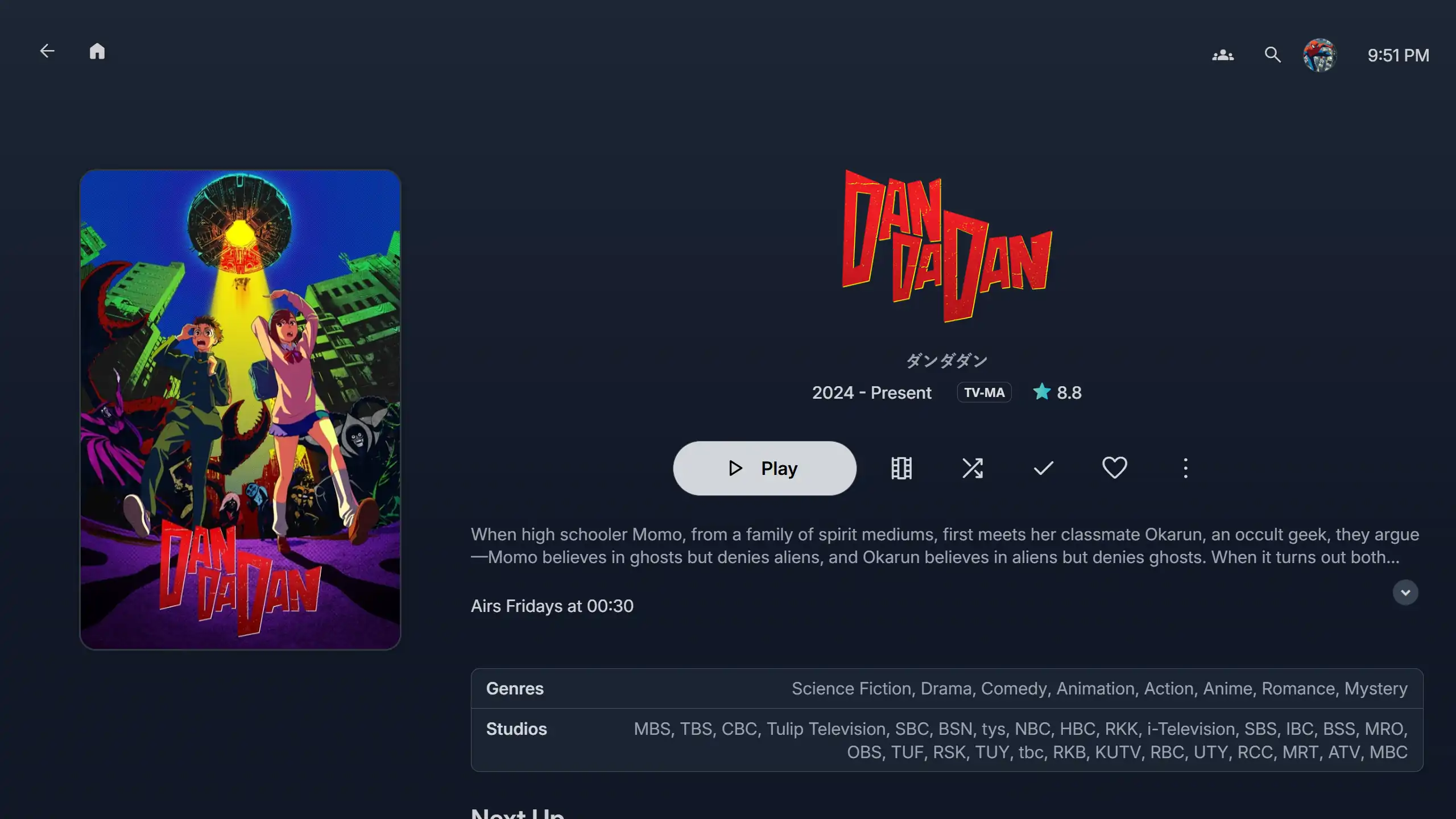 TV Show Page |
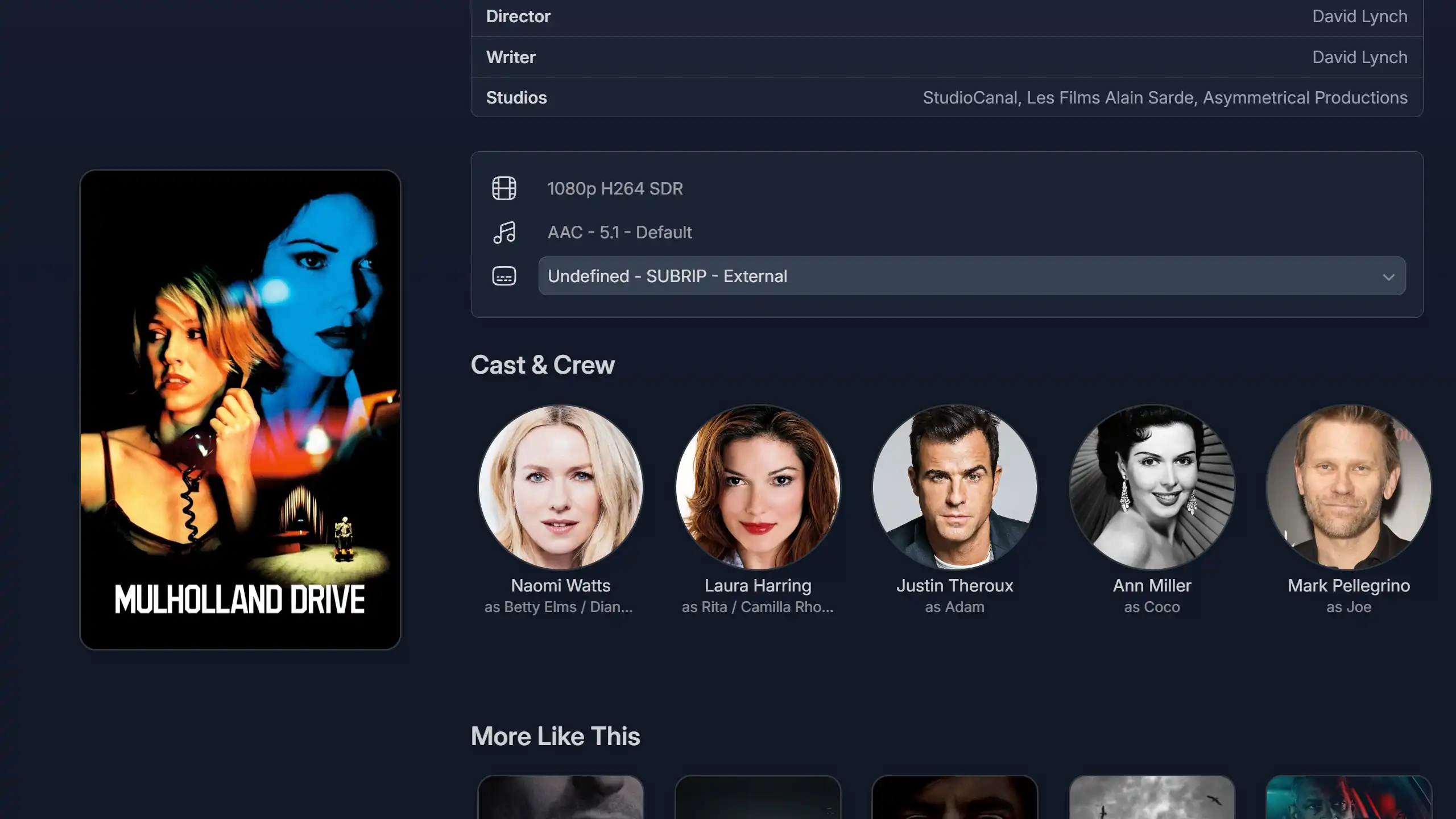 Movie Details |
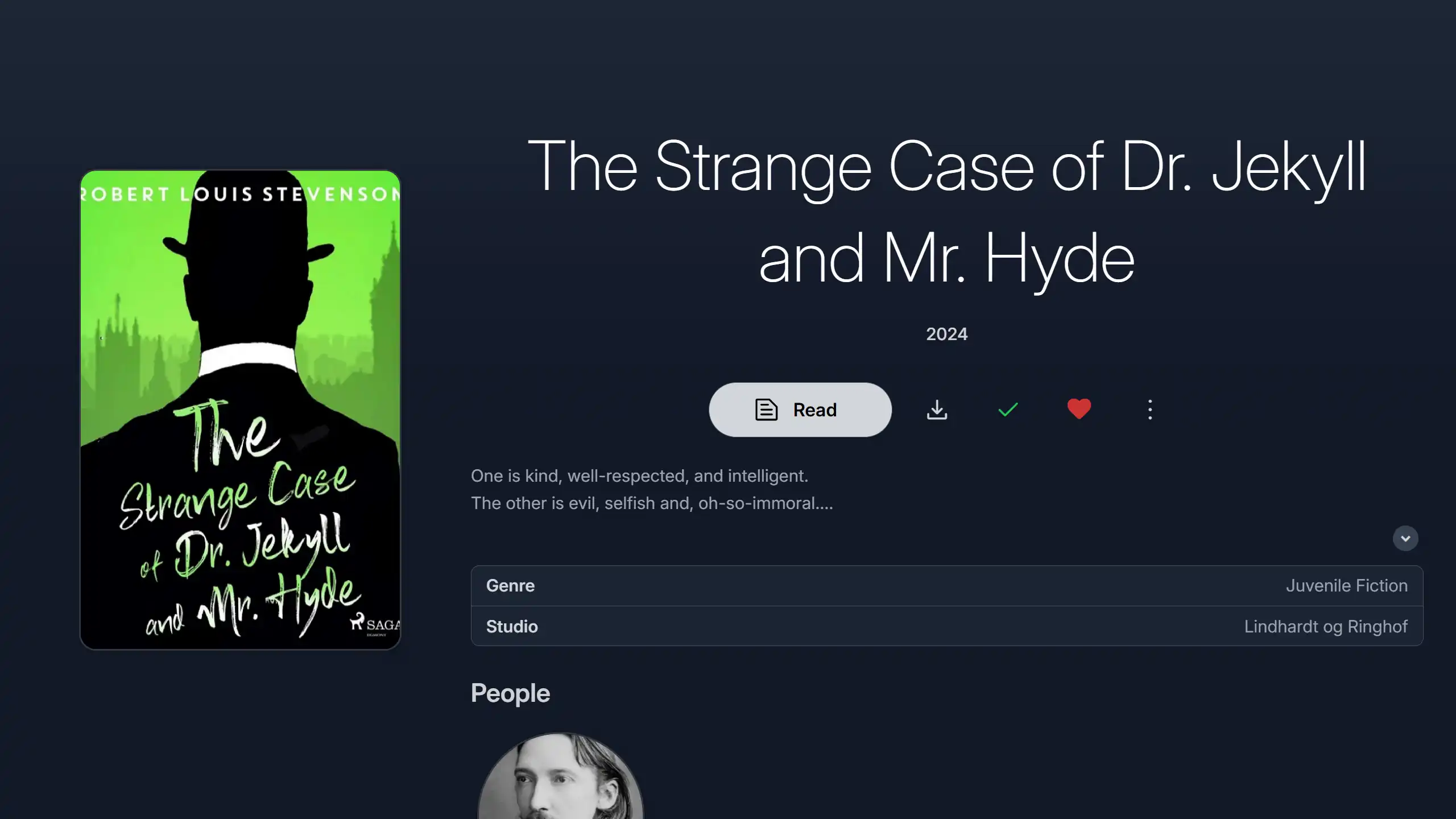 Book Page |
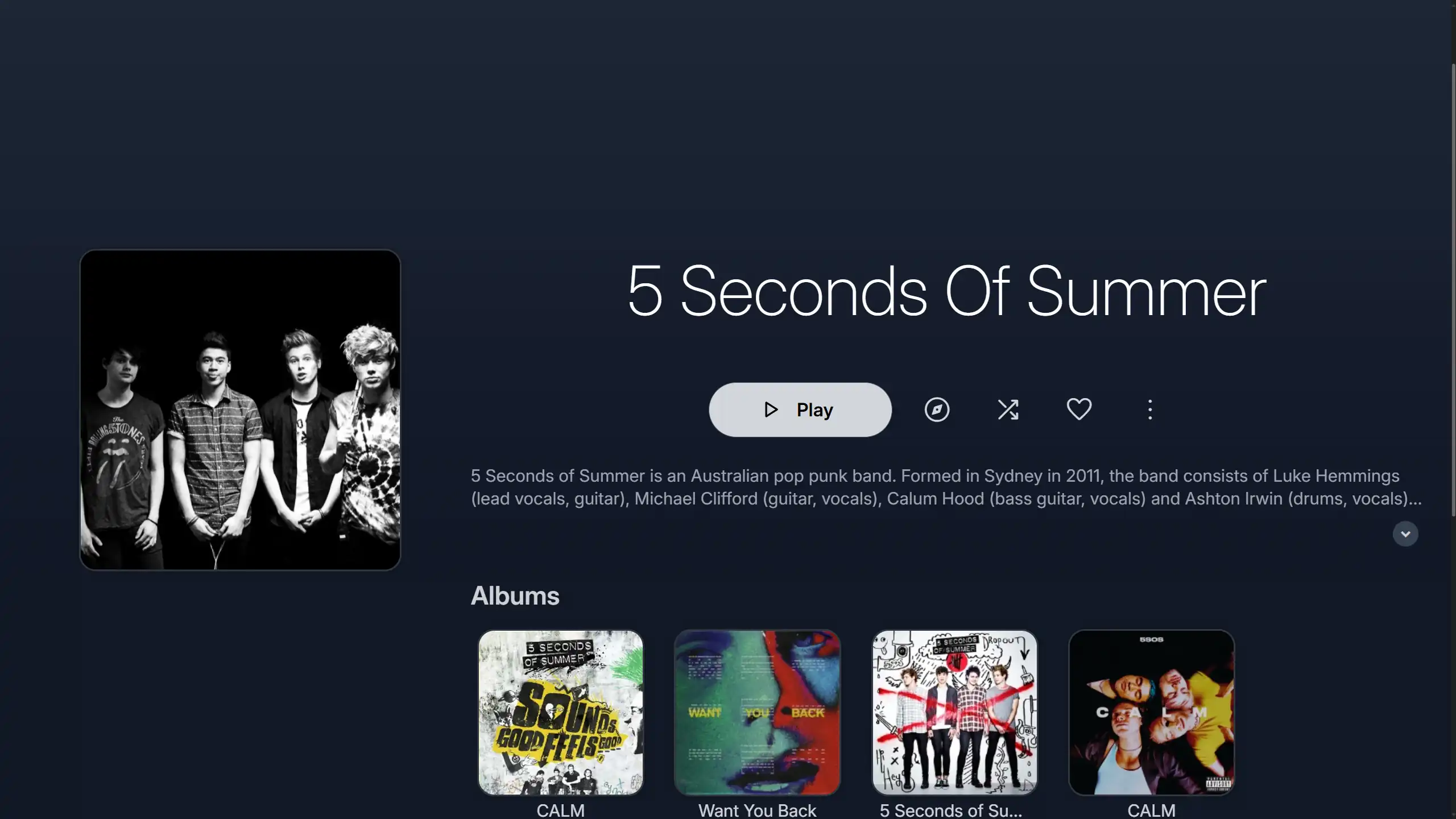 Artist Page |
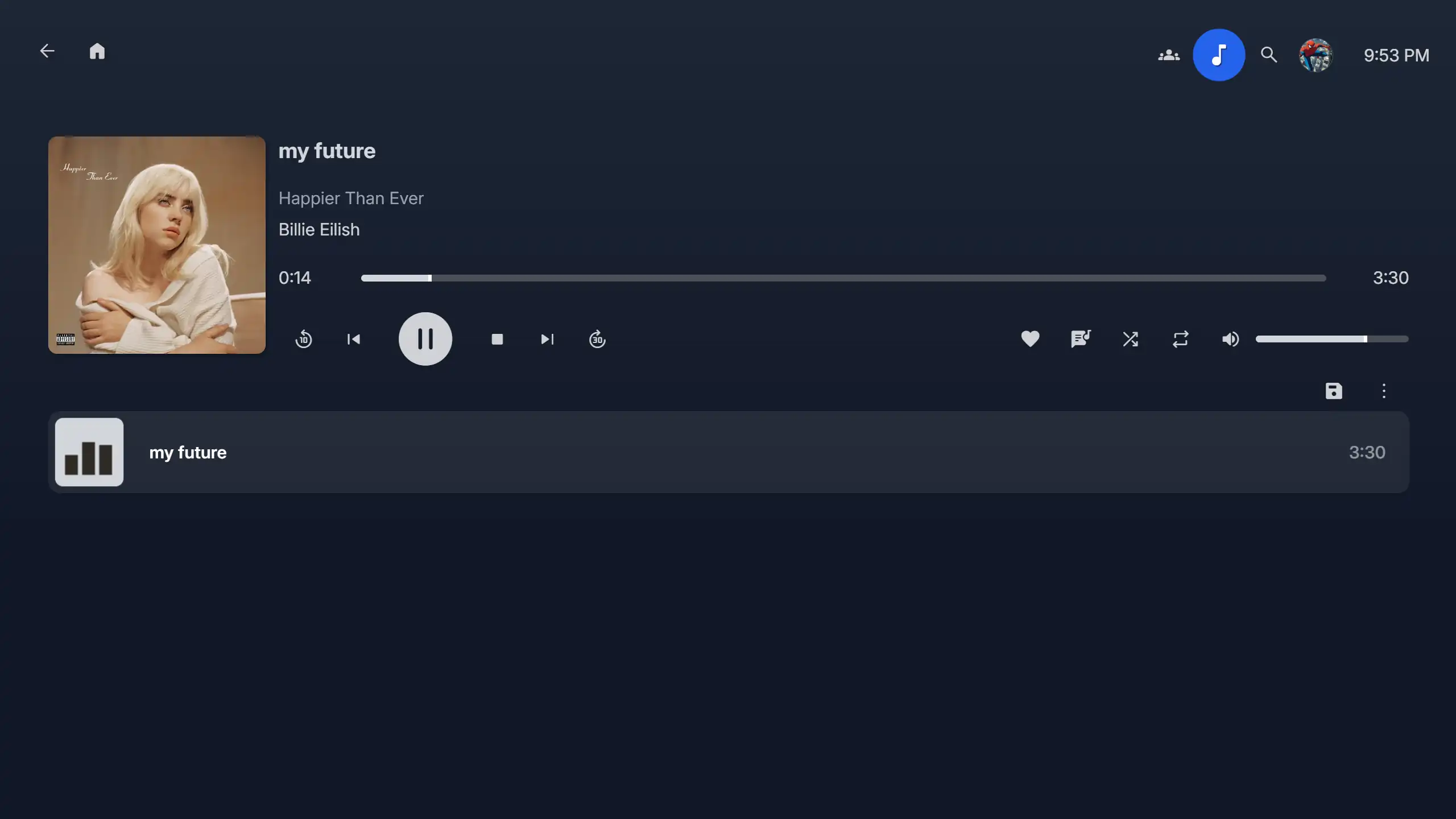 Music Player |
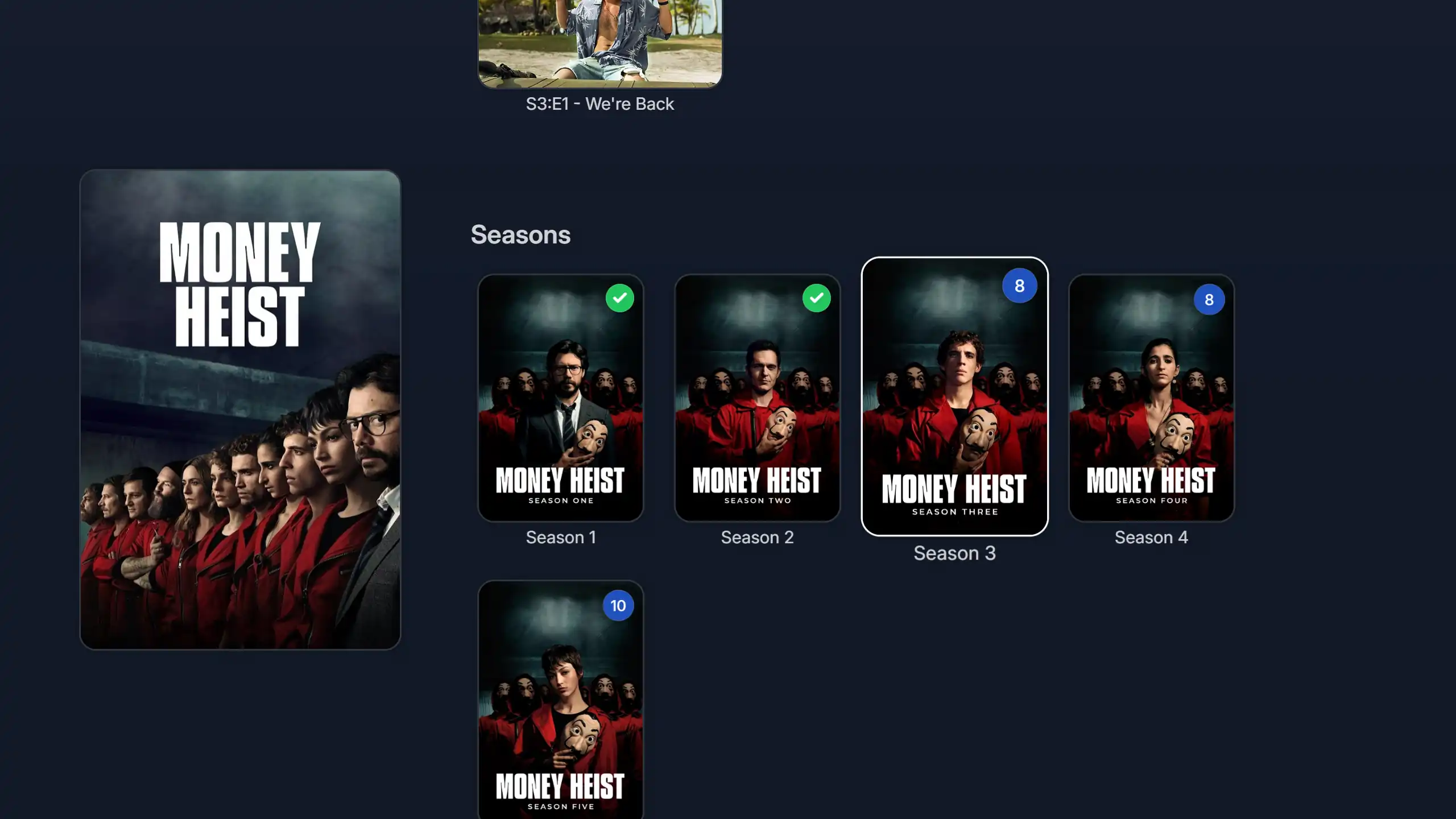 TV Show Seasons |
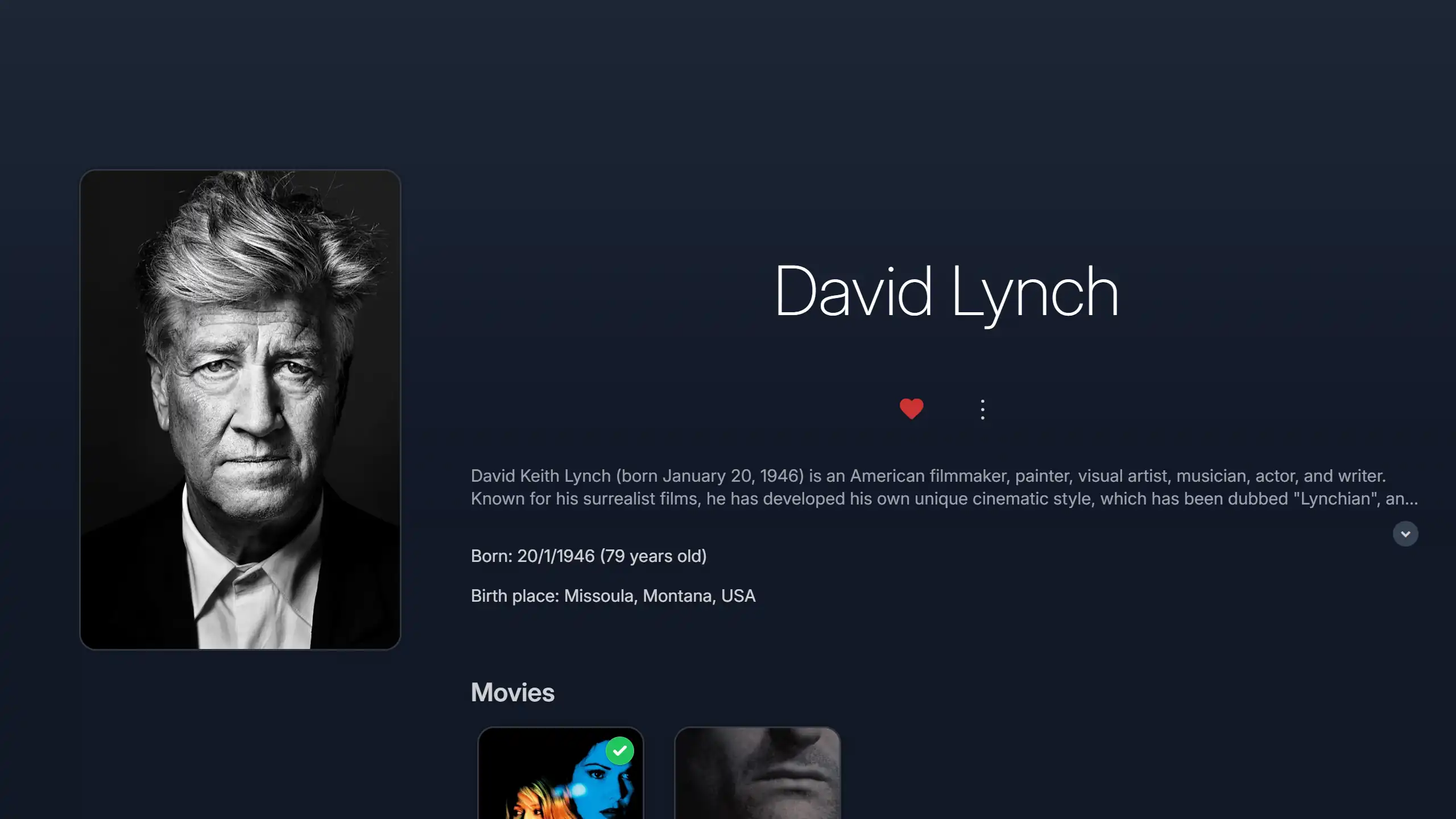 Cast Page |
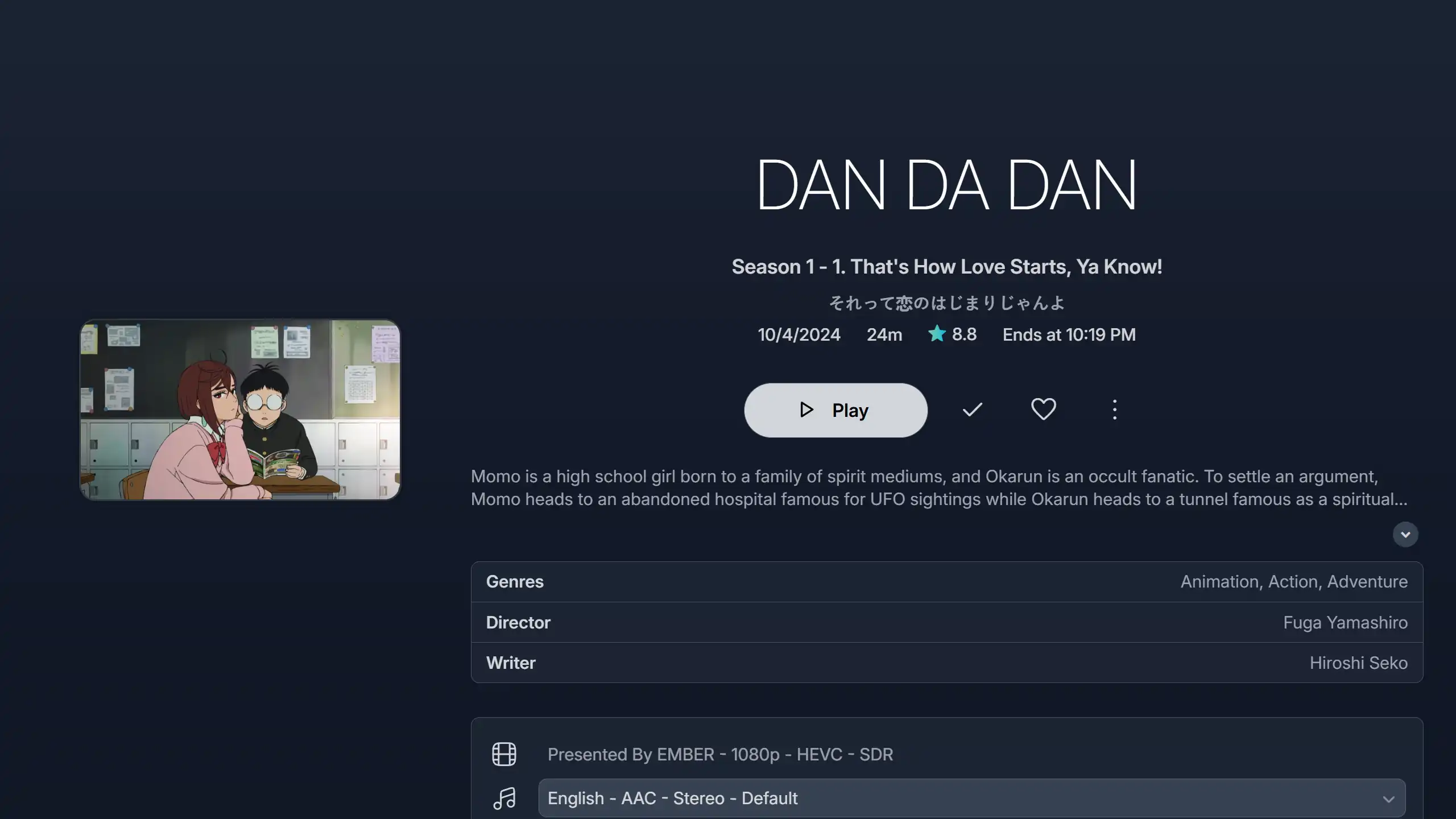 TV Episode Page |
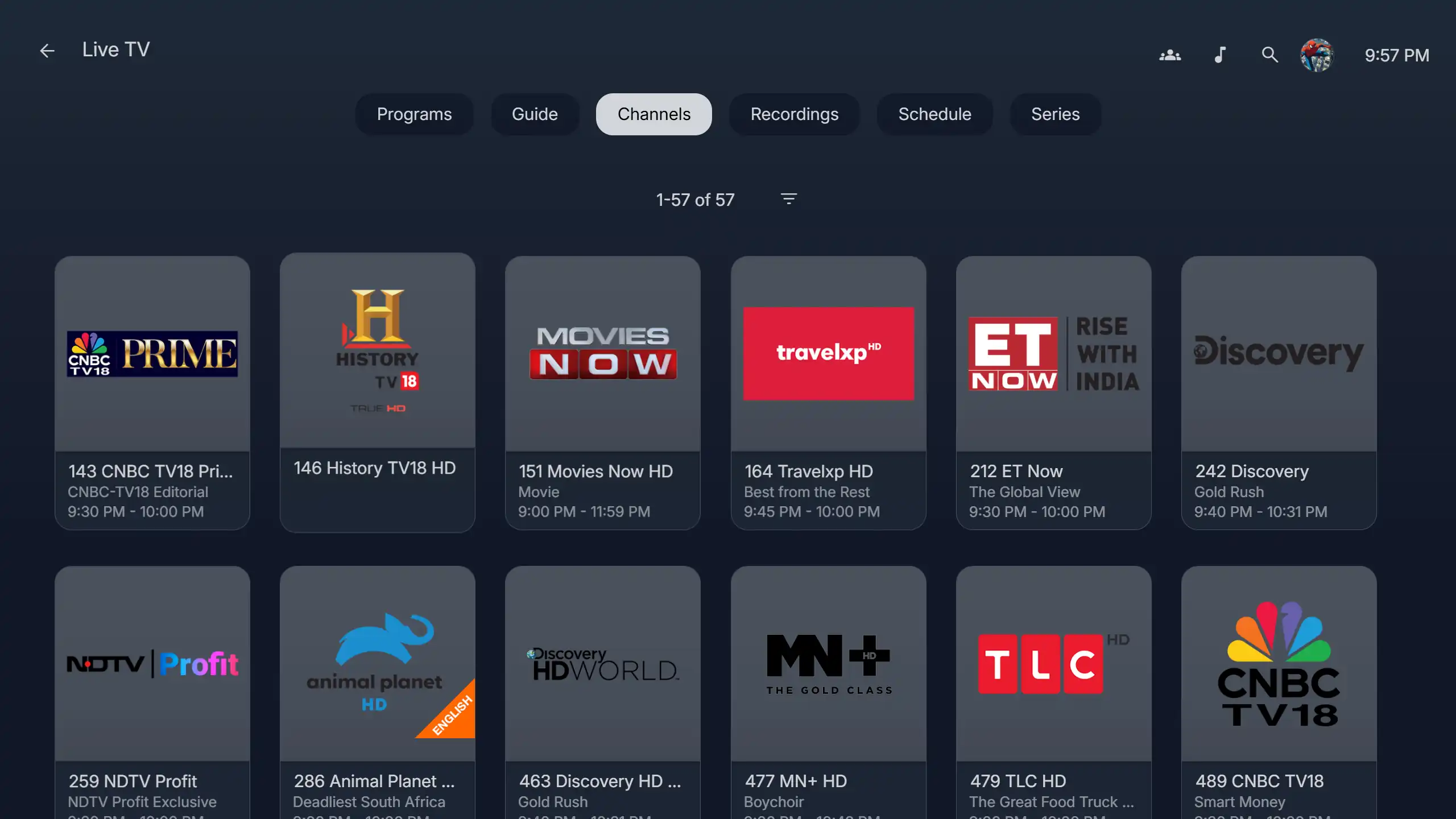 Live TV Page |
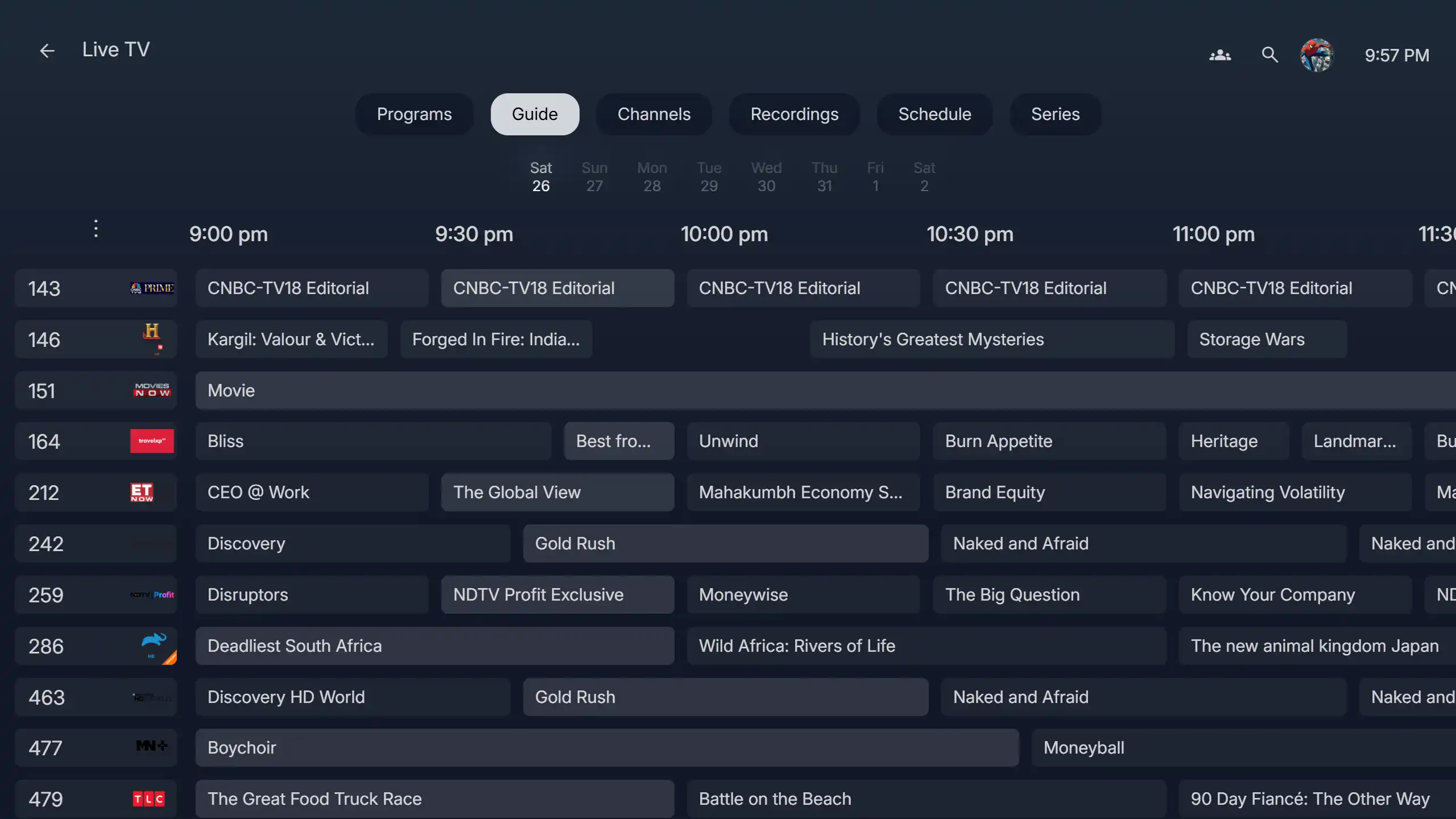 Live TV Guide |
Paste the following in Custom CSS code box:
@import url("https://cdn.jsdelivr.net/gh/lscambo13/ElegantFin@main/Theme/ElegantFin-jellyfin-theme-build-latest-minified.css");
- Open Dashboard from Administration tab in Settings.
- From the side bar, select the Branding tab if you are on Jellyfin 10.11 or above.
- Scroll down to find Custom CSS code box.
- Paste the custom css in Custom CSS code box.
- Click save
- Open Display tab in Settings.
- Scroll down to find Custom CSS code box.
- Paste the custom css in Custom CSS code box.
- Click save.

- Read more about this experimental add-on here


- Note: this customisation is not needed on Jellyfin 10.11.X anymore
- On older Jellyfin versions, to enable the background wallpaper on the login screen, first tick the 'Enable the splash screen' option in your Jellyfin Dashboard below the Custom CSS Box.
- Second, copy and paste the following code at the end in Custom CSS box but don't save yet.
:root { --loginPageBgUrl: url("<YOUR-JELLYFIN-SERVER-ADDRESS>/Branding/Splashscreen?format=webp&foregroundLayer=1&quality=33&width=3840&height=2160&blur=2"); }- Third, replace
<YOUR-JELLYFIN-SERVER-ADDRESS>with your Jellyfin server address, for example,http://192.168.0.1:8096.- Don't forget the correct http or https in your domain.
- You can also modify the parameters, for example blur size or the resolution, according to your liking.
- Once done, save and refresh your apps and webpages.

- To enable 'Mark Played' and 'Add to Favorites' buttons that show up at the bottom right corner of cards while hovering, copy and paste the following code at the end in Custom CSS box, click save and finally refresh your app/webpage.
:root { --extraCardButtonsVisibility: block; }- To hide the three-dot button that shows up next to these buttons, also include
--menuButtonVisibility: none;in:root{}- To undo these changes, simply remove this code block or switch between
blockandnone.

- To bring the mini play button to the center of cards, copy and paste the following code at the end in Custom CSS box, click save and finally refresh your app/webpage.
:root{ --overlayPlayButtonPosition: 50%; }- To undo this change, simply remove this code block or replace
50%with2.8em.
Recording.2025-08-14.121536.mp4
- To disable the shine on cards that shows when hovering over them on desktop, copy and paste the following code at the end in Custom CSS box, click save and finally refresh your app/webpage.
:root{ --cardHoverEffect: none; }- To undo this change, simply remove this code block or replace
nonewith"".

- To enable text labels under the media library cards, copy and paste the following code at the end in Custom CSS box, click save and finally refresh your app/webpage.
:root{ --libraryLabelVisibility: block; }- To undo this change, simply remove this code block or replace
blockwithnone.

- ElegantFin does not support any plugins by default, so to to add external support for this plugin, copy and paste the following code right after the main import in Custom CSS box, click save and finally refresh your app/webpage.
@import url("https://cdn.jsdelivr.net/gh/lscambo13/ElegantFin@main/Theme/assets/add-ons/media-bar-plugin-support-latest-min.css");- To undo this change, simply remove this code block.
Recording.2025-08-08.125121.mp4
- You can switch between these using
--appBarHeight.- Use 5em to enable the fading app bar (seamless) (default);
- Or, use 4.6em to get the solid app bar (cleaner with border)
:root{ /* example */ --appBarHeight: 4.6em; }- To undo this change, simply remove this code block.

- Check out the the theme Playground page for different color themes.
- You can also experiment and share your own take there if you wish.

- You can adjust their scaling
--resumeCardScale.- Use any values over 1.0 to make them bigger.
:root{ --resumeCardScale: 1.25; }- To undo this change, simply remove this code block or set the value back to
1.
- Check the version number at the bottom in the Settings screen.
- It should be something like
ElegantFin v26.YY.ZZ.
- If the Settings footer shows an old version, it means that you are still using an old cache.
- Once that cache is updated, the new version will be loaded automatically.
- There are multiple ways to clear the cache depending on your OS, smartphone or TV. Look online if you don't know.
- On the web version, you can force a hard refresh of the page using CTRL + F5.
- On apps, try signing out and back in again. OR in case of Jellyfin Media Player on windows, you might need to delete the cache folder.
- JMP is based on Qt 5.x which uses a very outdated web engine. It does not support many new CSS features, so it is unsupported.
- Jellyfin Desktop is the new official client moving forward. It seems to be in testing right now. Use it for better compatibility or use the web app instead.
- As of version 0.18.11, the official Jellyfin app on the AndroidTVs does not support css themes, but the Android mobile phone app supports them. The WebOS version of the app seems to be based on the mobile phone version, so it supports the theme just fine.
- It seems that modern Material Icons which this theme uses are not compatible on some WebOS TVs. There is a huge similar thread about this.
- This bug can be fixed by using the older icons, so I have implemented the following workaround to bring back older, supported icons.
- Simply add the following code at the end in Custom CSS box and save, then refresh your apps and webpages:
:root{
  --iconPack: 'Material Icons';
}
- 🤷
Please read the Contributor Guidelines before opening pull requests.
This is a hobby project. If it helped you, your support really means a lot.
Please use the right template when creating an issue to report bugs or provide suggestions.
more like this
meine 🌒 - A CLI file manager and system utility built with Textual. It combines intuitive command parsing with rich t…
YiMao · 云海求片助手 — 双核心 Telegram 影视求片机器人。订阅模式:TMDB 智能搜索一键订阅 / 趣味求片模式:AI 生成五层地狱闯关,通关解锁优先求片。深度集成 MoviePilot + Emby/Jellyfin。…
This repository contains community-created ports and themes of this color palette for all our beloved applications.
search projects, people, and tags