meine
meine 🌒 - A CLI file manager and system utility built with Textual. It combines intuitive command parsing with rich t…
Python★ 50
Home Assistant Integration for Emporia Vue Energy Monitor
 magico13
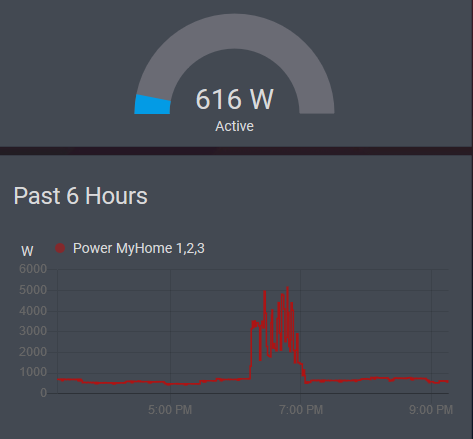
git clone https://github.com/magico13/ha-emporia-vue.gitmagico13/ha-emporia-vueReads data from the Emporia Vue energy monitor. Creates a sensor for each device channel showing average usage over each minute.
Note: This project is not associated with or endorsed by Emporia Energy.
Data is pulled from the Emporia API using the PyEmVue python module, also written by me.
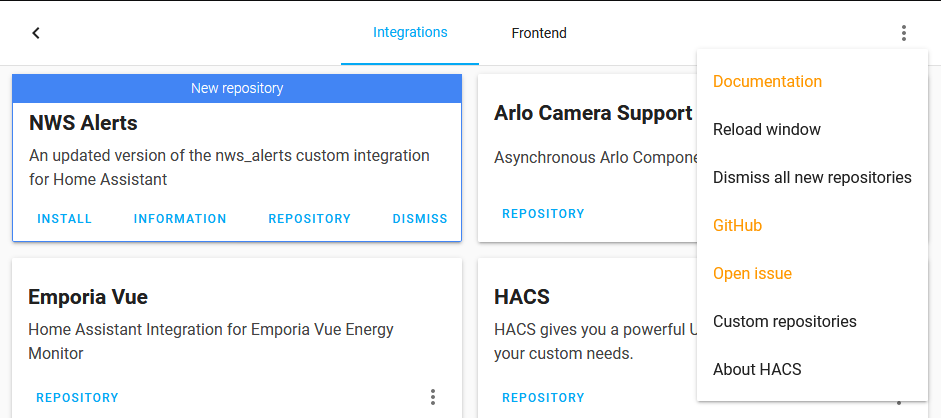
The simplest way to install this integration is with the Home Assistant Community Store (HACS). This is not (yet) part of the default store and will need to be added as a custom repository.
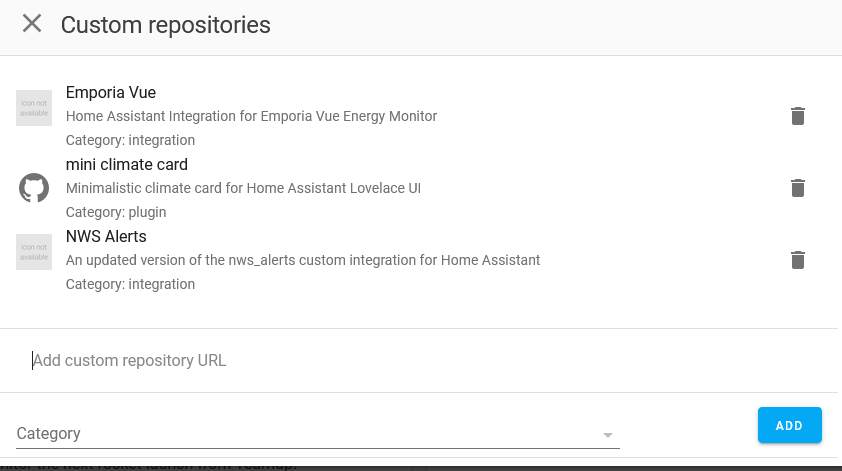
Setting up a custom repository is done by:
Custom repositoriesAdd custom repository URL field.Integration.Add button.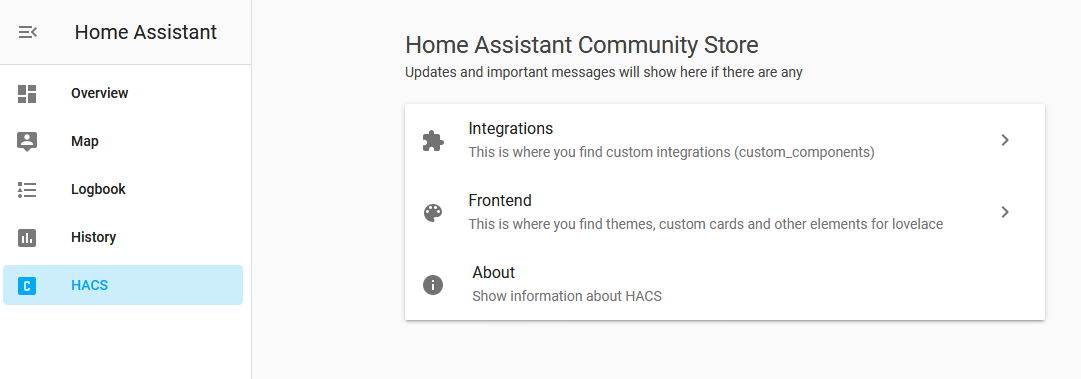

If you don't want to use HACS or just prefer manual installs, you can install this like any other custom component. Just merge the custom_components folder with the one in your Home Assistant config folder and you may need to manually install the PyEmVue library.
Configuration is done directly in the Home Assistant UI, no manual config file editing is required.
ConfigurationIntegrations+ button at the bottomIf your Emporia account was created via Sign in with Google or Apple, the easiest solution is to set an Emporia password using the create account flow on the Emporia website or app using the same email address as you'd use with Google/Apple. Once set, you can log in using the standard email and password method above.
If you are unable to set a password, the integration also supports token-based authentication. To obtain your tokens:
.hostedUi.idToken, .hostedUi.accessToken, and .hostedUi.refreshToken - copy the values of all three, making sure to only keep the values within the quotes (should start with eyJ or similar)more like this
meine 🌒 - A CLI file manager and system utility built with Textual. It combines intuitive command parsing with rich t…
Create and add progress bars, Office365 Files and Dropbox Paper papers by labels and link them to your Todoist tasks.
search projects, people, and tags