canvas-sketch
[beta] A framework for making generative artwork in JavaScript and the browser.
 mattdesl
git clone https://github.com/mattdesl/canvas-sketch.gitmattdesl/canvas-sketchcanvas-sketch
canvas-sketch is a loose collection of tools, modules and resources for creating generative art in JavaScript and the browser.
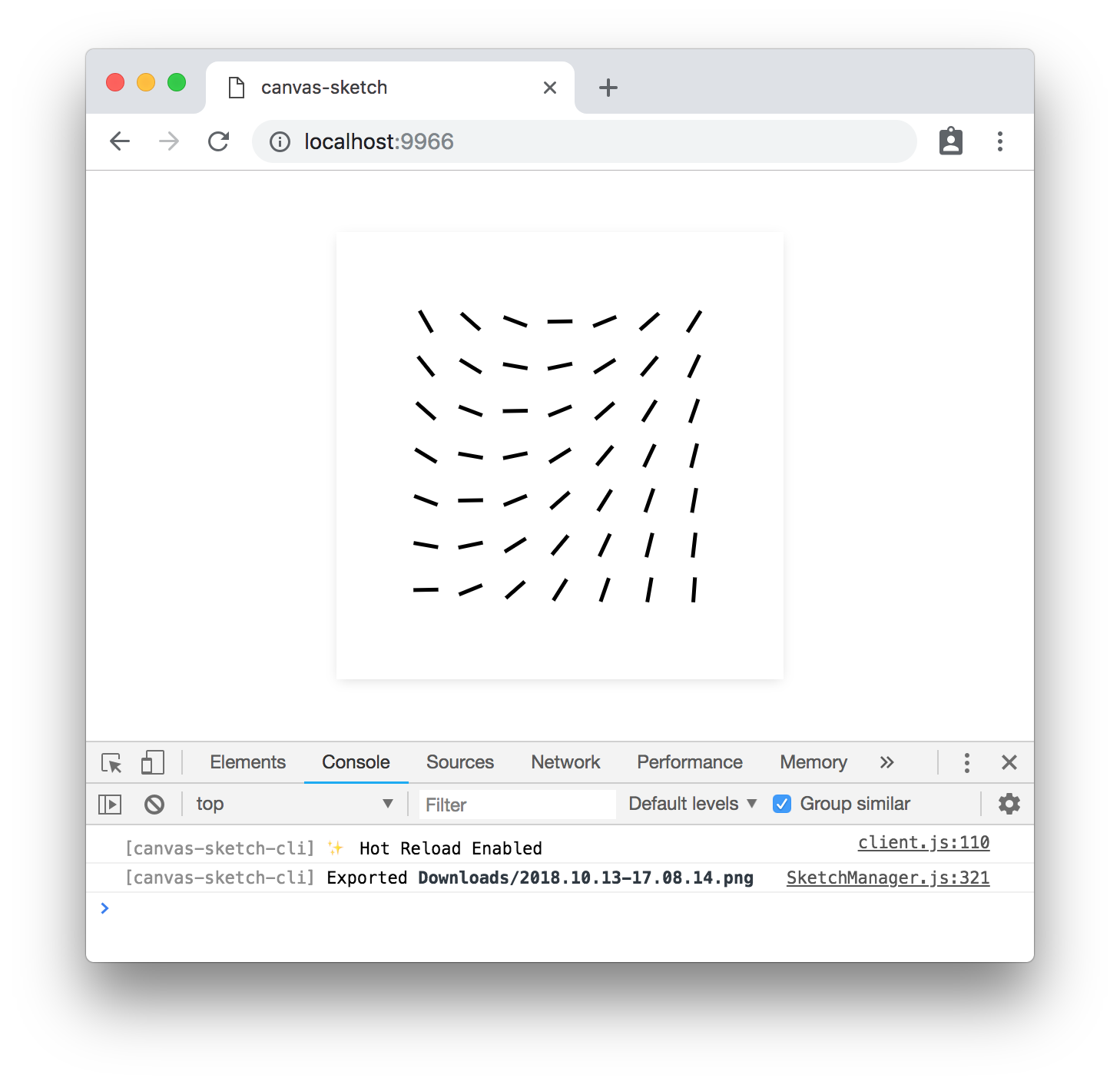
example of canvas-sketch running in Chrome
↓
Quick Start with Node.js & npm
To jump directly into canvas-sketch, try the following terminal commands with node@15.x and npm@7.x or newer:
# Make a new folder to hold all your generative sketches
mkdir my-sketches

# Move into that folder
cd my-sketches

# Scaffold a new 'sketch.js' file and open the browser
npx canvas-sketch-cli sketch.js --new --open
💡 Notice the
xinnpx, and the-cliincanvas-sketch-cli
Now, while in the browser, hit Cmd + S or Ctrl + S to export a high-resolution PNG of your artwork to your ~/Downloads folder.
More Commands
Some other commands to try:
# Start the tool on an existing file and change PNG export folder
npx canvas-sketch-cli src/foobar.js --output=./tmp/

# Start a new sketch from the Three.js template
npx canvas-sketch-cli --new --template=three --open

# Build your sketch to a sharable HTML + JS website
npx canvas-sketch-cli src/foobar.js --build

# Develop with "Hot Reloading" instead of full page reload
npx canvas-sketch-cli src/foobar.js --hot
For more features and details, see the Documentation.
Installation Guide
The examples above use npx which is a convenient way to install and run a local CLI tool, but you might want to setup canvas-sketch as a global command. You can see more details in the Installation Guide.
Code Example
Once you have the CLI tool running, you can try this example of an A4 print artwork.
const canvasSketch = require('canvas-sketch');

// Sketch parameters
const settings = {
  dimensions: 'a4',
  pixelsPerInch: 300,
  units: 'in'
};

// Artwork function
const sketch = () => {
  return ({ context, width, height }) => {
    // Margin in inches
    const margin = 1 / 4;

    // Off-white background
    context.fillStyle = 'hsl(0, 0%, 98%)';
    context.fillRect(0, 0, width, height);

    // Gradient foreground
    const fill = context.createLinearGradient(0, 0, width, height);
    fill.addColorStop(0, 'cyan');
    fill.addColorStop(1, 'orange');

    // Fill rectangle
    context.fillStyle = fill;
    context.fillRect(margin, margin, width - margin * 2, height - margin * 2);
  };
};

// Start the sketch
canvasSketch(sketch, settings);
When exporting the image in browser with Cmd + S or Ctrl + S keystrokes, the saved PNG file matches 21 x 29.7 cm at 300 DPI, and can be printed with archival ink on quality paper.
Resulting image looks something like this:
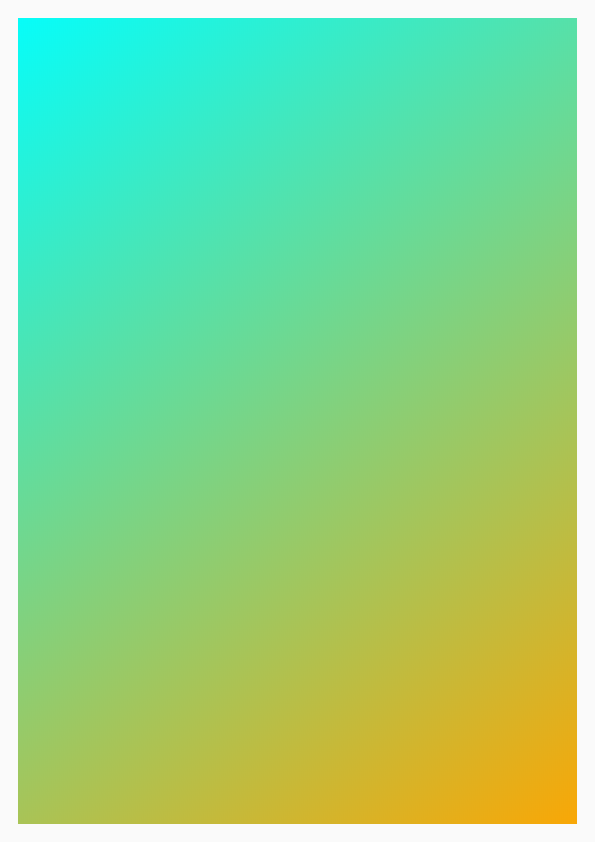
Note: The above PNG file has been scaled/optimized for web.
Roadmap
There are many features still outstanding, such as:
- API & CLI Docs
- Easy & beginner-friendly examples
- Website/frontend
- HUD/GUI controls
- "Gallery Mode" for viewing many local sketches
- External Module for utilities (randomness, geometry, etc)
- Unit tests
- More??
License
MIT, see LICENSE.md for details.
more like this
dont-track-me-google
Firefox and Chrome extensions to prevent Google from making links ugly.