agentlytics
Comprehensive analytics dashboard for AI coding agents — Cursor, Windsurf, Claude Code, VS Code Copilot, Zed, Antigravi…
JavaScript★ 555
A window-oriented bottom taskbar for macOS — a Dock replacement that organizes by window, not app. 以「窗口」为单位的 macOS 任务条
 moonbai-studio
git clone https://github.com/moonbai-studio/tungsten-edge.gitmoonbai-studio/tungsten-edge
A per-window taskbar for macOS — switch to any window in one click, Windows-style clarity without the clutter.
English · 中文
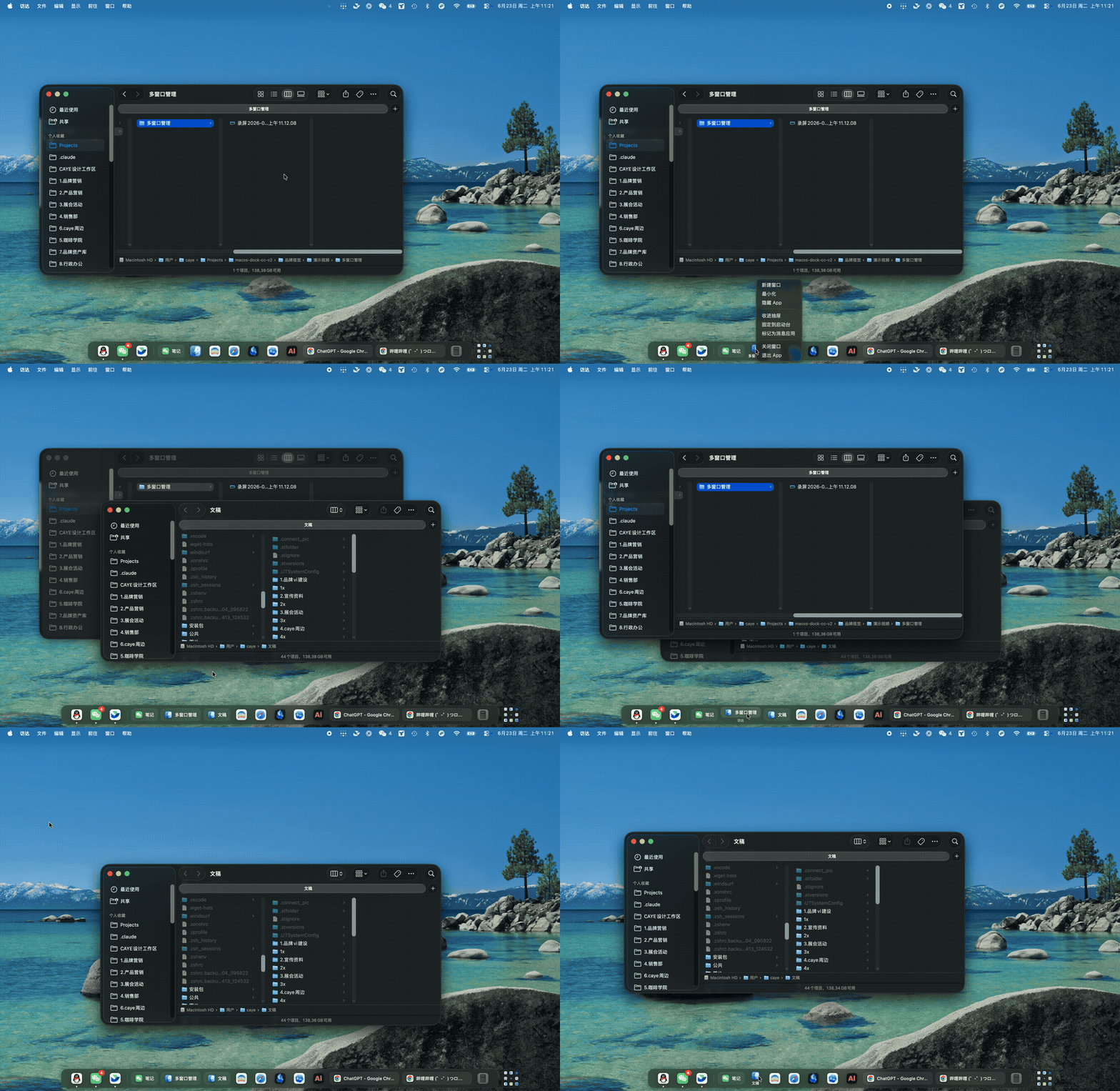
Multi-window management
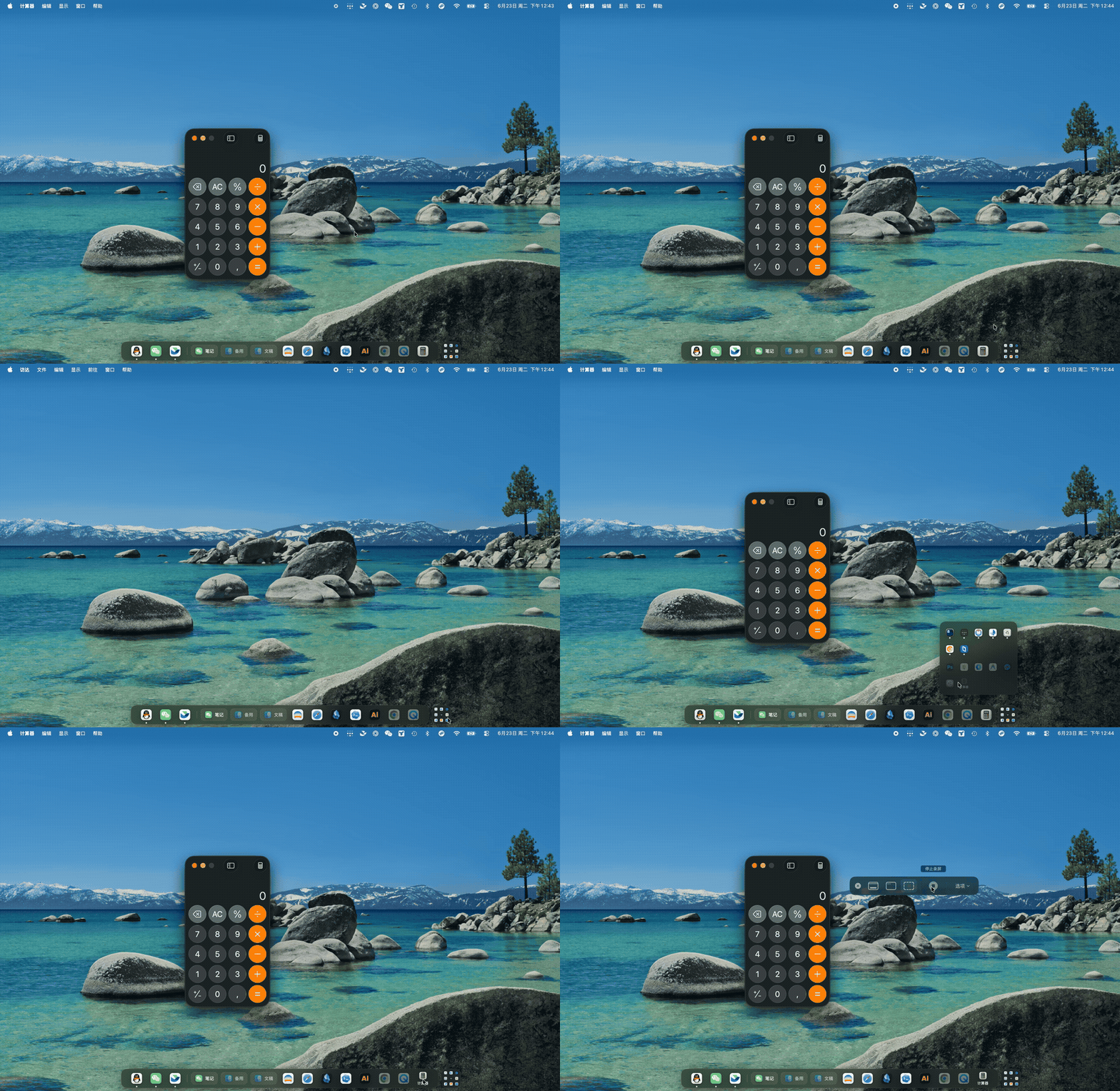
| App drawer & launcher | Drag to organize |
 |
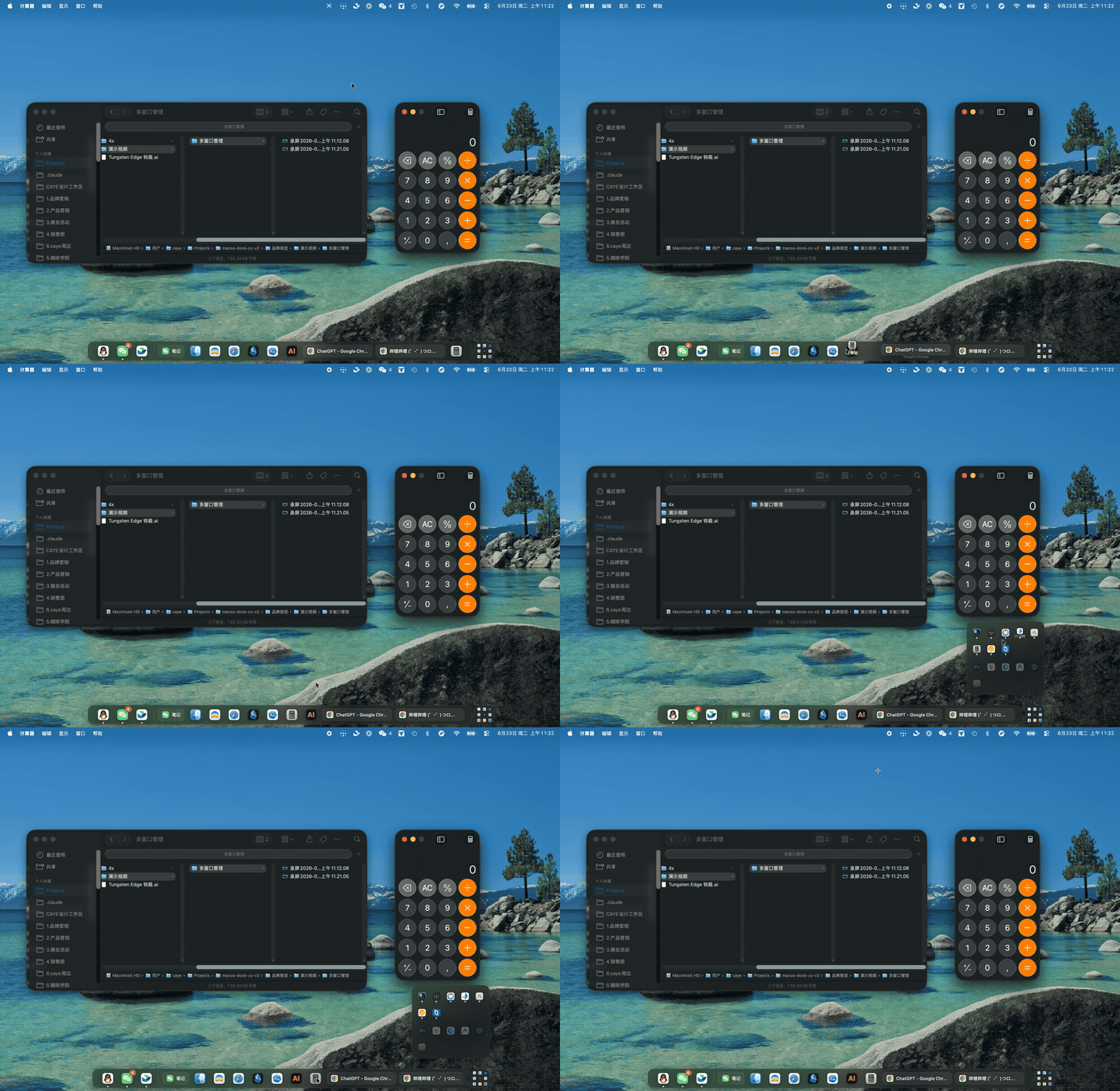 |
Tungsten Edge puts a per-window taskbar at the bottom of your screen. Every open window gets its own card — just like a Windows taskbar — so you can switch directly to any window with a single click. No more hunting through stacked windows, no Mission Control, no extra gestures.
Unlike a plain Windows-style task switcher, single-window apps stay collapsed as compact icons, so the strip never gets cluttered. Multi-window apps (four Finder folders, multiple browser windows) expand into individual labeled cards. The result: the compactness of the macOS Dock combined with the per-window clarity of a Windows taskbar — without inheriting its problems.
Note: the app's interface is currently Chinese only. An English/localized UI is planned but not yet available — see Roadmap.
.dmg from Releases.brew tap moonbai-studio/tungsten-edge brew trust moonbai-studio/tungsten-edge brew install --cask tungsten-edge
The
brew truststep is required for any third-party tap. If the first launch is blocked by macOS, allow it as described in First launch below.
Because this is an early build that isn't Apple-notarized yet, macOS blocks it the first time with a message like "cannot be opened because it is from an unidentified developer". This isn't malware — it's macOS's default block for any unsigned app. Allow it once and double-clicking works normally afterward. Pick the method for your macOS version:
The trick is to go through right-click → Open, not a plain double-click — a plain double-click only gets blocked, with no allow button.
Newer macOS removed right-click-to-open, so do this instead:
Tungsten Edge needs Accessibility permission to read and manage your windows; it guides you through this on first run:
Tungsten Edge lives in the macOS menu bar. Its menu currently includes:
⌥⌘D: it toggles the native Dock's auto-hide only and never touches the wake delay you configured. The menu shows ⌥⌘D as its shortcut hint (macOS owns that shortcut, so it always works). The compact slider immediately below controls the native Dock's wake delay: 常驻 (always visible), 0.1s–3.0s, or 不唤醒 (never wake) — drag it to 不唤醒 and the Dock stays fully out of the way, no longer popping up when the pointer reaches the screen edge. The slider applies on release, since every write restarts Dock.常驻, 0.1s–3.0s, or 不唤醒. When the status menu is closed, the global ⌥⇧⌘D shortcut performs the same switch; if registration fails, the menu hides its key hint but the command remains clickable. Adding Shift mirrors the system Dock's ⌥⌘D while releasing the old ⌥⌘E shortcut back to Safari and Finder.Changing native Dock visibility from this menu requires a non-sandboxed build because sandboxed apps cannot write Dock preferences or restart Dock. Opening the settings pane works in either environment.
If your native Dock lives on the side or top of the screen, minimizing a window flies the animation toward the native Dock — out of sync with this bottom taskbar. Move the native Dock back to the bottom and set it to auto-hide; the minimize animation will then shrink toward the bottom, matching Tungsten Edge:
To keep the native Dock from ever reappearing, drag the system Dock slider in the status menu to 不唤醒 (never wake): hovering at the screen edge will no longer wake it.
This is an early public build (v0.3). Known limitations and what's next:
Tungsten Edge recognizes and thanks the LINUX DO community for providing a place for discussion and feedback.
Copyright (C) 2026 Moonbai Studio.
Tungsten Edge is licensed under the GNU General Public License v3.0 or later (GPL-3.0-or-later). See LICENSE.
The application source code, build scripts, and assets required to build it are published in this repository. Code-signing certificates, notarization credentials, account credentials, and other secrets are not source code and are never included.
The license covers the source code; it does not require official signed/notarized binaries or related services to be provided free of charge.
Engineering guardrails live in AGENTS.md; product state, roadmap, and decisions live in the author's Obsidian vault. Docs/ keeps only active platform/focus references at the root, with historical notes under Docs/Archive/.
Build & run:
./Scripts/build_and_run.sh
more like this
Comprehensive analytics dashboard for AI coding agents — Cursor, Windsurf, Claude Code, VS Code Copilot, Zed, Antigravi…
Free open-source Cloudflare R2 desktop client and S3 GUI for macOS, Windows, and Linux. Manage Cloudflare R2, AWS S3, M…
search projects, people, and tags